What Is a Booklet? Types, Examples & How to Create One
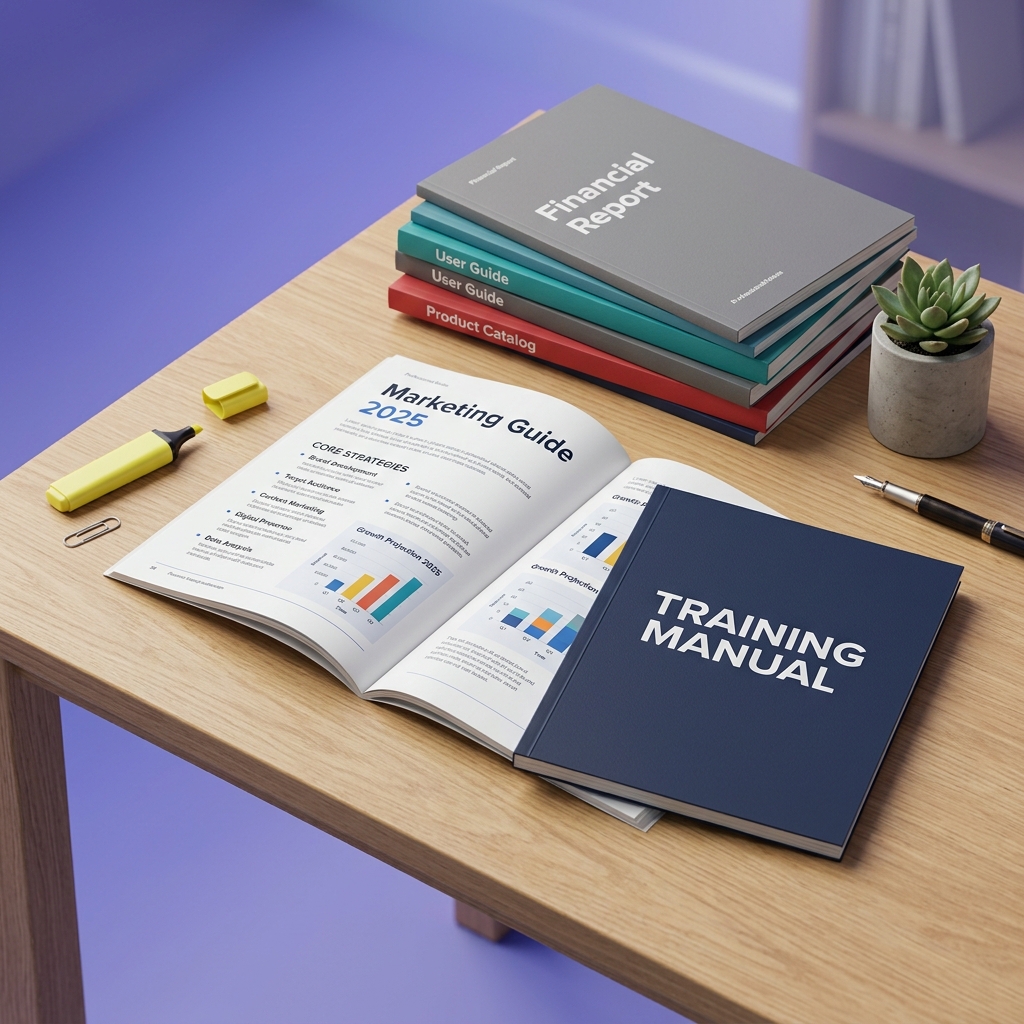
Booklets are versatile, multi-page documents used for marketing, training, and events.
A booklet sits in a useful middle ground between a single-page flyer and a full-length book. Compact enough to read in one sitting, substantial enough to convey a complete message. Whether you need a training manual for new hires, a product catalog for a trade show, or a course guide for your students, booklets remain one of the most effective formats for structured communication. This guide covers everything you need to know: definition, types, real examples, page counts, sizes, and how to create one with AI.
What Is a Booklet?
A booklet is a small, soft-cover publication with bound pages, typically ranging from 8 to 48 pages. It delivers detailed information on a single, focused topic in a structured, page-by-page format. The name itself, derived from "little book," perfectly captures its essence.
What makes a booklet distinct from a flyer or a loose set of pages is its binding and structure. A flyer is a single unbound sheet. A booklet has multiple pages bound together with a cover, creating a self-contained reading experience. This structure lets you guide readers through information in a deliberate sequence: from introduction to key details to a closing call to action.
Booklets have been a powerful communication tool for centuries, from political pamphlets that shaped revolutions to product catalogs that built retail empires. Today, they are used across nearly every industry for marketing, training, education, and events.
Booklet vs. Book: Key Differences
While both are printed materials with bound pages, booklets and books serve different purposes. Here's a quick comparison:
| Feature | Booklet | Book |
|---|---|---|
| Page Count | 8-48 pages | 50+ pages |
| Binding Method | Saddle stitch (stapled), spiral coil | Perfect bound, case bound (hardcover) |
| Typical Purpose | Focused reference, marketing, events | Long-form narrative or comprehensive reference |
| Cover Material | Soft paper cover (same or slightly heavier stock than interior) | Thick paperboard (hardcover) or heavy card stock (paperback) |
| Production Cost | Low to moderate | Moderate to high |
| Reading Time | 5-20 minutes | Hours to days |
When to choose a booklet: You need to convey detailed information on a single topic concisely. Think product launches, training modules, event programs, or project proposals. When to choose a book: Your content is extensive, narrative-driven, or needs to be a permanent reference for sale or distribution.
Types of Booklets
There are many types of booklets, each tailored to a specific purpose. Here are the most common formats, with recommended page counts and use cases.
Training Manuals & Onboarding Guides
Used by HR and Learning & Development teams for onboarding new employees, explaining compliance procedures, or teaching specific skills. A good training booklet is structured with clear headings, numbered steps, and visuals so employees can learn at their own pace. Recommended length: 12-24 pages. Enough to cover policies, procedures, and key contacts without overwhelming new hires on day one.
Event Programs
Handed out at conferences, weddings, performances, and ceremonies. They provide attendees with schedules, venue maps, speaker bios, and sponsor acknowledgments. Recommended length: 8-16 pages. Keep it concise so attendees can quickly find what they need during the event.
Product Catalogs & Lookbooks
Essential for retail brands, interior designers, and fashion labels. Product catalogs showcase a range of items with high-quality images, specifications, and pricing. Lookbooks are more curated, focusing on a specific collection or aesthetic to inspire customers. Recommended length: 16-32 pages. You need enough space to showcase products with proper visuals, but not so much that it becomes overwhelming to browse.
Course Materials & Study Guides
Educators, trainers, and online course creators use these to provide structured, printable content that supplements video lessons or live instruction. They typically include summaries, exercises, key takeaways, and reference charts. Recommended length: 10-20 pages. Students are more likely to actually use a focused guide than a 50-page textbook. AI tools can generate structured, printable guides from any topic automatically.
Proposals & Pitch Decks
When presenting a project, service, or investment opportunity, a professionally designed booklet makes a significantly stronger impression than a plain document or email attachment. These lay out a persuasive argument with data, visuals, and a clear call to action. Recommended length: 8-16 pages. Investors and clients have limited attention; make every page count.
Brand Guidelines
An internal or external document that defines a company's visual identity, voice, and messaging standards. Covers logo usage, typography, color palettes, and tone of voice to ensure consistency across all marketing channels. Recommended length: 16-32 pages. Comprehensive enough to cover all brand elements, but concise enough that teams actually reference it.
Booklet Examples
The best way to understand what a booklet can do is to see real examples. Below are booklets created with Booklet AI, spanning different industries and use cases. Each was generated from a simple text description in minutes.
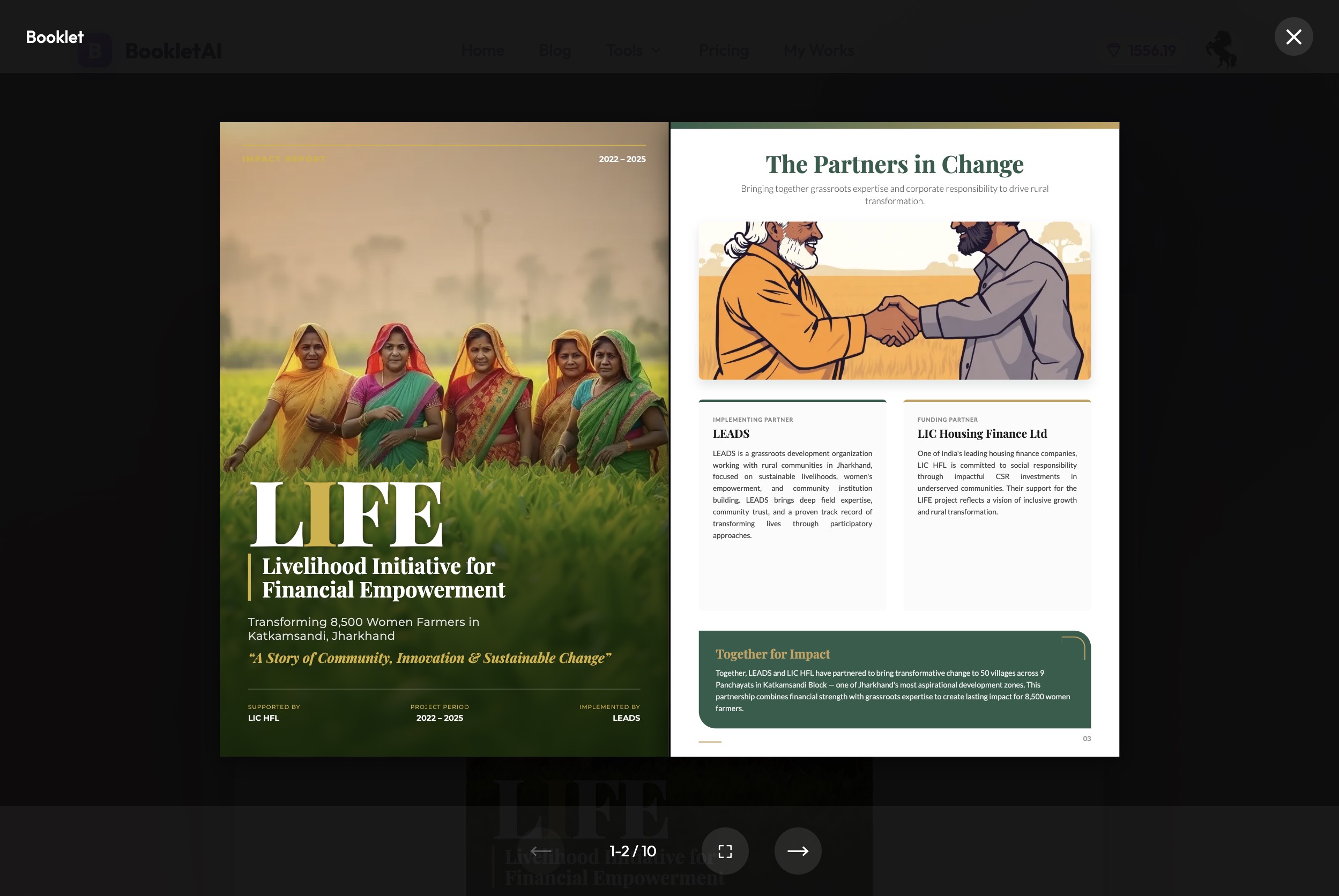
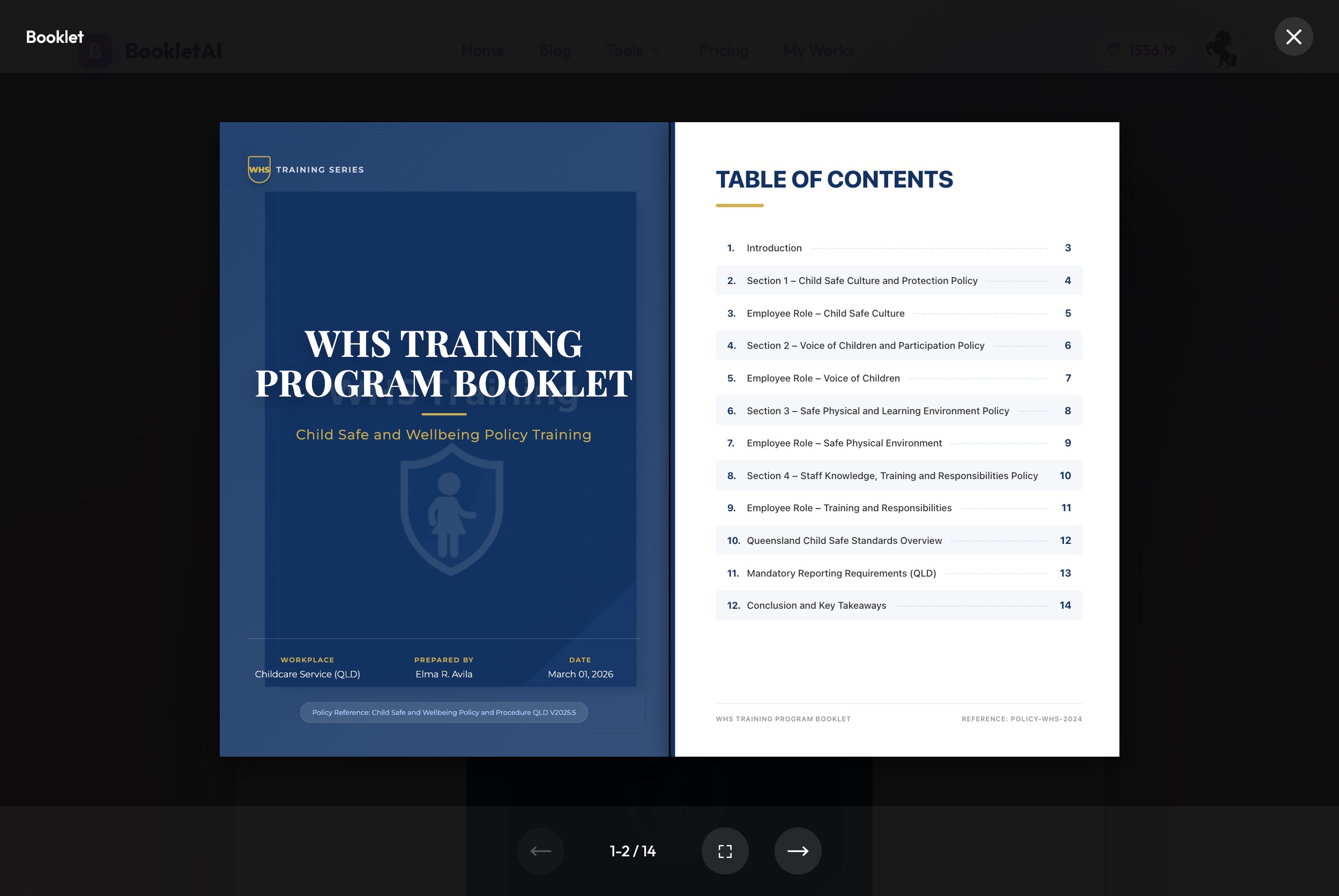
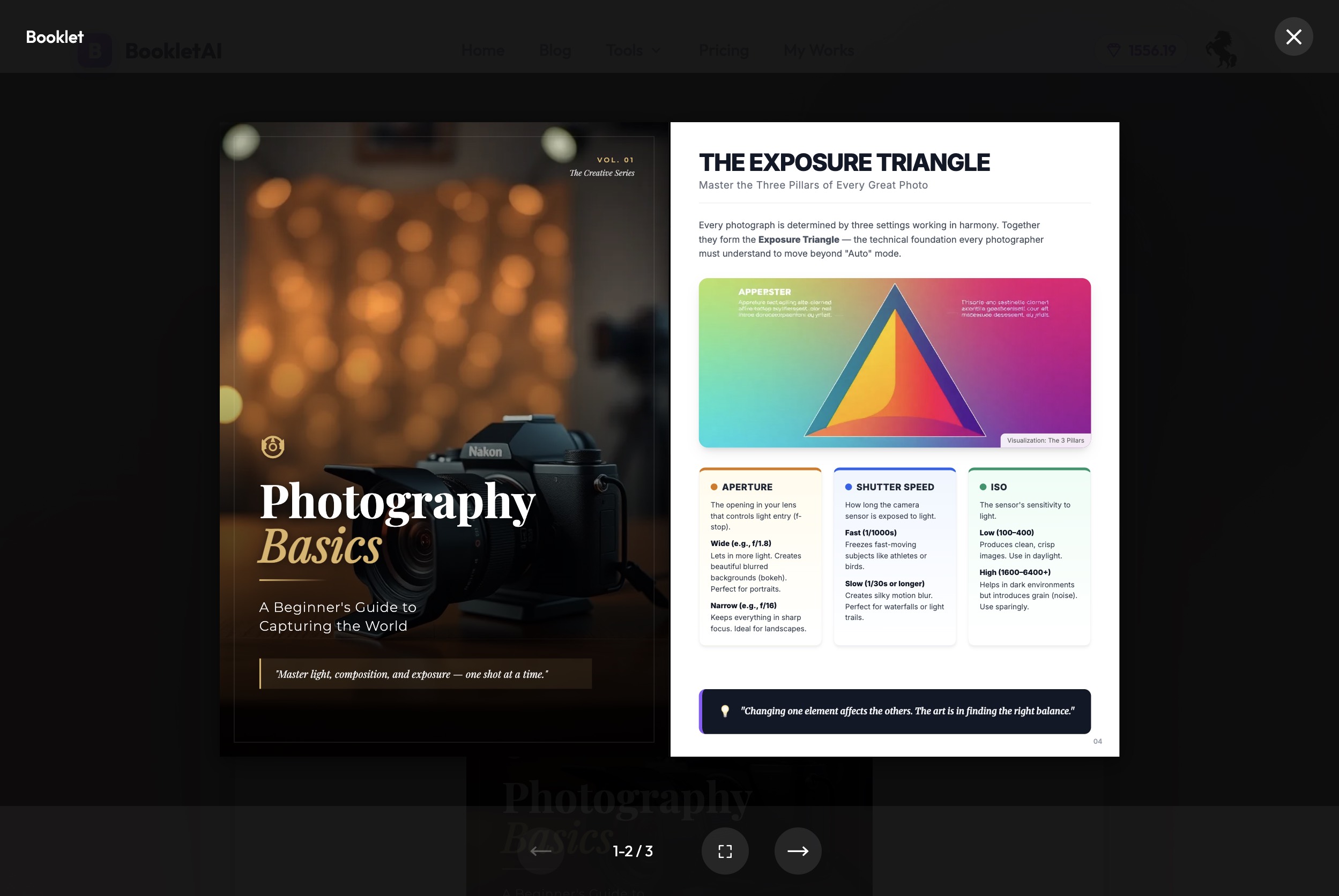
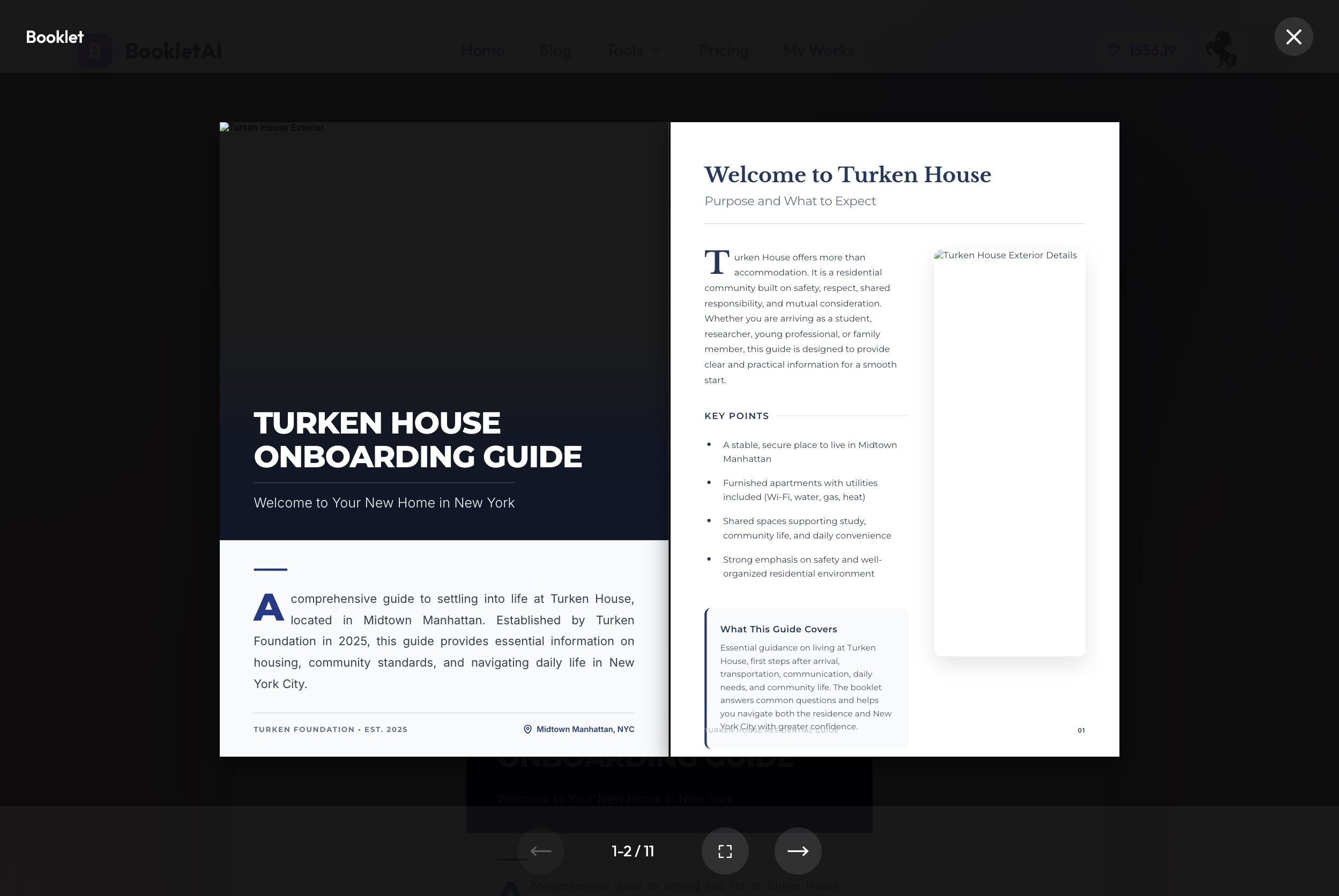
All examples above were created with Booklet AI. Try it free.
How Many Pages Is a Booklet?
The standard range for a booklet is 8 to 48 pages. Most booklets fall between 12 and 24 pages. But the ideal length depends entirely on your purpose:
| Use Case | Recommended Pages | Why |
|---|---|---|
| Event program | 8-12 | Quick reference during the event |
| Product pitch / proposal | 8-16 | Keep decision-makers' attention |
| Course guide | 10-20 | Cover key concepts without overwhelming |
| Training manual | 12-24 | Thorough coverage of policies and procedures |
| Product catalog | 16-32 | Enough space for product photos and specs |
| Brand guidelines | 16-32 | Comprehensive identity reference |
For physical printing, saddle-stitched booklets must have a page count divisible by 4. This is because they are constructed from sheets of paper folded in half, with each sheet creating four pages. So your options are 8, 12, 16, 20, 24, and so on.
For digital booklets, this constraint disappears. AI-powered tools like Booklet AI generate digital-first content in the 8-15 page range, with each page rendered as a full A4 layout (794 x 1123 pixels). Digital booklets also remove the logistical overhead of print: no waiting for a print run, no storage costs, no distribution delays. Share via a link the moment it's done, embed it on a website, or send it in an email—the reader sees the same polished result regardless. If you already have an existing PDF, the PDF to Booklet tool can redesign it into a polished digital booklet without starting from scratch.
Common Booklet Sizes
Booklet size refers to the physical dimensions of each page. The right size depends on your content type and distribution method:
| Size Name | Dimensions | Best For |
|---|---|---|
| A4 | 8.27 x 11.69 in (210 x 297 mm) | Training manuals, catalogs, reports. The international standard for professional documents. |
| US Letter | 8.5 x 11 in (216 x 279 mm) | Similar to A4, standard in North America. Works for the same use cases. |
| A5 | 5.83 x 8.27 in (148 x 210 mm) | Event programs, pocket guides. Half the size of A4, easy to carry. |
| Half Letter | 5.5 x 8.5 in (140 x 216 mm) | Similar to A5, popular in North America for programs and small catalogs. |
| Square (8x8) | 8 x 8 in (203 x 203 mm) | Lookbooks, portfolios, brand guidelines. Stands out visually. |
For digital booklets, A4 is the standard. It translates well to both screen viewing and PDF printing. Booklet AI uses A4 as its default format, ensuring your booklet looks professional whether viewed online or printed.
Booklet Binding Options
The binding method determines how your booklet holds together, how it opens, and how durable it feels. Choosing the wrong binding for your page count or use case is one of the most common production mistakes. Here are the four main options:
Saddle Stitch (Stapled)
The most affordable and widely used option. Sheets are folded in half and stapled along the spine. Because each sheet produces four pages, the total page count must be divisible by 4—so your options are 8, 12, 16, 20, and so on. Works best up to about 48 pages; beyond that, the folded spine becomes too thick to lie flat. Best for: event programs, small catalogs, marketing brochures, newsletters.
Perfect Bound (Glued Spine)
Pages are gathered, glued at the spine, and wrapped in a cover—the same method used for paperback books. The result is a flat, square spine that can display a title or design. No divisible-by-4 constraint. Minimum page count is usually 32–48 depending on paper thickness. Best for: annual reports, product lookbooks, training manuals you want to feel like a book, anything 48+ pages.
Spiral Coil
A continuous plastic coil threads through drilled holes along the binding edge. The booklet opens completely flat and pages rotate a full 360°—essential when users need both hands free. No page count restriction. Best for: training manuals, workbooks, reference guides, classroom materials, anything meant to lie open on a desk.
Wire-O (Twin Loop)
Similar to spiral coil but uses a double-loop metal wire instead of plastic. Opens completely flat, more rigid and durable, with a cleaner look. Commonly used for professional presentations, cookbooks, and spiral-bound notebooks where appearance matters as much as function.
How to Create a Booklet with AI
Traditionally, creating a quality booklet required graphic design skills, hours of work in software like Adobe InDesign, and the separate task of writing content and sourcing images. This made it a significant investment of time and money.
Booklet AI changes this. Here's how it works:
1. Describe your topic. Type a plain-language description in the chat. For example: "a product catalog for our new sustainable skincare line" or "a training manual for new sales hires on using our CRM." The AI asks a few clarifying questions about your audience, tone, and desired length.
2. AI researches and plans. The AI searches the web for relevant information, scrapes 3-5 high-quality pages, and generates a detailed outline (8-15 pages). You can review and adjust the outline before generation begins.
3. Pages generate in real time. Each A4 page is generated with polished layouts that blend text and images. Pages are created in parallel (3-5 at a time) and appear in a live preview as they complete.
4. Edit any page. Click "Edit" on any page and describe what you want to change. The AI regenerates just that page instantly, without affecting the rest of your booklet.
5. Share or download. Get a shareable link (no login required to view), or download as HTML or PDF. The PDF renders each page at print-quality A4 resolution.
A note on paper for physical printing. Use a heavier cover weight stock (80–100 lb cover) for the front and back cover, and a lighter text weight (60–80 lb text) for interior pages. Cover stock provides durability without bulk. For any images or photos, make sure your files are at least 300 PPI—lower resolution looks sharp on screen but pixelates in print.
Common Mistakes When Making a Booklet
Whether you're creating a booklet for the first time or refining an existing one, these are the mistakes that most often undermine the final result.
Too many pages. A booklet's strength is its focus. Trying to include everything destroys the tight structure that makes the format effective. If your content consistently runs past 48 pages, it belongs in a longer document.
No clear flow. Each section should build toward a conclusion or call to action. A booklet that reads like a random collection of facts loses readers fast. Start with an introduction, move through logical sections, end with a clear next step.
Inconsistent design. Mixing typefaces, colors, and layouts across pages looks unprofessional. Pick one heading font, one body font, and a primary color—then stick to them throughout.
A weak or missing cover. The cover is the first impression. A cluttered or generic cover reduces engagement before anyone reads a word. Keep it clean, purposeful, and on-brand.
No call to action. A booklet without a CTA is a missed opportunity. Whether it's "visit our website," "contact us," or "scan this QR code," give readers a clear next step on the final page.
Frequently Asked Questions
What is a booklet used for?
Booklets are used for training manuals, event programs, product catalogs, brand guides, course materials, proposals, and more. Their compact, multi-page format makes them ideal for communicating a focused message in a structured, professional way.
What's the difference between a booklet and a brochure?
A brochure is a single folded sheet (2-6 panels), designed for a quick overview. A booklet has multiple bound pages (8 or more), allowing for much more depth. Brochures are for first impressions; booklets are for detailed information.
What's the difference between a booklet and a pamphlet?
A pamphlet is usually a short publication (4–8 pages) with no cover—just folded or stapled sheets. A booklet has a distinct cover, giving it a more finished, professional feel. The cover is actually the defining difference: add a paper cover to a pamphlet and it becomes a booklet. In practice, the terms are often used interchangeably for very short publications, but in printing and publishing, the cover is what separates them.
What do you call a booklet? Other names and related formats
Booklets go by different names depending on their purpose. A pamphlet is a booklet without a cover. A zine is a self-published, often artistic booklet with a personal or counter-culture angle. A catalog is a product-focused booklet with listings and pricing. A lookbook is a visual booklet showcasing a collection or aesthetic. A manual is an instructional booklet with step-by-step guidance. The term "booklet" is the umbrella—the others describe the specific use.
How many pages is a booklet?
Booklets typically have between 8 and 48 pages, with most falling in the 12-24 page range. For saddle-stitched (stapled) physical booklets, the page count must be divisible by 4. Digital booklets have no such constraint.
What is the standard size of a booklet?
The most common sizes are A4 (210 x 297 mm), US Letter (8.5 x 11 in), and A5 (148 x 210 mm). A4 is the international standard for professional booklets and works well for both digital viewing and printing.
Can I create a booklet online for free?
Yes. Booklet AI lets you create an 8-15 page professional booklet from a text description, completely free to start. The AI handles web research, content writing, A4 page layout, and image selection automatically.
What should a booklet include?
A well-structured booklet should include a clear cover with title and branding, a brief introduction or table of contents, organized sections with headings and visuals, and a closing page with a call to action or contact information.
What is booklet format?
Booklet format refers to the page layout and setup used to produce a booklet. For printed booklets, pages are arranged so that when sheets are folded and bound, they appear in the correct reading order—this is called "book fold" layout in most word processors and design tools. For digital booklets, the standard format is A4 portrait (210 × 297 mm), exported as PDF or viewed in a browser. The key difference from a regular document is that page order in the print file does not match reading order.
What is a booklet for students?
A student booklet is a structured handout or workbook that guides learners through a topic, lesson, or unit. It typically includes explanations, diagrams, activities, and spaces for written responses. Teachers use booklets to replace or supplement textbooks for specific units—students benefit from a focused, portable reference they can annotate and keep. Common formats: 8–20 pages, A4 or A5 size, saddle-stitched for easy distribution.
Final Thoughts
A booklet is one of the most versatile formats available for business and education. Compact enough to hold attention, structured enough to carry complex information, and professional enough to represent your brand with confidence.
The core decisions are straightforward: match the page count to your use case (most fall between 12 and 24 pages), use A4 or US Letter for professional documents, and build around a clear structure—introduction, organized sections, and a closing call to action.
If you'd rather skip the design software, Booklet AI handles the research, writing, and layout for you. Describe your topic and get a shareable, print-ready booklet in minutes.
Create Your Booklet Free →© 2025 Booklet AI · bookletai.org