AI Brochure Generator, From
Idea to a Print-Ready Brochure
Drop a topic or your notes and the AI brochure generator researches, writes, and lays out a finished tri-fold or bi-fold brochure.
How to Make a Brochure With the AI Brochure Generator
From a topic to a print-ready brochure, with no design skills needed.
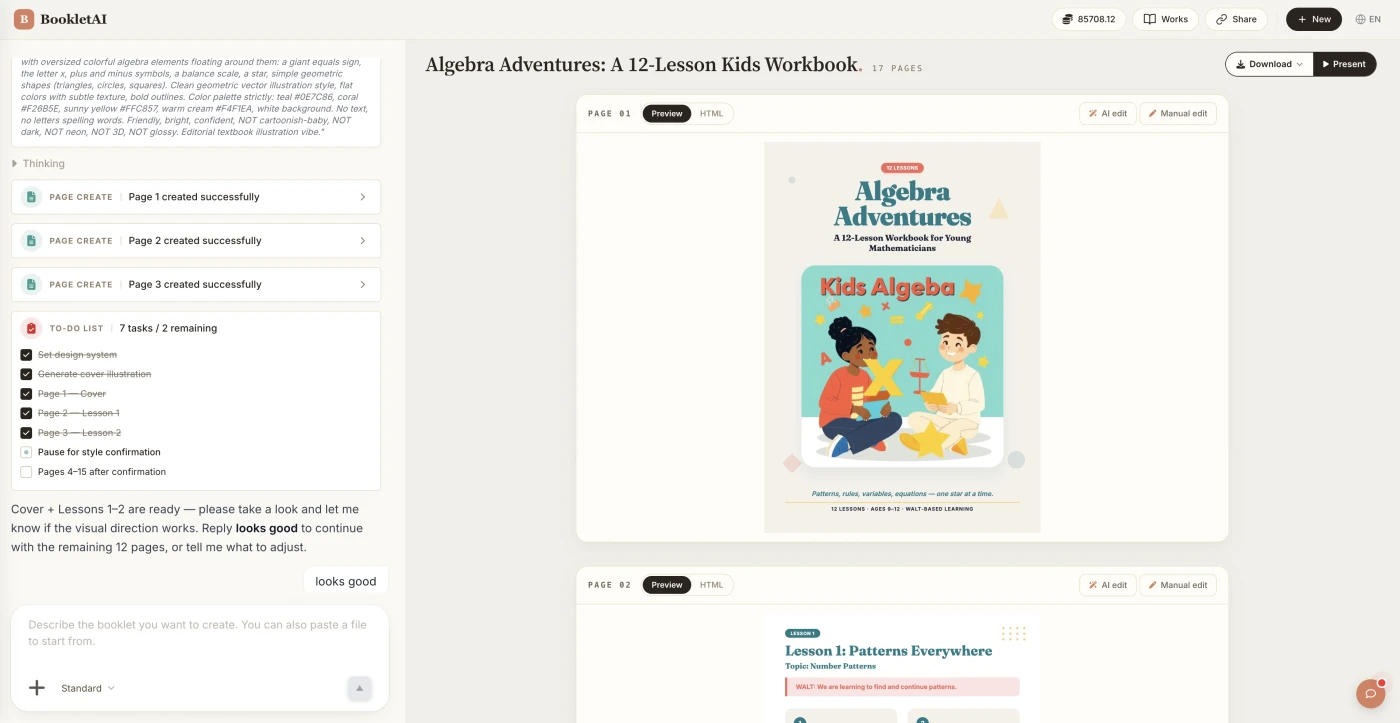
Add your topic or upload content
Enter a topic or drop in your content. The AI agent asks about your audience, style, and goals before building the brochure.
Review the outline & choose a style
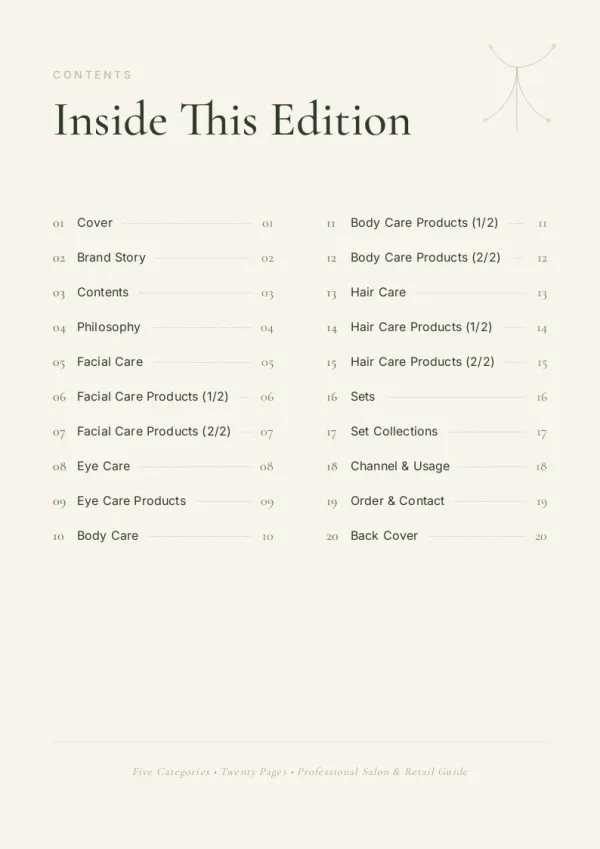
AI shows a full page-by-page outline before writing begins. Approve it and pick a style, then watch each page appear in real time.
Edit any page, then download or export
Click Edit on any page to revise it independently. When ready, copy a share link, download the HTML, or export a print-ready PDF.
Who Uses This AI Brochure Generator
Real situations where a brochure is due and there is no designer on call.

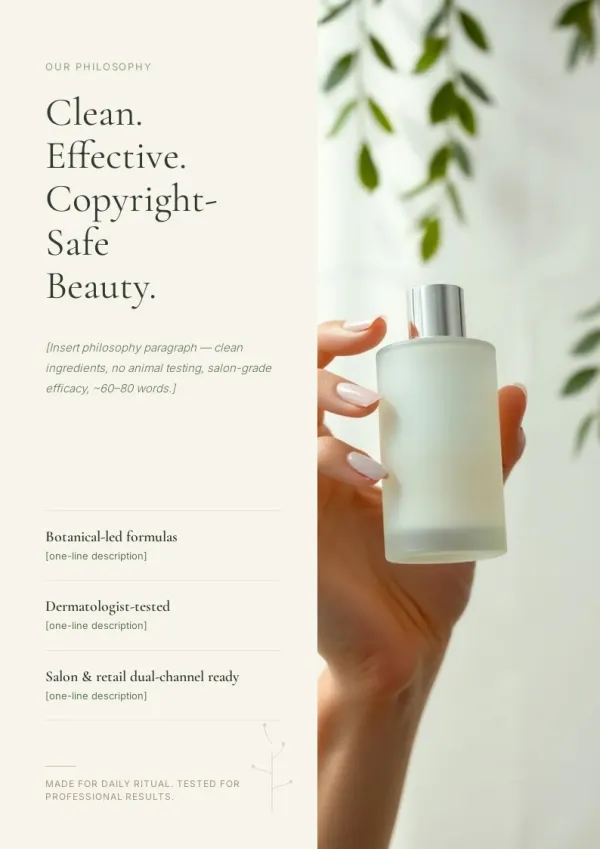
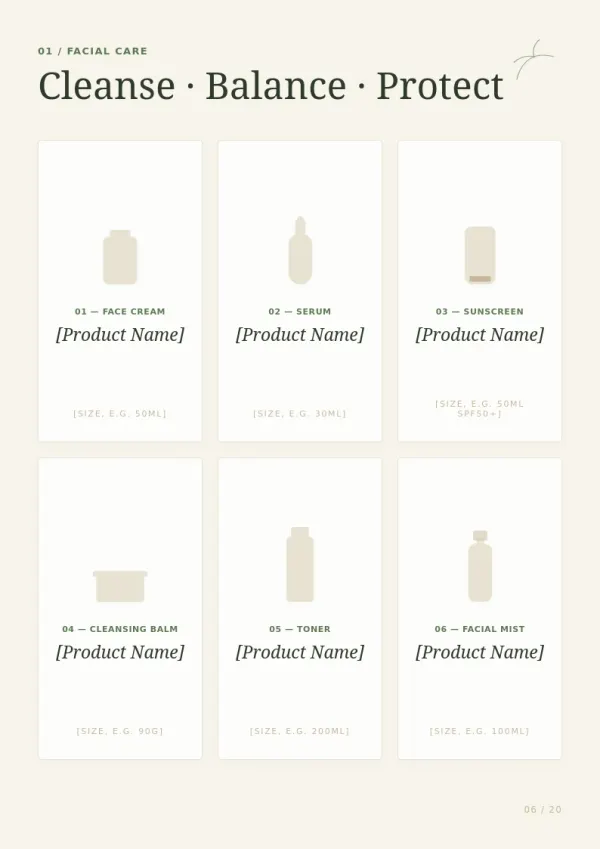
Small business owners
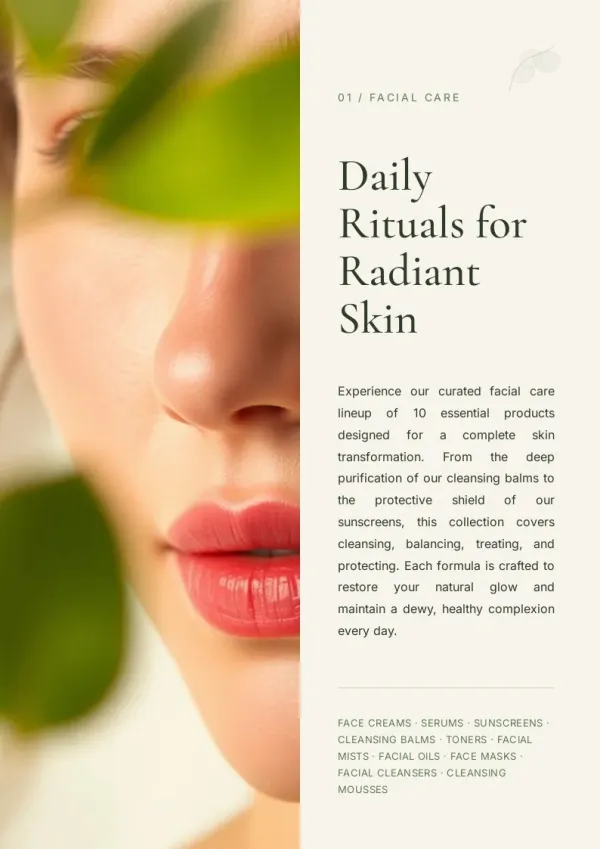
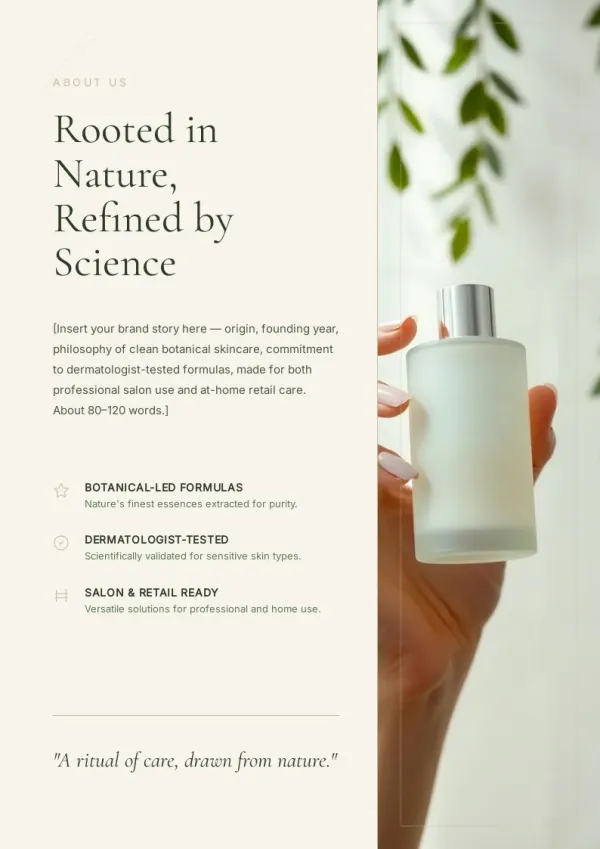
Launching a product line? Turn your product details into a tri-fold brochure for the shop counter and trade shows, without hiring a designer.
For product launches
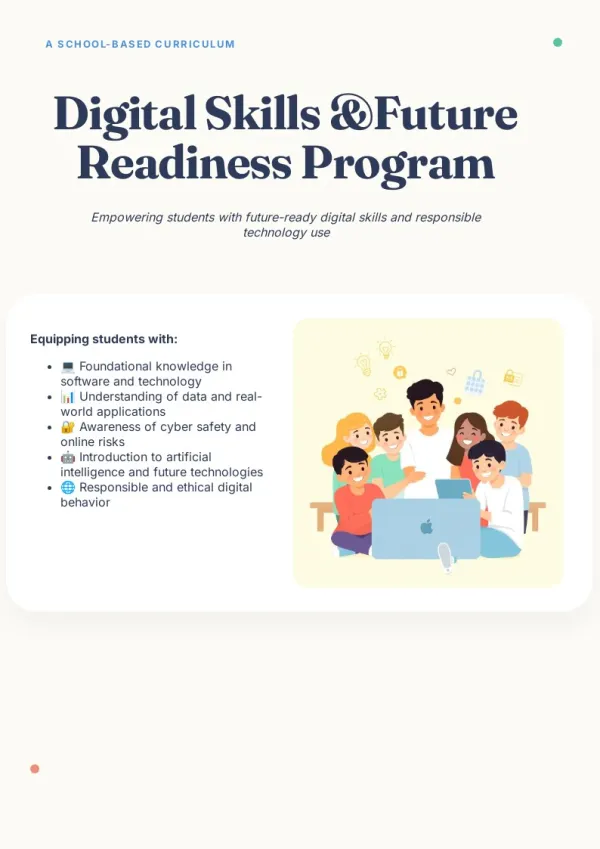
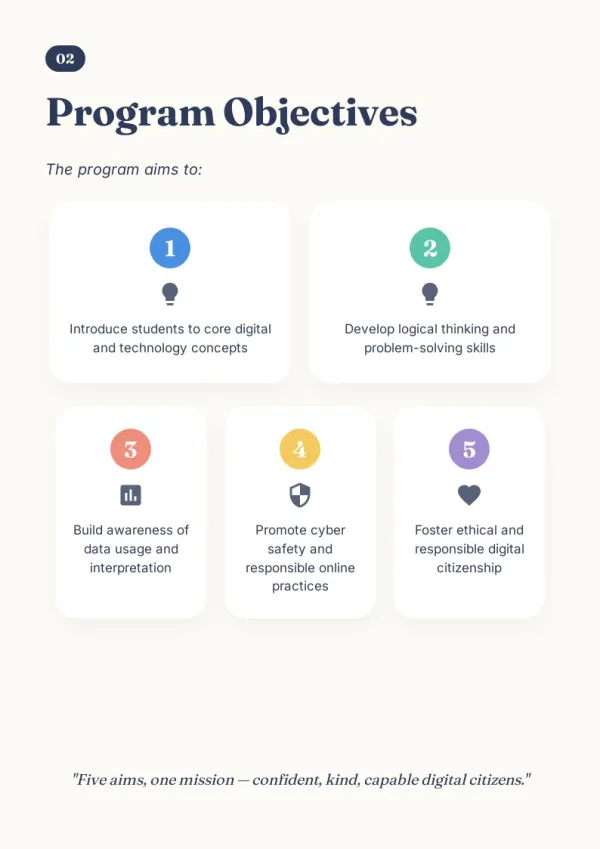
Marketing specialists
When an event brochure is due today and there is no design slot, generate a polished draft and refine the panels in minutes, not hours.
For event marketing
Service professionals
Real estate agents, clinics, and consultants turn existing intro text into a clean brochure to hand clients, instead of starting from a blank page.
For client-facing teams
Why This AI Brochure Generator Saves You Hours
A brochure maker that starts from your content, not a blank template.
Content-first creation
Give a topic or existing notes; there is no blank template to fill in by hand.
Auto tri-fold and bi-fold layout
The brochure maker arranges panels, folds, and bleed for you automatically.
Research-backed copy
It pulls real, current details so the brochure is not empty filler.
Auto images and icons
Visuals are placed to match each panel, with no manual design work.
Print-ready PDF export
Export a brochure generator file sized and bled for clean printing.
Edit every panel
Preview and refine any panel before you export or share it.
A Brochure Generator That Starts From Your Content
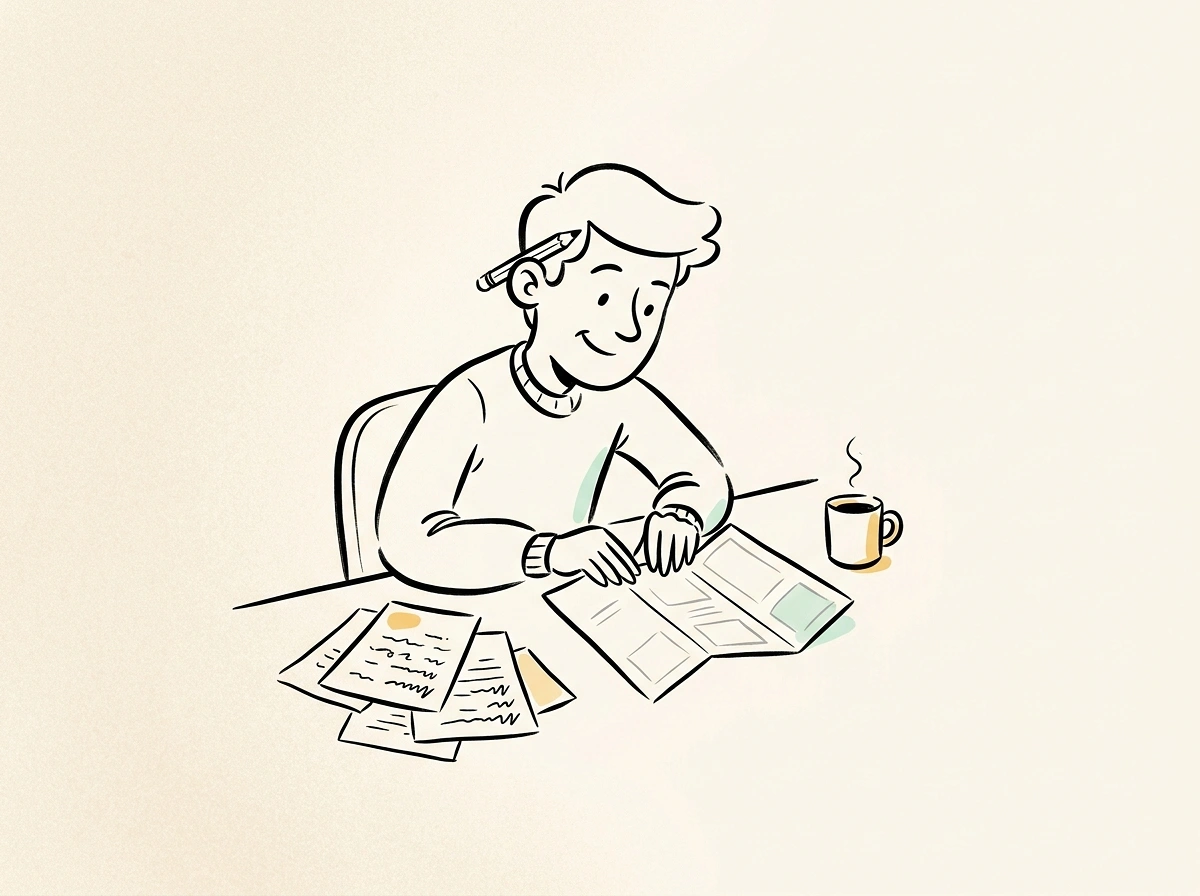
Most tools hand you a blank template. This brochure generator starts from what you already have and designs the brochure around it.
From source to design
Feed a topic, brief, or notes and watch the AI brochure generator turn it into a laid-out brochure.
Built for folding
Tri-fold and bi-fold structures are handled so the panels read in the right order.
Yours to adjust
Every block stays editable, so the brochure matches your exact message.
Your time is worth
a subscription.
Spend your hours on the idea — we'll handle the design.
AI Brochure Generator FAQ
1
Is this AI brochure generator free to use?
Yes, you can start free. Paid plans unlock more exports and pages, but the core AI brochure generator features are available at no cost.
2
Can it create both tri-fold and bi-fold brochures?
Yes. Pick the fold you want and the brochure maker arranges the panels and fold lines automatically so everything reads in order.
3
How is this different from Canva or Adobe Express?
Those give you a blank template to fill in. This brochure generator starts from your topic or notes and lays out the whole design for you.
4
Do I have to write the brochure copy myself?
No. Give the AI brochure generator a topic and it researches and drafts the content; you can still edit every word afterward.
5
Can I export a print-ready file?
Yes. Export a PDF sized with bleed so the brochure prints without cut-off panels at the fold or edges.
6
Can I edit the design after it is generated?
Every panel, image, and text block stays editable in the brochure maker before you export or share the file.
7
Does the online brochure maker work in other languages?
Yes. It generates brochures in many languages from the same prompt, so you are not limited to English.
8
What kinds of brochures can I make?
Product, company, event, real-estate, and service brochures are all common uses of this AI brochure generator.
9
Do I need design skills to use it?
No. Layout, panels, and images are handled for you, so a brochure generator beginner gets a finished design.
10
Can I share the brochure without downloading?
Yes. Share a link directly, or download the PDF when you need a copy for printing.