Booklet Templates
Explore booklet design ideas and printable templates — pick one, let AI handle the layout and content, export as PDF in minutes.
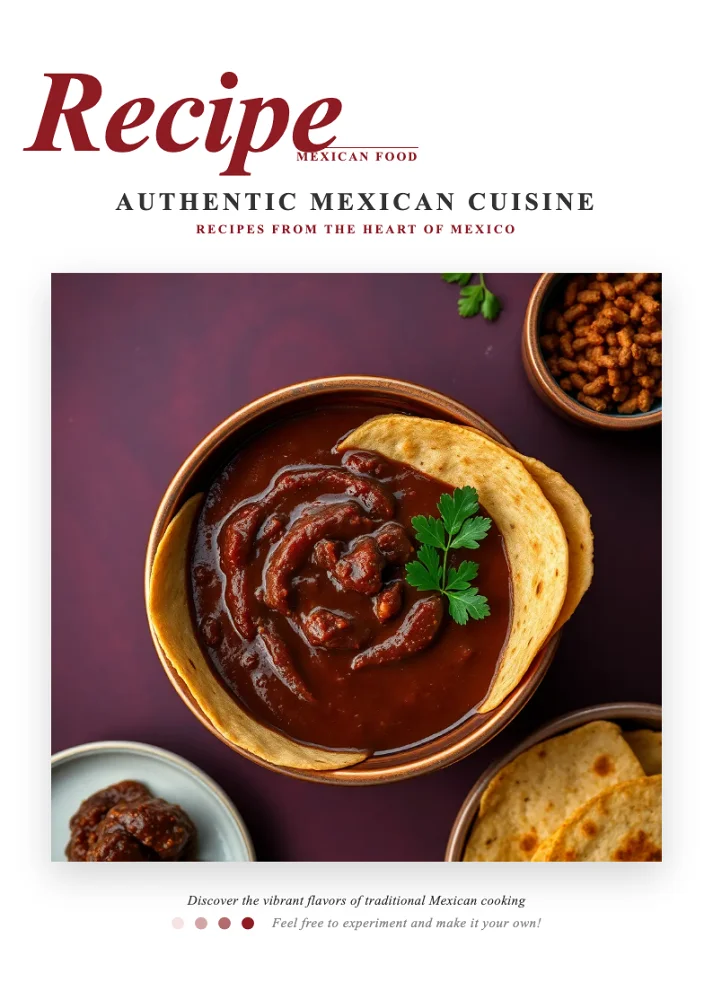
Authentic Mexican Cuisine Recipe Template
A warm burgundy-and-cream Mexican recipe template featuring an elegant italic serif cover, pink ingredient panels, bullet-list instructions and chef-profile pages for authentic taco, guacamole, salsa, quesadilla, churro and tamale recipes.
Sleep Reset Field Guide Template
A calm, quiz-driven wellness field guide with score-band results and clear action steps, ideal for turning any self-assessment into a personalized recovery plan.

Sleep Wellness Handbook Template
A clean, editorial handbook template that turns a short quiz into a personalized sleep-improvement plan, with score bands, recommendation checklists, and calm minimalist styling for wellness and coaching brands.
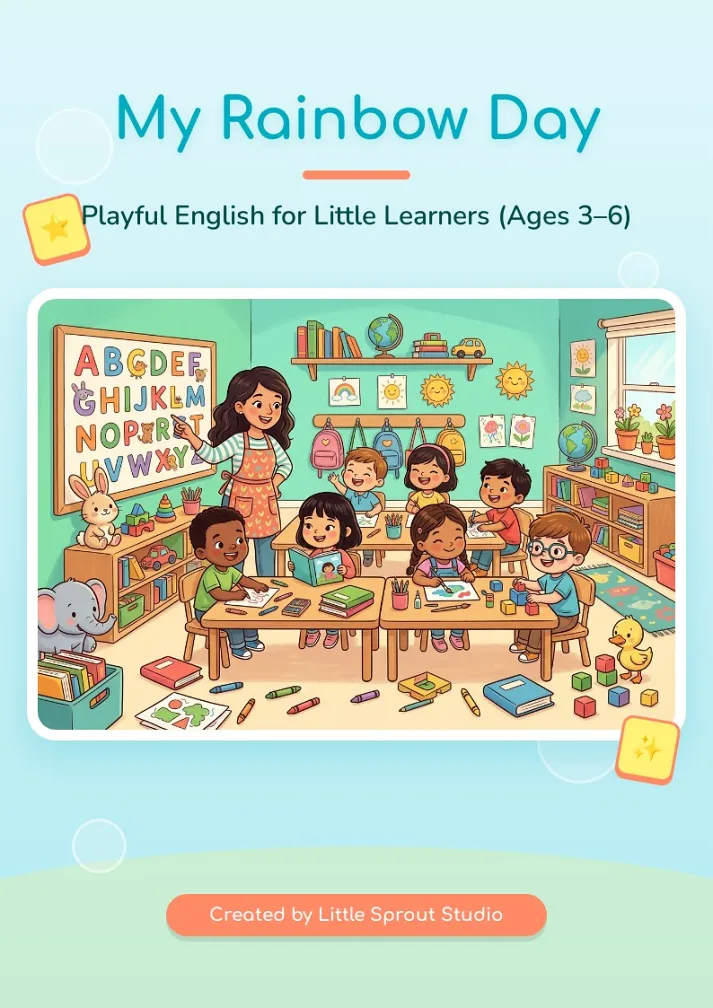
Kids English Workbook Template
A cheerful preschool English workbook template with a soft ocean-and-rainbow palette, playful songs, color and body-parts activities, and fill-in name pages—ideal for early learners aged 3–6.

Home Alarm Safety Handbook Template
A clean, high-contrast handbook template for home smoke and carbon monoxide alarm safety, with bold section headers, checklist cards and an FAQ layout, ideal for community safety and fire-prevention guides.
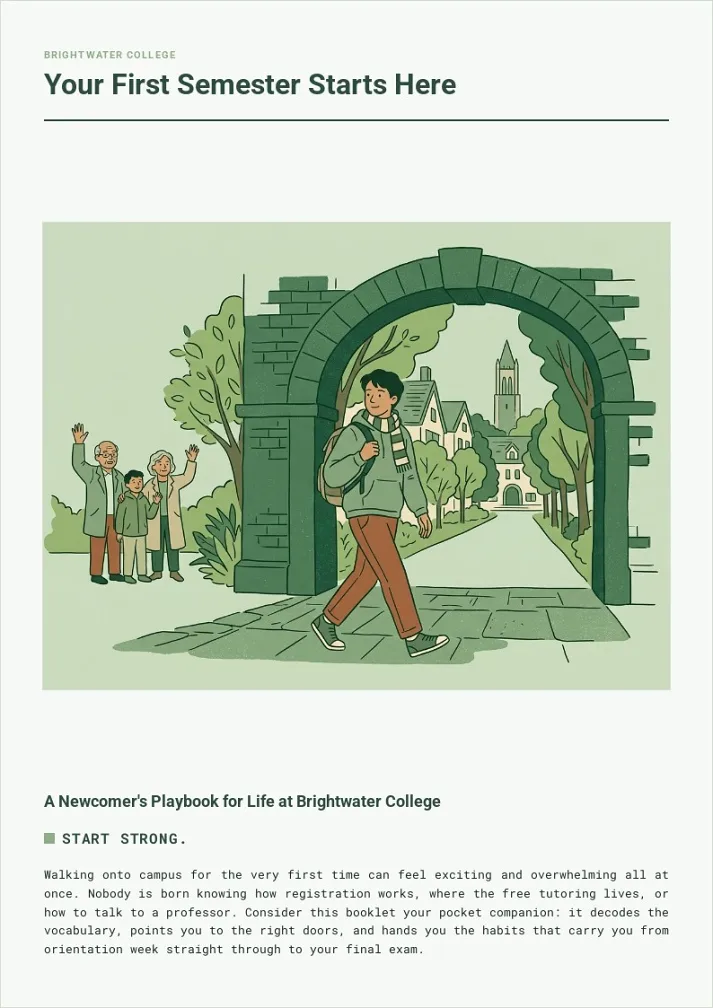
New Student Orientation Handbook Template
A calm sage-green campus handbook that walks first-year students through vocabulary, study habits, support services, and a first-week checklist. Ideal for colleges, onboarding programs, and welcome guides.
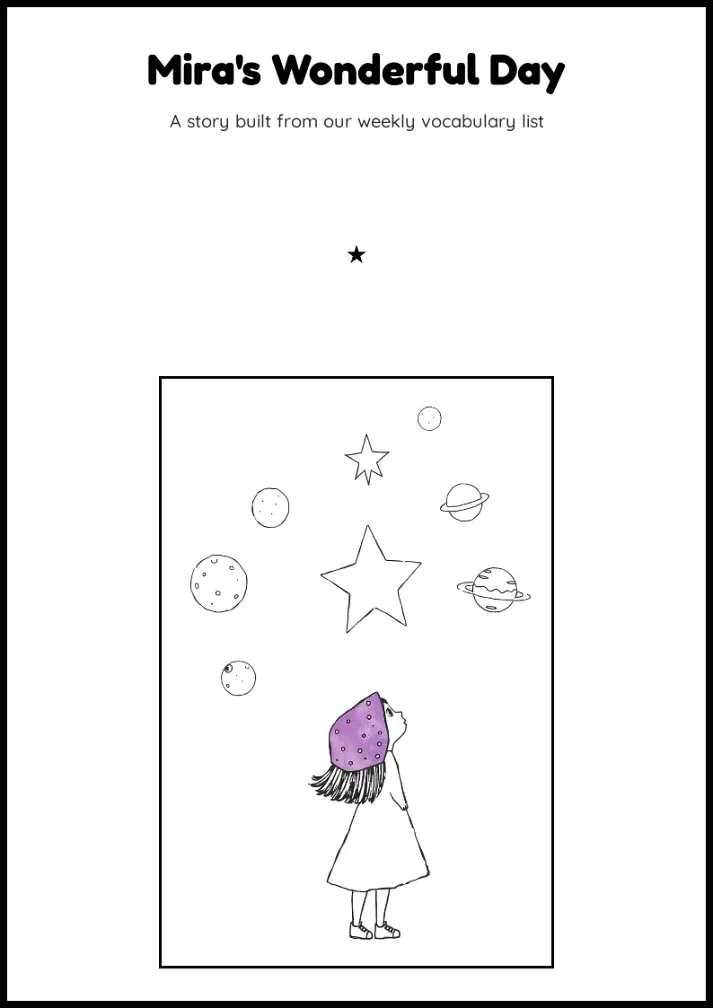
Children's Storybook Template
A whimsical black-and-white storybook layout with hand-drawn illustrations and vocabulary bubbles, perfect for turning a class word list into a playful picture story.
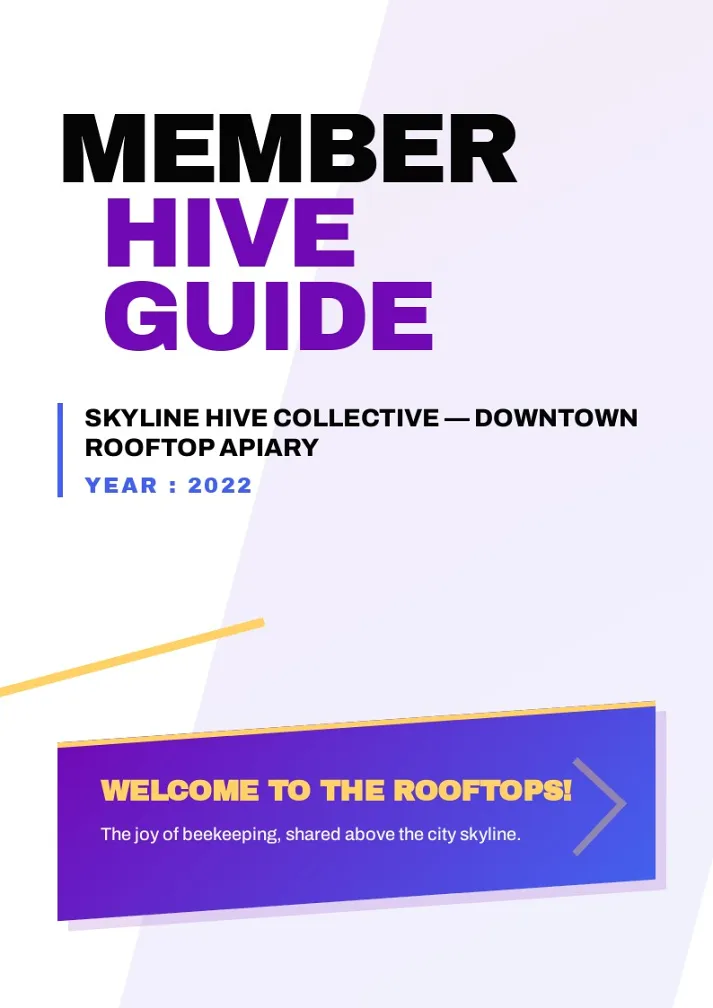
Rooftop Cooperative Welcome Booklet Template
A bold, editorial-style member welcome booklet for clubs and cooperatives, mixing kinetic stat blocks, asymmetric cards, and hand-drawn maps for any community-driven organization.
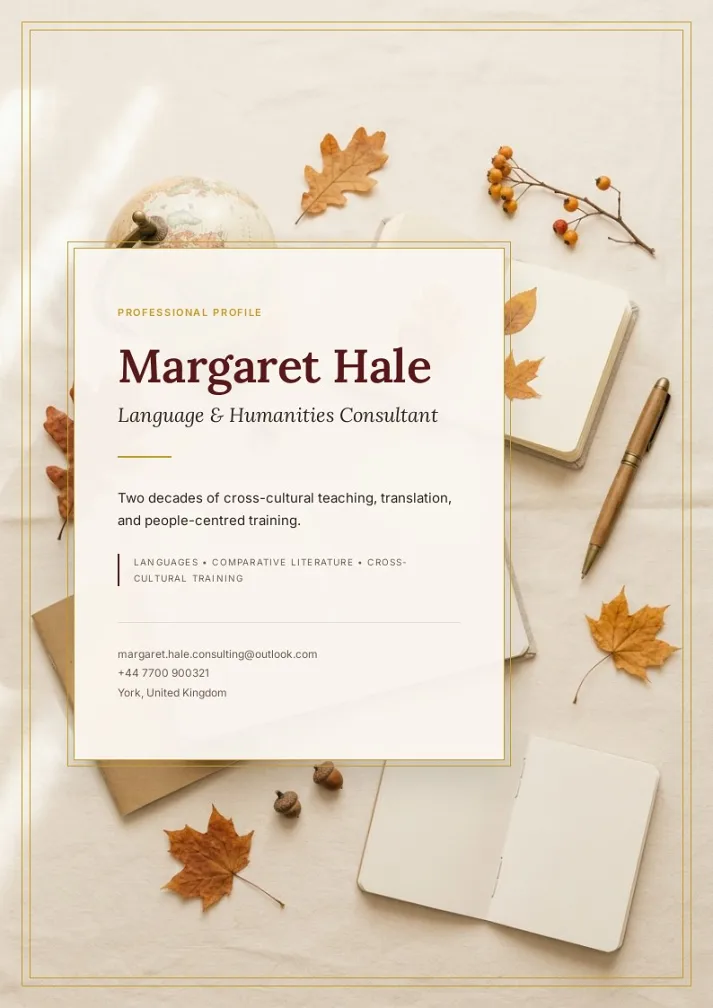
Consultant Profile Brochure
Elegant editorial-style brochure for freelance consultants and educators, pairing warm bordeaux-and-gold accents with a magazine layout to showcase background, expertise, and collaboration offers.
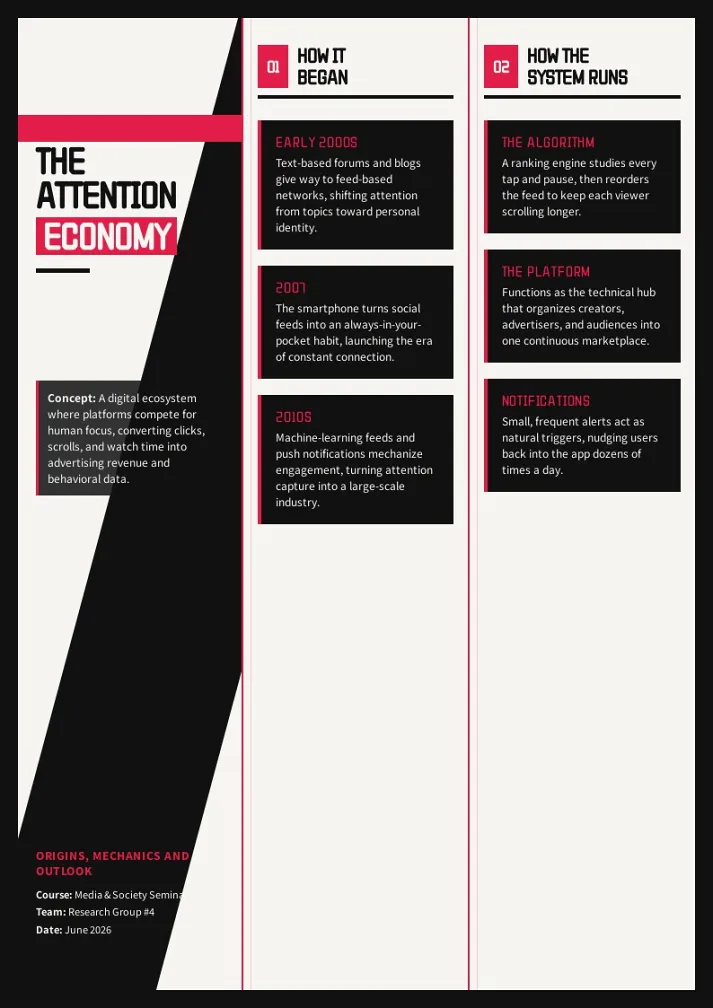
Attention Economy Analysis Template
A bold black-and-red infographic poster template for breaking down how digital platforms compete for attention -- perfect for media studies, sociology, and tech-ethics presentations.
Garden Path Cognitive Wellness Workbook
Calming lavender-toned workbook template for senior cognitive stimulation programs, featuring memory recall, attention, pattern and logic exercises with a soft garden theme, large-print layout and built-in answer keys.

Workplace Psychology Handbook Template
A warm, neobrutalist handbook template that breaks down workplace motivation and team influence into concept cards, pill-tagged definitions, and majority-vs-minority comparison grids, ideal for HR, leadership training, and organizational psychology guides.
Bilingual Wedding Booklet Template
A bilingual wedding program layout with vows, reception speeches, and ceremony order, formatted side-by-side in two languages.

Kansai Crossing Travel Handbook Template
An elegant navy-and-gold travel guide layout with circuit maps, highlight cards, and gastronomy strips — ideal for regional or multi-city trip itineraries.
Engineering Competency Portfolio Template
A technical skills portfolio layout for engineering students, documenting mechanical analysis projects, technical drawing competencies, and reflective learning.

Roots — Bright Path Fellowship, Riverside Chapter 2026-2027
An elegant editorial-style community newsletter template for a couples' fellowship chapter — leadership messages, spiritual reflections, retreat recaps, and member circle updates, ideal for faith-based or community group newsletters.
Varsity Season Yearbook Template
A bold varsity-style photo album for capturing a team season - action shots, match records, and locker-room memories, ready to fill with your own game-day photos.

Corporate ESG Annual Report Template
A polished 9-page ESG sustainability report template covering chairman's letter, company profile, KPI dashboard, and environmental, social, and governance disclosures. Ideal for corporations, industrial groups, and institutions publishing annual sustainability reports.
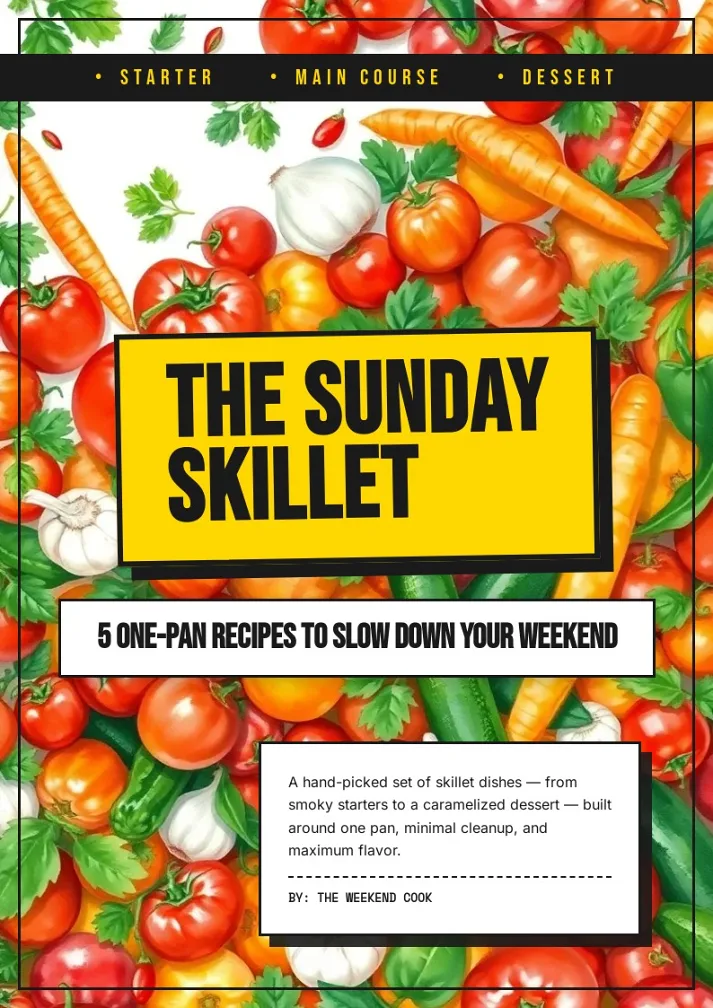
Sunday Skillet Recipe Booklet Template
A bold retro-diner recipe booklet with punchy yellow-and-black graphics, built for sharing five easy one-pan meals from starter to dessert.
Green Building Field Manual Template
A clean, editorial-style facilities reference booklet comparing sustainable materials, energy systems, and building upgrades — ideal for sustainability guides, technical handbooks, and operations reference booklets.
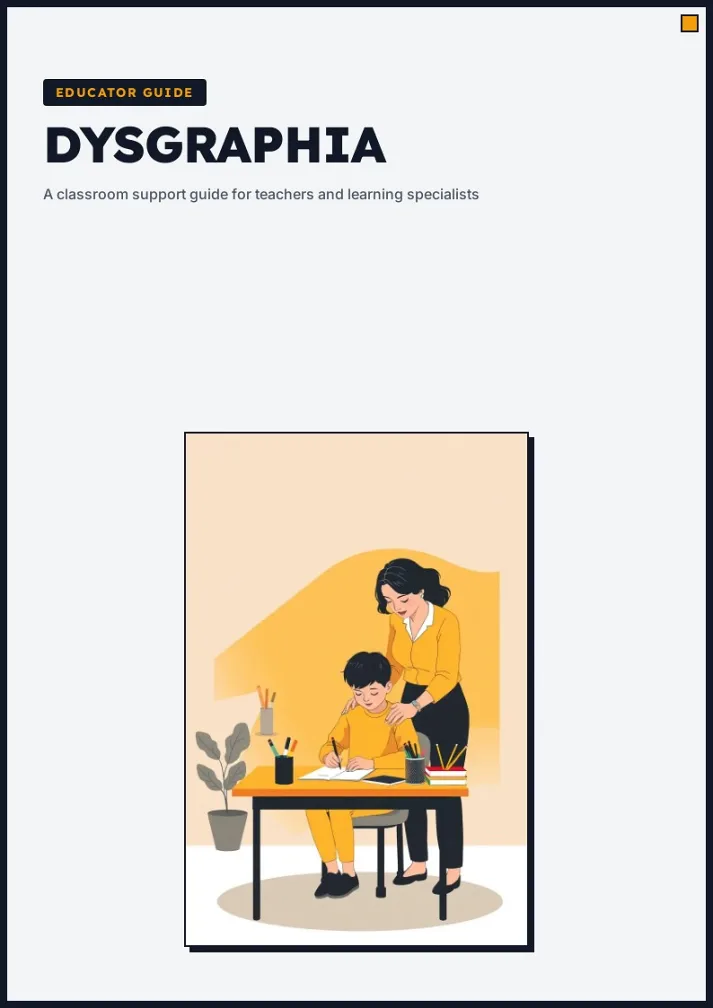
Educator Handbook Template
A calm, professional handbook template with a bold cover, neobrutalist info cards and a clean two-column reference layout for educational and awareness guides.
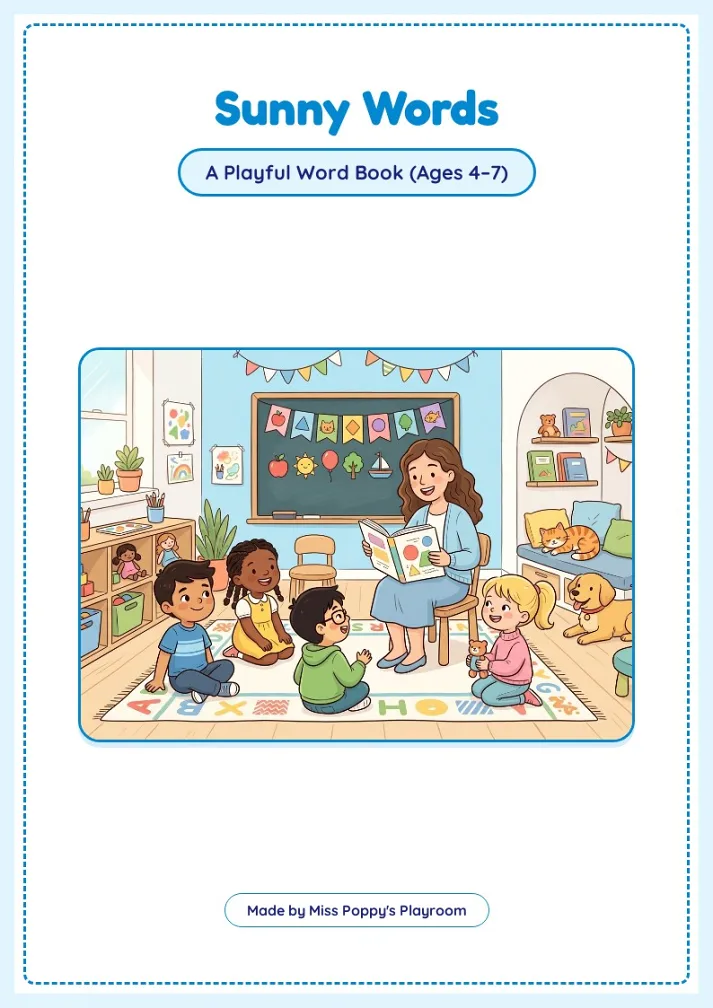
Kids Word Workbook
Playful print-ready ESL word book for ages 4-7, with cheerful pastel classroom art, dashed-border pages, and hands-on prompts covering greetings, names, colors, animals, and family. Ideal for early-learning teachers and parents wanting a warm, ready-to-print starter workbook.
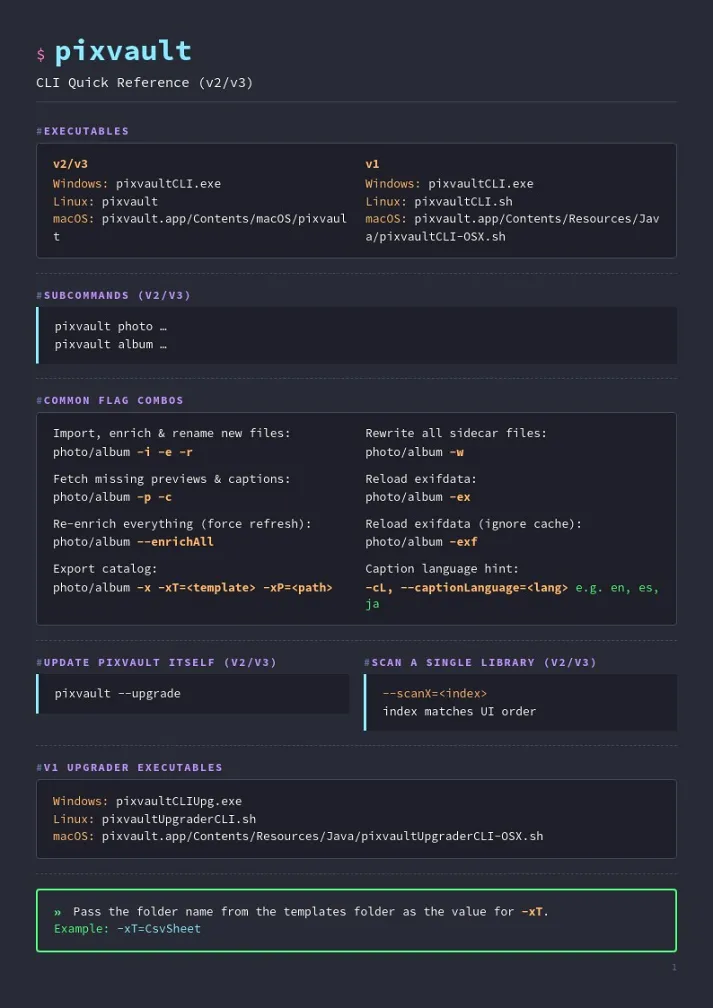
CLI Cheat Sheet Handbook Template
A dark terminal-themed quick-reference handbook that lays out any command-line tool's executables, flags, and usage examples in a clean multi-page cheat sheet, perfect for developer docs and onboarding guides.
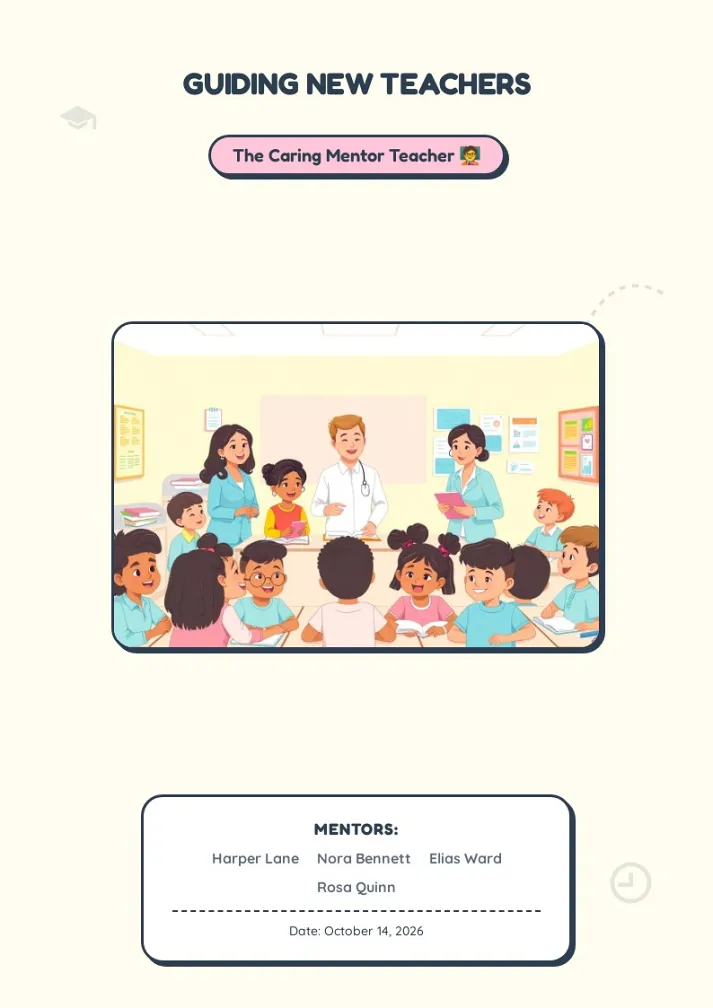
Caring Mentor Teacher Booklet Template
A warm, sticker-style education booklet template with playful frames and pastel cards, ideal for teacher mentoring guides, onboarding handbooks, and classroom training materials.
How to Create a Booklet from a Template
Creating a booklet used to mean wrestling with page margins, spread layouts, and print bleeds. With BookletAI, you skip all of that. Our booklet maker turns a template into a finished, multi-page booklet in four steps:
- 1 Pick a booklet template. Browse the collection above and choose a layout that matches your goal — education guide, product catalog, event program, or something else entirely.
- 2 Describe your content. Open the template in the Booklet Maker and tell the AI what your booklet is about. It generates page text, suggests headings, and fills in placeholder sections.
- 3 Customize the design. Edit text, swap images, adjust colors, and rearrange pages. Every booklet template is fully editable — change as much or as little as you like.
- 4 Publish or download. Share your booklet as an online flipbook, or export a print-ready PDF. Already have content in a document? Convert it with PDF to Booklet instead.
Booklet Templates for Every Purpose
A booklet template gives you the structure — cover page, interior spreads, back cover — so you only need to focus on the message. Our collection covers the most common booklet formats:
- • Education booklet templates — course guides, student handbooks, training manuals, and campus newsletters. Teachers and administrators use these to organize curriculum information into a format parents and students actually read.
- • Business booklet templates — product catalogs, company profiles, annual reports, and service brochures. A well-designed business booklet builds credibility with clients before the first meeting even happens.
- • Marketing booklet templates — event programs, promotional brochures, and brand lookbooks. These booklet designs help marketing teams ship collateral without waiting on a designer.
Every booklet template is free to start with and fully customizable. Swap the placeholder images, rewrite the copy, change the color scheme — make it yours. For a deeper dive into booklet types and sizing, check our complete guide to booklets.
Booklet Design Tips: Make Any Template Your Own
A good booklet design does two jobs at once: it makes information easy to follow, and it makes your brand look credible. Every template above is a professionally built booklet design starting point — apply the principles below and it will read as well as it looks.
Booklet design principles worth keeping
- • Readable typography. Stick to two or three typefaces per booklet. Our templates pair a display font for headings with a clean body font — keep that hierarchy when you customize.
- • Balance and white space. Every element on a page carries visual weight. A booklet design layout with generous margins and breathing room around images always beats a crowded one.
- • Intentional color. Color sets the mood before anyone reads a word — warm tones for food and events, deep blues for corporate reports. Change a template's palette in one click and it applies across every page.
- • A cover that earns the open. The cover is the most important page in booklet design: a short, striking headline plus one strong image outperforms a busy collage every time.
Booklet design ideas to try
- • Color-code your sections. Give each chapter its own accent color so readers can navigate a program, catalog, or course guide at a glance.
- • Lead with full-bleed images. Opening a section with a full-page photo gives a lookbook or portfolio the feel of a printed magazine.
- • Design for the fold. Print booklets read as two-page spreads, not single pages. Preview spreads before exporting so images and headings line up across the fold.
You don't need design software to use any of these booklet design ideas. Pick a template, open it in the AI Booklet Maker, and the AI keeps typography, spacing, and color consistent while you focus on the message.
Why Use a Booklet Template?
Designing a booklet from a blank page is harder than it looks. You have to decide on page dimensions, set up bleed areas, balance text and images across spreads, and make sure the whole thing still makes sense when printed or viewed on a screen. A booklet template handles all of those layout decisions upfront, so you start with a structure that already works.
The difference between BookletAI templates and a generic Word or Google Docs booklet template is the AI layer. Instead of manually replacing placeholder text line by line, you describe your topic and the booklet creator fills in content that actually matches your subject. You still have full control to edit every word, but the first draft appears in seconds rather than hours.
Booklet Template FAQ
Are these booklet templates free?
Yes. Every booklet template on this page is free to open, customize, and publish. You can export your finished booklet as a shareable link at no cost. PDF export and advanced features are available on paid plans.
Can I print the booklets I create?
Absolutely. Export your booklet as a high-resolution PDF, then send it to any local or online printer. The templates use standard booklet dimensions so they work with common printing setups without extra adjustments.
How is this different from a Word booklet template?
A Word or Google Docs template gives you empty placeholder boxes to fill manually. BookletAI's booklet maker uses AI to generate real content based on your topic — headings, paragraphs, and suggested images — so you spend minutes refining instead of hours writing from scratch.
Do I need design skills to use these templates?
No. The booklet templates come with pre-set typography, color palettes, and page layouts. The AI booklet creator handles spacing and visual hierarchy automatically. If you can type and drag, you can make a booklet that looks professionally designed.