Word to Booklet Converter, Designed Not Just Folded
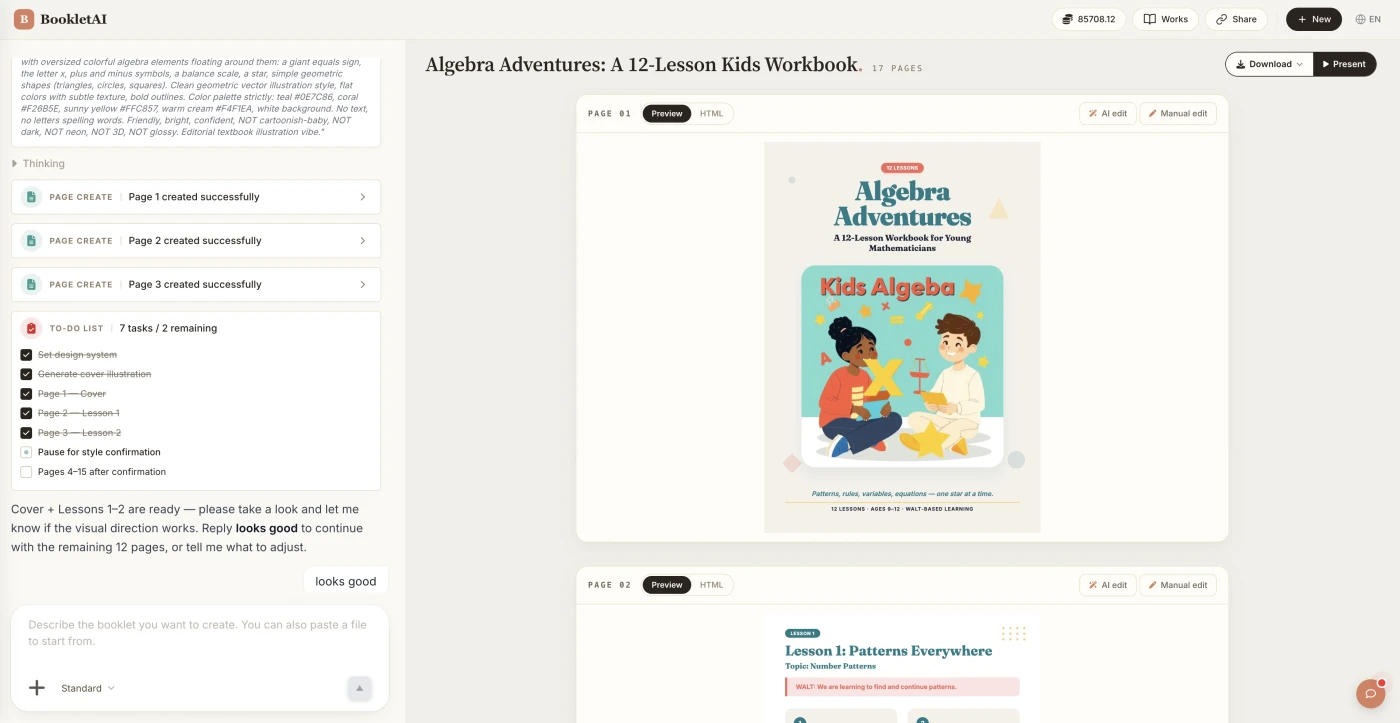
Upload a .docx. Your Word headings become the booklet's chapters, and AI designs every A4 page around them.
Convert Word to Booklet in Three Moves
From a plain .docx to a print-ready booklet.
Drop in your .docx
Upload the file. AI reads it end to end and asks who the booklet is for.
Keep your structure or re-plan it
Choose whether each chapter stays one page or gets re-split, then approve the outline.
Edit, then export
Convert word to booklet, then revise any page, share a link, or export a print-ready PDF.
Who Uses a Word to Booklet Converter
Three jobs our users bring a .docx in for.

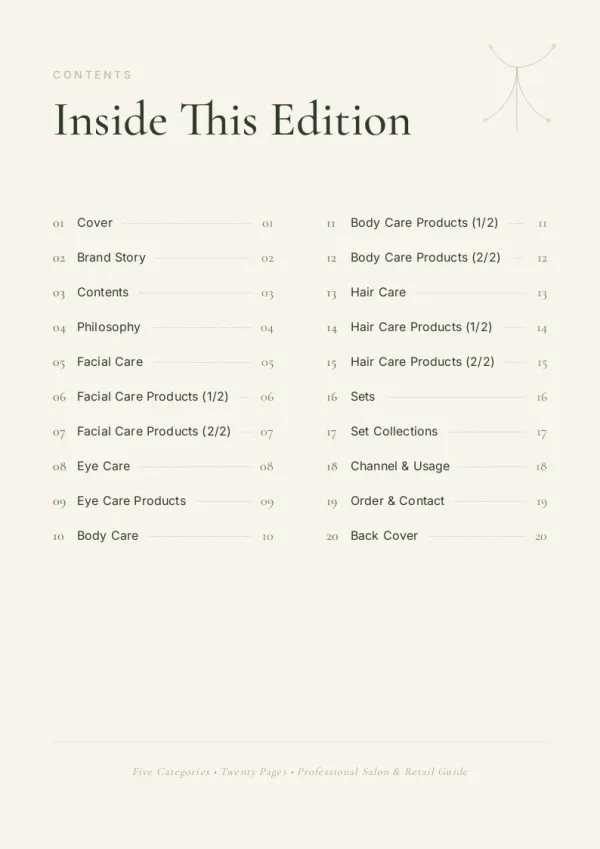

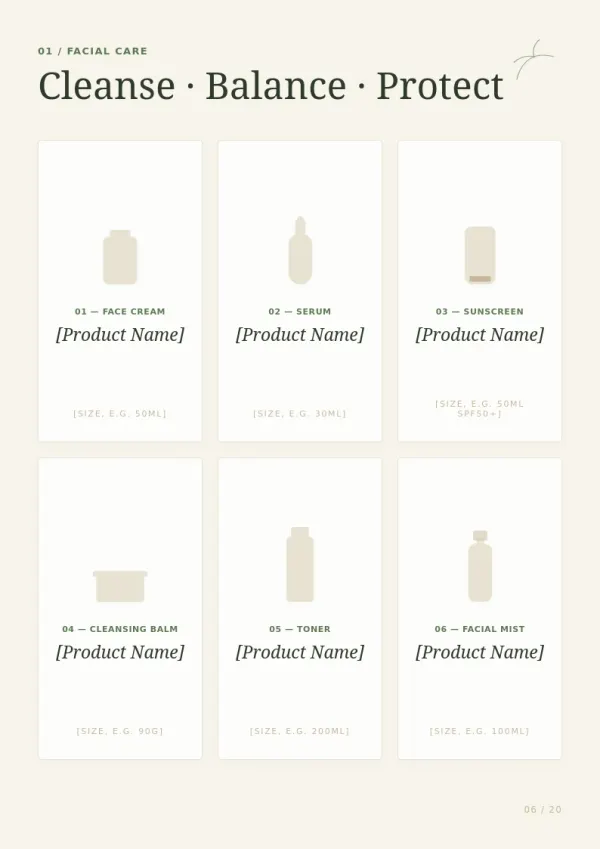
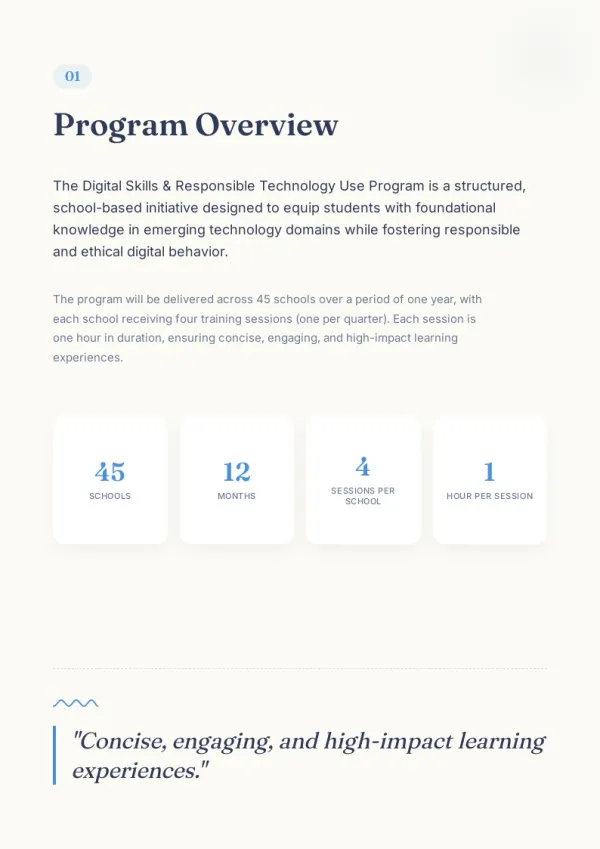
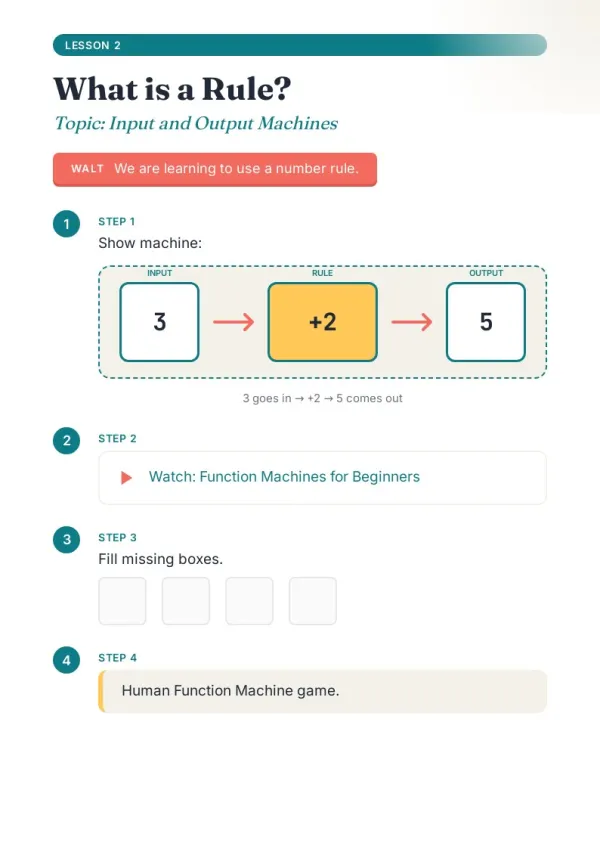
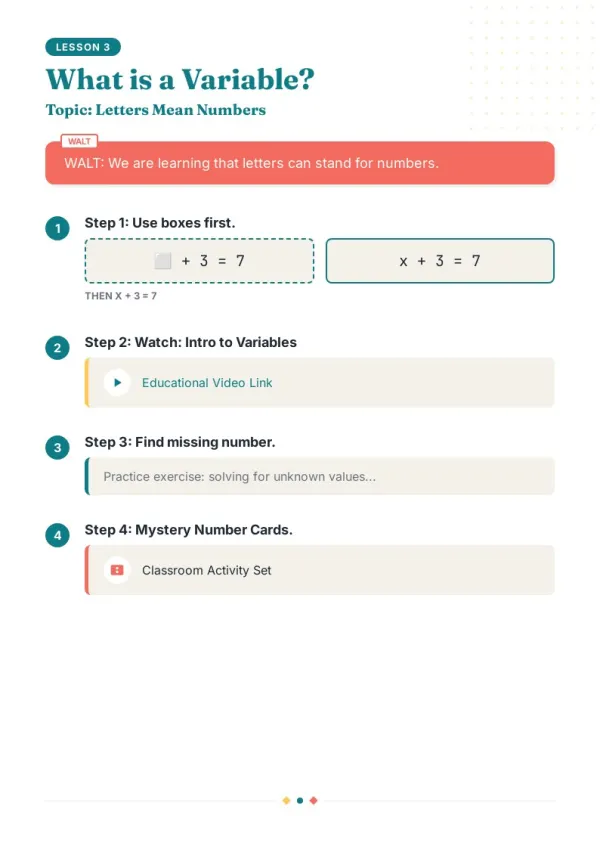
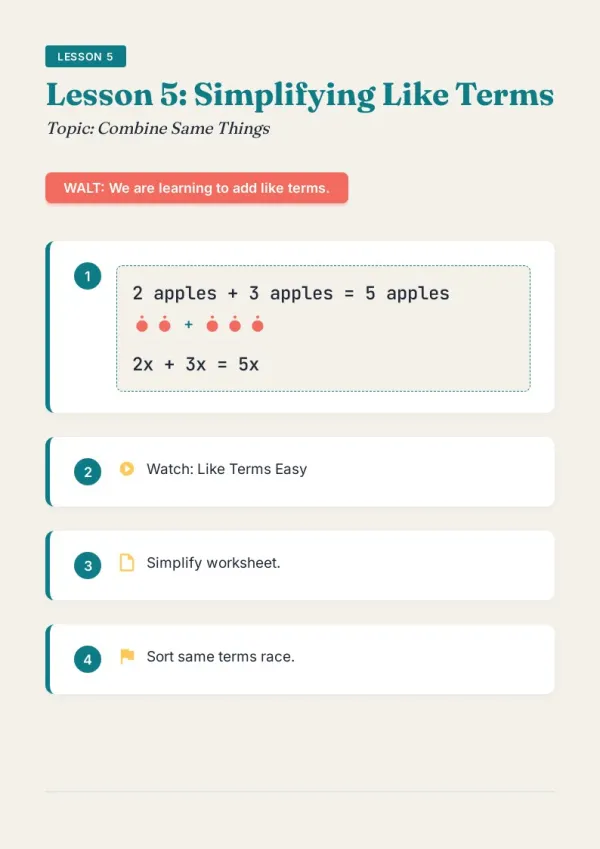
Teachers rebuilding lesson material
The unit works, it just looks like a worksheet dump. Convert the word file to a booklet with clear headings and room to write, and students stay on the page.
For teachers & course creators
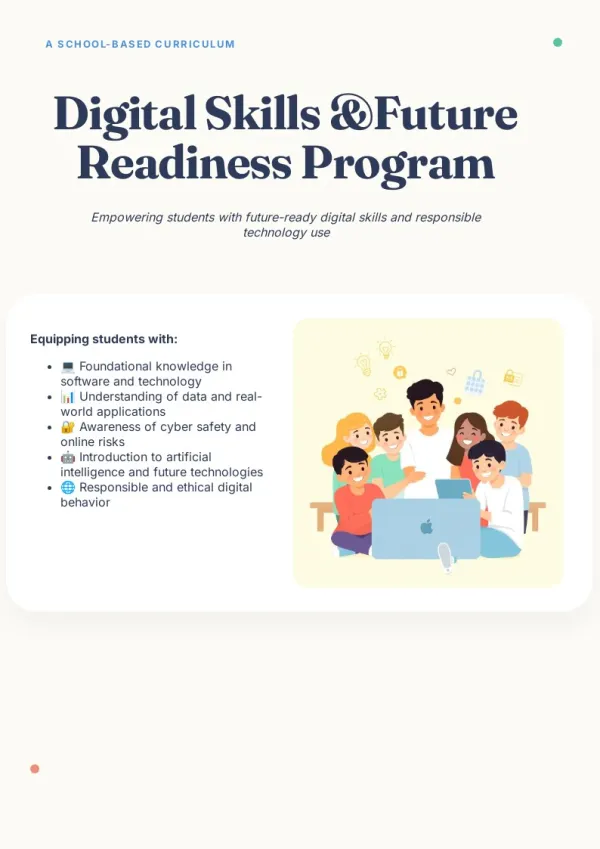
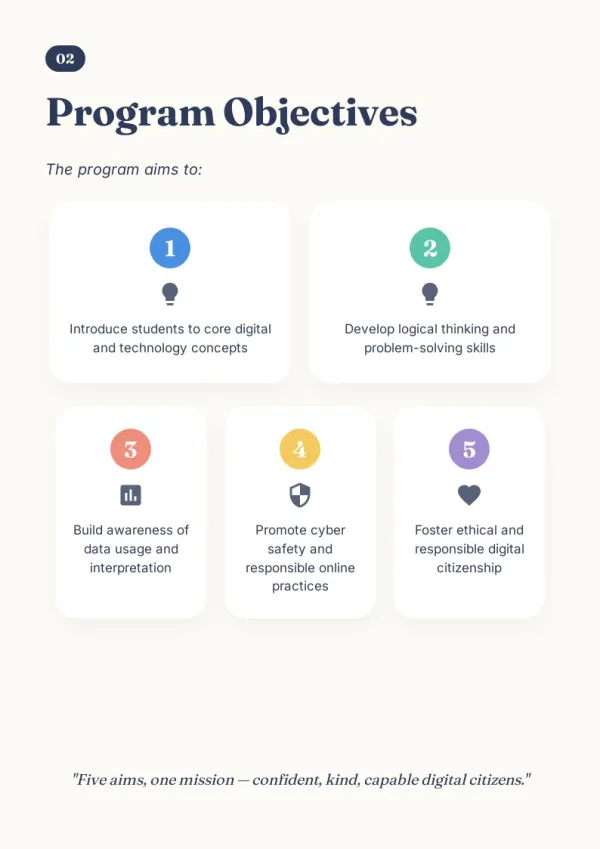
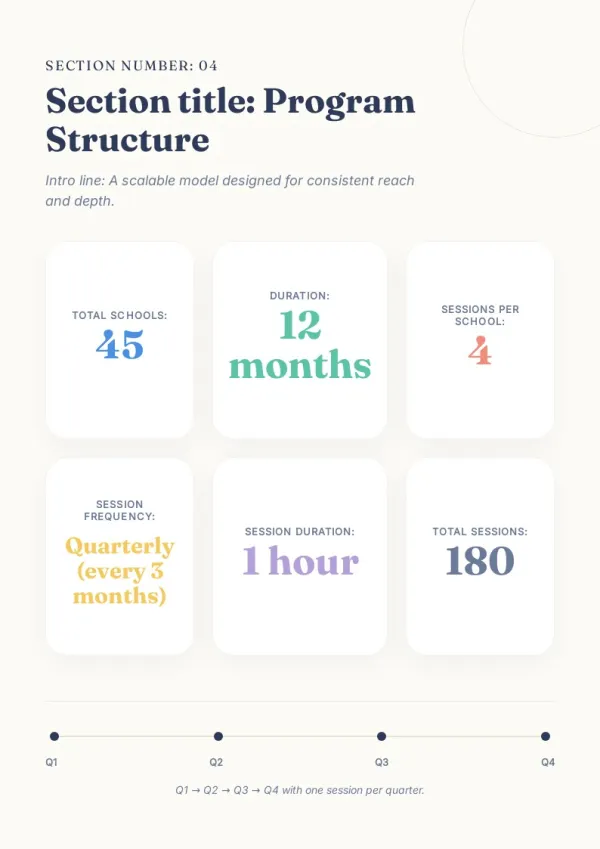
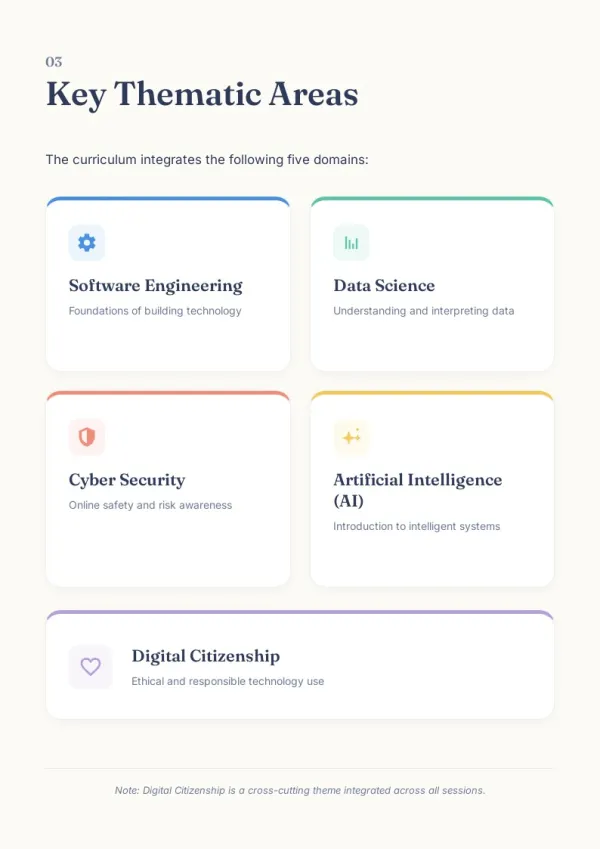
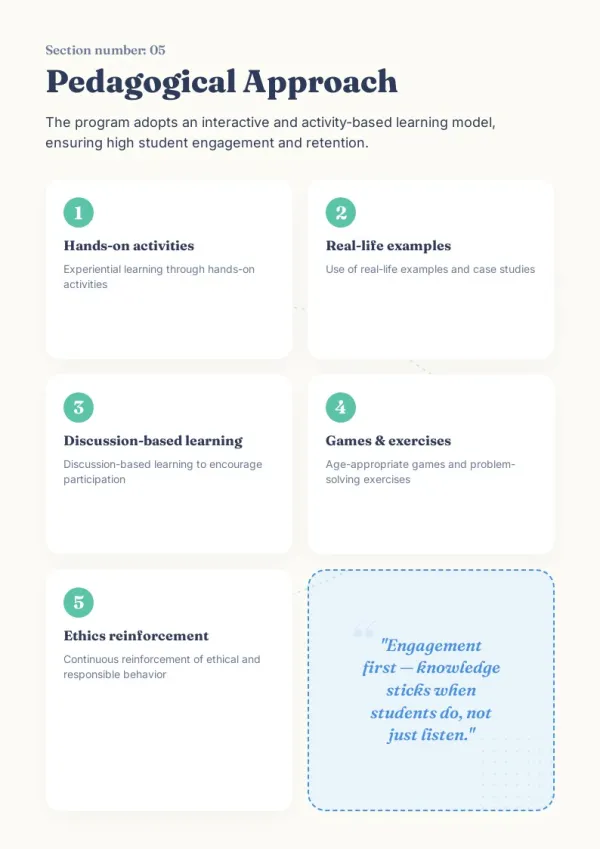
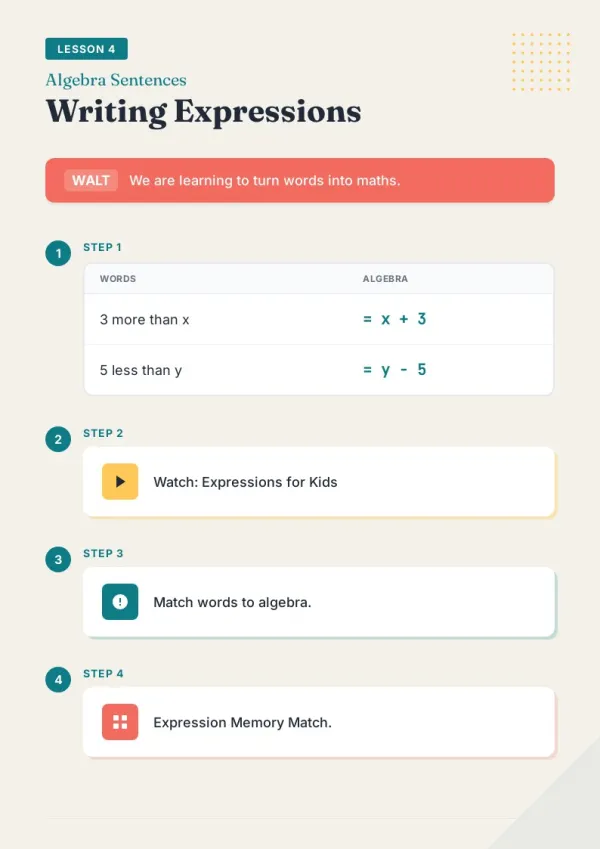
Consultants and small teams
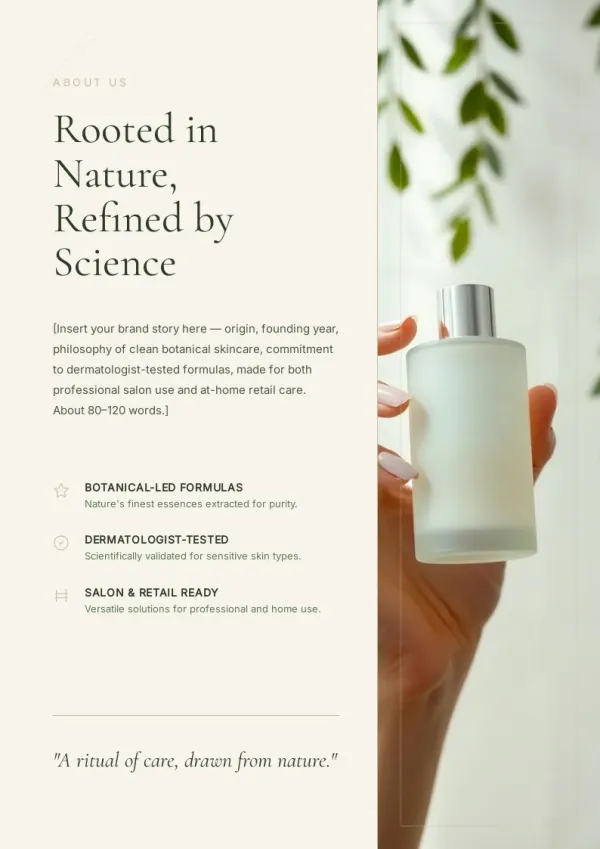
You have a strategy draft or company profile in Word and a client meeting on Thursday. Turn that word document into a booklet you can hand across the table.
For consultants & small teams
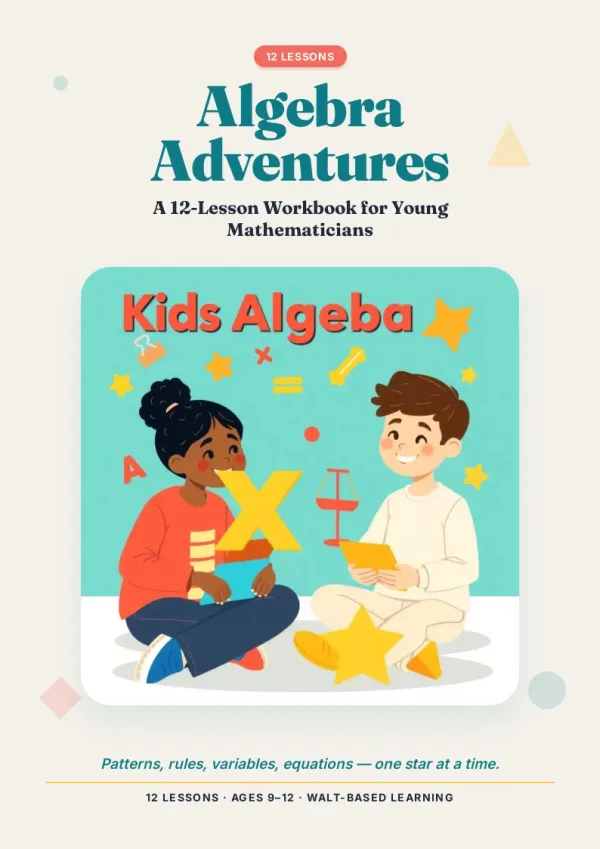
People with something worth keeping
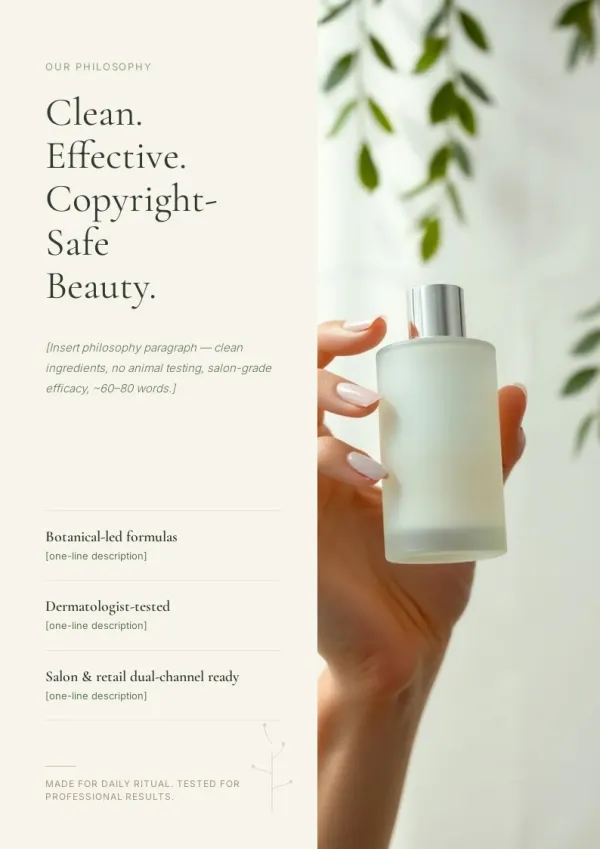
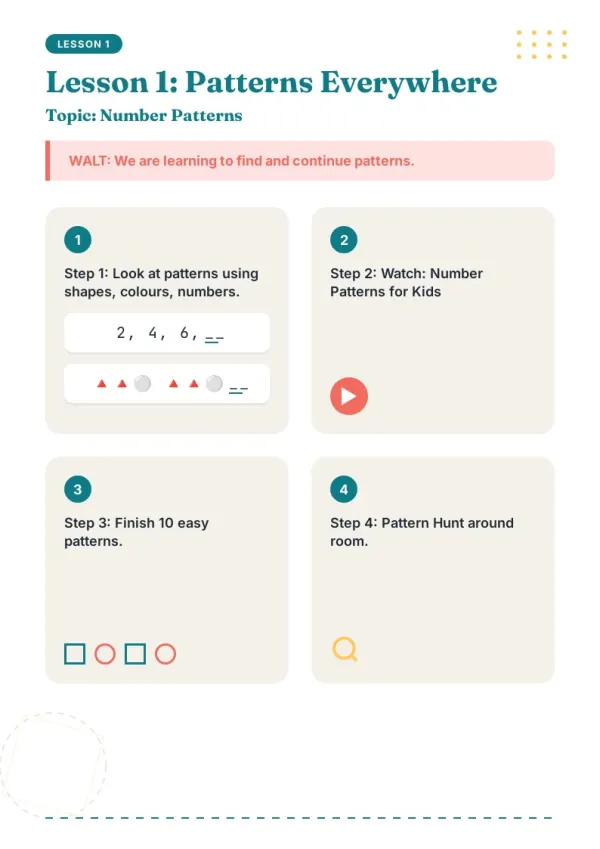
Recipes, a trip journal, a family history sitting in a .docx. A word to booklet converter turns the file into something printable you can give to someone.
For personal projects
What a Word to Booklet Converter Should Actually Do
Six things that separate a real redesign from a page-order trick.
Reads the Whole Word File
Every heading, paragraph, and table in your word file to booklet run is read first.
Your Headings Become Chapters
Heading 1, 2 and 3 map straight to the booklet outline. No guessing, no reshuffling.
Six Style Cards, You Pick One
Choose the look before generation starts, so no page comes out off-brand.
Every Page Laid Out at A4
Fixed 794x1123px pages, so nothing spills over when you print.
Works in Your Language
Upload a Word file in Spanish, French, German or Chinese and keep it there.
Your Words Stay Yours
The outline carries your original text, not an AI summary of it.
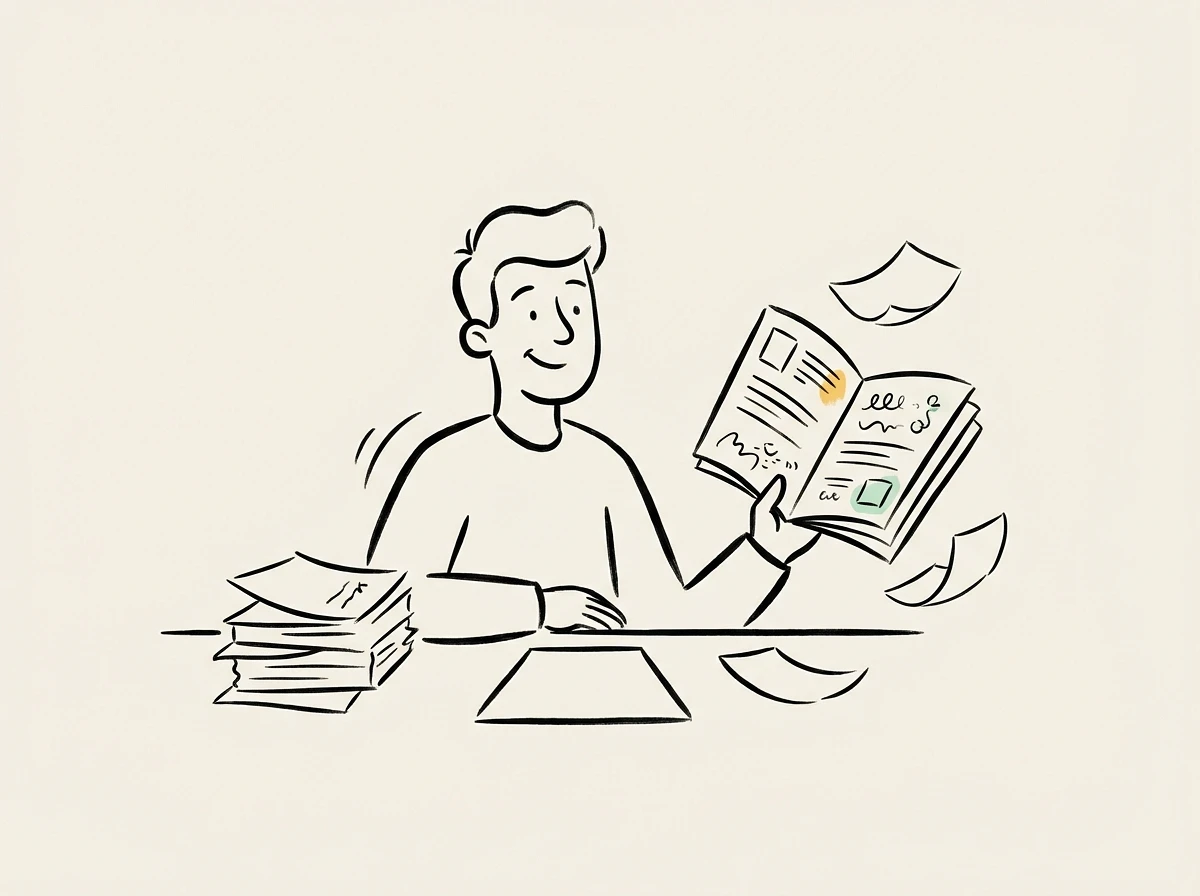
Why a Word to Booklet Converter Beats Book Fold
Book Fold reorders pages. It never touches how your Word document actually looks.
Folding Is Not Designing
Book Fold changes the print order, so a booklet from word document content still reads like a memo.
Layout Rebuilt Page by Page
Each page of your booklet from word document source gets its own composition, not reflowed text.
Illustrations Added Where They Help
AI adds images that match your sections, so a docx to booklet stops looking like a wall of text.
Your time is worth
a subscription.
Spend your hours on the idea — we'll handle the design.
Word to Booklet Converter FAQ
Everything people ask before uploading their first .docx.
1
How is this different from Word's Book Fold setting?
Book Fold only reorders pages for folding; the content and design stay exactly as you typed them. This word to booklet converter reads your heading structure and builds a new designed layout page by page.
2
Which Word formats can I upload?
.docx files up to 50MB, two files at a time. Older .doc files aren't supported - open the file in Word and use Save As to convert it to .docx first.
3
Will it reorganise or rewrite my document?
Only if you ask. After upload you choose: keep your document structure one-to-one, or let it re-split into pages. Either way no topic from your file is dropped, and the outline carries your original wording.
4
What happens to images already in my Word file?
Embedded images aren't carried over - text and tables are. AI adds new illustrations that match each section, and you can upload your own images alongside the .docx to use instead.
5
Can I print the booklet after converting from Word?
Yes. Export a print-ready PDF at A4 (794x1123px per page) and print booklet from Word content without pages getting cut off.
6
How many pages will I get?
Usually 8-15 pages including the cover. A docx to booklet run sizes itself to your file, and you can set the page count at the outline step.
7
Is the word to booklet converter free?
Yes, free credits when you sign up, no credit card. Paid plans add priority generation, HD PDF export, and no watermark.
8
Does it work with non-English Word documents?
Yes. Upload in Spanish, French, Portuguese, German, Italian, Japanese or Chinese and the booklet is generated in the same language.
9
Can I fix one page without regenerating everything?
Yes. Click Edit on any page to change text, images, or layout. Other pages of your word file to booklet result stay untouched.
10
When is this the wrong tool?
If you only need the correct fold and page order for an already-designed file, use Word's Book Fold or our A4 booklet maker. This tool is for when the design itself needs rebuilding.
What Actually Happens to Your Word File
Most converters don't tell you what happens after you hit upload. Here's what gets read, and what it turns into.
Your .docx is read structure first, not page by page
Word styles carry real meaning, so this word to booklet converter uses them instead of guessing. Anything that can't survive a redesign is listed plainly here rather than quietly dropped.
The layout follows what the document is
There isn't one generic template underneath. What you upload decides how the pages are built, which spreads exist, and what sits next to what.