Manual Creator, A User Manual
People Can Find Things In
Drop in operation steps, screenshots, and warnings. Manual creator chapters and indexes, adds troubleshooting charts, exports a manual users will open.
Three Steps to a Manual
From operation steps to in-box ready.
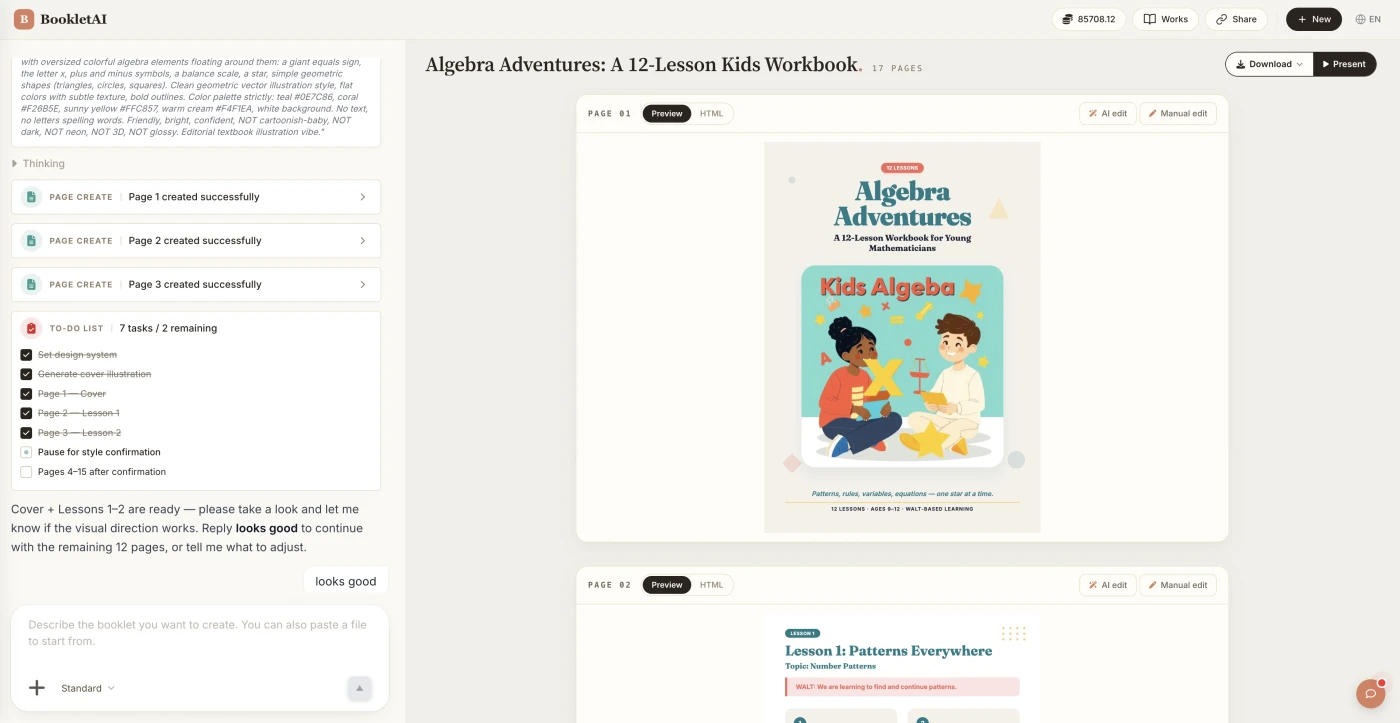
Add content or upload your material
Paste your steps or drop in your material. The AI agent asks about your audience, style, and goals before building the manual.
Review the outline & choose a style
AI shows a full page-by-page outline before writing begins. Approve it and pick a style, then watch each page appear in real time.
Edit any page, then download or export
Click Edit on any page to revise it independently. When ready, copy a share link, download the HTML, or export a print-ready PDF.
What People Build With the Manual Creator
See if your scenario fits.

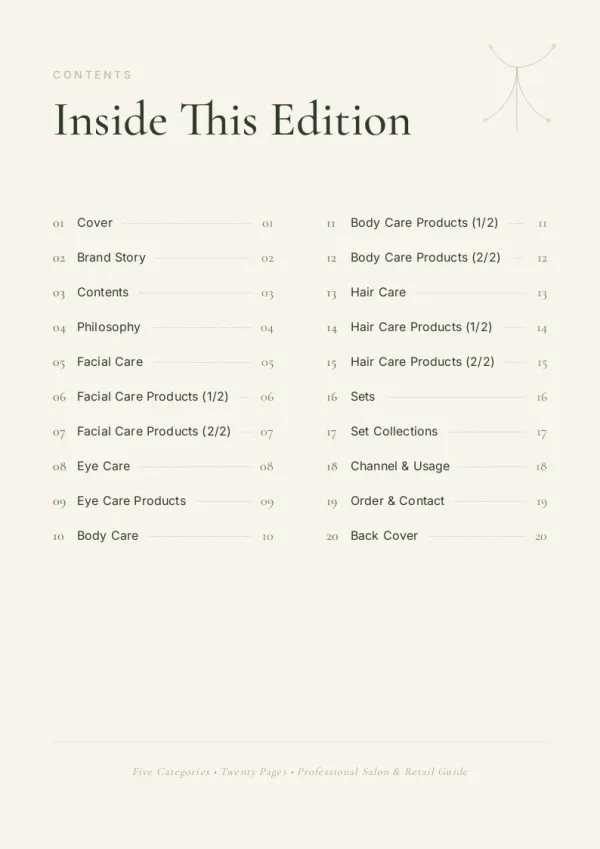



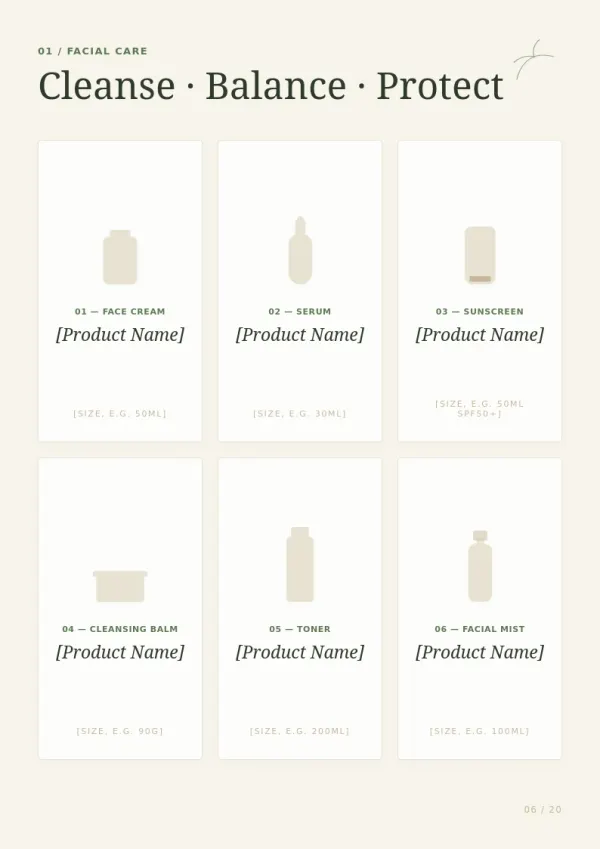
In-box product manual
Consumer electronics or industrial devices ship with a printed manual — more intuitive than a QR to online docs. Return rates and support calls drop.
For sales & marketing
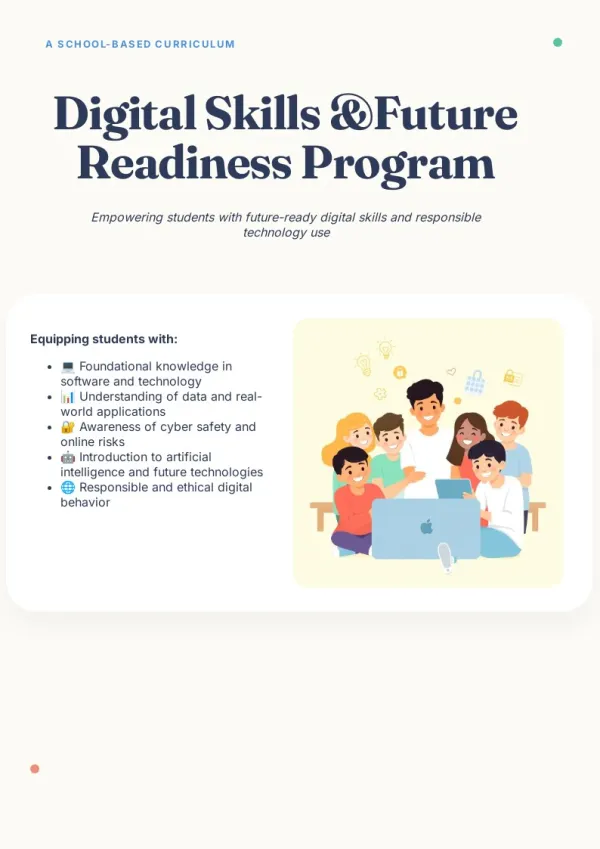
Field installation manual
Installation engineers on site carry a printed manual — easier than phones. Even with oily hands (touchscreens fail), the manual still opens.
For HR & L&D teams

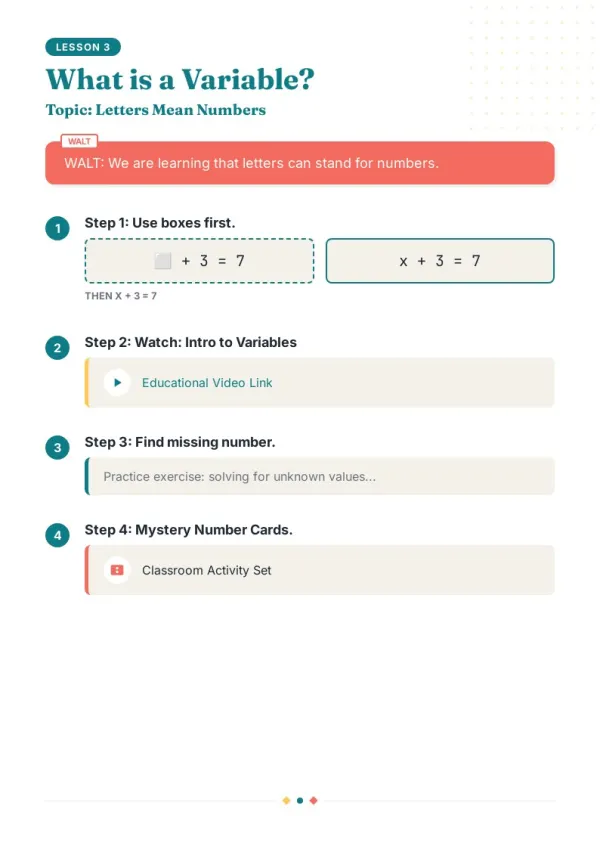
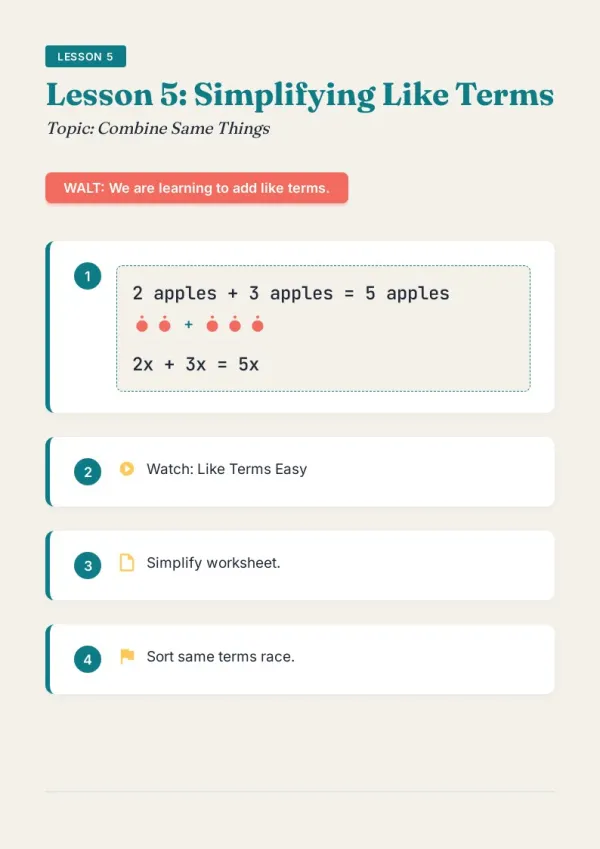
After-sales troubleshooting
Frontline service engineers hit a tough case — flip to troubleshooting, cross-reference symptom → cause → solution. Faster than calling support.
For teachers & course creators
What the Manual Creator Does
Six capabilities for manuals that get used.
Steps and screenshots aligned
Each operation step gets its screenshot or diagram. AI aligns in order — no image-text misalignment.
Asks the reader first
Technical engineer (needs parameter tables), end user (needs plain words), service technician (needs troubleshooting chart) — same content, three writings.
Getting Started → Advanced → Troubleshooting
Standard three-section structure. AI chapters accordingly — Getting Started is lean, Advanced has parameter tables, Troubleshooting has symptom-cause-solution charts.
Warnings and cautions highlighted
Operational hazards, safety warnings, prohibited scenarios — AI identifies and presents with prominent formatting (red bar + icon) to prevent misuse.
TOC + keyword index
The hardest part of a manual: 'find it when something breaks.' AI auto-generates TOC + keyword index. Quick-ref card on back cover.
Print + online + QR traceability
Print version ships with product, online version lives on the support center, each chapter has a QR code linking to video demos.
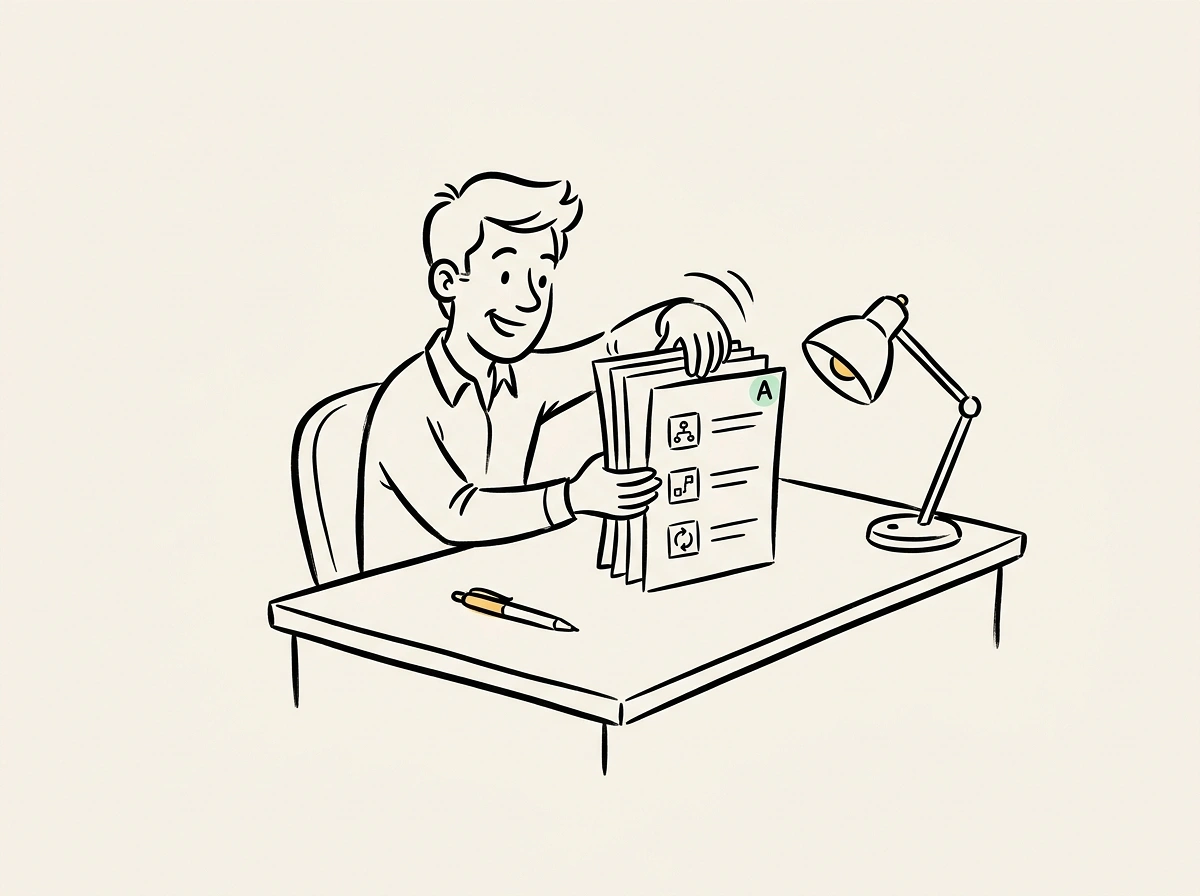
How Manual Creator Fits Alongside HelpDocs and Scribe
HelpDocs focuses on online knowledge bases. Scribe screen-records step-by-step. bookletai makes a printable, indexable 'manual' — for products that ship with docs, for field staff. Print holds up where online doesn't.
Print holds up where online doesn't
Equipment rooms, manufacturing floors, field sites — when cell signal drops, online KBs don't help. Print manuals always open. bookletai produces print + online together.
Version-control with watermark
V3 doesn't get confused with V2: cover and page header auto-show version and release date. Old versions distinguish at a glance.
Three user types, one manual
Installation engineers, daily operators, maintenance technicians — three groups care about different sections. Chapter color coding and TOC let each find their part fast.
Your time is worth
a subscription.
Spend your hours on the idea — we'll handle the design.
What You Might Want to Know About the Manual Creator
Answers to common questions.
1
Is the manual creator free to use?
Yes. Start without signing up. Each new manual uses 1 credit; step edits, screenshot swaps, warning adjustments afterward are free.
2
How does it compare to HelpDocs or Scribe?
HelpDocs focuses on online KBs (login required). Scribe is screen-recording for software tutorials. bookletai makes printable, indexable 'manuals' with online companions — suited for hardware, equipment, procedural products.
3
How do screenshots align with steps?
Number files sequentially (step_01.png, step_02.png...) on upload, or upload as a ZIP. AI recognizes order and places each below the corresponding step text.
4
Will warnings be missed?
AI identifies keywords ('warning,' 'caution,' 'danger,' 'prohibited') and auto-styles red bars. Quick Edit lets you verify each.
5
Are there manual templates?
40+ user manual templates (consumer electronics, industrial equipment, medical devices, software use, kitchen appliances, toys). Choose one; AI follows that industry's norms.
6
How does version control work?
Cover auto-includes version (V1.0, V1.1, V2.0) and release date. Headers and footers sync. Updates bump version +0.1 or +1; old archives differentiate at a glance.
7
Can I embed videos or QR codes?
Yes. Online version embeds video demos directly. Print version uses QR codes on chapter pages — scan to watch. Paper + video complement each other.
8
How is the troubleshooting chart generated?
Provide common faults (symptom + cause + solution). AI builds a three-column table sorted by frequency. Can expand to 'severity' or 'estimated repair time' columns.
9
How many pages fit a manual?
20-60 pages works well. Consumer electronics 20-30; industrial equipment 50-80 (detailed troubleshooting). AI suggests by product complexity.
10
Multi-language support?
Generate EN, ZH, JA, DE, FR, ES versions from one manual. International product essentials — switch Language to generate target versions.
11
Is there a free AI manual creator?
Yes. The AI manual creator is free to start — no signup for a first manual. Each new manual uses 1 credit; step edits, screenshot swaps, and warning adjustments afterward are unlimited and free.
12
Does it work as a user manual creator online?
Yes. The user manual creator runs fully online — paste operation steps, upload screenshots, and the tool structures Getting Started / Advanced / Troubleshooting sections, TOC, and index. No software to install.
13
Can it be used as an operations manual creator for internal teams?
Yes. As an operations manual creator, it consolidates SOP docs, screenshots, and escalations into a single printable reference. Staff can find procedures quickly via the auto-generated index; frontline teams get printed copies that work without signal.