Booklet Maker, Any Idea to a Designed Booklet
Describe a topic or paste your content. AI researches, writes, illustrates, and designs every page.
How to Make a Booklet in 3 Steps
From idea to finished booklet — no design experience needed.
Add your topic, content, or a URL
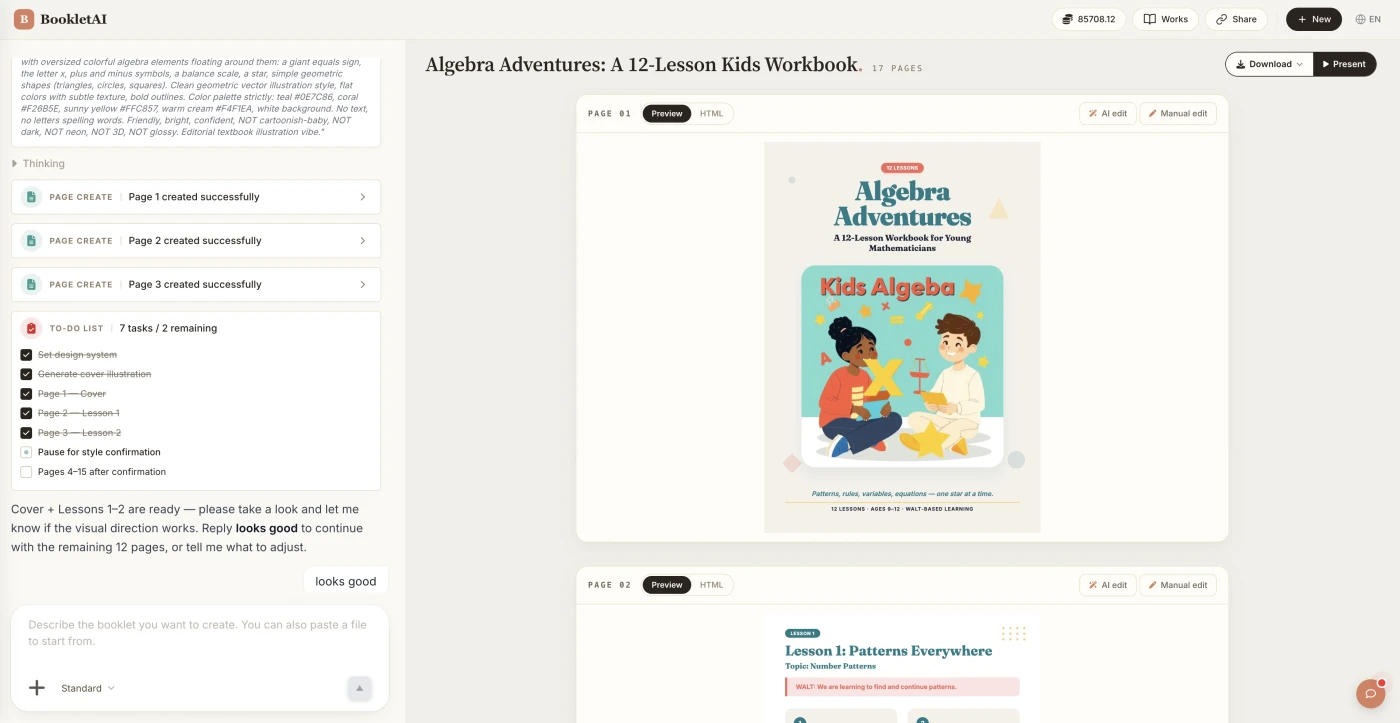
Enter a booklet topic, paste your content, or drop a URL. The AI agent asks about your audience, style, and goals before creating anything.
Review the outline & choose a style
AI shows a full page-by-page outline before writing begins. Approve it and pick a style, then watch each page appear in real time.
Edit any page, then download or export
Click Edit on any page to revise it independently. When ready, copy a share link, download the HTML, or export a print-ready PDF.
Booklet Maker for Every Use Case
From marketing materials to training manuals, create any booklet by describing your topic.
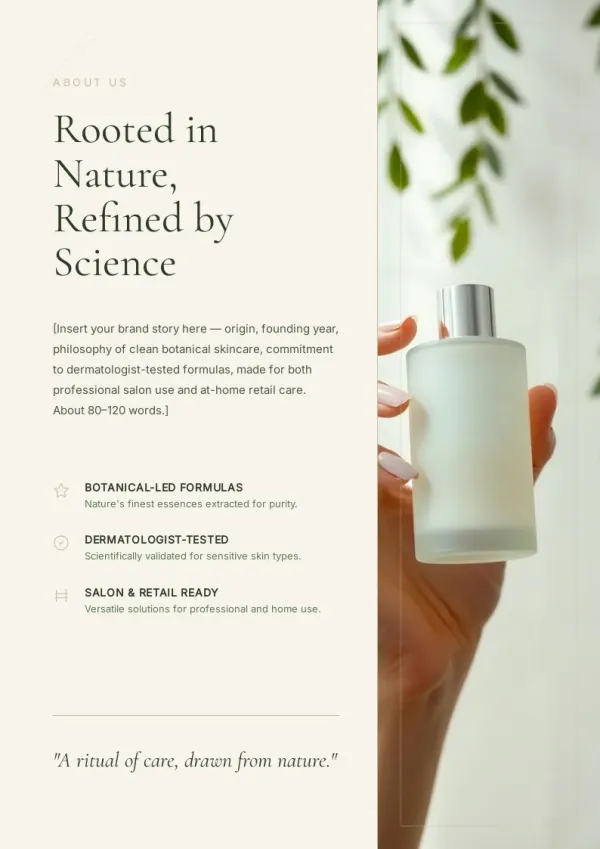
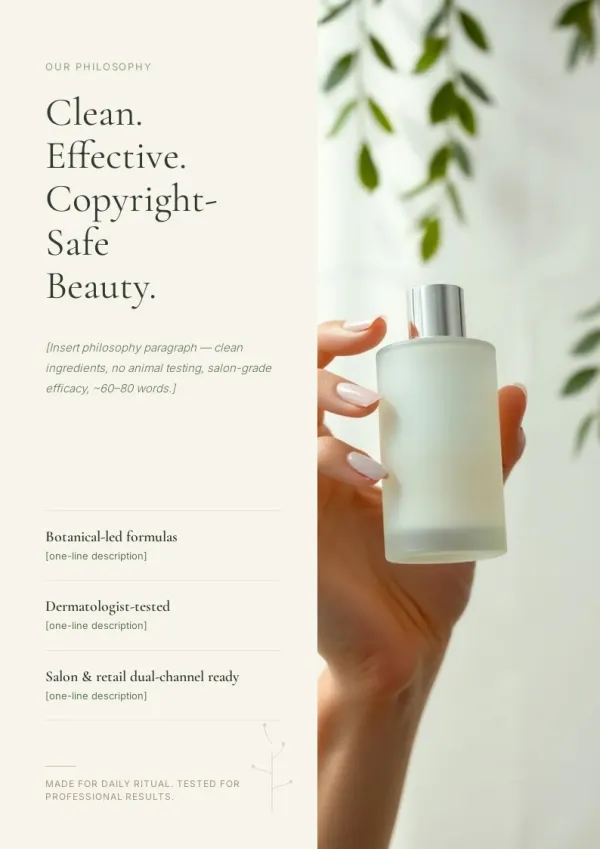
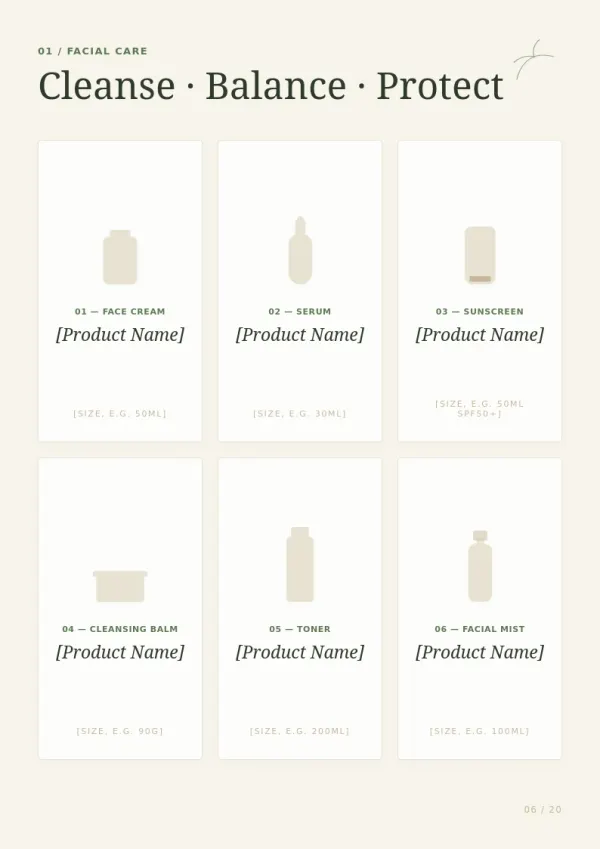
Product & Brand Booklets
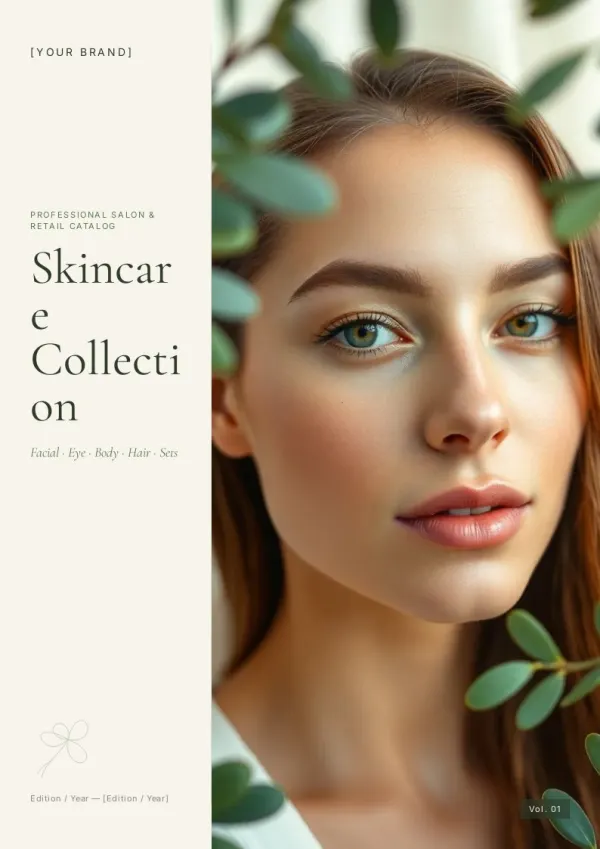
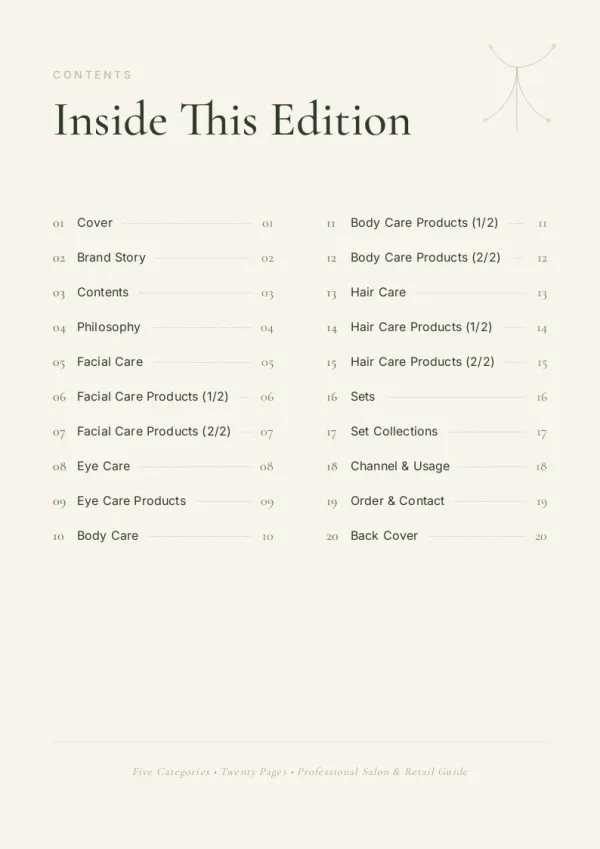
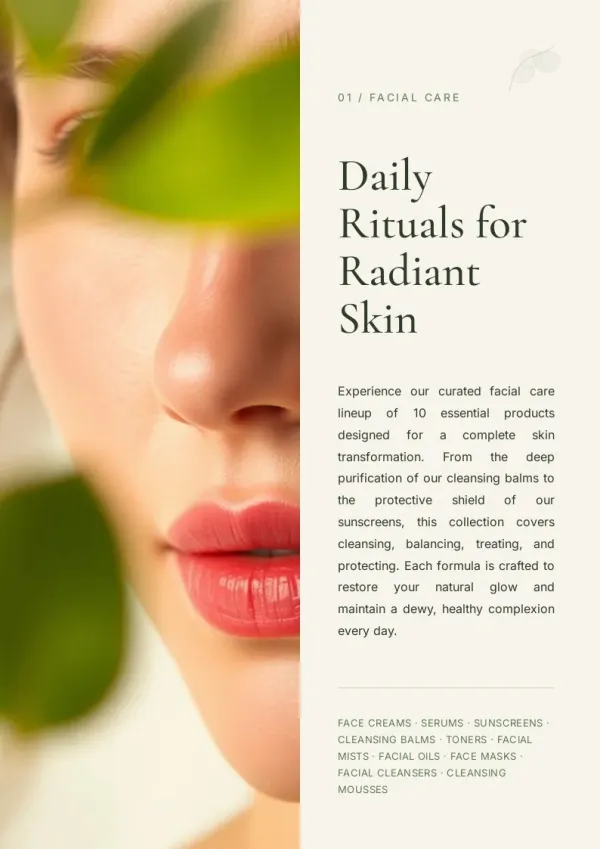
Marketing teams describe their product and AI handles the rest — researching competitors, writing copy, sourcing images, and designing professional A4 pages ready for clients.
For sales & marketing
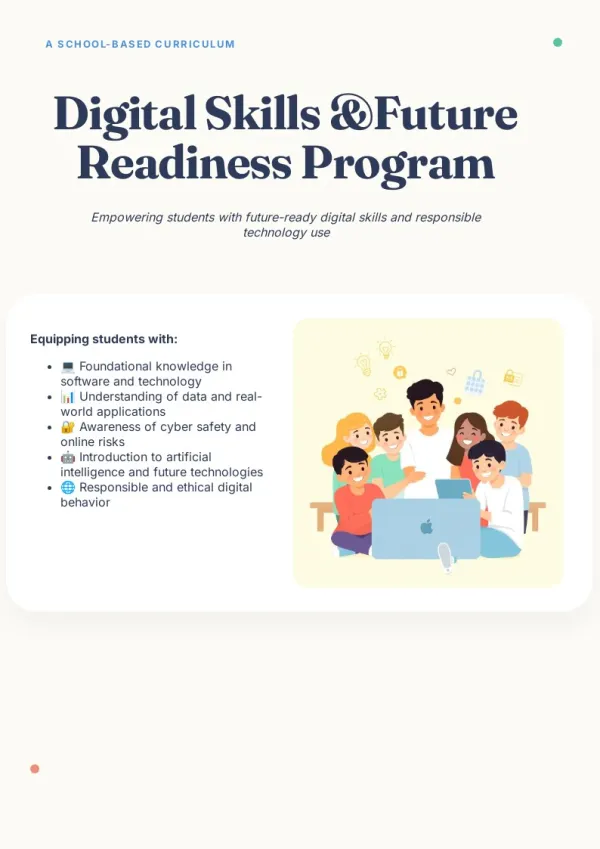
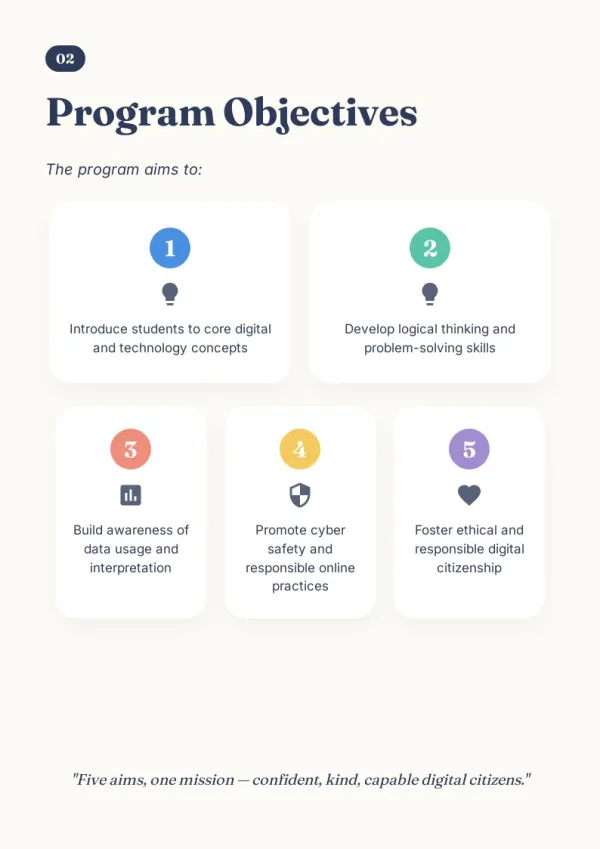
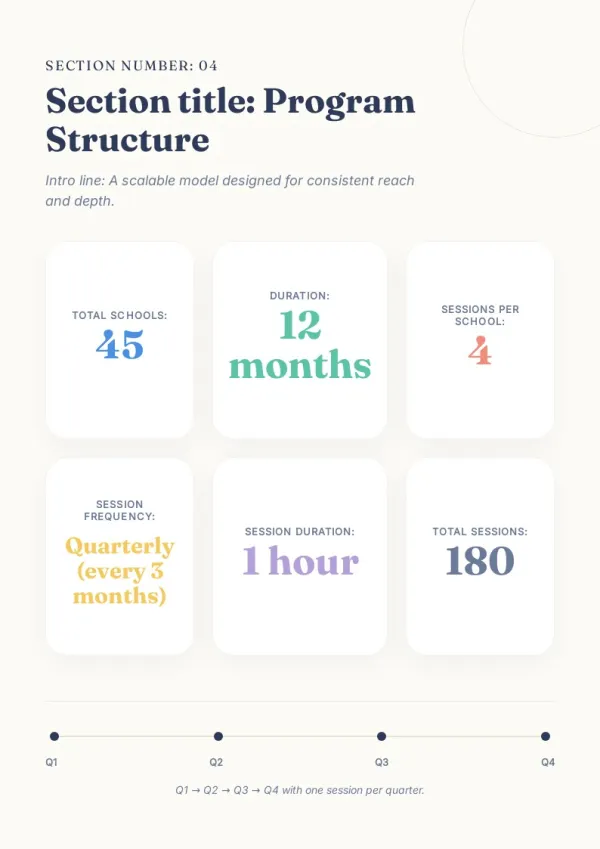
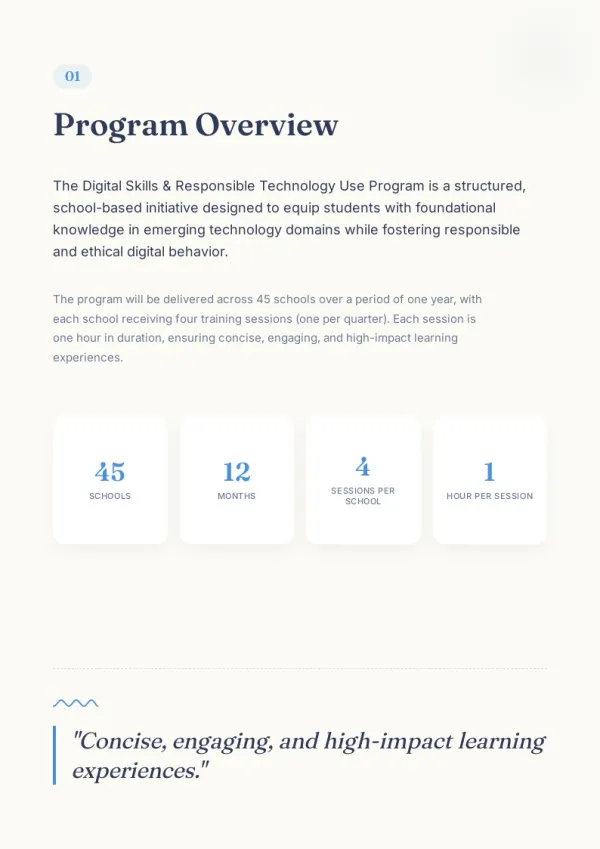
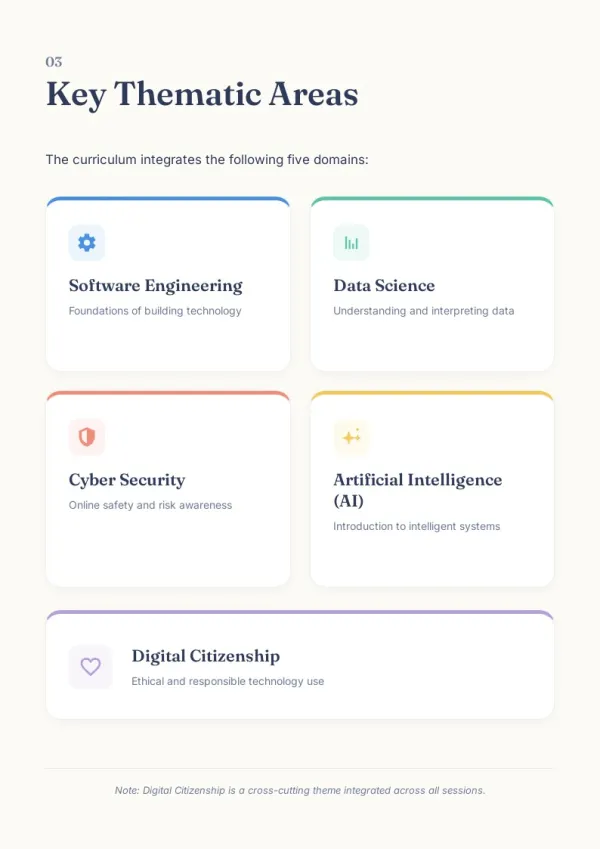
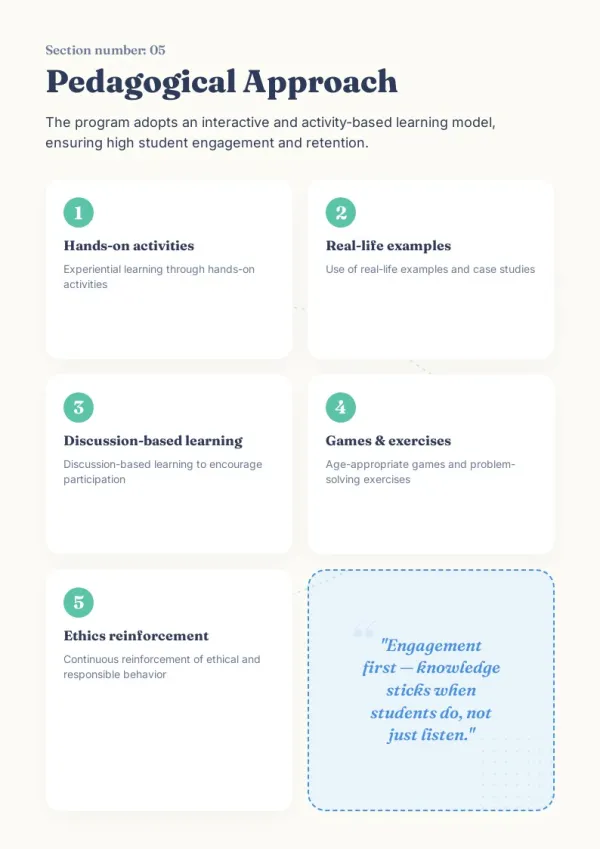
Training & Onboarding Manuals
HR professionals build structured training handbooks by describing the topic. AI organizes content into clear, visual pages with step-by-step instructions and helpful illustrations.
For HR & L&D teams
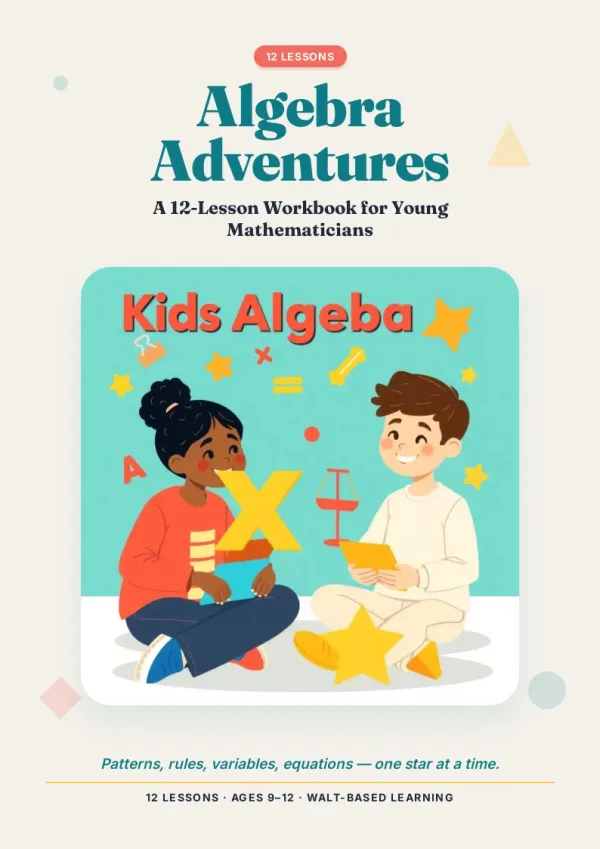
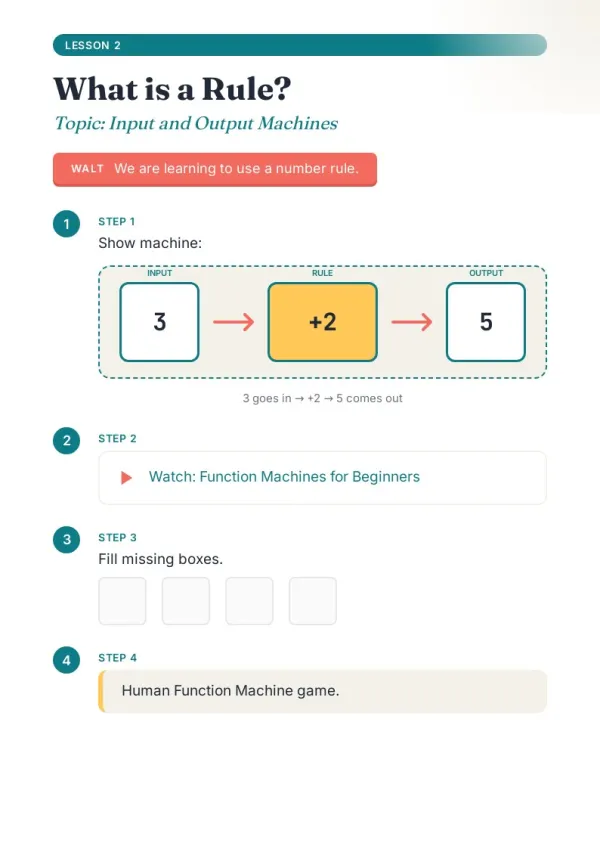
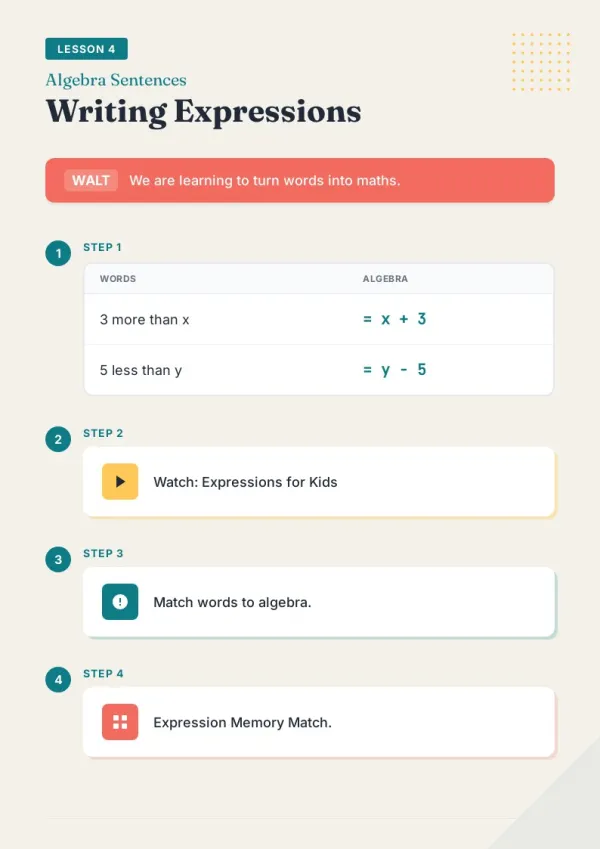
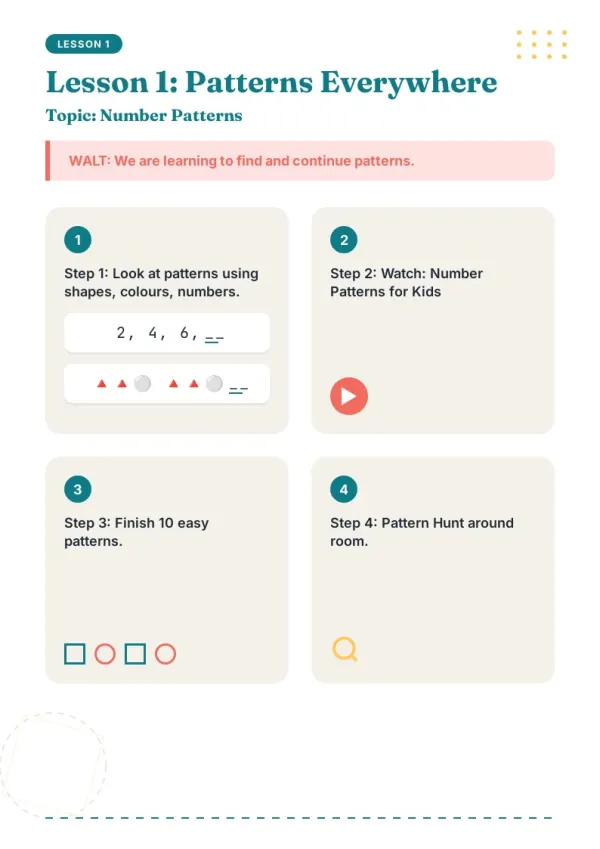
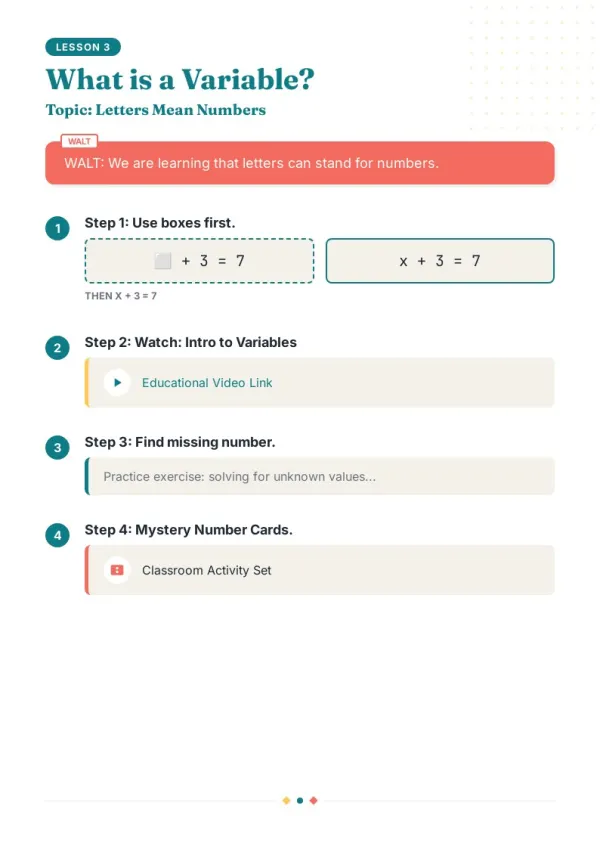
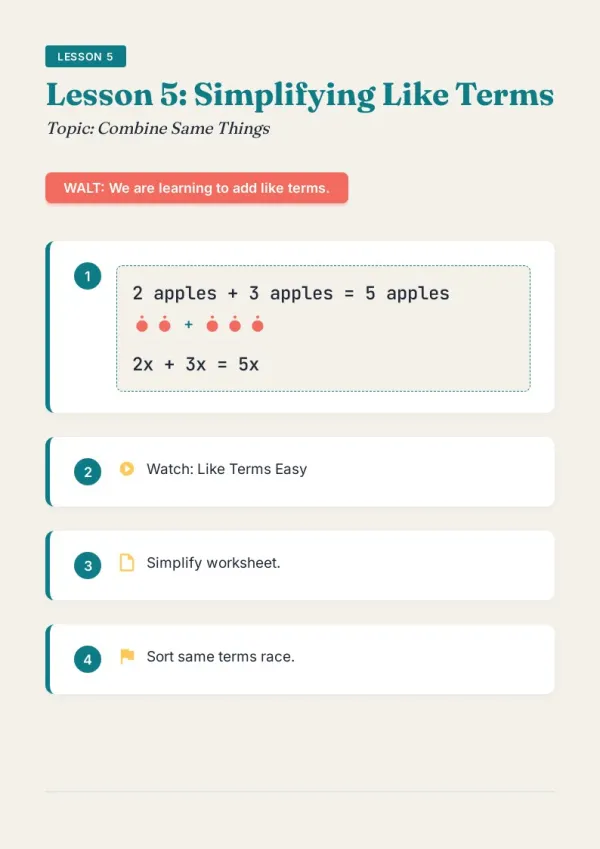
Course Materials & Study Guides
Educators turn lesson topics into illustrated booklets. AI researches the subject, structures the content, and designs each page — producing a free booklet maker alternative to manual design.
For teachers & course creators
Why Choose This Booklet Maker
Everything you need to create professional booklets, powered by AI — from research to final design.
AI-Powered Booklet Creator
Describe your topic and AI writes, researches, and designs a complete booklet. No templates or design skills required.
Real-Time Web Research
AI searches the web and reads high-quality pages to fill your booklet with accurate, up-to-date content.
Auto Image & Layout
Every page gets professional A4 layout with images — real photos or AI illustrations placed automatically.
Instant Preview & Page Editing
See each page as it generates. Click Edit on any page to refine text or images individually.
Share & Export Anywhere
Get a shareable link instantly, or download as HTML or PDF — ready to print, send, or publish online.
Works in Any Language
Write your topic in English, Chinese, or any language. The online booklet creator generates in your language.
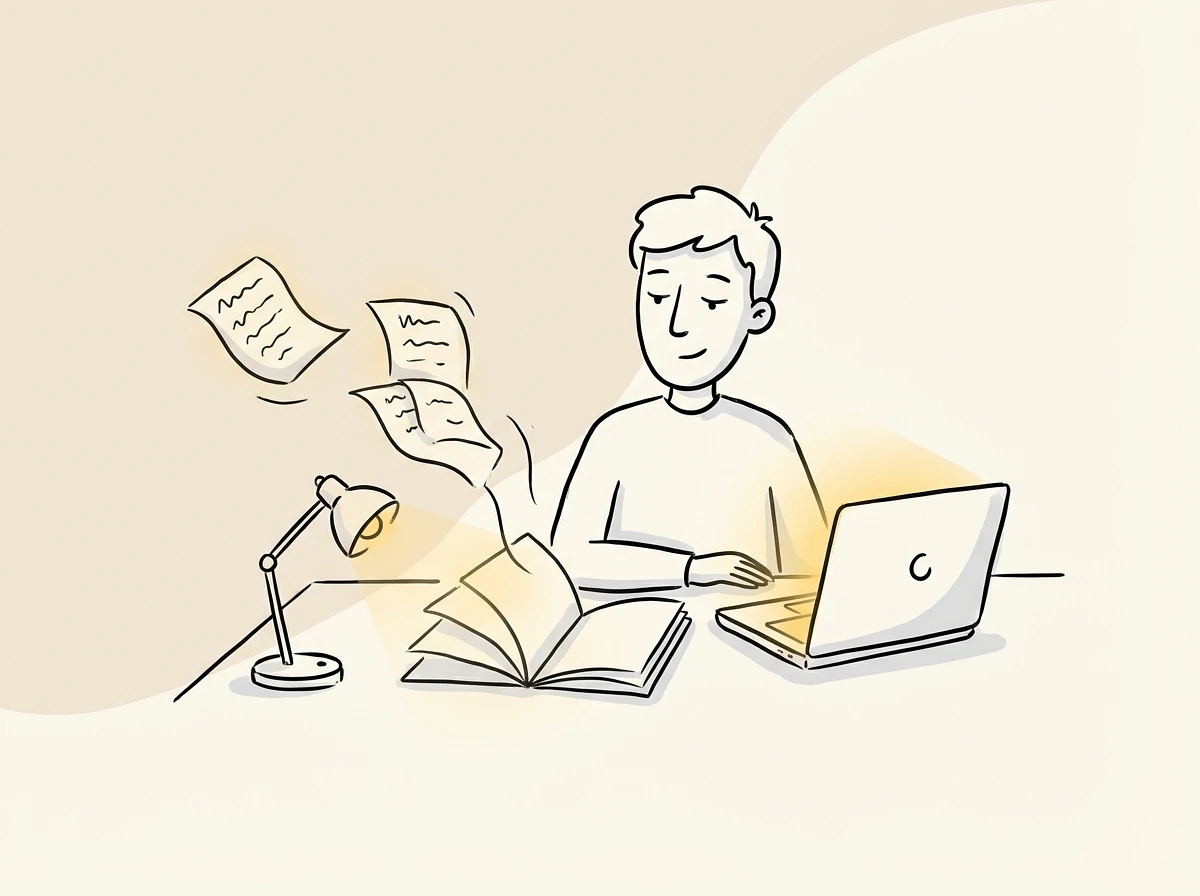
How This Online Booklet Maker Works
BookletAI turns a simple topic into a fully designed booklet through AI research, writing, and layout — all in one conversation.
Conversational Creation
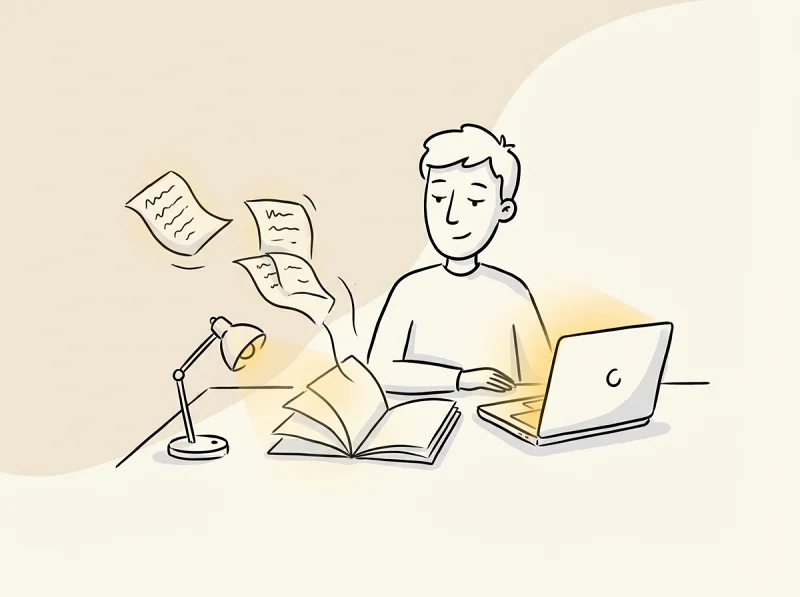
Chat with AI about your booklet — it asks about your audience, purpose, and style before creating anything.
Research-Backed Content
AI searches and reads real web pages, not just training data, to produce accurate and current booklet content.
Print-Ready A4 Pages
Each page is a fixed 794×1123px layout with mixed text and images — like a magazine, not a slideshow.
Your time is worth
a subscription.
Spend your hours on the idea — we'll handle the design.
Booklet Maker FAQ
Common questions about creating booklets with BookletAI.
1
Is this booklet maker free to use?
Yes. Sign up and get free credits to start creating booklets immediately. No credit card required. BookletAI is a free booklet maker you can use right in your browser.
2
How is this different from Canva or Word booklet templates?
Template tools require manual design and writing. BookletAI is an AI booklet creator that researches your topic, writes the text, adds images, and designs every page automatically.
3
Can I use this as an online booklet maker without downloading software?
Yes. BookletAI works entirely in your browser as an online booklet creator. No downloads needed — describe your topic and start creating.
4
What kind of booklets can I create?
Product booklets, training manuals, course materials, research summaries, event guides, proposals, and more. This booklet maker app adapts to any topic you describe.
5
Can I edit individual pages after generation?
Yes. Click Edit on any page to give AI specific instructions. Other pages remain unchanged, so you can fine-tune without regenerating the entire booklet.
6
How does AI get content for my booklet?
AI performs real-time web searches, reads 3–5 high-quality pages, and uses that research to write accurate content. It goes beyond training data to find current information.
7
What export formats does the booklet creator support?
Share a read-only link (viewers need no login), download as HTML for offline use, or export as print-ready PDF with precise A4 rendering.
8
Does the booklet maker work for non-English content?
Yes. Describe your topic in any language — Chinese, Spanish, French, and more. The booklet is generated in your input language automatically.
9
Can I add my own images to the booklet?
Yes. Upload images and AI understands the content, then incorporates them into the appropriate pages of your booklet alongside AI-generated and web-sourced images.
10
Is there a booklet creator free plan with no page limit?
BookletAI generates 8–15 pages per booklet on free credits. This works well for most use cases. You can request adjustments during the outline review stage.