Media Kit Maker, A Press Kit Journalists Open.
Drop in brand photos, logos, and a company blurb. Media kit maker lays it out the way journalists need, adds spokesperson profiles and quotable facts.
Featured Templates
Start with a professionally designed template and customize it to your needs.
School Course Catalog
University Newsletter
Toy Catalog
Teacher Handbook
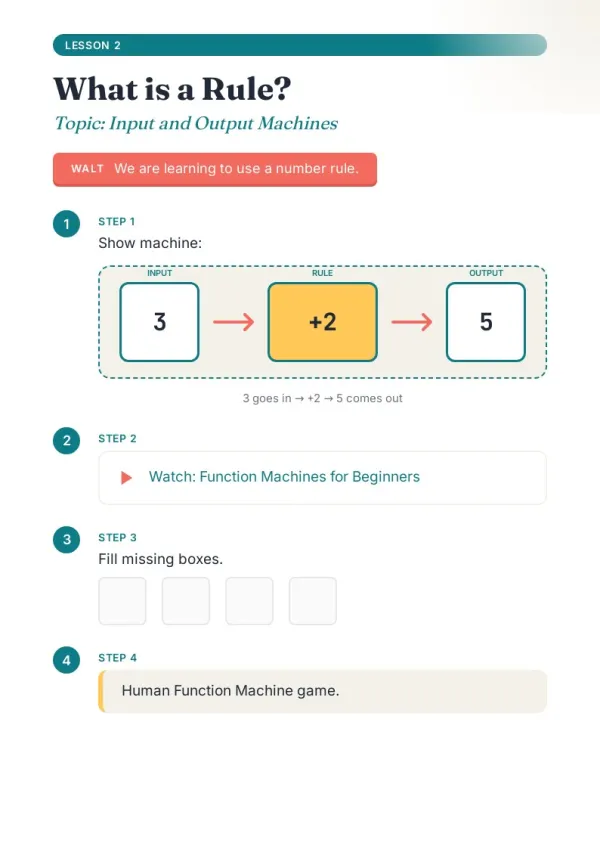
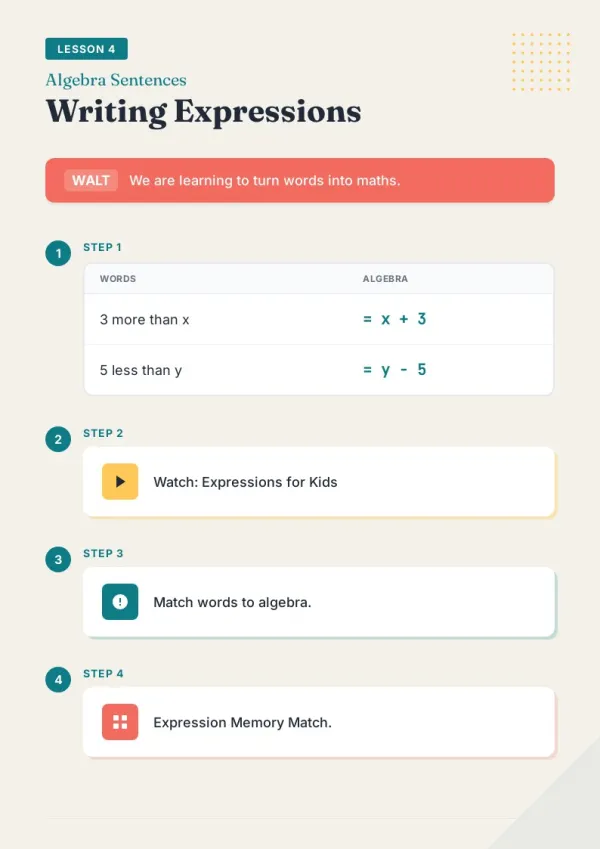
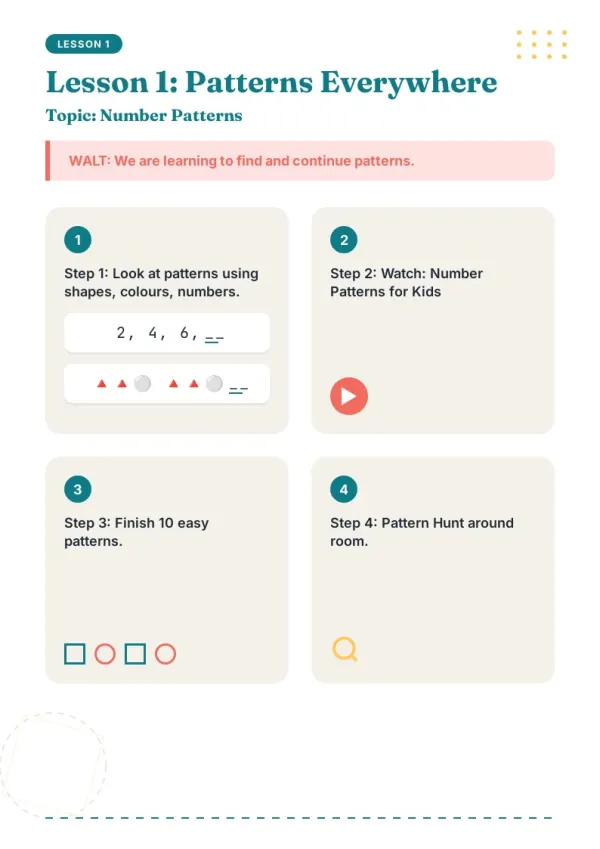
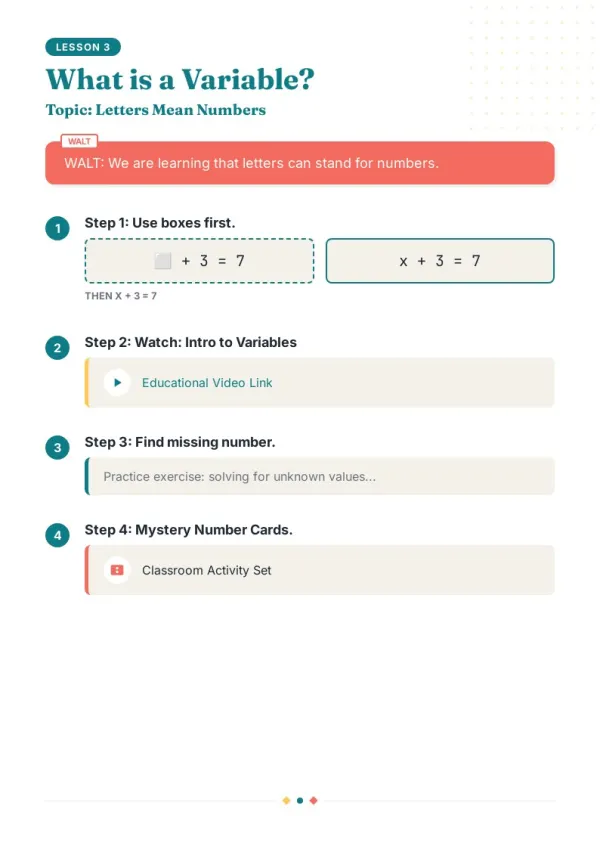
Interactive Math Worksheet
Children Book
School Newspaper
Classroom Rules Poster
School Newsletter
What People Build With the Media Kit Maker
See if your scenario fits.

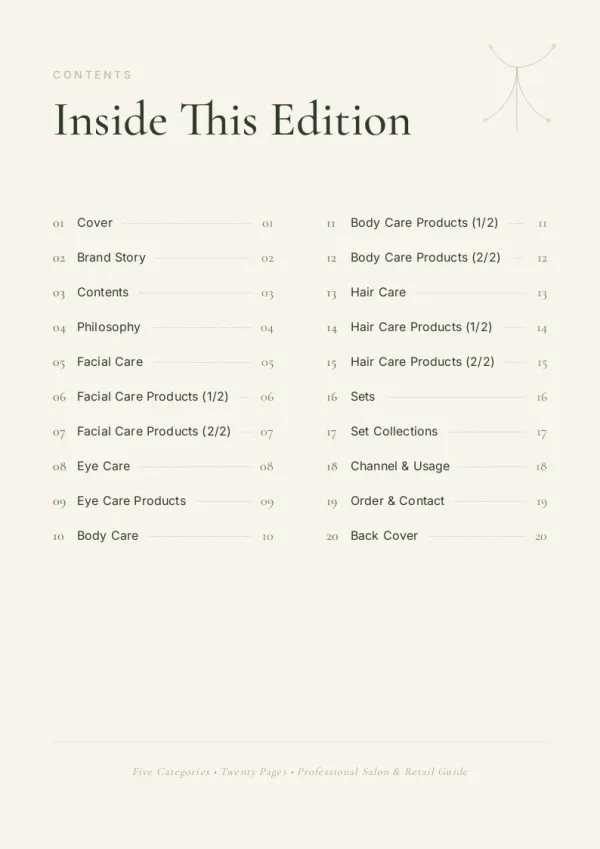
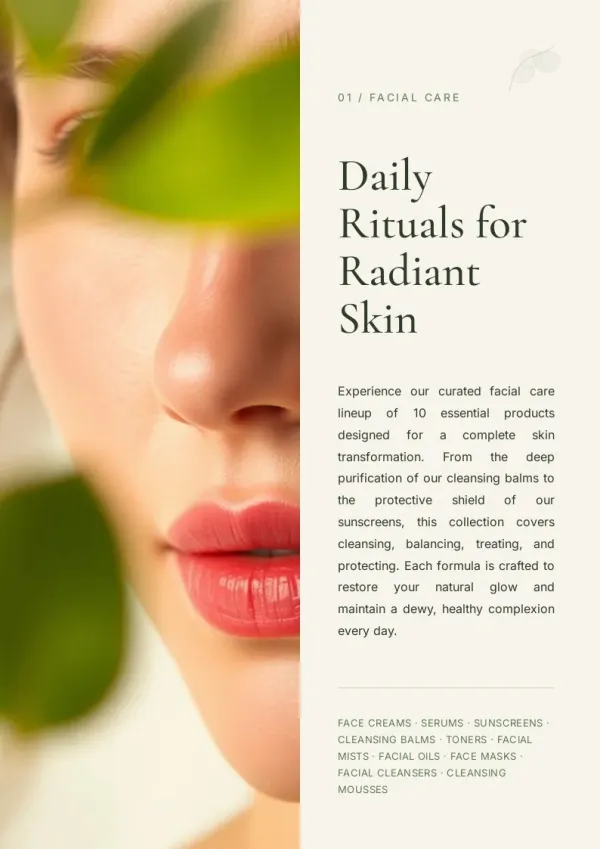
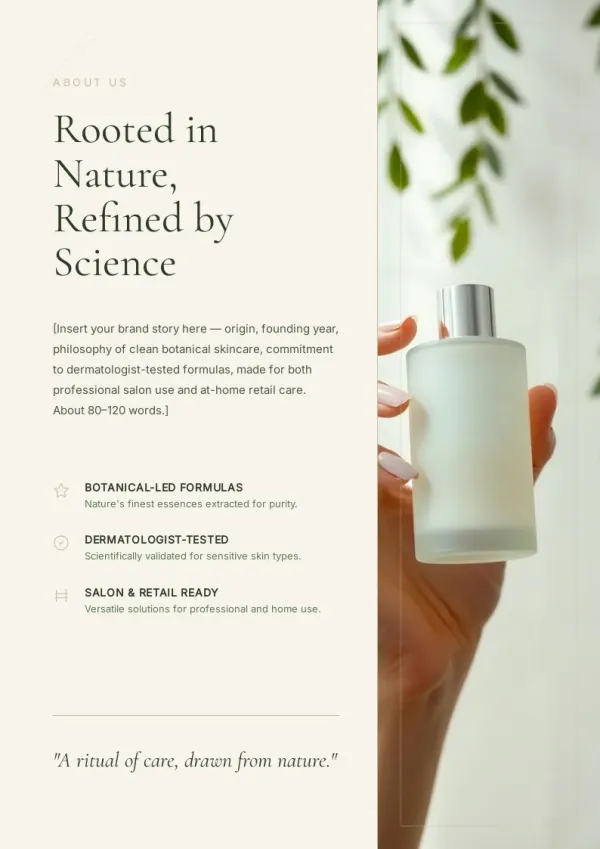
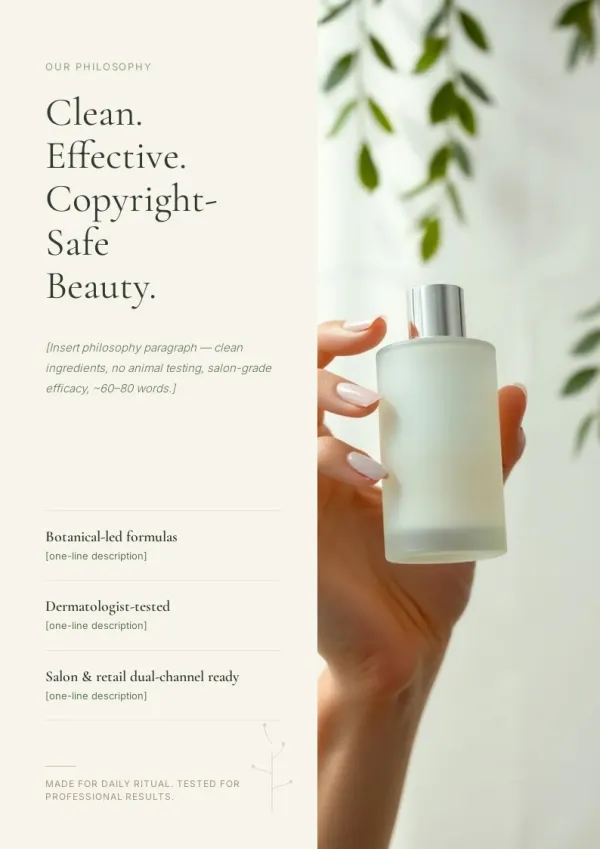
Founder-led PR
Teams without a full-time PR have the founder build a media kit, post on the Press page, attach the link when pitching — signals the company is 'press-ready.'
For sales & marketing
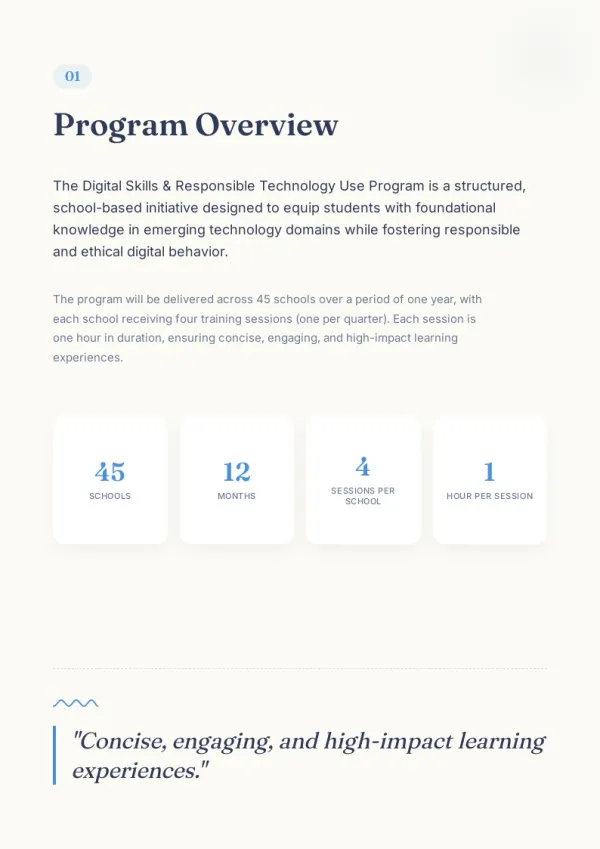
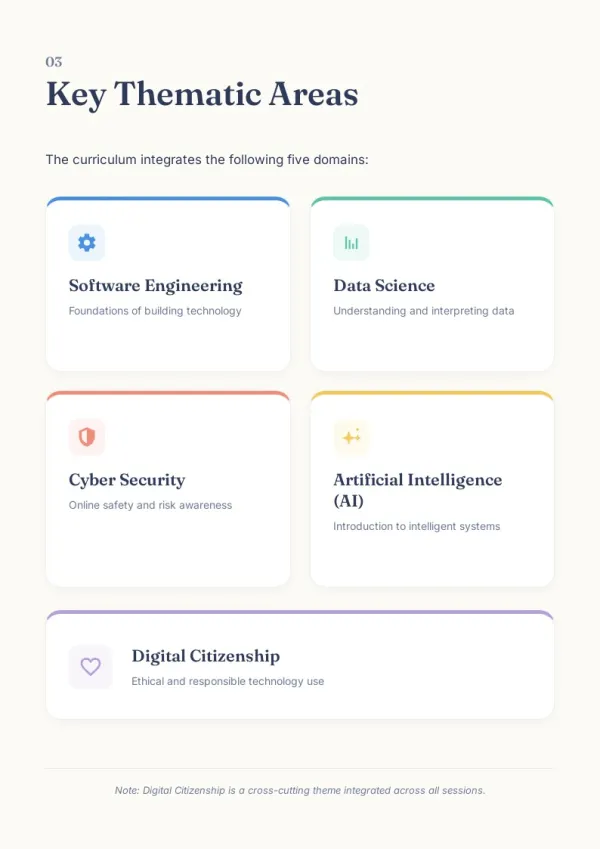
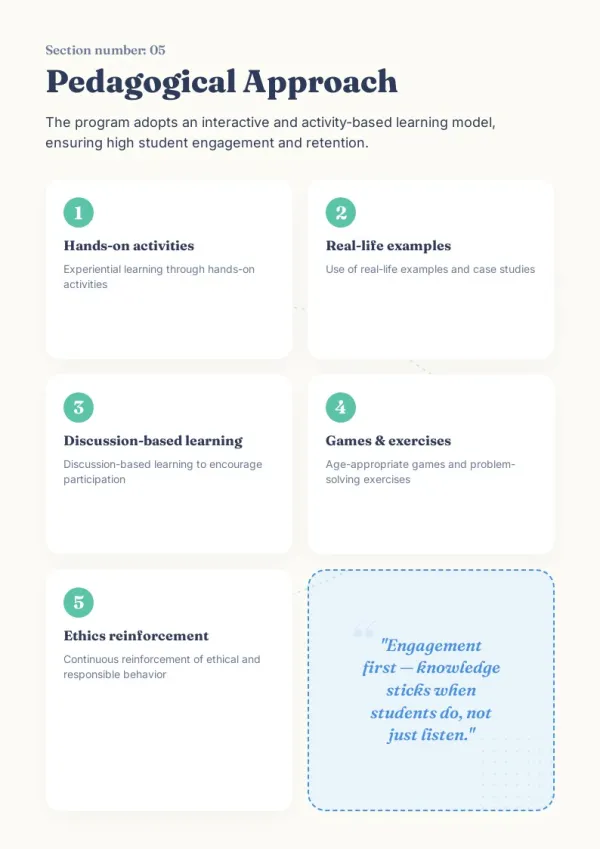
Creator brand collaboration kit
Bloggers, podcasters, video creators pitch brand deals with a 'collab media kit' covering audience, stats, voice — far more professional than a collection of scattered images.
For HR & L&D teams
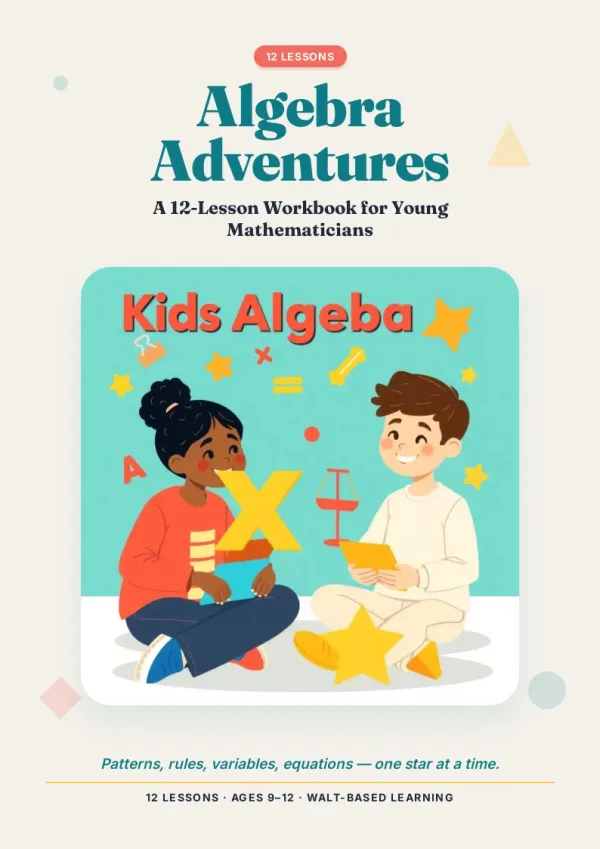
Conference and event handouts
For trade shows and launch events, print the media kit and place on the press desk — journalists pick them up, far less missed than emailed versions.
For teachers & course creators
Three Steps to a Media Kit
From brand assets to press-ready.
Add or upload your brand assets
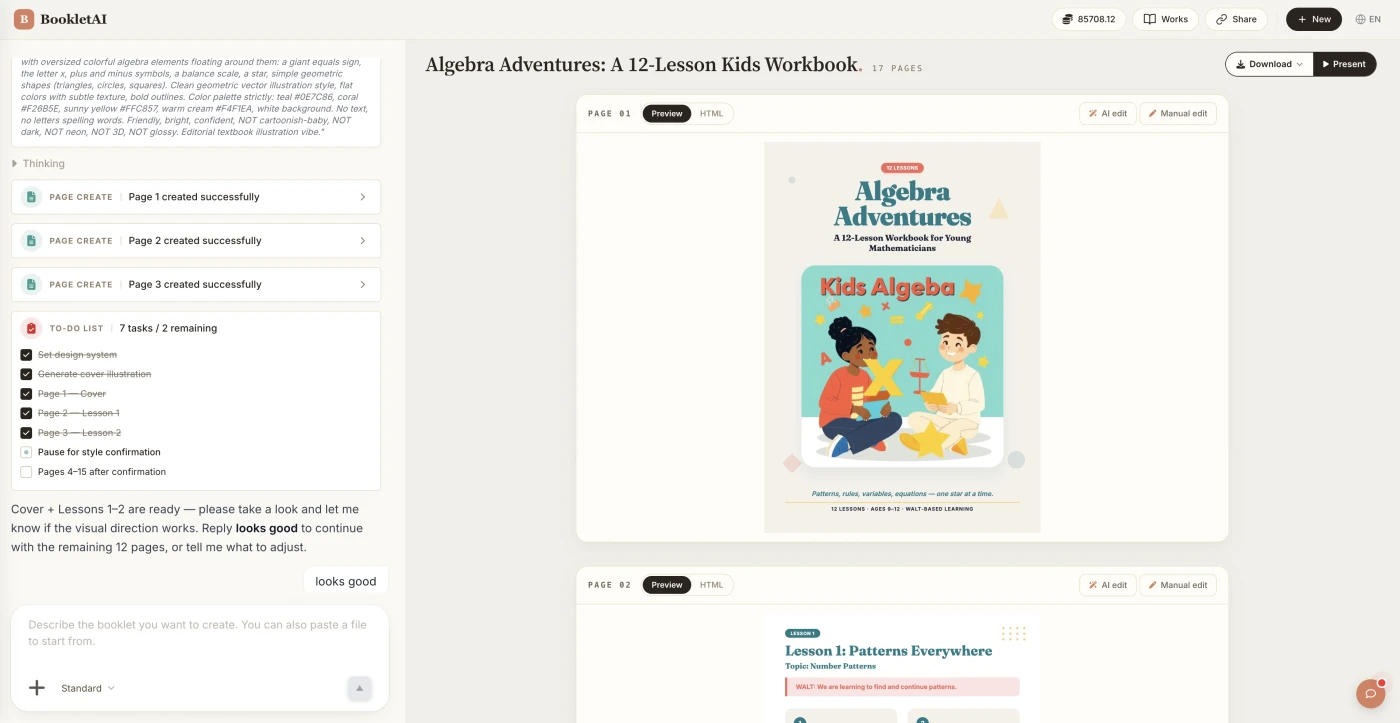
Paste your brand info or drop in your assets. The AI agent asks about your audience, style, and goals before building the media kit.
Review the outline & choose a style
AI shows a full page-by-page outline before writing begins. Approve it and pick a style, then watch each page appear in real time.
Edit any page, then download or export
Click Edit on any page to revise it independently. When ready, copy a share link, download the HTML, or export a print-ready PDF.
How Media Kit Maker Fits Alongside Canva and Notion
Canva offers PPT-like templates. Notion makes online docs. bookletai is structured for media kits — fixed components (Logo section, Fact Sheet, Spokespeople), PDF and share link produced together.
Not a doc template — a press kit structure
Canva gives generic templates you fill manually. bookletai lays out the press kit structure (Boilerplate / Fact Sheet / Spokespeople / Assets) — you fill the specifics.
Master kit, event copies
Annual master kit for the site press page; duplicate for a launch with that day's agenda and product photos; post-event archive as 'press materials for launch X.'
Quotable, by design
Fact Sheet numbers and Boilerplate text are labeled 'quotable as-is' — journalists copy-paste into articles, citation rates rise.
What the Media Kit Maker Does
Six capabilities for a press kit that gets used.
Logos, photos, product shots organized once
Upload assets of any ratio or background. AI groups them (logo set, product shots, team photos).
Asks who'll read it first
Tech press, vertical trade pubs, podcast hosts — priorities differ, AI aligns before laying out.
Key facts on one page
Company blurb, founded, HQ, funding stage, top numbers — one fact sheet journalists can quote without hunting.
Spokespeople presented consistently
CEO/CTO headshot + standard bio + email — journalists pick whom to interview directly.
High-res assets downloadable
Each image links to a high-res download. PDF notes commercial usage rights.
Share link + PDF
PDF for formal email attachments, share link for PR groups — same assets, two formats.
Choose Your Plan
Select the perfect plan for your needs
What You Might Want to Know About the Media Kit Maker
Answers to common questions.
1
Is the media kit maker free to use?
Yes. Start without signing up. Each new kit uses 1 credit; data updates, photo swaps, spokesperson changes afterward are free.
2
How does it compare to Canva or Notion?
Canva gives generic templates for manual layout. Notion makes online docs (not print-friendly). bookletai is structured specifically for media kits — one source exports PDF + share link + print.
3
What sections are standard?
Company boilerplate (quotable), fact sheet (key numbers), spokespeople (bios + contacts), brand assets (download links), recent press releases, contact info. AI generates these automatically.
4
How do I license brand assets?
Each image can include usage notes ('press release use permitted,' 'non-commercial only,' etc). Both PDF and online versions show these — journalists won't misuse.
5
What if there are several spokespeople?
One page or half page each: headshot + 50-word bio + topics + contact. AI formats consistently — journalists pick interview subjects easily.
6
How do I update outdated data?
Open the kit in My Works, Quick Edit to swap numbers (funding, team size, customer count). Share link auto-syncs; PDF needs re-export.
7
Multi-language support?
Generate EN and ZH versions from the same source — useful for international outreach. More languages coming.
8
Can I include company videos?
Online version supports embedded company intro videos, founder keynote clips. Print versions use QR codes linking to videos.
9
How many pages?
6-12 pages works well. Too short isn't a kit (not quotable enough); too long journalists won't read. AI suggests based on company size.
10
Can I copy for different journalists or events?
Yes. Keep a master; duplicate and tweak for a specific event's angle or a specific journalist's beat — spokesperson order, emphasized data, etc.
11
Is there a free media kit maker online?
Yes. The media kit maker is free online — start a kit in the browser without signup. Each new kit uses 1 credit; photo swaps, data updates, and spokesperson changes afterward are unlimited and free.
12
Is this an influencer media kit maker for creators?
Yes. Creators and influencers use it as an influencer media kit maker — upload your brand photos, audience stats, and rates, and the tool assembles a sponsor-ready kit. A dedicated creator template strips out corporate sections and emphasizes audience and tone.
13
Do you have media kit template examples?
Yes. 40+ media kit templates and examples in the library (tech startup launch kit, influencer collab kit, nonprofit press kit). Pick one to see a populated sample you can replace with your assets.