PDF to Booklet, AI Turns Your PDF into a Real Booklet.
Paste your PDF content. AI reads, restructures, illustrates, and designs new A4 booklet pages.
Featured Templates
Start with a professionally designed template and customize it to your needs.
School Course Catalog
University Newsletter
Toy Catalog
Teacher Handbook
Interactive Math Worksheet
Children Book
PDF to Booklet for Real-World Scenarios
Transform any PDF document into a professionally designed, illustrated booklet.

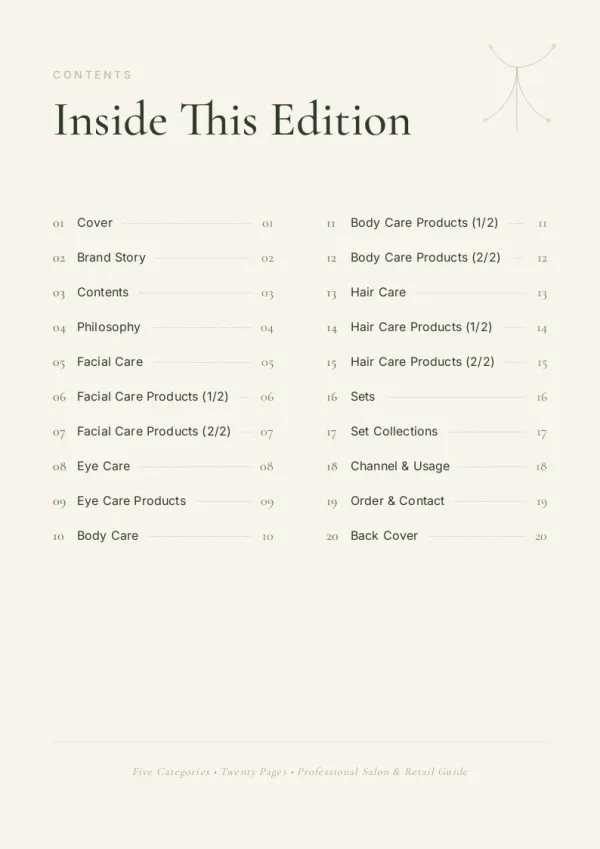
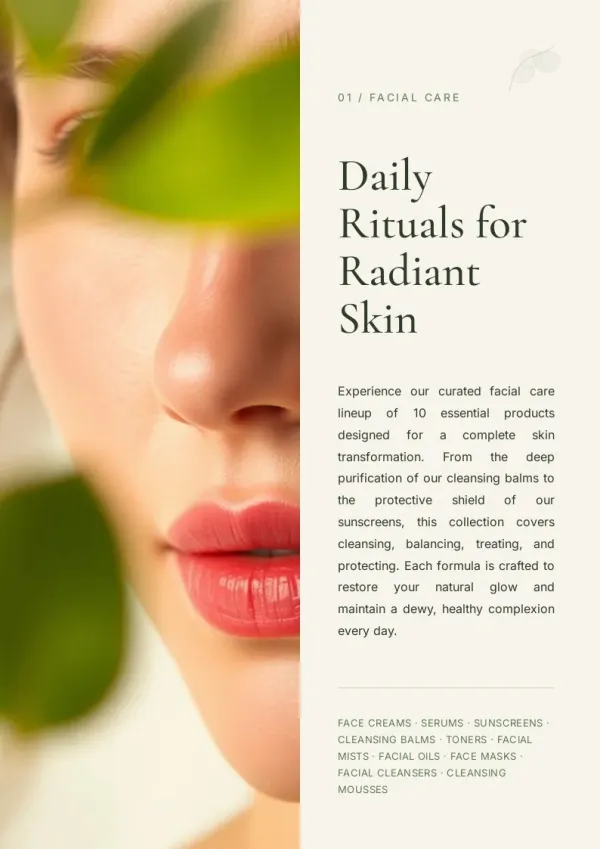
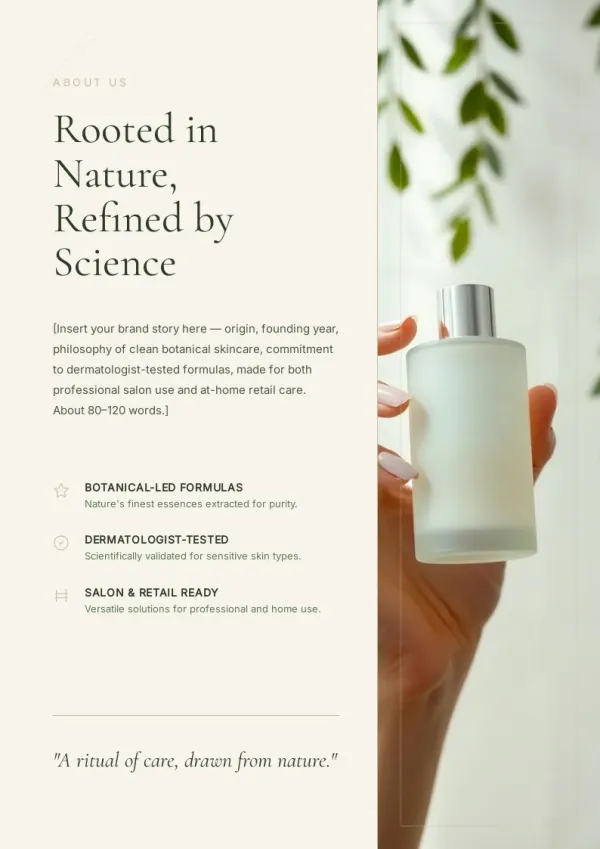
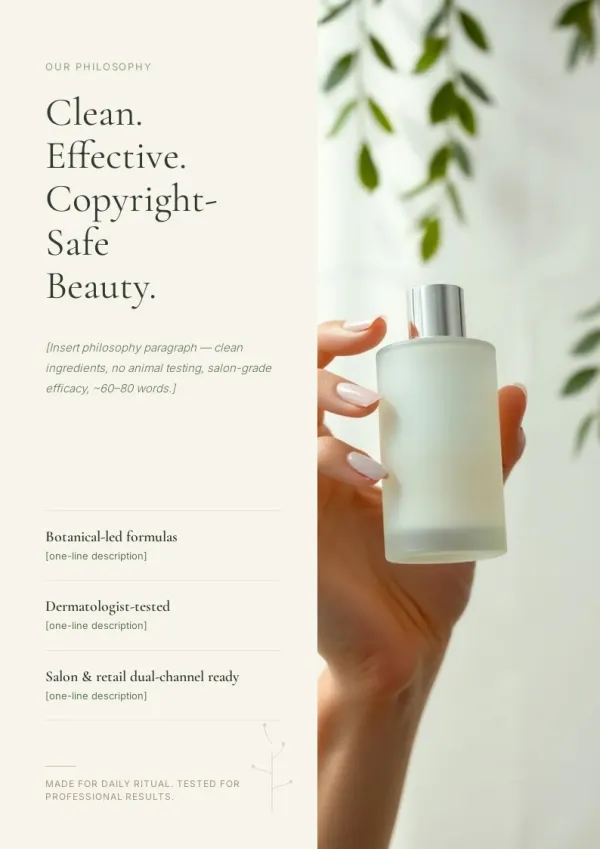
Business Reports to Client Booklets
Transform dense PDF reports into visually appealing booklets for client presentations. AI reorganizes data, adds charts and images, and creates professional pages that communicate clearly.
For sales & marketing
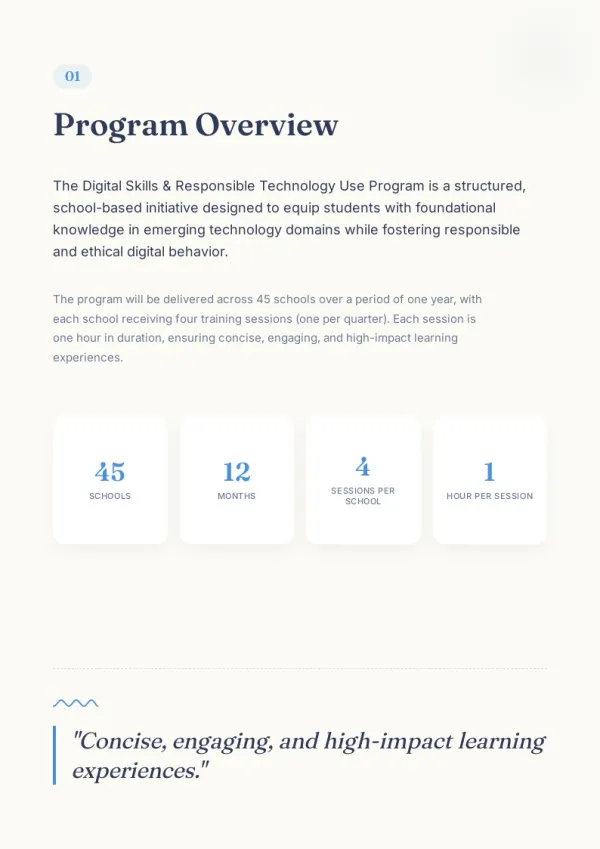
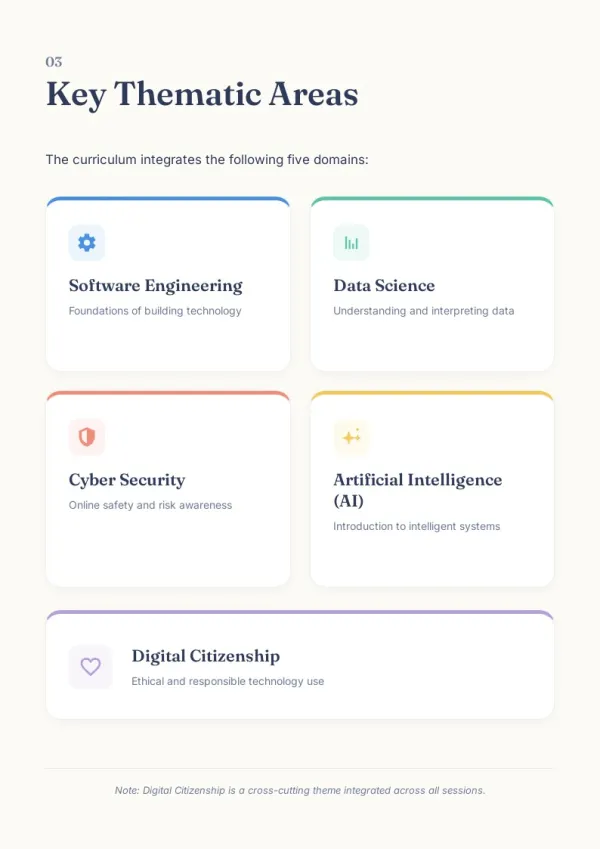
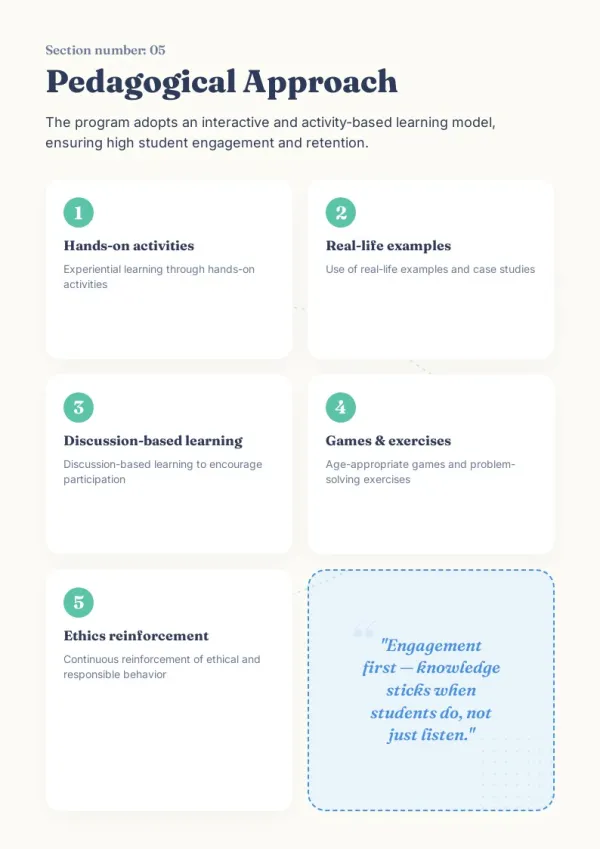
Research Papers to Study Guides
Convert academic PDFs into structured study booklets. AI breaks complex content into clear sections with illustrations that aid comprehension — making research accessible to wider audiences.
For HR & L&D teams
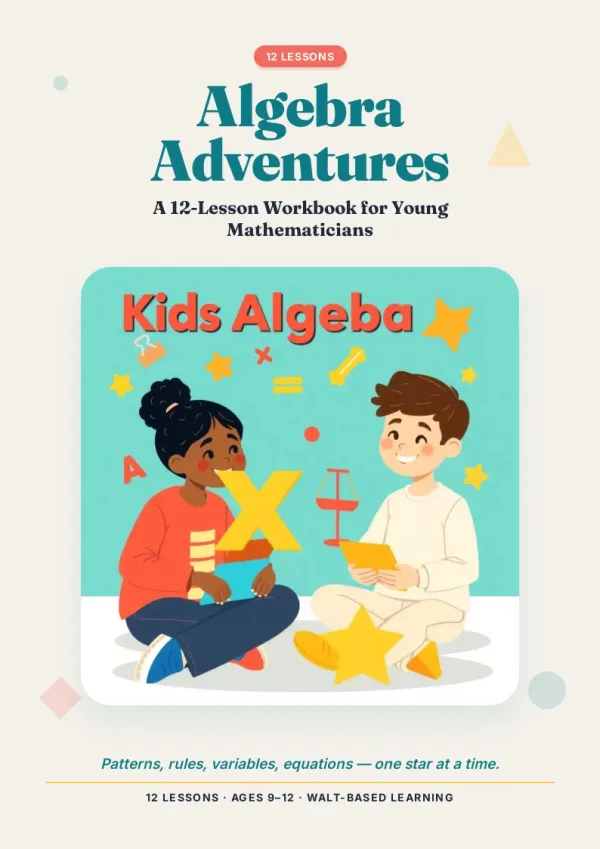
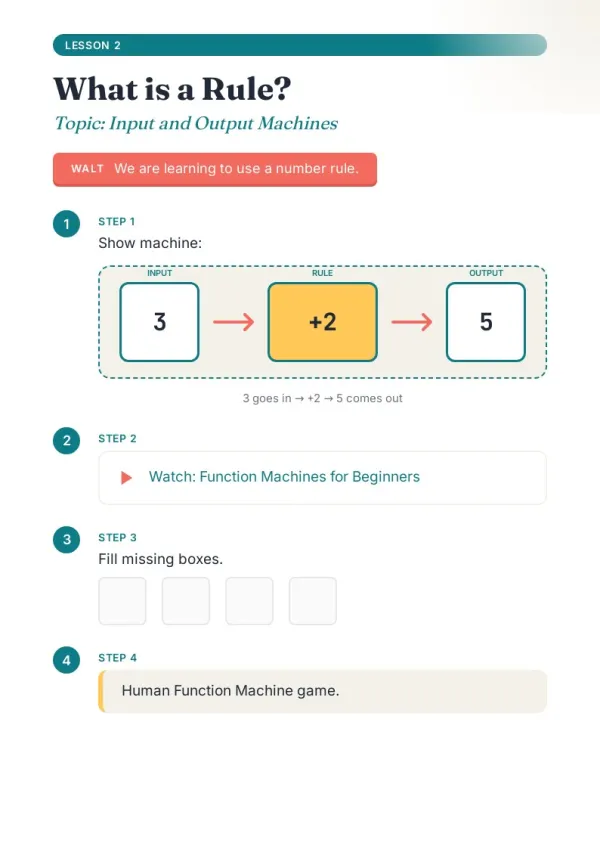
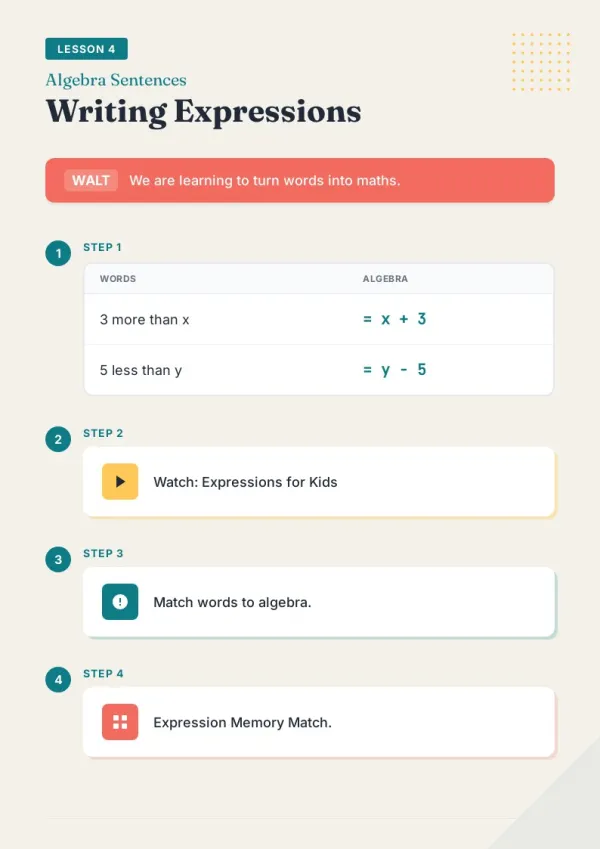
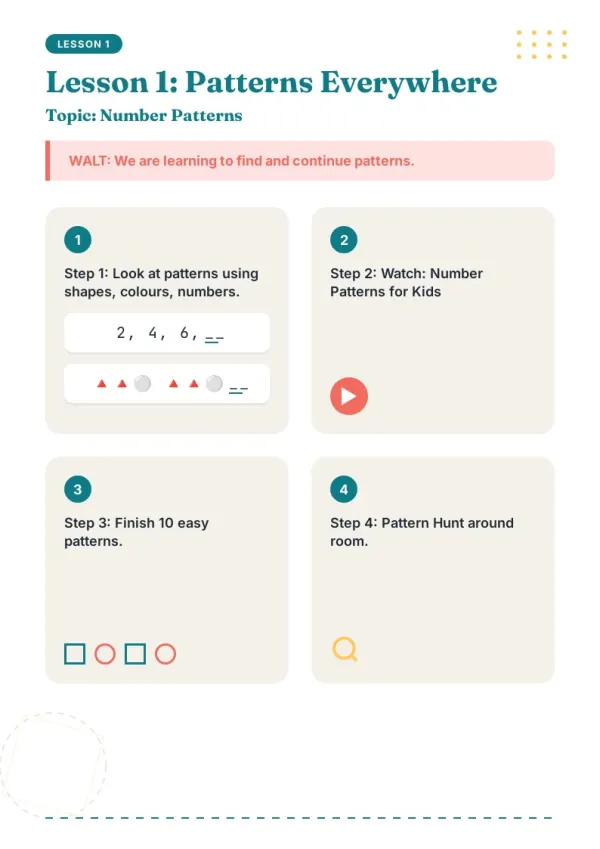
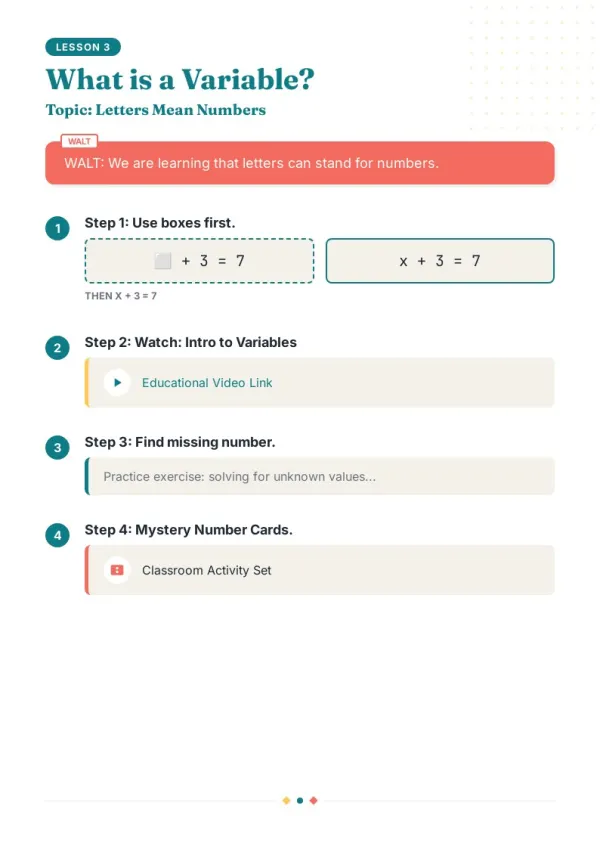
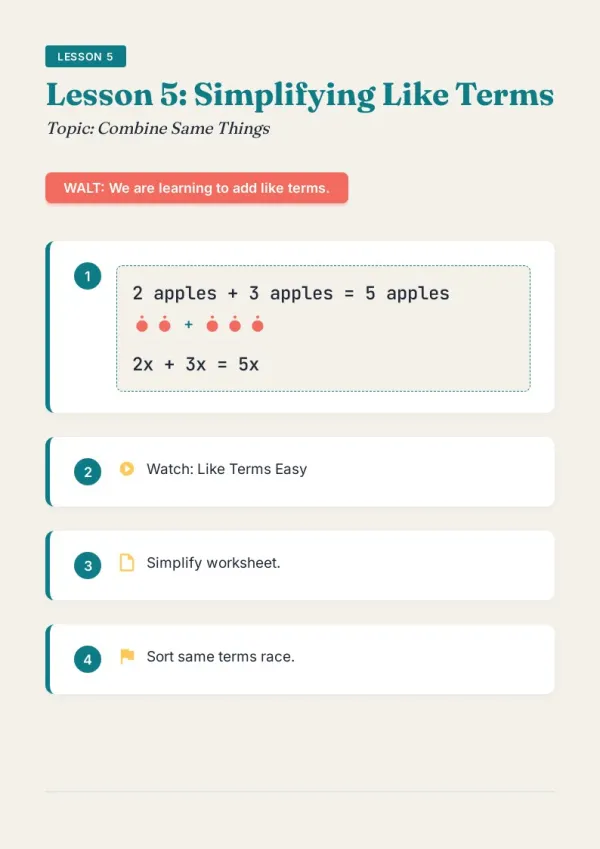
Company Docs to Training Materials
Turn policy PDFs and procedure documents into engaging training booklets. AI restructures content with visual aids and clear headings for better employee onboarding and knowledge retention.
For teachers & course creators
Convert PDF to Booklet in 3 Steps
From PDF document to designed booklet — no software installation needed.
Upload your PDF
Drop in the PDF you want to convert. The AI reads the document and asks about your audience and format before rebuilding it as a booklet.
Review the outline & choose a style
AI shows a full page-by-page outline before writing begins. Approve it and pick a style, then watch each page appear in real time.
Edit any page, then download or export
Click Edit on any page to revise it independently. When ready, copy a share link, download the HTML, or export a print-ready PDF.
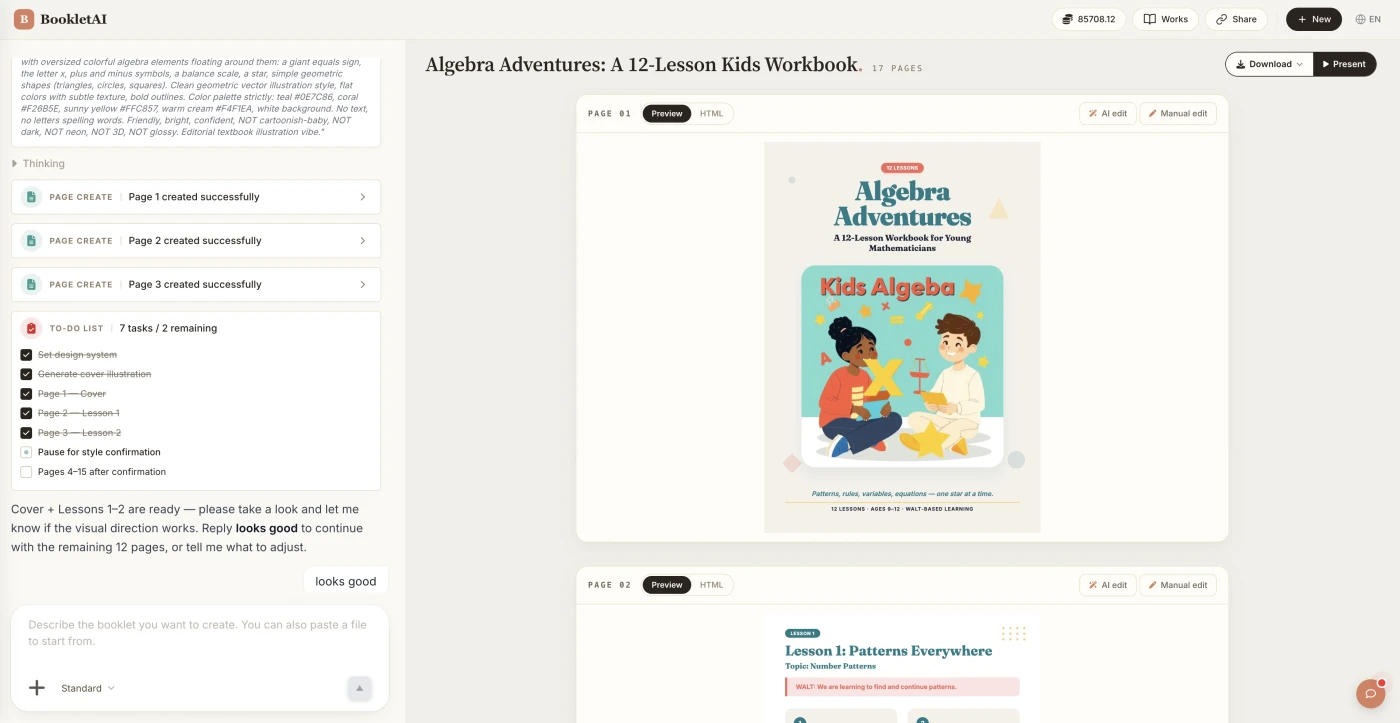
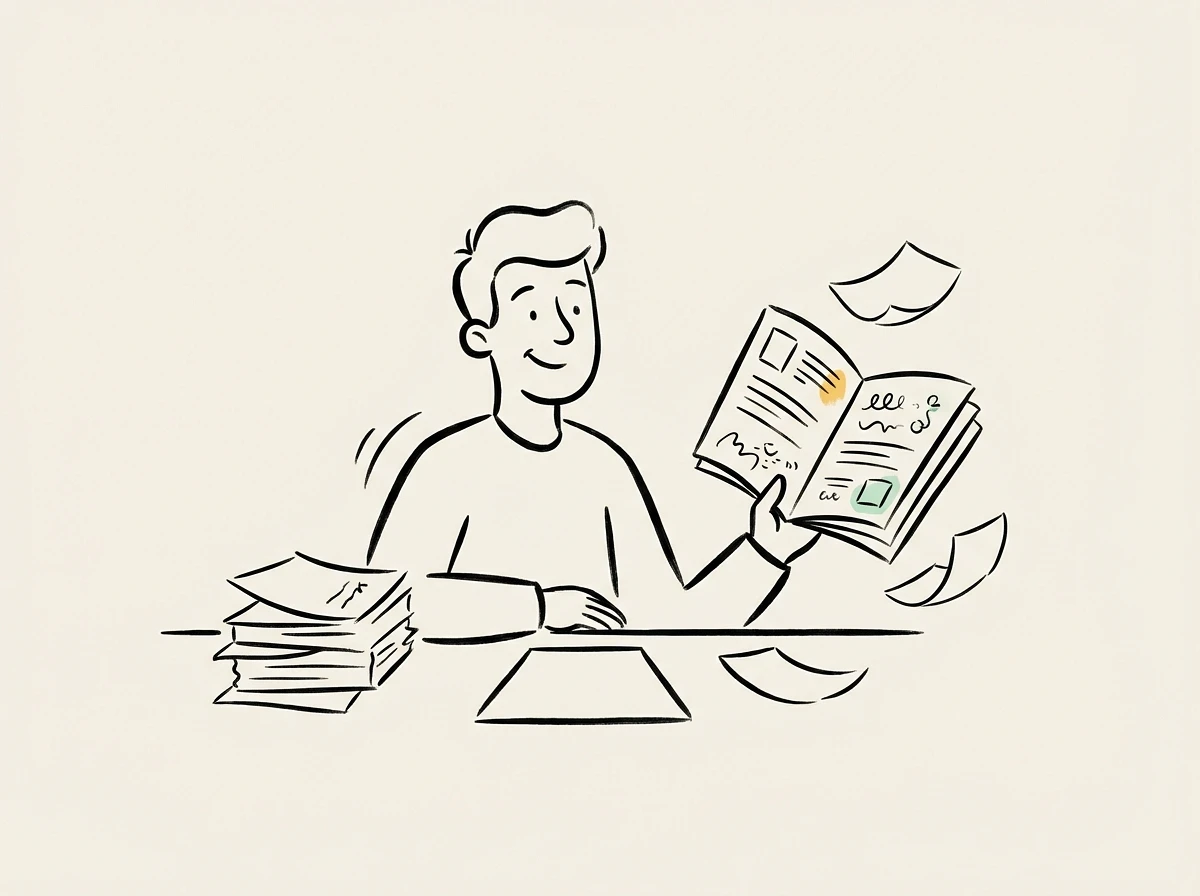
How PDF to Booklet Conversion Works
BookletAI goes beyond page reordering — it reads your PDF, understands the content, and produces a fully designed booklet with new layout and illustrations.
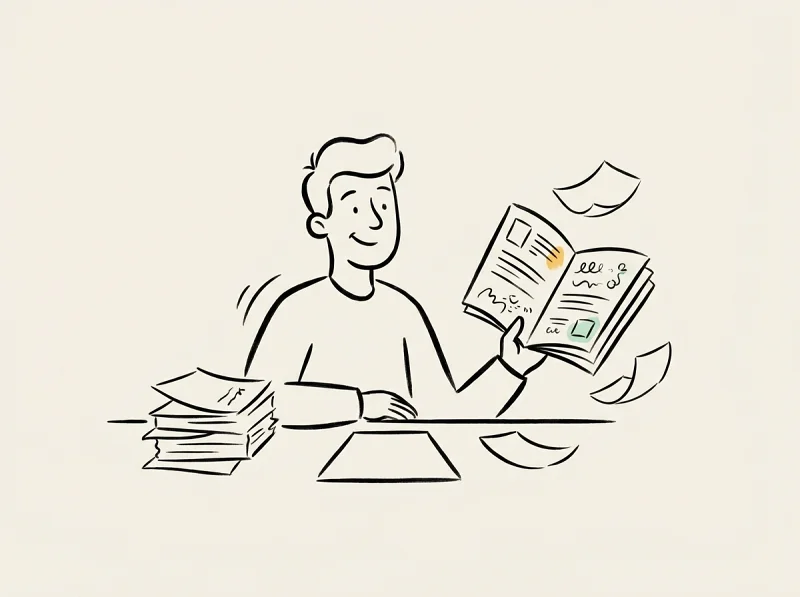
Content Understanding
AI reads and analyzes every section of your PDF to grasp the topic, key points, and logical structure before generating.
Professional Redesign
Each page is a fixed A4 layout (794×1123px) with formatted text, headings, and images — designed for reading, not just printing.
PDF Booklet Creator with AI
Turn reports, papers, guides, or any PDF into an illustrated booklet that's easier to read and share than the original.
Why This PDF to Booklet Tool Is Different
AI understands your PDF content and creates a completely new booklet design — not just rearranged pages.
AI Reads Your PDF Content
Unlike format converters, BookletAI understands your text and restructures it into a well-organized pdf booklet with proper flow.
Redesigned Visual Layout
AI creates magazine-style A4 pages with text and images mixed — not rearranged PDF pages, but a completely new design.
Auto Image Generation
AI adds relevant illustrations — from web search or AI-generated — that match your pdf booklet content and boost readability.
Real-Time Preview & Editing
Watch pages appear as AI generates them. Click Edit on any page to adjust content or images without affecting others.
Share & Download Instantly
Get a shareable link or export as HTML or PDF. Viewers don't need to log in to read your shared pdf booklet.
Multi-Language PDF Support
Upload a PDF in any language. This pdf booklet creator processes content and generates pages in the same language.
Choose Your Plan
Select the perfect plan for your needs
PDF to Booklet FAQ
Common questions about converting PDFs into professionally designed booklets.
1
How do I convert a PDF to a booklet with this tool?
Paste your PDF content into BookletAI's chat. AI reads the text, then creates a complete booklet with new layout, images, and professional A4 pages — real content transformation, not format conversion.
2
Is this just a PDF page reordering tool?
No. Unlike traditional pdf booklet tools that rearrange pages for folding, BookletAI reads your content and creates an entirely new designed booklet with illustrations and sections.
3
Can I print the result as a pdf booklet?
Yes. Export your finished booklet as a PDF with precise A4 rendering. Each page is print-ready at 794×1123px. You can print pdf as booklet directly from the exported file.
4
Is this pdf booklet creator free?
Yes. Sign up and get free credits to convert your PDF to a booklet. No credit card required to get started.
5
What types of PDFs work best for conversion?
Any text-based PDF — business reports, research papers, training documents, guides, proposals. AI extracts the content and rebuilds it as an illustrated booklet.
6
Can I edit the booklet after AI generates it?
Yes. Click Edit on any page to modify text, style, or images. You can also continue chatting with AI to request specific changes without regenerating everything.
7
Does AI keep my original PDF content accurate?
AI restructures and enhances your content's presentation while preserving key information. Review the generated booklet to verify facts, as with any AI-assisted content.
8
What languages are supported for PDF to booklet conversion?
Any language. The generated booklet pages match your source content language — English, Chinese, Spanish, French, and more are all supported.
9
Can I convert pdf to booklet without downloading software?
Yes. BookletAI is an online tool running entirely in your browser. No installation needed — paste your content and let AI create your booklet.
10
How many pages will the booklet have?
BookletAI generates 8–15 pages per booklet. Page count depends on your PDF content length. You can request adjustments during the outline review stage.