무료 브로슈어 템플릿
인쇄까지 가능한 브로슈어 템플릿과 디자인 아이디어를 찾아보세요. 템플릿을 고르면 AI가 문구와 레이아웃을 만들고 PDF로 저장할 수 있습니다.
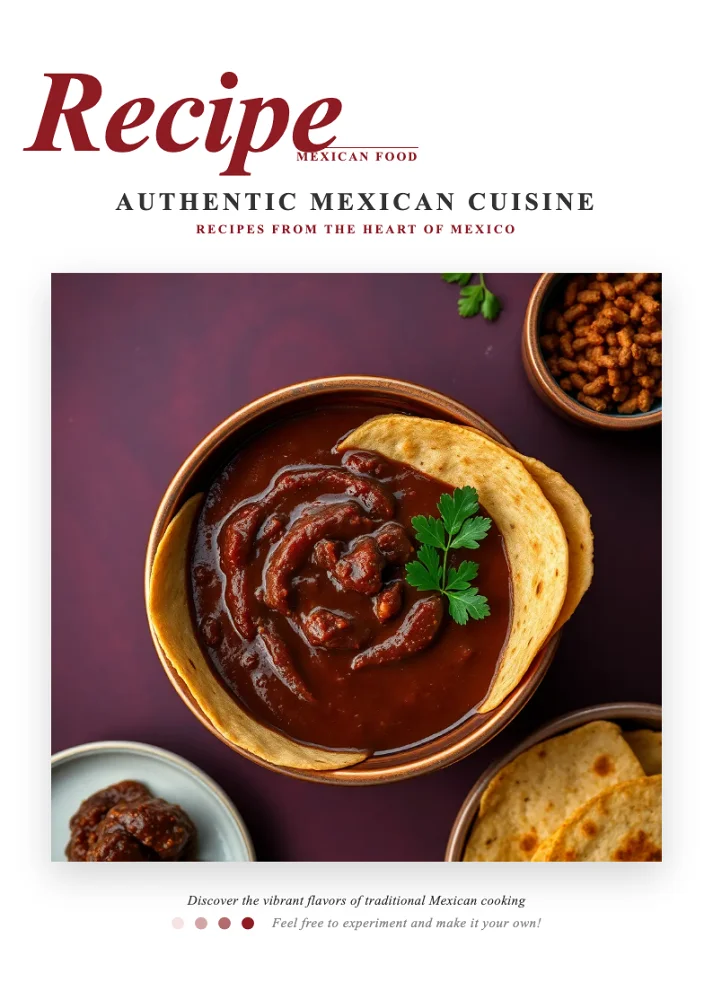
Authentic Mexican Cuisine Recipe Template
A warm burgundy-and-cream Mexican recipe template featuring an elegant italic serif cover, pink ingredient panels, bullet-list instructions and chef-profile pages for authentic taco, guacamole, salsa, quesadilla, churro and tamale recipes.
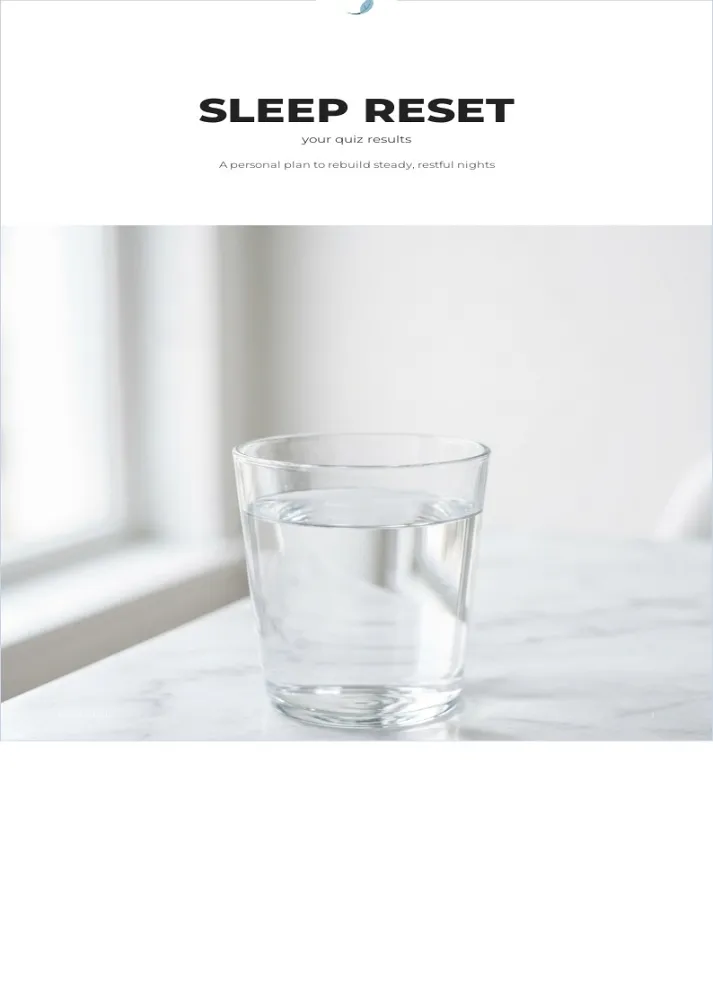
Sleep Reset Field Guide Template
A calm, quiz-driven wellness field guide with score-band results and clear action steps, ideal for turning any self-assessment into a personalized recovery plan.
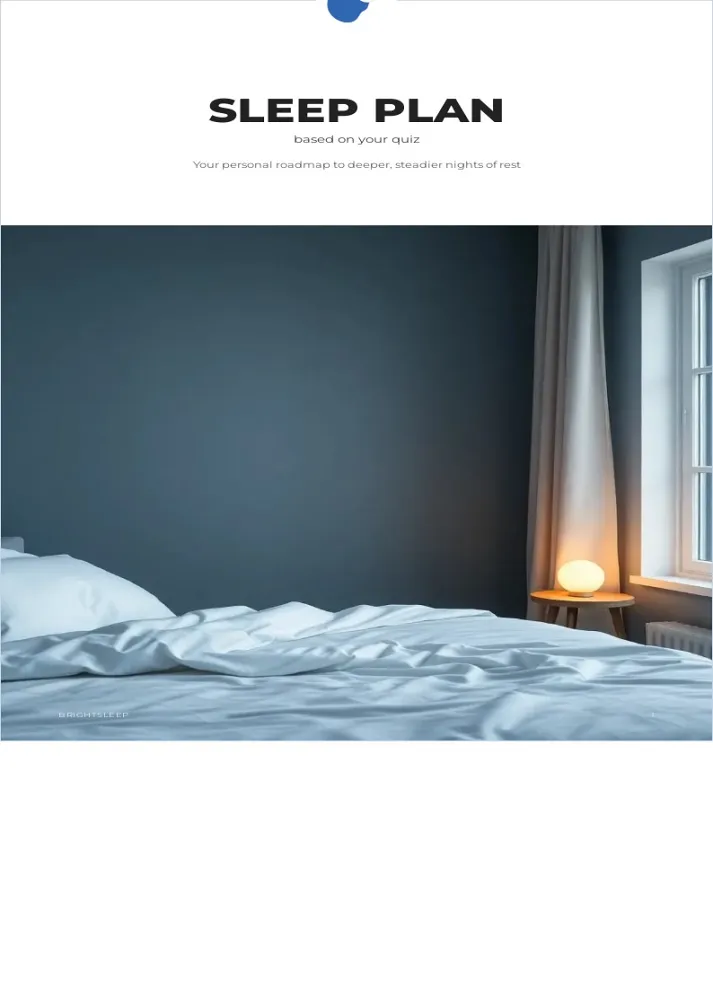
Sleep Wellness Handbook Template
A clean, editorial handbook template that turns a short quiz into a personalized sleep-improvement plan, with score bands, recommendation checklists, and calm minimalist styling for wellness and coaching brands.
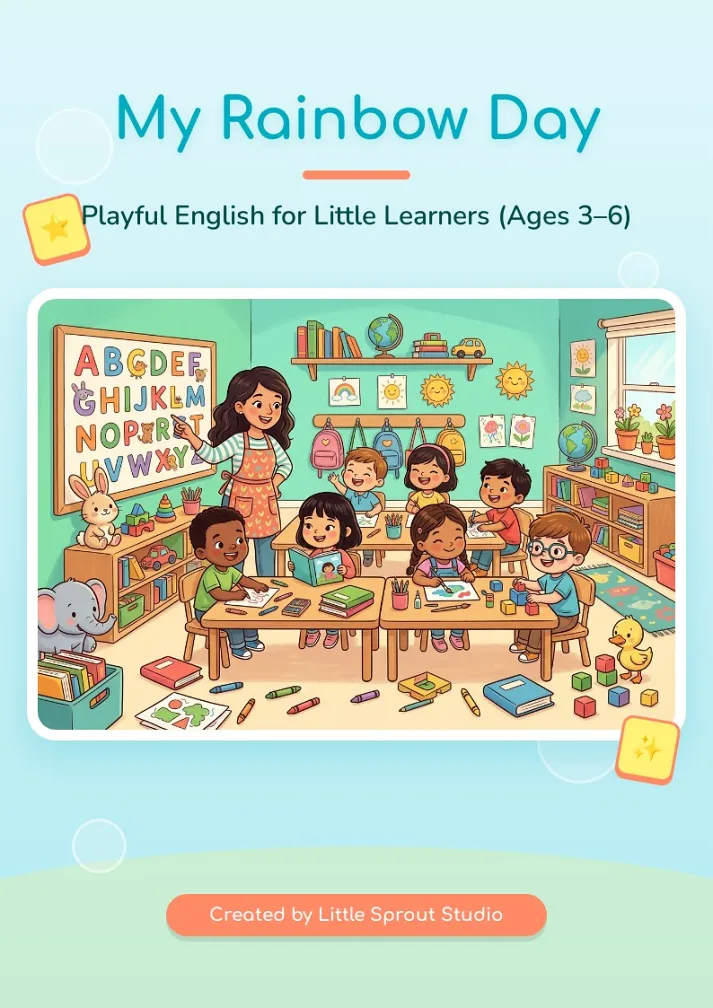
Kids English Workbook Template
A cheerful preschool English workbook template with a soft ocean-and-rainbow palette, playful songs, color and body-parts activities, and fill-in name pages—ideal for early learners aged 3–6.
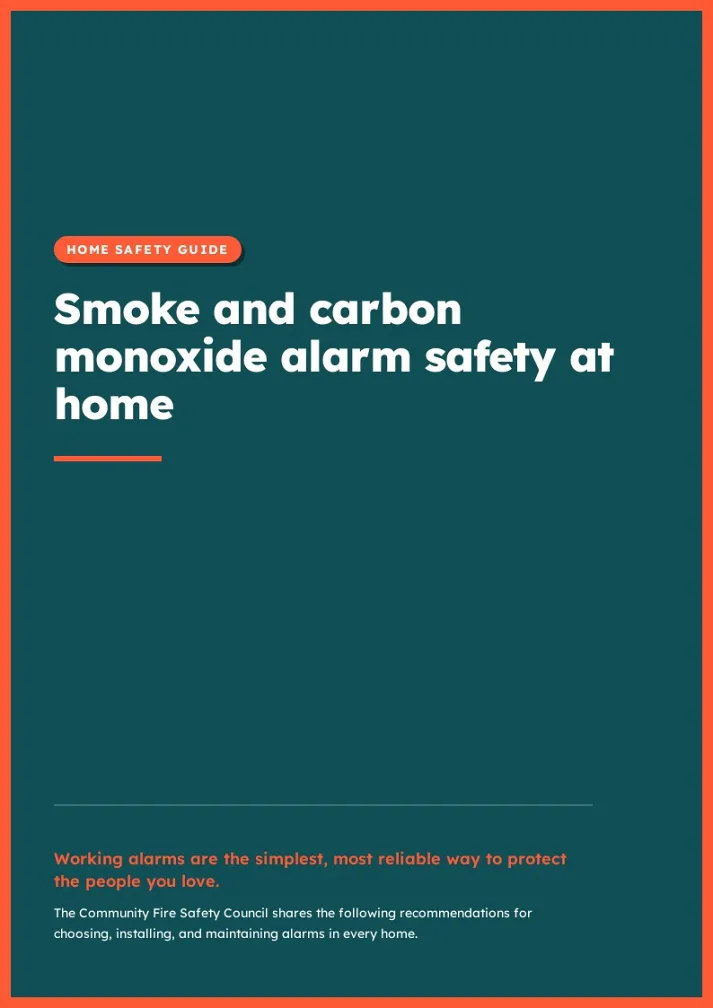
Home Alarm Safety Handbook Template
A clean, high-contrast handbook template for home smoke and carbon monoxide alarm safety, with bold section headers, checklist cards and an FAQ layout, ideal for community safety and fire-prevention guides.
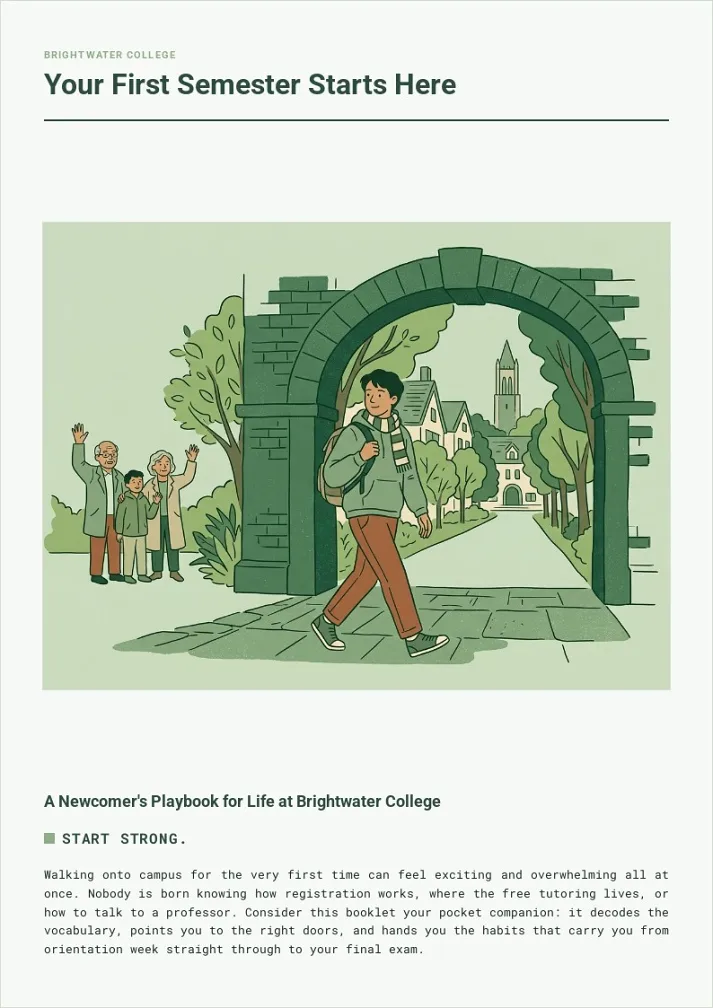
New Student Orientation Handbook Template
A calm sage-green campus handbook that walks first-year students through vocabulary, study habits, support services, and a first-week checklist. Ideal for colleges, onboarding programs, and welcome guides.
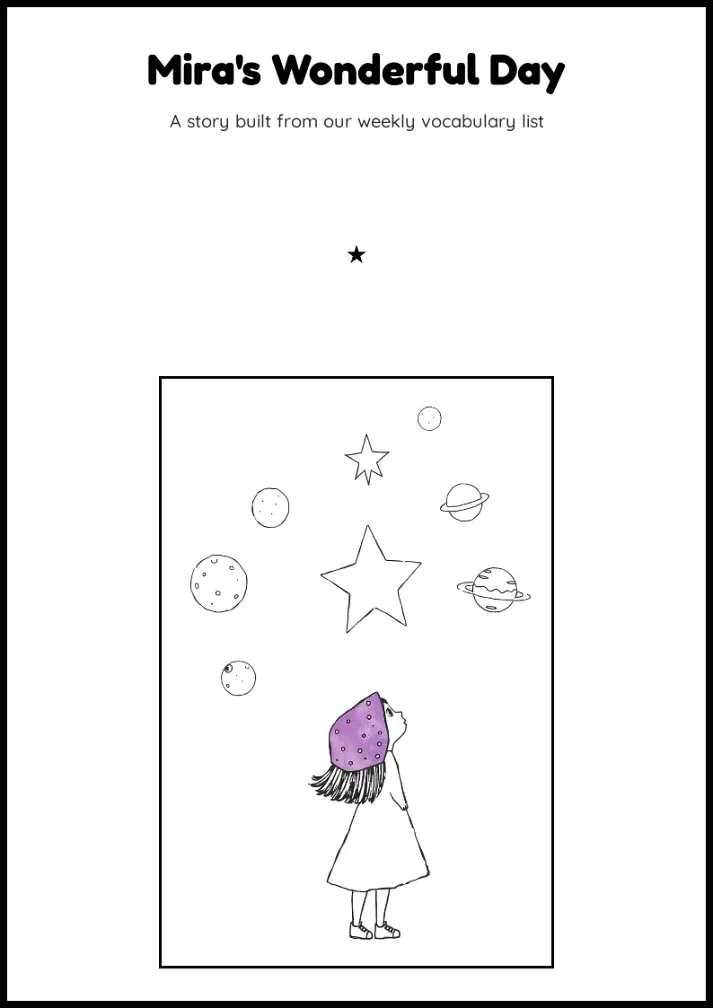
Children's Storybook Template
A whimsical black-and-white storybook layout with hand-drawn illustrations and vocabulary bubbles, perfect for turning a class word list into a playful picture story.
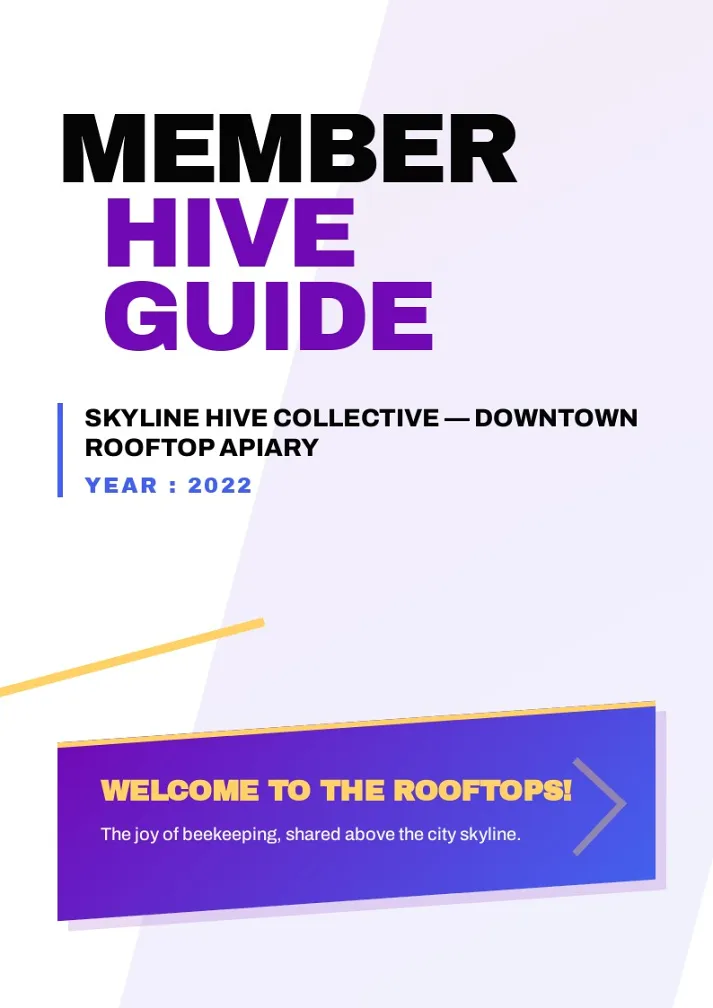
Rooftop Cooperative Welcome Booklet Template
A bold, editorial-style member welcome booklet for clubs and cooperatives, mixing kinetic stat blocks, asymmetric cards, and hand-drawn maps for any community-driven organization.
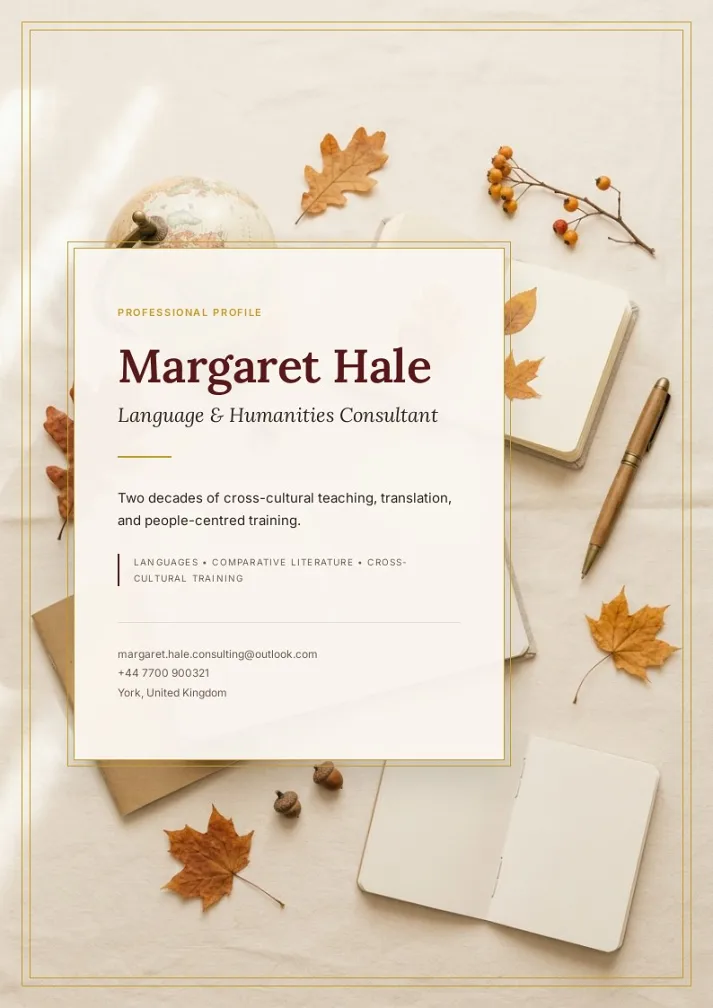
Consultant Profile Brochure
Elegant editorial-style brochure for freelance consultants and educators, pairing warm bordeaux-and-gold accents with a magazine layout to showcase background, expertise, and collaboration offers.
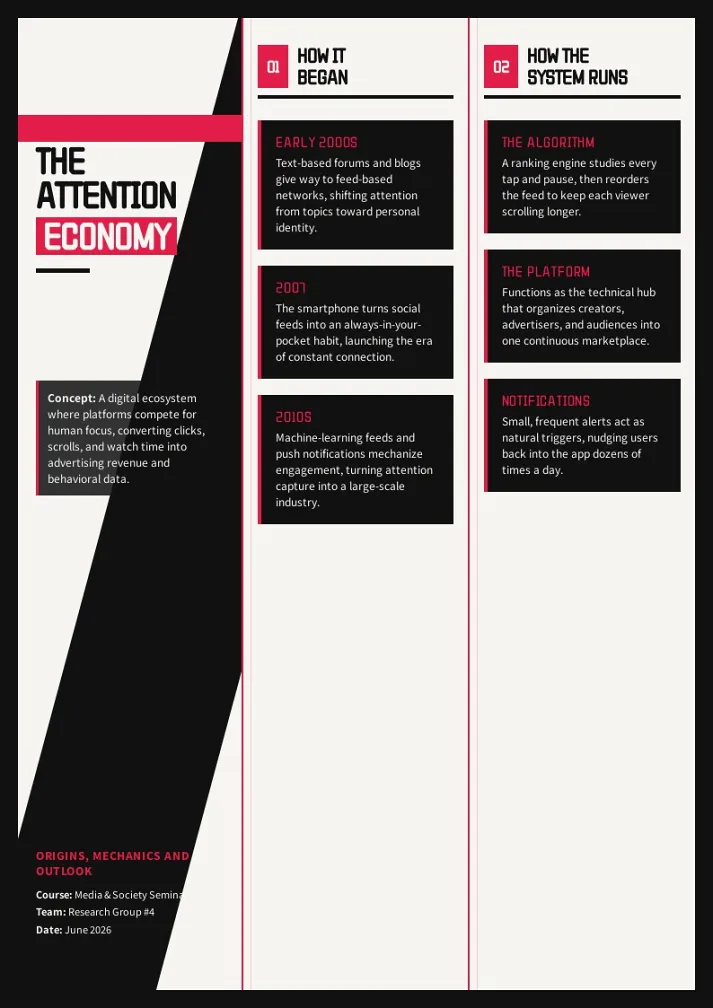
Attention Economy Analysis Template
A bold black-and-red infographic poster template for breaking down how digital platforms compete for attention -- perfect for media studies, sociology, and tech-ethics presentations.
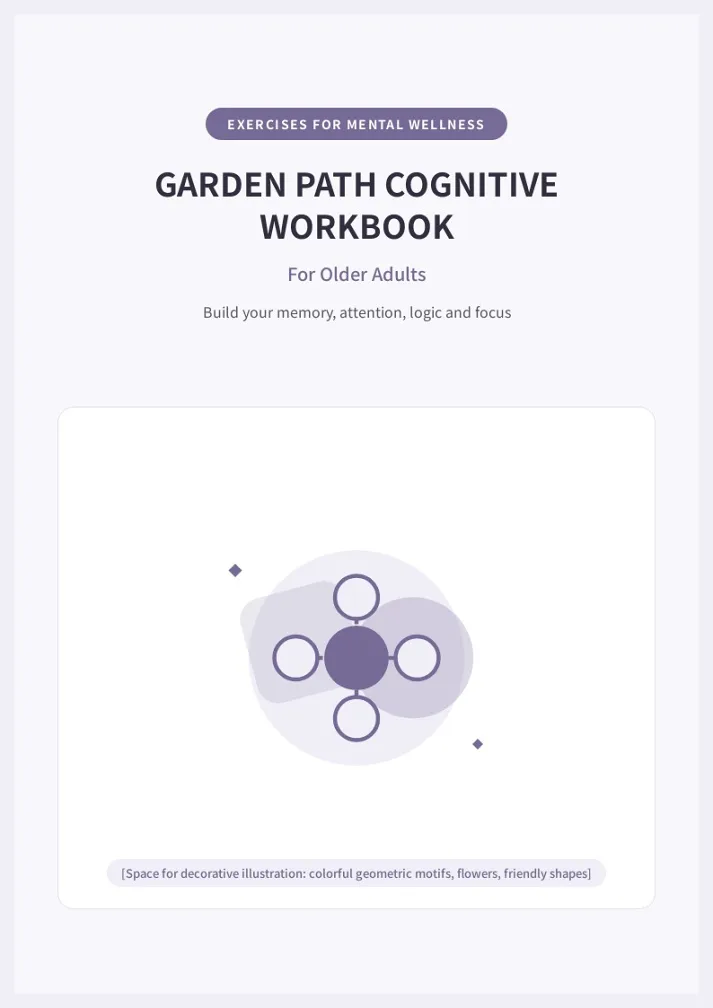
Garden Path Cognitive Wellness Workbook
Calming lavender-toned workbook template for senior cognitive stimulation programs, featuring memory recall, attention, pattern and logic exercises with a soft garden theme, large-print layout and built-in answer keys.
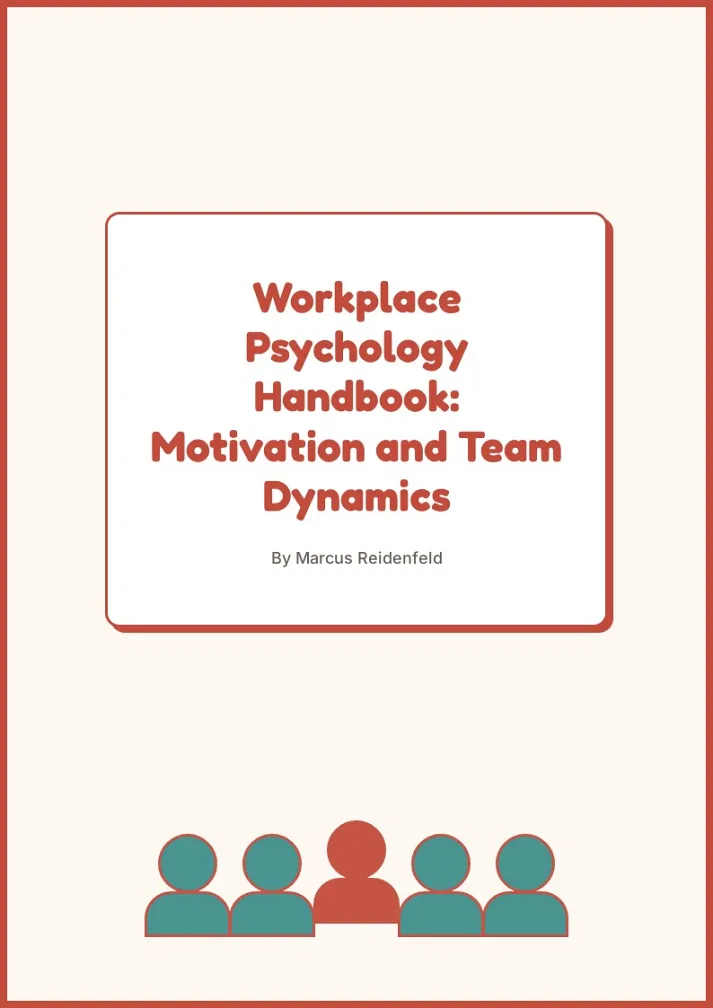
Workplace Psychology Handbook Template
A warm, neobrutalist handbook template that breaks down workplace motivation and team influence into concept cards, pill-tagged definitions, and majority-vs-minority comparison grids, ideal for HR, leadership training, and organizational psychology guides.
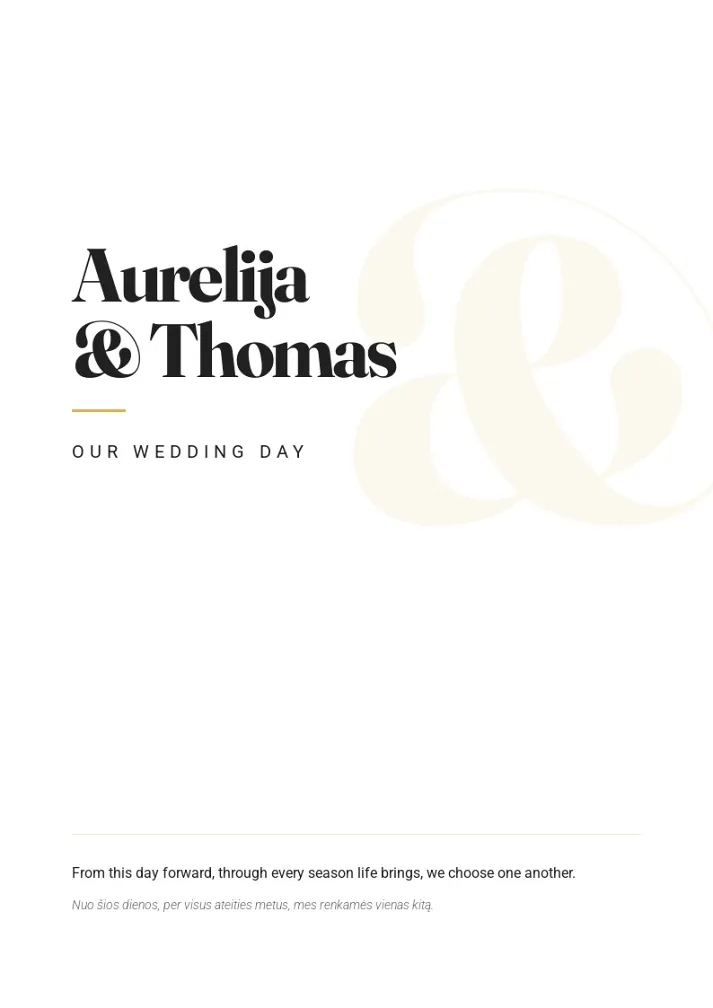
Bilingual Wedding Booklet Template
A bilingual wedding program layout with vows, reception speeches, and ceremony order, formatted side-by-side in two languages.
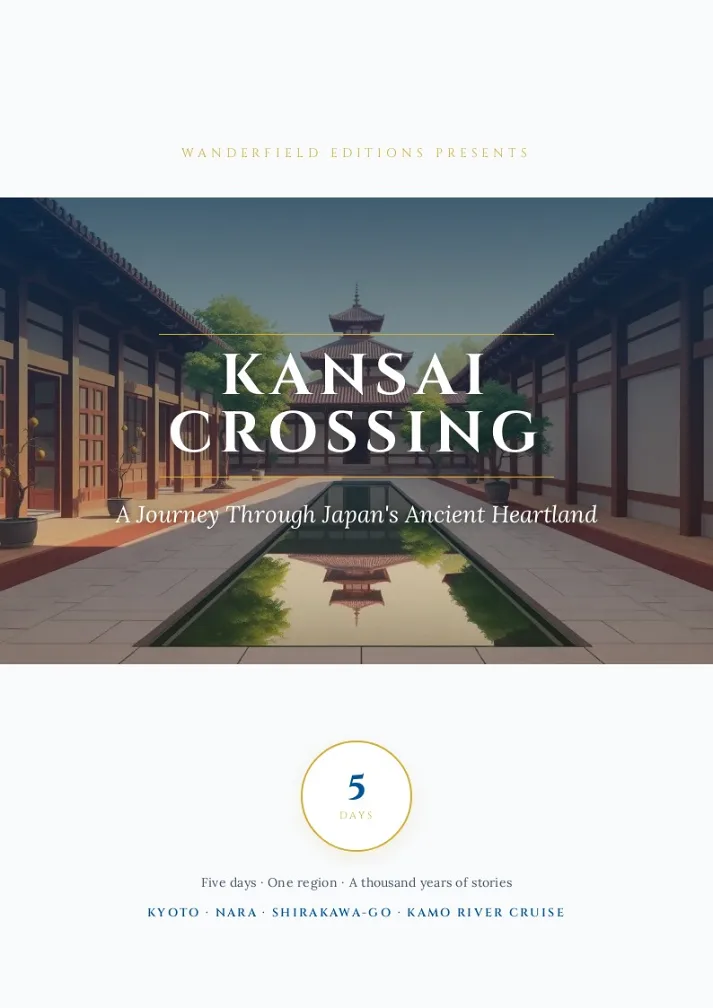
Kansai Crossing Travel Handbook Template
An elegant navy-and-gold travel guide layout with circuit maps, highlight cards, and gastronomy strips — ideal for regional or multi-city trip itineraries.
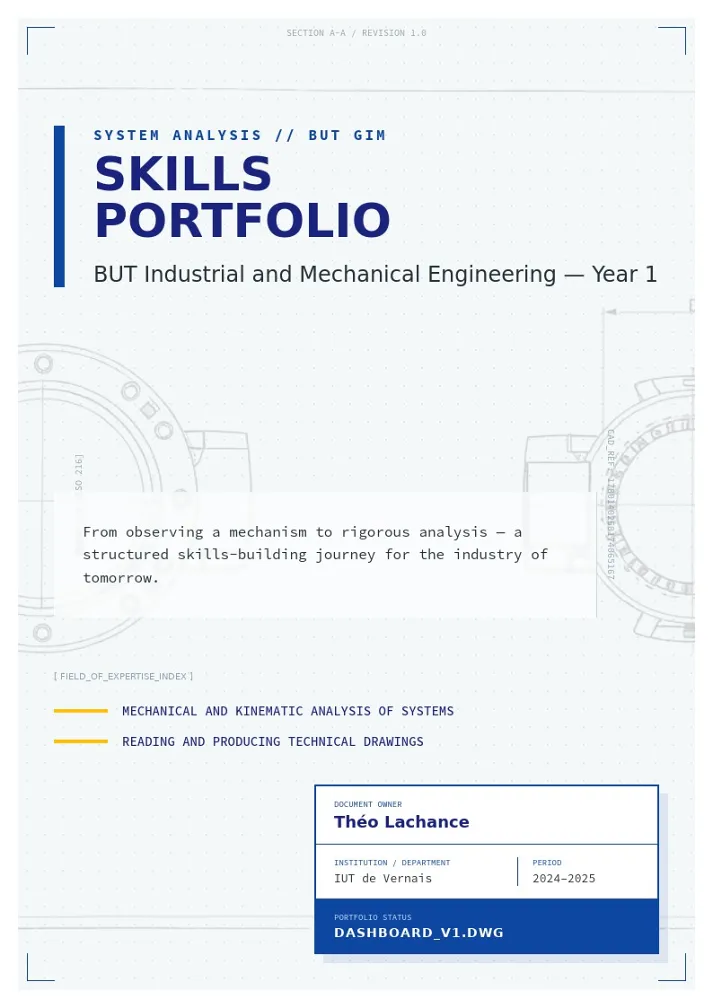
Engineering Competency Portfolio Template
A technical skills portfolio layout for engineering students, documenting mechanical analysis projects, technical drawing competencies, and reflective learning.
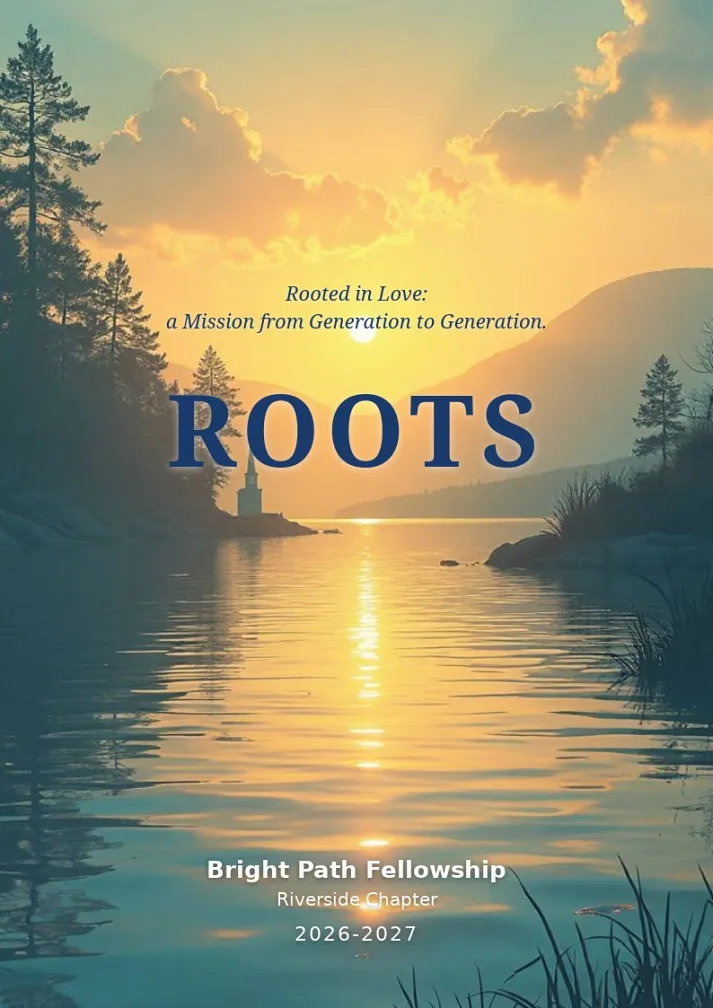
Roots — Bright Path Fellowship, Riverside Chapter 2026-2027
An elegant editorial-style community newsletter template for a couples' fellowship chapter — leadership messages, spiritual reflections, retreat recaps, and member circle updates, ideal for faith-based or community group newsletters.
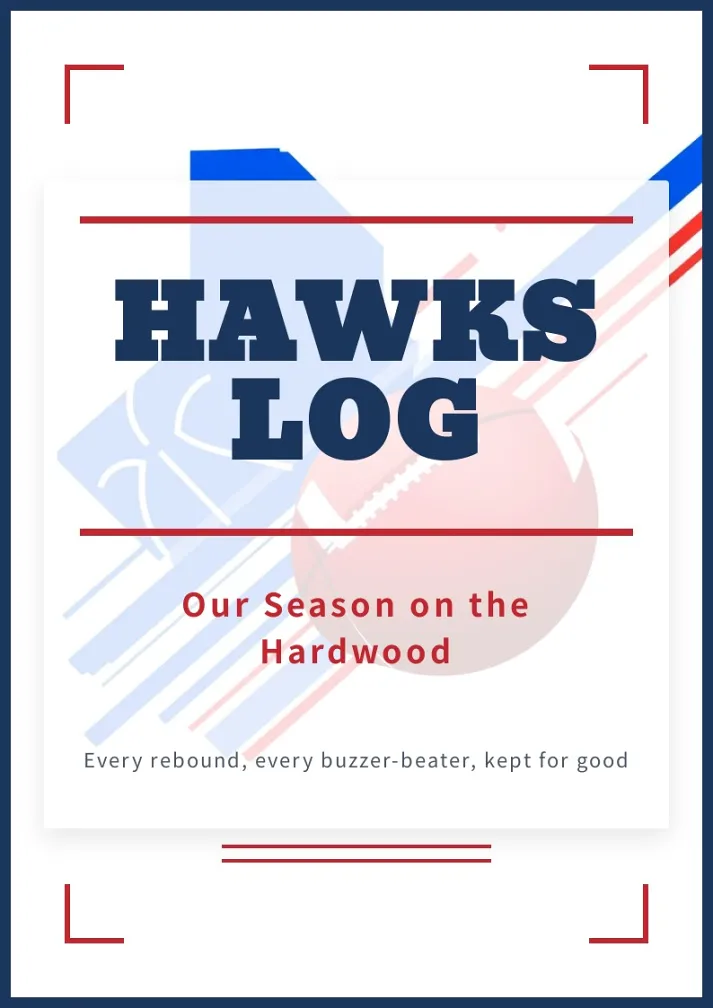
Varsity Season Yearbook Template
A bold varsity-style photo album for capturing a team season - action shots, match records, and locker-room memories, ready to fill with your own game-day photos.
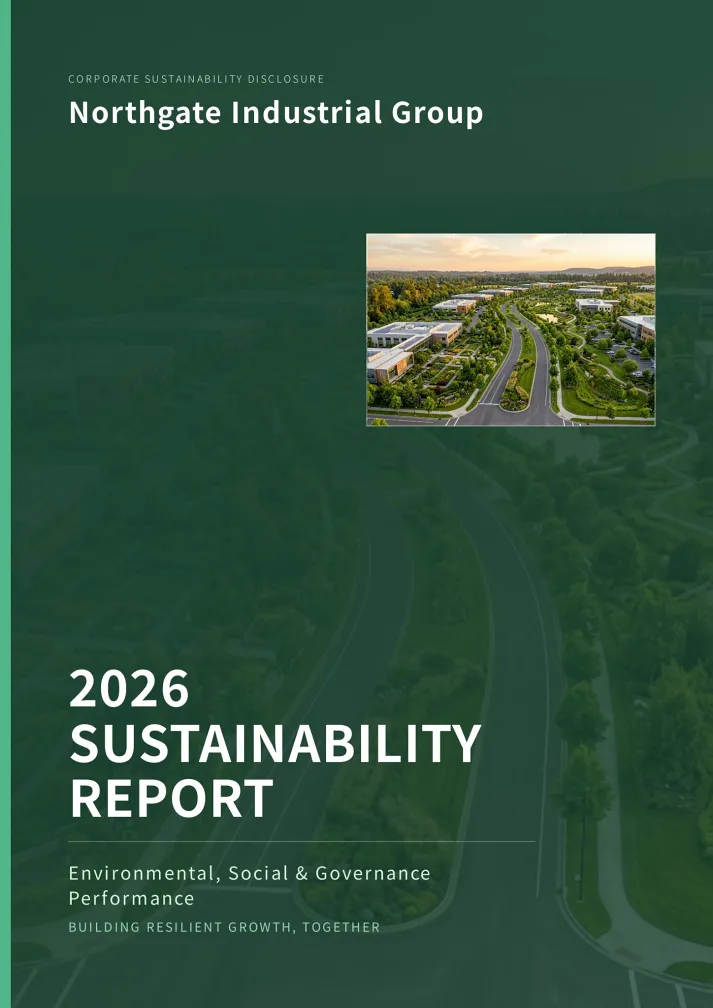
Corporate ESG Annual Report Template
A polished 9-page ESG sustainability report template covering chairman's letter, company profile, KPI dashboard, and environmental, social, and governance disclosures. Ideal for corporations, industrial groups, and institutions publishing annual sustainability reports.
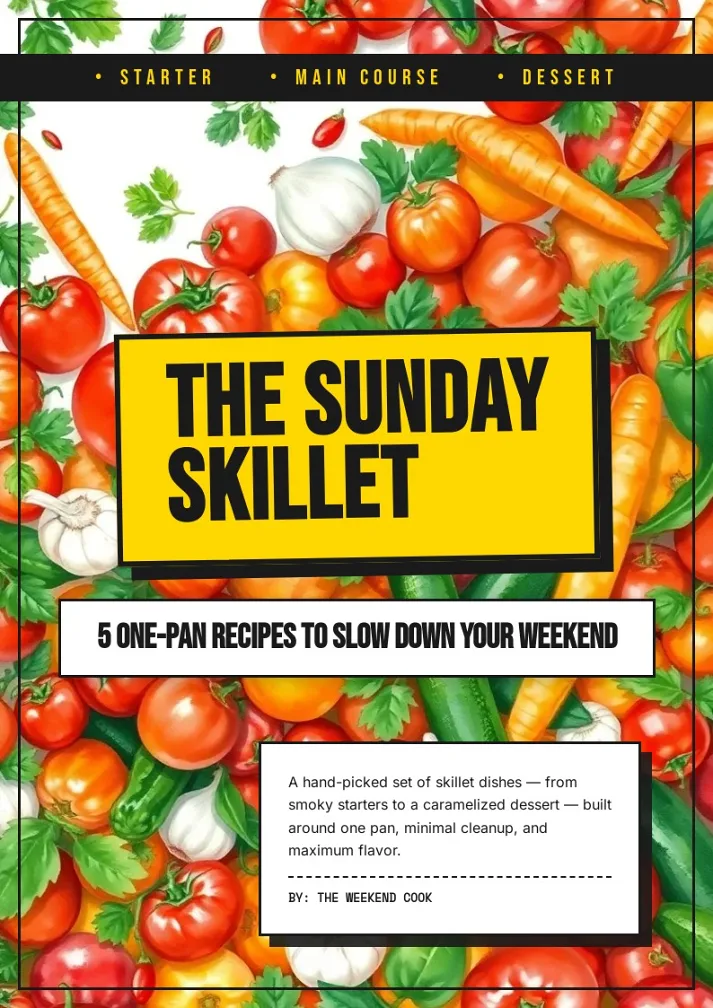
Sunday Skillet Recipe Booklet Template
A bold retro-diner recipe booklet with punchy yellow-and-black graphics, built for sharing five easy one-pan meals from starter to dessert.
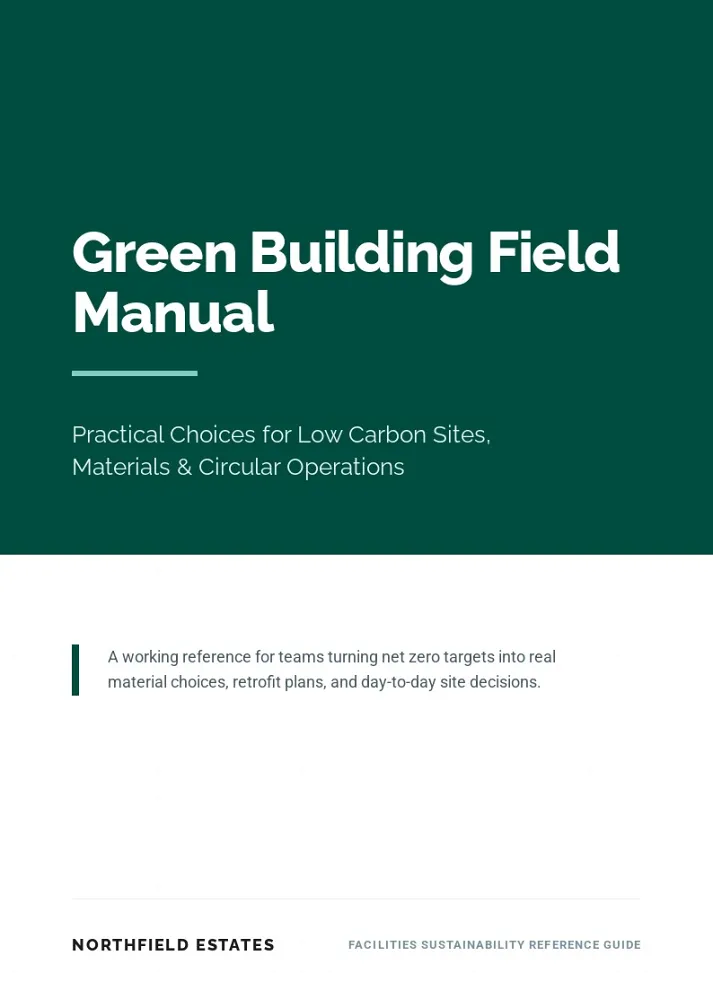
Green Building Field Manual Template
A clean, editorial-style facilities reference booklet comparing sustainable materials, energy systems, and building upgrades — ideal for sustainability guides, technical handbooks, and operations reference booklets.
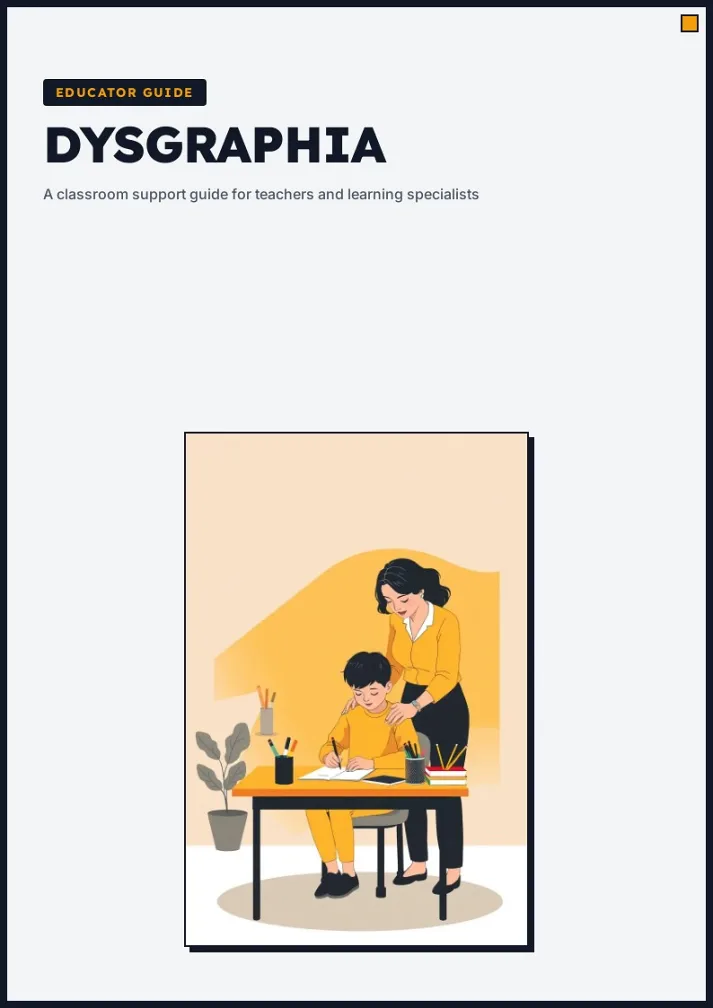
Educator Handbook Template
A calm, professional handbook template with a bold cover, neobrutalist info cards and a clean two-column reference layout for educational and awareness guides.
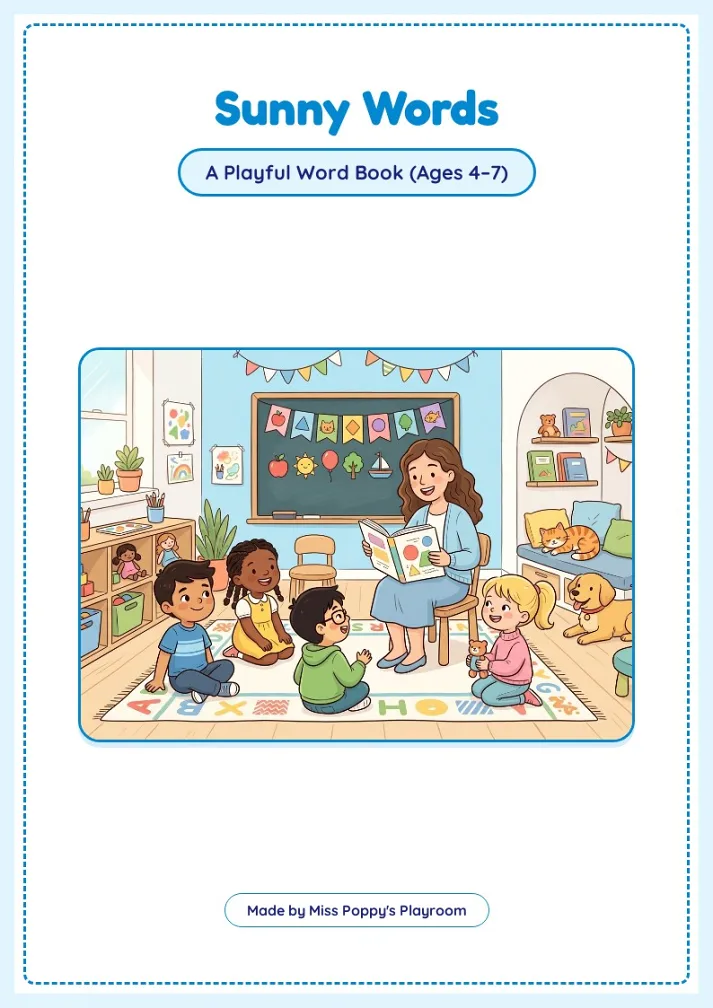
Kids Word Workbook
Playful print-ready ESL word book for ages 4-7, with cheerful pastel classroom art, dashed-border pages, and hands-on prompts covering greetings, names, colors, animals, and family. Ideal for early-learning teachers and parents wanting a warm, ready-to-print starter workbook.
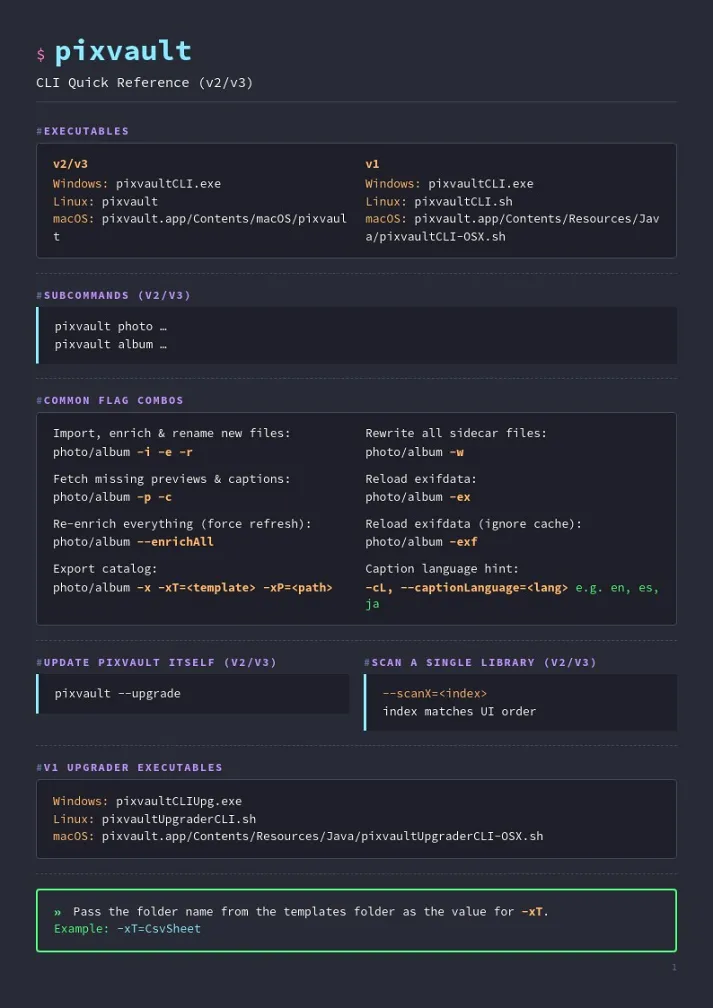
CLI Cheat Sheet Handbook Template
A dark terminal-themed quick-reference handbook that lays out any command-line tool's executables, flags, and usage examples in a clean multi-page cheat sheet, perfect for developer docs and onboarding guides.
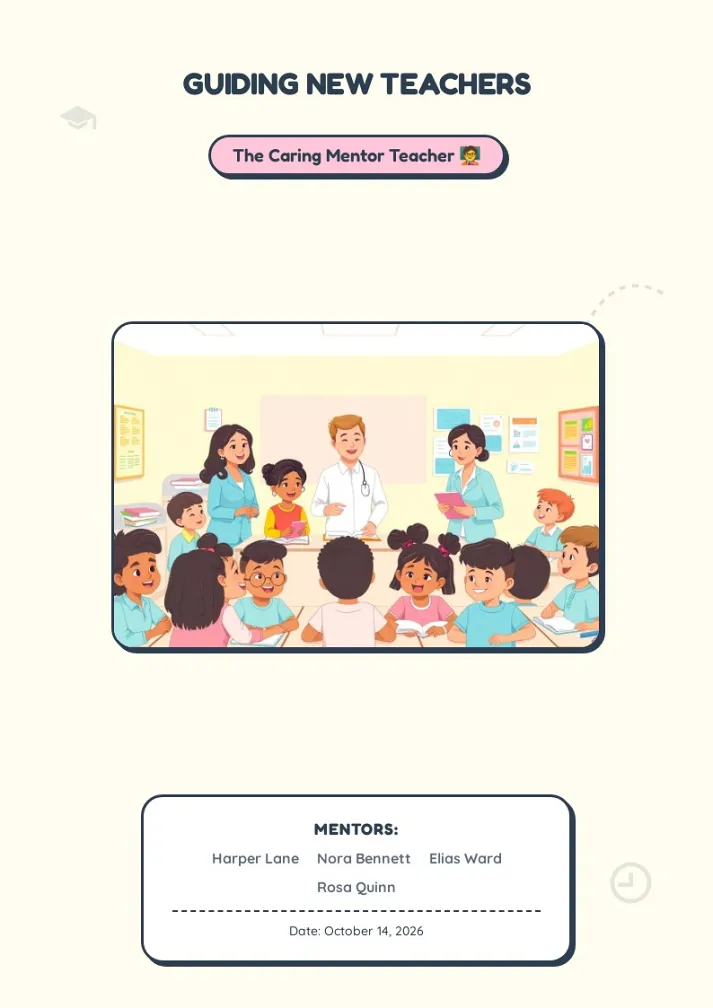
Caring Mentor Teacher Booklet Template
A warm, sticker-style education booklet template with playful frames and pastel cards, ideal for teacher mentoring guides, onboarding handbooks, and classroom training materials.
브로슈어 템플릿으로 4단계 만에 완성하는 방법
직접 처음부터 만들려고 하면 여백 설정, 펼침면 배치, 인쇄 재단선까지 신경 쓸 것이 한둘이 아닙니다. BookletAI에서는 그 과정을 건너뛸 수 있습니다. 이미 레이아웃이 잡혀 있는 브로슈어 템플릿을 고르기만 하면, 별도의 편집 프로그램 없이 브라우저에서 바로 여러 페이지 분량의 책자를 완성할 수 있습니다. 무료 브로슈어 템플릿으로 시작해 아래 네 단계만 따라가면 됩니다.
- 1 브로슈어 템플릿을 고릅니다. 위 목록을 살펴보고 목적에 맞는 레이아웃을 선택하세요. 교육 안내서, 제품 카탈로그, 행사 프로그램북 등 용도별로 준비되어 있습니다. 기존에 PPT나 워드 문서로 브로셔 템플릿을 만들어 쓰셨다면, 같은 형식을 이미 디자인이 완료된 상태로 바로 쓸 수 있습니다.
- 2 내용을 설명합니다. 고른 템플릿을 Booklet Maker에서 열고, 어떤 내용을 담을지 AI에게 알려 주세요. 페이지 본문을 작성하고 소제목을 제안하며 자리표시자 영역을 채워 줍니다. 대상 독자와 용도, 원하는 어조까지 구체적으로 적을수록 이후 손볼 일이 줄어듭니다.
- 3 브로슈어 디자인을 손봅니다. 문구를 고치고 이미지를 교체하고 색상을 바꾸고 페이지 순서를 조정하세요. 모든 브로슈어 템플릿은 전체 편집이 가능하므로, 많이 바꾸든 조금만 바꾸든 자유입니다. 이 단계에서는 무료 브로슈어 템플릿을 몇 번이고 다시 다듬어 볼 수 있습니다.
- 4 게시하거나 내려받습니다. 완성된 결과물을 온라인 플립북 링크로 공유하거나, 인쇄용 브로슈어 PDF로 내보낼 수 있습니다. 내용을 이미 문서로 정리해 두셨다면 PDF를 책자로 변환 기능으로 기존 브로슈어 PDF 파일을 그대로 책자 형태로 바꾸는 방법도 있습니다.
용도별로 골라 쓰는 브로슈어 템플릿
브로슈어 템플릿은 표지, 내지 펼침면, 뒷표지까지 뼈대를 미리 만들어 둔 것이라, 사용자는 전할 메시지에만 집중하면 됩니다. BookletAI에서 제공하는 브로셔 템플릿은 실무에서 가장 많이 쓰이는 형식을 폭넓게 다룹니다.
- • 교육용 브로슈어 템플릿 — 교과 안내서, 학생 핸드북, 연수 교재, 학교 소식지에 적합합니다. 교사와 학교 담당자는 이런 브로셔 템플릿으로 교육과정 정보를 학부모와 학생이 실제로 끝까지 읽는 형태로 정리합니다.
- • 비즈니스 브로슈어 템플릿 — 제품 카탈로그, 회사 소개서, 연간 보고서, 서비스 안내 자료를 만들 때 씁니다. 잘 정리된 제품 브로슈어 하나면 첫 미팅 전에 이미 신뢰를 만들어 둘 수 있습니다. 취급 품목이 많은 회사라면 제품 브로슈어 형식을 그대로 두고 내용만 바꿔 여러 종을 만들어 두는 방식도 유용합니다.
- • 마케팅 브로슈어 템플릿 — 행사 프로그램북, 홍보용 인쇄물, 브랜드 룩북에 쓰입니다. 이런 브로슈어 디자인은 마케팅 담당자가 디자이너 일정을 기다리지 않고 필요한 자료를 바로 내보낼 수 있게 해 줍니다.
모든 브로슈어 템플릿은 무료로 시작할 수 있고 전부 수정 가능합니다. 무료 브로슈어 템플릿이라고 해서 편집 범위가 제한되지는 않습니다. 예시 이미지를 바꾸고, 문구를 새로 쓰고, 색상 조합을 조정해 자기 것으로 만드세요. 책자의 종류와 규격을 더 자세히 알고 싶다면 책자 완벽 가이드를 참고하시기 바랍니다.
브로슈어 디자인 팁: 브로슈어 템플릿을 내 것으로
좋은 브로슈어 디자인은 두 가지를 동시에 해냅니다. 정보를 따라 읽기 쉽게 만들고, 브랜드를 믿음직해 보이게 합니다. 위에 있는 브로슈어 템플릿은 모두 전문적으로 설계된 출발점이므로, 아래 원칙만 지키면 보기 좋을 뿐 아니라 읽기도 좋은 결과물이 나옵니다.
지켜야 할 브로슈어 디자인 원칙
- • 읽기 쉬운 서체. 책자 하나에 서체는 두세 가지면 충분합니다. 제공되는 브로슈어 템플릿은 제목용 서체와 본문용 서체를 짝지어 두었으니, 수정할 때도 그 위계를 유지하세요.
- • 균형과 여백. 페이지 위의 모든 요소는 시각적 무게를 가집니다. 여백을 넉넉히 두고 이미지 주변에 숨 쉴 공간을 남긴 브로슈어 디자인이, 빽빽하게 채운 레이아웃보다 언제나 낫습니다.
- • 의도가 있는 색상. 색은 글을 읽기 전에 이미 분위기를 정합니다. 음식이나 행사 안내에는 따뜻한 색, 기업 보고서에는 짙은 파란 계열이 어울립니다. 템플릿의 색상 조합은 한 번의 클릭으로 모든 페이지에 일괄 적용됩니다.
- • 펼쳐 보게 만드는 표지. 표지는 브로슈어 디자인에서 가장 중요한 페이지입니다. 짧고 강한 한 줄과 힘 있는 이미지 하나가, 여러 요소를 늘어놓은 표지보다 항상 더 잘 통합니다.
시도해 볼 만한 브로슈어 디자인 아이디어
- • 섹션마다 색을 구분하세요. 장별로 강조색을 다르게 주면 프로그램북, 카탈로그, 교육 안내서를 한눈에 찾아볼 수 있습니다.
- • 전면 이미지로 시작하세요. 섹션 첫 페이지를 사진으로 꽉 채우면 룩북이나 포트폴리오가 인쇄 잡지 같은 인상을 줍니다.
- • 접히는 선을 고려하세요. 인쇄 책자는 낱장이 아니라 두 페이지 펼침면으로 읽힙니다. 내보내기 전에 펼침면 미리보기로 이미지와 제목이 접히는 선을 넘어 어긋나지 않는지 확인하세요.
이런 브로슈어 디자인 아이디어를 적용하는 데 전문 디자인 프로그램은 필요 없습니다. 마음에 드는 브로셔 템플릿을 골라 AI Booklet Maker에서 열기만 하면, 서체와 여백과 색상은 AI가 일관되게 유지해 주고 사용자는 내용에만 집중하면 됩니다.
브로슈어 템플릿을 쓰면 무엇이 달라질까
빈 문서에서 책자를 설계하는 일은 생각보다 훨씬 까다롭습니다. 판형을 정하고, 재단 여백을 잡고, 펼침면마다 글과 이미지의 비중을 맞추고, 인쇄했을 때와 화면으로 볼 때 모두 말이 되게 만들어야 합니다. 브로슈어 템플릿은 이 레이아웃 판단을 미리 끝내 두기 때문에, 사용자는 이미 작동하는 구조 위에서 시작하게 됩니다. 무료 브로슈어 템플릿으로 시작해도 이 구조는 그대로 따라옵니다.
BookletAI의 브로슈어 템플릿이 흔한 워드나 구글 문서용 브로셔 템플릿과 다른 점은 AI가 한 겹 더 얹혀 있다는 것입니다. 자리표시자 문구를 한 줄씩 지우고 새로 쓰는 대신, 주제만 설명하면 그 주제에 맞는 내용을 채워 줍니다. 물론 모든 문장을 직접 고칠 수 있고, 다만 초안이 나오기까지 몇 시간이 아니라 몇 초가 걸릴 뿐입니다. 회사 소개나 제품 브로슈어처럼 분량이 있는 자료일수록 이 차이가 크게 느껴집니다.
브로슈어 템플릿 자주 묻는 질문
브로슈어 템플릿 무료로 쓸 수 있나요?
네. 이 페이지의 브로슈어 템플릿은 모두 무료로 열고 수정하고 게시할 수 있습니다. 완성한 책자를 공유 링크 형태로 내보내는 것까지 비용이 들지 않습니다. 무료 브로슈어 템플릿으로 시작해 결과를 확인한 뒤 결정하시면 되고, 브로슈어 PDF 내보내기와 고급 기능은 유료 요금제에서 제공됩니다.
만든 책자를 인쇄해도 되나요?
가능합니다. 고해상도 브로슈어 PDF로 내보낸 뒤 동네 인쇄소나 온라인 인쇄 업체에 그대로 넘기면 됩니다. 브로셔 템플릿이 표준 책자 규격을 쓰기 때문에 일반적인 인쇄 환경에서 별도 조정 없이 작업할 수 있습니다.
PPT나 워드 브로슈어 템플릿과 무엇이 다른가요?
워드나 구글 문서 템플릿은 빈 자리표시자 상자를 주고 사용자가 직접 채우게 합니다. BookletAI의 Booklet Maker는 AI가 주제에 맞는 실제 내용, 즉 소제목과 본문 문단, 어울리는 이미지 제안까지 만들어 줍니다. 그래서 백지에서 몇 시간 쓰는 대신 몇 분 다듬는 작업이 됩니다. 완성한 다음에는 그대로 브로슈어 PDF로 저장할 수 있습니다.
디자인을 몰라도 제품 브로슈어를 만들 수 있나요?
없어도 됩니다. 브로슈어 템플릿에는 서체와 색상 조합, 페이지 레이아웃이 이미 정해져 있고, 여백과 시각적 위계는 AI가 알아서 맞춥니다. 글을 입력하고 요소를 끌어다 놓을 줄만 알면 전문가가 잡아 준 것 같은 제품 브로슈어를 만들 수 있습니다. 브로슈어 디자인 경험이 전혀 없어도 결과물의 완성도는 달라지지 않습니다.