AI Yearbook Maker, Builds the Book, Not the Selfie
Most "ai yearbook" tools just put your face in a 90s photo. This AI yearbook maker reads your class photos, event shots, and messages, then assembles a chapter-structured, printable, shareable yearbook.
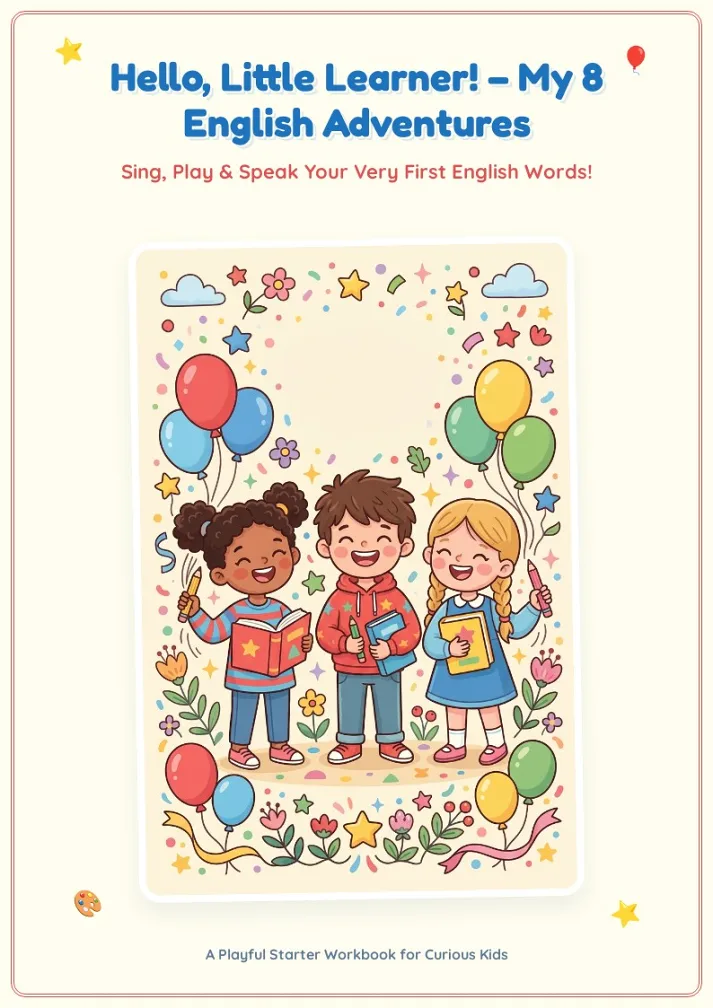
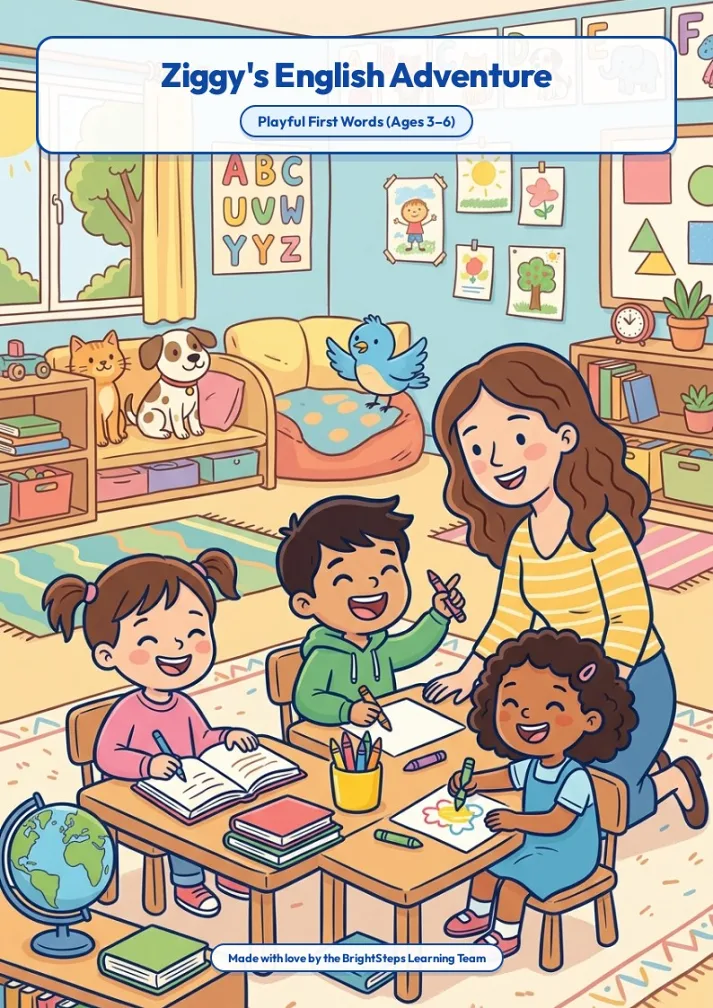
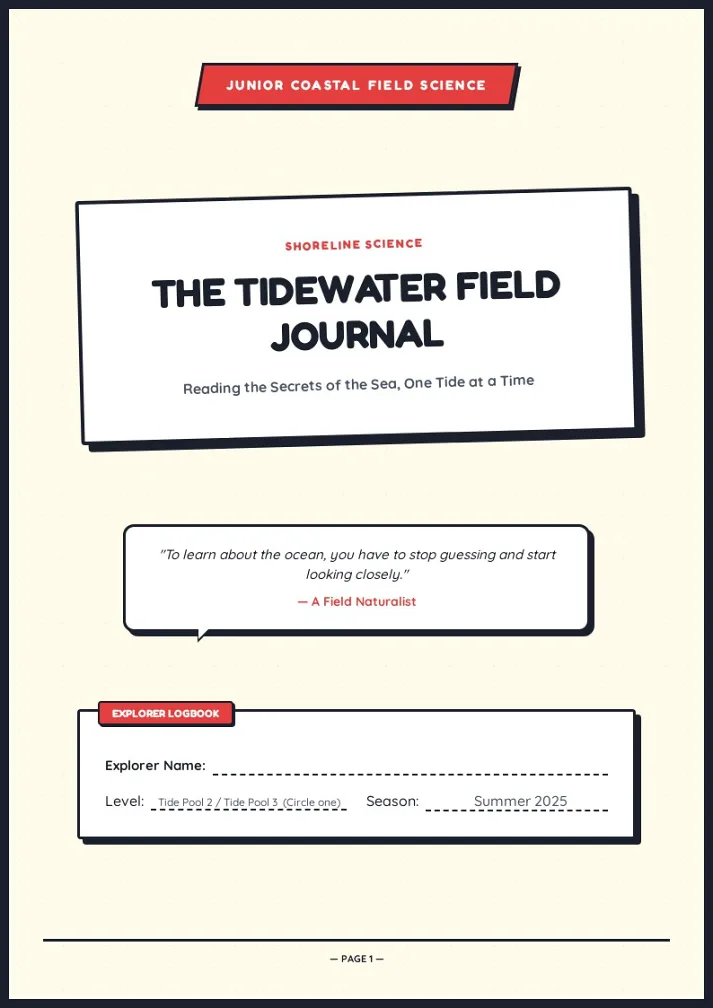
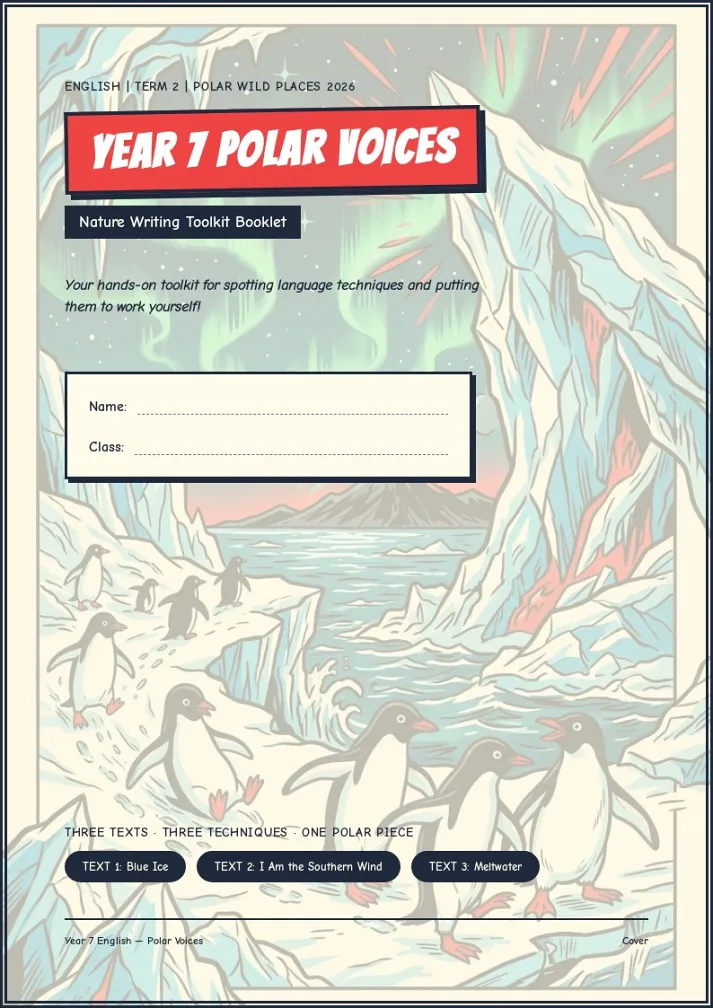
Three Steps to a Yearbook With This AI Yearbook Maker
From scattered source material to a distributable memory book.
Upload photos and materials
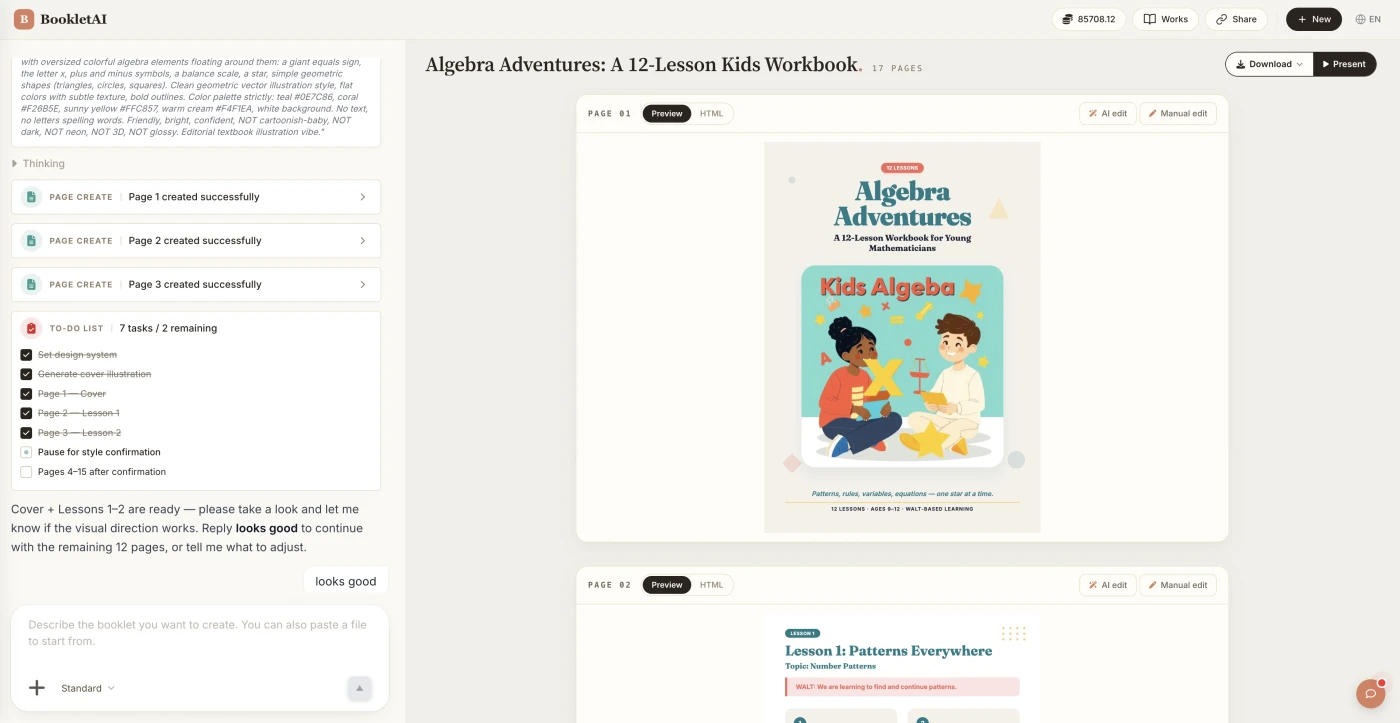
Drop in your photos and materials. The AI agent asks about your class, style, and goals before building the yearbook.
Review the outline & choose a style
AI shows a full page-by-page outline before writing begins. Approve it and pick a style, then watch each page appear in real time.
Edit any page, then download or export
Click Edit on any page to revise it independently. When ready, copy a share link, download the HTML, or export a print-ready PDF.
What People Build With the AI Yearbook Maker
See if your scenario fits.

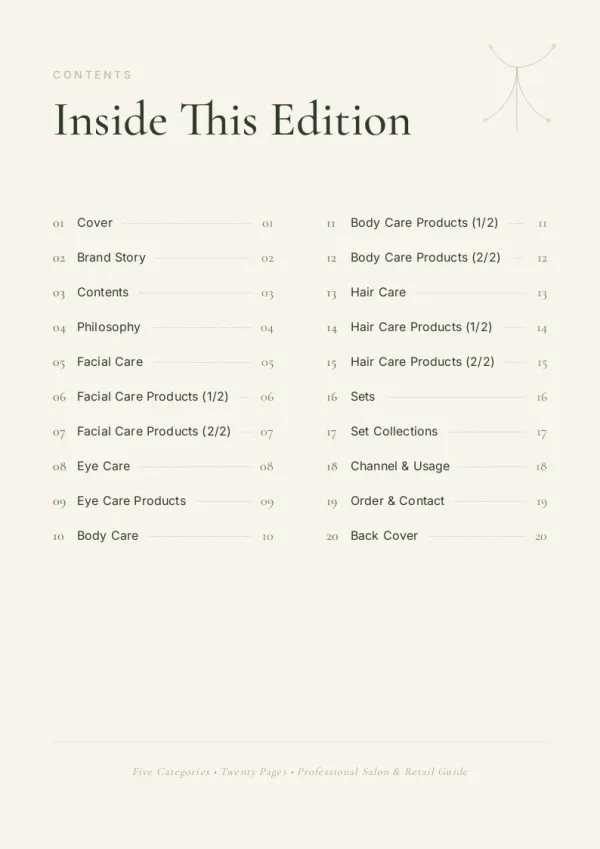
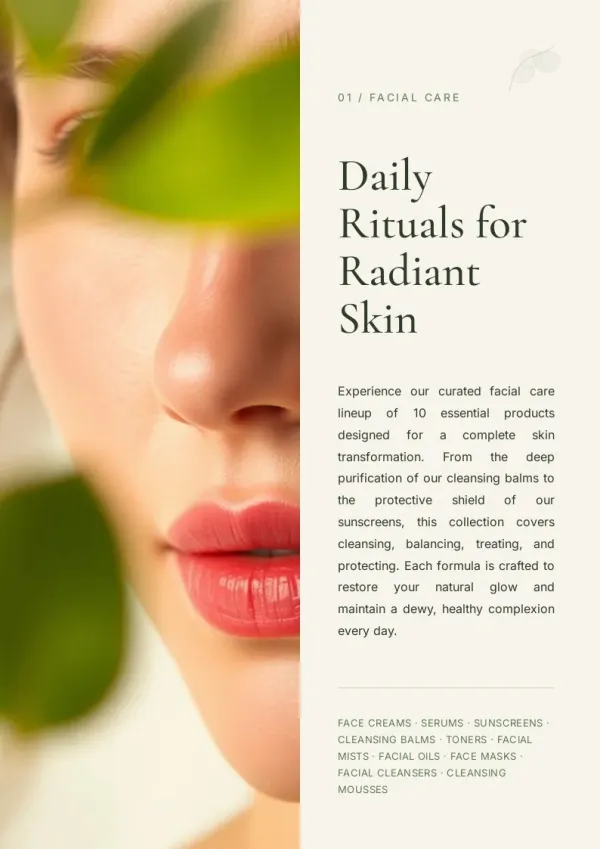
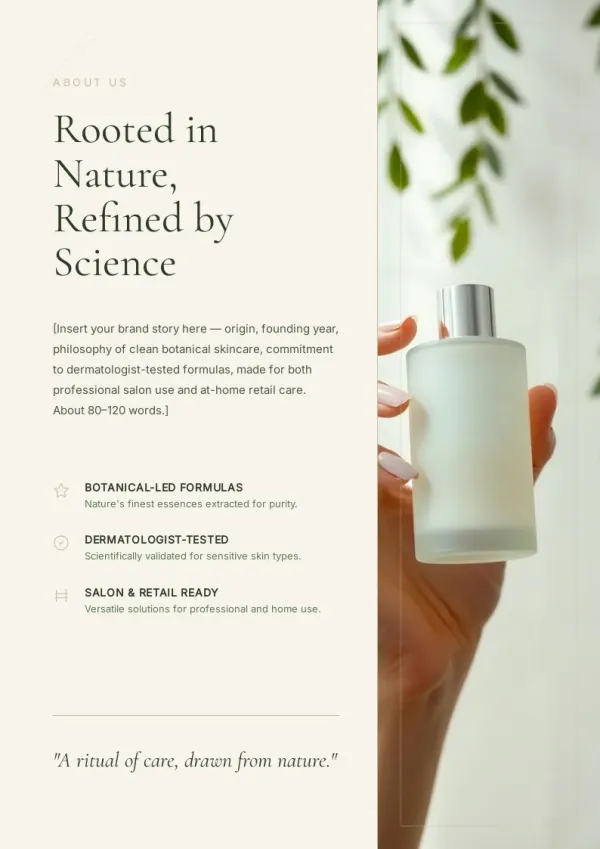
Class graduation yearbook
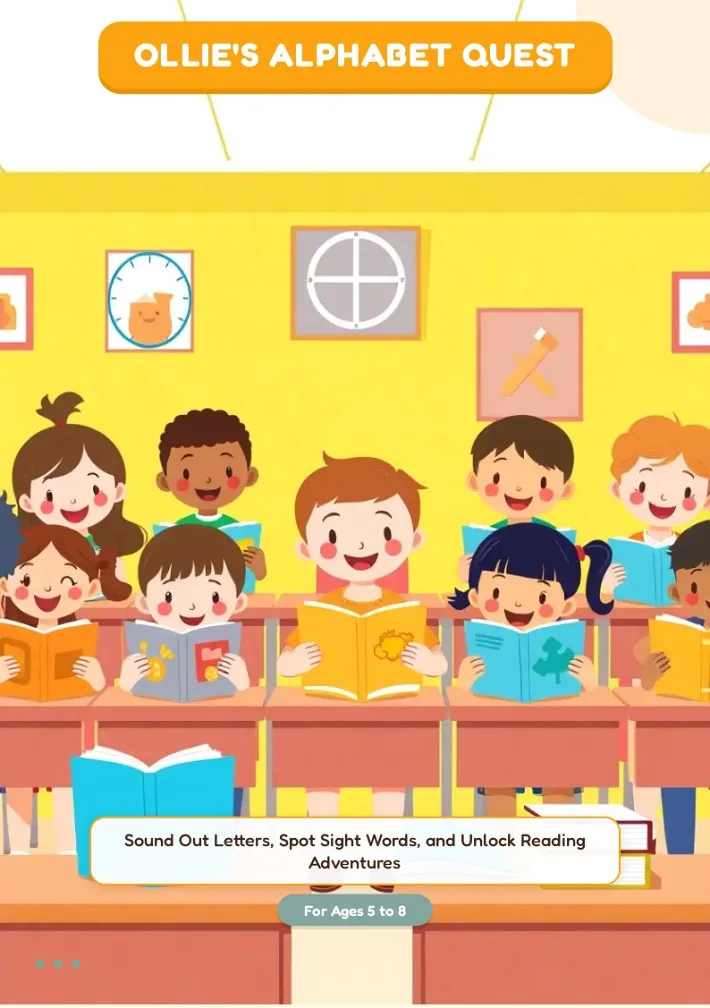
Three years together end. The committee gathers group photos, event shots, and one-line messages, and AI turns it into a class yearbook in a week. Every student gets a share link or prints a copy.
For sales & marketing
Club or interest group annual review
A debate club ran eight events this semester. The photography club did five outdoor shoots. AI turns scattered records into a timeline-organized printable yearbook.
For HR & L&D teams
Summer camp or short program memory book
Two-week camps, six-week bootcamps, one-semester exchanges — temporary groups that want to preserve their chapter can put a copy in everyone's hand before they disband.
For teachers & course creators
What This AI Yearbook Maker Does
Six capabilities that take the load off the yearbook committee.
Reads photos, messages, and event logs
Group shots, activity photos, signed notes — drop them in as source material. No retyping.
Picks the right voice per audience
Class-only memory book or wider school edition? AI adjusts cover, tone, and chapter pacing for the reader.
Auto-structures the school yearbook by timeline
Opening week, sports day, graduation — chapters split by semester or month. No manual page planning.
Per-student page filled in automatically
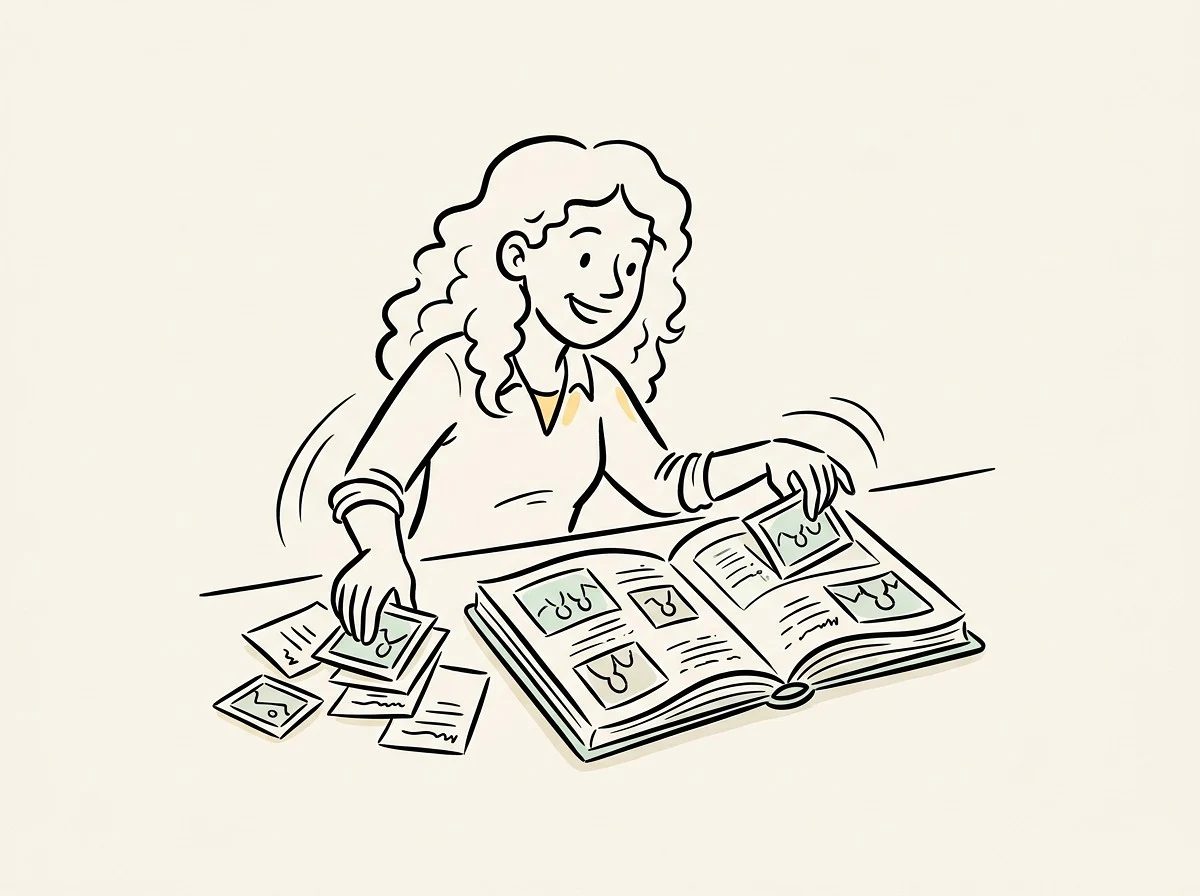
Upload group photos and AI crops individual portraits into caption slots. A class yearbook stops being a 30-page chore.
Last-minute edits stay free
Swap a photo, add a fresh message, fix a name — Quick Edit drag-and-drop never burns credits.
Printable yearbook plus share link
A4 PDF goes to the print shop; share link opens in any browser, no login. Both delivery modes covered.
Why This AI Yearbook Maker Is Different
Big schools hire Jostens. Designers open Canva. Selfie apps put your face in a 90s photo. bookletai is the AI yearbook maker that actually assembles the book.
No more all-nighter page-by-page layout
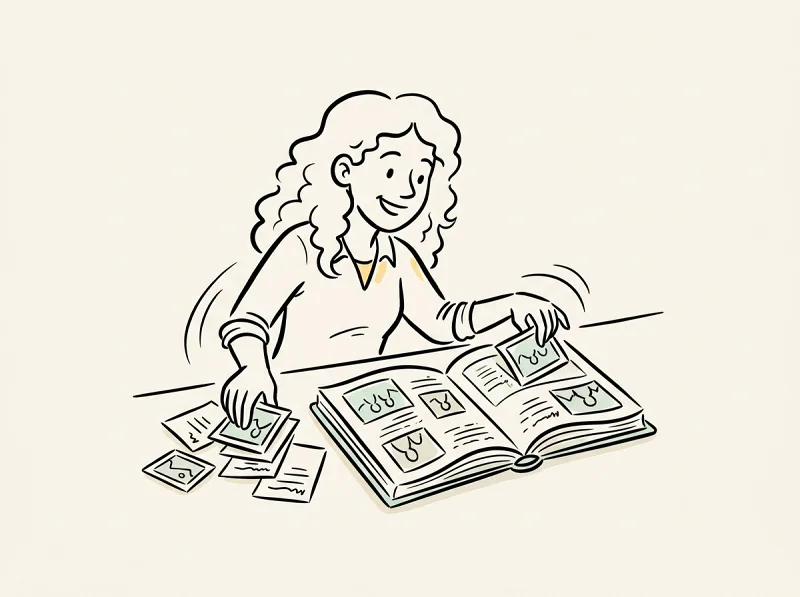
Yearbooks used to mean committees staying up to ship the file. AI handles organizing, layout, and image placement.
Every classmate gets a copy without paying per book
Share link opens for anyone without signup; the digital yearbook PDF prints nicely for those who want paper. Both modes at once.
Not limited to schools
Club annual reviews, summer camp memory books, corporate cohort graduation books — wherever a small group preserves a shared chapter, this tool fits.
Your time is worth
a subscription
Spend your hours on the idea — we'll handle the design
What You Might Want to Know About the AI Yearbook Maker
Answers to common questions.
1
Does this AI yearbook maker generate 90s-style retro photos like the apps I saw on TikTok?
No. Tools like Aragon, Reface, and Photoleap take your selfie and apply a 90s yearbook photo filter to one face. This is an AI yearbook maker for the whole book — chapters, layouts, group photos, and messages assembled into a printable yearbook.
2
Is this AI yearbook generator free to use?
Yes. No signup to try a first book. Each new yearbook uses 1 credit; text changes, photo swaps, and chapter reordering after that are free.
3
How is this different from Canva, FlipHTML5, or Jostens?
Canva needs you to design it. FlipHTML5 treats yearbook as one template among 30+ ebook types. Jostens sells physical printed books at school-budget prices. bookletai is built only for class and club memory books and ships an editable PDF.
4
Can it read handwritten student messages from a signature book?
Yes. Upload photos of the signature book or loose notes. Multimodal vision reads the handwriting and maps each message to the right student page.
5
Will AI write a short bio for each student automatically?
Yes, if you provide the student list with basic info (one-line interest, class role, next step). Bios come out in a consistent voice. You can also leave them blank for committee members to fill in.
6
How many yearbook templates are there, and can I pick a style?
40+ yearbook templates covering graduation, club review, summer camp, and corporate cohort books. Pick one and AI follows its layout and color while building content from your material.
7
Can I edit the school yearbook after generation? What about last-minute photo additions?
Every page stays editable. Quick Edit handles drag-and-drop image and text changes with no credit cost. If one page isn't right, delete and regenerate just that page — others stay intact.
8
Can I swap out photos I don't like?
Yes. Click any image in Quick Edit to upload a replacement, pull from the image library, or let AI generate three candidates to pick from.
9
How many pages should a class yearbook be?
8–15 pages works best. Small classes (under 20) do fine with 12 pages; club reviews hit a sweet spot at 15. 20+ is supported but consistency drops — consider splitting into volumes.
10
Can I save it and reuse the format next year?
Every yearbook auto-saves to My Works. Next year, duplicate last year's as a template — chapter structure and yearbook design carry over, only content changes.
No design skills needed for your yearbook
The agent researches, writes and lays out every page. You just describe it.