AI Newsletter Generator, Ship Every Issue on Time
Drop in this issue's fresh content, activities, data, and reader feedback. AI newsletter generator turns it into an email-ready issue, on schedule.
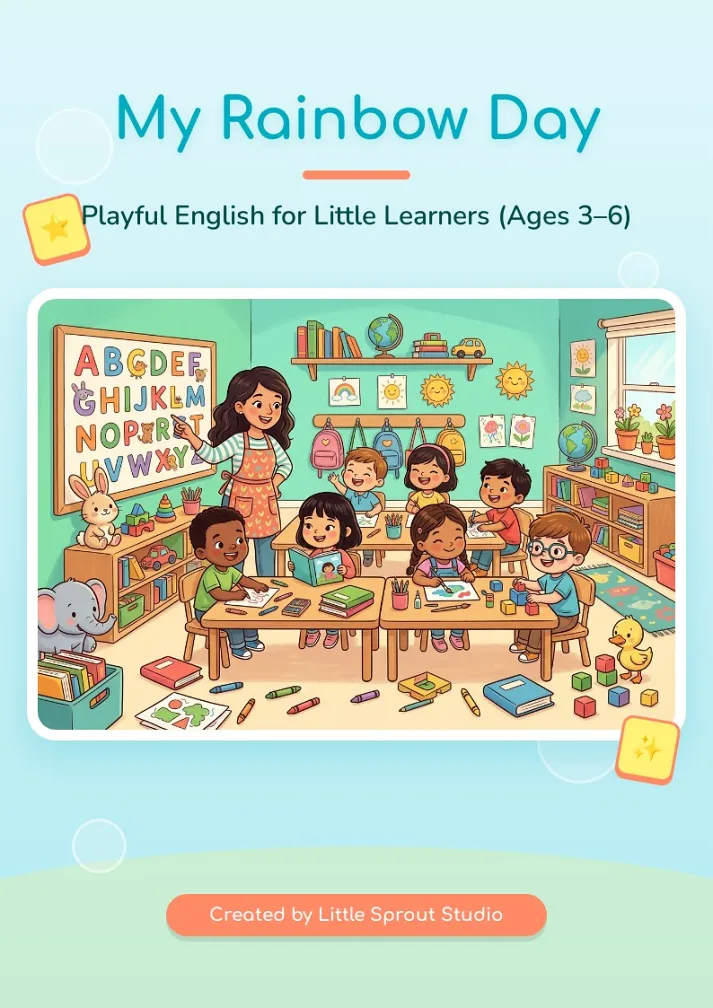
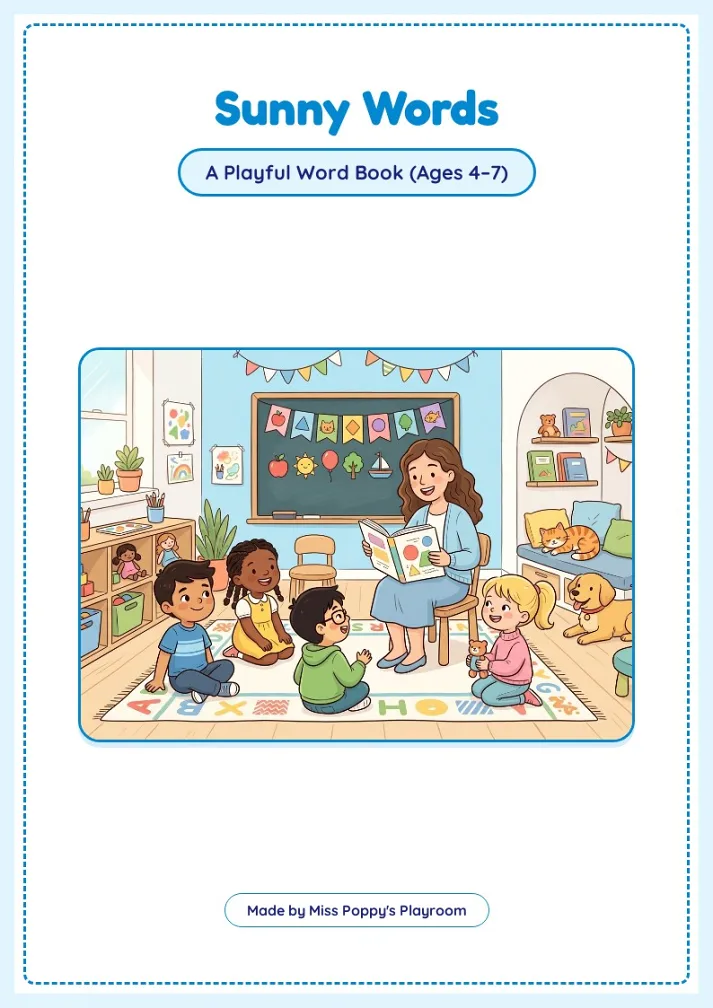
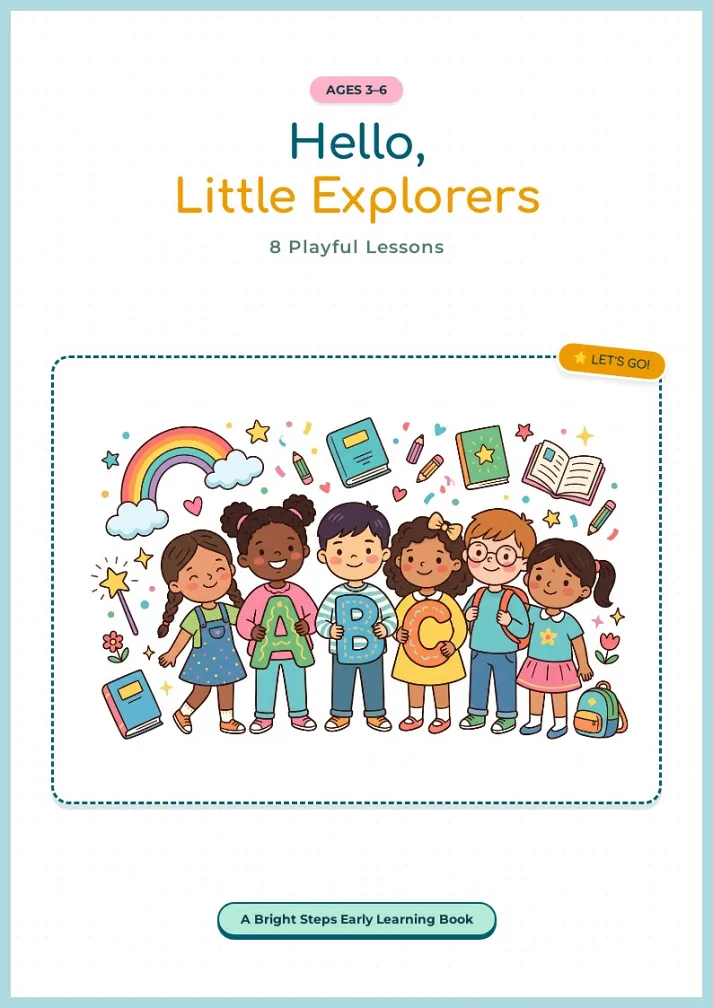
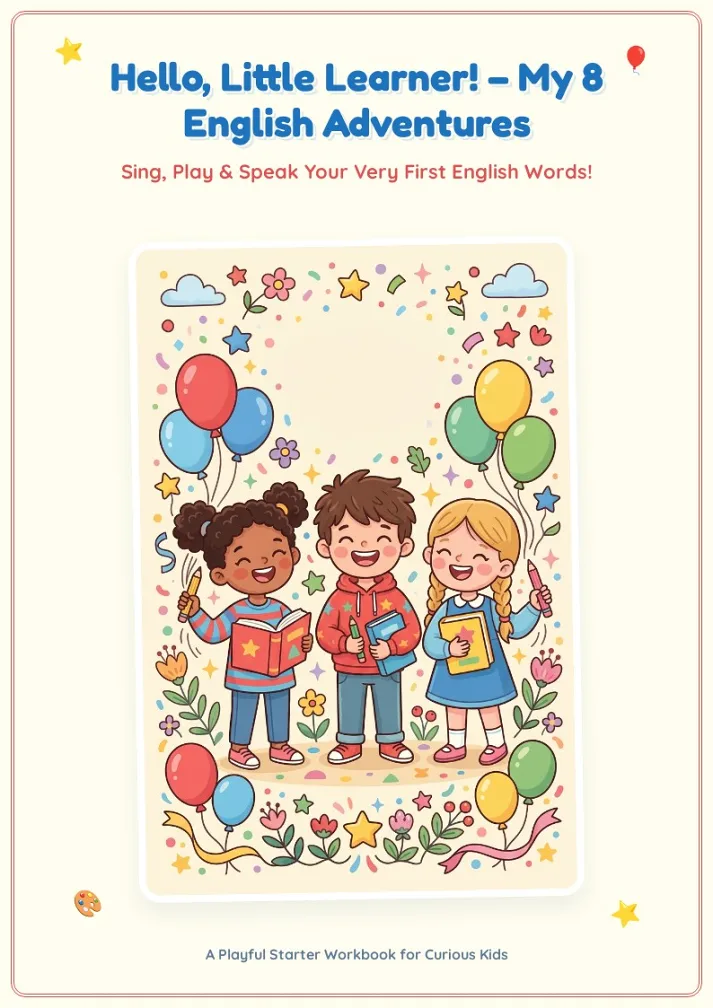
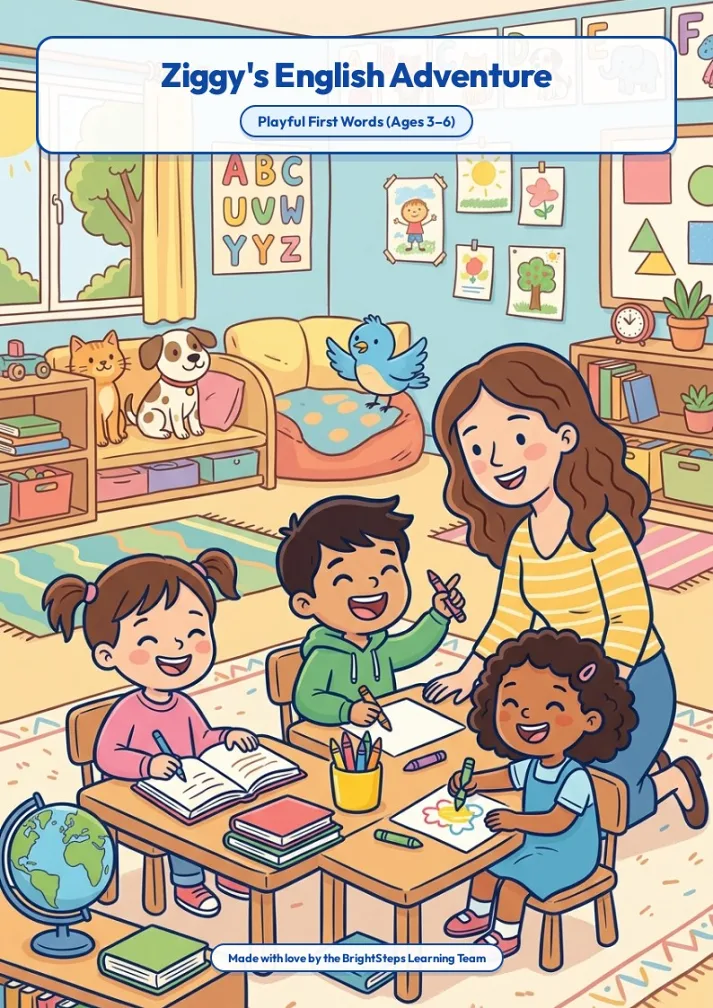
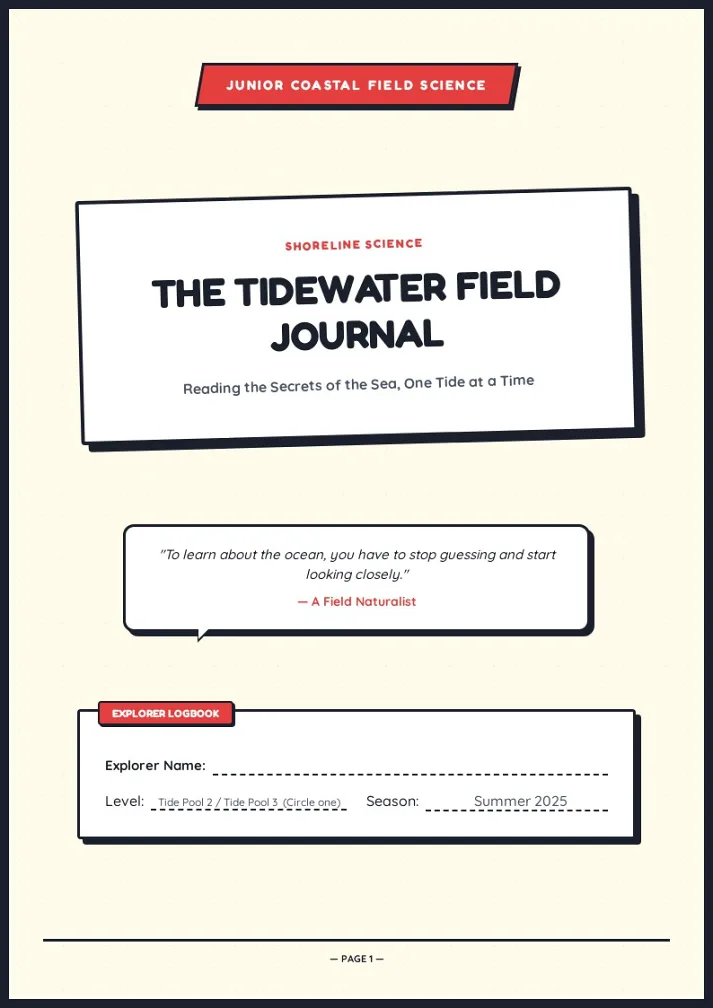
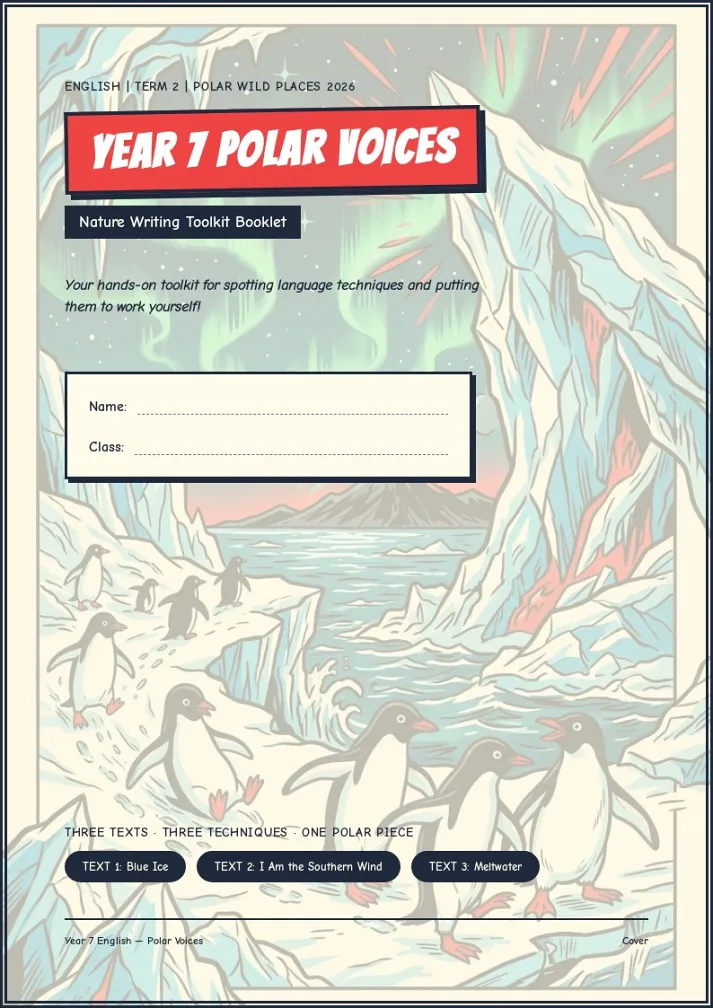
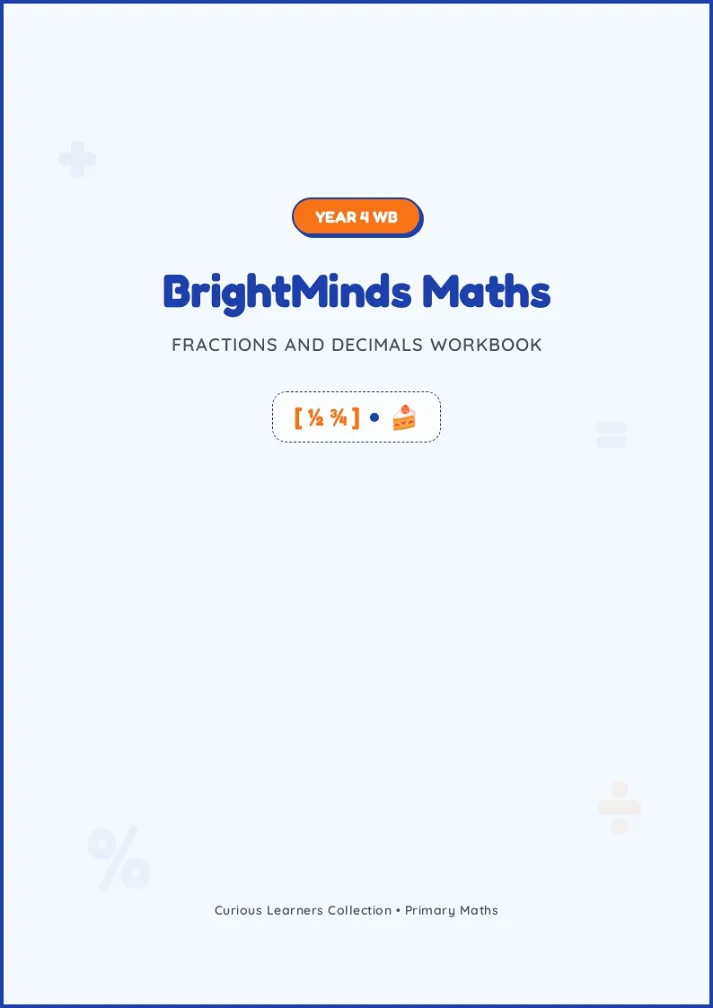
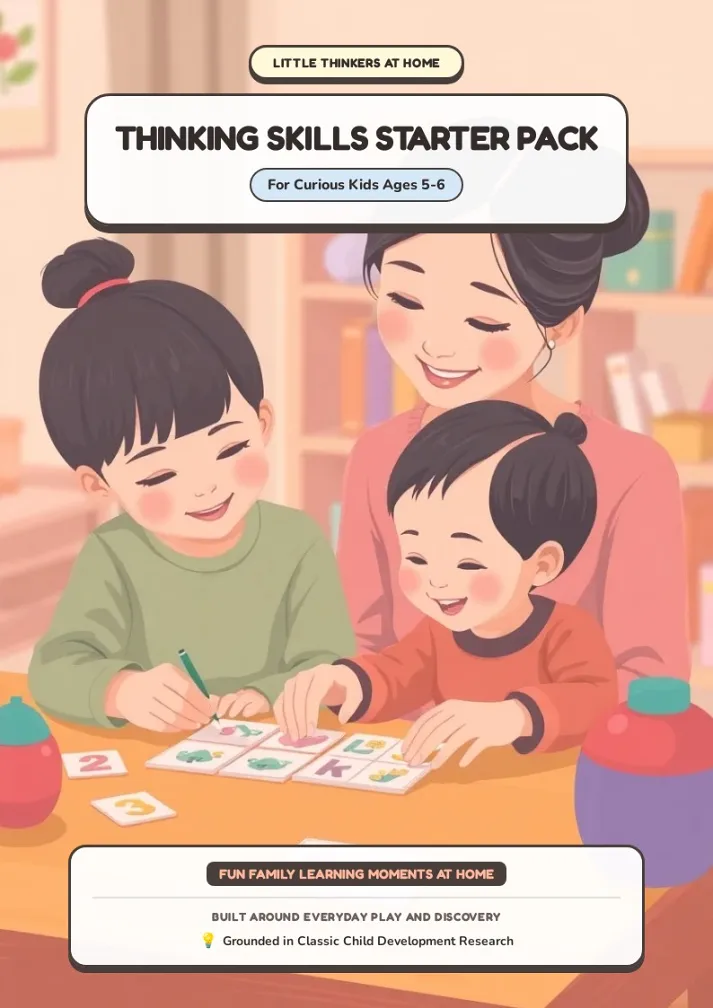
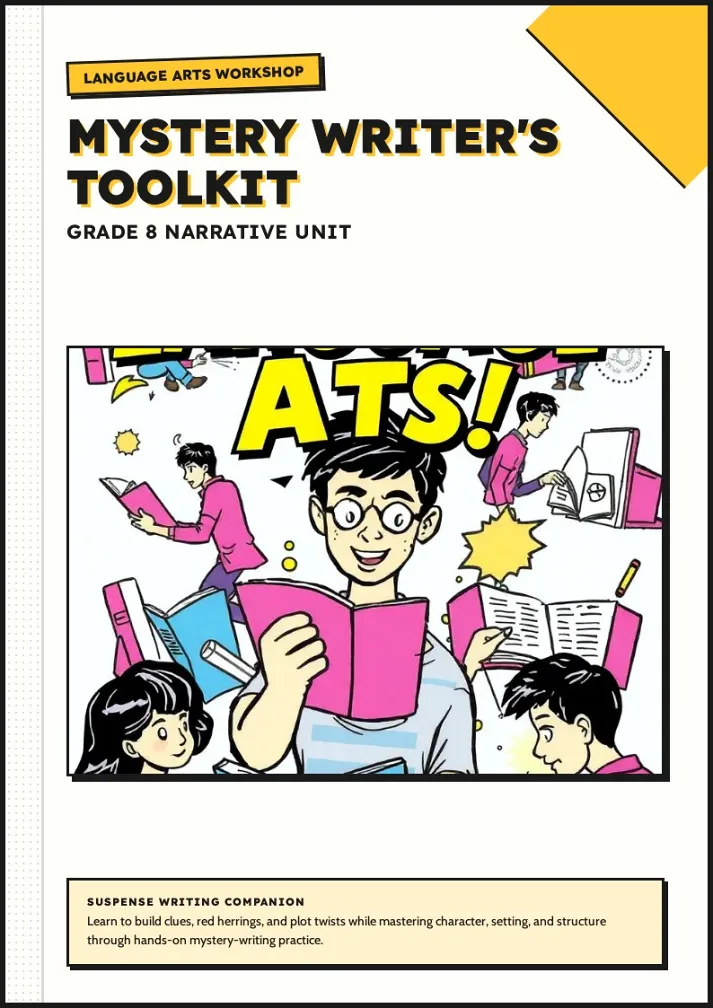
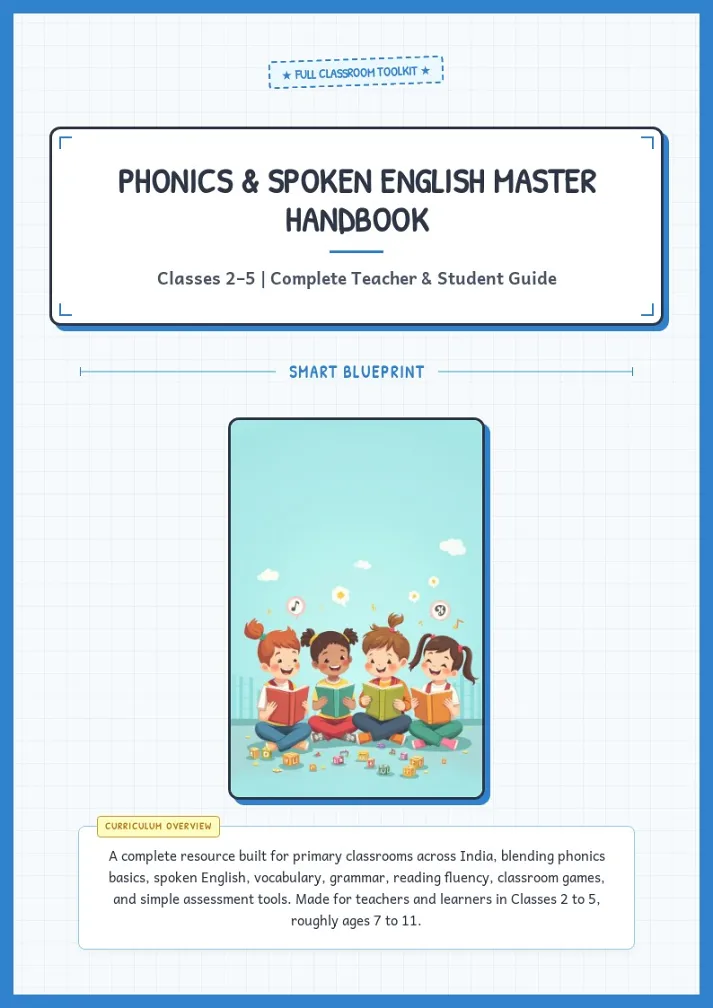
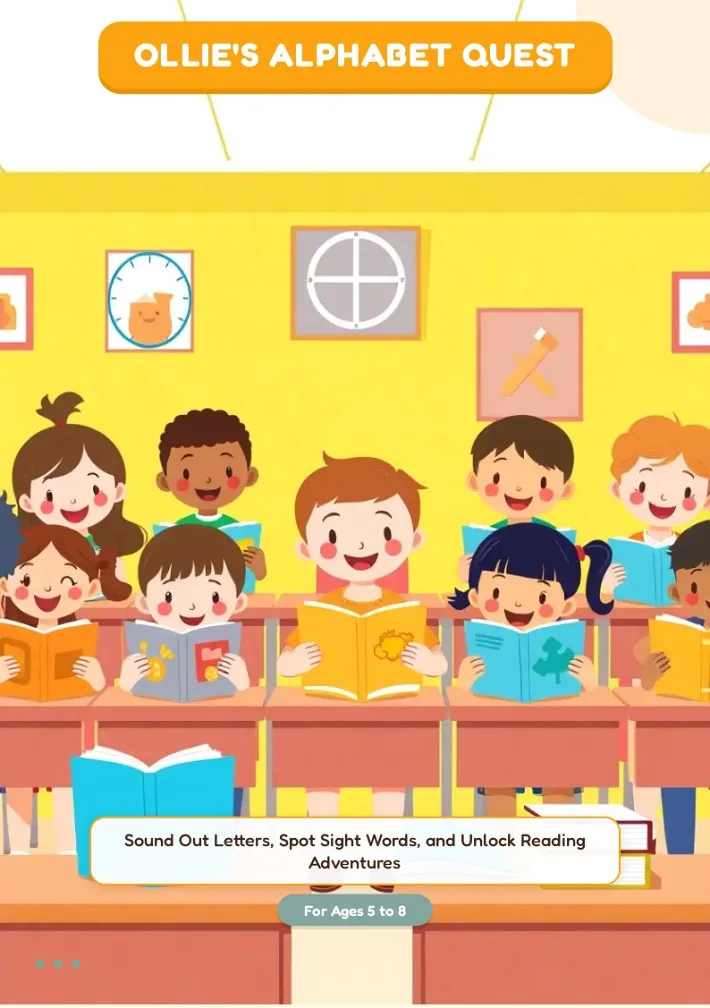
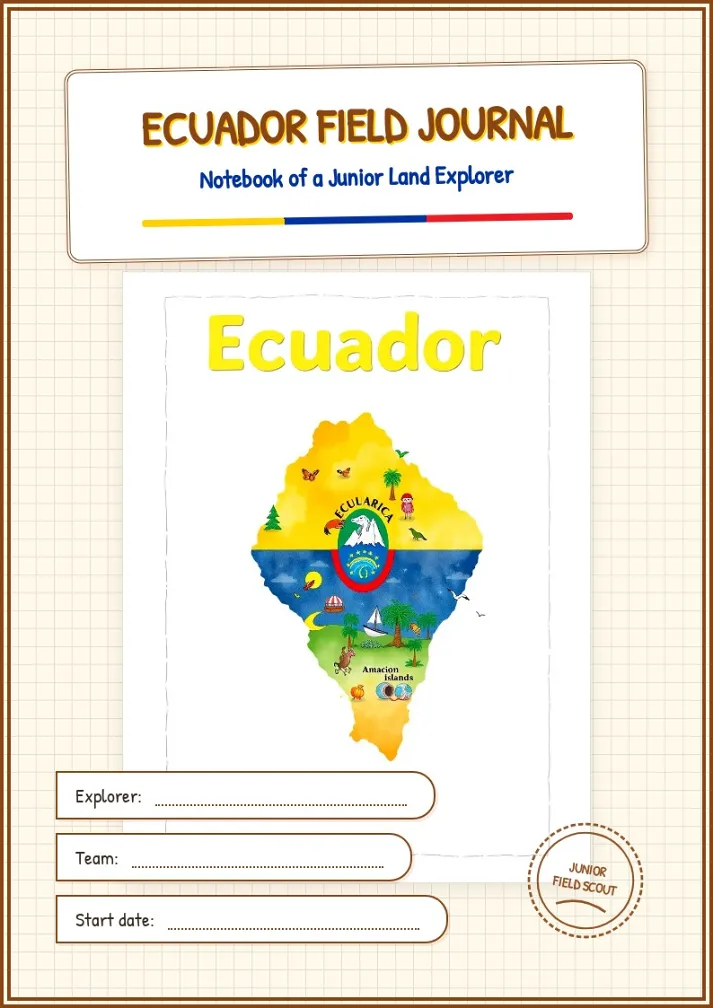
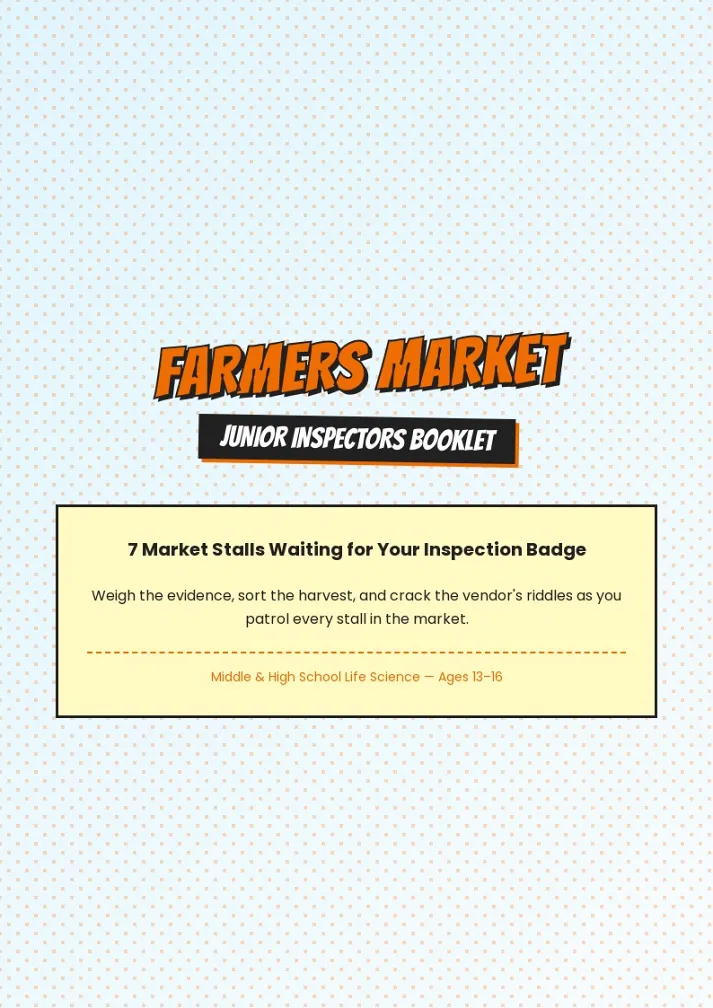
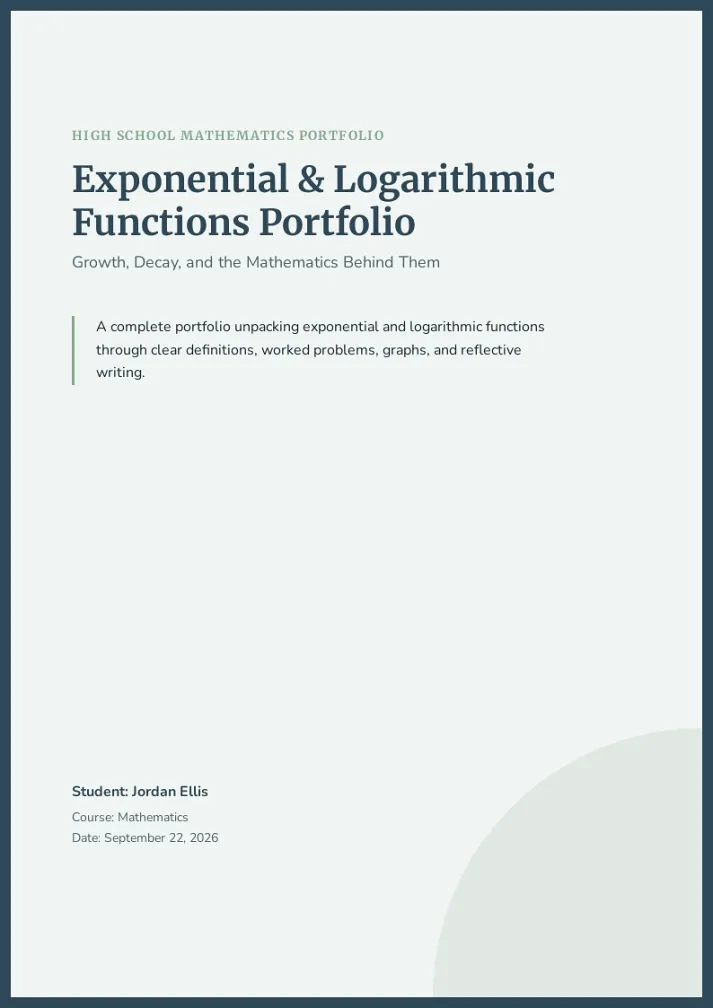
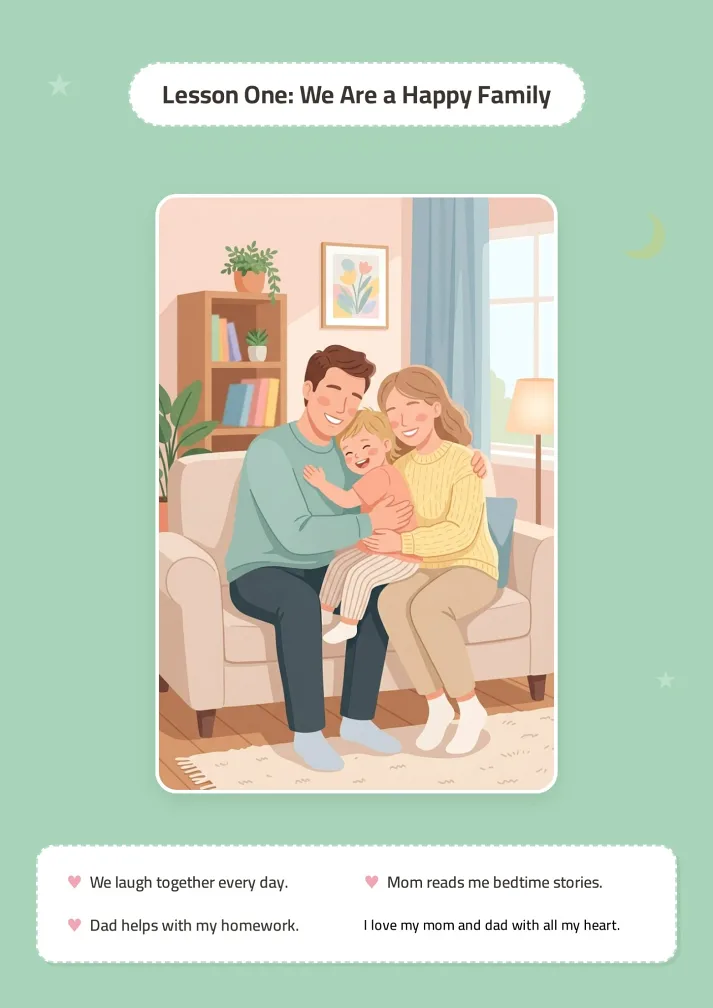
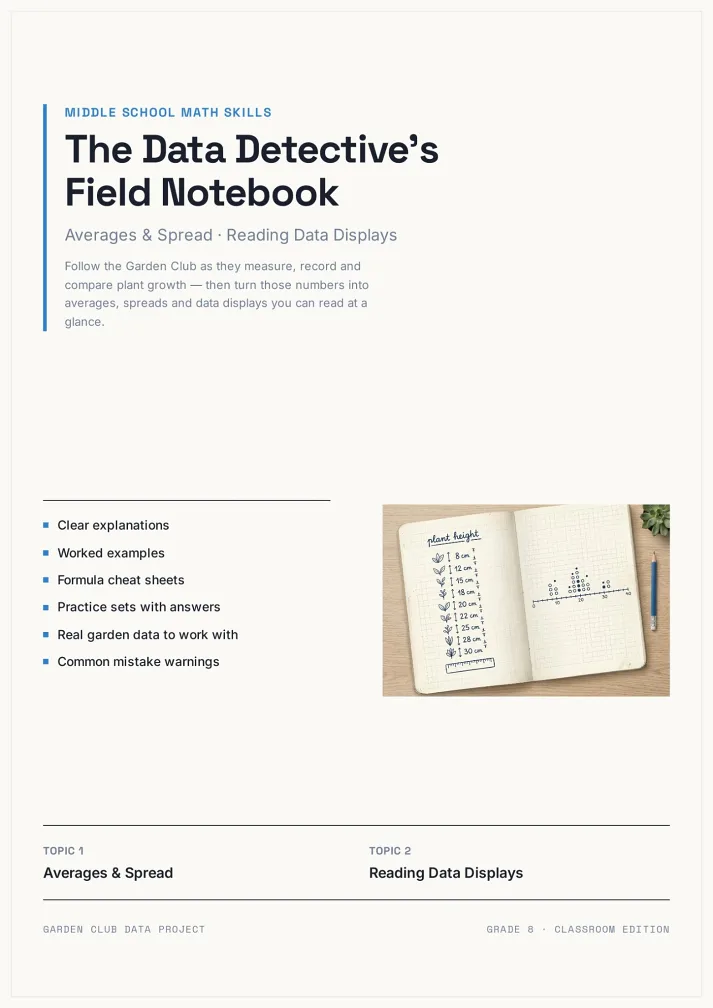
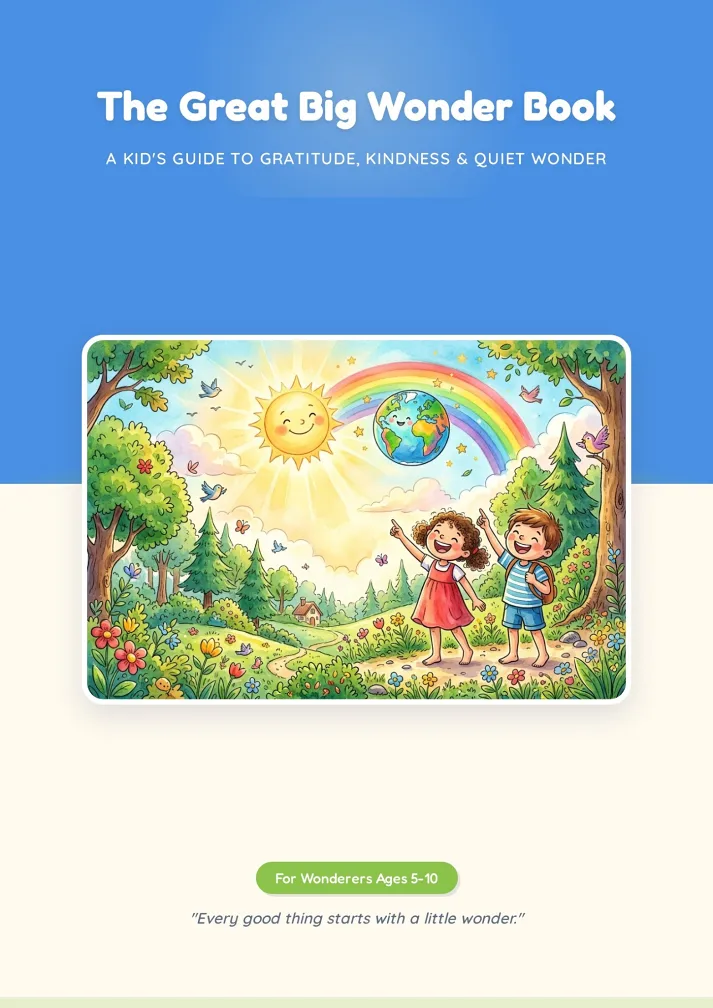
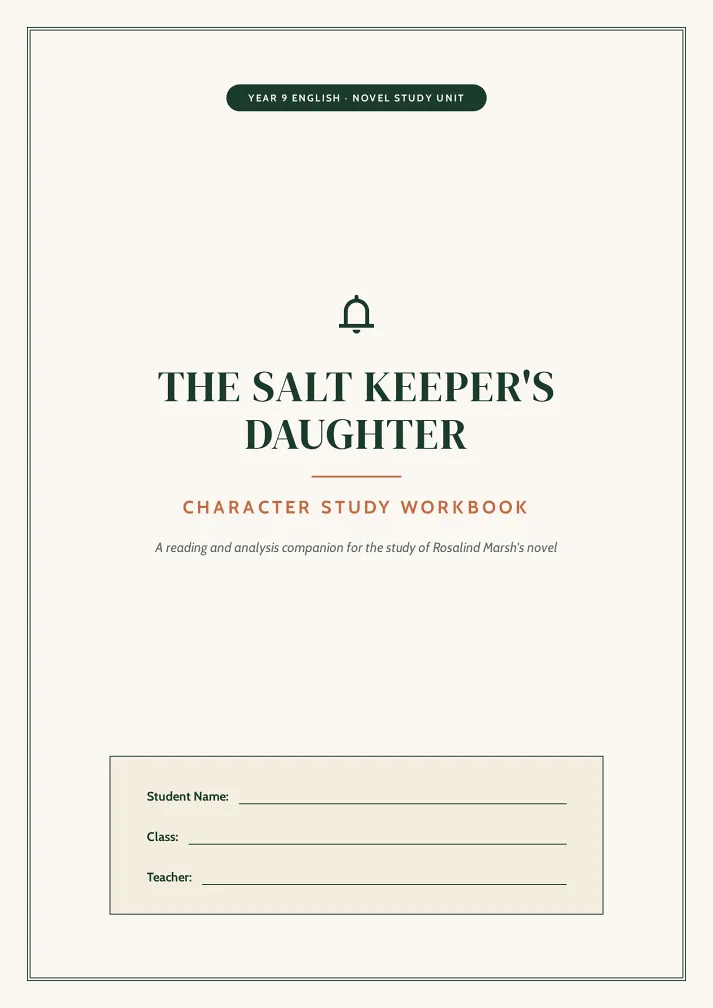
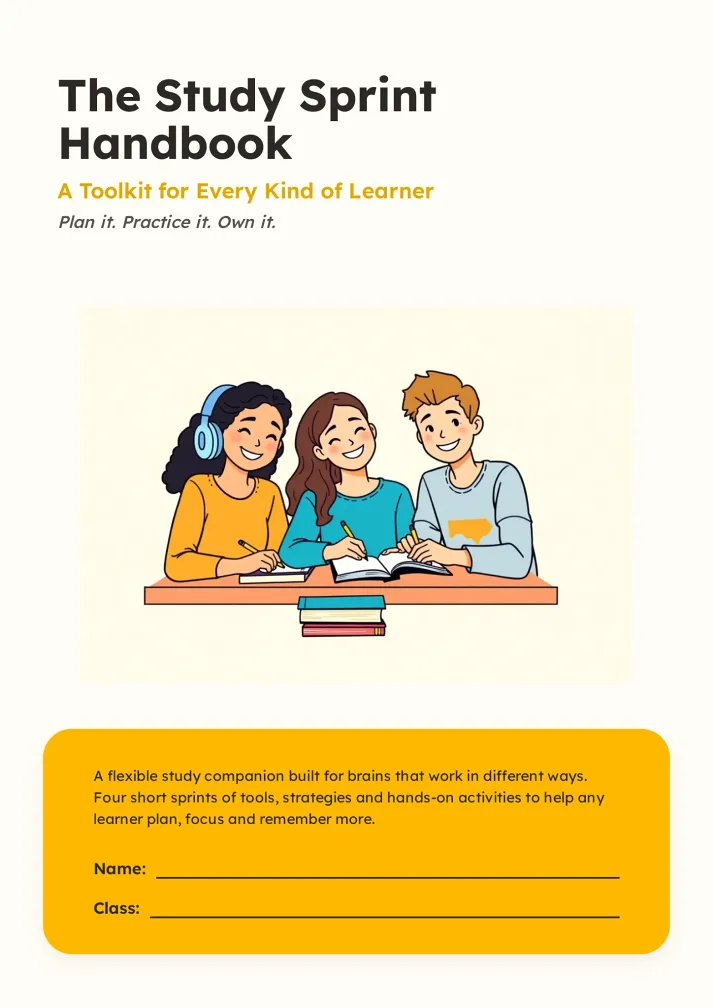
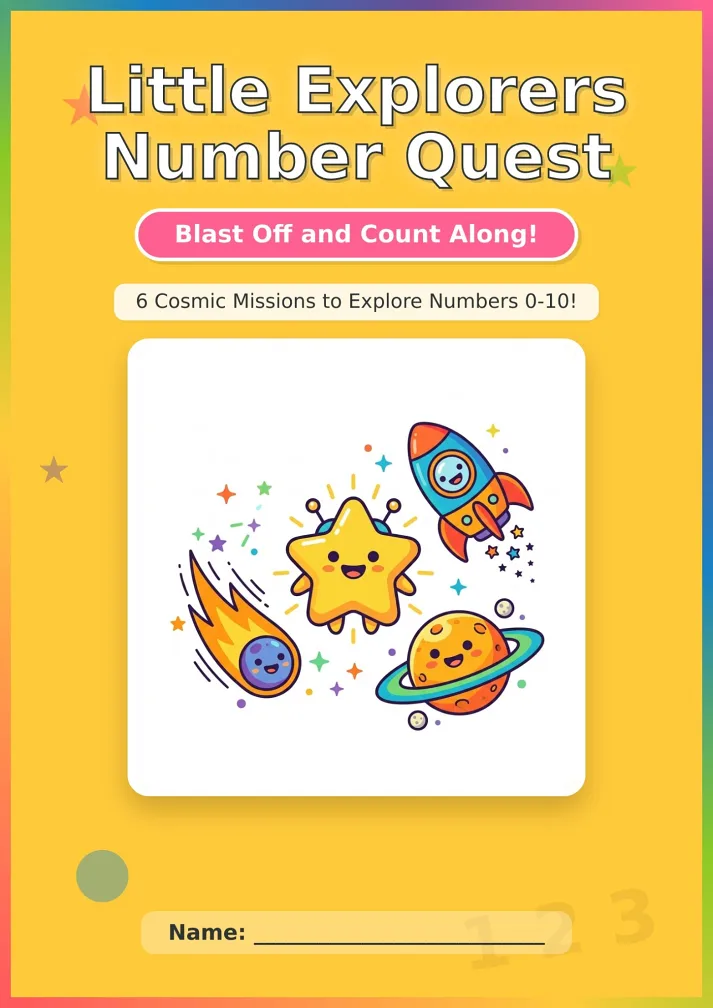
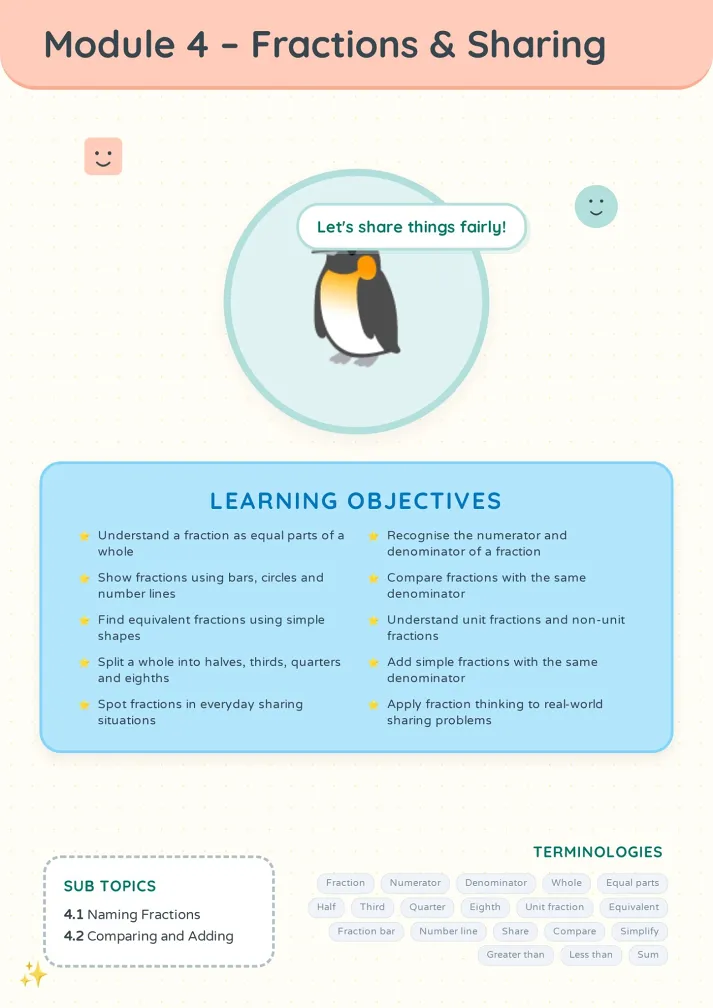
Three Steps to Ship an Issue
From raw material to send-ready.
Add content or upload this issue's material
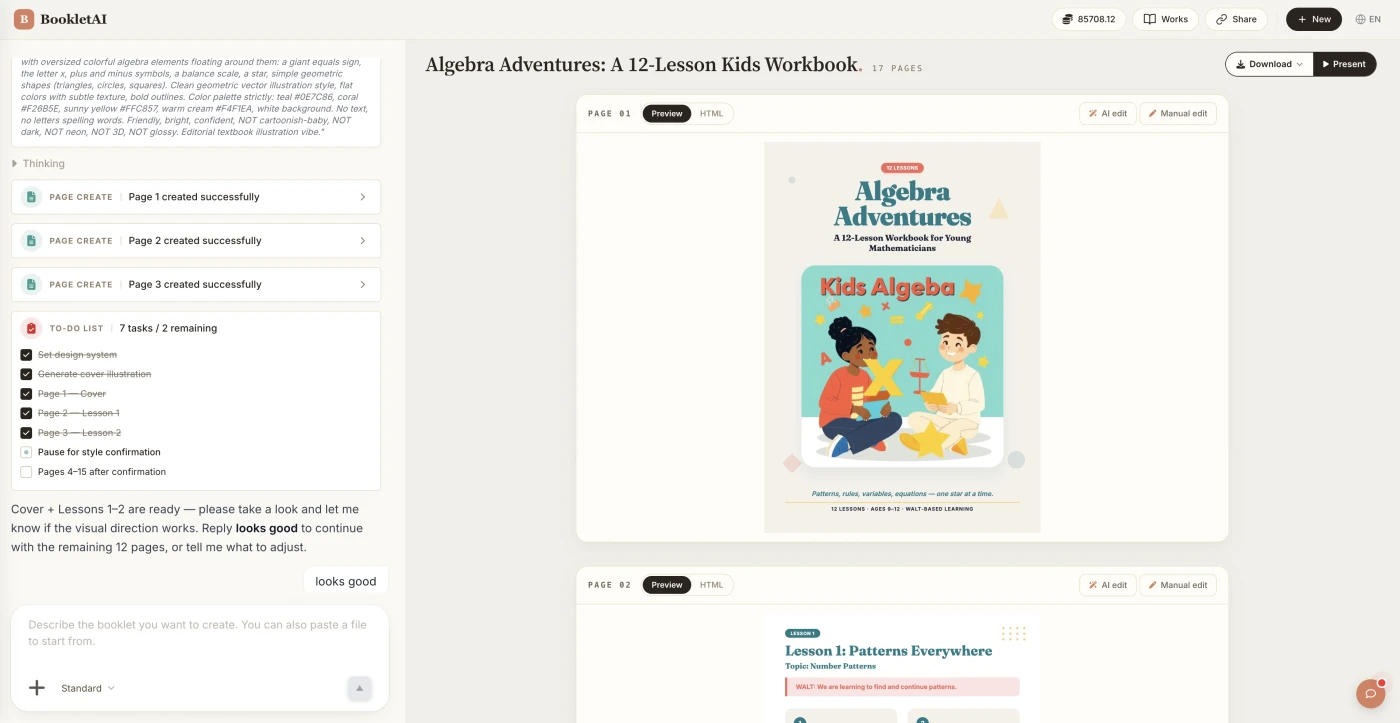
Paste your content or drop in this issue's material. The AI agent asks about your audience, style, and goals before building the newsletter.
Review the outline & choose a style
AI shows a full page-by-page outline before writing begins. Approve it and pick a style, then watch each page appear in real time.
Edit any page, then download or export
Click Edit on any page to revise it independently. When ready, copy a share link, download the HTML, or export a print-ready PDF.
What People Build With the AI Newsletter Generator
See if your scenario fits.

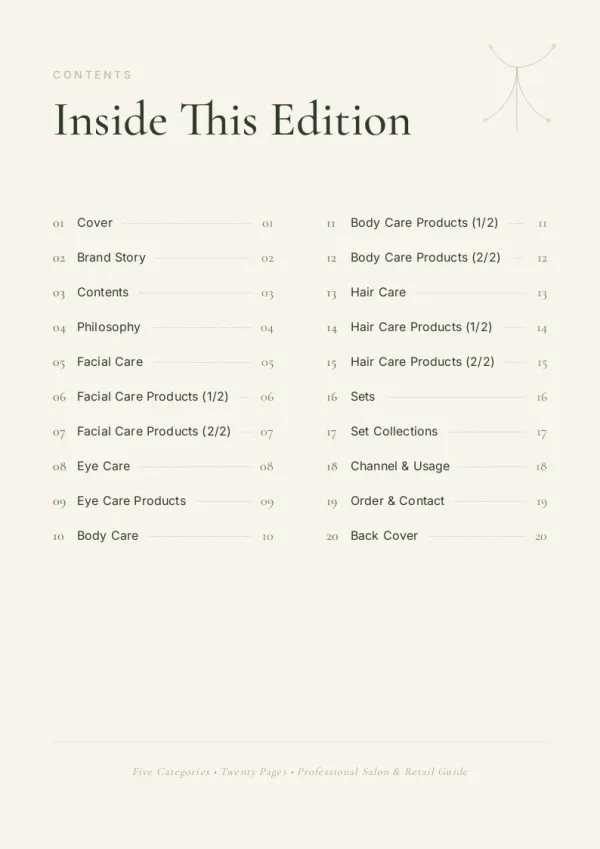

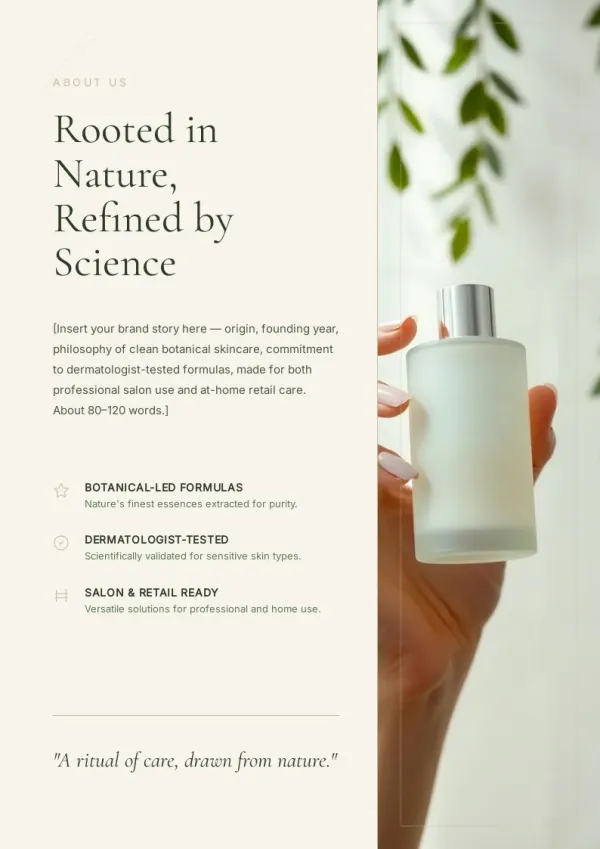

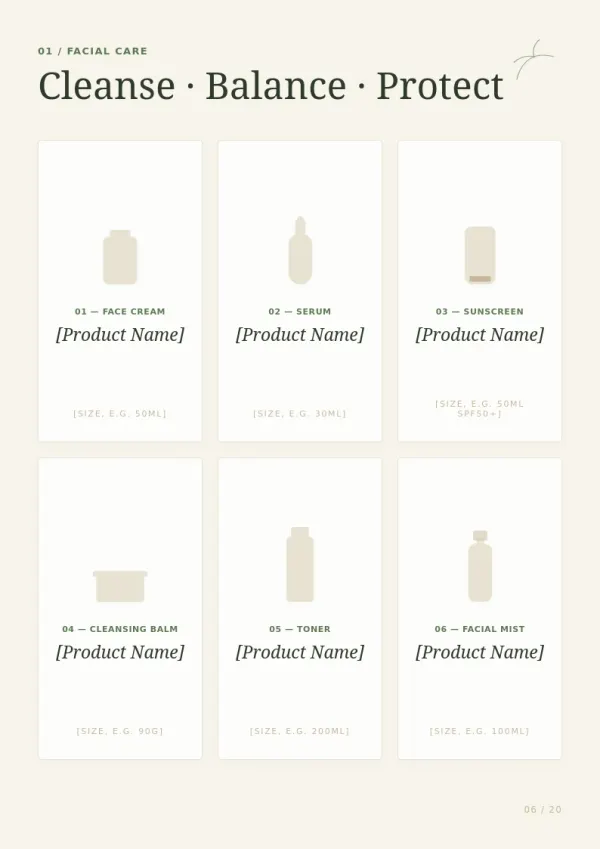
Independent creator's weekly or monthly
You run a newsletter on Substack or beehiiv with hundreds to thousands of subscribers. Every deadline is tight. Drop in what you wrote, read, and measured this week — AI drafts a sendable issue within hours.
For sales & marketing
Company internal weekly or monthly
HR, PMs, or team leads produce monthly updates — last month's highlights, next month's plans, people moves. AI uses a consistent template so only the content changes month to month.
For HR & L&D teams
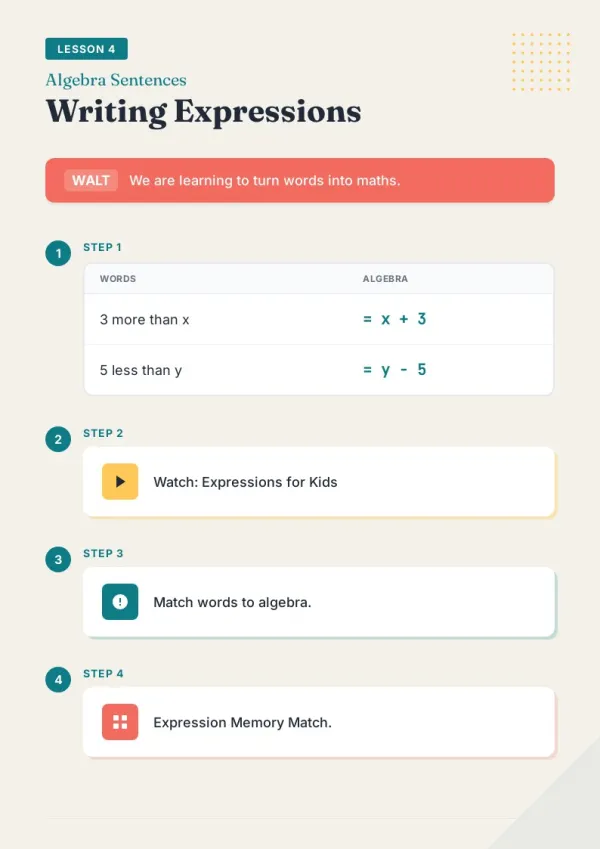
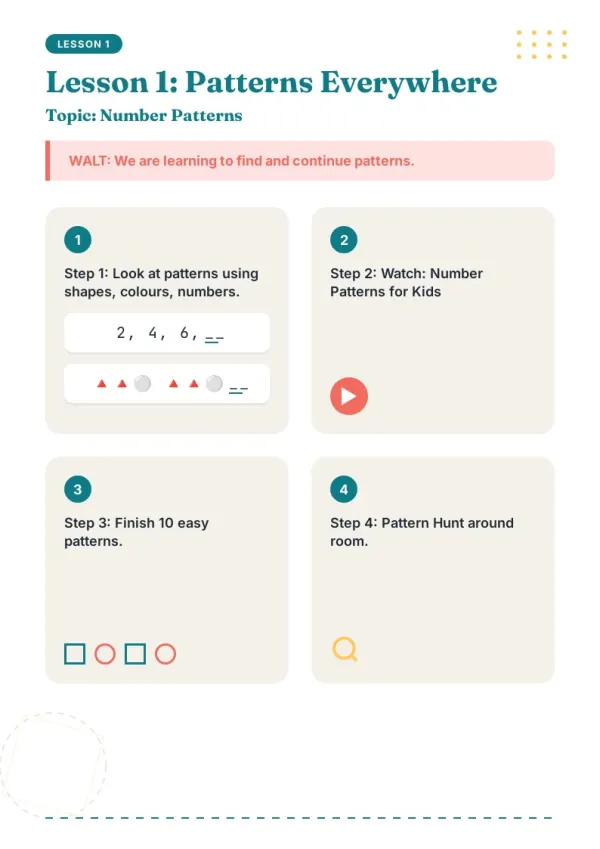
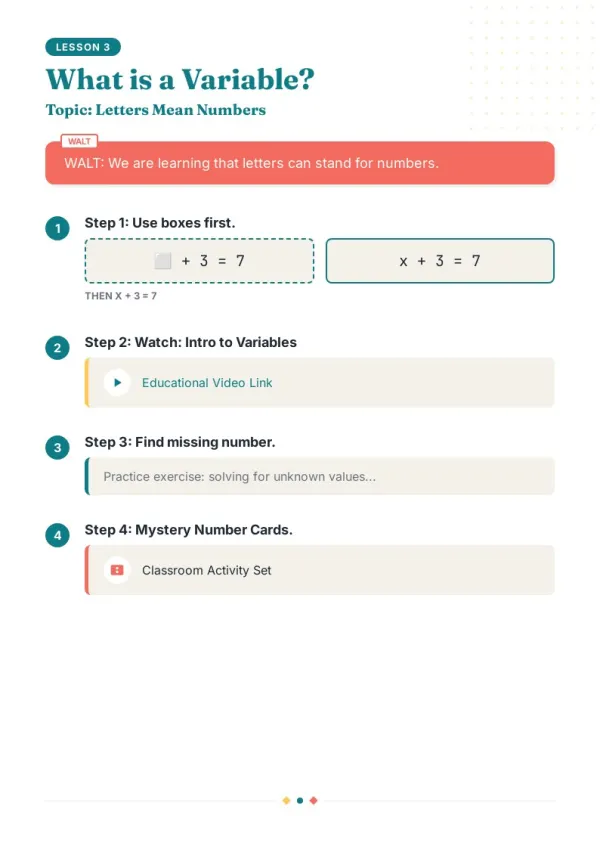
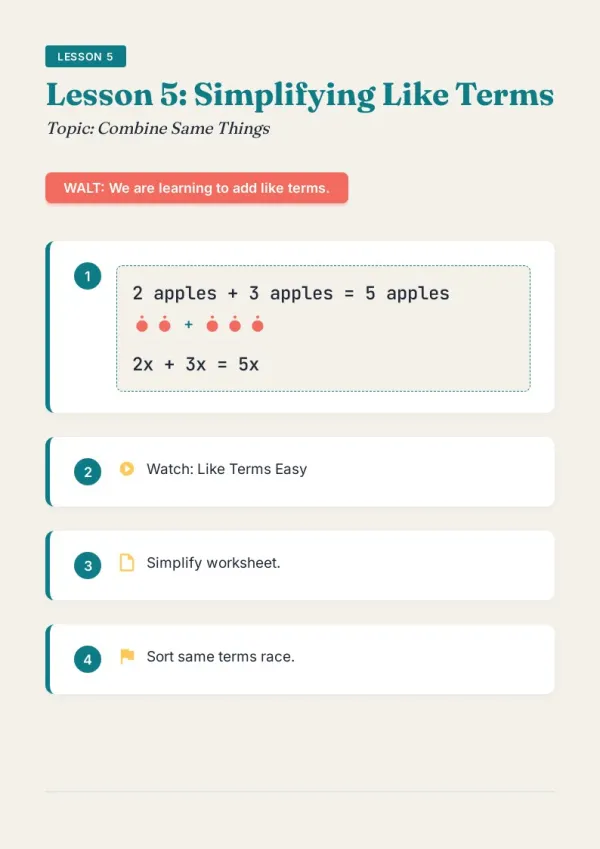
Class or community parent newsletter
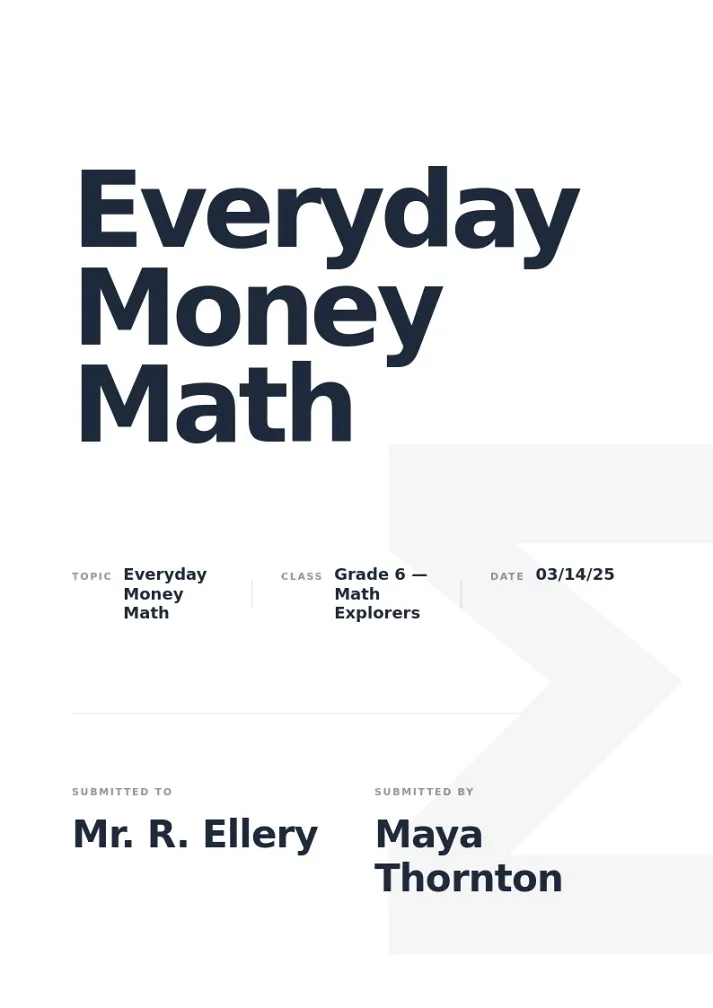
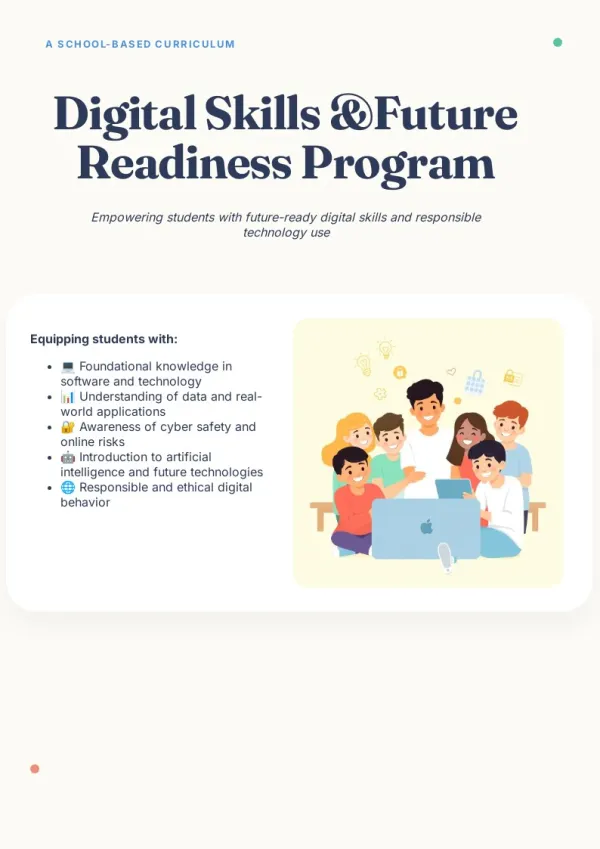
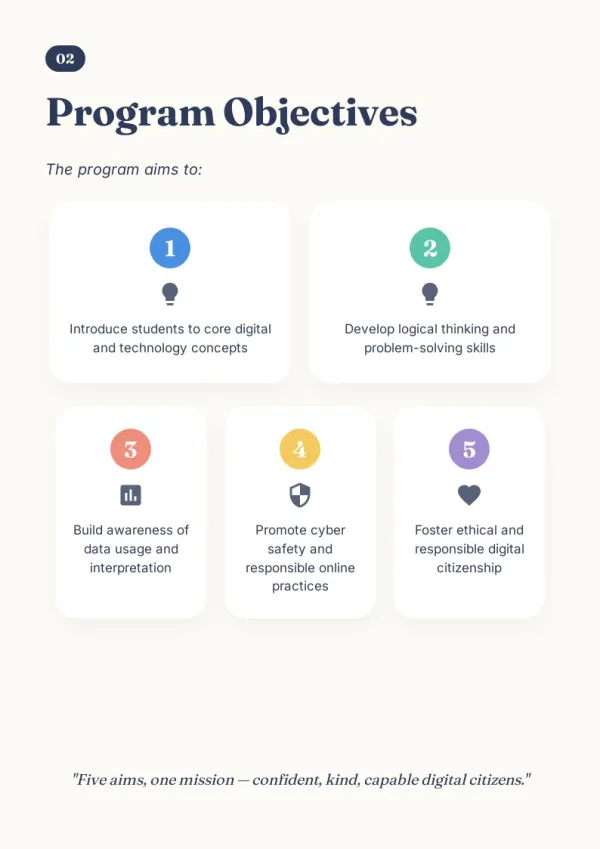
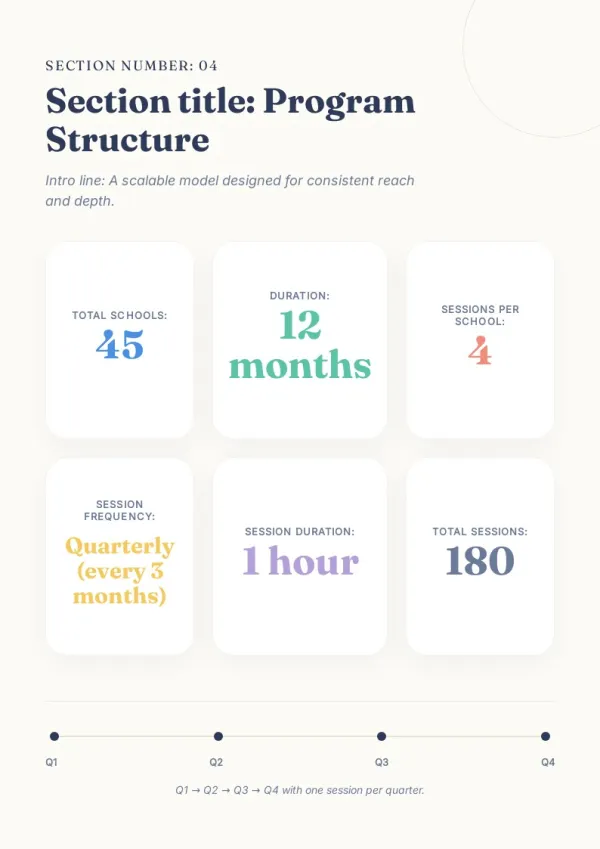
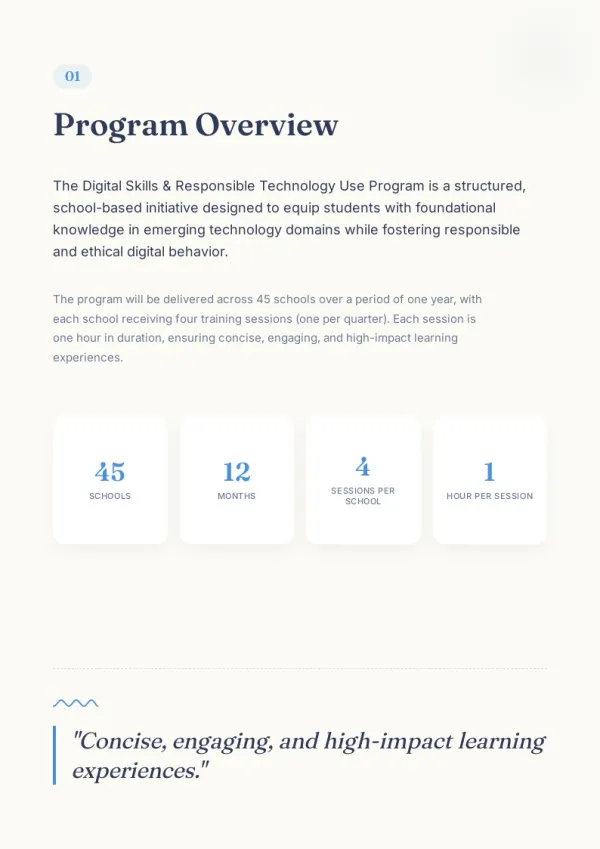
Teachers send parents a monthly class digest — last month's lessons, student work, upcoming events. AI drafts in a familiar structure; export as PDF for email or print.
For teachers & course creators
What the AI Newsletter Generator Does
Six capabilities that help you ship on deadline.
Drop in everything this issue collected
This week's blog posts, activity notes, user feedback, metrics — paste them together and AI categorizes.
Asks about this issue's focus and reader
Paying members deep dive or all-hands weekly? AI aligns tone before writing a line.
Builds sections with a newsletter rhythm
Intro, this issue's highlights, stat snapshot, events ahead — AI places each beat instead of one long essay.
Images filled in, or skipped
Short text + one image is the newsletter norm. AI adds fitting visuals per section, or stays fully text if you prefer.
Last-minute edits cost nothing
Catch a typo, swap a hero image, delete a lead paragraph — Quick Edit drag-and-drop never burns credits.
One build, three delivery modes
HTML to paste into Mailchimp / beehiiv, PDF for subscribers to save, share link to embed on your site — no re-exporting.
How AI Newsletter Generator Fits Next to Canva, beehiiv, and ChatGPT
beehiiv handles subscription and delivery. Canva expects you to lay it out. ChatGPT gives you text. bookletai takes the middle — organizing material, structuring sections, shipping the draft.
Not starting from a blank page
Prior issues' layout, masthead, and sections carry forward. Each week, you only drop in new material.
AI asks about this issue's angle — doesn't guess
"Lead with the new feature?" "Include the stat snapshot?" "Add a community event?" AI asks like a colleague.
Edits stay free forever
Newsletters often get tweaked hours before sending. Quick Edit drag-and-drop, text, and image swaps cost no credits — last-minute rescues stay painless.
Your time is worth
a subscription
Spend your hours on the idea — we'll handle the design
What You Might Want to Know About the AI Newsletter Generator
Answers to common questions.
1
Is the AI newsletter generator free to use?
Yes. Start without signing up. Try an issue before committing. Each new issue uses 1 credit; subsequent text tweaks and image swaps are free.
2
How does it divide work with Canva, beehiiv, and Substack?
beehiiv and Substack handle subscription and delivery (list, payment, sending). Canva expects manual layout. bookletai takes the middle — reading your material, AI-building the layout, exporting HTML, PDF, and share link in one pass.
3
Can I export formats that Mailchimp, beehiiv, or Substack accept?
Yes. Export HTML to paste into Mailchimp, beehiiv, Substack, or any email editor. PDF works as an attachment. HTML is standards-compliant and clean; specific platform compatibility depends on the email editor's HTML handling.
4
Does AI write each issue, or just organize what I provide?
It rewrites and connects based on your source material. AI turns your pasted blog digests, metrics, and feedback into polished sections, but it won't fabricate customer names or data.
5
Can I keep last issue's layout and only swap content?
Yes. Upload last issue's PDF or duplicate from My Works. AI preserves section structure, masthead, and colors — only the content changes.
6
Can I pick a newsletter template style?
Yes. 40+ newsletter templates (business, independent creator, classroom notice, industry weekly, etc). Choose one and AI follows its layout and color scheme.
7
If I need to tweak something right before sending, do I regenerate?
No. Quick Edit drags elements, changes text, swaps images, deletes sections — all without burning credits. Only a full-page AI rewrite costs 1 credit. Pre-send rescues stay free.
8
Can I swap images I don't like?
Yes. In Quick Edit, click any image to upload a replacement, pull from the image library, or let AI generate 3 candidates.
9
Can I look up past issues?
Every newsletter auto-saves to My Works, organized by project (each newsletter is one project) with issues sorted by time. Revisit Issue 12 or duplicate Issue 42's structure for Issue 43 easily.
10
Can teachers or schools use it for parent newsletters?
Yes. A monthly class update — last month's lessons, student work, upcoming events — is a newsletter. bookletai supports this scenario; export as PDF to email or print for parents.
No design skills needed for your newsletter
The agent researches, writes and lays out every page. You just describe it.