Lookbook Creator, A Fashion Lookbook Buyers Love
Drop in shoot photos, color direction, and style list. Lookbook creator paces a seasonal campaign and exports a PDF buyers want to sit with.
Three Steps to a Lookbook
From shoot images to order material.
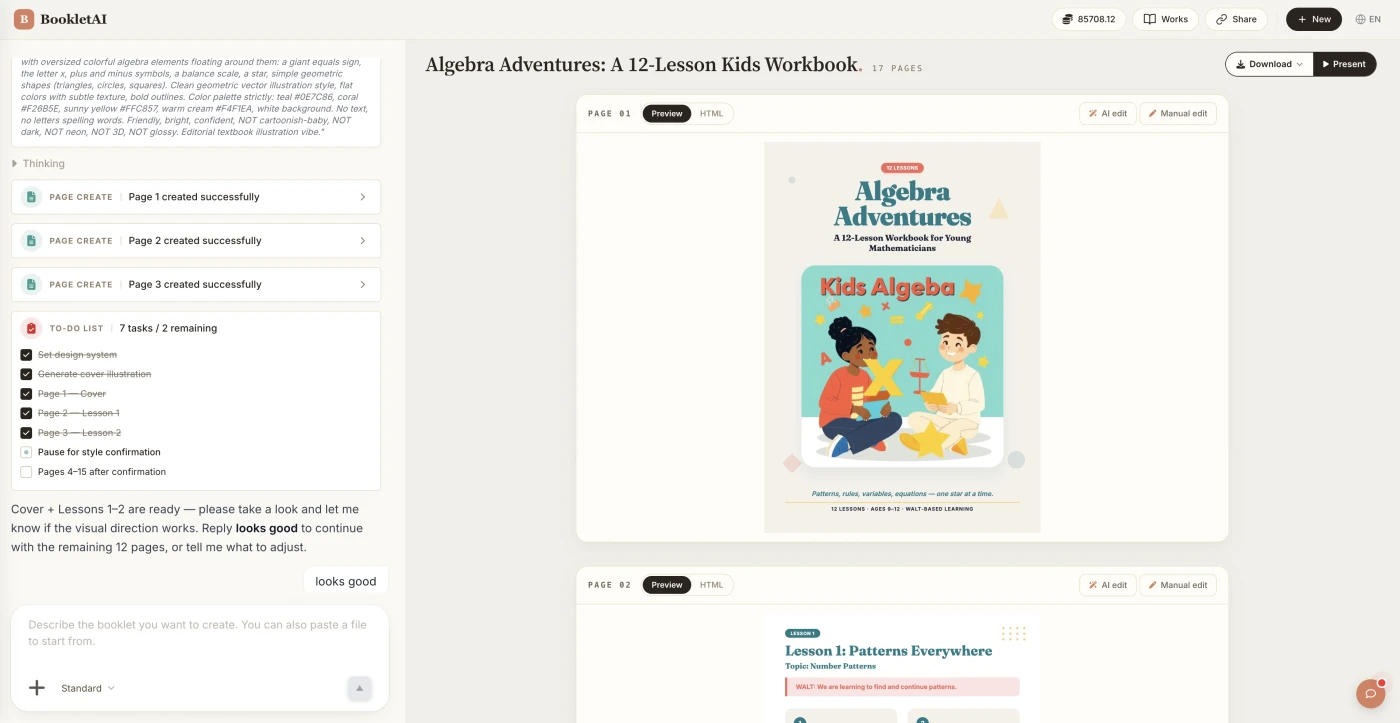
Upload shoot photos and your SKU list
Drop in your shoot photos and SKU list. The AI agent asks about your audience, style, and goals before building the lookbook.
Review the outline & choose a style
AI shows a full page-by-page outline before writing begins. Approve it and pick a style, then watch each page appear in real time.
Edit any page, then download or export
Click Edit on any page to revise it independently. When ready, copy a share link, download the HTML, or export a print-ready PDF.
What People Build With the Lookbook Creator
See if your scenario fits.
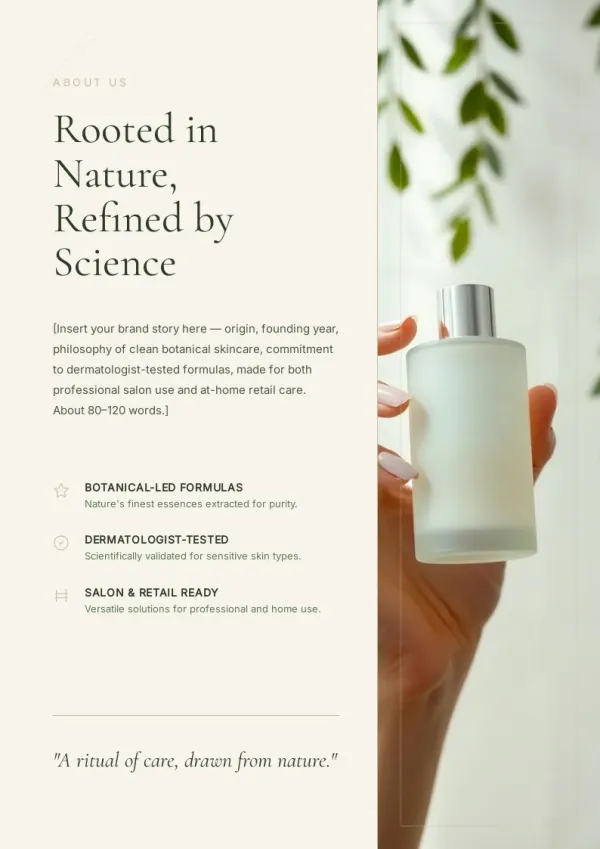
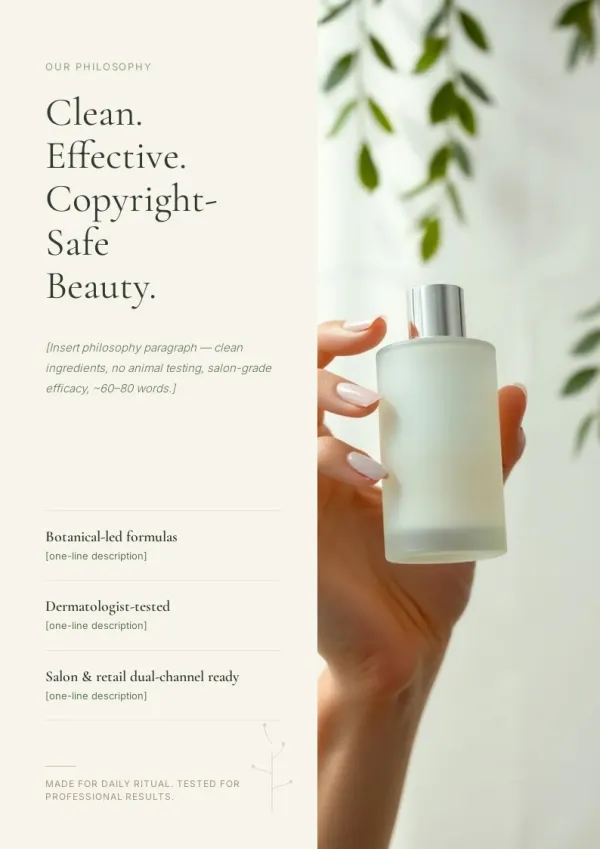
Buyer showroom material
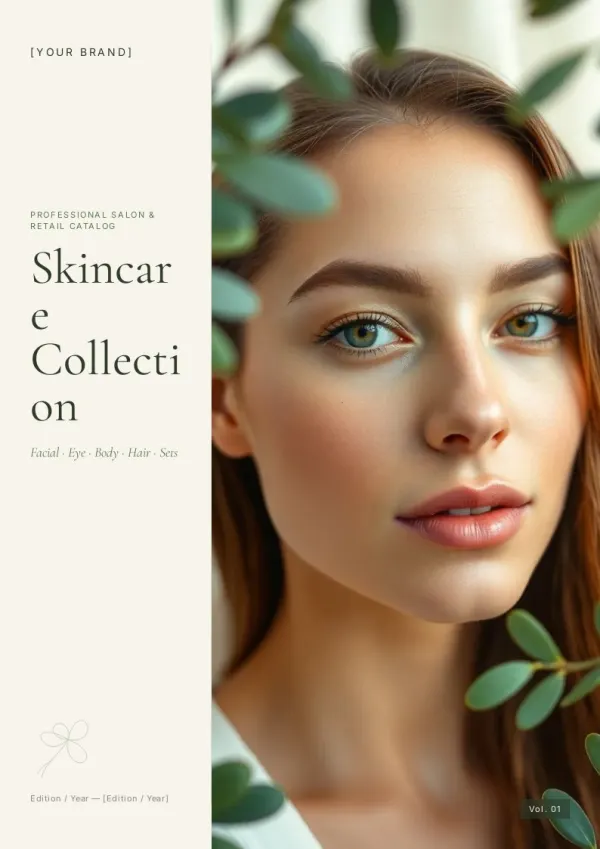
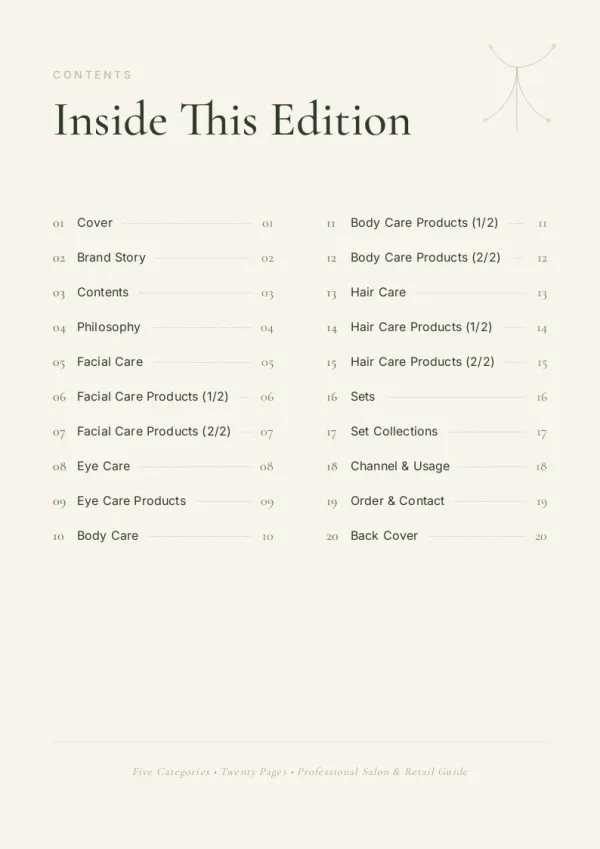
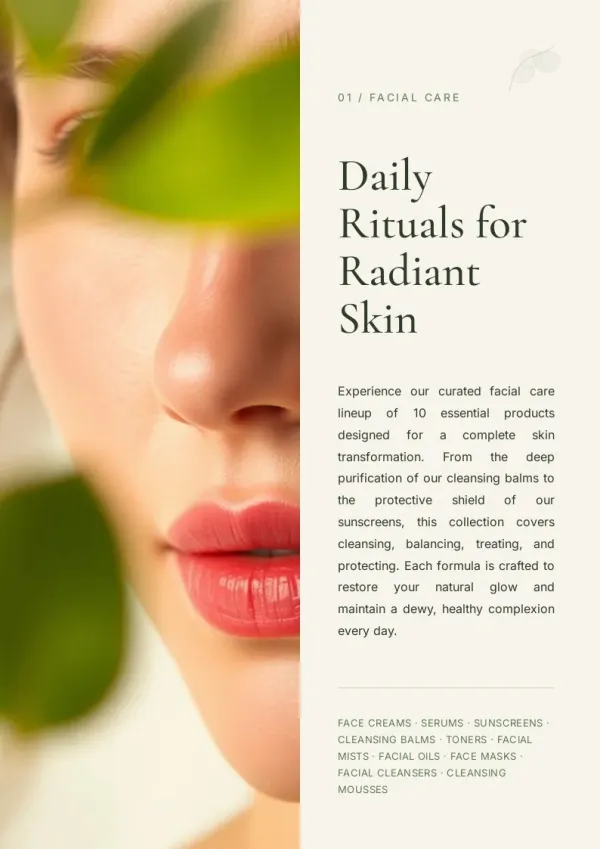
Before market week or buyer visits, brands print a seasonal lookbook with SKU, fabric, MOQ — buyers order right after flipping.
For sales & marketing
Boutique new arrivals preview
Boutique owners receive brand lookbooks; after selecting, they build their own 'new arrivals and inspiration' preview for loyal customers — driving early orders.
For HR & L&D teams
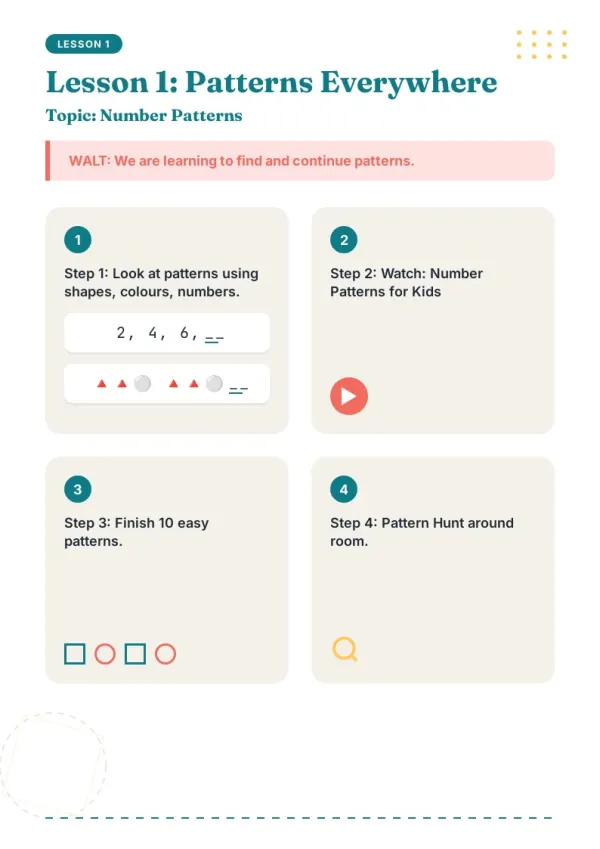
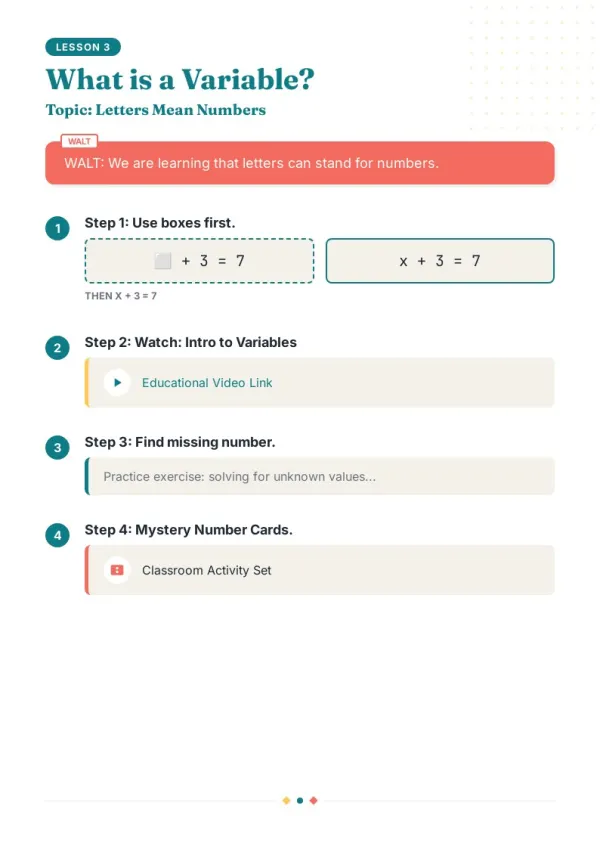
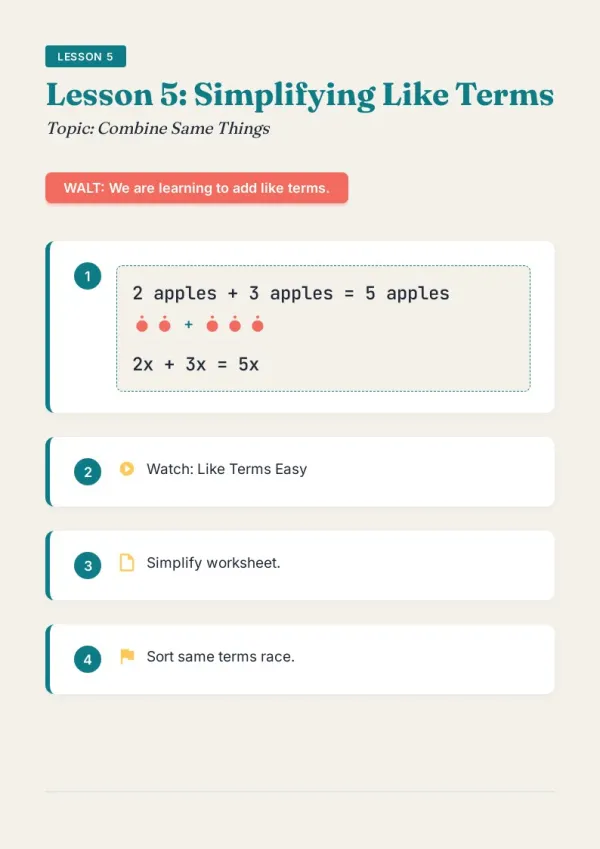
In-brand review
Before a new drop, design/marketing/ecom review a lookbook together — look cohesion, color, detail rendering — then send to print.
For teachers & course creators
What the Lookbook Creator Does
Six capabilities that make a lookbook look like a lookbook.
Raw shoot photos work directly
On-set RAW files or retouched selects — AI organizes by Look (Look 01, Look 02, ...).
Asks who's reviewing first
Buyers (style + order details), KOLs (style inspiration), customers (mood) — three different layouts. AI aligns first.
Spreads + detail close-ups
Full-body spreads, accessory close-ups, fabric macros — lookbook pacing alternates big and small, AI organizes automatically.
SKU / fabric / colorways aligned
Provide a SKU list; AI aligns SKU, fabric, available colors next to each image. Buyers go from flip to order instantly.
Seasonal palette consistent
Primary color, accents, typography — set once, held throughout. No layout drift.
Print-ready PDF + share link
Print for buyer meetings; share link for remote retailers; site use for brand story — same source, many placements.
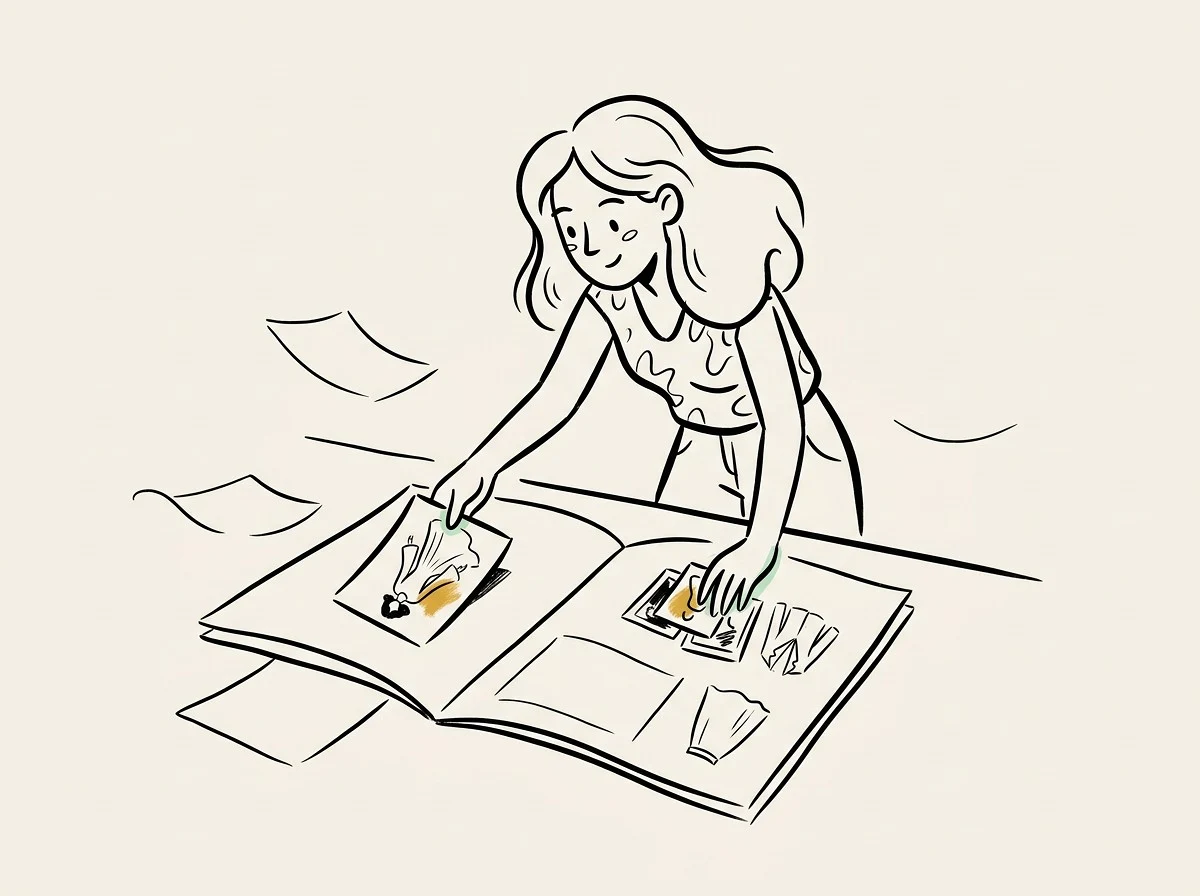
How Lookbook Creator Fits Alongside Canva and InDesign
Canva offers general design templates. InDesign is professional but steep. bookletai is optimized for fashion lookbook structure — cover shot, Look pages, SKU specs, brand story — end-to-end.
Not a blank canvas — a lookbook structure
Canva has you start from scratch. InDesign requires learning the tool. bookletai lays out the lookbook structure (cover, Looks, order info, brand story) — you fill the material.
Order edition vs PR edition
Buyer edition includes SKU, wholesale price, MOQ; PR edition for KOLs and customers strips commercial info, emphasizing aesthetic — one shoot, two outputs. Saves shoot budget.
Upgrade for buyer meetings
Indie designers carrying a printed lookbook to market weeks beats showing phone albums. Remote buyers get a share link — same content, ready for any region.
Your time is worth a subscription
Spend your hours on the idea — we'll handle the design
What You Might Want to Know About the Lookbook Creator
Answers to common questions.
1
Is the lookbook creator free to use?
Yes. Start without signing up. Each new lookbook uses 1 credit; image swaps, SKU info edits, reorderings afterward are free.
2
How does it compare to Canva or InDesign?
Canva offers general design templates. InDesign is professional but steep. bookletai is optimized for fashion lookbook structure — cover, Looks, order info, brand story — fill in material, output book.
3
Any photo count limit?
No hard cap. Recommend 12-30 Looks, 2-3 images each. Too many (80+) makes the book too thick; buyers won't finish.
4
How do SKU and fabric info align?
Provide SKU list (CSV or paste). AI aligns SKU, fabric, colorways, wholesale price next to each image. Or manually edit via Quick Edit.
5
Are there lookbook styles?
40+ lookbook templates (luxury, streetwear, minimal, vintage, kidswear, accessories). Choose one; AI generates layout and palette accordingly.
6
Can I make order and PR editions together?
Yes. Master includes order info (SKU, price); duplicate for PR edition — strips commercial info, emphasizes aesthetic, for KOLs and customers. One shoot, two outputs.
7
How many pages fit a lookbook?
30-50 pages (including cover) works well. Too thin lacks showcase; too thick buyers won't finish. Luxury brands can do 60-80 page premium editions.
8
Can I add video links?
Yes. Online version embeds runway videos, behind-the-scenes links. Print version uses QR codes for scan-to-watch.
9
Does it support bilingual (EN-ZH)?
Yes. Generate EN and ZH versions from the same lookbook for international buyers and overseas retail. More languages by request.
10
Can I reuse last season's layout?
Yes. Keep last season's lookbook as master. Duplicate for next season (palette, type, structure preserved); swap in current Looks and SKU info. Brand visual continuity holds.
11
Is there a free lookbook creator online?
Yes. The lookbook creator is free online — start in the browser without signup. Each new lookbook uses 1 credit; image swaps, SKU edits, and reorders afterward are unlimited and free.
12
Does it work as an AI lookbook generator?
Yes. The AI lookbook generator reads your shoot photos and SKU list, auto-arranges Look pages, and picks layouts (spread / double column / close-up) based on the image type. Manual layout optional for designers who want control.
13
Are there digital lookbook templates to start from?
Yes. 40+ digital lookbook templates across luxury, streetwear, minimal, vintage, kids, accessories. Pick one to see a populated example, then swap in your shoot and SKU data.
No design skills needed for your lookbook
The agent researches, writes and lays out every page. You just describe it.