AI Booklet Generator, Start
a Booklet on Any Topic
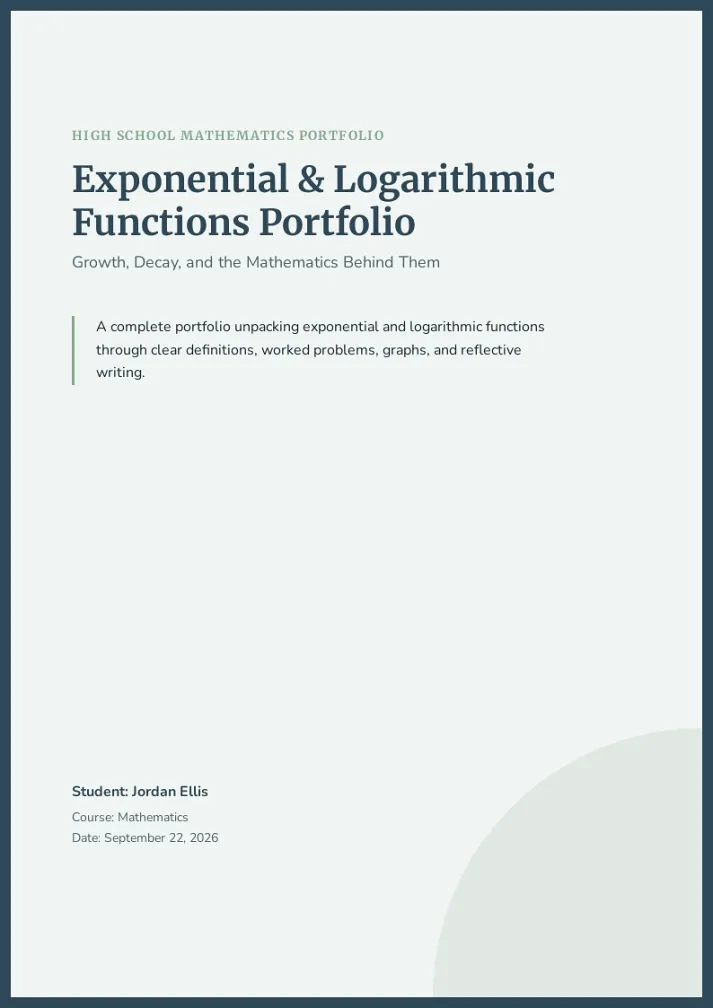
Have a topic but unsure where to start? AI booklet generator asks a few questions, takes your material, and chapters a multi-page output first try.
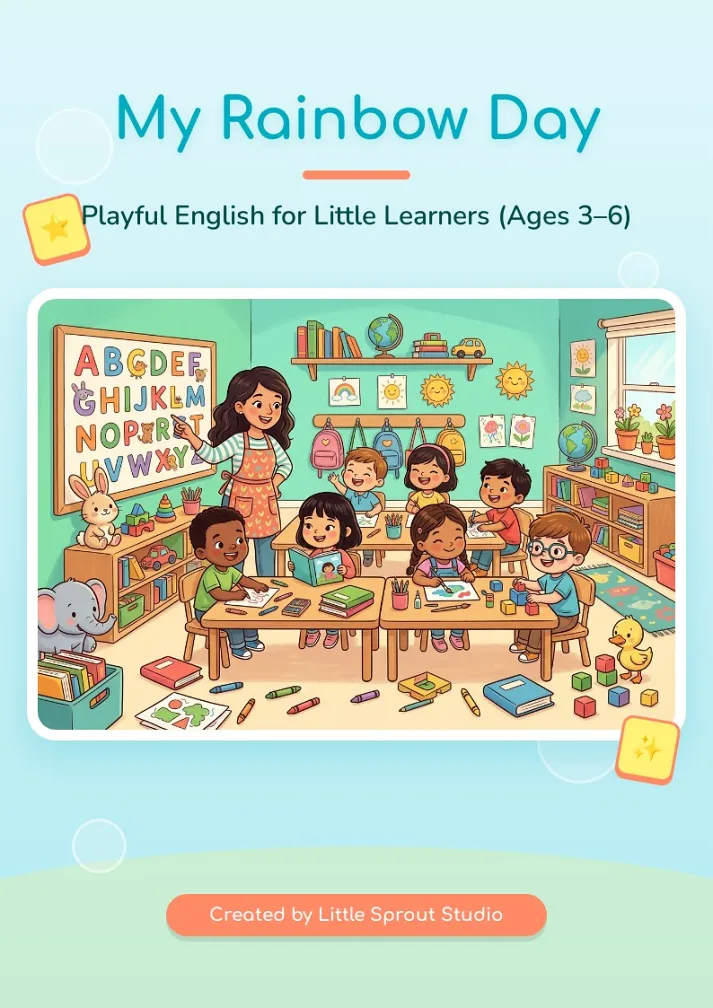
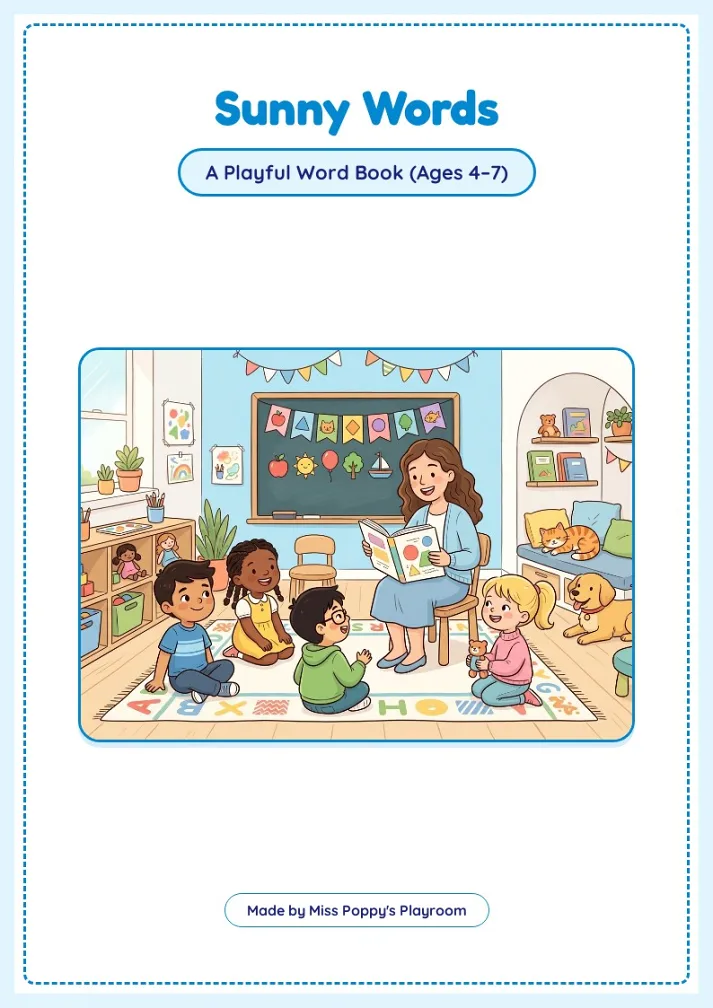
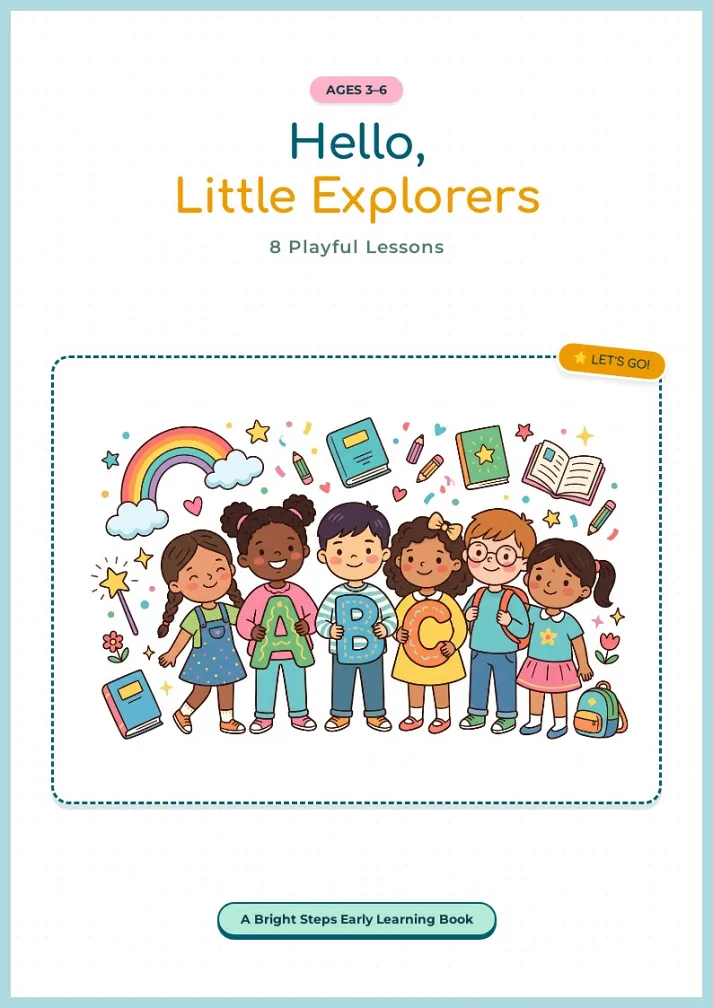
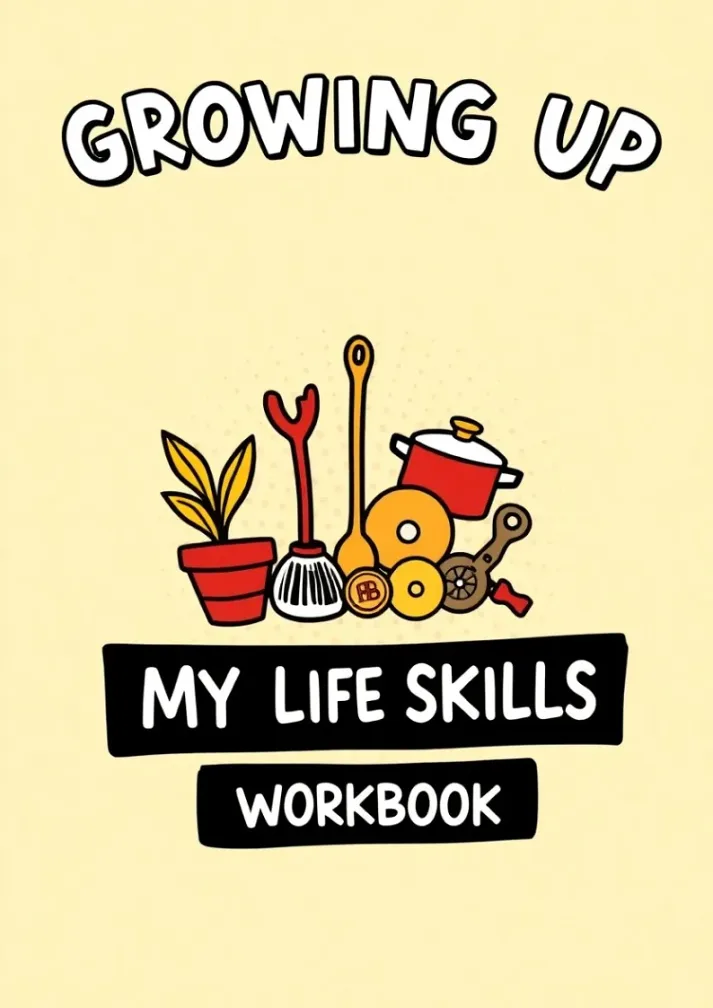
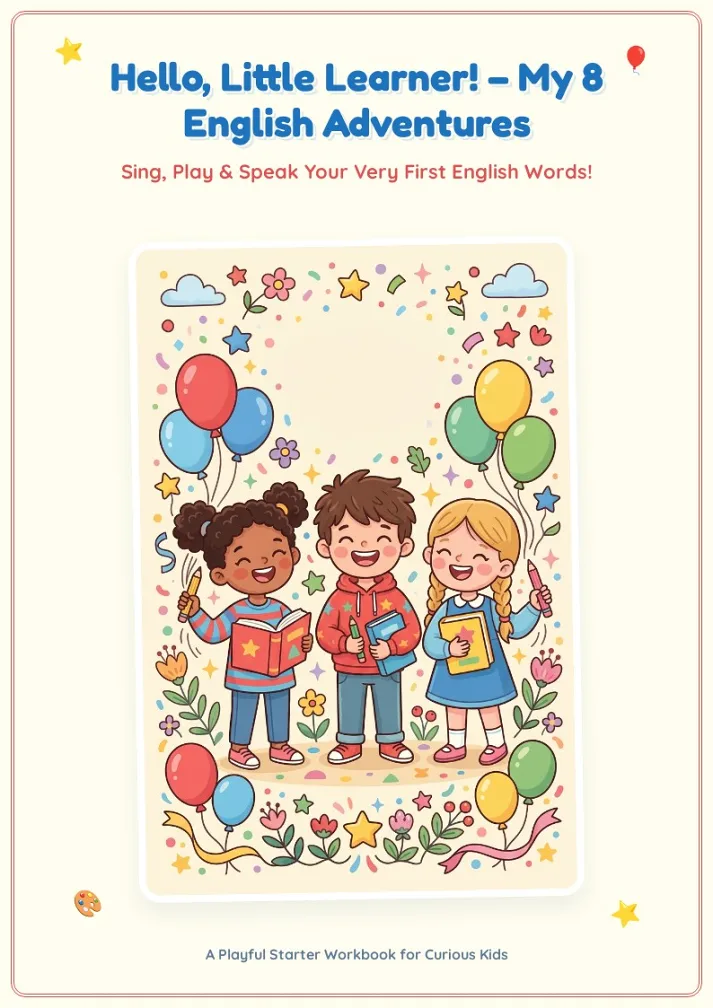
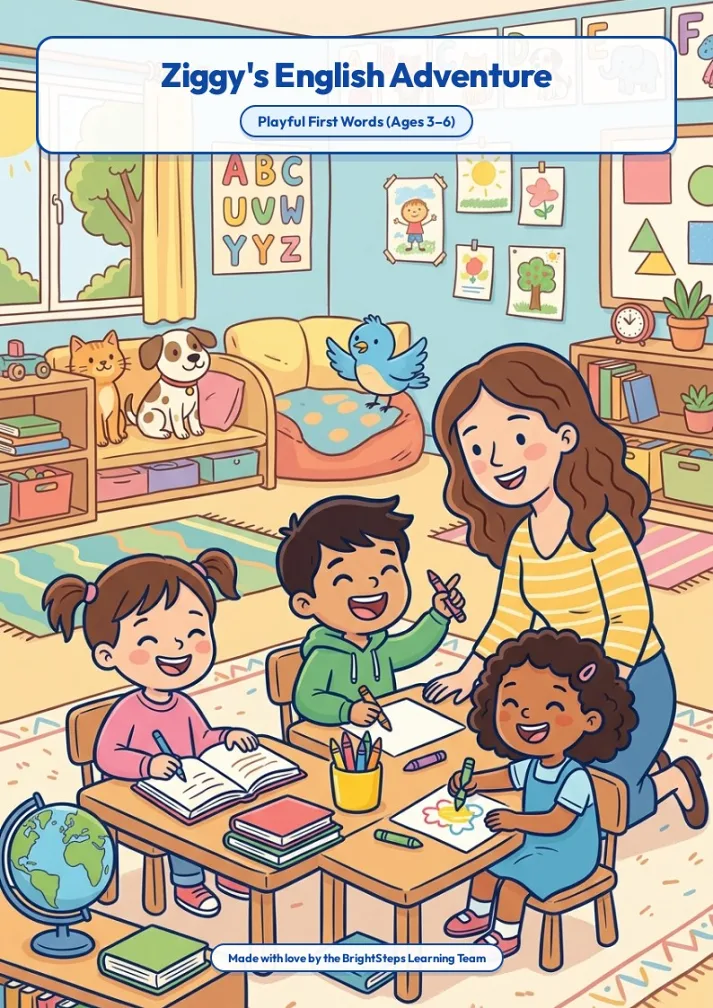
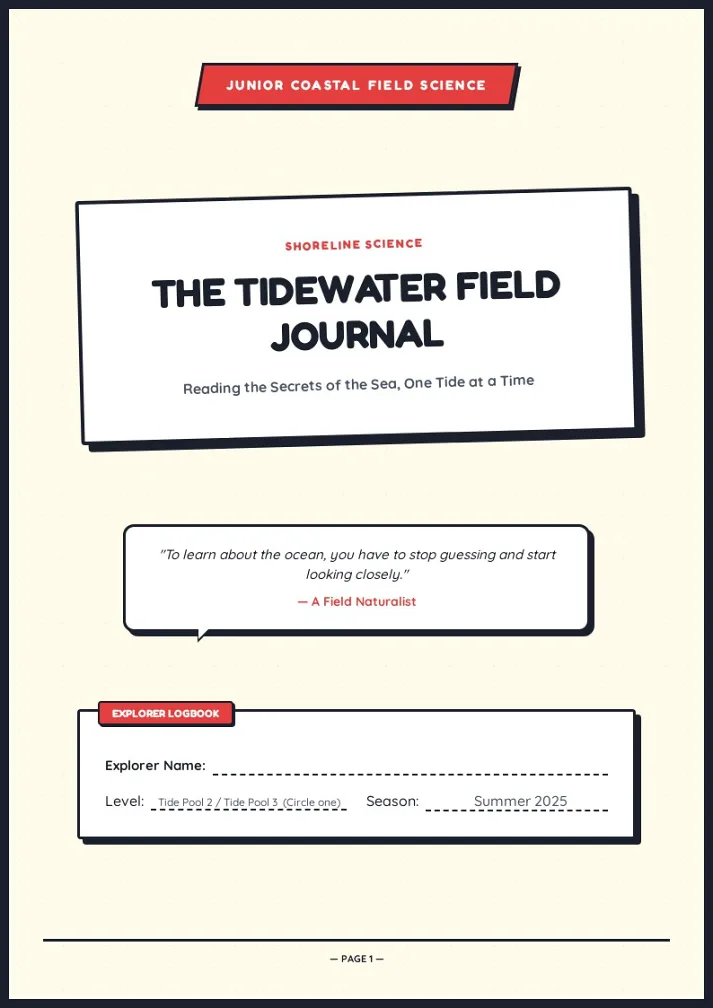
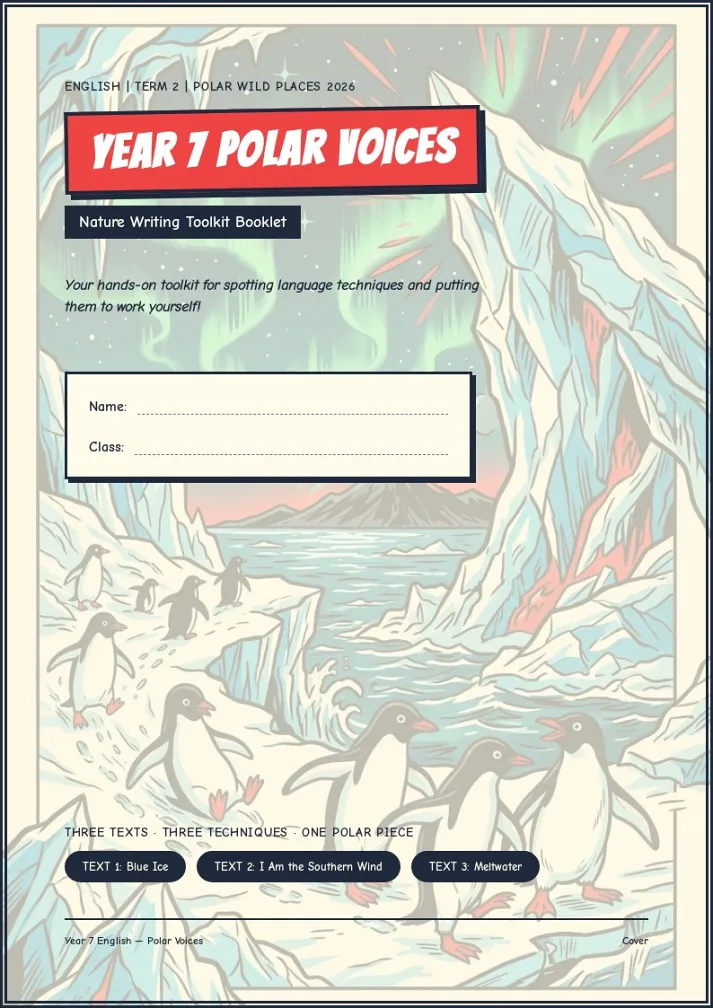
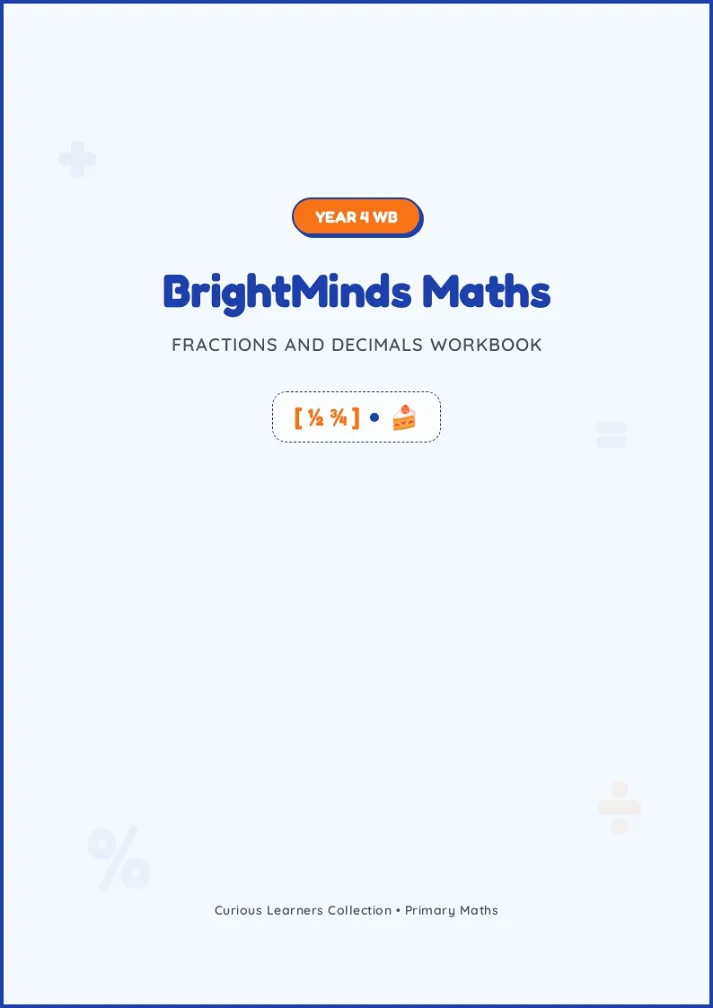
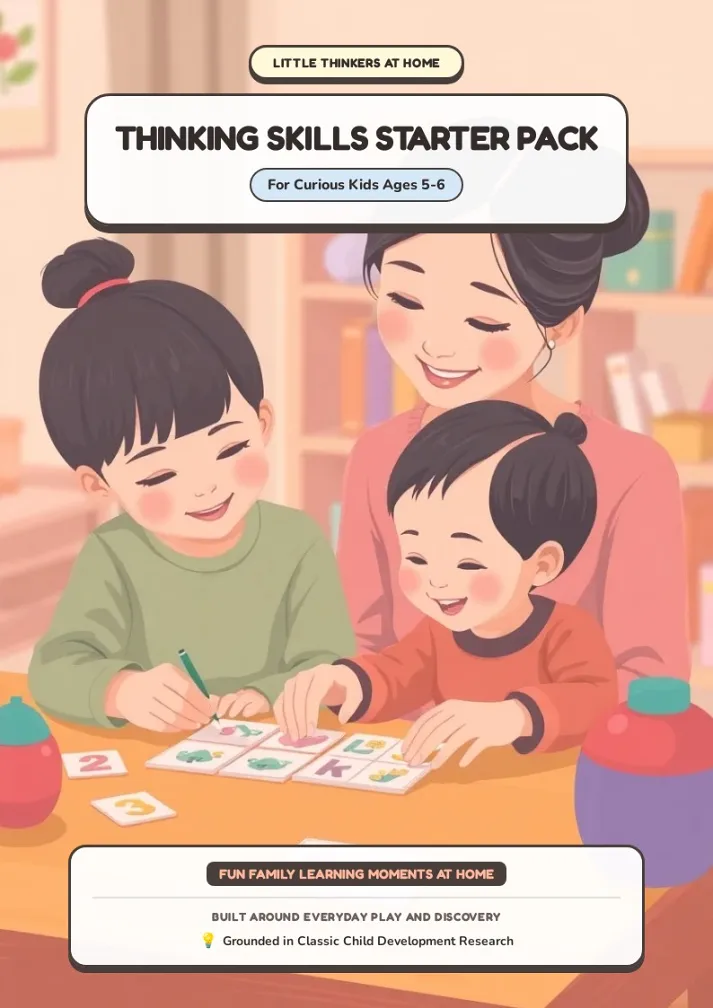
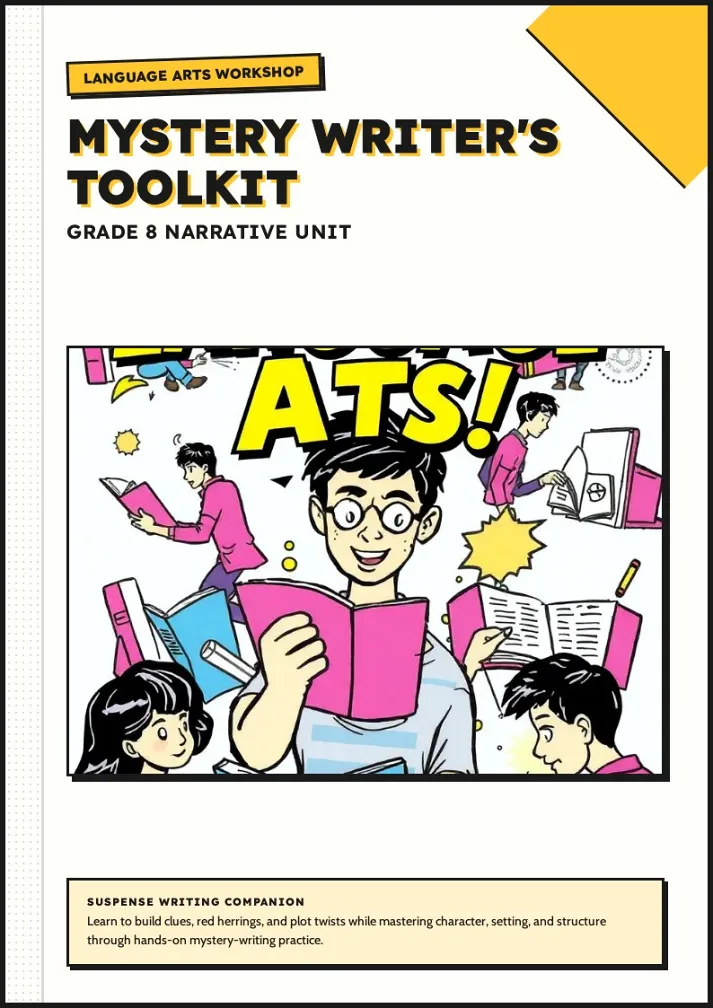
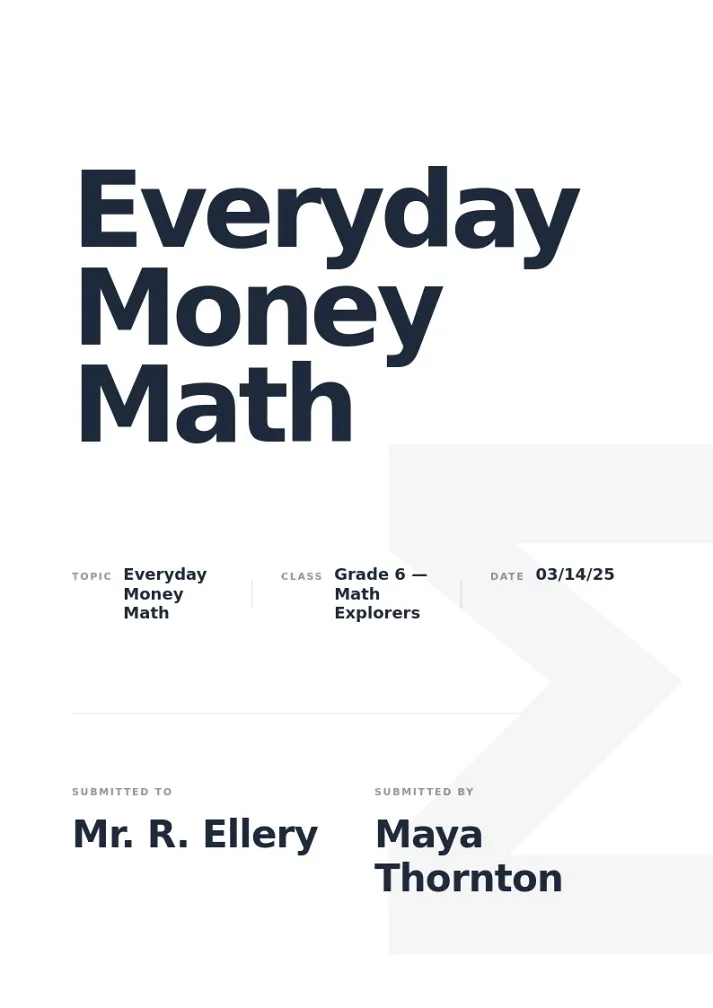
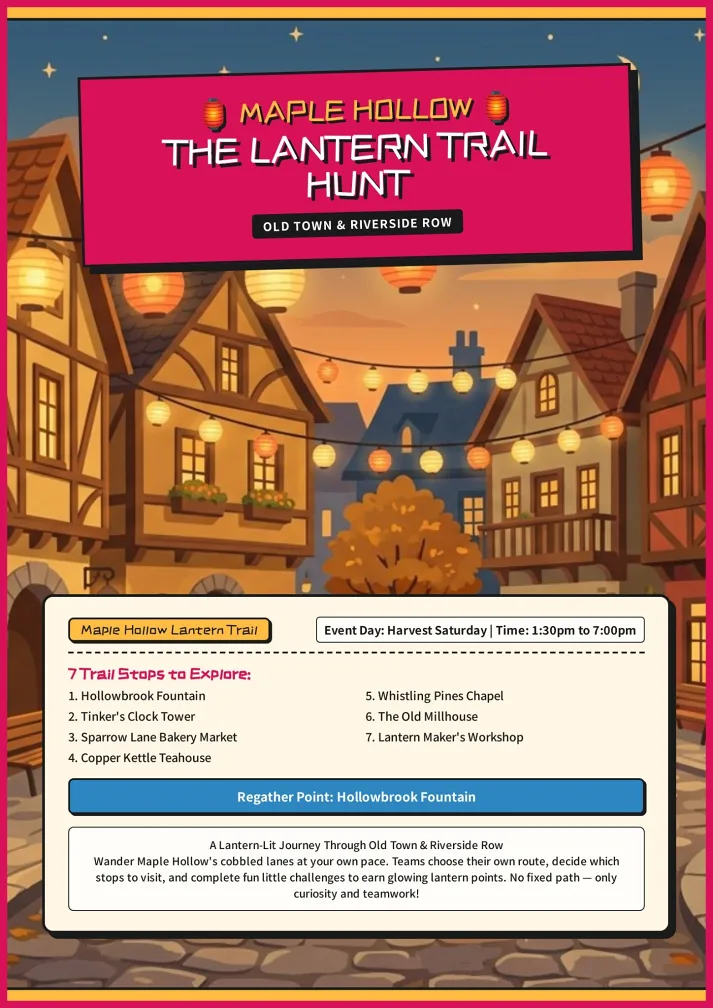
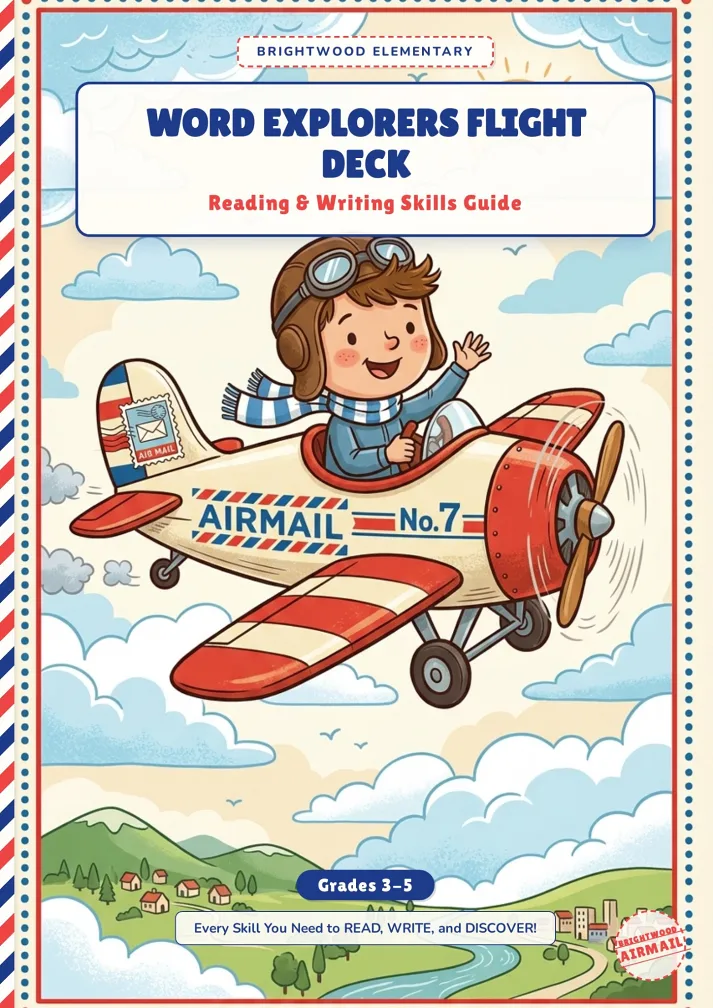
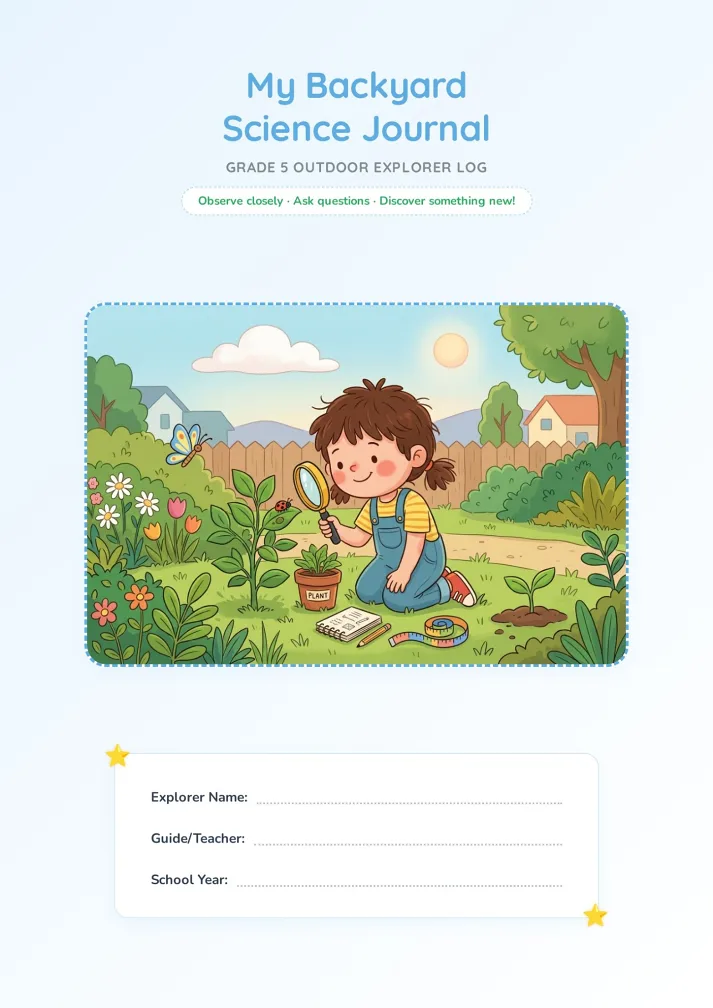
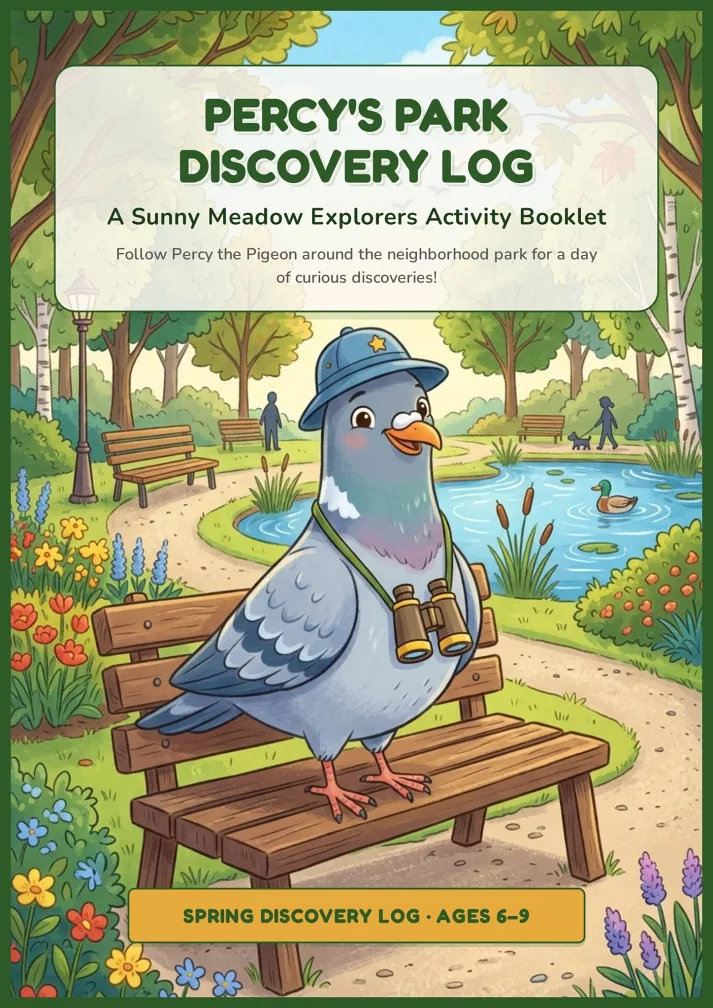
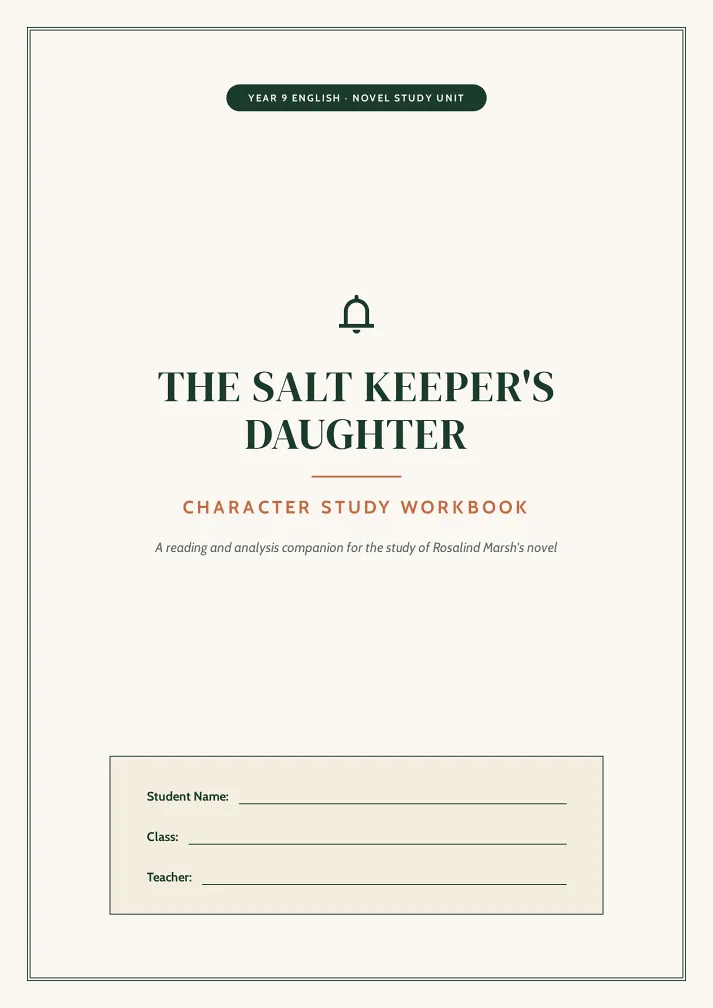
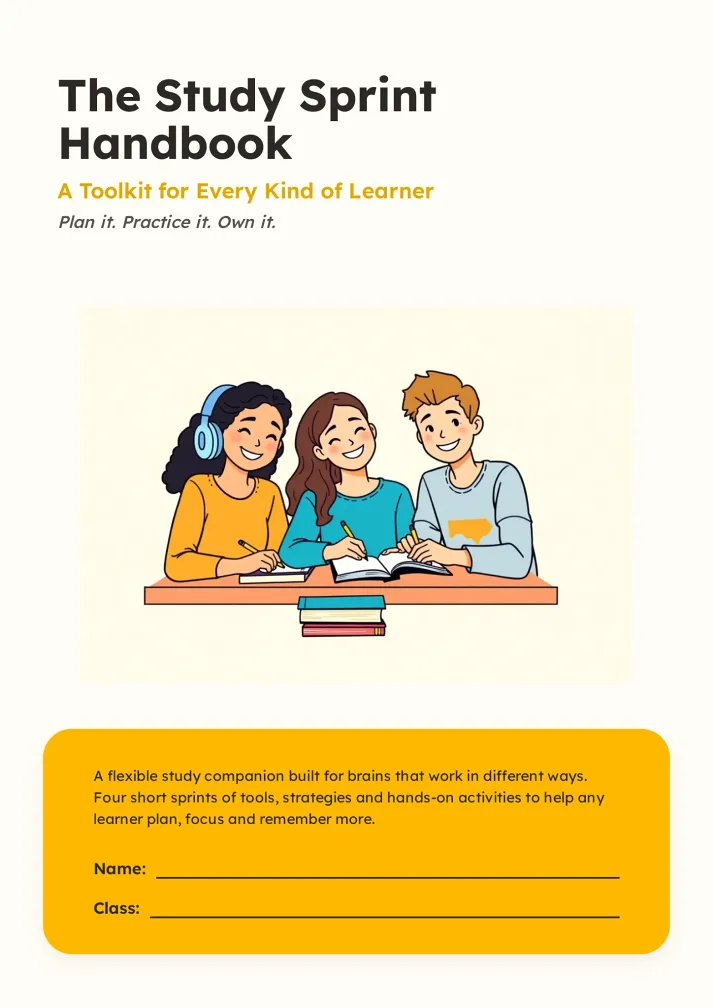
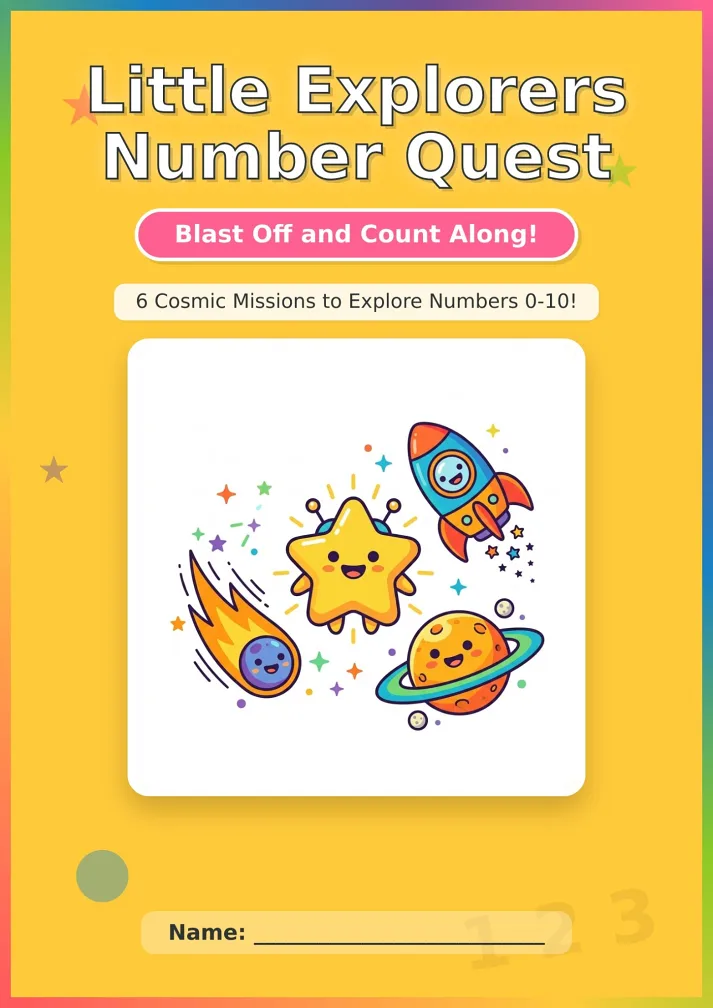
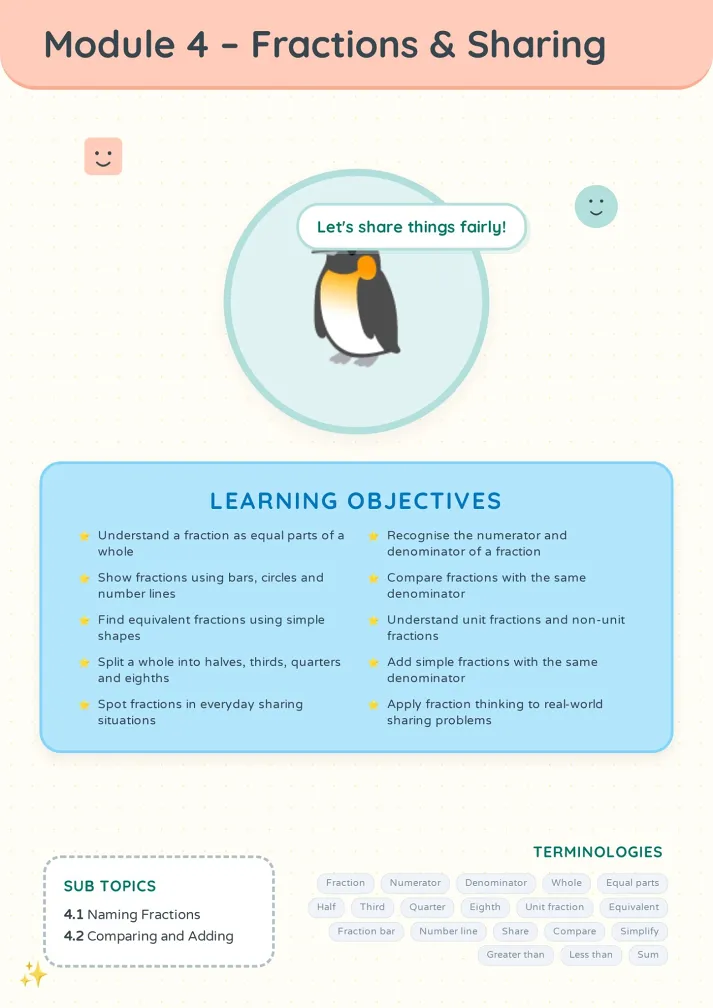
Three Steps to Any Booklet
From topic to finished, universal flow.
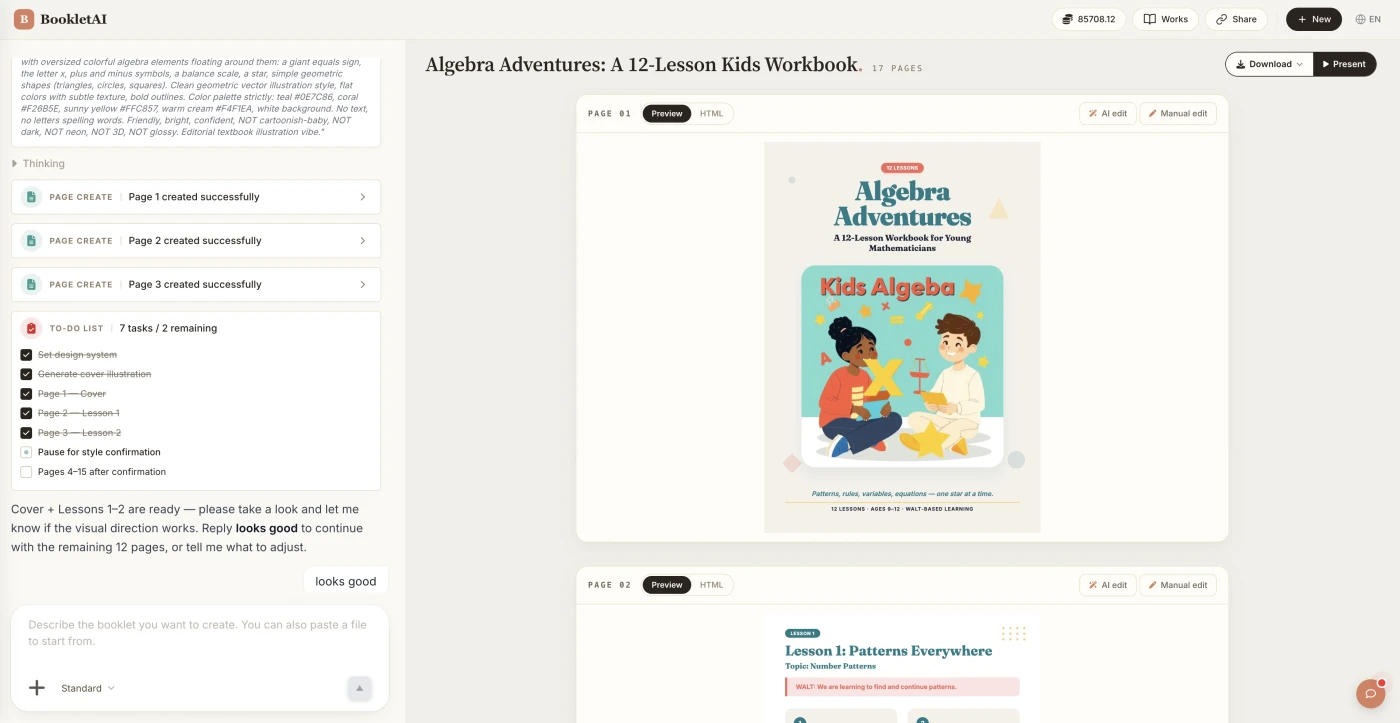
Add your topic and content
Enter your topic and paste your content. The AI agent asks about your audience, style, and goals before building the booklet.
Review the outline & choose a style
AI shows a full page-by-page outline before writing begins. Approve it and pick a style, then watch each page appear in real time.
Edit any page, then download or export
Click Edit on any page to revise it independently. When ready, copy a share link, download the HTML, or export a print-ready PDF.
What People Build With the AI Booklet Generator
See if your scenario fits.

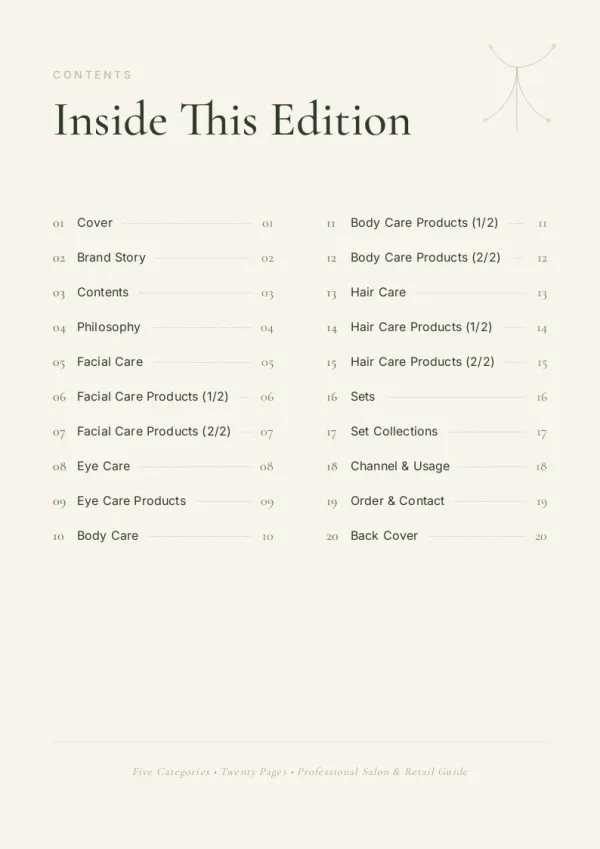

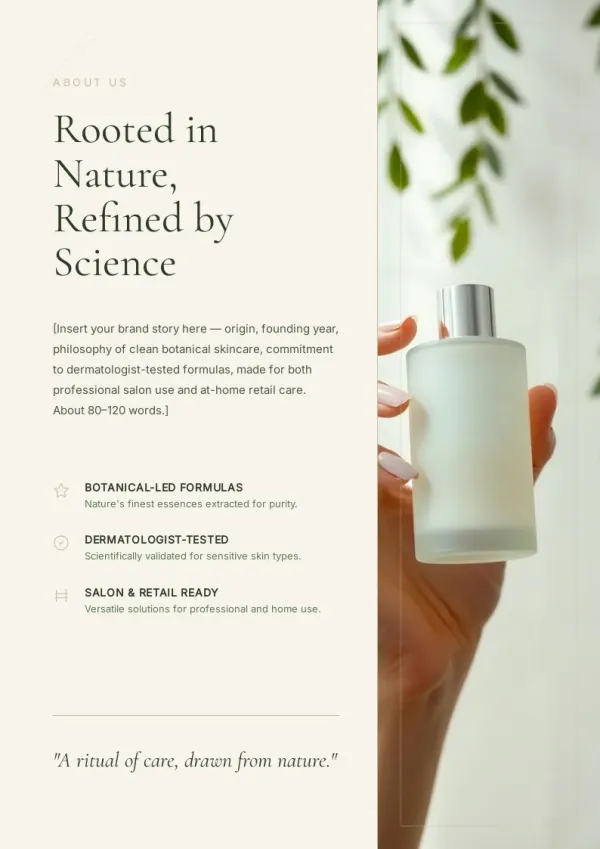
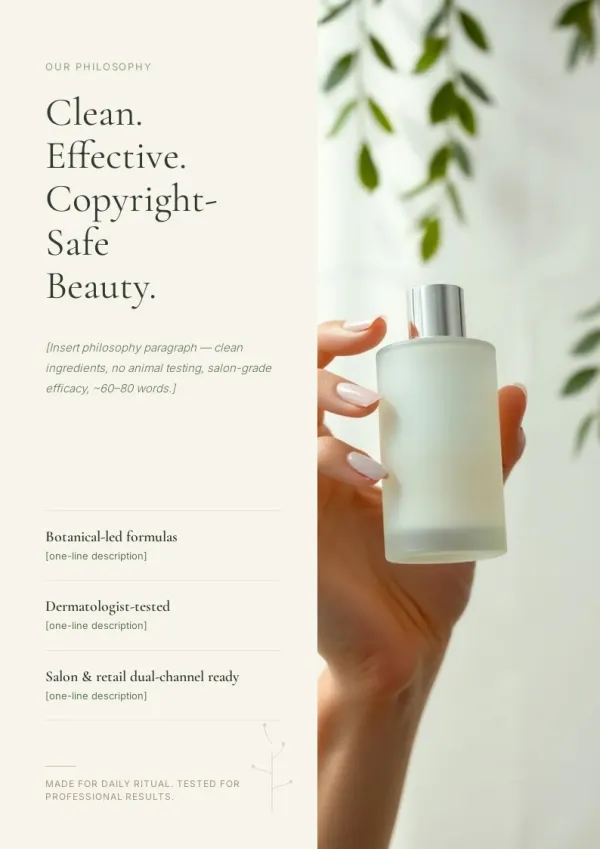
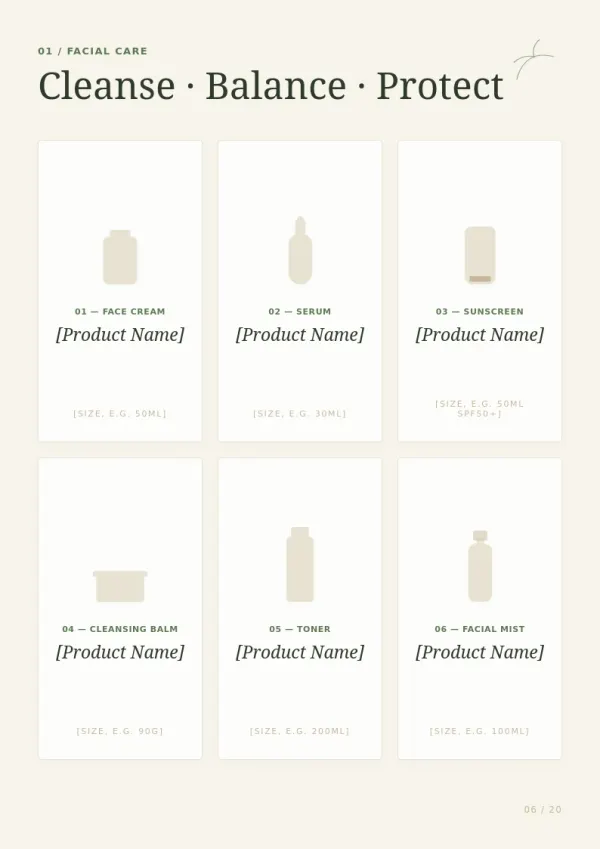
Small business service booklet
Shops and service providers build a 'services overview' booklet. Place at the counter or include with orders — more comprehensive than verbal, more professional.
For sales & marketing
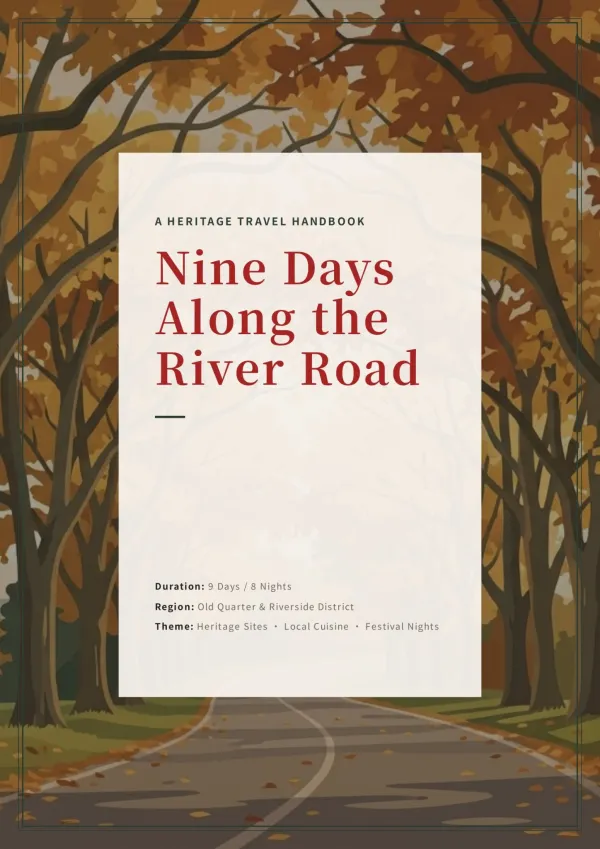
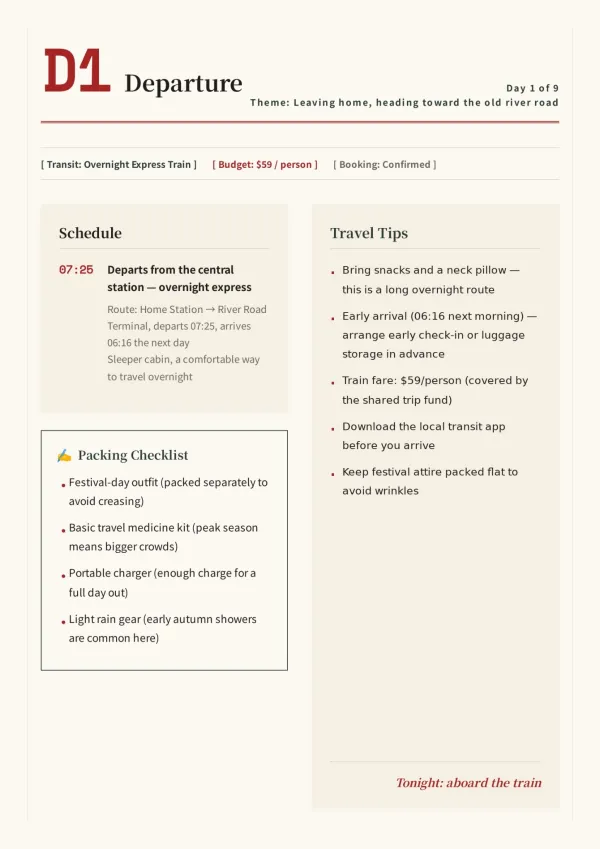
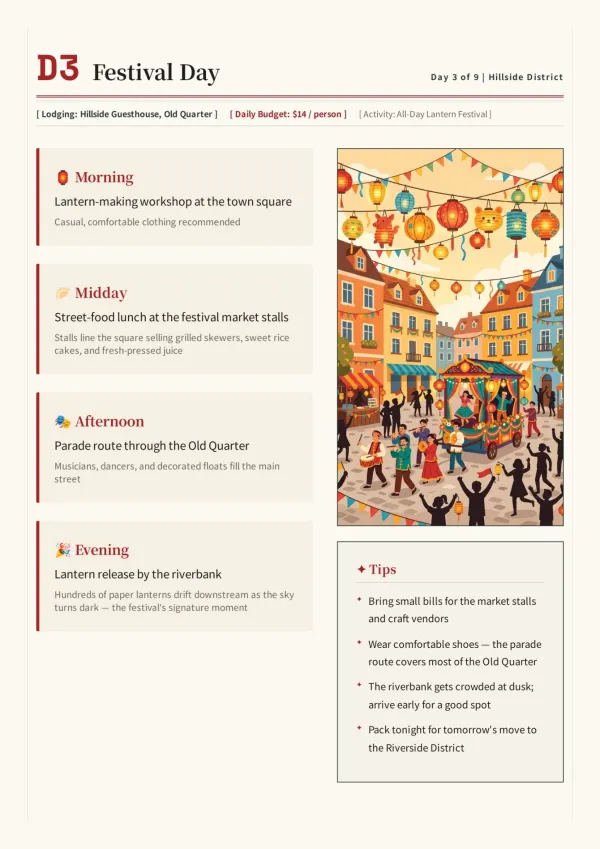
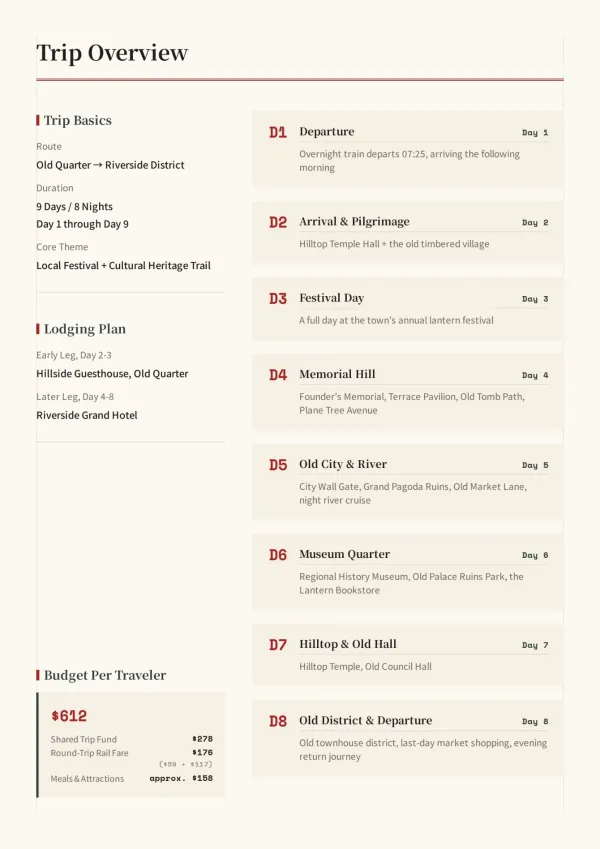
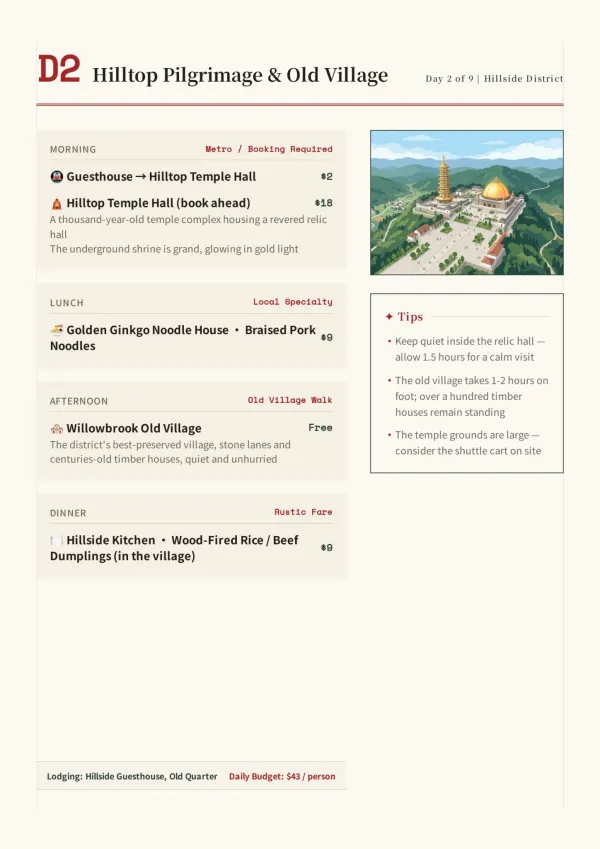
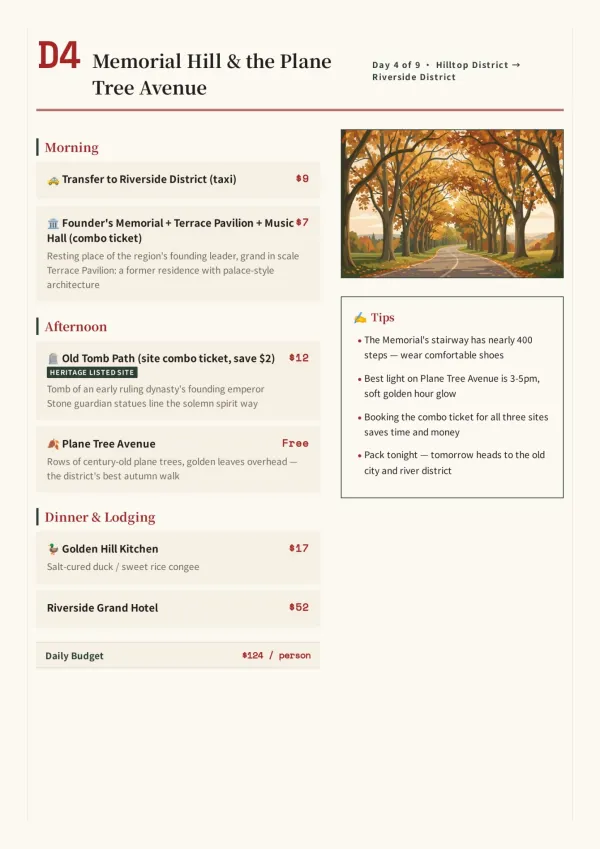
Nonprofit / community material
Nonprofits, interest communities, homeowner associations distribute event guides or annual reports. Far weightier than a group-chat announcement.
For HR & L&D teams
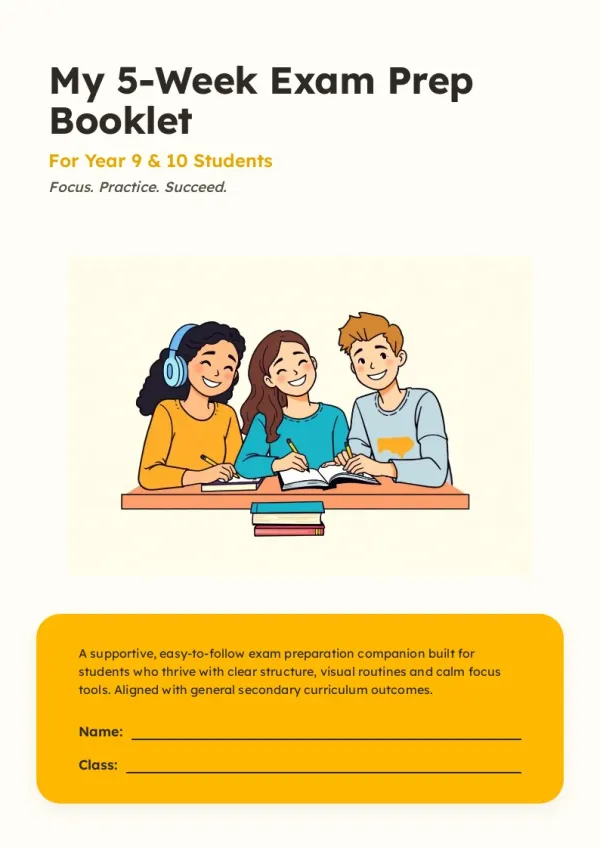
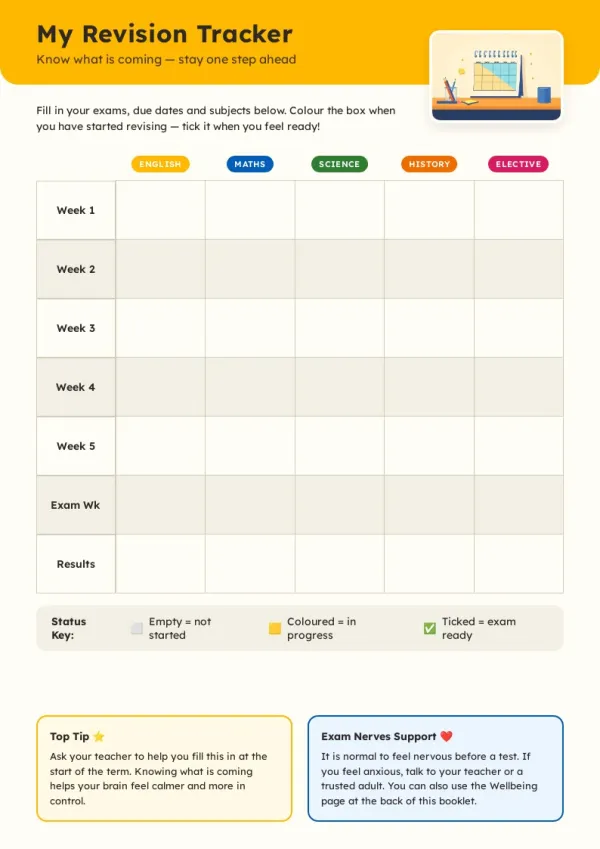
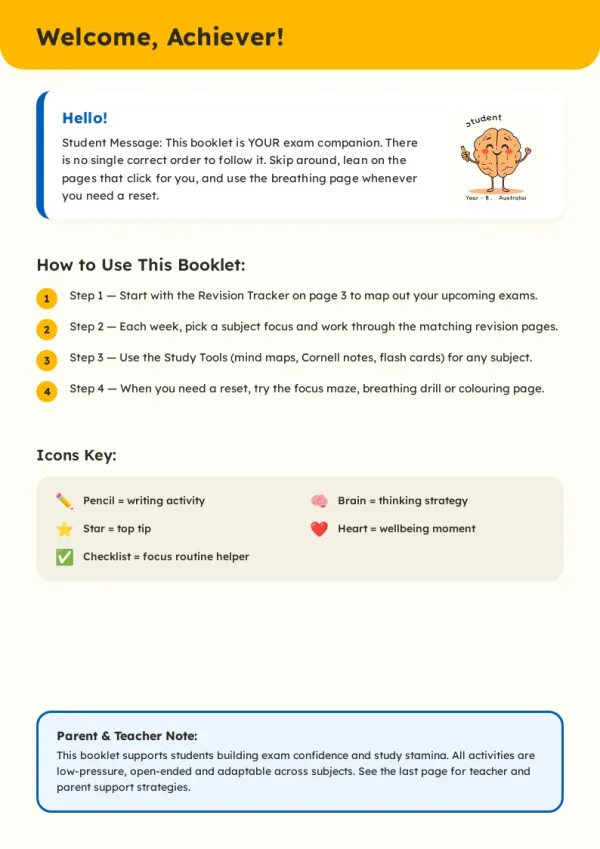

Teacher / training handout
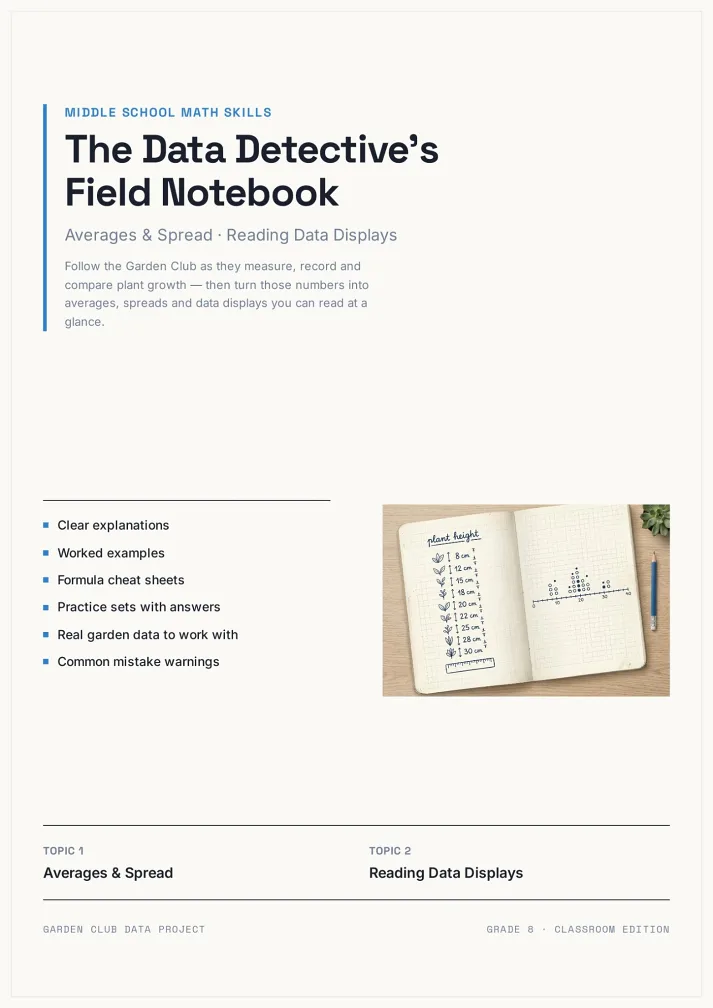
Teachers and trainers build course handouts — each chapter with knowledge points + exercises + answers. Printed for students to take home — cleaner than loose paper.
For teachers & course creators
What the AI Booklet Generator Does
Six general-purpose capabilities, any booklet starts.
Start from a sentence
Don't need organized material first — describe in a sentence ('build an annual recap for our community'). AI asks what's needed and progresses.
Asks audience and purpose first
Same 'annual recap' looks very different for internal team vs external users. AI aligns every time before drafting.
Auto-chapter structure
A booklet isn't a long page. AI splits material into cover, TOC, chapters, closing — clear structure, pleasant reading.
Illustrations and layout auto-chosen
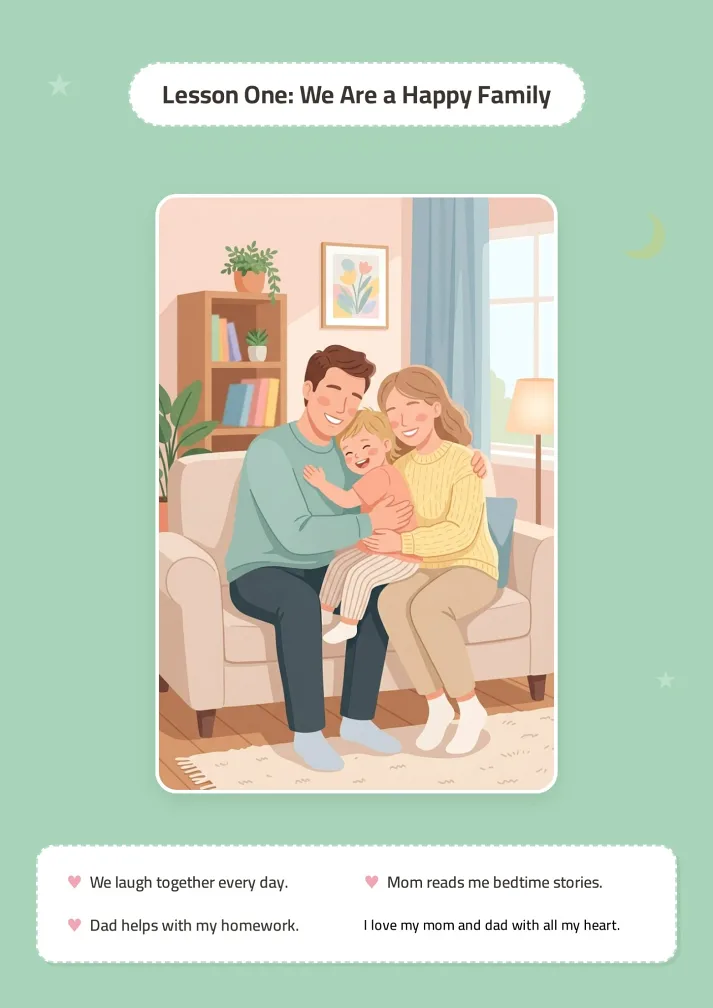
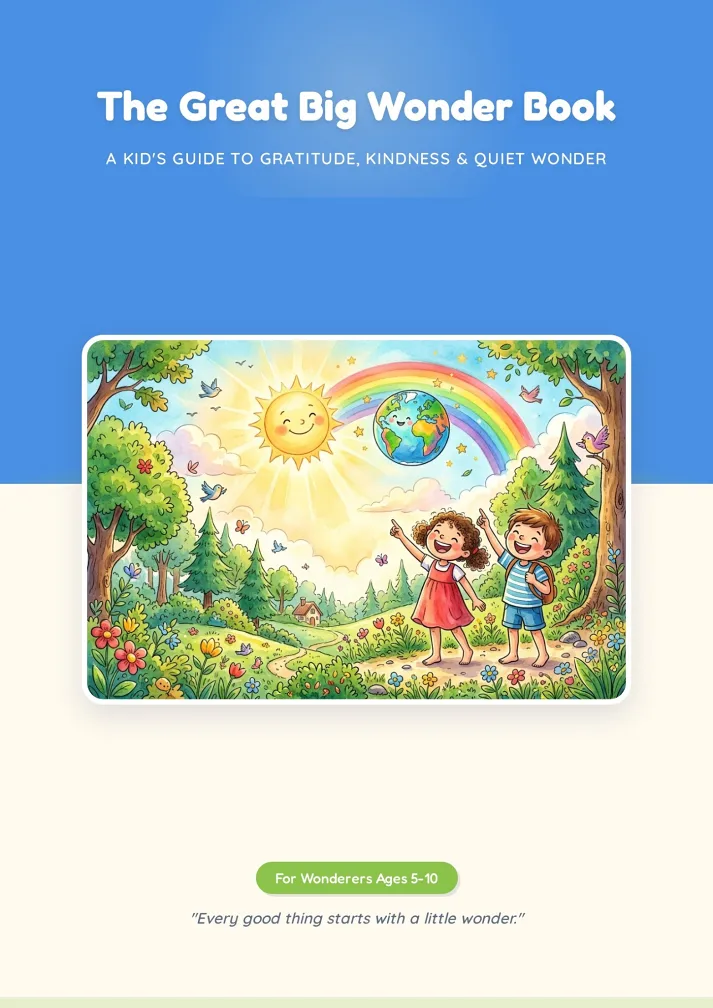
Each chapter gets suitable illustrations, pull quotes, emphasis — not plain text. Readers keep turning.
Edit until you like it
First AI output rarely perfect. Quick Edit adjusts text, swaps images, reorders — no credits, reworkable.
Print + share + archive
A4 PDF to print shop, share link for teammates / friends / customers, My Works archives for future reuse.
How AI Booklet Generator Fits Alongside Canva and Venngage
Canva and Venngage offer templates requiring manual layout. bookletai reads your material and generates multi-page booklets — not a graphic design tool, a multi-page content generator. Aligns with audience first, structures second.
Not a design tool — a content generator
Canva has you place every element in blank templates. bookletai reads your material (docs, URLs, notes, screenshots) and generates multi-page booklets — 10 minutes vs 10 hours.
No scenario restrictions — anything goes
Topics you never considered: community recaps, course materials, product guides, reading notes, family albums — all start. After making one, graduate to the vertical template for iteration.
Stuck? Conversation pushes forward
Can't write? AI asks at each step ('what does this chapter emphasize?' 'need examples or data here?') — someone drafts alongside you.
Your time is worth
a subscription
Spend your hours on the idea — we'll handle the design
What You Might Want to Know About the AI Booklet Generator
Answers to common questions.
1
Is the AI booklet generator free to use?
Yes. Start without signing up. Each new booklet uses 1 credit; text edits, image swaps, reorders afterward are free.
2
When should I use this general tool vs a vertical tool?
For clear vertical scenarios (cookbook, employee handbook, product catalog, etc), use the vertical tool — structure and examples fit better. AI booklet generator suits: ambiguous scenario, one-off topics, infrequent but needed now, or exploratory starts.
3
Can I start without material?
Yes. Just tell AI topic and audience — it drafts based on the topic, then you fill in specific material and facts.
4
What material types can it read?
Markdown / Word / PDF / plain text / URLs / screenshots all work. For complex tables or charts, paste descriptively ('Q1 sales $2M, Q2 $2.5M'); AI auto-builds charts.
5
Will AI fabricate?
AI generates from provided material. If insufficient, it marks 'needs completion' rather than inventing. For control, provide ample material or use a vertical tool.
6
Templates available?
40+ general booklet templates (brochures, reports, notes, compilations, memorials). Pick one; AI generates in that style. Or have AI auto-recommend by content type.
7
How many pages fit?
16-40 pages recommended. Cover + TOC + body + closing is the base structure. AI suggests by content volume; no page-padding.
8
Can I print?
Yes. A4 PDF to a local print shop (perfect, saddle-stitch, spiral all work). A 30-page booklet runs roughly $3-5 to print. Bulk discounts available.
9
Can I reuse?
Yes. Every booklet auto-saves to My Works. Duplicate for iterations ('Annual Recap 2026,' 'Q2 Report'). Layout structure reuses — saves time.
10
Bilingual (EN-ZH) support?
Yes. Generate EN and ZH versions from the same booklet — good for cross-border scenarios. More languages by request.
11
Is there a free AI booklet generator online?
Yes. The AI booklet generator is free online — start a booklet in the browser without signup. Each new booklet uses 1 credit; text edits, image swaps, and chapter reorders afterward are unlimited and free.
12
Can I export the AI booklet generator PDF?
Yes. AI booklet generator PDF export produces a print-ready A4 file suitable for saddle-stitch, perfect binding, or spiral printing. Share the same booklet via a web link for digital distribution.
13
Is there a free booklet creator for non-technical users?
Yes. This is a free booklet creator designed for non-technical users — describe your topic in a sentence, and the AI asks clarifying questions, then structures cover, TOC, chapters, and closing automatically. No layout tools to learn.
No design skills needed for your booklet
The agent researches, writes and lays out every page. You just describe it.