Magazine Generator, Articles and Photos Into a Magazine
Drop in articles, photos, and the issue topic. Magazine generator lays out in classic magazine structure and exports a monthly publishable edition.


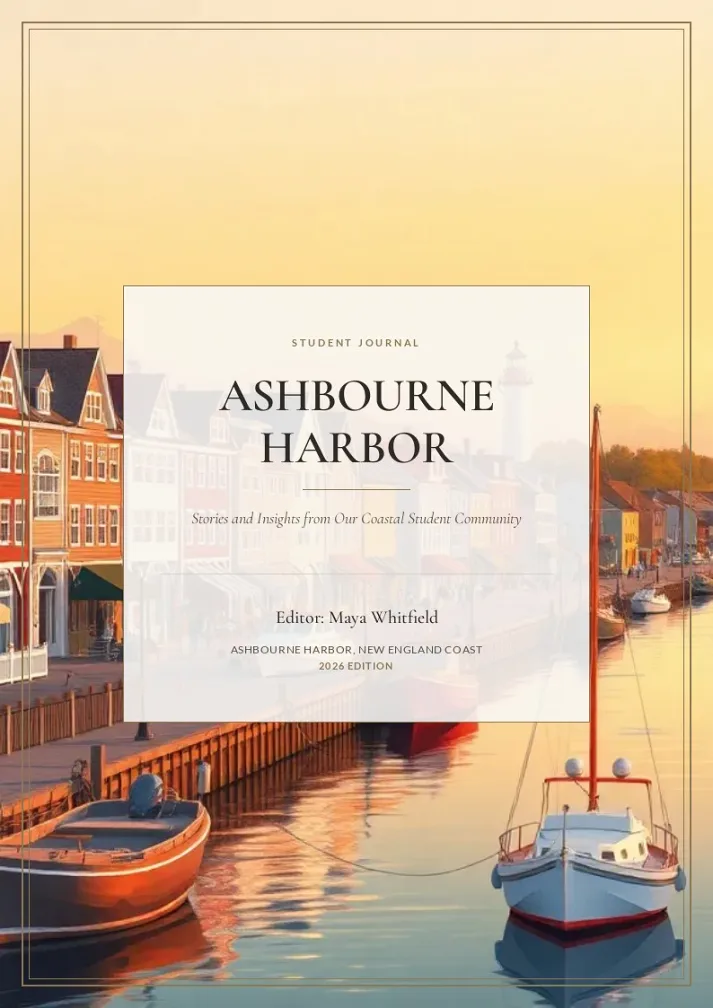
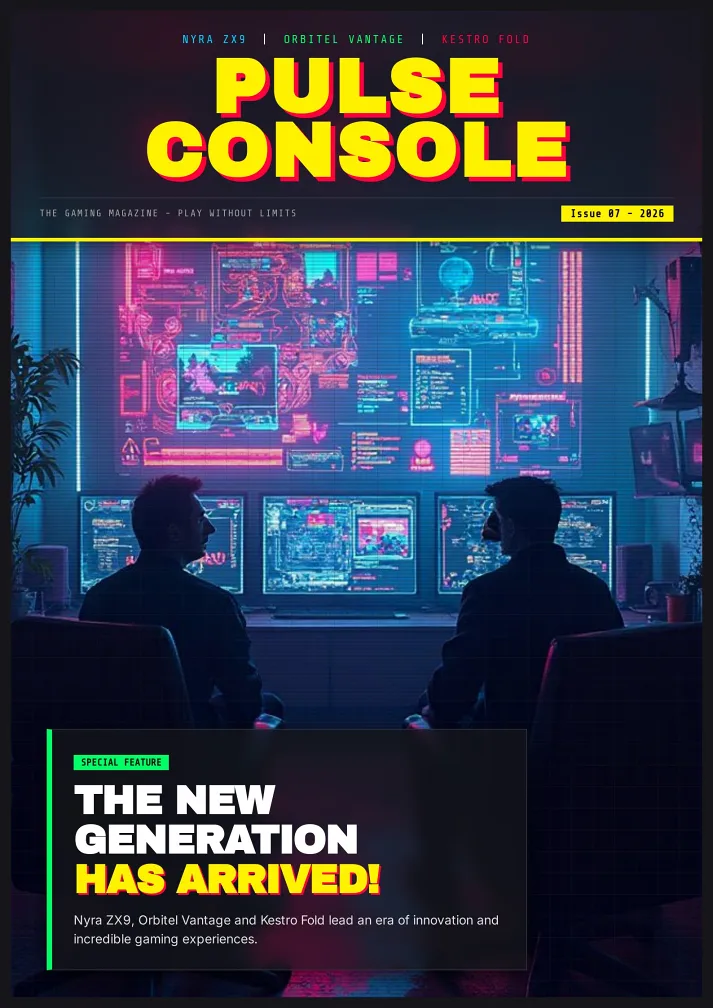
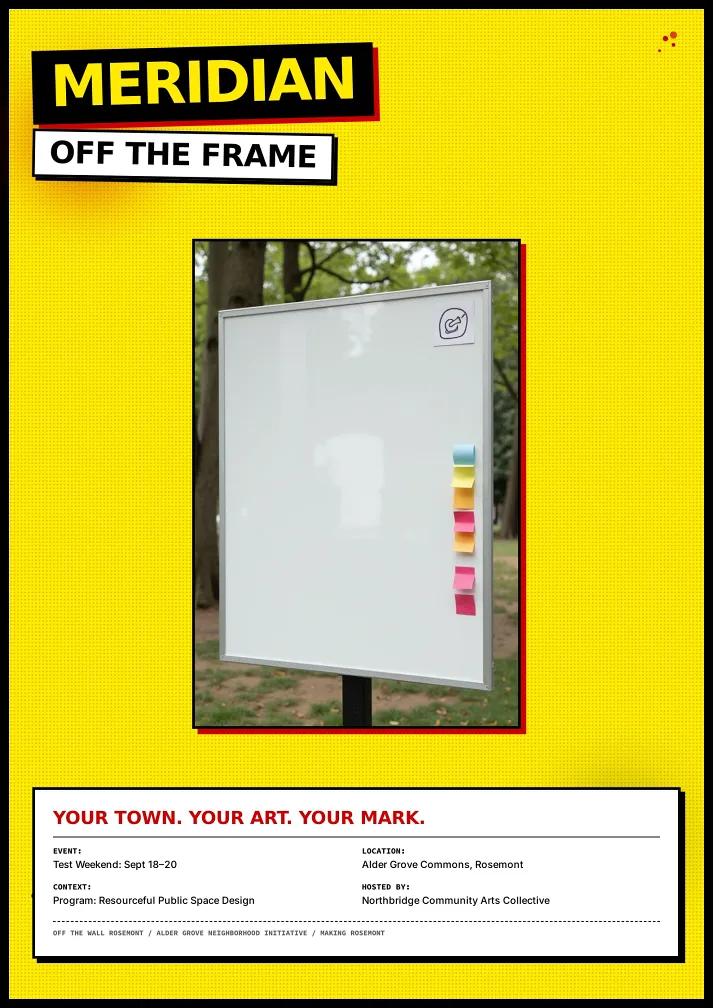
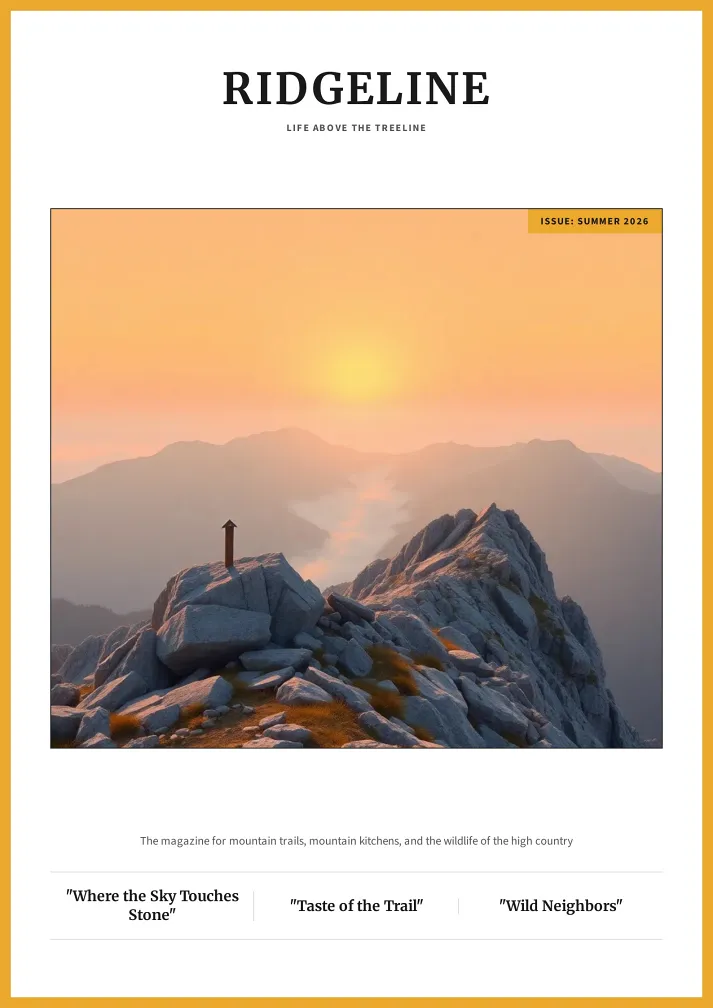

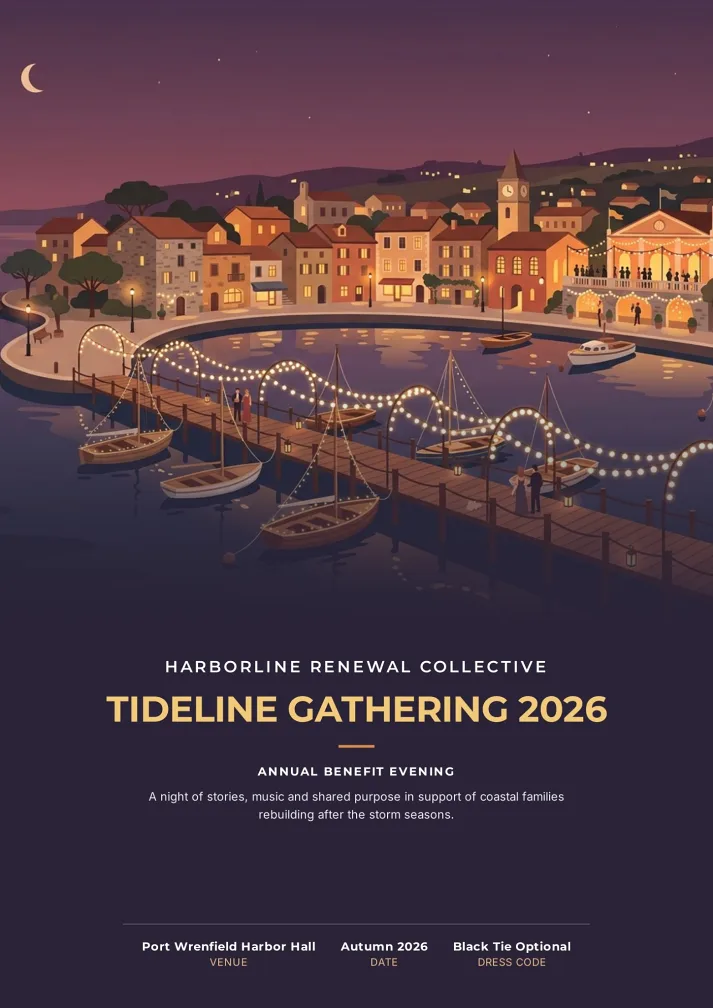
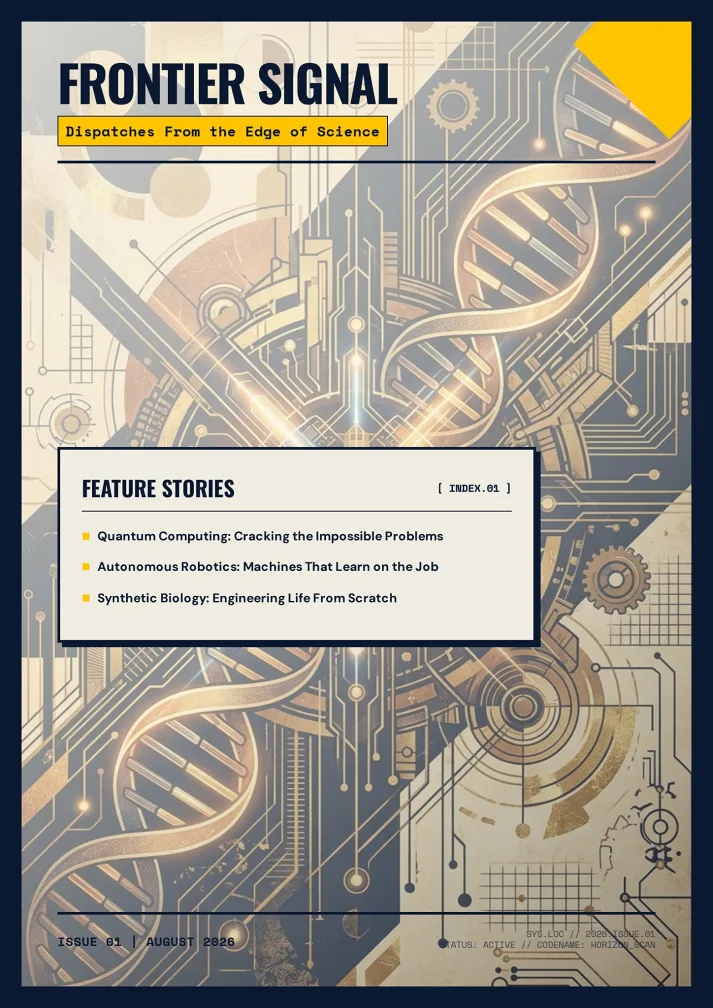
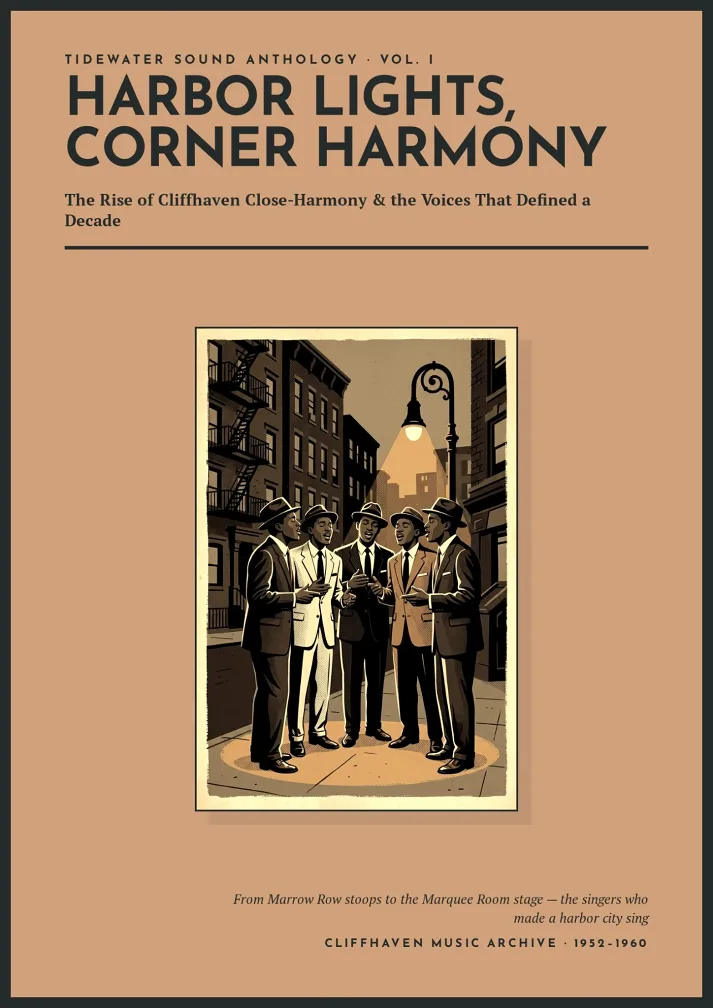
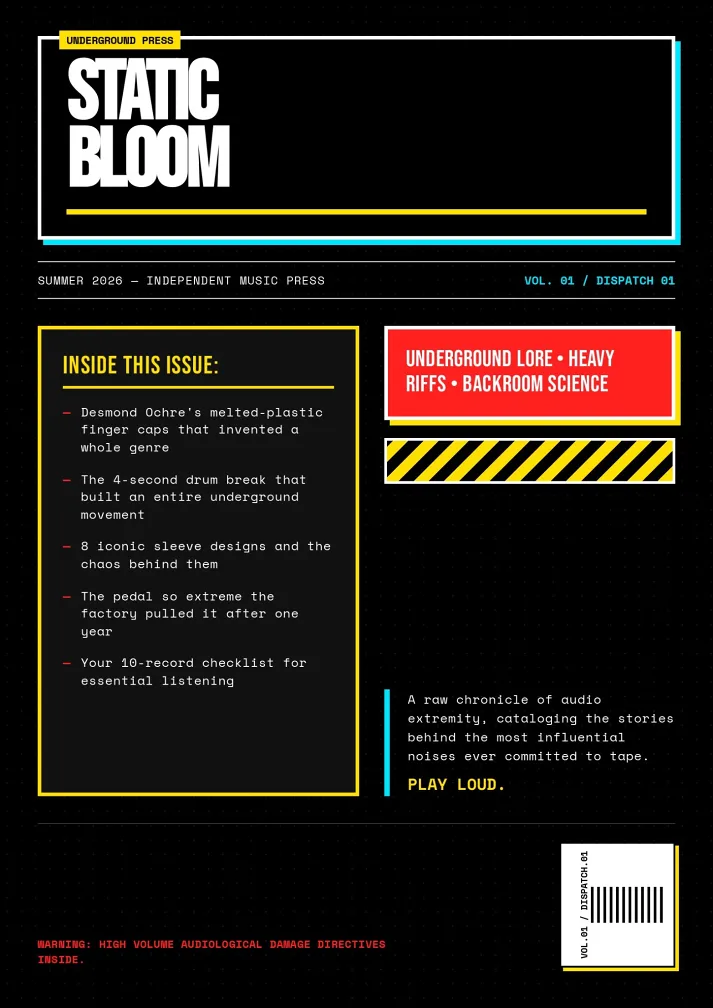

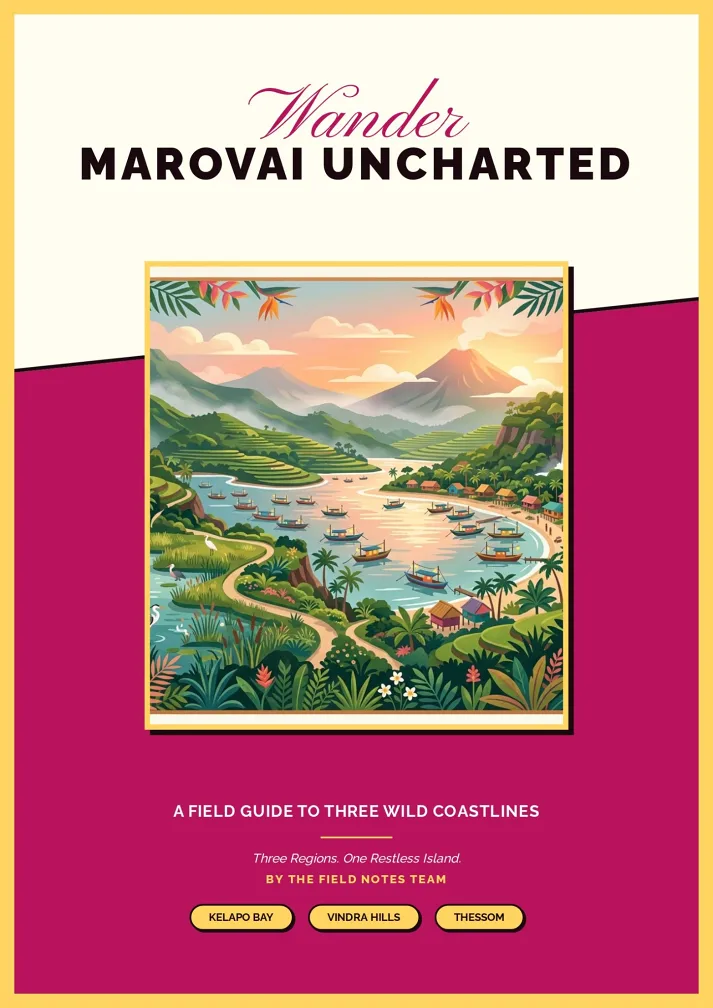
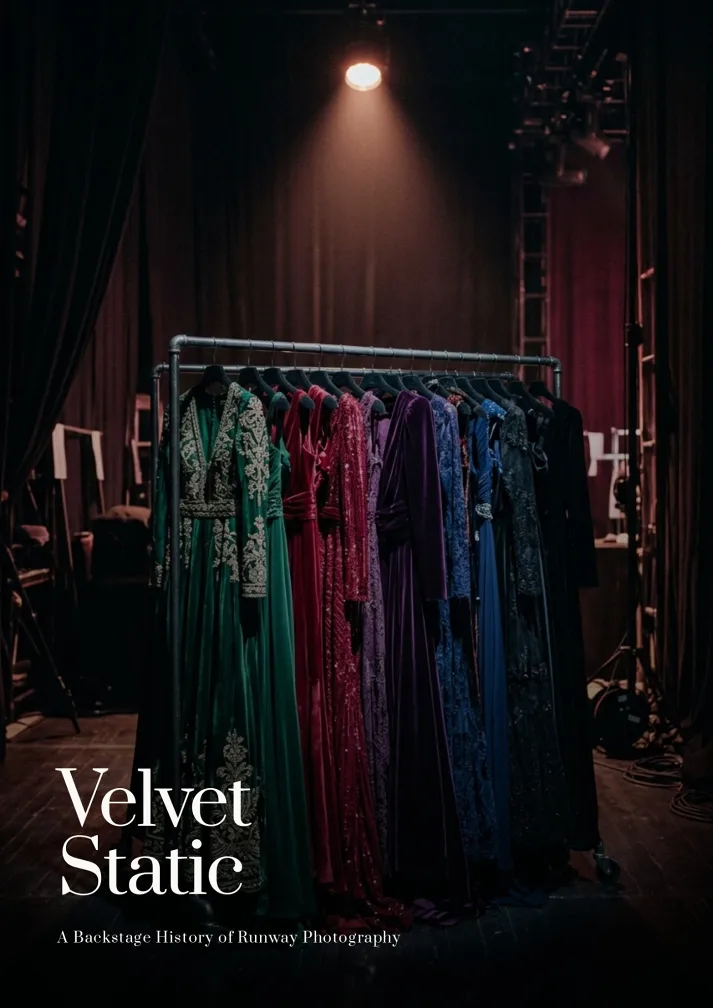

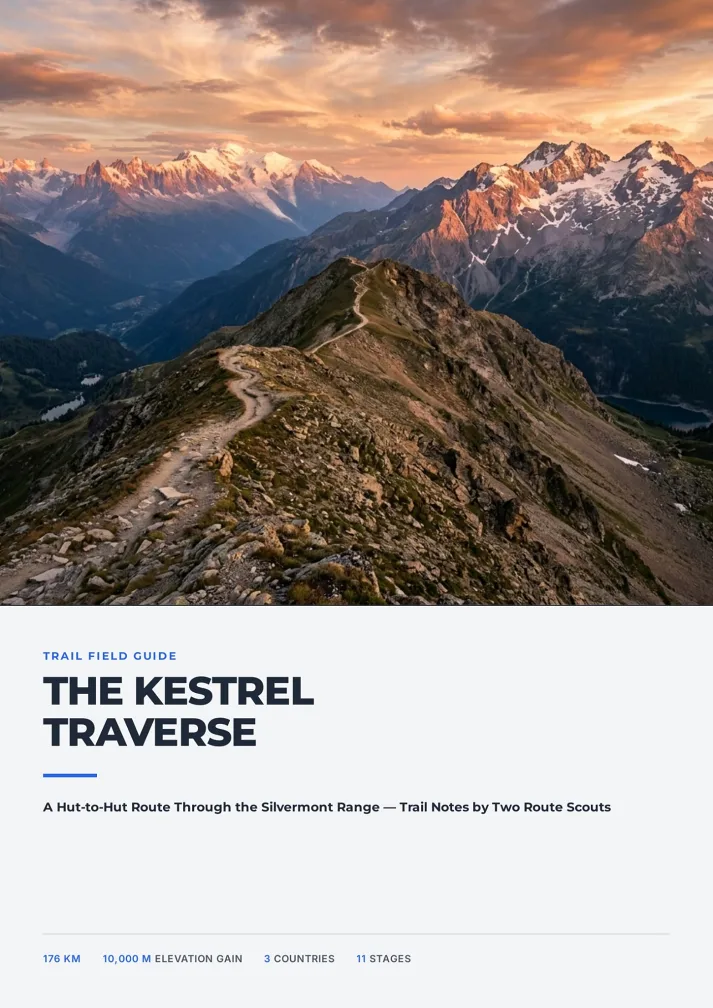
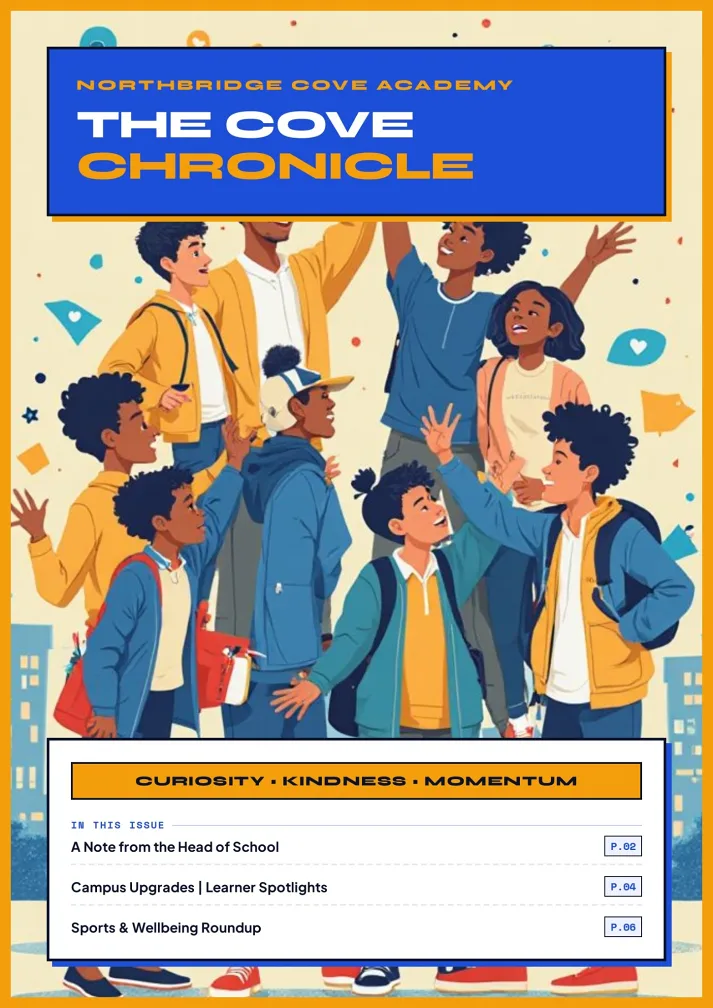
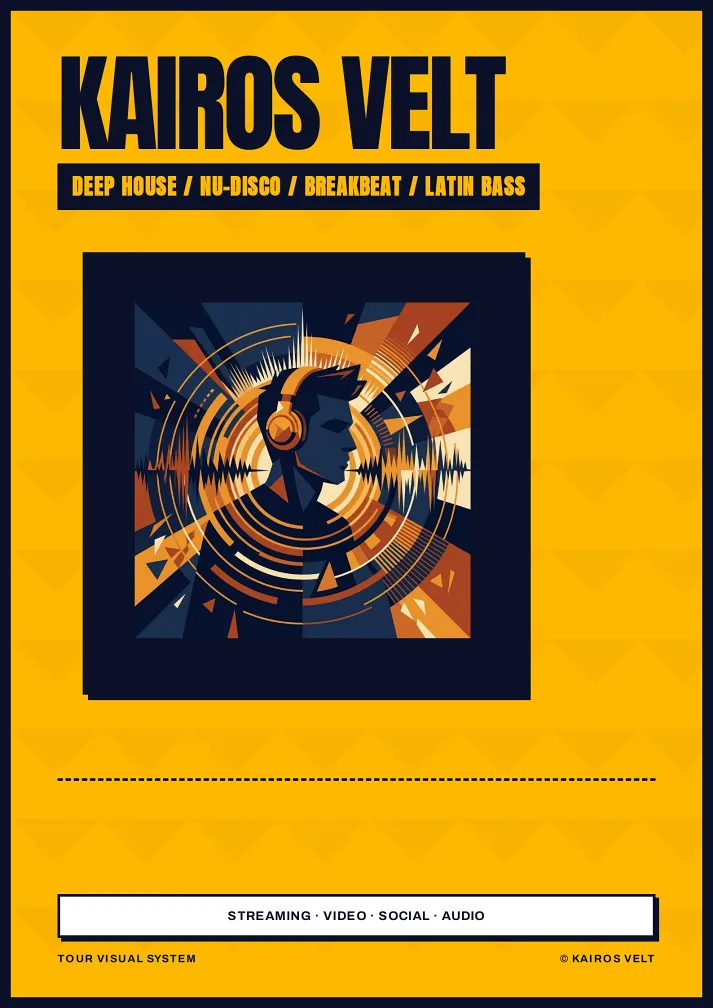
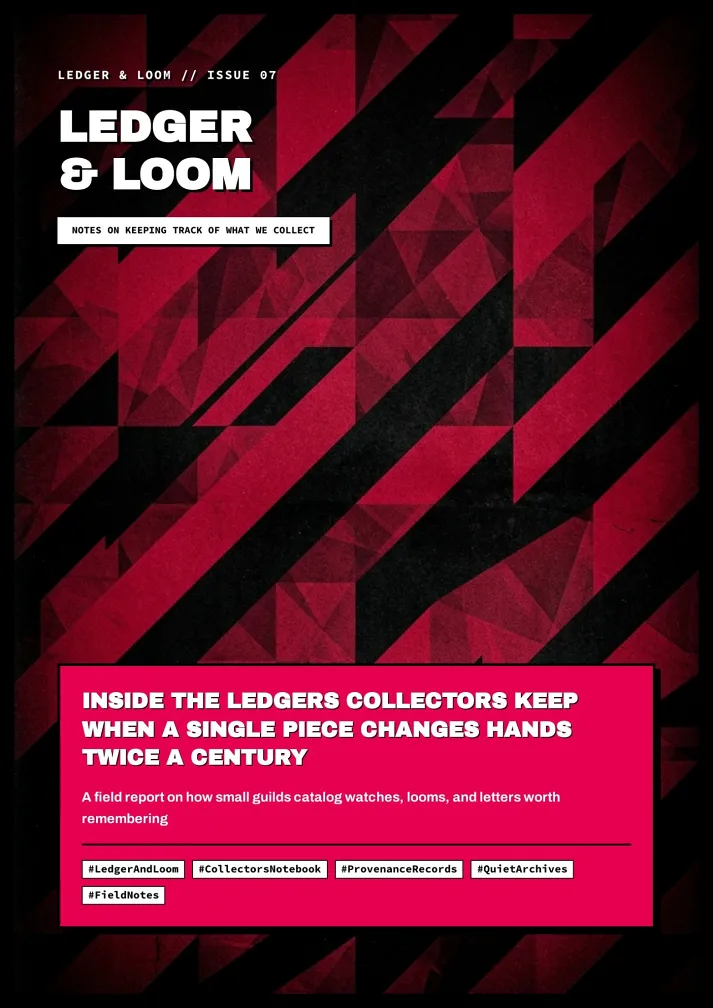
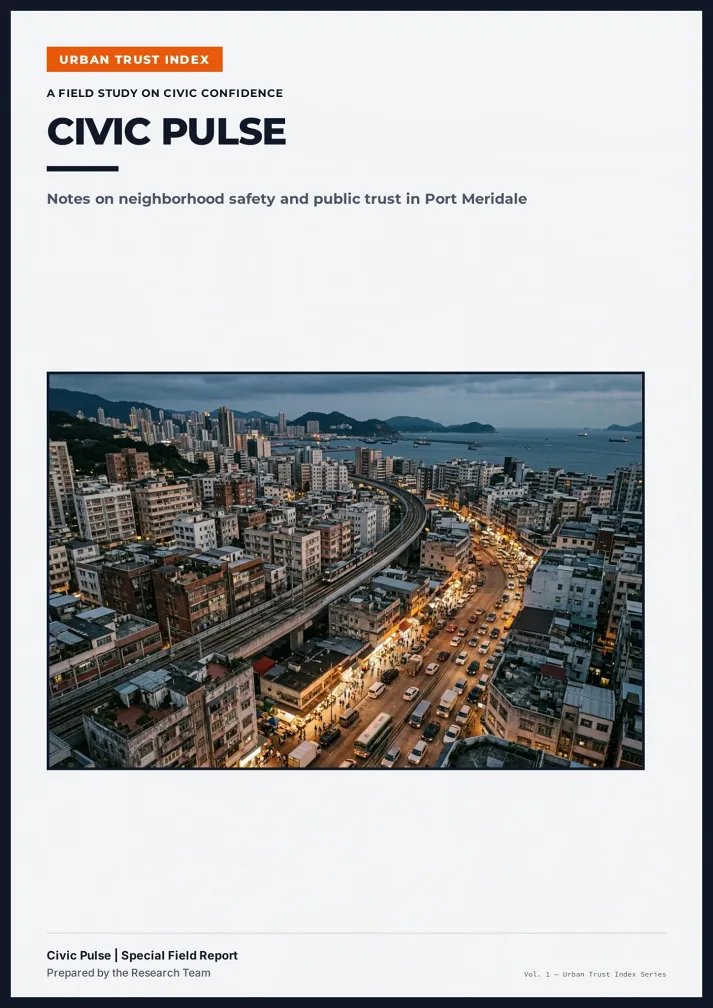
Three Steps to an Issue
From articles to publish-ready.
Add articles and upload images
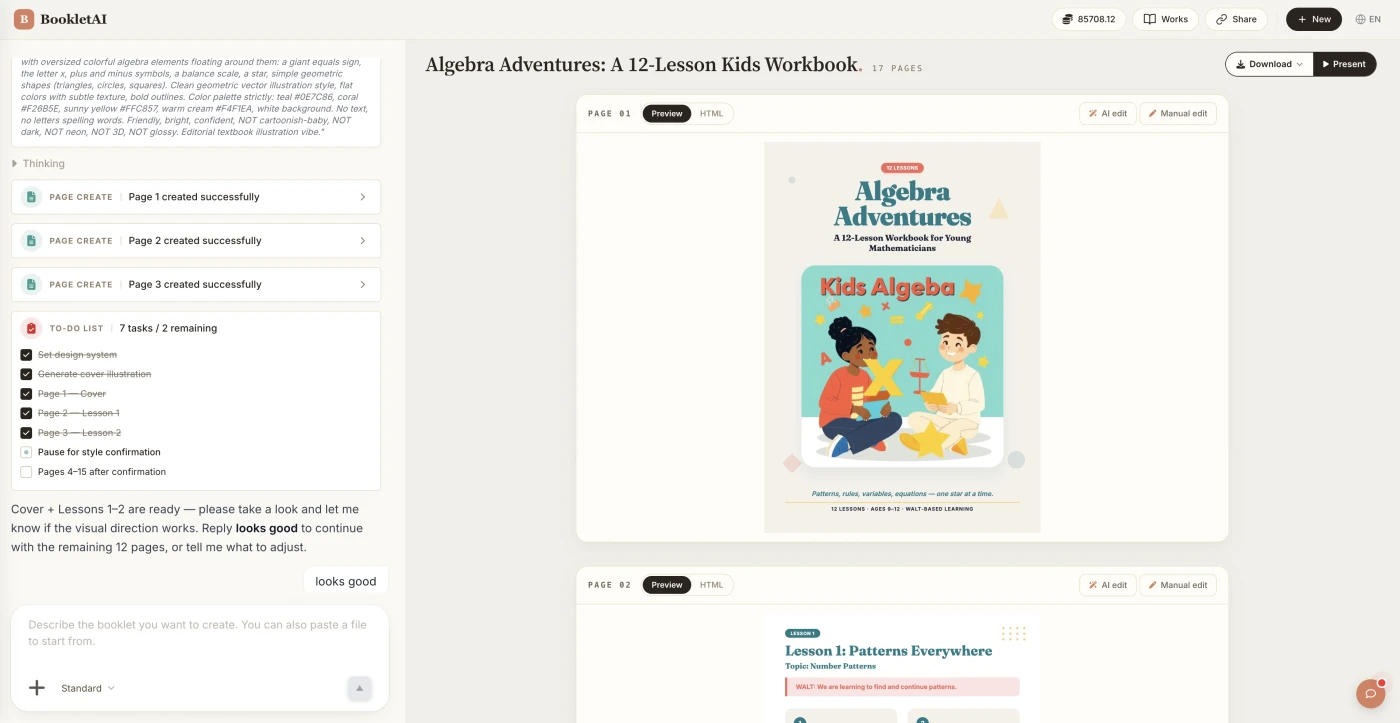
Paste your articles and drop in your images. The AI agent asks about your audience, style, and goals before building the magazine.
Review the outline & choose a style
AI shows a full page-by-page outline before writing begins. Approve it and pick a style, then watch each page appear in real time.
Edit any page, then download or export
Click Edit on any page to revise it independently. When ready, copy a share link, download the HTML, or export a print-ready PDF.
What People Build With the Magazine Generator
See if your scenario fits.
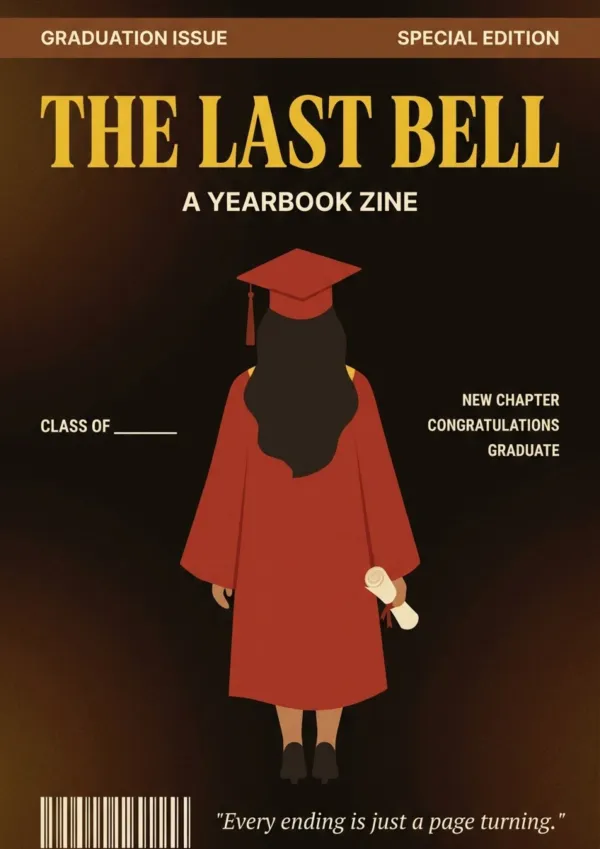
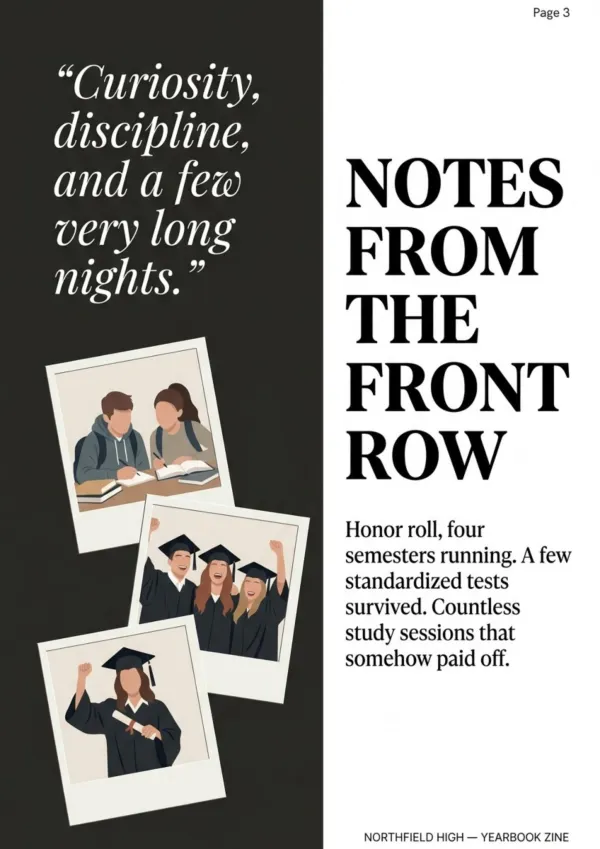
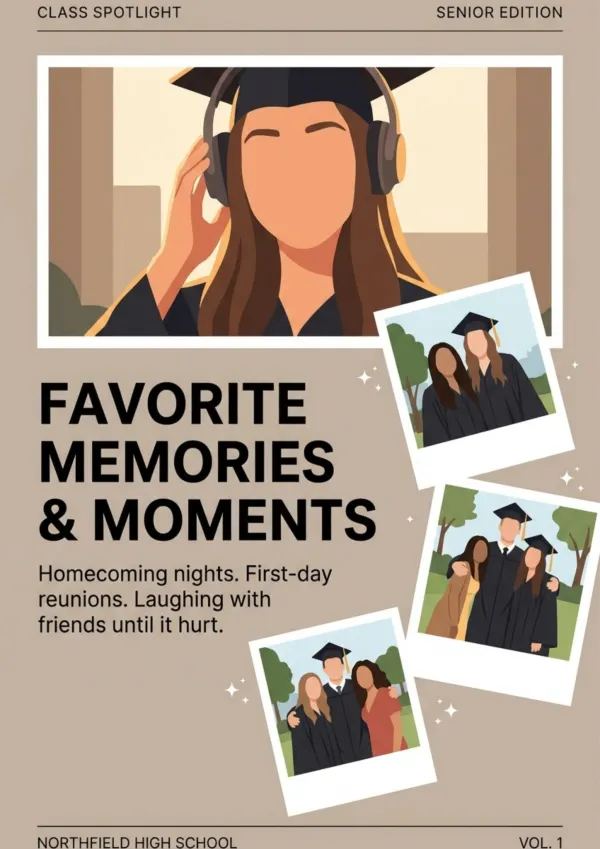
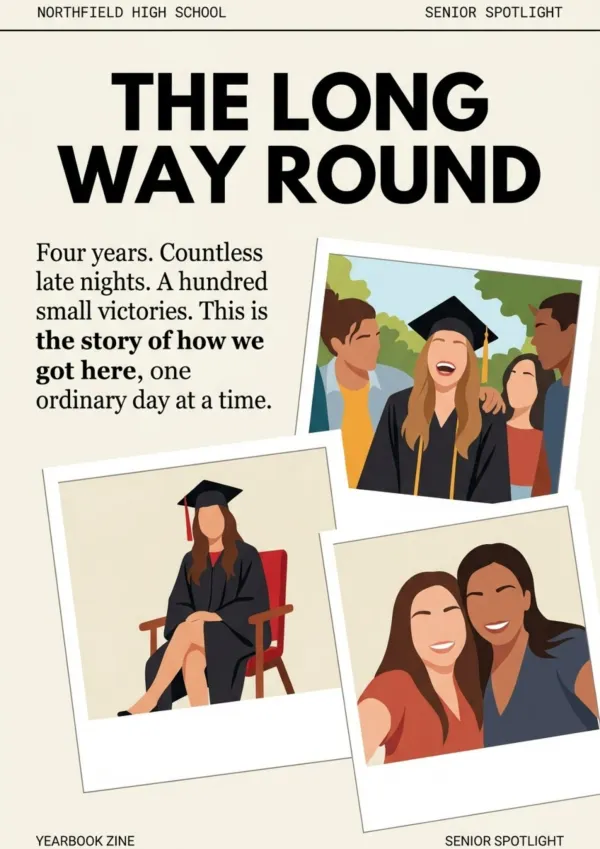
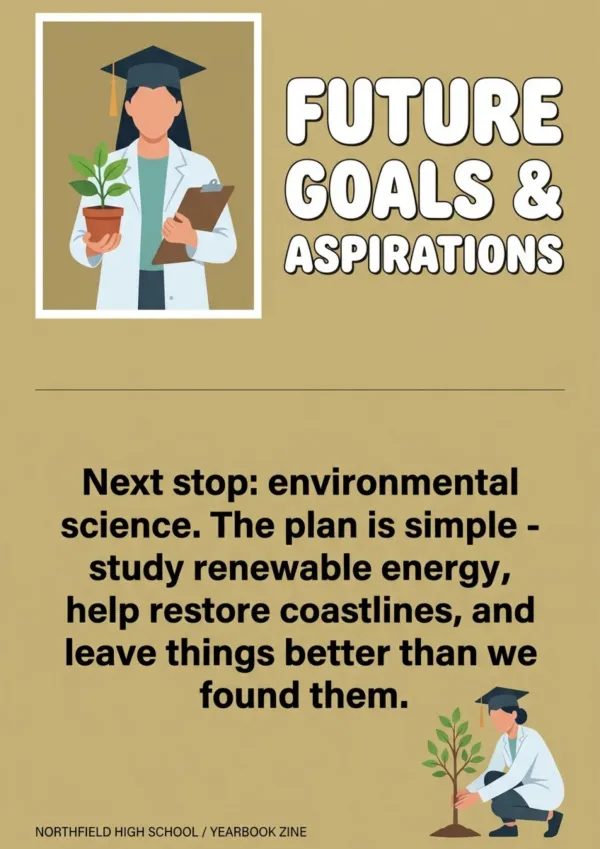
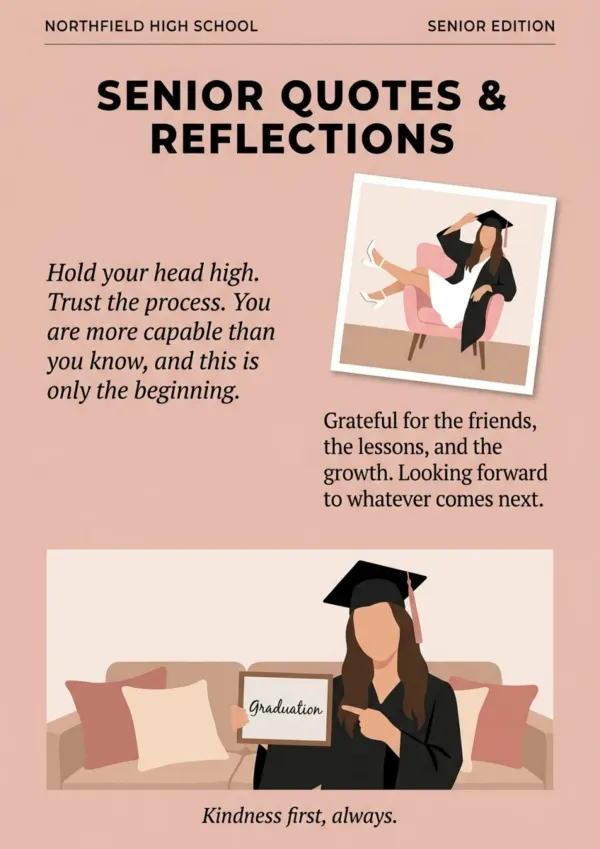
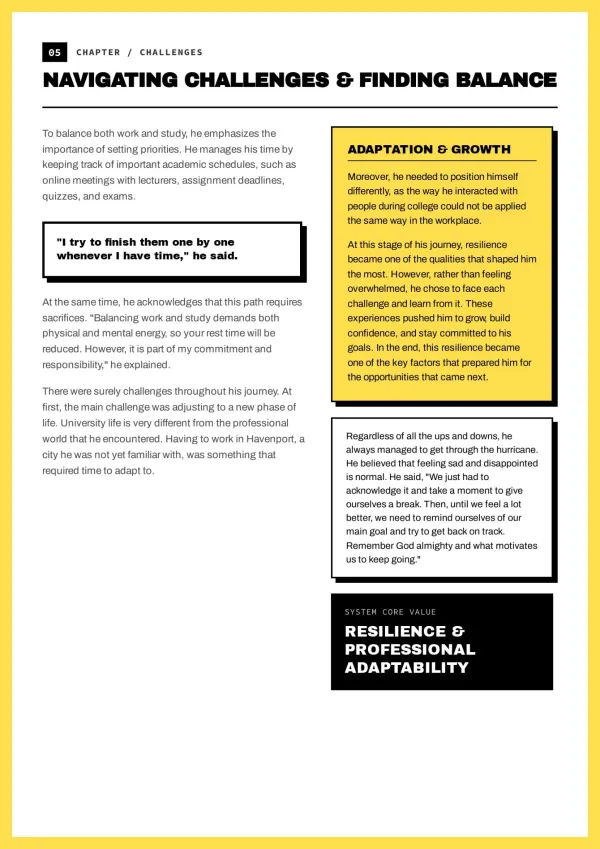
Indie creator monthly
Blog-to-magazine: monthly deep-dive issue for paid subscribers (digital), premium print edition for collectors. More keep-able than blog posts.
For indie creators
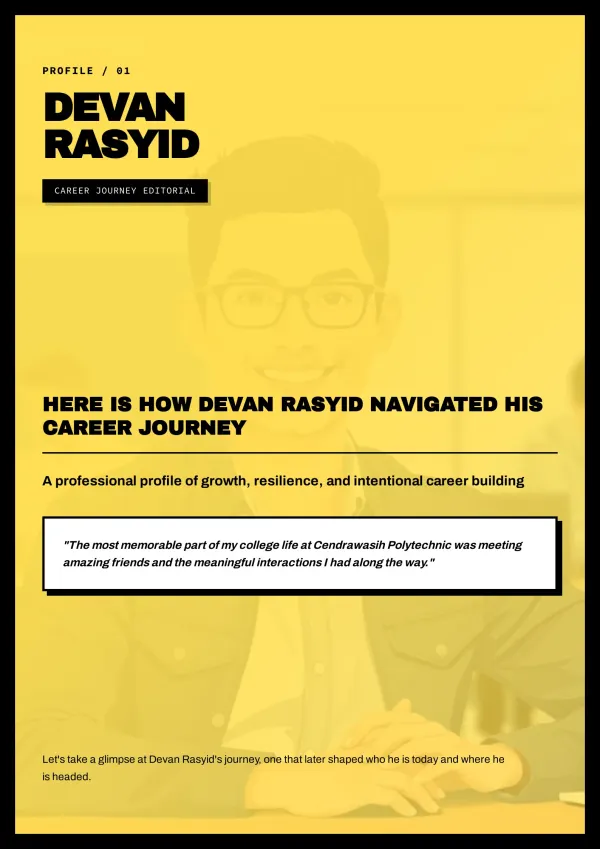
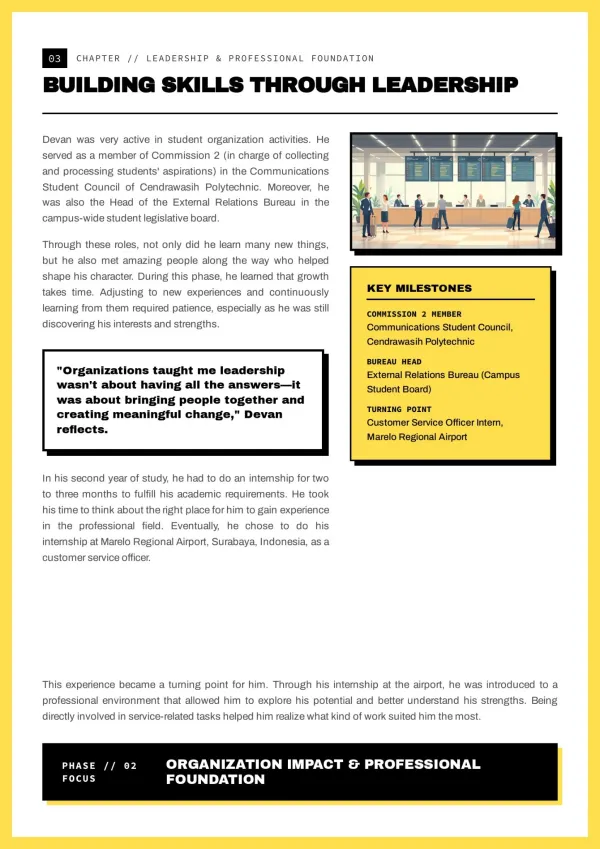
Digital magazine publisher
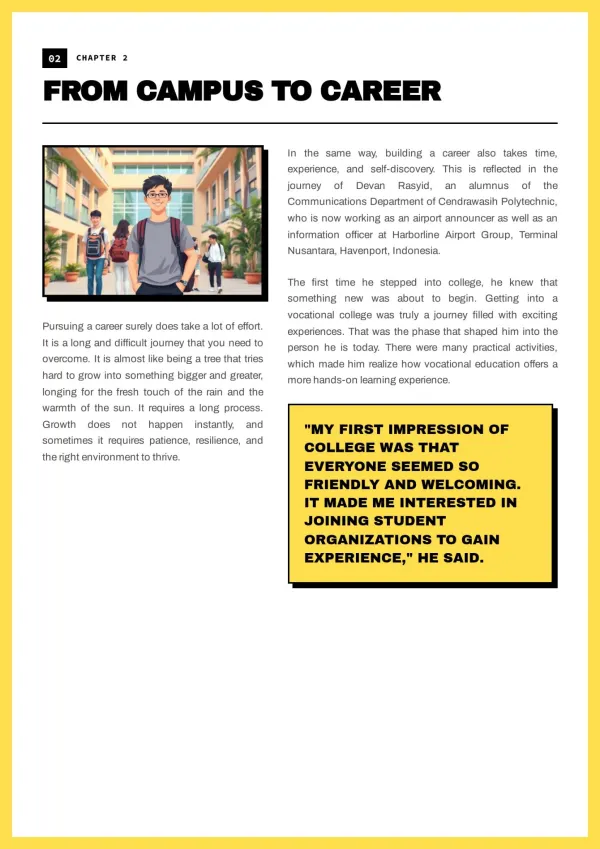
Small-team digital magazine: editor assembles writer submissions, magazine generator exports a cleanly laid out issue. Stable monthly publishing, consistent reader experience.
For small publishing teams


Niche quarterly
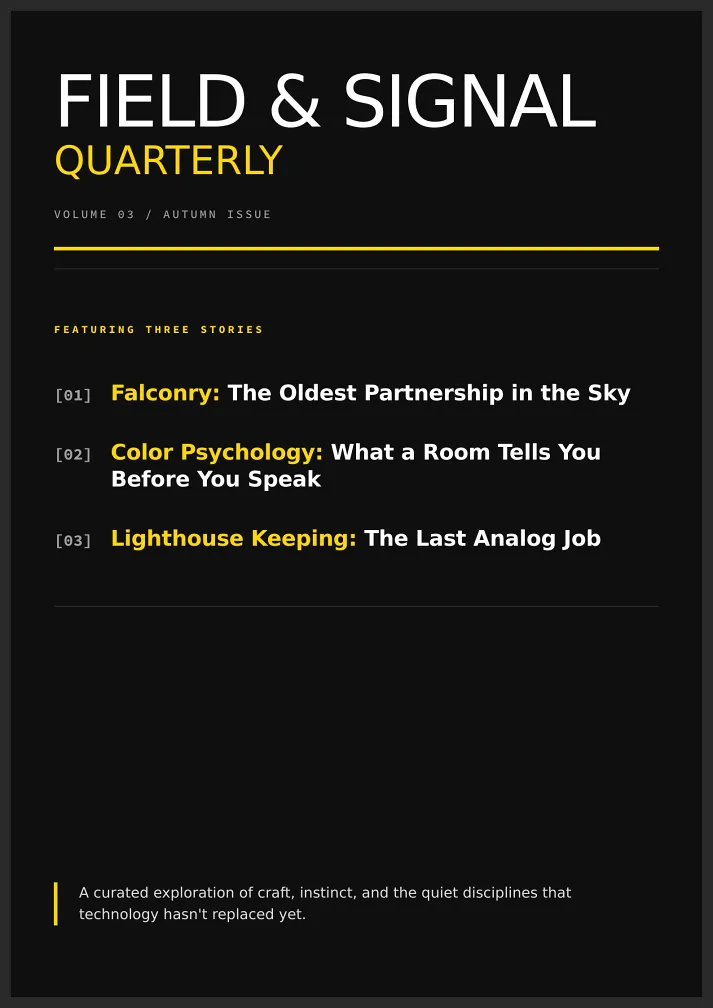
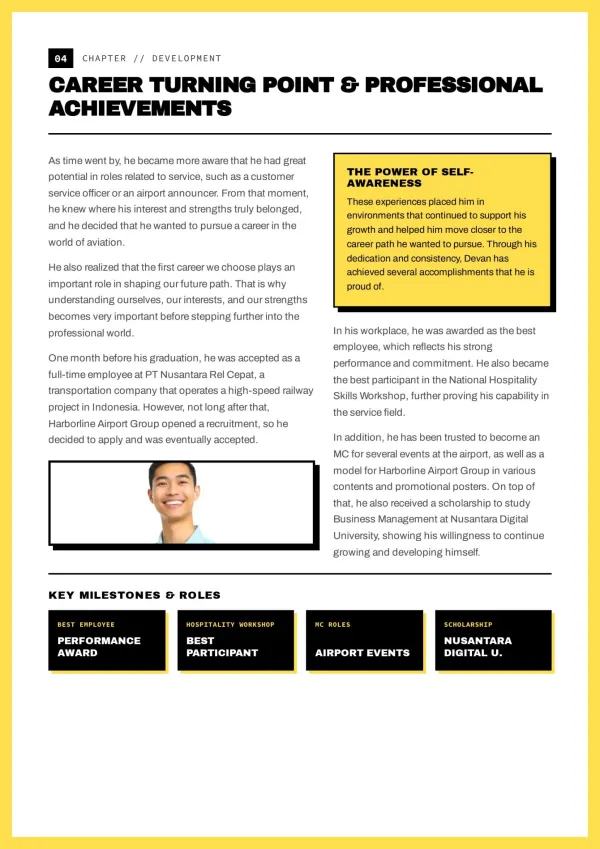
Enthusiast communities (crafts, plants, local culture) publish a themed quarterly — community glue, member benefit. Low print runs, high visual quality. bookletai nails the layout.
For niche communities
What the Magazine Generator Does
Six capabilities for magazines with 'that feel.'
Magazine-structured content
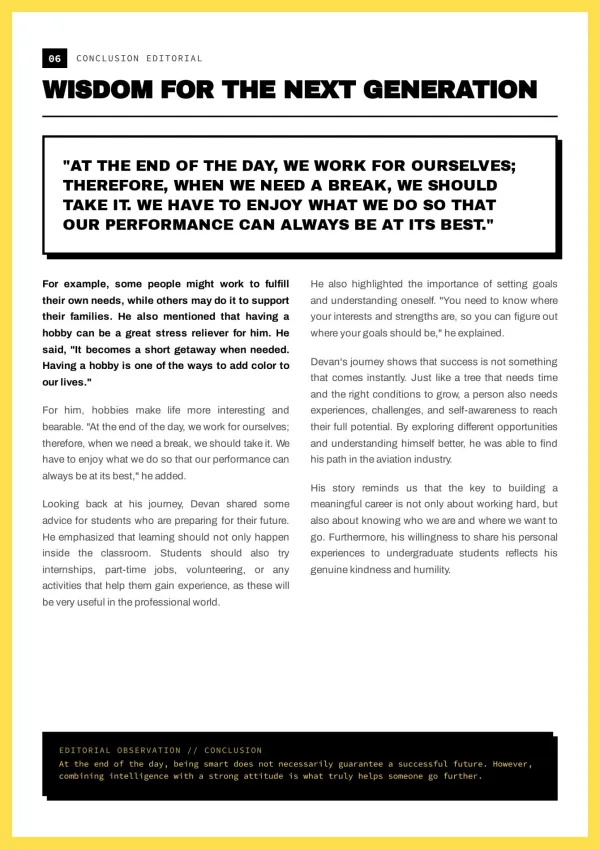
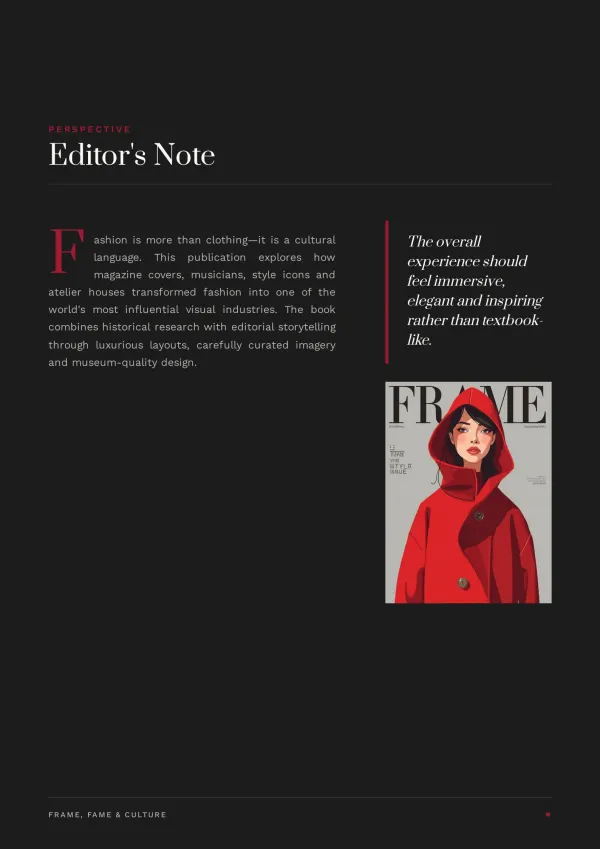
Not a long blog page. Cover, TOC, feature, columns, sidebars, ads — fixed magazine structure with proper reading rhythm.
Asks topic and issue first
Monthly, quarterly, or special edition? Topic and issue differ; cover style and TOC differ. AI aligns first.
Cover and TOC auto-generated
Magazine covers need impact (large image + cover story headline + issue number). TOC lists sections with page numbers — both automatic.
Varied article layouts
Single column, two column, three column, full-bleed spreads, pull quotes — AI picks by article type. No blog sameness.
Next issue reuses master layout
After the first issue, duplicate layout and swap content. Visual consistency holds. Quick Edit changes text or images without credits.
Digital + print edition
Digital share link with page-turn animation; A4 PDF for print binding — same content, two mediums.
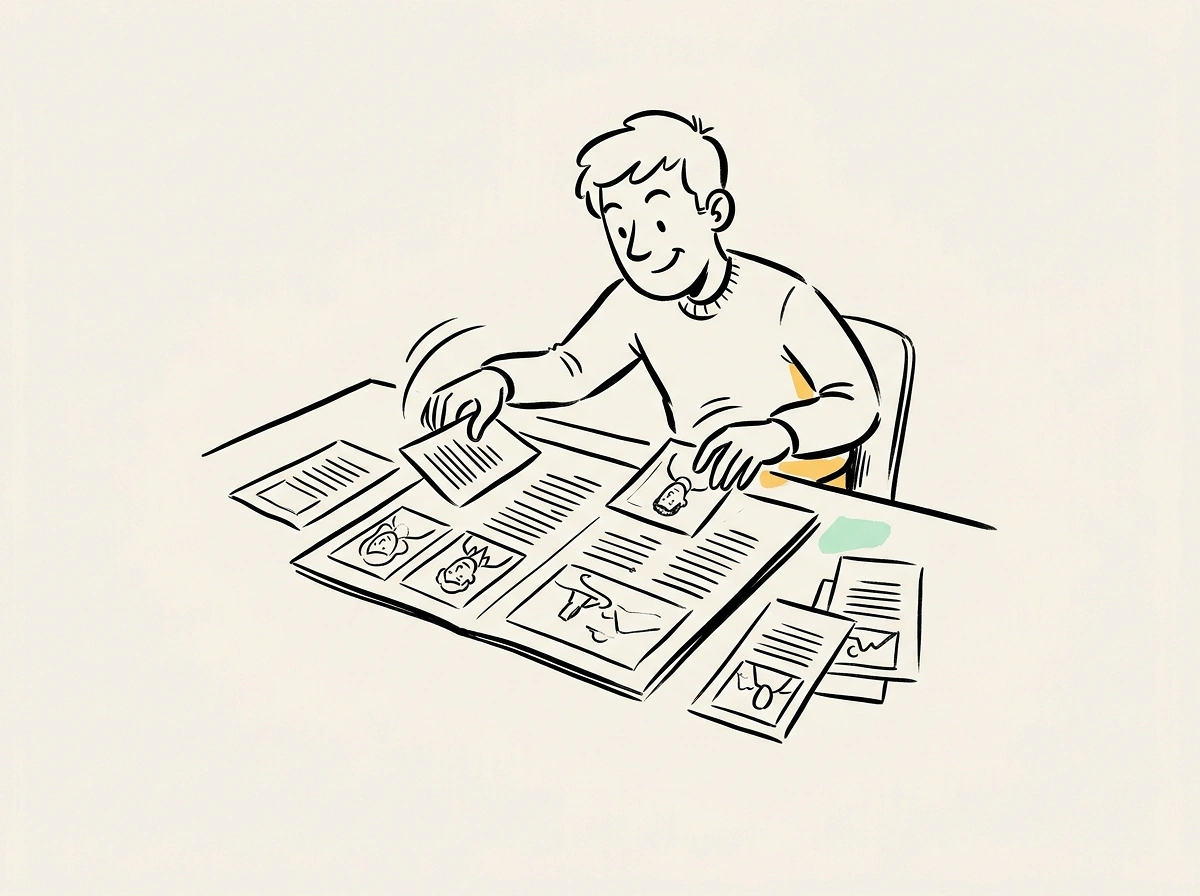
How Magazine Generator Fits Alongside Issuu and FlipHTML5
Issuu and FlipHTML5 primarily flipbook existing PDFs online. bookletai reads your raw text and images, organizes into magazine structure, and builds the layout — not just 'upload a PDF and make it flip.'
Not just flipbook — it's magazine creation
Issuu and FlipHTML5 need the PDF already. bookletai takes articles and photos, outputs a PDF — handling layout, structure, cover.
Stable issues without layout rebuilds
The hardest part of indie magazines: relaying out each issue. bookletai locks the first issue layout; subsequent issues keep the structure — visual family intact.
Digital + print dual mode
Digital edition drives subscribers; print edition sells as event gifts or collector items. Indie publishing can scale from digital-only to physical.
Your time is worth
a subscription
Spend your hours on the idea — we'll handle the design
What You Might Want to Know About the Magazine Generator
Answers to common questions.
1
Is the magazine generator free to use?
Yes. Start without signing up. Each new issue uses 1 credit; text edits, image swaps, layout tweaks afterward are free.
2
How does it compare to Issuu or FlipHTML5?
Issuu and FlipHTML5 primarily flipbook existing PDFs online. bookletai reads raw text and images, organizes into magazine structure, outputs both interactive flipbook and print PDF — content creation plus display.
3
Can I paste Markdown or Word directly?
Yes. Markdown, Word, plain text all work. AI recognizes heading levels, bold, pull quotes, auto-matches magazine layout.
4
Can I keep layout consistent across issues?
Yes. Lock the first issue as 'master'; duplicate for future issues, swap content. Issue number auto-increments; layout structure preserved.
5
Are there magazine template styles?
40+ magazine templates (fashion / lifestyle / tech / literature / photography / kids). Pick one and AI generates cover, TOC, interior.
6
How do full-bleed spreads work?
Mark an image as 'spread' and AI assigns a two-column merged layout across the spread. Ideal for photography or visual features.
7
Can I include ads?
Yes. Insert sponsored ad pages (marked 'Sponsored'). Ad images managed separately; AI reserves ad page positions in the TOC.
8
Does digital have page-turn animation?
Yes. Share link opens a page-turning interface (mouse or touch turns pages), simulating a paper read. Fits digital subscribers.
9
How many pages per issue?
20-60 pages works well. Monthly 20-30, quarterly 40-60, special editions 60-100. AI suggests by content volume.
10
Does it provide ISSN?
ISSN requires independent application (national publishing authority). bookletai handles layout only. Cover can include custom issue number, date, editorial info — groundwork for ISSN.
11
Is there a free magazine generator online?
Yes. The magazine generator is free online — build an issue in the browser without signup. Each new issue uses 1 credit; article edits, image swaps, and layout adjustments afterward are unlimited and free.
12
Can I export the magazine generator PDF?
Yes. Magazine generator PDF export produces print-ready A4 with proper bleed and crop marks. Send to a print shop for a physical issue, or use the same PDF for digital distribution.
13
Can I generate a magazine from text?
Yes. The magazine generator from text takes pasted articles or Markdown and auto-lays them into magazine structure (cover, TOC, feature, columns). Add images later via Quick Edit — or let AI place visuals based on article topics.
No design skills needed for your magazine
The agent researches, writes and lays out every page. You just describe it.