AI Report Generator, Turn Data into a Printable Report
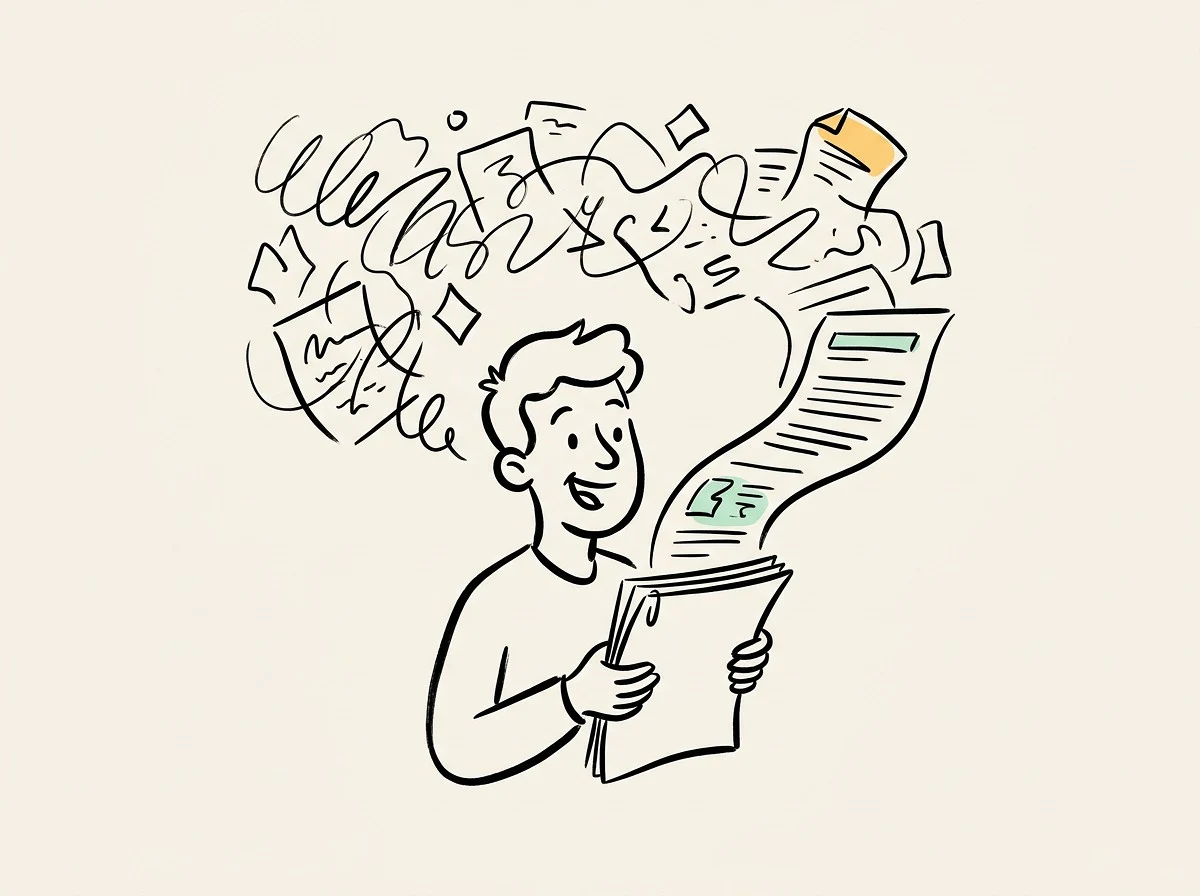
Drop your scattered data, documents, and links. AI report generator gives them structure first, then writes a print-ready report page by page.

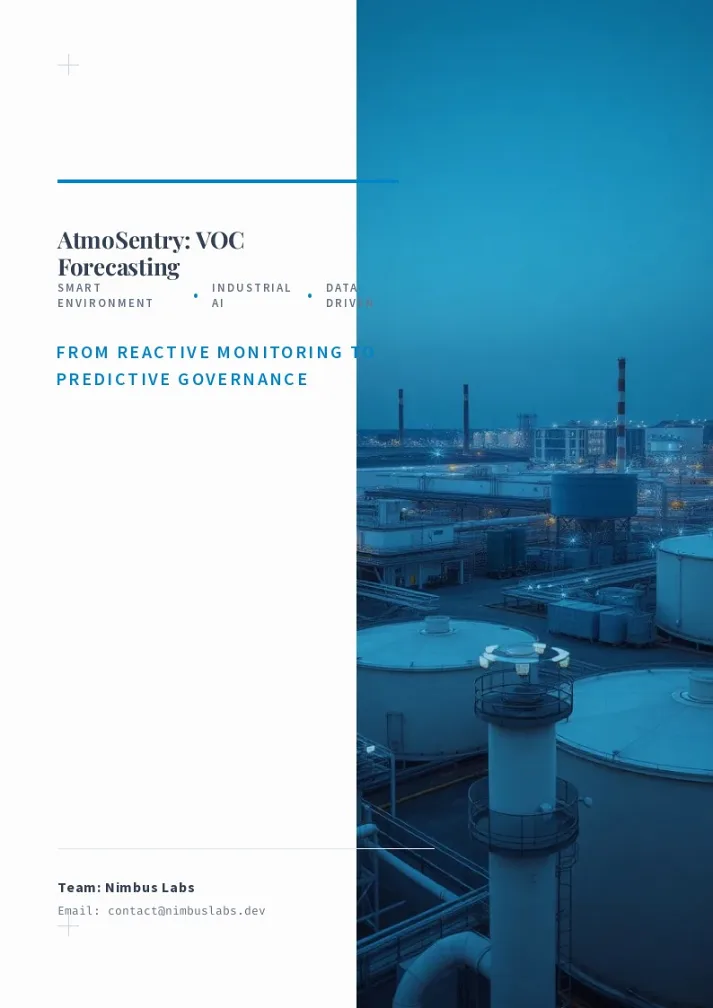

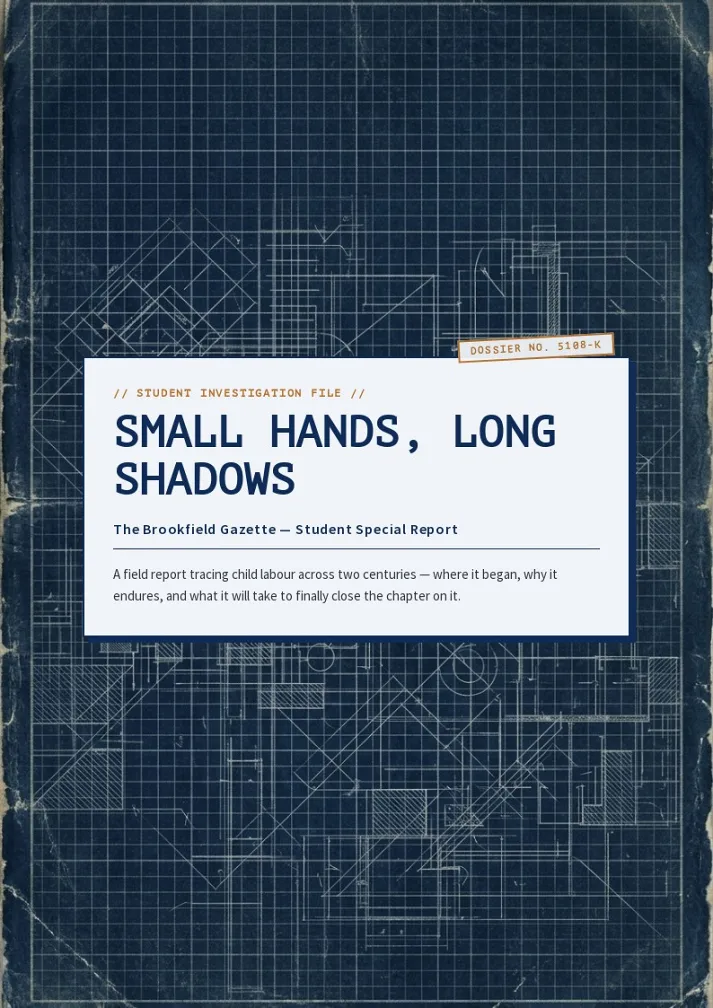
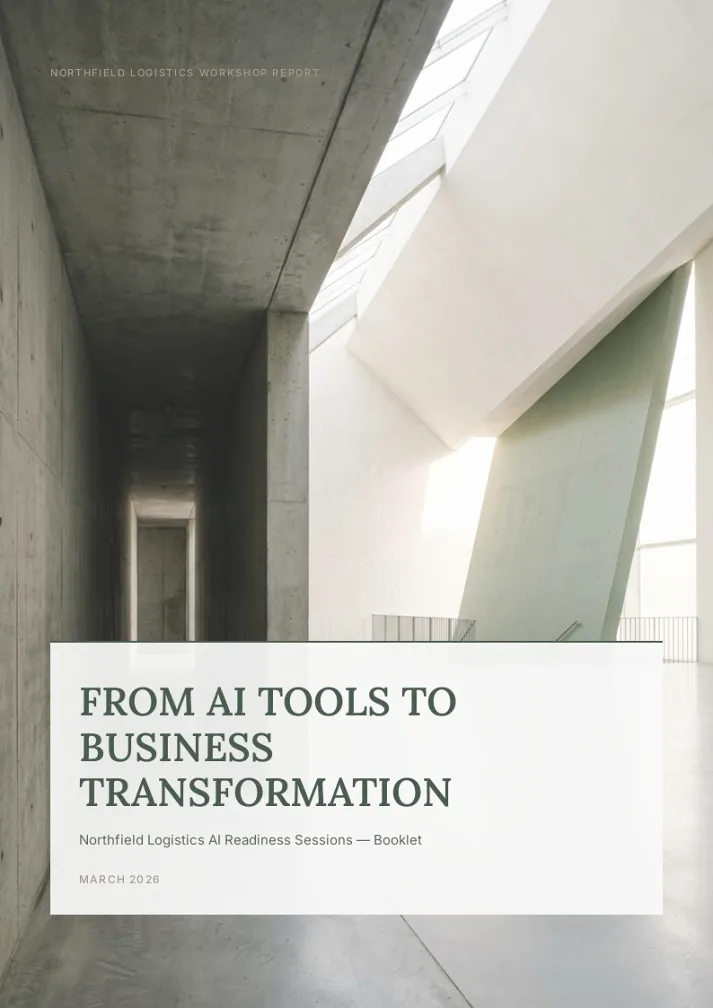

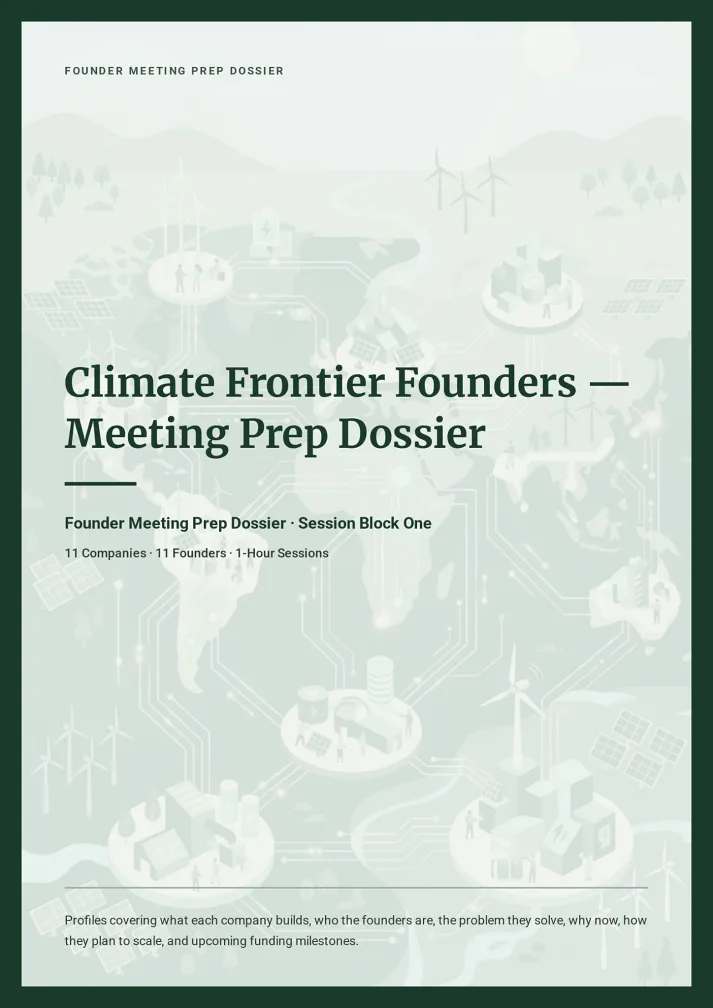

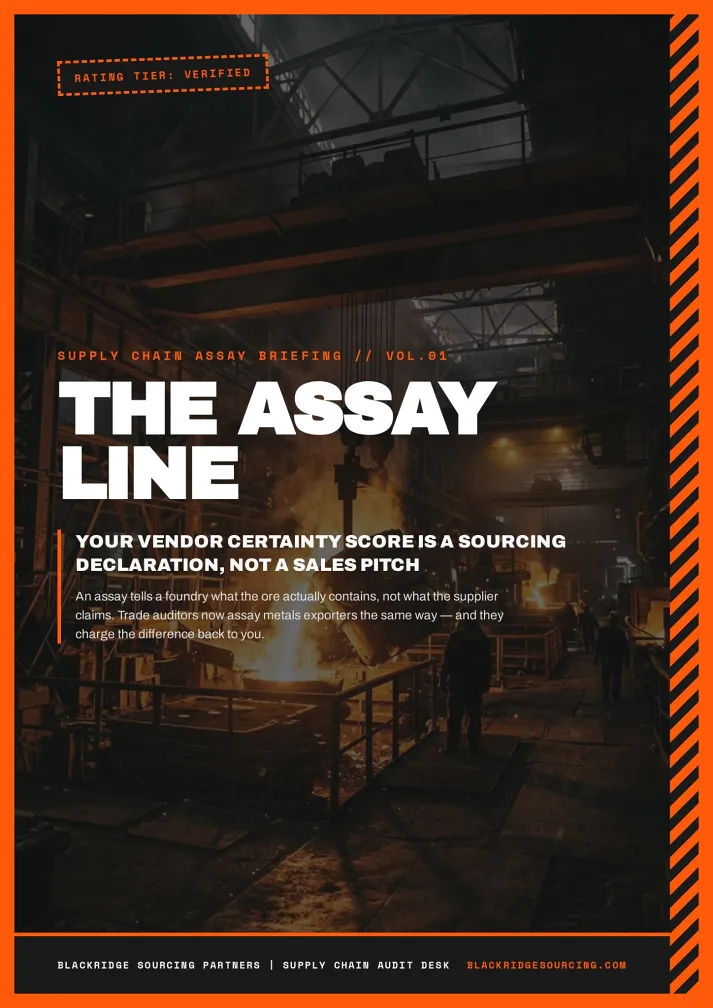
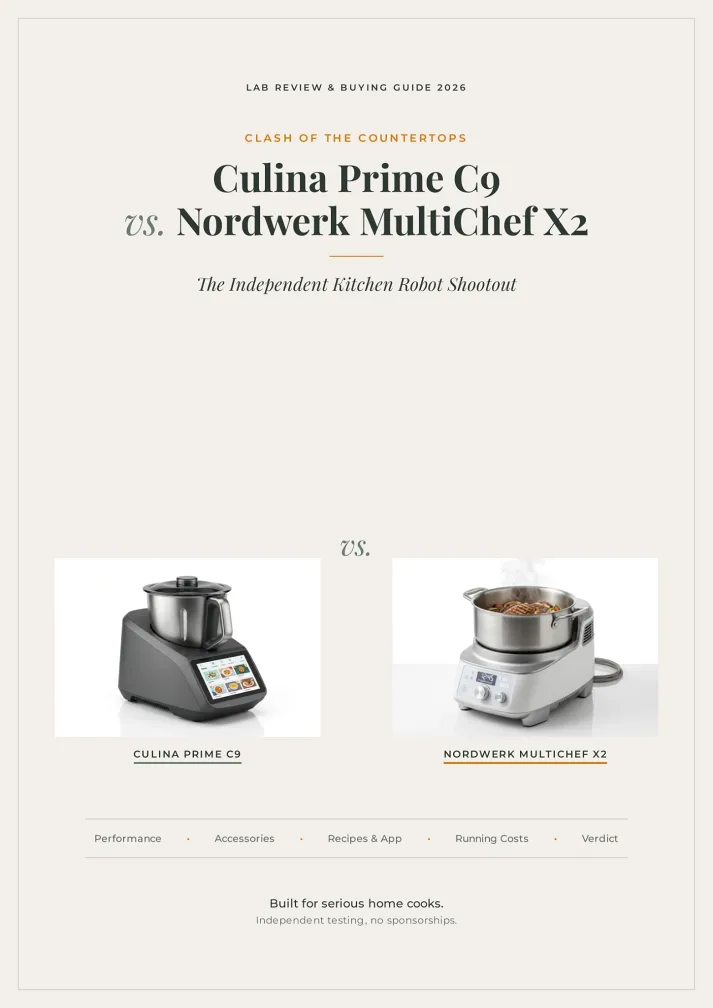
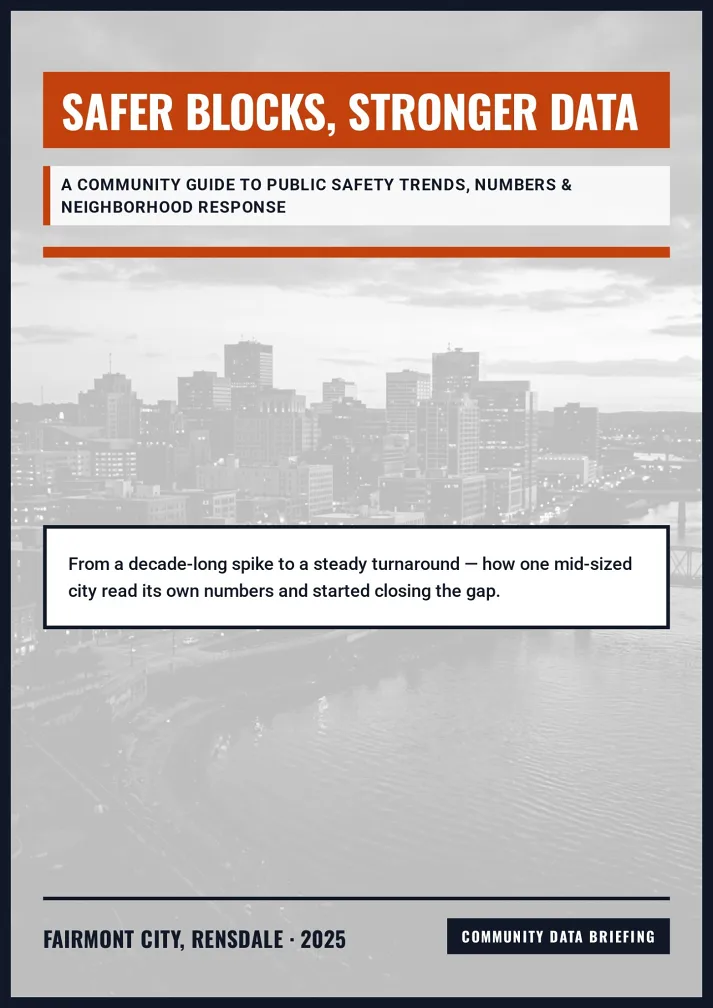




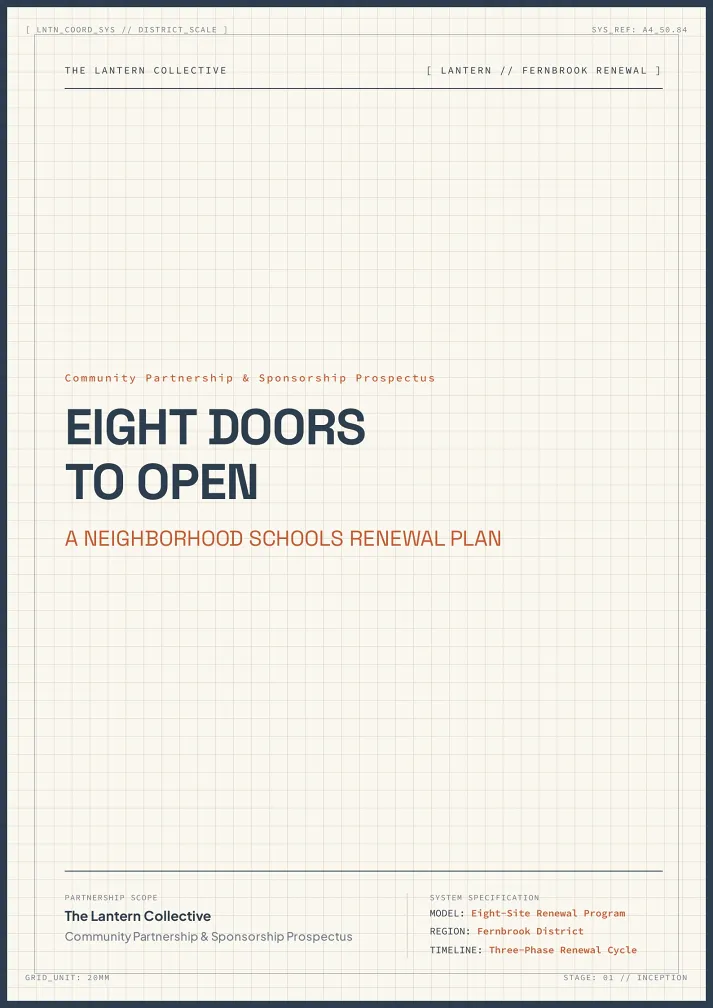


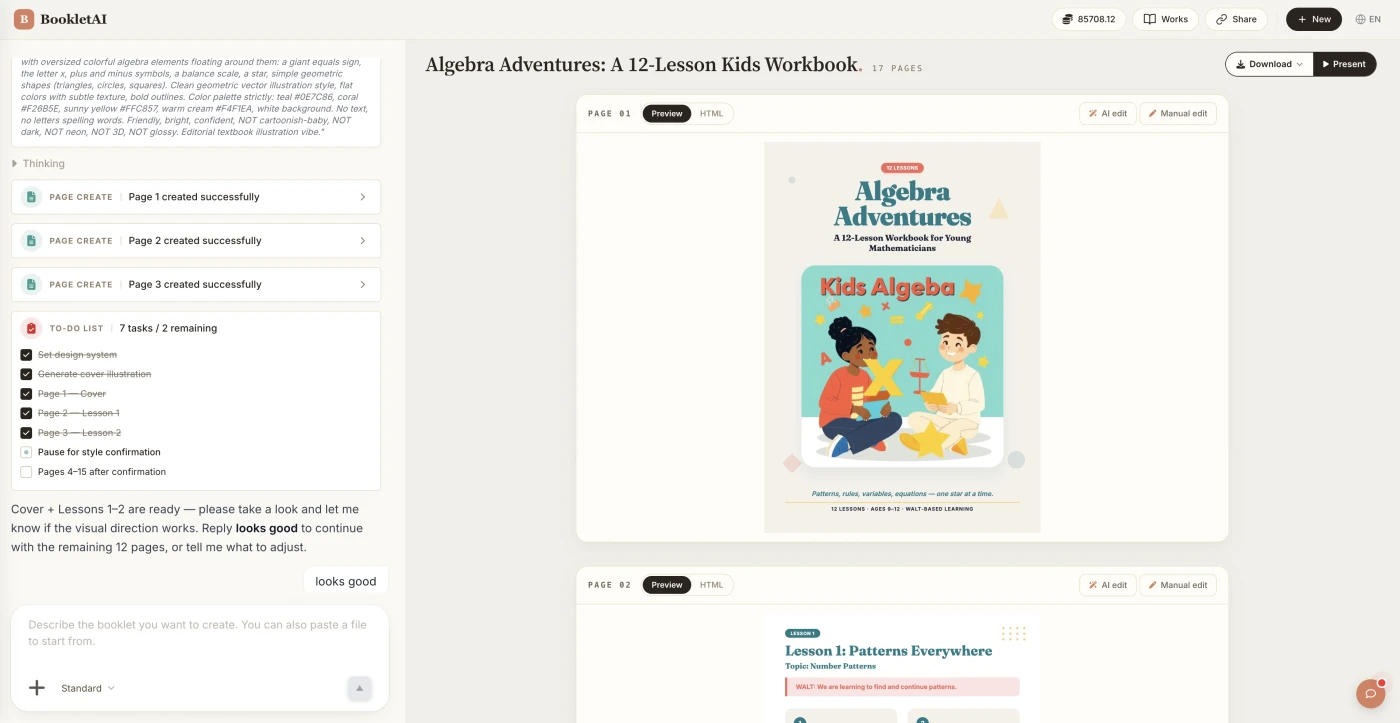
Three Steps From Data to Report
From raw materials to a printable report.
Add content or upload your source files
Paste your content or drop in your source files. The AI agent asks about your audience, style, and goals before building the report.
Review the outline & choose a style
AI shows a full page-by-page outline before writing begins. Approve it and pick a style, then watch each page appear in real time.
Edit any page, then download or export
Click Edit on any page to revise it independently. When ready, copy a share link, download the HTML, or export a print-ready PDF.
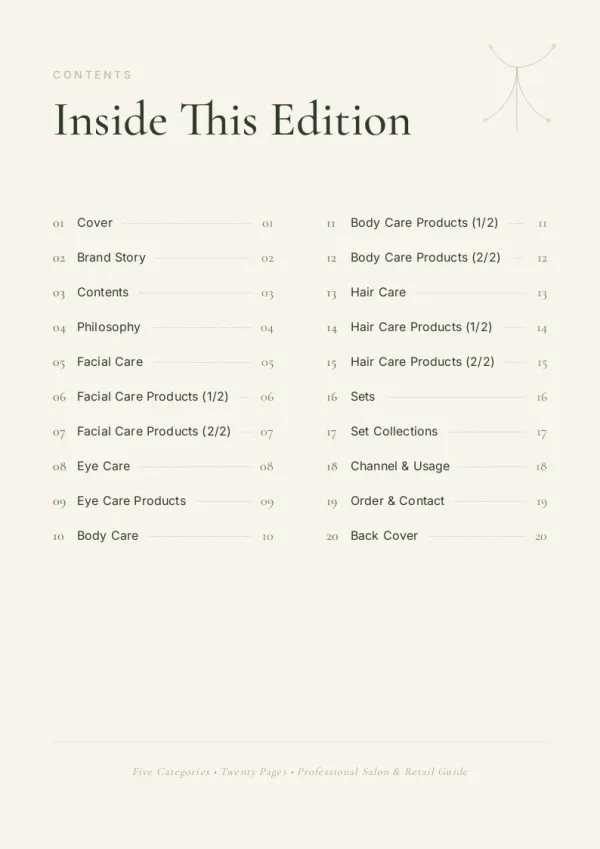
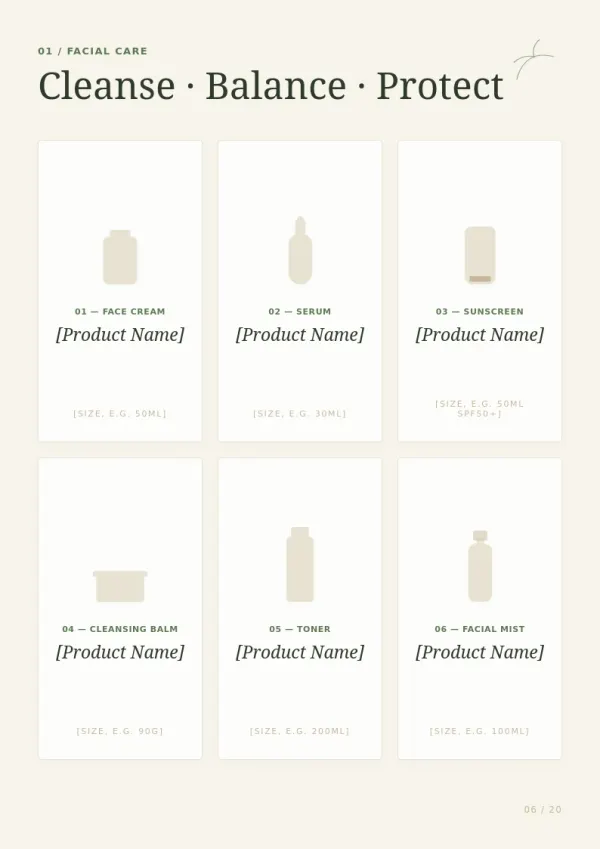
What People Build With the AI Report Generator
See if your scenario fits.




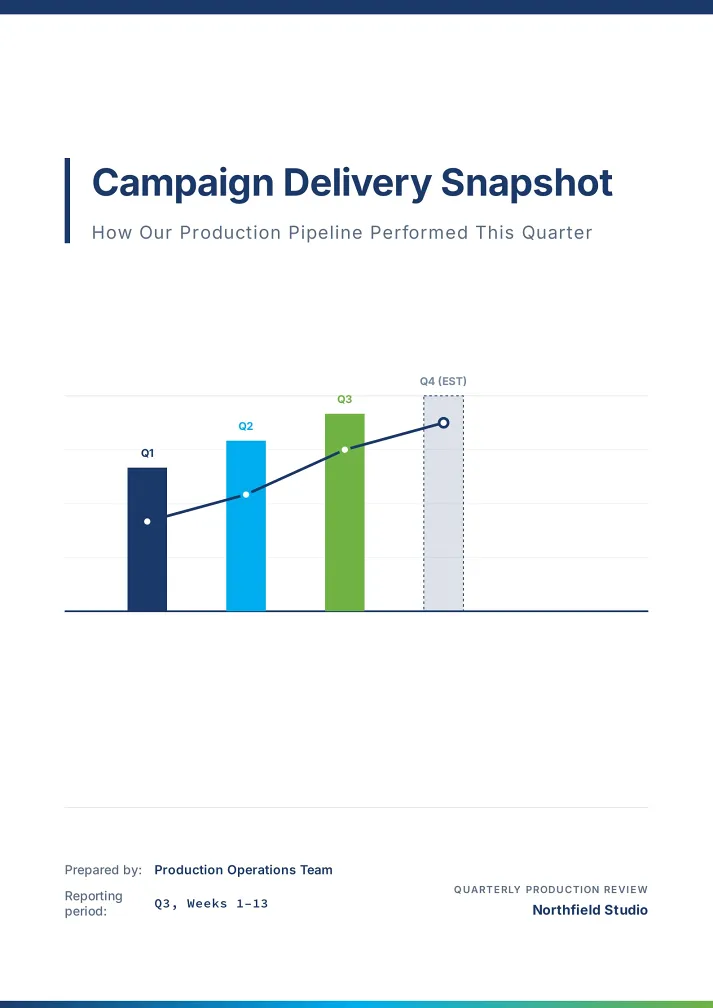
Quarterly business review
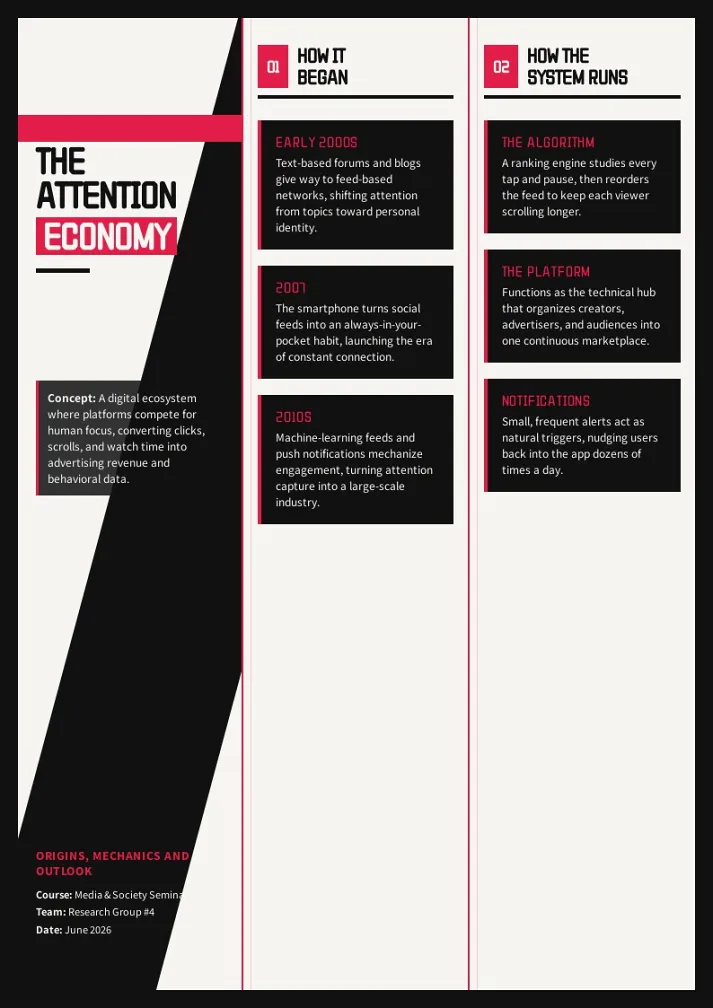
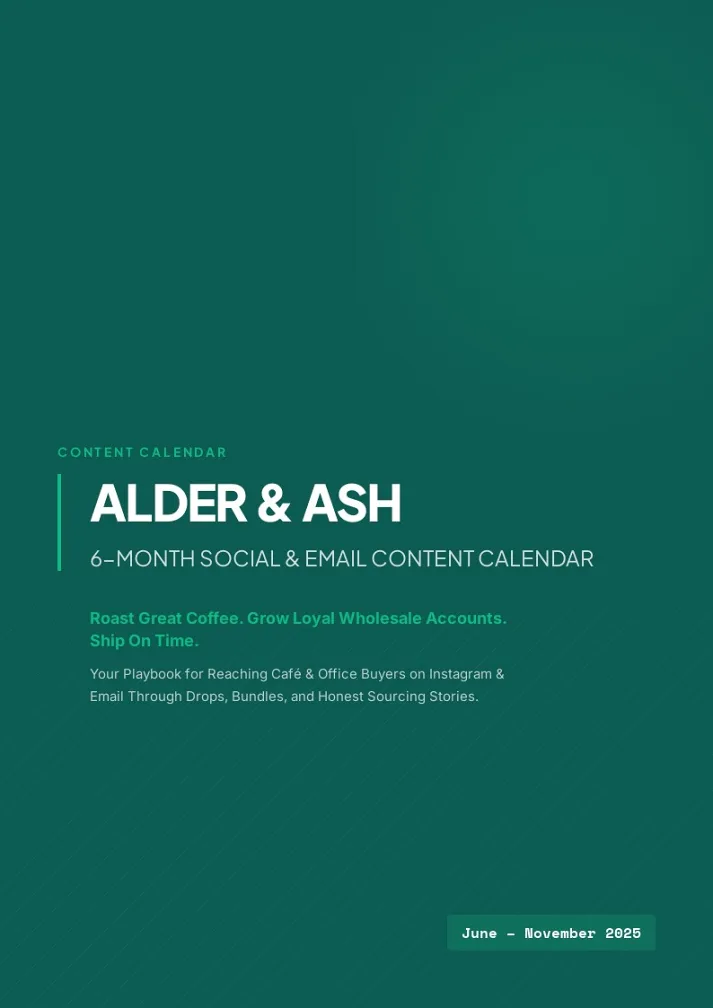
Paste Q3 numbers, team wins, and risks. AI report generator drafts the narrative, inserts charts, and outputs a printable A4 deck for the board meeting.
For sales & marketing
Project progress report
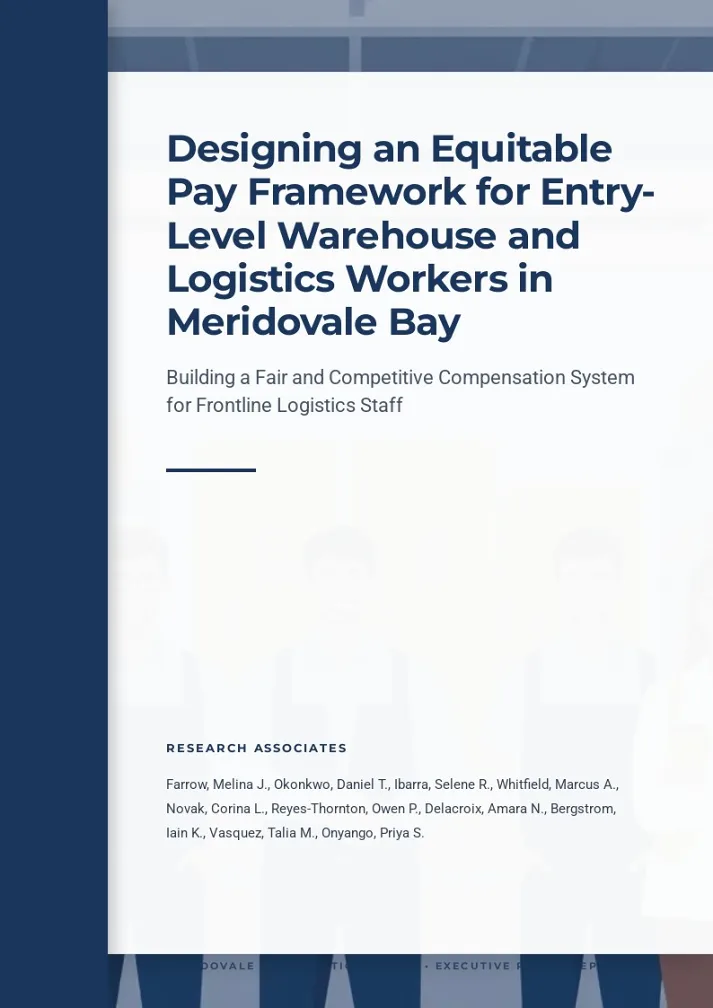
Feed the AI report writer your sprint notes, milestones, and blockers. It structures a progress report that reads cleanly for stakeholders and clients.
For HR & L&D teams
Research or academic report
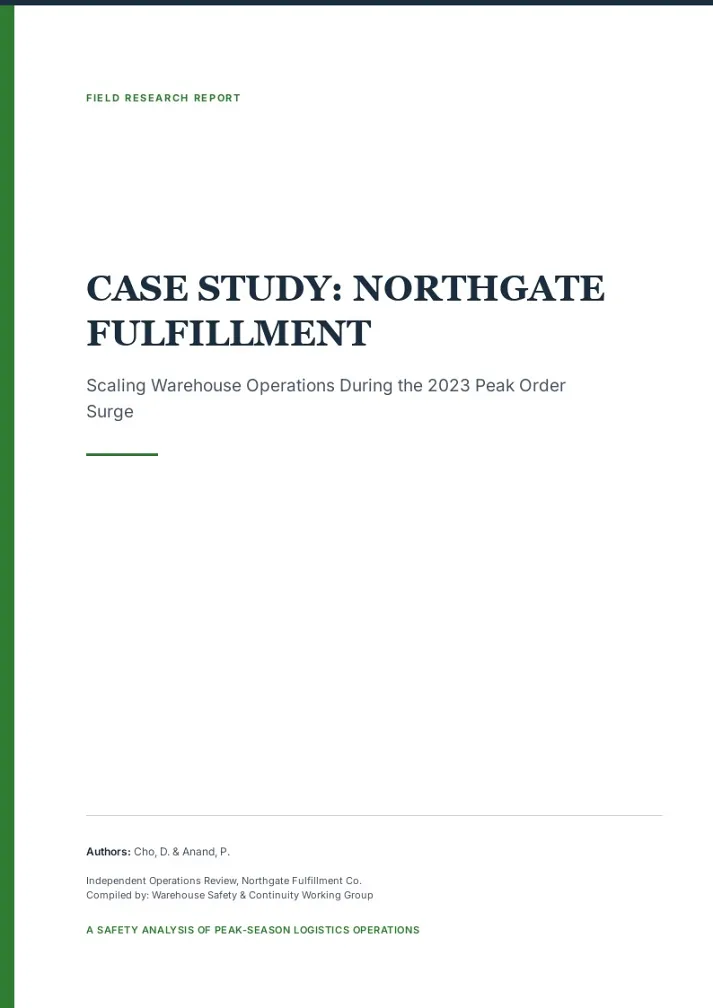
Upload sources, raw data, and interview notes. AI report generator builds a structured research report with citations-ready layout.
For teachers & course creators
What the AI Report Generator Does
Six capabilities that make this AI report generator stand out.
Absorbs any source
Spreadsheets, PDFs, meeting notes, URLs — drop them in together. AI parses them into report material.
Asks goal, audience, depth first
How many pages, who's reading it, which numbers matter — AI aligns with you before writing, not after.
Outline on the table upfront
See the full plan and per-chapter points before generation. Redirect on the spot, not after a full rerun.
Narrative and visuals in parallel
Real image search for products and people, AI generation for concepts and trends — swap any with 3 candidates on click.
Unlimited editing, no credit cost
Adjusting text, data, and layout by hand is fully free. Credits only apply when AI rewrites a whole page for you.
Every page print-ready
Built-in layout checks prevent surprises like "the last paragraph got cut off" when printing.
How AI Report Generator Differs from Gamma and ChatGPT
Gamma outputs slide decks. ChatGPT outputs plain text. bookletai outputs a print-ready A4 report. You bring data and a goal, you walk away with something ready to hand over.
Not prompt → file, but material → structure
The hardest part of a report isn't the writing. It's organizing the material. AI report generator reads everything first, then structures it. Writing is just the last step.
AI asks business questions, not prompt tricks
"Who's this for?" "Which three metrics matter?" "Should we expand on risks?" — AI asks you these in plain language, you answer in your normal working style.
Refining doesn't cost a cent
A report goes through five drafts before it's done. bookletai's drag-and-drop edits are always free. Credits only burn when AI rewrites for you.
Your time is worth
a subscription
Spend your hours on the idea — we'll handle the design
What You Might Want to Know About the AI Report Generator
Answers to common questions.
1
Is the AI report generator free to use?
Yes, no signup required to start. Generate a report on your first visit to see how it looks. Each new report uses 1 credit; every text tweak and image swap afterward is free.
2
How is this different from Gamma or Template.net AI report generators?
Gamma focuses on presentations (slide format) and charges for serious editing. Template.net gives templates to fill manually. bookletai reads your raw materials, builds printable A4 pages, and lets you edit for free.
3
What format do I get? Can I export to PDF or Word?
A4 PDF by default, matching the preview exactly. Letter or A4 paper prints cleanly. You can also download per-page HTML or share a read-only link — recipients open it without logging in. Word export is not supported.
4
Can the AI report generator work from text I paste in?
Any raw input works — interview notes, a data screenshot, a document link, even an Excel paste. AI groups, deduplicates, and threads them into a narrative.
5
How does AI keep the writing appropriate for the report type?
AI detects the report scenario (business, project, research, academic) and loads a matching writing spec. Wording, structure, and depth follow each domain's conventions.
6
Can I pick a report template style?
Yes. Choose from 40+ report templates (business, project, research, annual review, etc). AI follows the template's visual style while filling it with your content.
7
Can I edit the report after AI generates it?
The whole report is editable. AI Edit accepts natural-language instructions like "tone this down" or "add a risk note"; Quick Edit handles drag, text swap, image replacement — all free. If one page is off, delete and regenerate just that page without touching the rest.
8
Where do the charts and images come from?
Two sources — real image search for concrete subjects, AI generation for abstract concepts. Click any image and pick from 3 AI candidates to swap.
9
Is this AI report generator free for students?
Yes, free to start. Students can paste research notes, upload PDFs, and generate a printable academic report without signing up.
10
Can I save my report and come back later?
Every report auto-saves to My Works, organized by project. Reopen anytime — AI reads the current state first, then asks what's next. History is preserved, so rolling back to last week's draft is easy.
No design skills needed for your report
The agent researches, writes and lays out every page. You just describe it.