AI Cookbook Maker, Drop Recipes Into a Cookbook
Paste PDFs, handwritten cards, or a URL, AI cookbook maker reads it all and builds printable A4 pages in minutes.
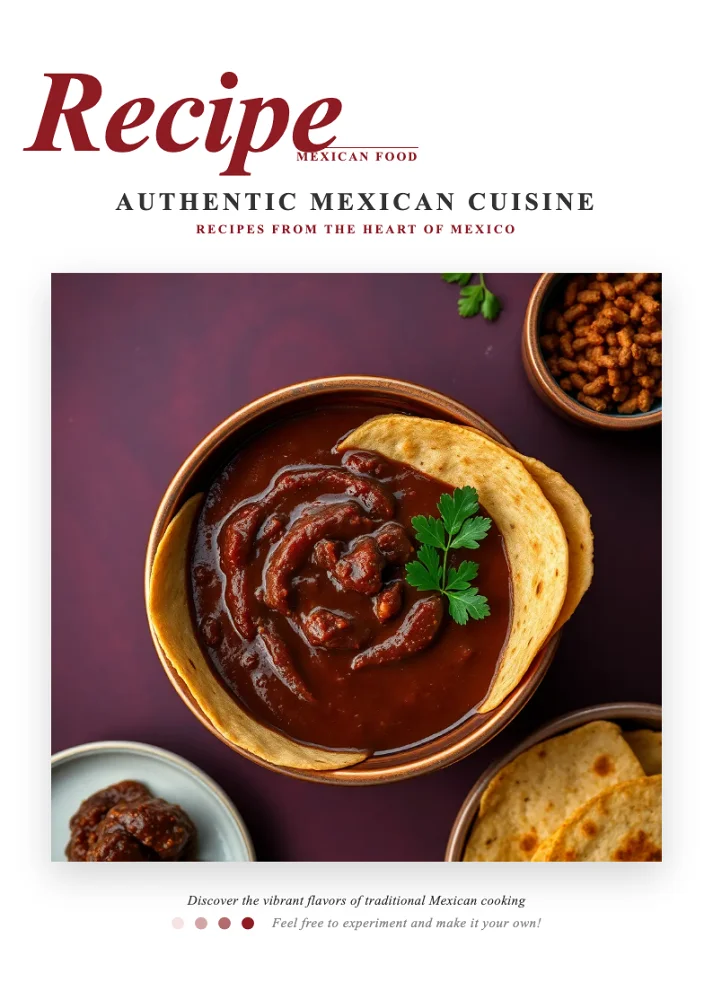
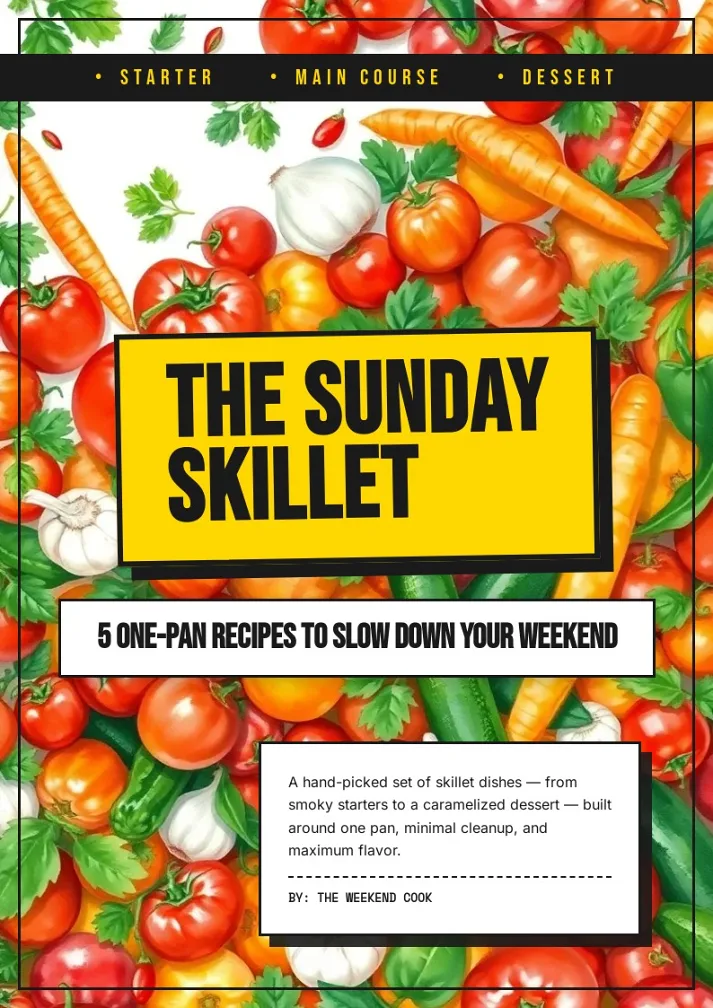
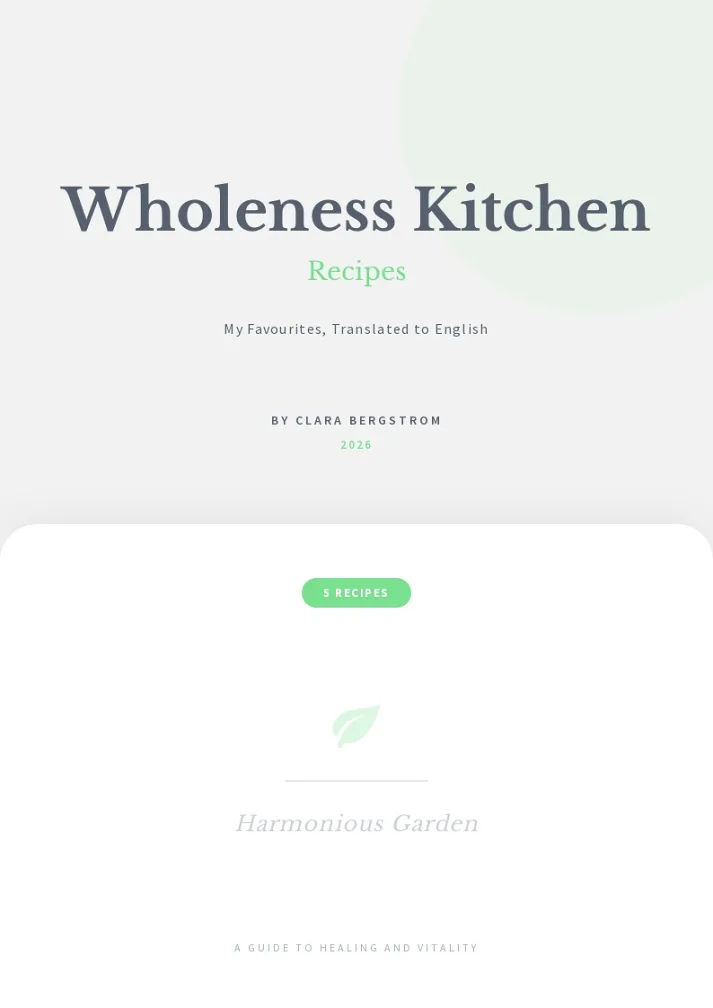
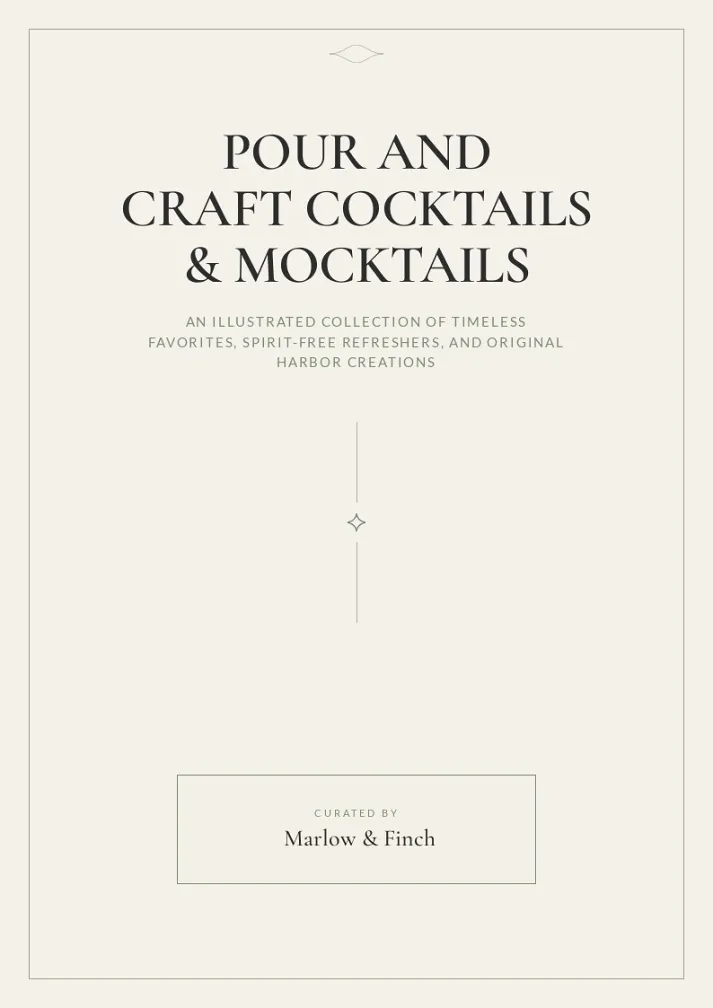
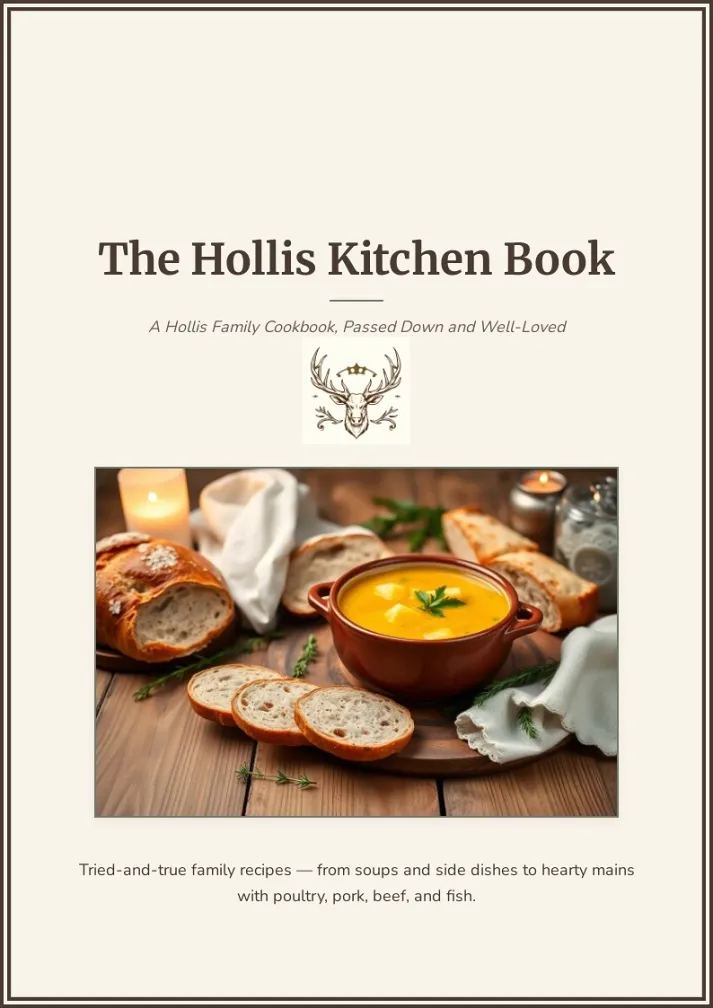
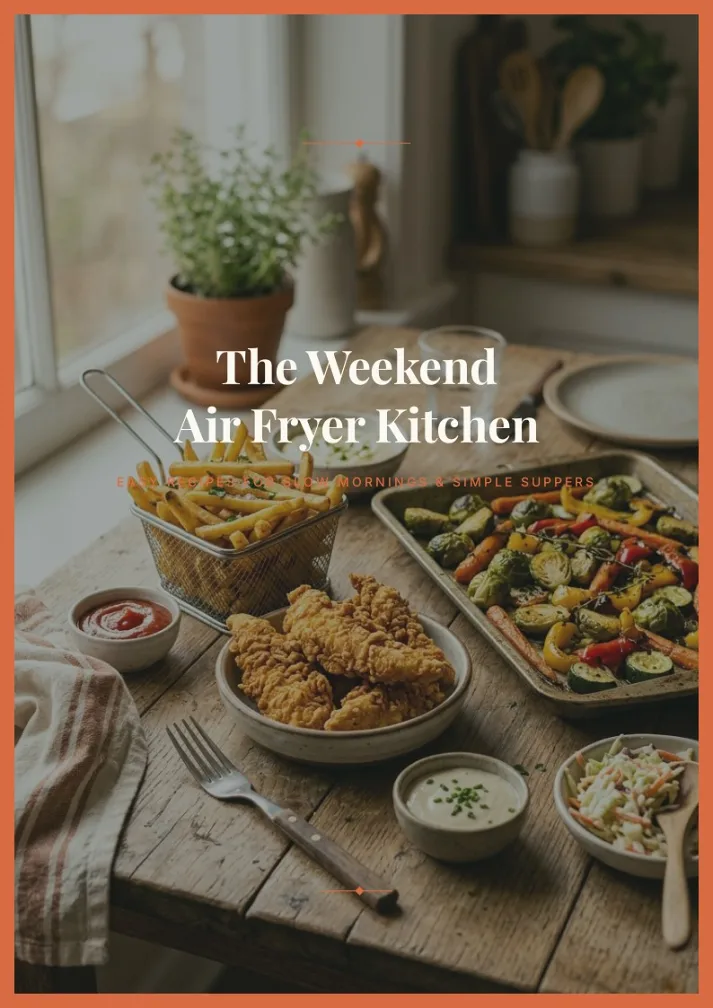
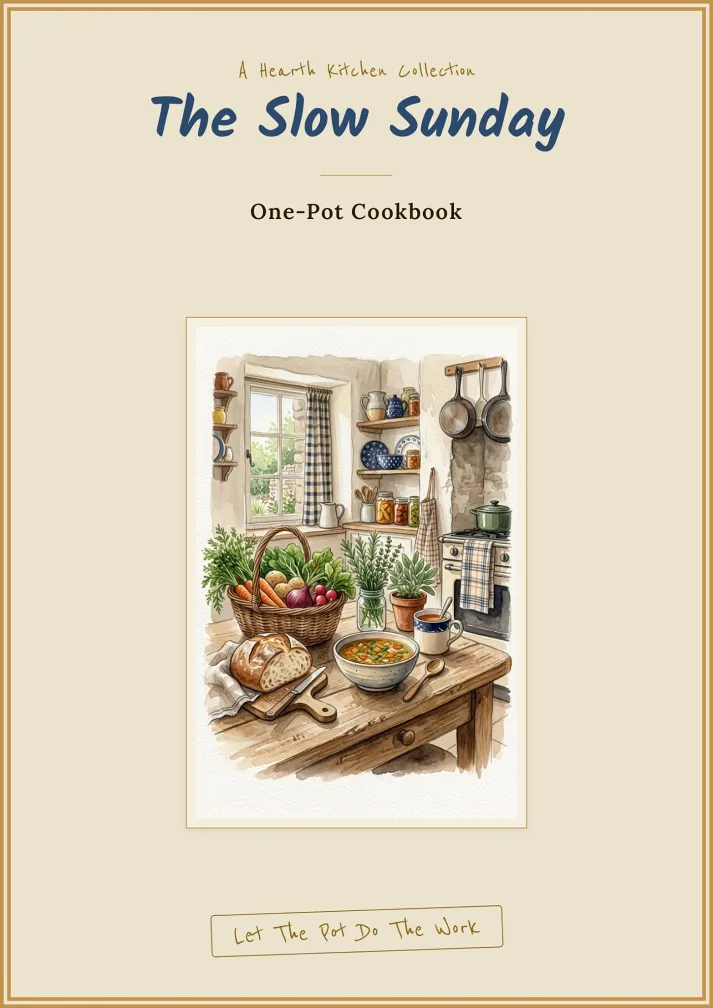
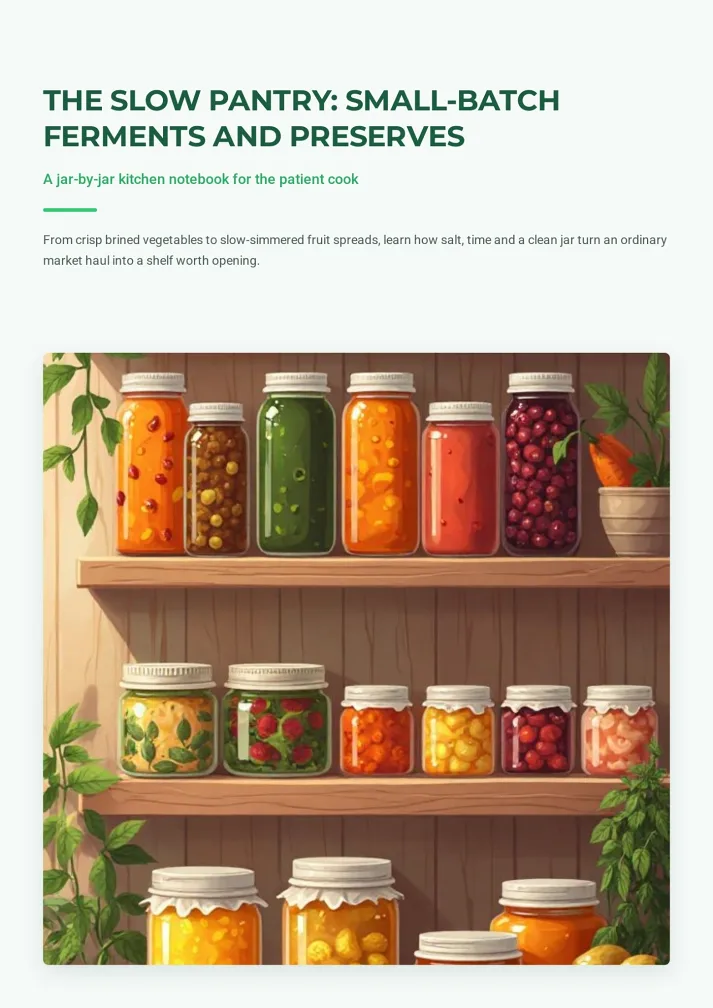
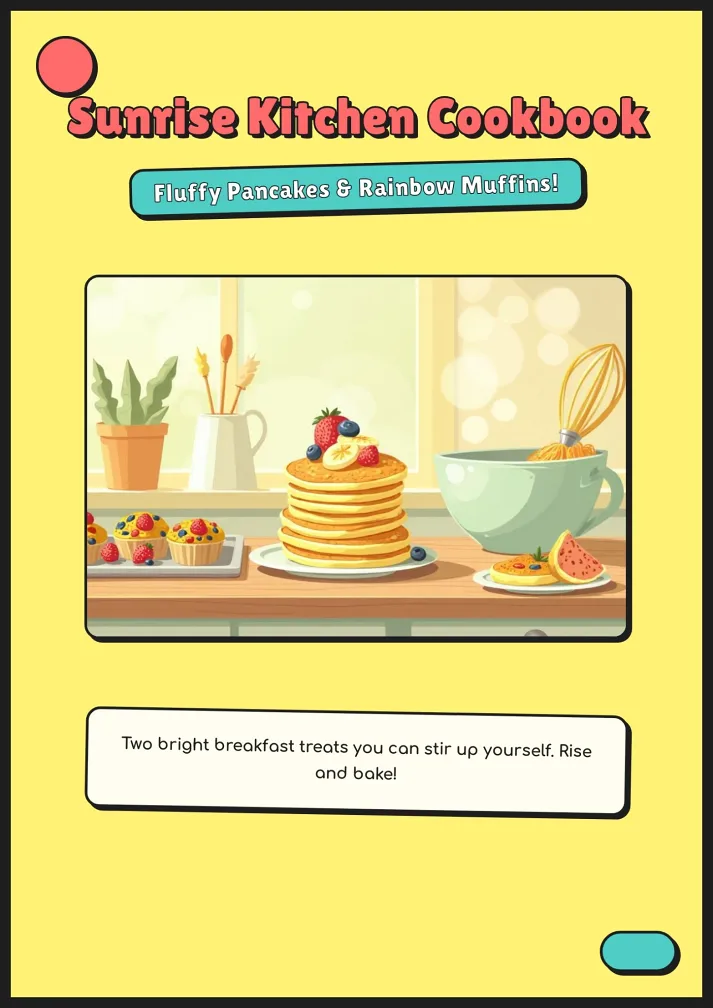
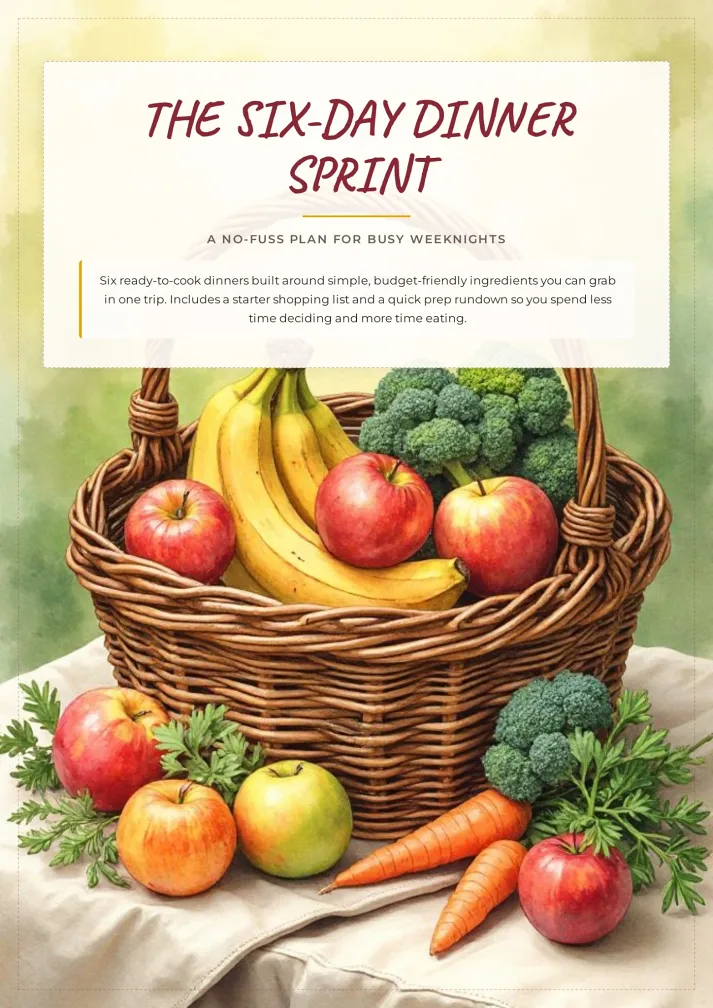
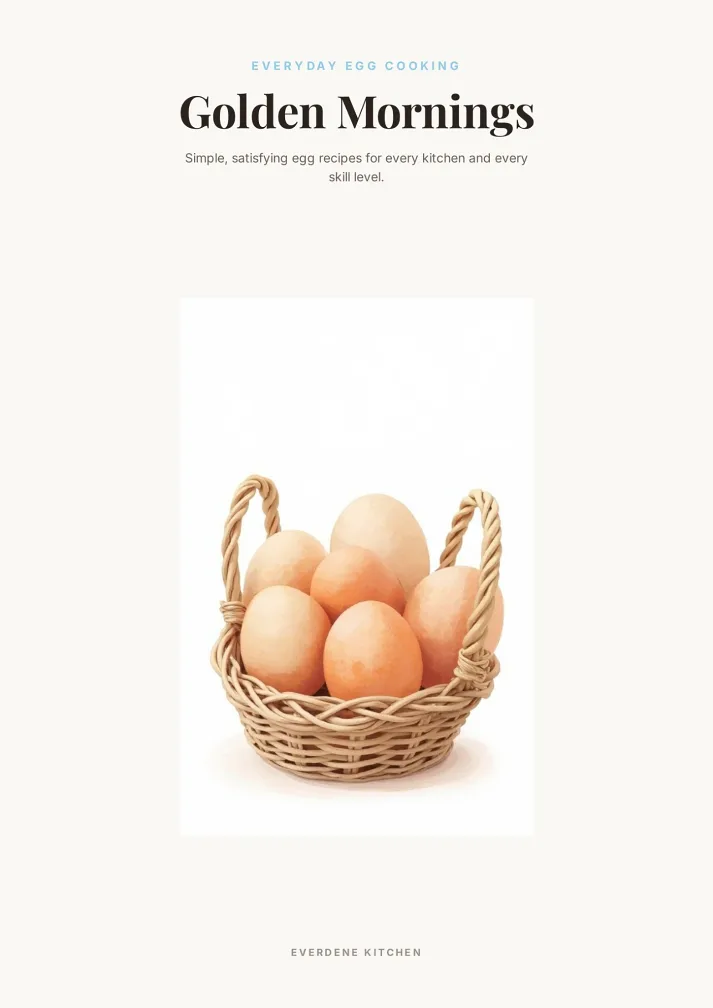
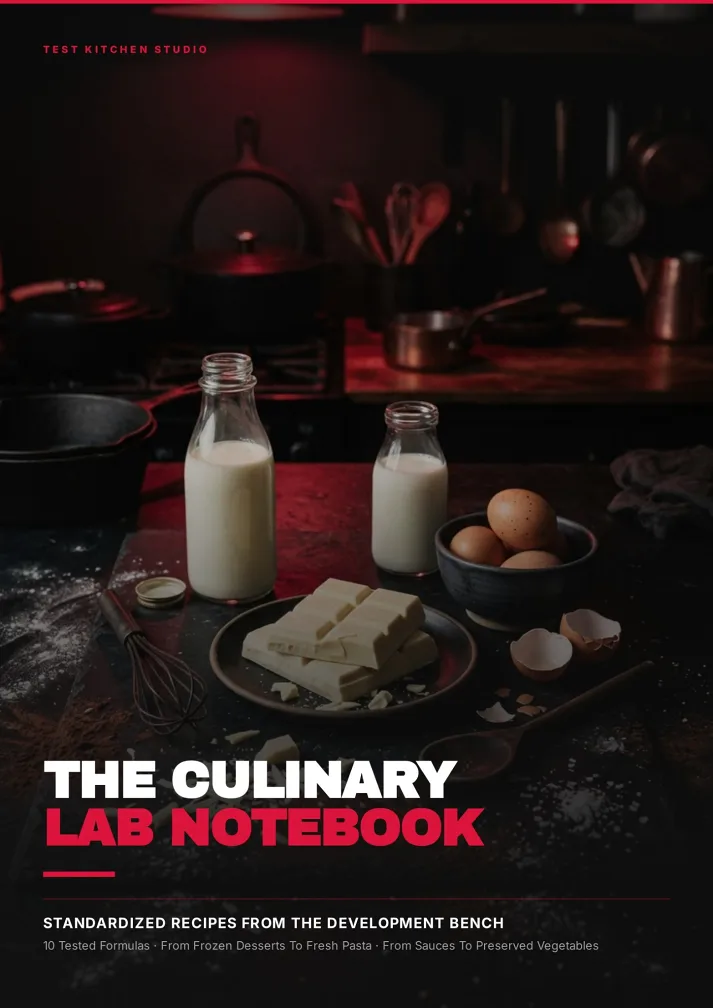
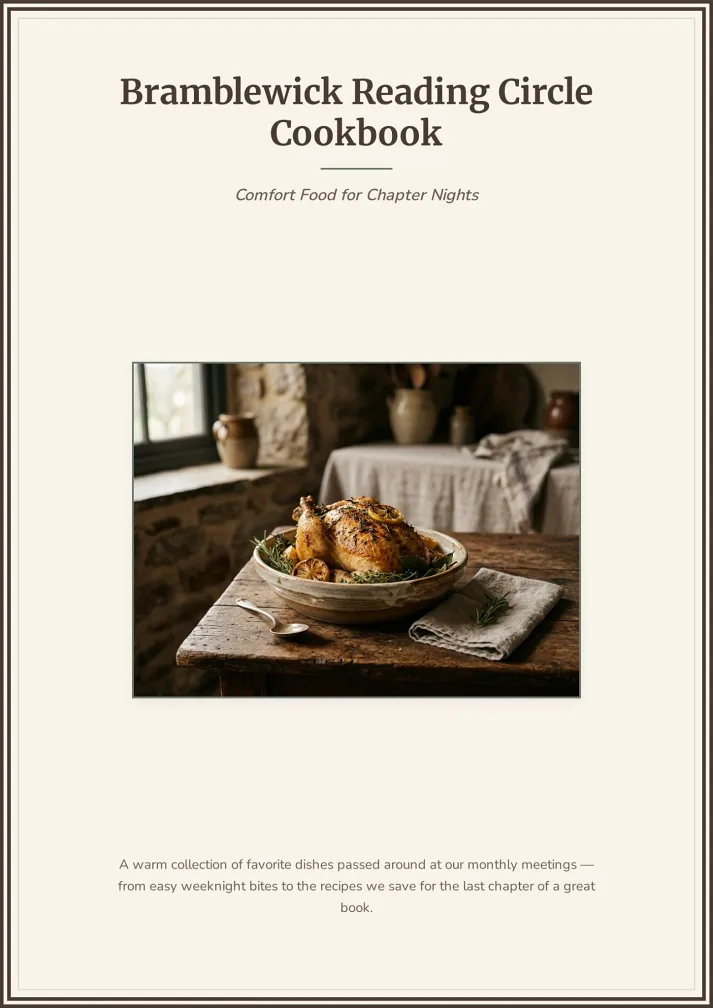
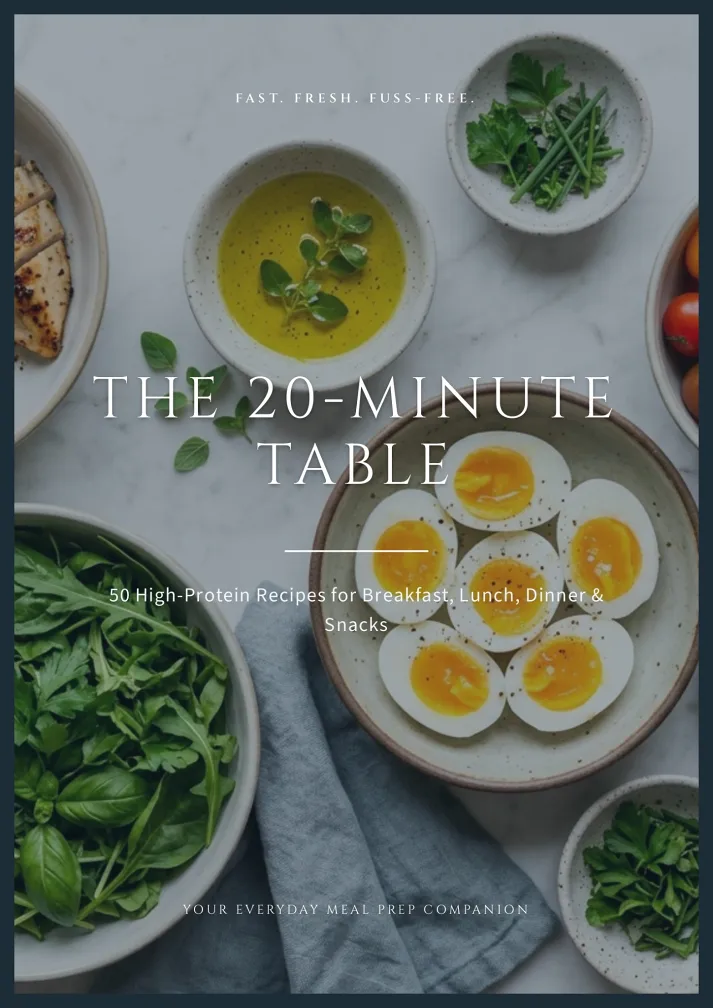
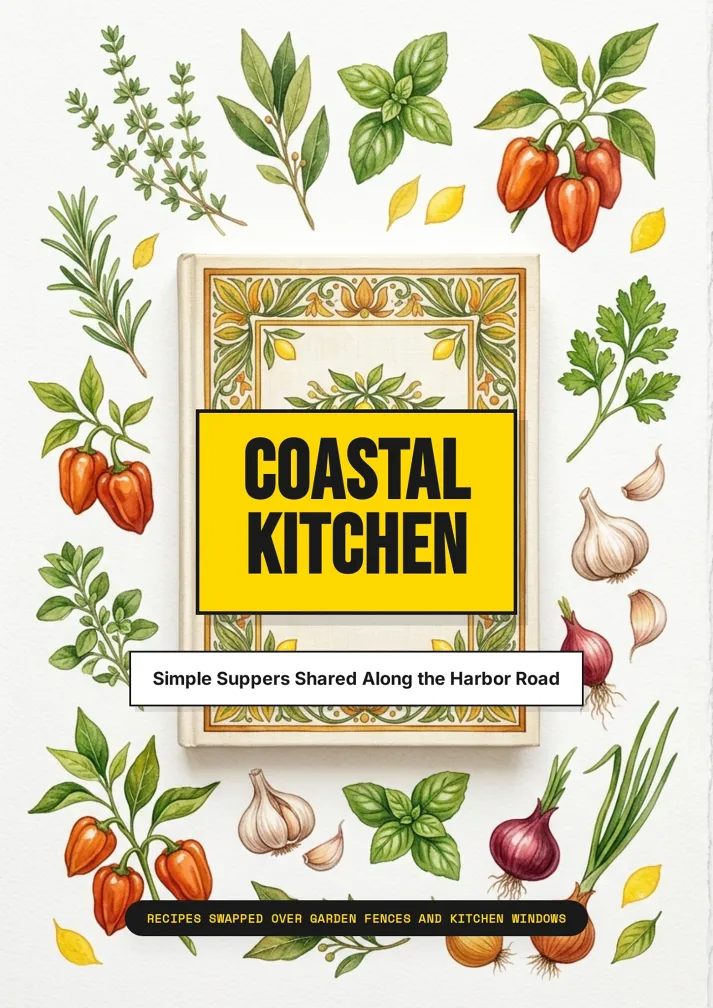
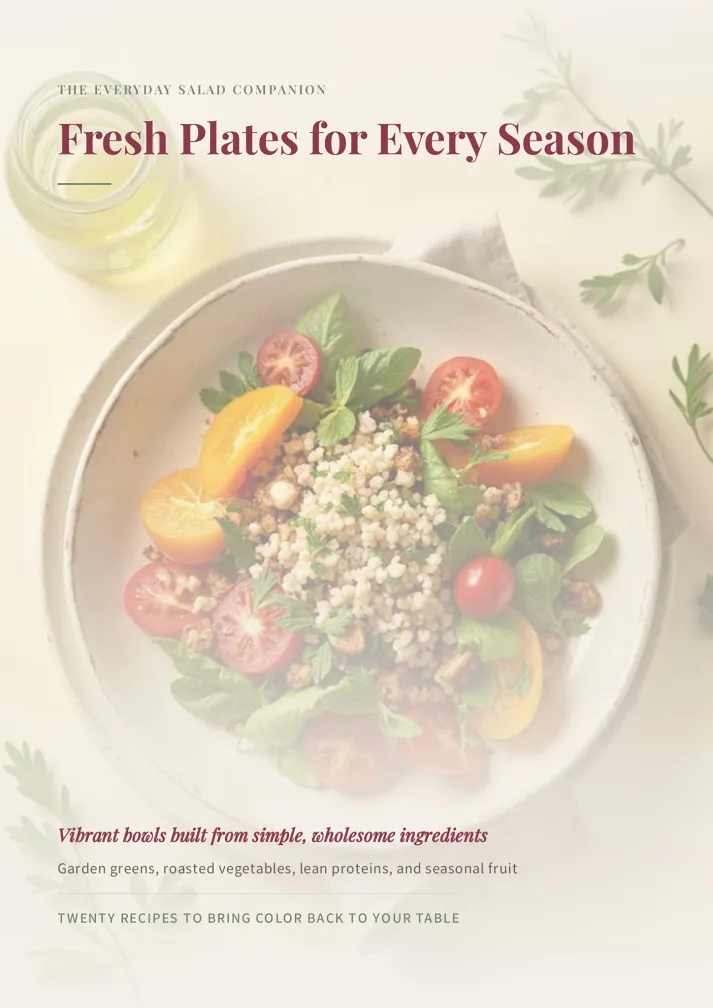
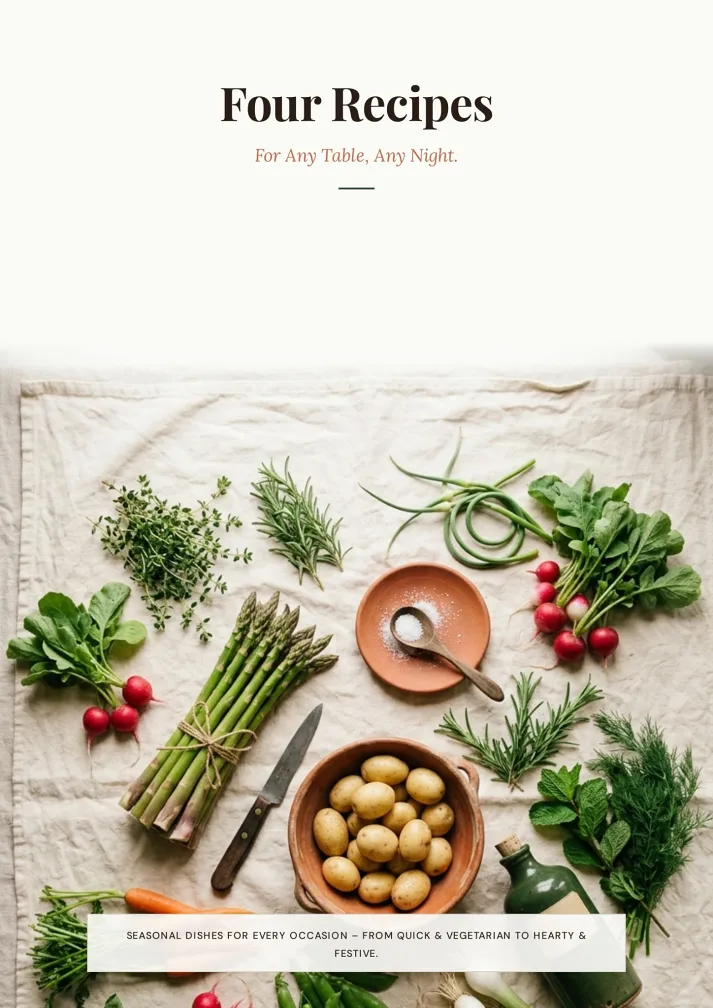
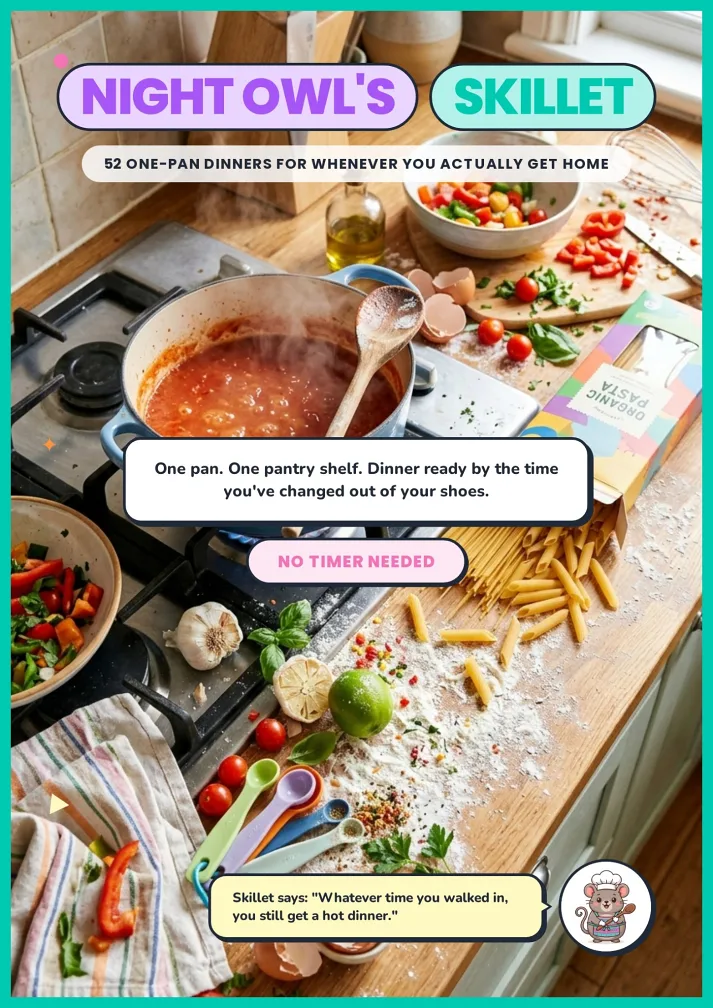
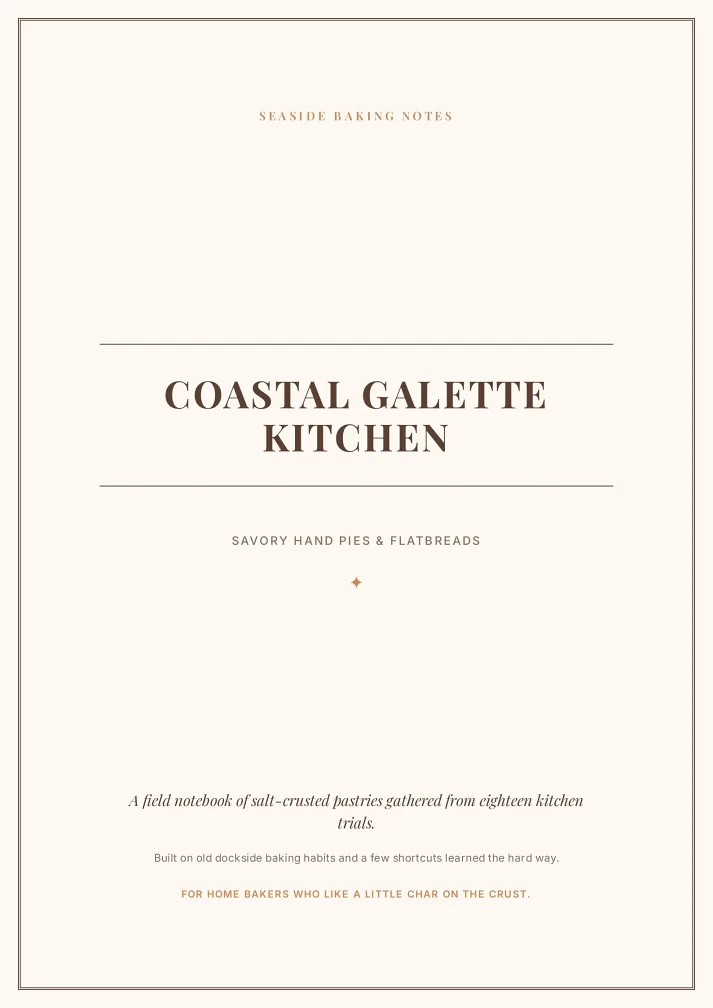
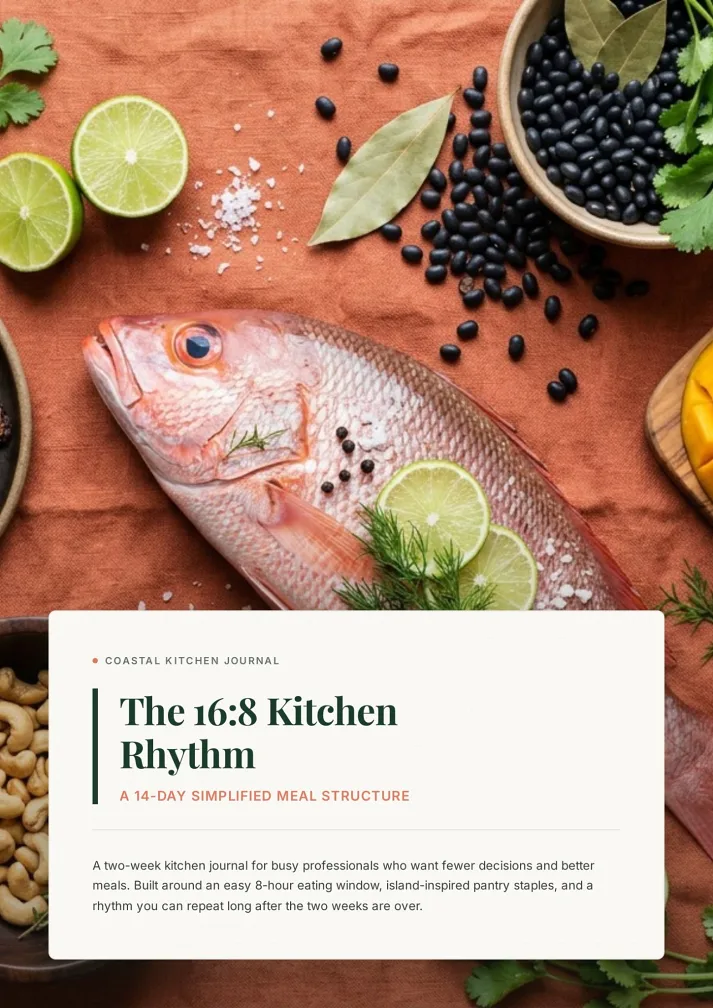
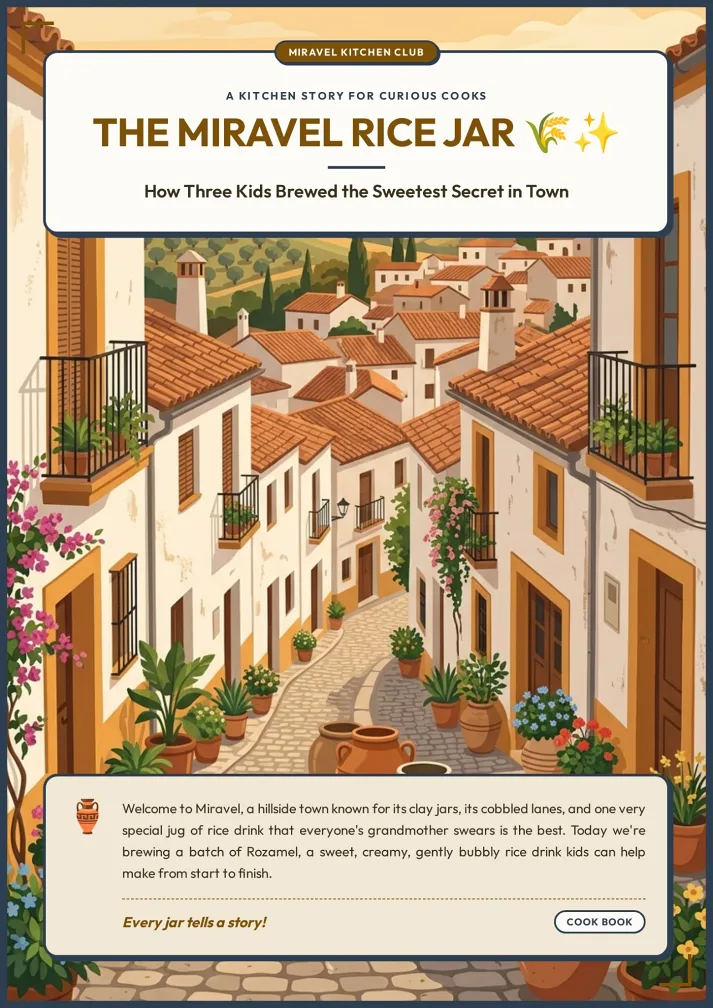
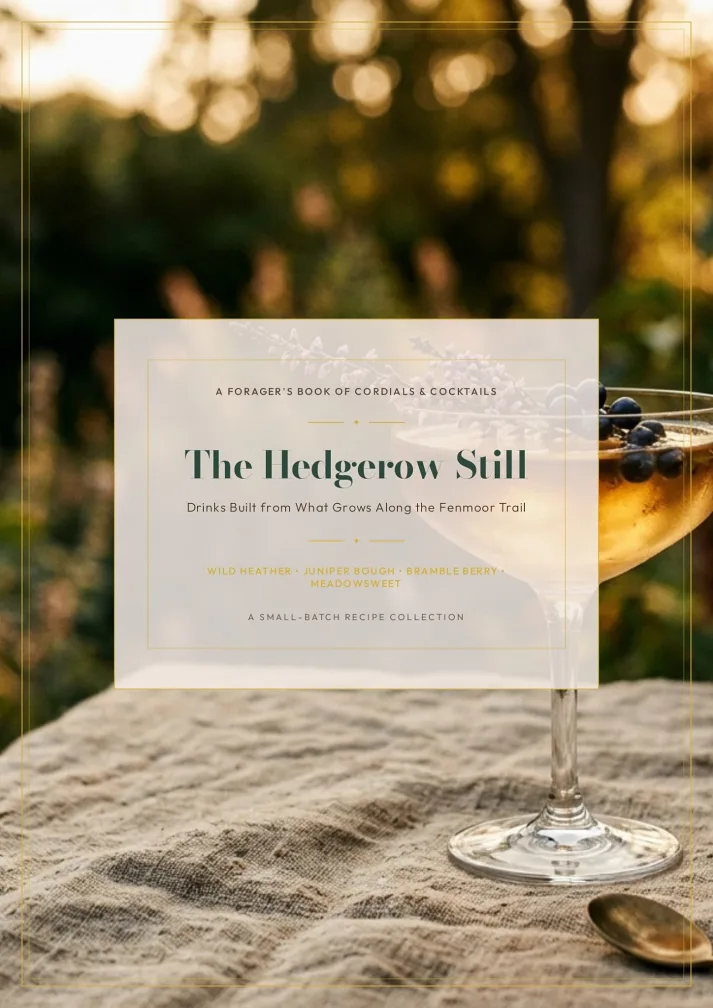
Three Steps to Use the AI Cookbook Maker
From a pile of recipes to a printable book.
Add recipes or upload your material
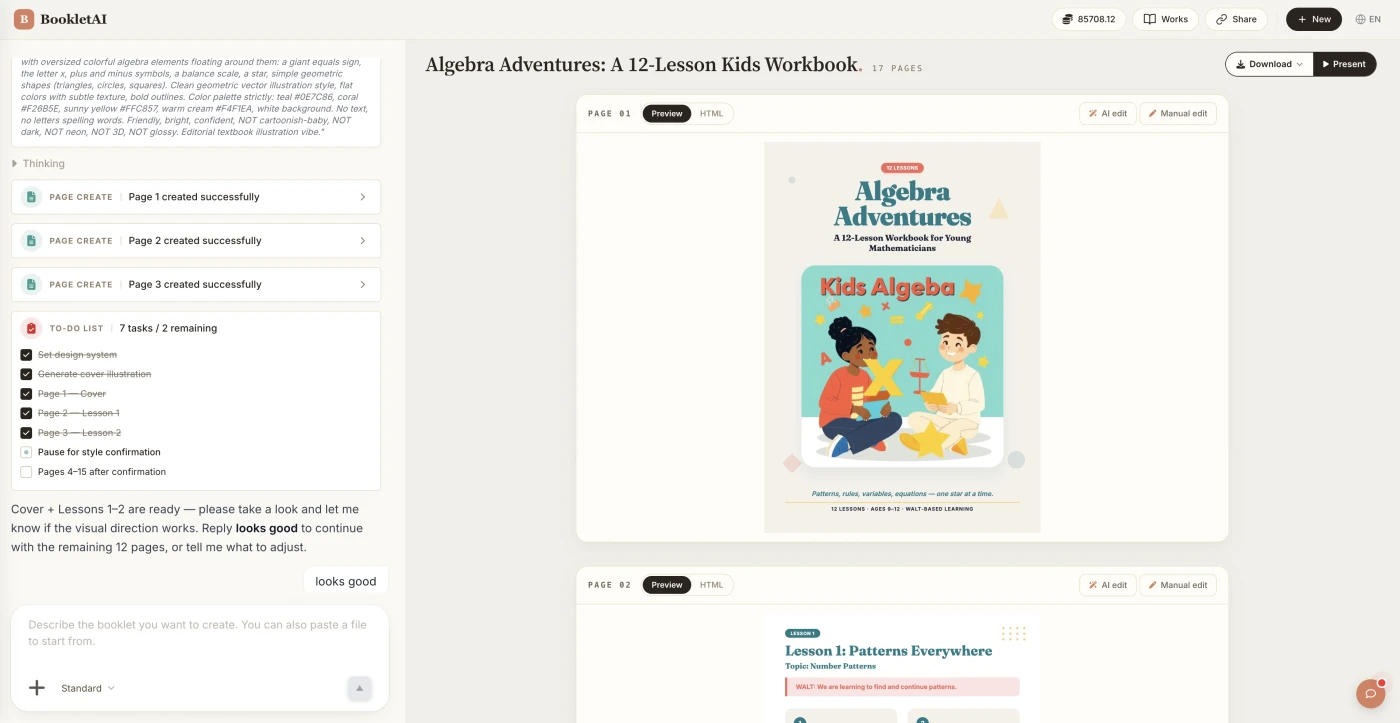
Paste your recipes or drop in your material. The AI agent asks about your audience, style, and goals before building the cookbook.
Review the outline & choose a style
AI shows a full page-by-page outline before writing begins. Approve it and pick a style, then watch each page appear in real time.
Edit any page, then download or export
Click Edit on any page to revise it independently. When ready, copy a share link, download the HTML, or export a print-ready PDF.
What People Build With the AI Cookbook Maker
See if your scenario fits.
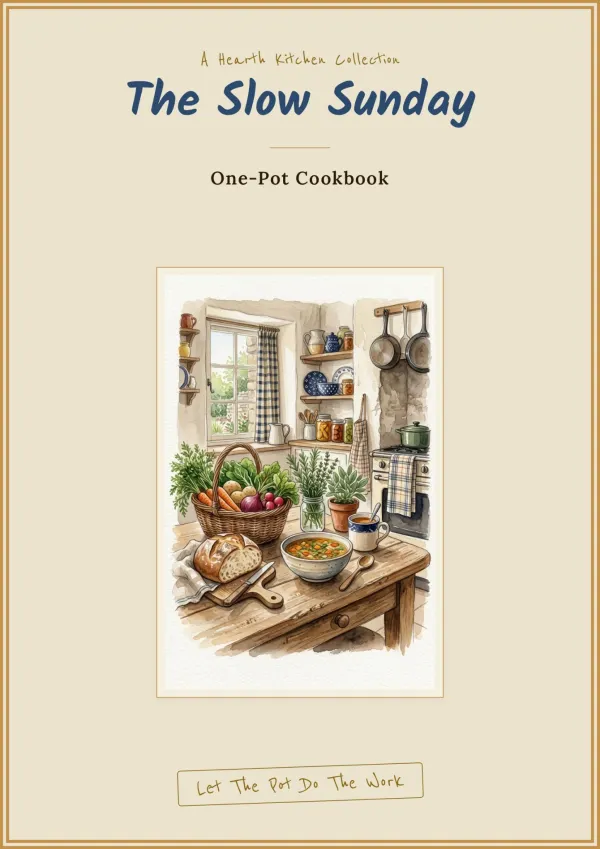
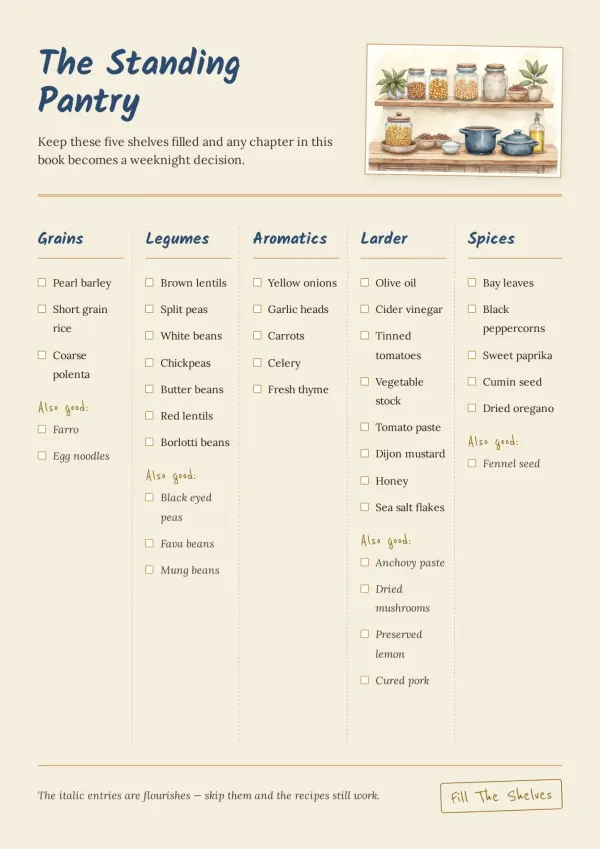
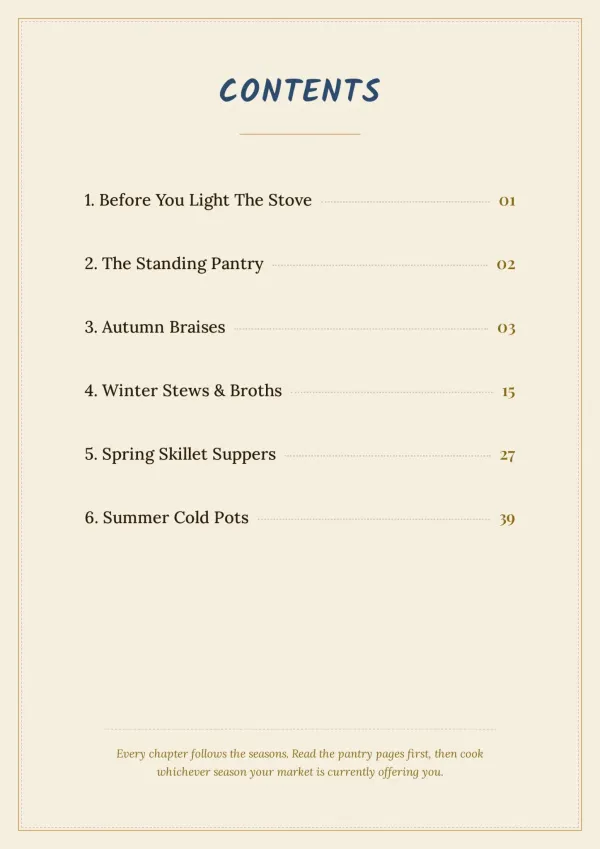
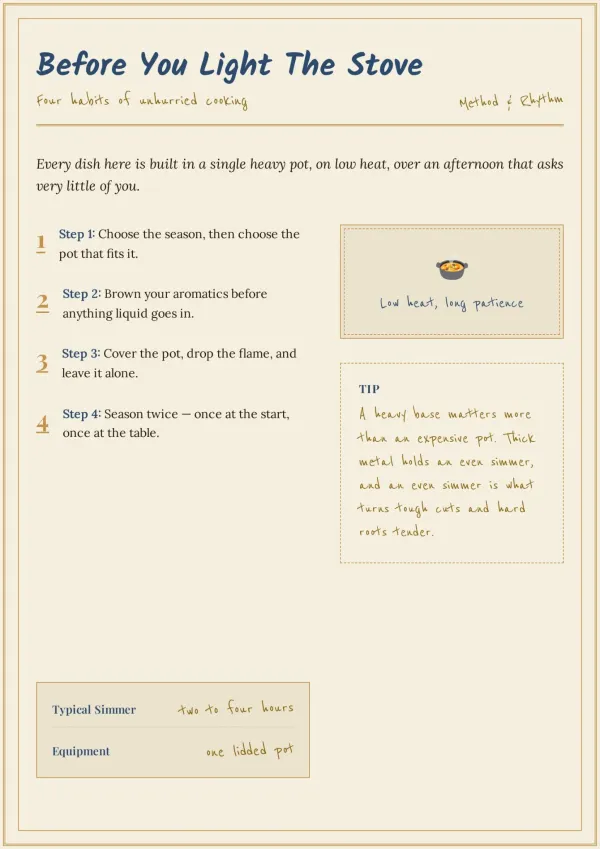
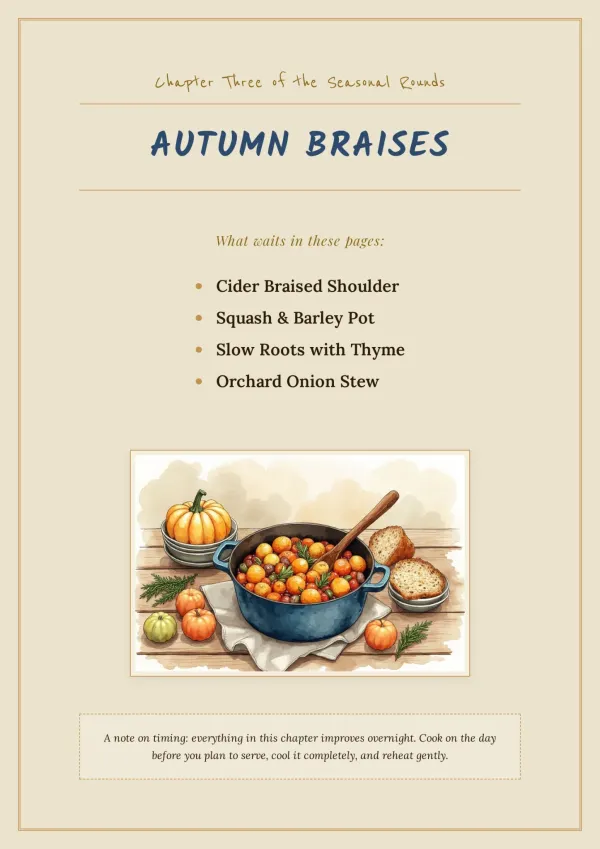
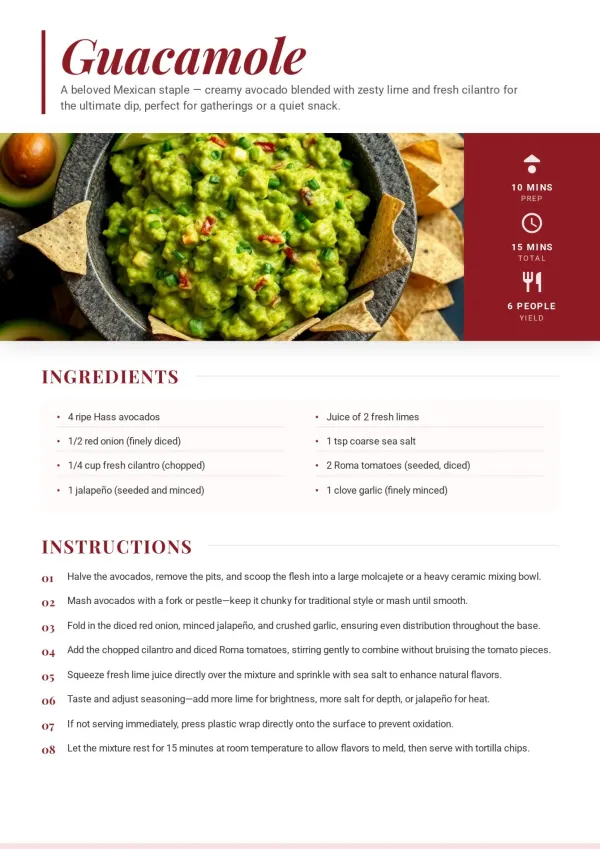
Family Heritage Cookbook
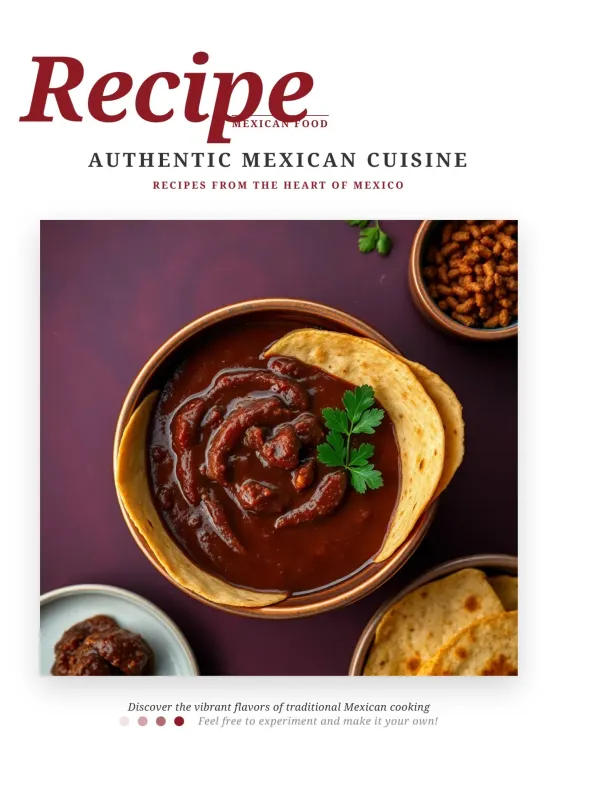
Scan grandma's handwritten recipe notebook, upload the photos, let AI read them and lay out a keepsake book. Print enough copies for the next family reunion.
For families
Small Business Menu Book
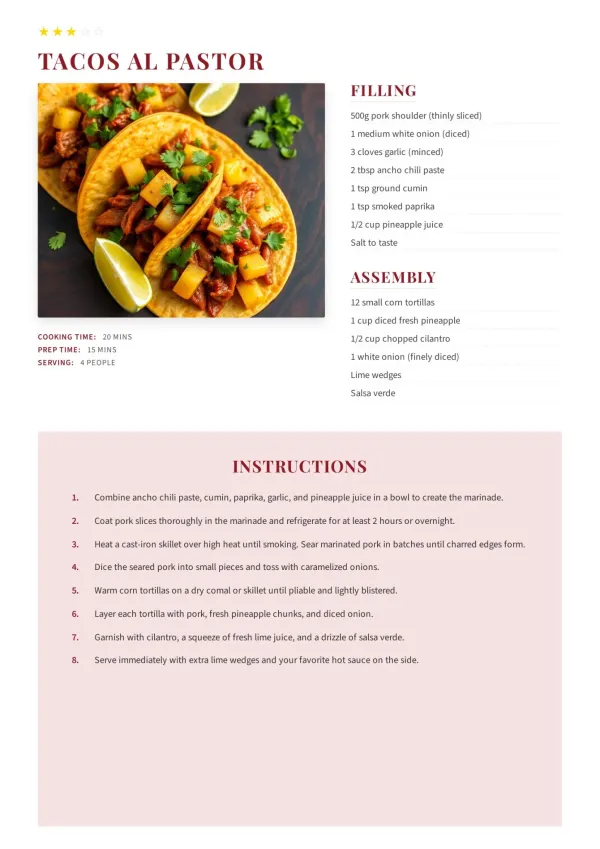
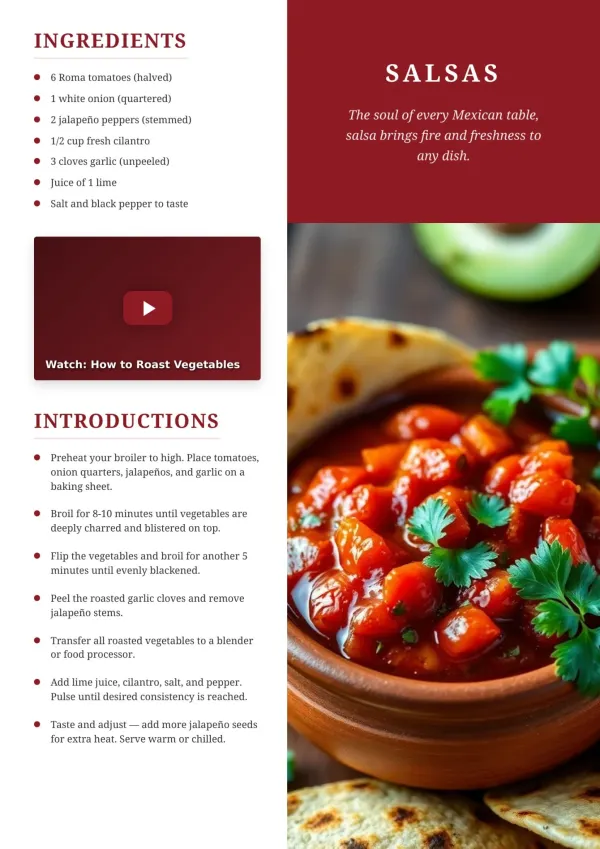
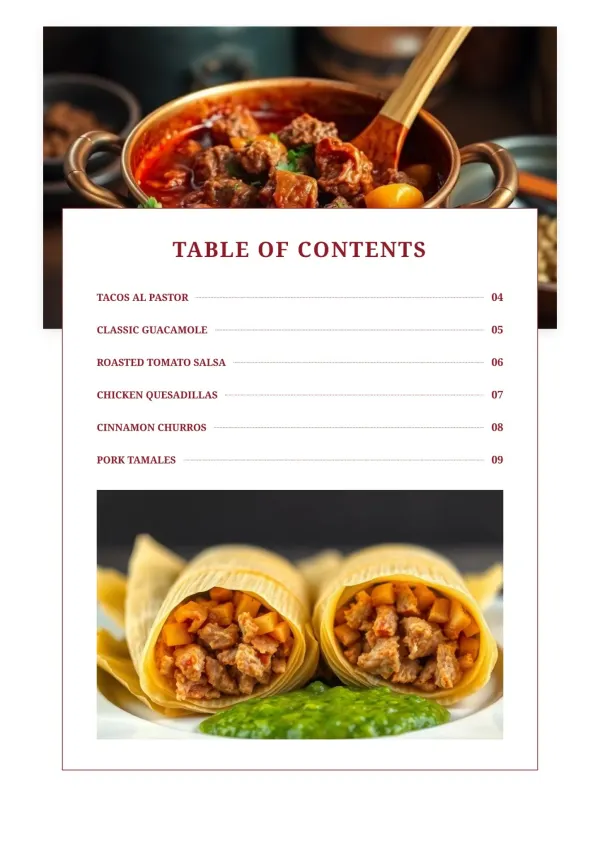
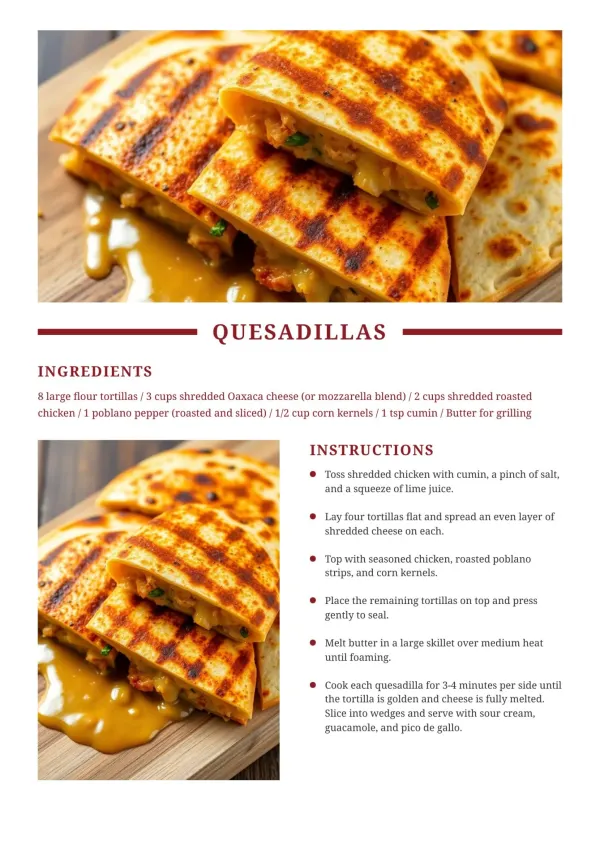
A bakery or catering service compiles signature items into a shareable PDF. Custom cookbook maker workflow fits commercial menus, not just home kitchens.
For small food businesses
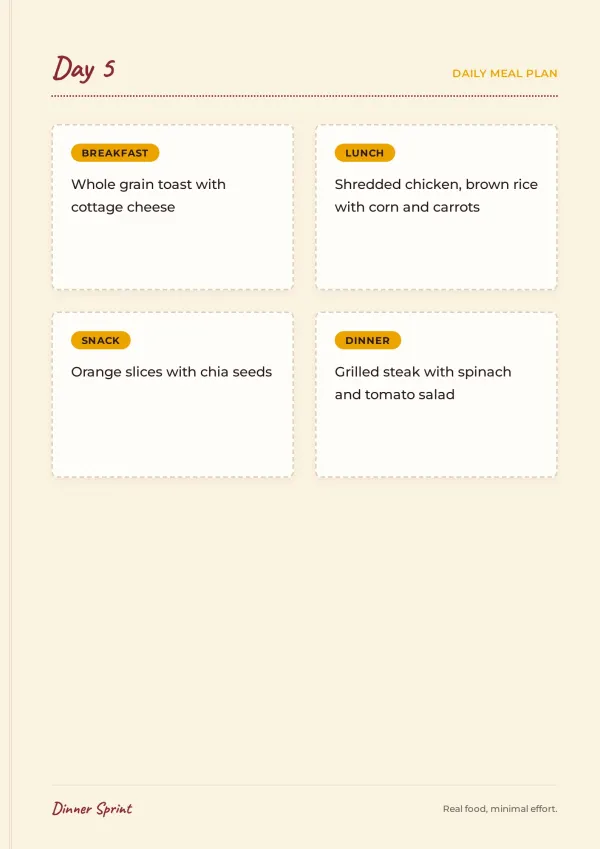
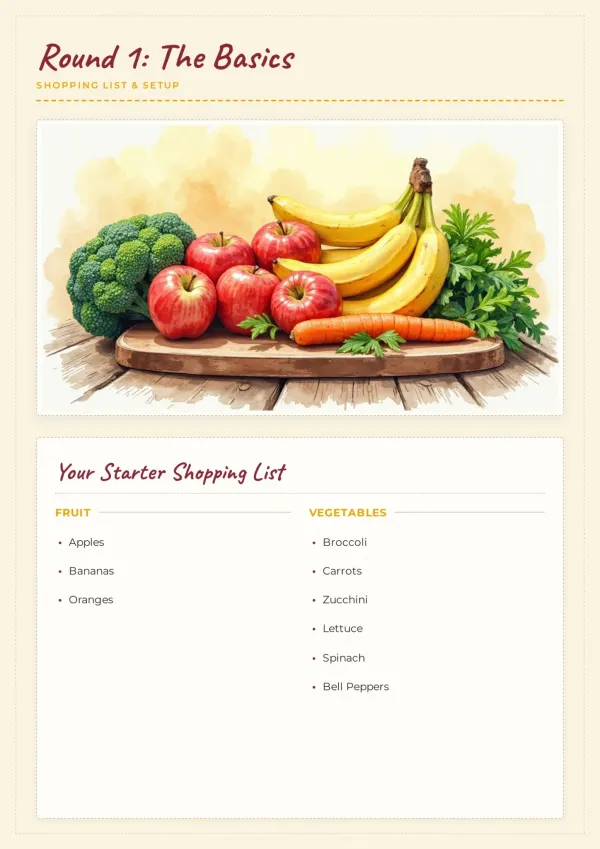
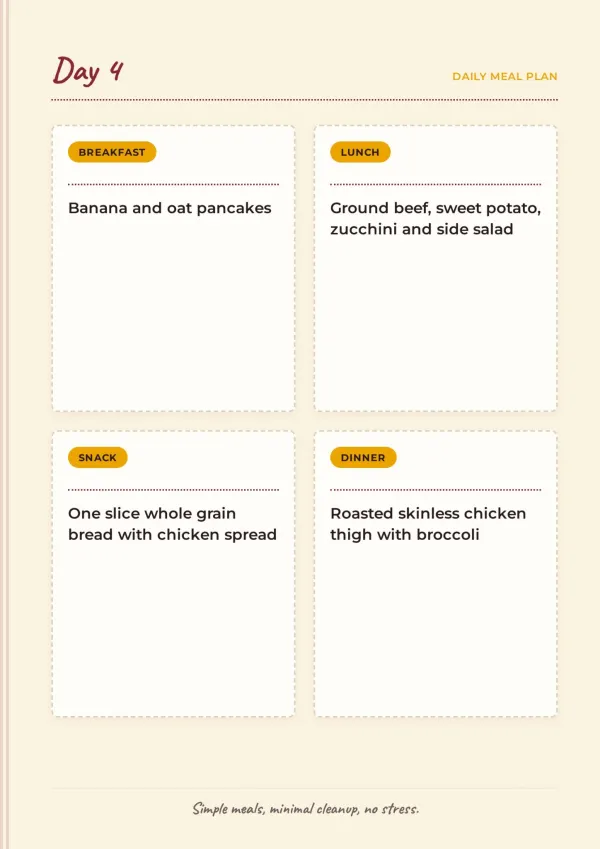
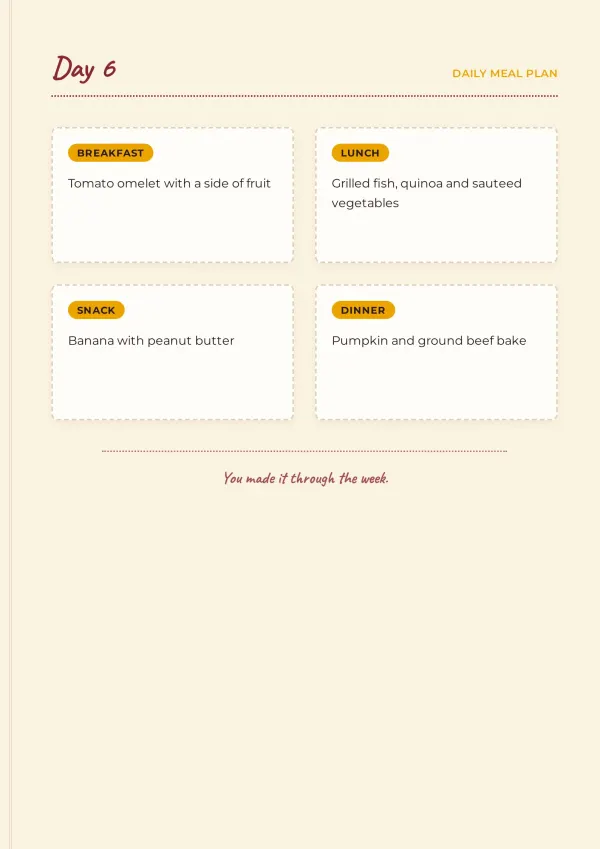
Fundraising Recipe Book
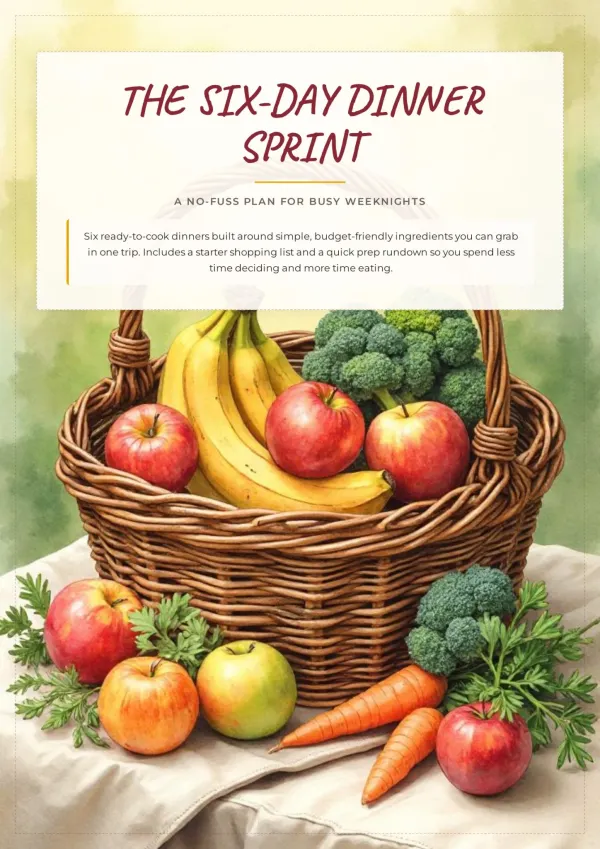
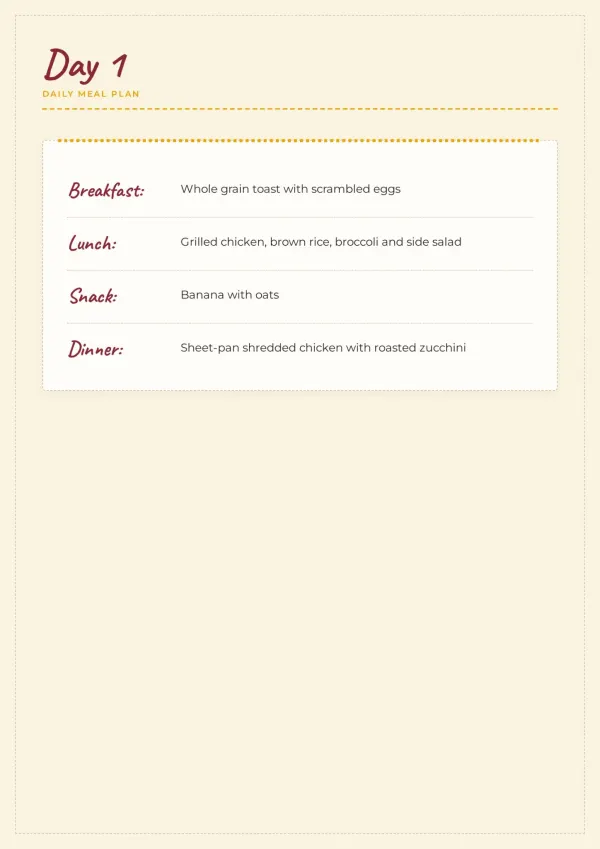
Churches, schools, and nonprofits collect recipes from members. The ai recipe book maker turns them into a printable book to sell and fund a cause.
For clubs & fundraisers
What the AI Cookbook Maker Does
Six things that make this AI cookbook maker different.
Reads PDFs, Photos, and URLs
Upload Word docs, handwritten cards, or paste a URL. AI reads them all.
Conversational Setup, No Forms
AI asks about audience, style, and recipes. You answer in plain language.
Outline Before Generation
See the chapter plan first. Rearrange or trim before any page is built.
AI Images, Both Ways
Real image search for dishes, AI generation for abstract shots. 3 candidates on click.
Quick Edits Stay Free
Drag, resize, swap text or photos anytime. AI tone rewrites are single-credit.
Every Page Fits A4
Built-in layout checks keep pages print-ready. No overflow, no cutoffs.
Why This AI Cookbook Maker Is Different
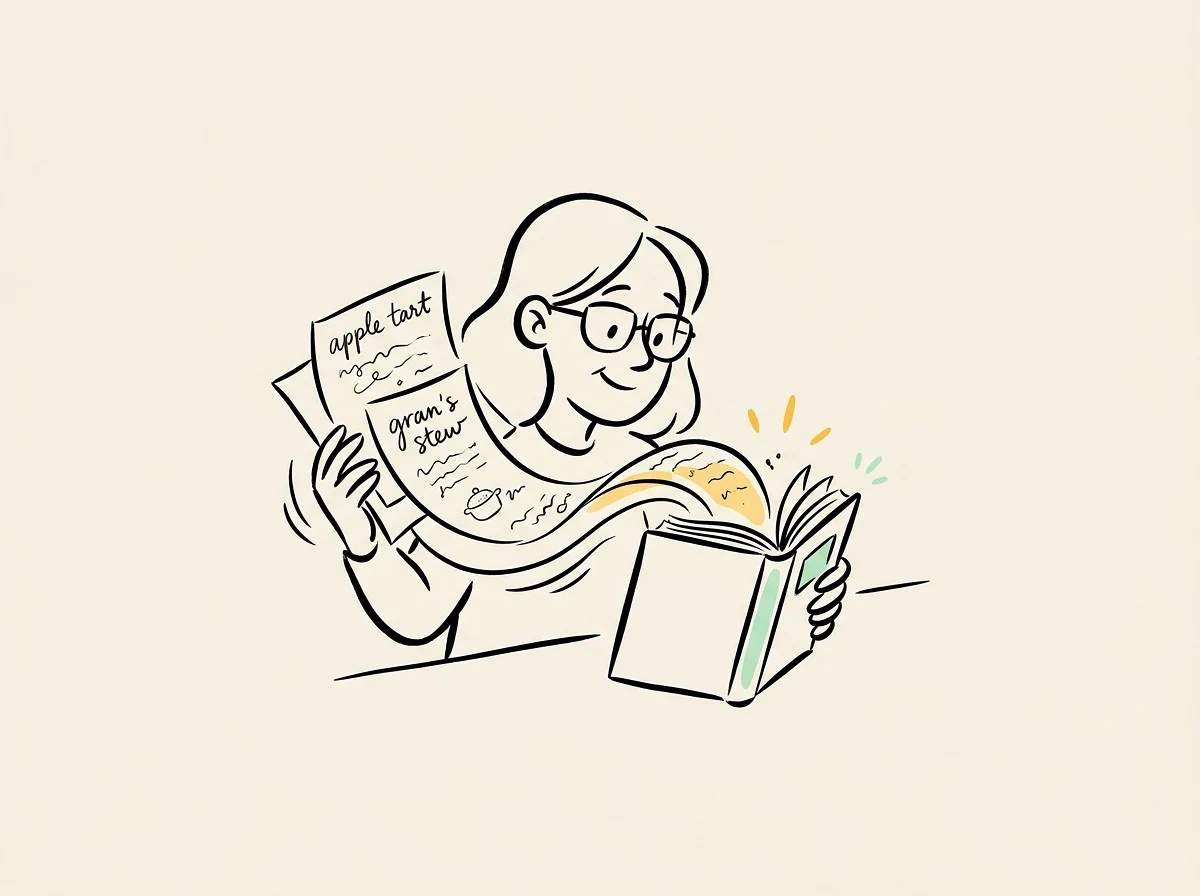
Other AI cookbook tools give you a form and output a file. bookletai reads your real materials and talks you through it.
Your Materials, Not a Blank Slate
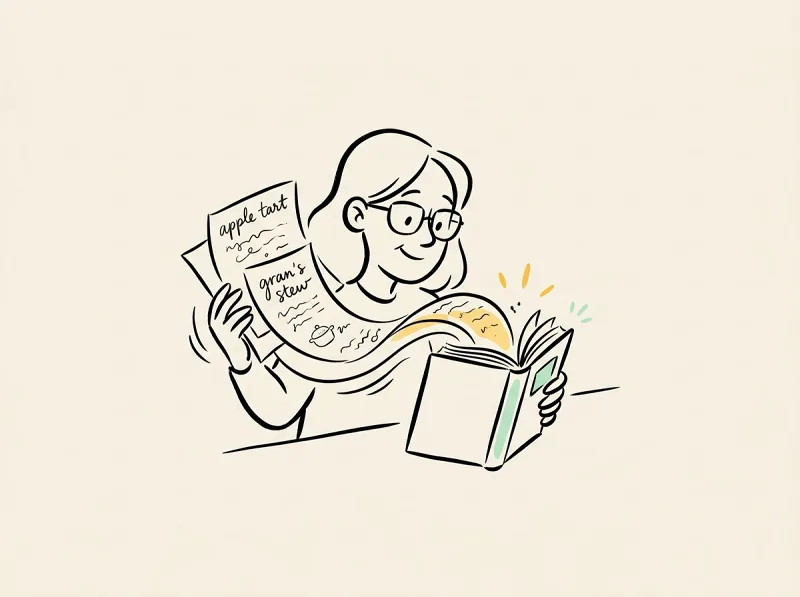
Bring recipe PDFs, handwritten photos, or URLs. AI can also research extra context. Content stays based on real materials, never invented.
Dialogue, Not a Form
AI asks about vibe, audience, and what you already have. Answer in plain language, and AI guides the whole process.
Editing Doesn't Cost You
Small changes to text, images, or placement don't burn credits. Keep refining until the cookbook is exactly right.
Your time is worth
a subscription
Spend your hours on the idea — we'll handle the design
What You Might Want to Know About the AI Cookbook Maker
Answers to common questions.
1
Is the AI cookbook maker free to use?
Yes. Start without signing up. Generating a new cookbook uses 1 credit; Quick Edit on existing cookbooks is always free.
2
How is this different from Template.net or FlipHTML5's AI cookbook generator?
Those tools hand you a form and a file. bookletai starts a conversation, reads your PDFs/photos/URLs as input, shows you the outline, and lets you edit pages without paying again.
3
What format do I get? Can I print it at home?
Print-ready A4 PDF. Each page renders exactly as in preview. Print on letter or A4 paper. You can also download per-page HTML or share a read-only link.
4
Can the AI cookbook maker read handwritten recipes?
Yes. Upload photos of recipe notebooks or cards. AI reads the handwriting with multimodal vision and turns it into structured recipes.
5
How does AI keep the writing professional for its domain?
AI detects the scenario (cooking, business menu, nonprofit fundraiser) and loads an industry writing spec. Recipe descriptions, ingredient units, and step wording follow domain conventions automatically.
6
Can I pick a template style?
Yes. Choose from 40+ cookbook templates (family, commercial menus, heritage, holiday). AI follows the template's colors and layout but fills it with your recipes.
7
Can I edit the cookbook after AI generates it? What if one page is off?
Every page is editable. AI Edit rewrites tone or layout; Quick Edit handles drag, resize, photo swap with no credit cost. You can also delete a single page and regenerate just that one.
8
Where do the images come from? Can I swap them?
Two sources — real image search for specific dishes, AI generation for abstract concepts. In Quick Edit, click any photo and Generate with AI gives you 3 candidates to choose from.
9
Does it support other languages like Chinese or Japanese?
Yes. AI follows your input language — Chinese in, Chinese cookbook out; Japanese in, Japanese out. PDF export keeps the original language layout.
10
Can I save my cookbook and come back to it?
Every cookbook auto-saves to My Works. Open it anytime and AI reads the current state before asking what to change. Your work stays intact across sessions.
No design skills needed for your cookbook
The agent researches, writes and lays out every page. You just describe it.