AI Portfolio Generator, Work Into a Sendable Portfolio
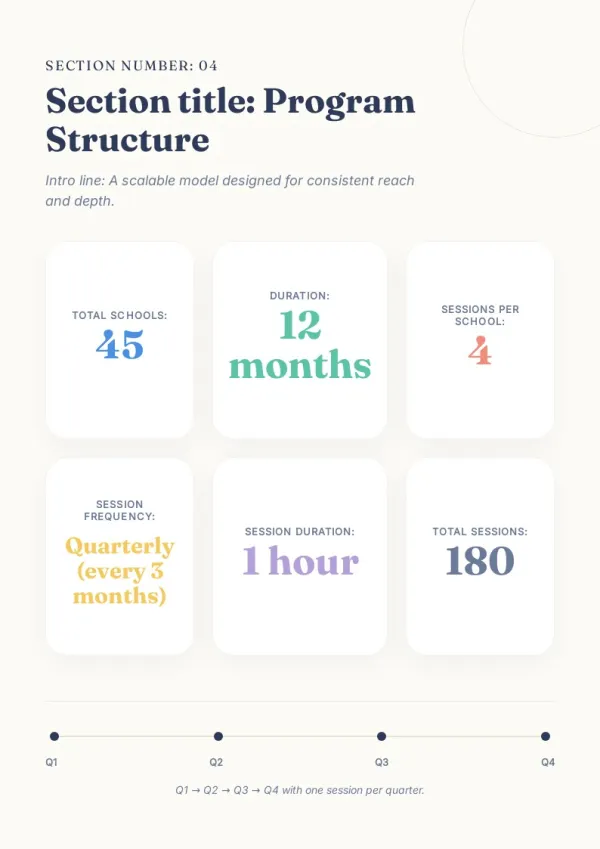
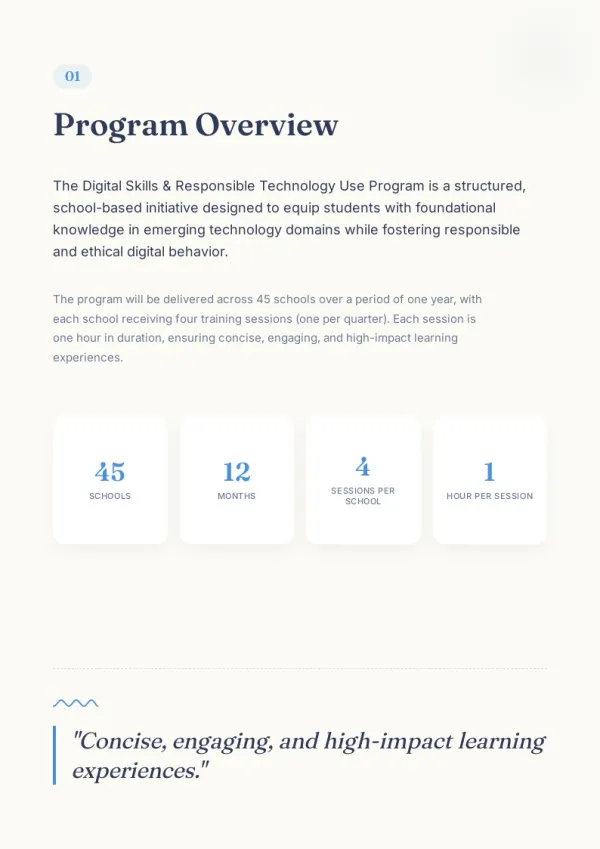
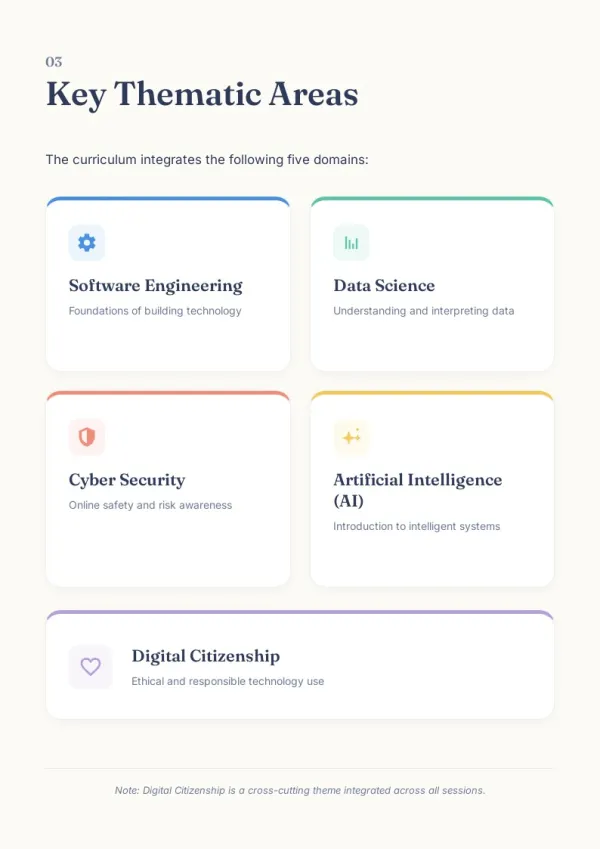
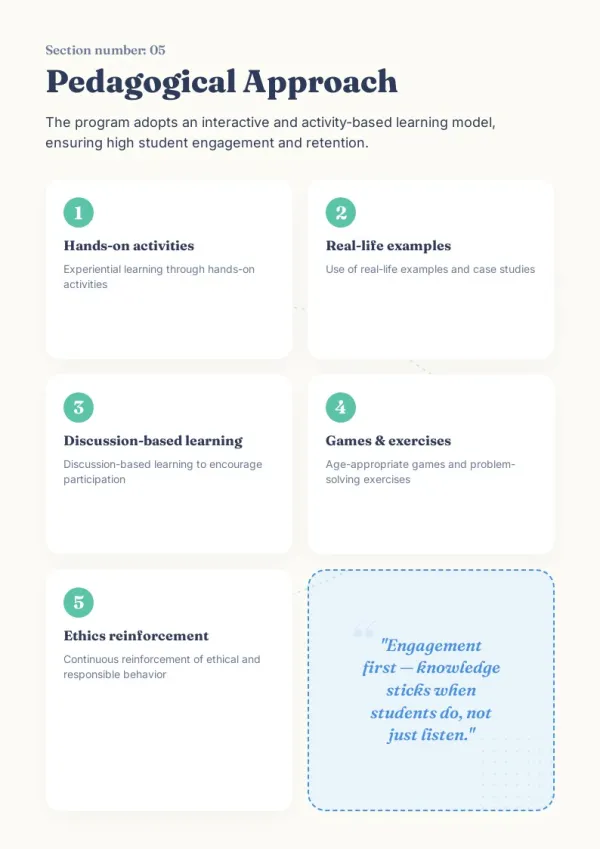
Upload design files, project shots, Figma links, or GitHub repos. AI portfolio generator picks your strongest pieces and arranges a sendable portfolio.
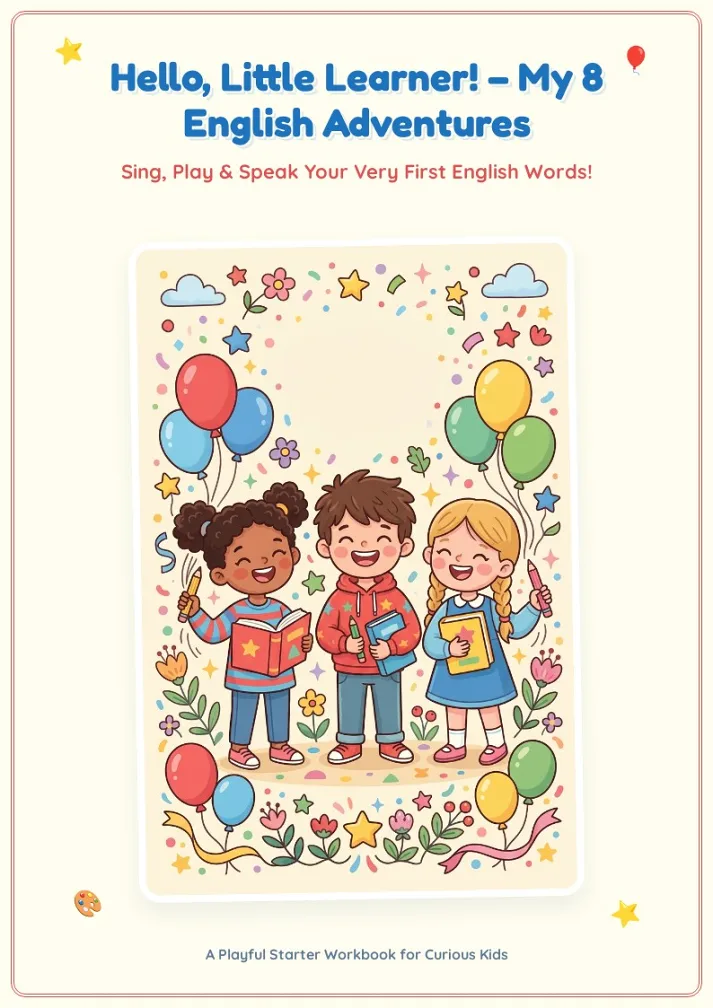
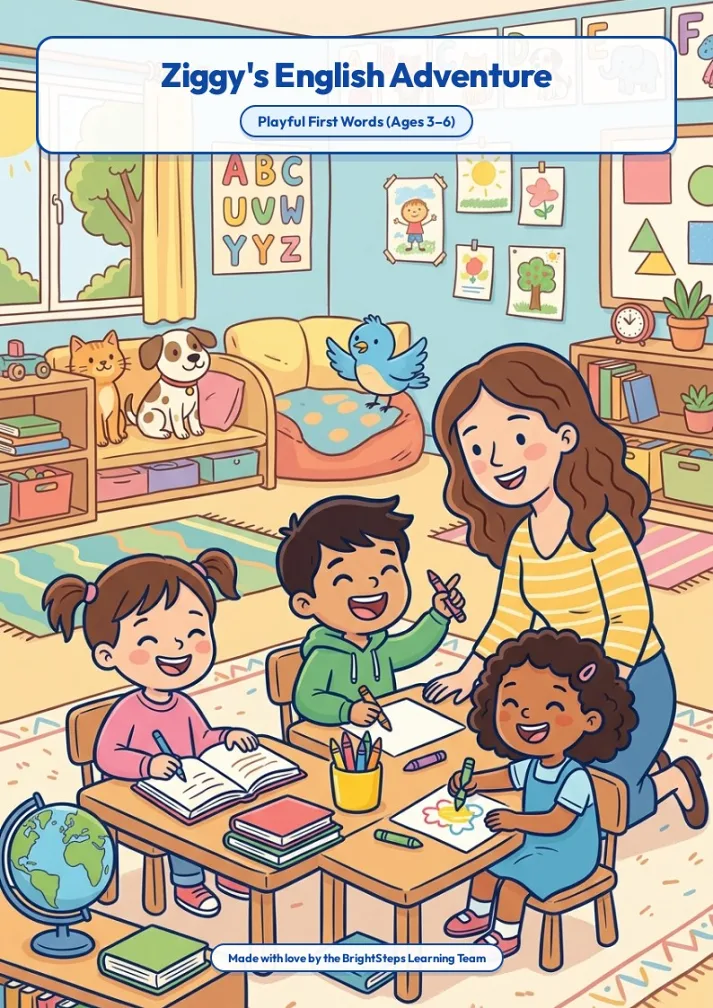
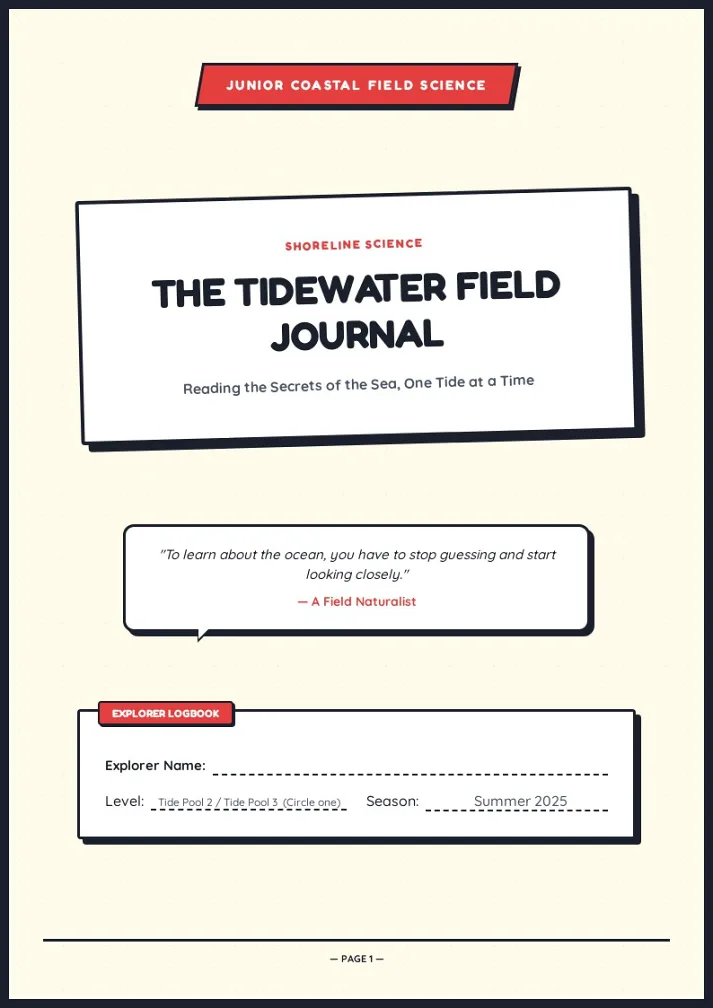
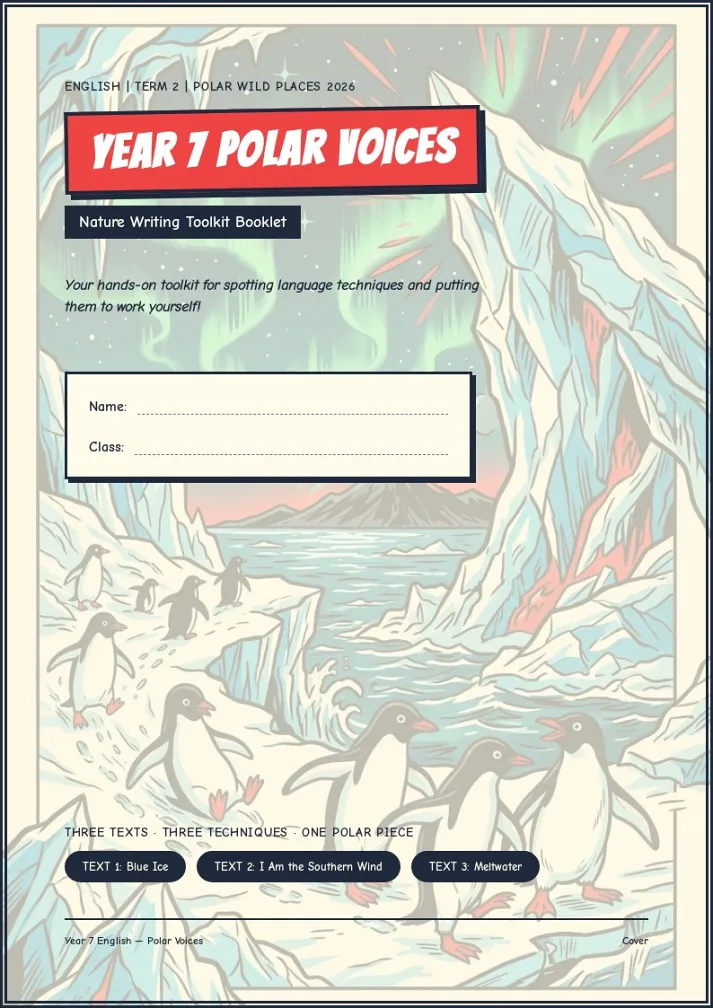
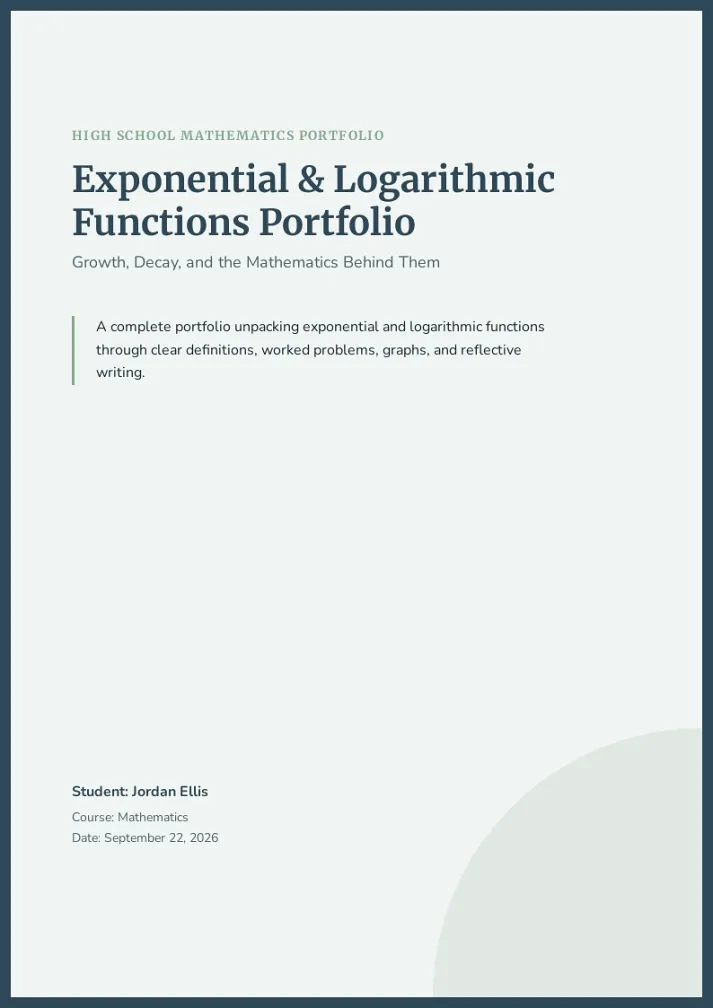
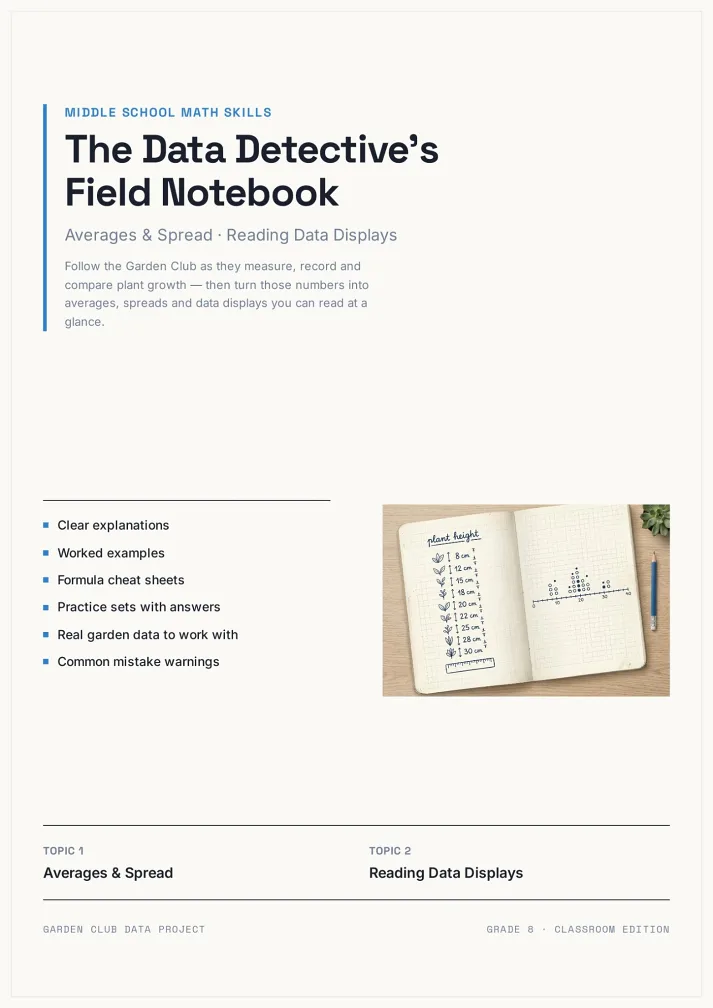
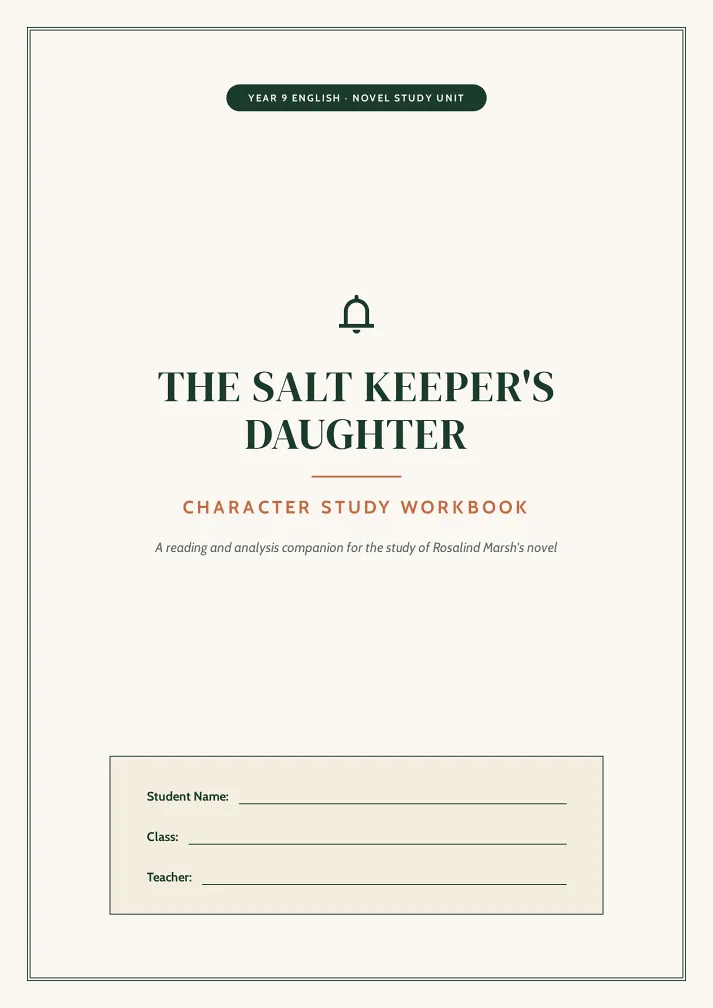
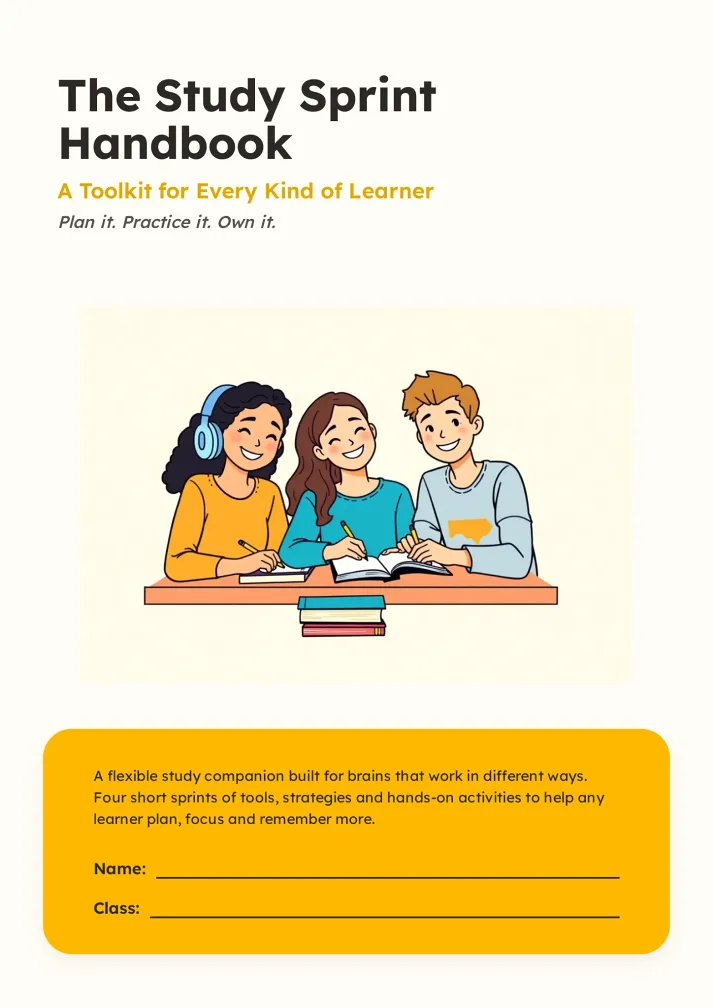
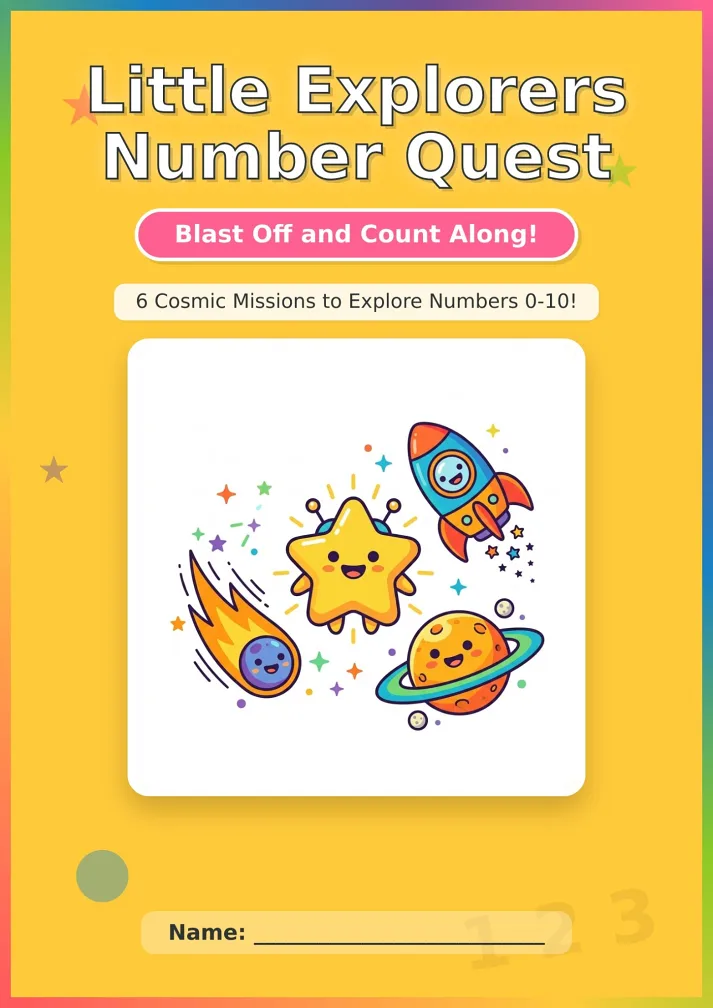
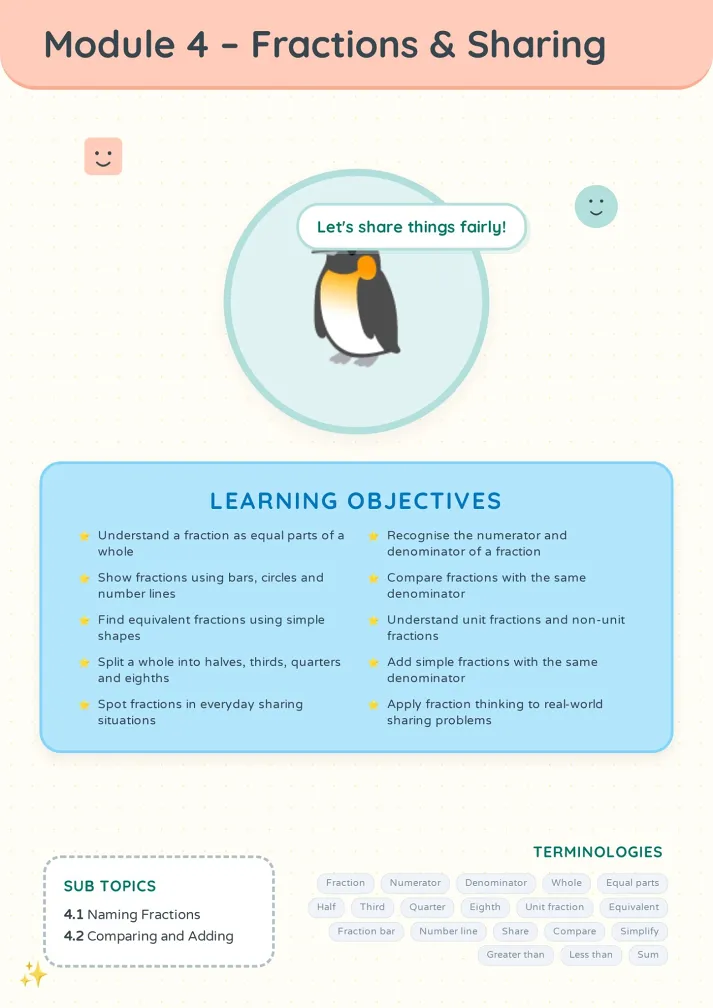
Three Steps to a Portfolio
From work files to sendable PDF.
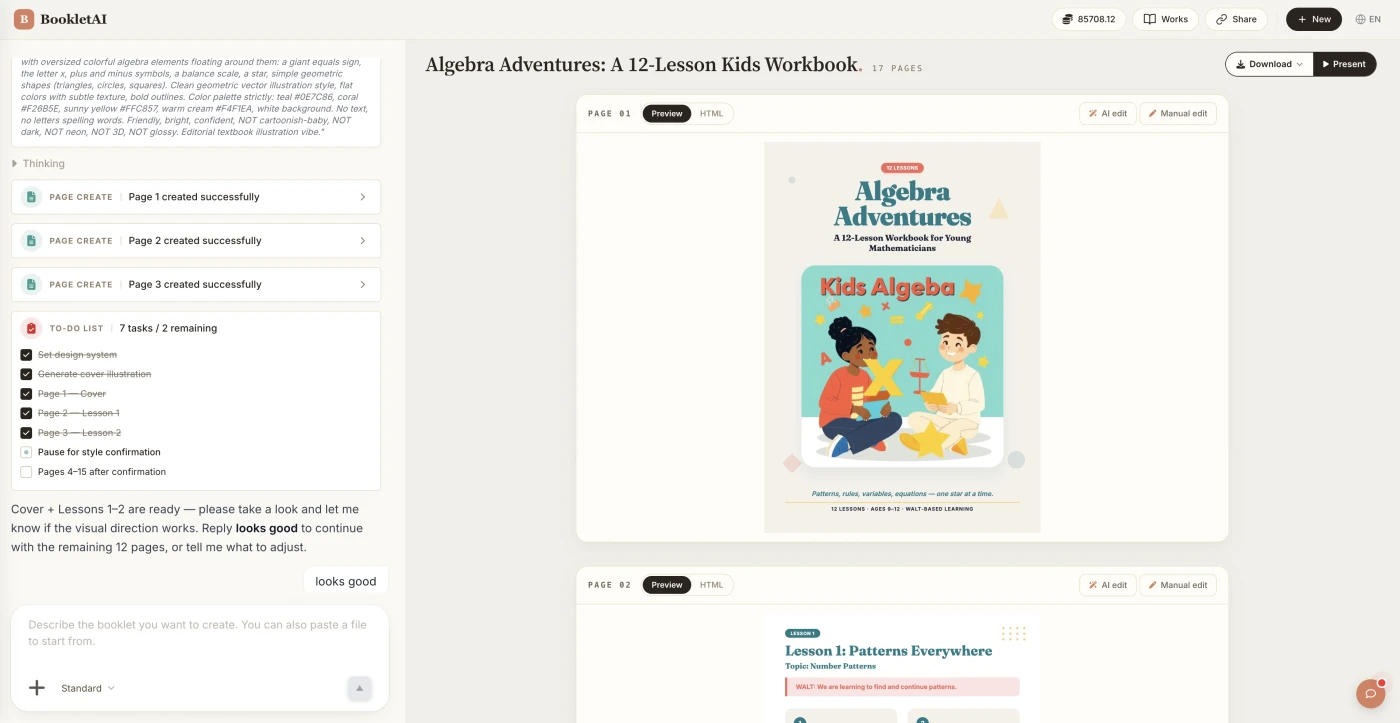
Upload your work
Drop in your work files. The AI agent asks about your audience, style, and goals before building the portfolio.
Review the outline & choose a style
AI shows a full page-by-page outline before writing begins. Approve it and pick a style, then watch each page appear in real time.
Edit any page, then download or export
Click Edit on any page to revise it independently. When ready, copy a share link, download the HTML, or export a print-ready PDF.
What People Build With the AI Portfolio Generator
See if your scenario fits.

Designer or frontend job hunt
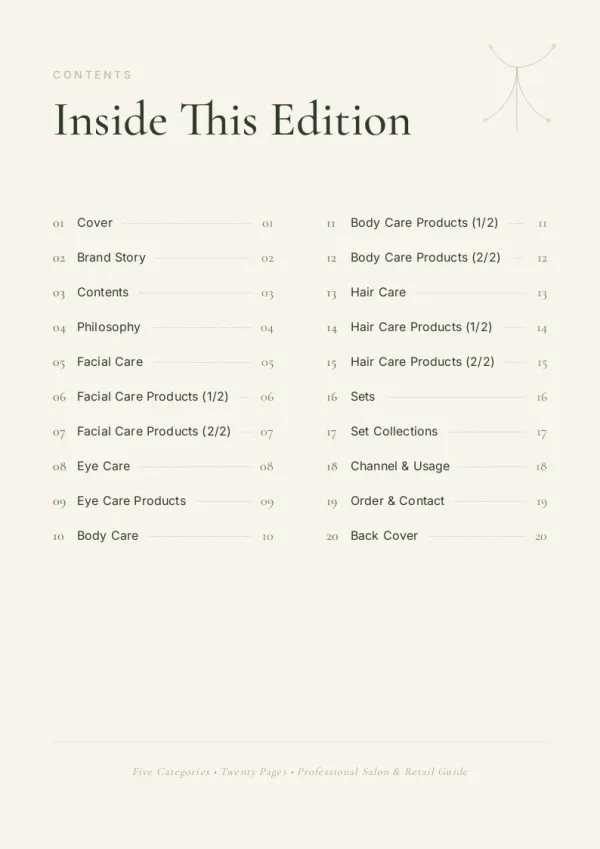
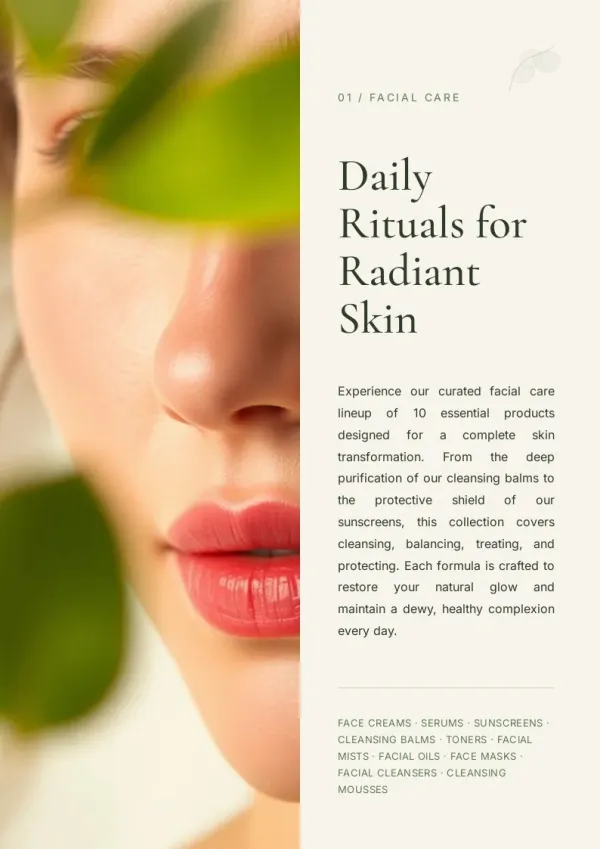
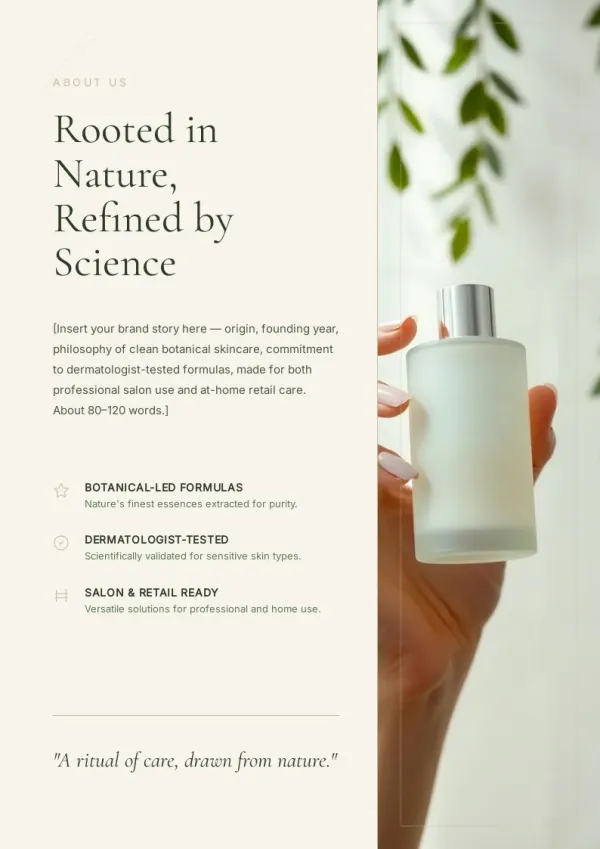
Submit 10 applications, each with a PDF portfolio attached. Open it at the interview, flip through together. AI picks 8 standout pieces from three years of work — one page each, key screenshot plus description.
For sales & marketing
Student grad school or art school application
Application season means submitting portfolios to multiple schools, each with slightly different page count and emphasis. Keep one master version; export targeted PDFs per school.
For HR & L&D teams
Freelancer client pitch
Before signing a new client, show past projects in the same space. AI filters the most relevant cases for the client's industry, builds a lightweight pitch PDF — more targeted than a generic site.
For teachers & course creators
What the AI Portfolio Generator Does
Six capabilities specific to portfolio work.
Reads your work files
Design files, project screenshots, Figma links, GitHub READMEs — all work as source material, no clipping.
Asks who reads it first
Interviewing a design director, applying to grad school, pitching to a gallery — layout shifts dramatically per audience.
One piece per page, visual-first
A portfolio isn't text-heavy. AI lays out large imagery first, small text around it.
AI writes project descriptions
Give the challenge, what you did, and the result — AI turns it into a tight 80-word project note per piece.
Not everything goes in
Portfolios are subtractive. AI helps you pick 6-10 strongest pieces; the rest go in an appendix or stay out.
PDF for interviews, link for email
One PDF you bring to the interview room. One share link for recruiter emails. Both exports in one pass.
How AI Portfolio Generator Differs from Wix, Canva, Visme, and Gamma
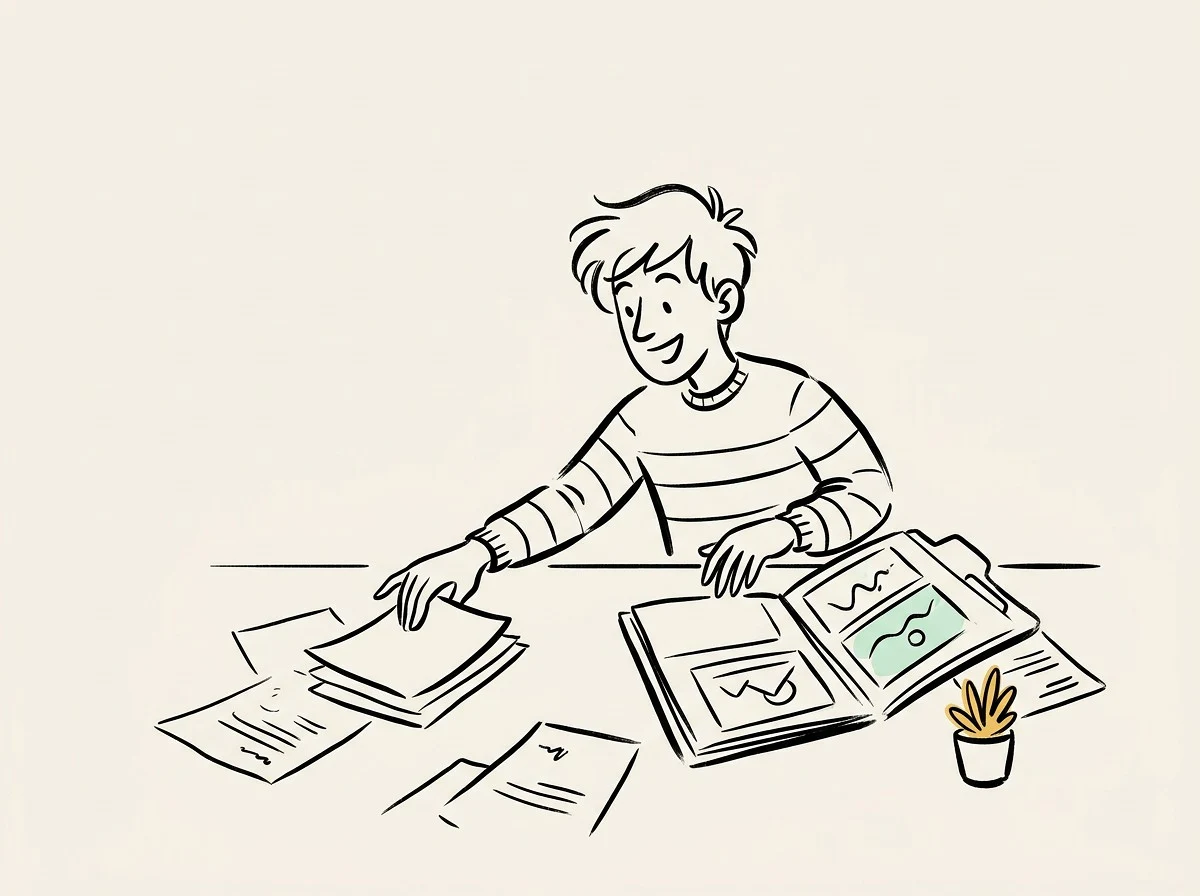
Wix and Canva build portfolio websites. Visme and Gamma give document templates. bookletai makes the PDF you bring into the interview room — curation, layout, export in one flow.
Not template fill-in-the-blank
Every portfolio should have personal style; templates alone feel generic. AI adjusts layout around your actual work, not a rigid template.
AI spotlights your strongest few
A good portfolio is 6-10 curated pieces, not an everything-dump. AI discusses which best represent you, not just which exist.
Editing is free
Night before the interview and want to reorder projects or rename a title? Quick Edit drag-and-drop — no regeneration, no credit.
Your time is worth
a subscription
Spend your hours on the idea — we'll handle the design
What You Might Want to Know About the AI Portfolio Generator
Answers to common questions.
1
Is the AI portfolio generator free to use?
Yes. Start without signing up. Build a first portfolio to see how it looks before committing. Each new portfolio uses 1 credit; reordering pieces, swapping images, and tweaking descriptions are free.
2
How is this different from Wix, Canva, or Figma portfolio website builders?
Wix, Canva, and Figma build portfolio websites. bookletai builds printable PDF portfolios — usable in interview rooms, as email attachments, or as application materials. The two scenarios complement each other.
3
What format do I get? Can I print it?
Print-ready A4 PDF, rendered exactly as in preview. Print on standard Letter or A4 paper — bringing a physical copy to an interview works perfectly. Per-page HTML download and shareable read-only links are also supported.
4
Can it read Figma or Dribbble links?
Yes. Paste a public Figma link or Dribbble work link; AI pulls the visuals and project notes as source material. Private links must first be set to viewable.
5
Can AI write descriptions for each project?
Yes. Provide the design challenge, what you did, and the outcome (a few sentences is fine), and AI turns it into a tight ~80-word project description with consistent formatting across all pieces.
6
Can I pick a template style?
Yes. 40+ portfolio templates (designer, frontend, student, photographer, artist, etc). Choose one and AI follows its layout and color scheme.
7
Last-minute reorder or rename before an interview — how?
Every page stays editable. Quick Edit handles drag-to-reorder, rename, image swap with no credit cost. Delete a single page and regenerate just that piece without touching others.
8
My images aren't sharp — can I swap in higher-resolution ones?
Yes. Click any image in Quick Edit to upload a replacement. Portfolios demand high image quality — export your project screenshots at 2x or 3x resolution before uploading.
9
How many pieces should a portfolio include?
6-10 curated pieces is the sweet spot. Fewer than 6 feels thin; more than 10 and recruiters stop reading. AI suggests within this range; you can adjust.
10
Can I save multiple versions of the same portfolio?
Yes. Every portfolio auto-saves to My Works. Duplicate the master for different companies or schools, then tweak — layout and project selection carry over; only the cover or a few highlighted pieces need changing.
No design skills needed for your portfolio
The agent researches, writes and lays out every page. You just describe it.