Case Study Generator, Customer Wins Into Shippable Case Docs
Drop in customer interviews, results, and your sales angle. Case study generator structures it as Challenge-Solution-Result and exports a sales-ready PDF.
Three Steps to a Case Study
From customer material to sales collateral.
Add or upload your customer material
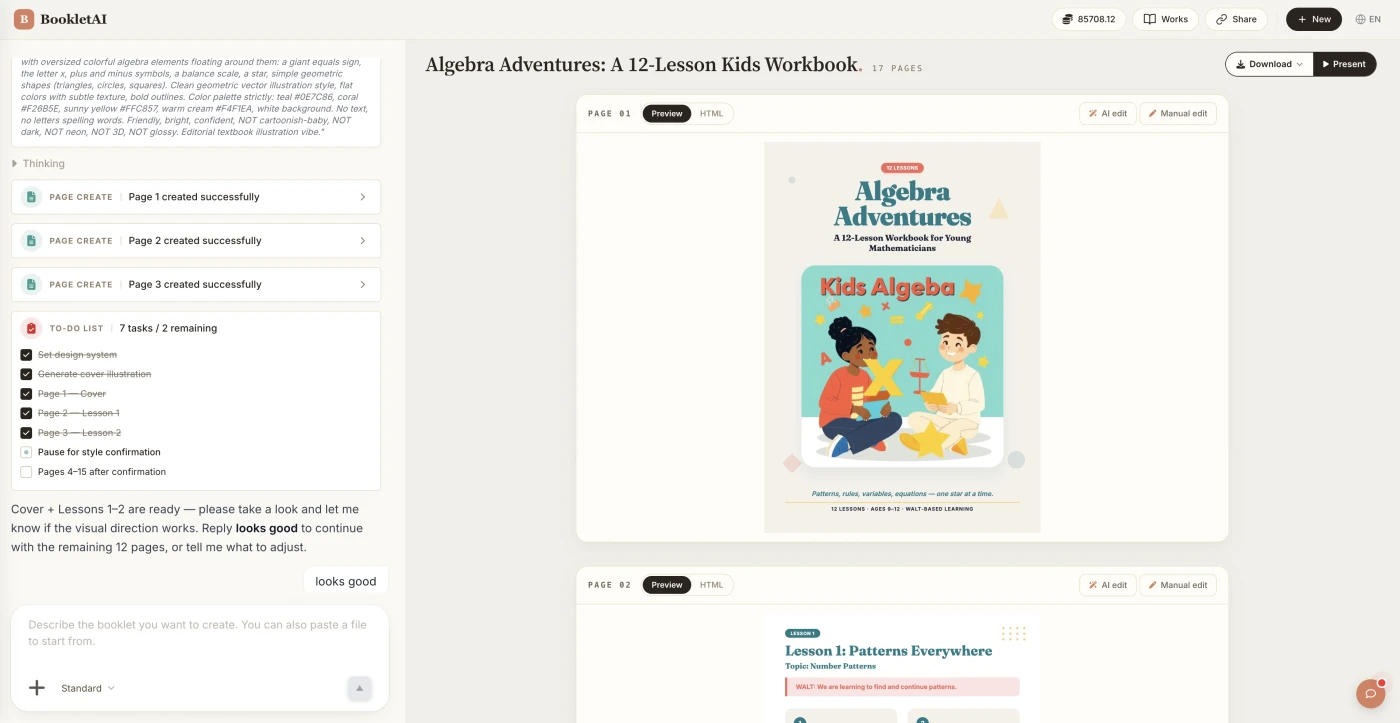
Paste your customer material or drop in your files. The AI agent asks about your audience, style, and goals before building the case study.
Review the outline & choose a style
AI shows a full page-by-page outline before writing begins. Approve it and pick a style, then watch each page appear in real time.
Edit any page, then download or export
Click Edit on any page to revise it independently. When ready, copy a share link, download the HTML, or export a print-ready PDF.
What People Build With the Case Study Generator
See if your scenario fits.


Sales prospect visit material
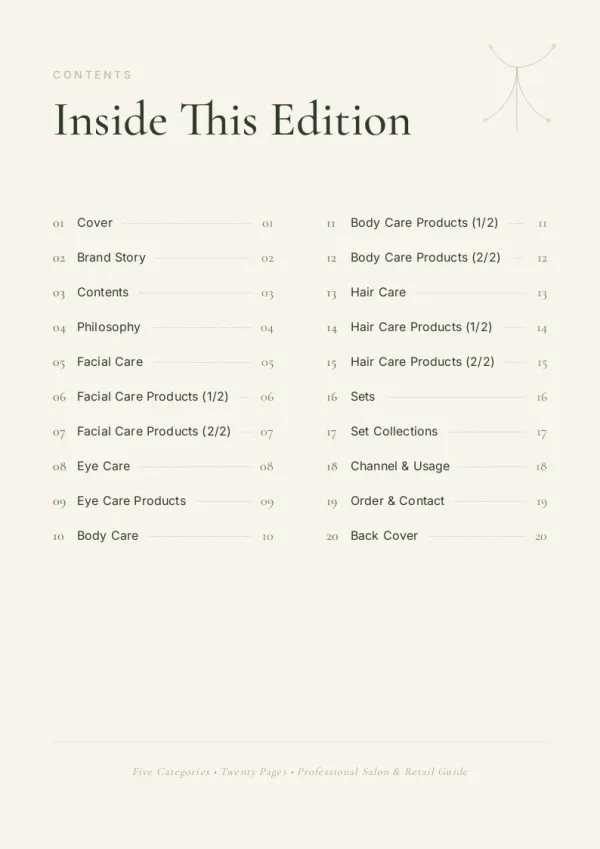
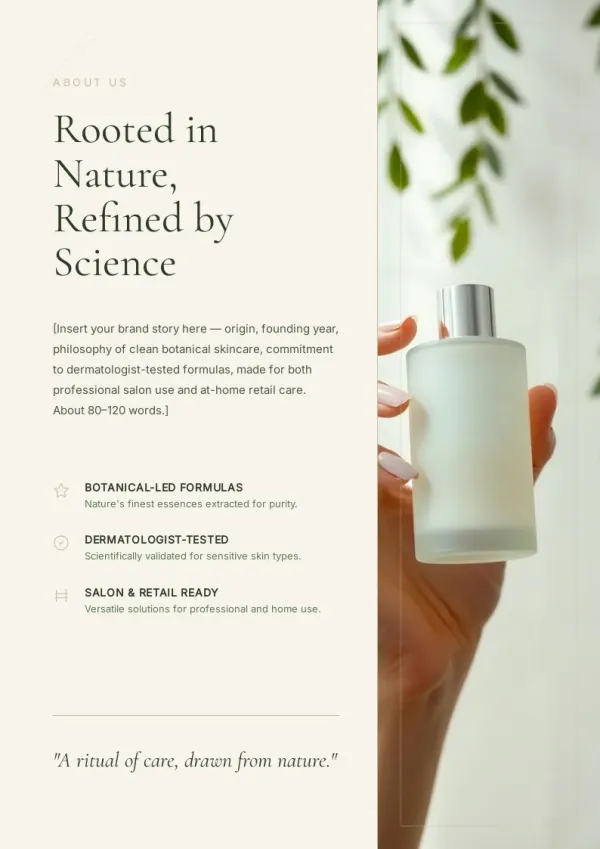
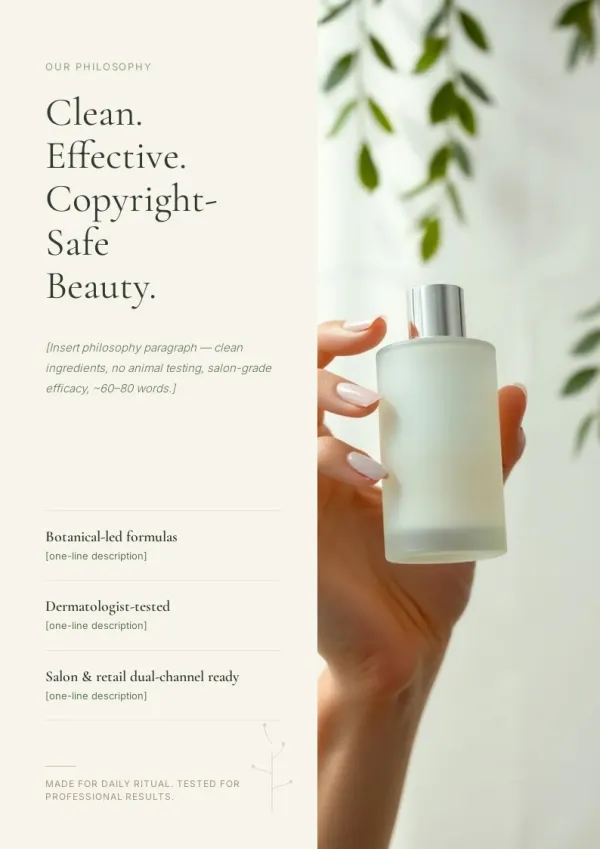
Before visiting a new prospect, quickly build a case study based on a similar-industry customer. Shows you've done similar work, and lets them recognize themselves in it.
For sales & marketing
Consulting methodology showcase
Compile past projects into a case study portfolio — external credibility for prospects, internal onboarding for new consultants.
For HR & L&D teams
B2B marketing resource center
Publish one new case study per month with HD cover and key data chart — conversion rates far exceed blog-only content.
For teachers & course creators
What the Case Study Generator Does
Six capabilities for fast case studies.
Reads interviews and transcripts
Interview recordings/transcripts, sales call notes, email threads — drop any as source material.
Asks the target reader first
For a purchasing decision-maker or for an engineering lead? Priorities differ — AI aligns before drafting.
CSR structure auto-built
Challenge → Solution → Result. AI weaves your material into this backbone — no manual filling of template sections.
Results become charts
"3x ROI improvement," "200 hours saved in 30 days" — key numbers get pulled into comparison charts.
Customer quotes placed naturally
Original lines from interviews get pulled and positioned with name and title — more credible than paraphrasing.
Sales-ready PDF on click
Use as sales attachment, site resource download, or event handout — one source, three placements.
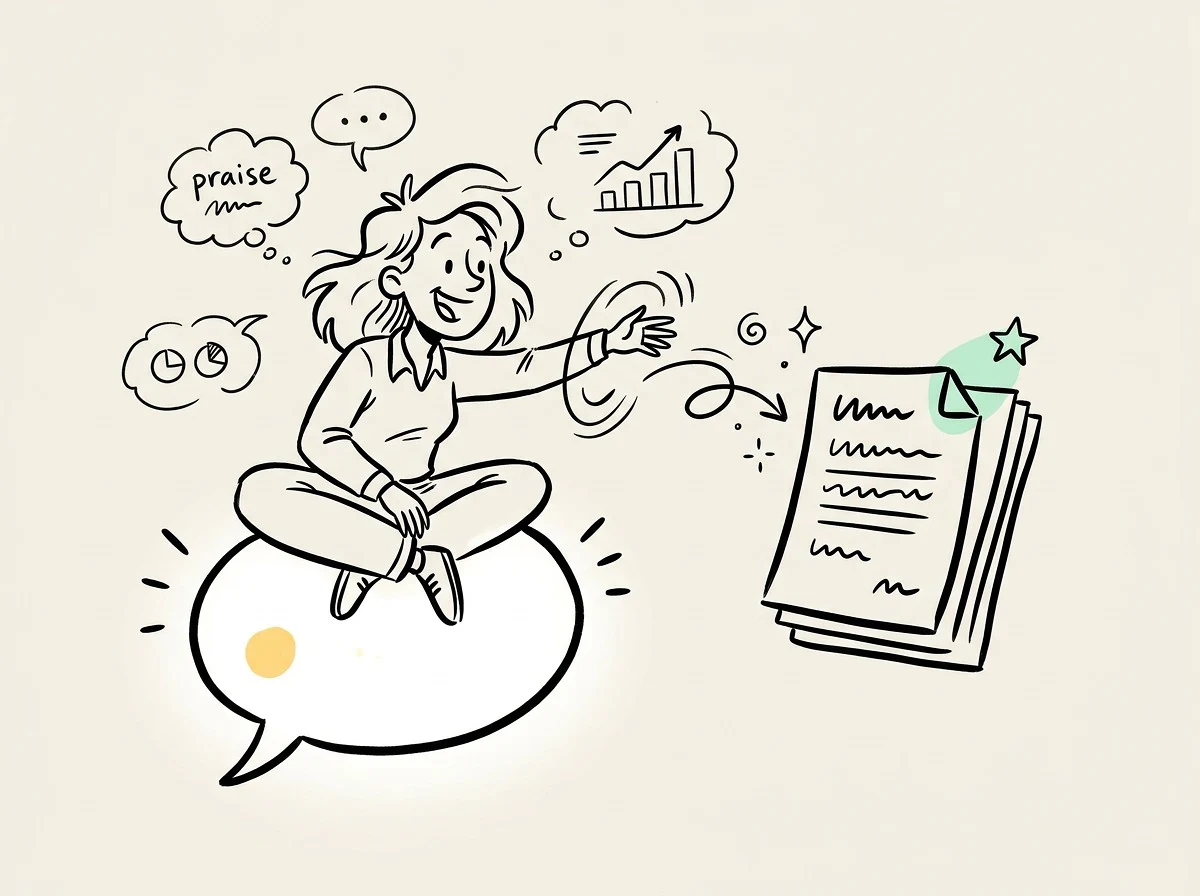
How Case Study Generator Fits Alongside Storydoc and Piktochart
Storydoc focuses on interactive display. Piktochart provides general infographic templates. bookletai reads your customer material and structures case documents — sales and marketing can ship directly.
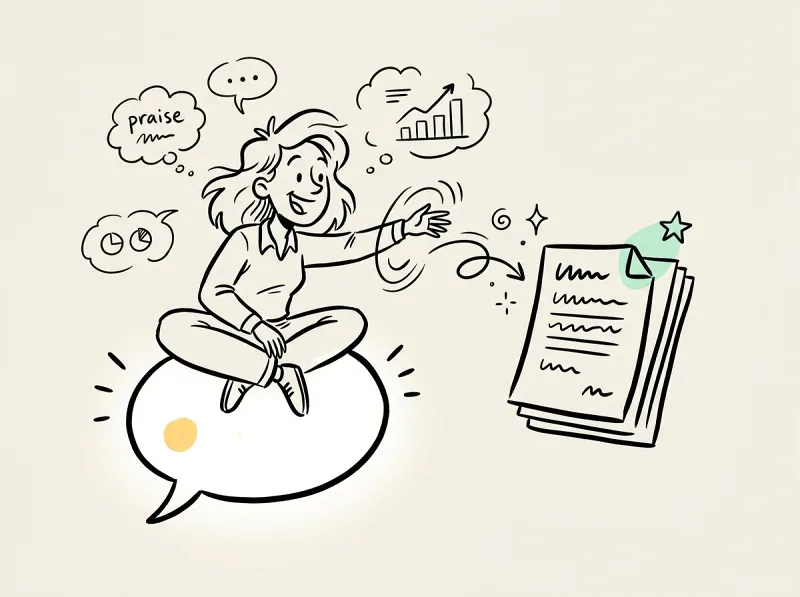
Not just templates, it writes
Storydoc gives you a shell to fill. Canva gives layouts to fill. bookletai reads your material and writes paragraphs, places numbers, positions testimonials — 80% less typing.
Multiple versions from one set
Same customer success story: one version for decision-makers (ROI, compliance), one for engineering teams (architecture, implementation) — no rewriting twice.
SDR, website, and events covered
Sales uses it as an email attachment, marketing puts it on the resource center, events distribute as handouts — one doc, three channels.
Your time is worth
a subscription.
Spend your hours on the idea — we'll handle the design.
What You Might Want to Know About the Case Study Generator
Answers to common questions.
1
Is the case study generator free to use?
Yes. Start without signing up. Each new case study uses 1 credit; data swaps, quote changes, and layout tweaks afterward are free.
2
How is this different from Storydoc or Piktochart?
Storydoc focuses on interactive online display (scroll animations). Piktochart offers general infographic templates. bookletai is optimized for case studies — a structured (CSR) sales document — reads customer material and weaves it into the structure automatically, exports PDF.
3
Can I use interview recordings or transcripts directly?
Yes. Paste the transcript or upload the recording file. AI extracts key quotes, numerical outcomes, and challenge descriptions, placing them in the right sections.
4
Does AI fabricate data?
No. AI only uses the numbers you provide. If you give "3x ROI," it says 3x — never changes it to 5x for effect. If a key number is missing, it leaves a placeholder and prompts you to fill it.
5
Can I pick a case study template style?
Yes. 40+ case study templates (SaaS B2B, consulting, manufacturing solutions, government programs, etc). Choose one and AI follows its layout and color scheme.
6
Where do customer quotes appear?
AI picks 2-3 representative quotes from your interview material and places them at the opening and results sections as emphasis. Quote blocks include name, title, company — properly formatted.
7
Can results data become charts automatically?
Yes. Provide before-after numbers (e.g., 30 days vs 90 days) and AI generates comparison bar or trend charts. Chart style and brand color are consistent.
8
Can I save a master and send customized versions to different clients?
Yes. Case studies auto-save to My Works. Duplicate, swap in the client name and personalized data, generate targeted versions.
9
How many pages fit a case study?
4-8 pages works well. Decision-makers prefer tight 4-pagers; technical evaluators can take 10-12 with implementation depth. AI suggests based on target reader.
10
Can I embed it in emails to clients?
Yes. Drop the share link into email body, no PDF download required; or export PDF as attachment. Both options available.
11
Is there a free case study generator?
Yes. This is a free case study generator for your first draft — no signup required. Each new case uses 1 credit; quote, data, and layout edits afterward are free.
12
Can I use the case study generator online and export as PDF?
Yes. The case study generator works fully online in your browser and exports sales-ready PDFs. You can also share a link directly with clients or embed the document into email.
13
Is this a good case study generator for students?
It works as a case study generator for students — provide the case subject, data, and interview notes, and the tool structures a Challenge-Solution-Result document with citations and charts. Use the academic template for classroom-appropriate formatting.