Image to Booklet, Read by AI and Redesigned
Drop in photos, scans or screenshots. This image to booklet agent reads each one and designs a print-ready A4 booklet.

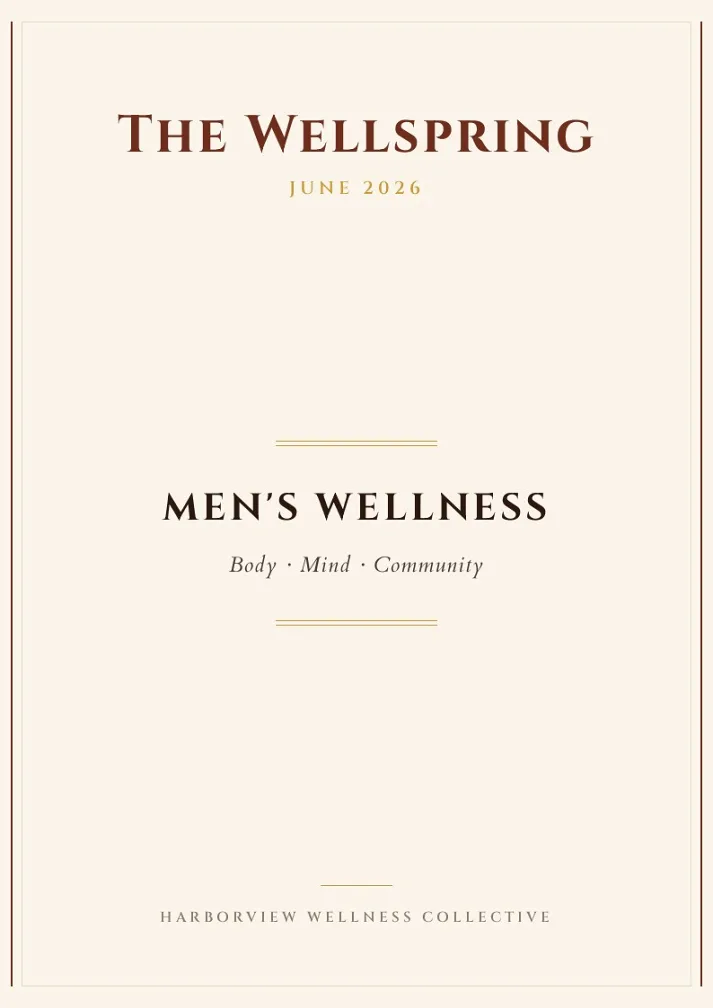
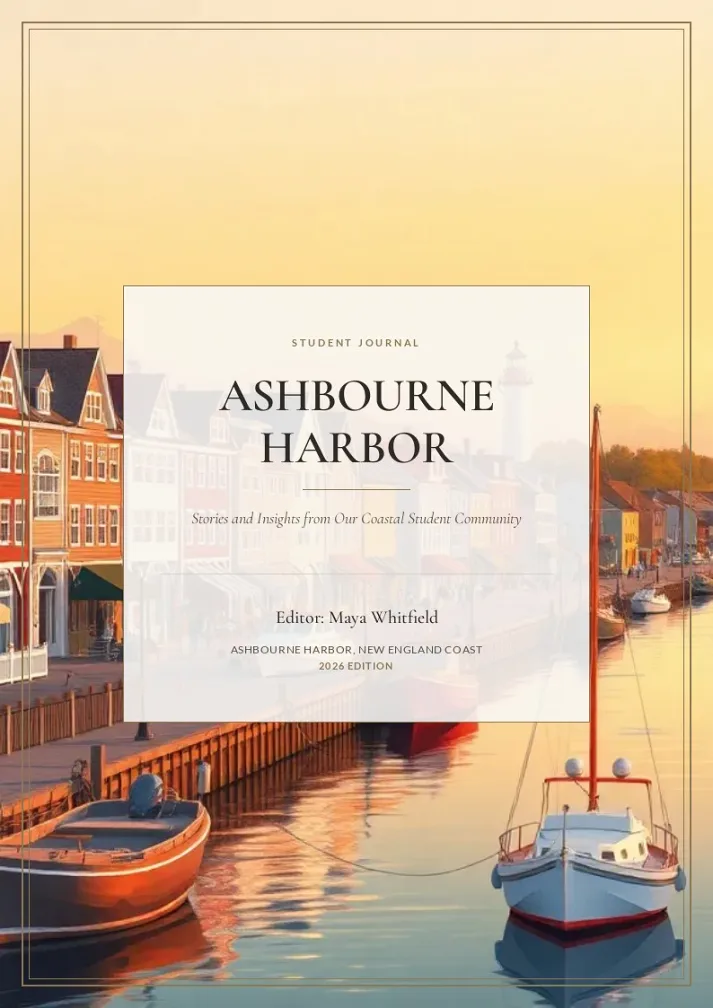
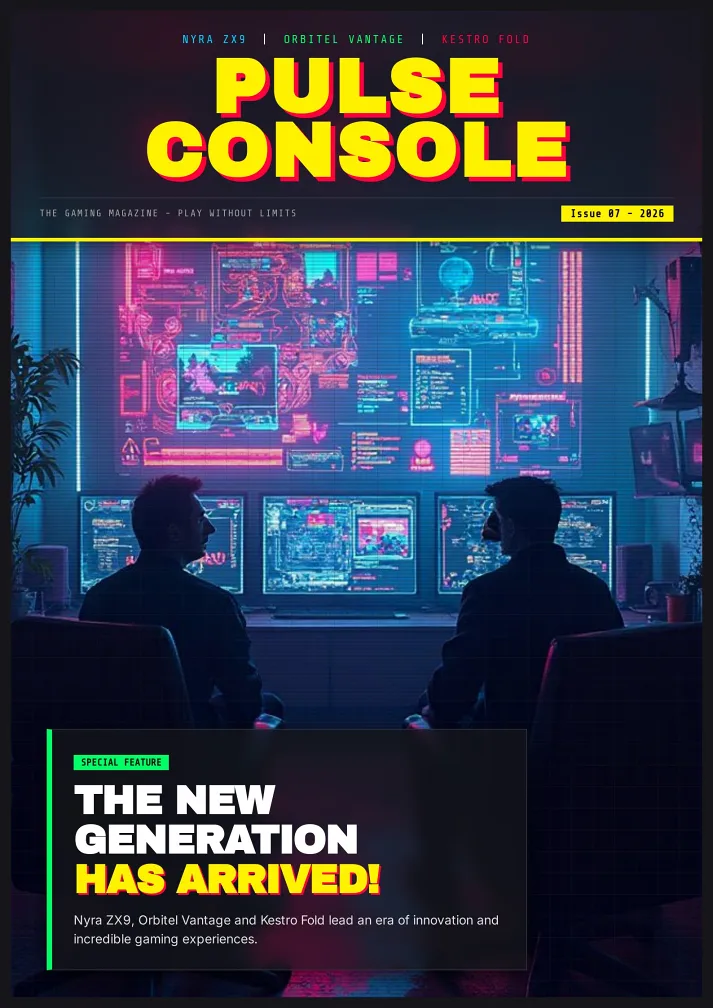
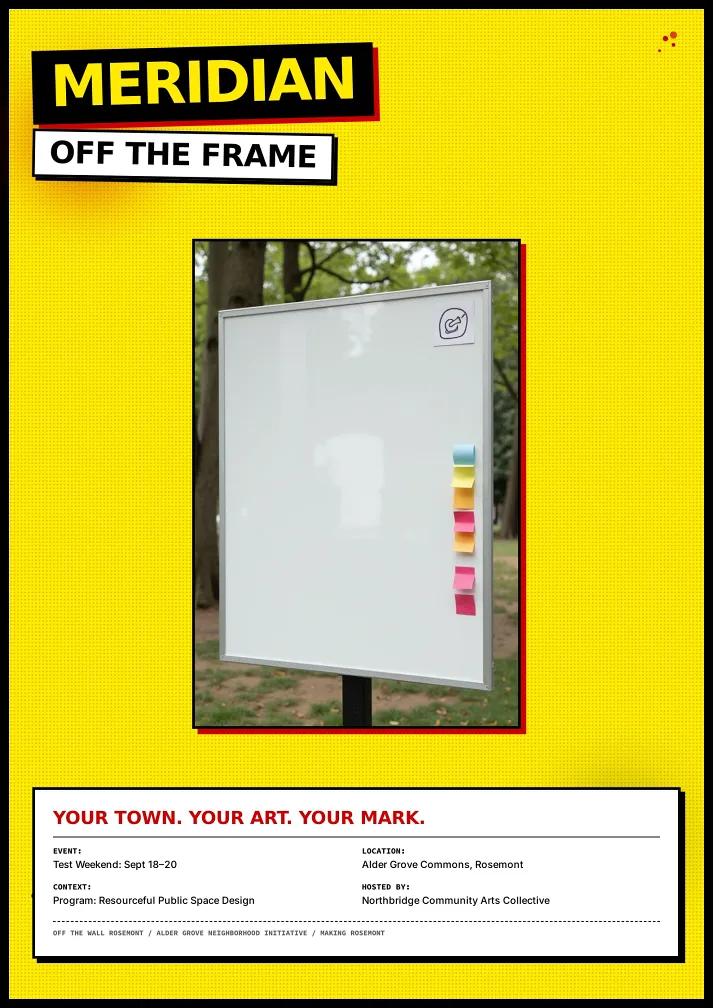
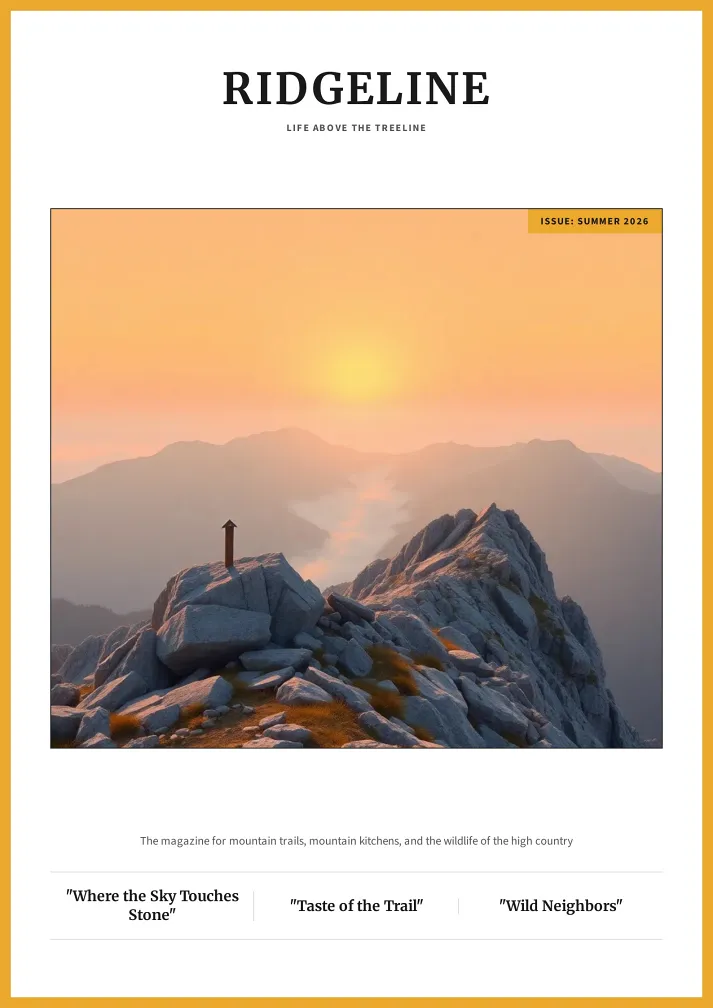
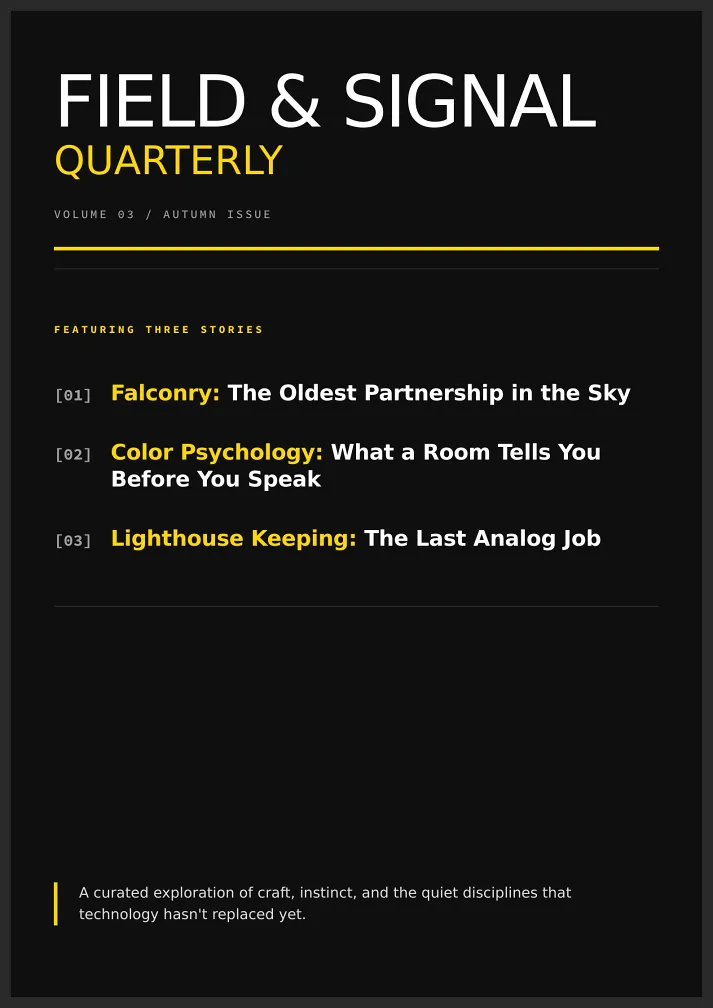
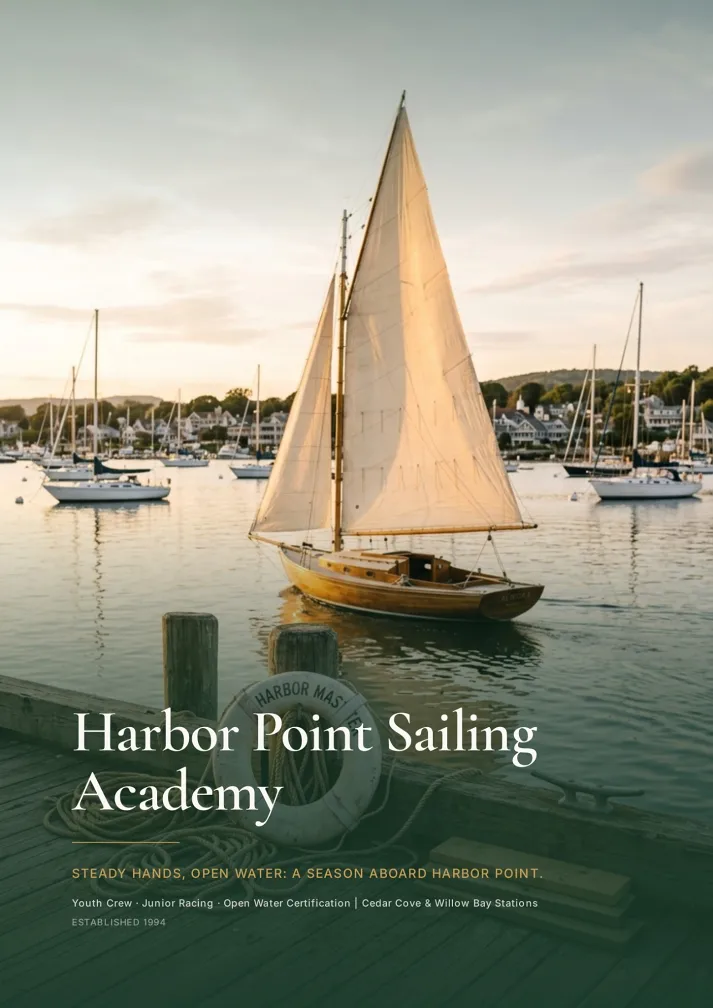
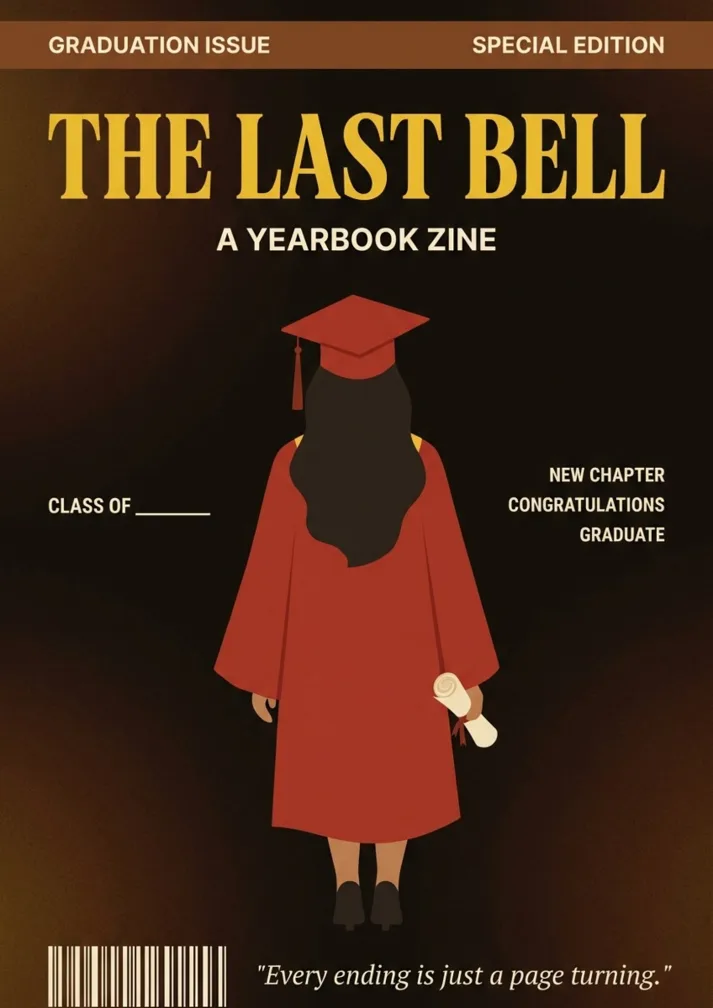
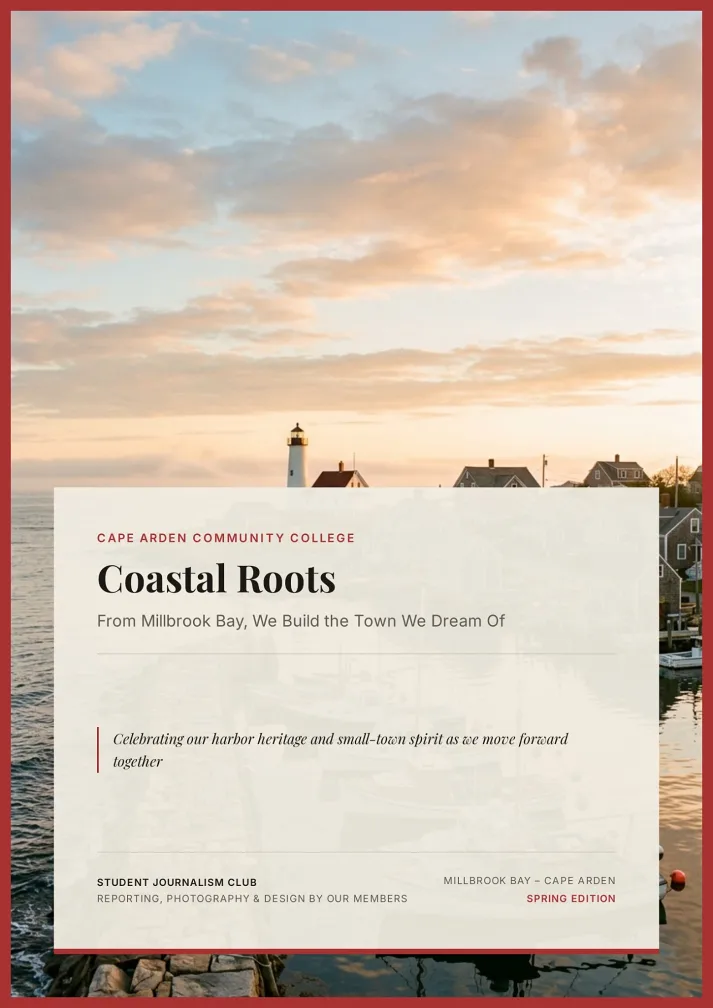
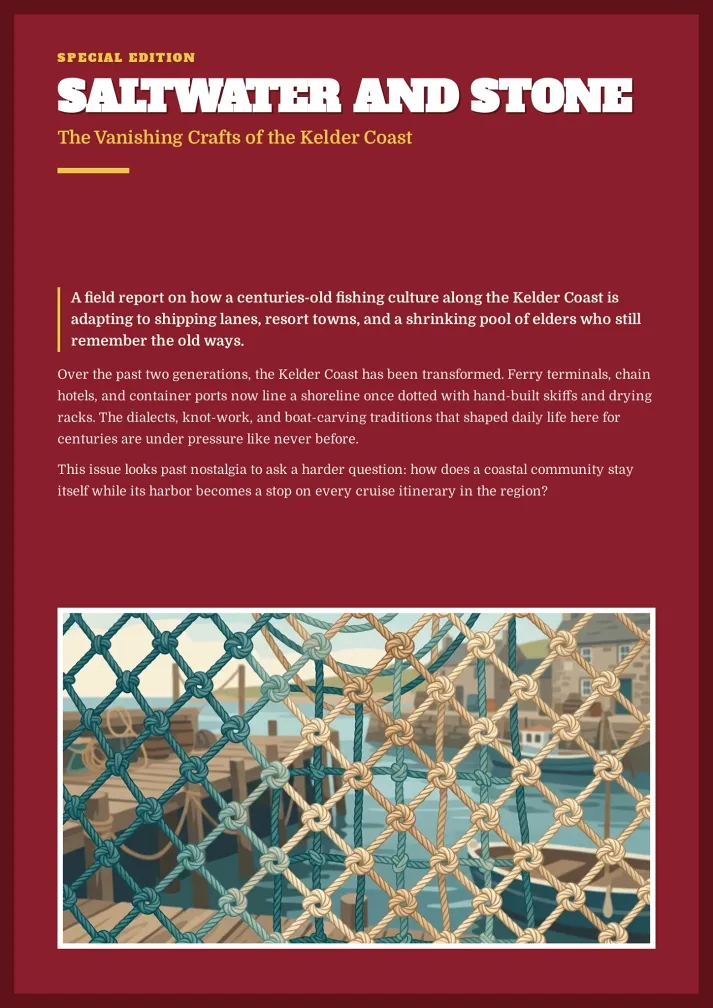
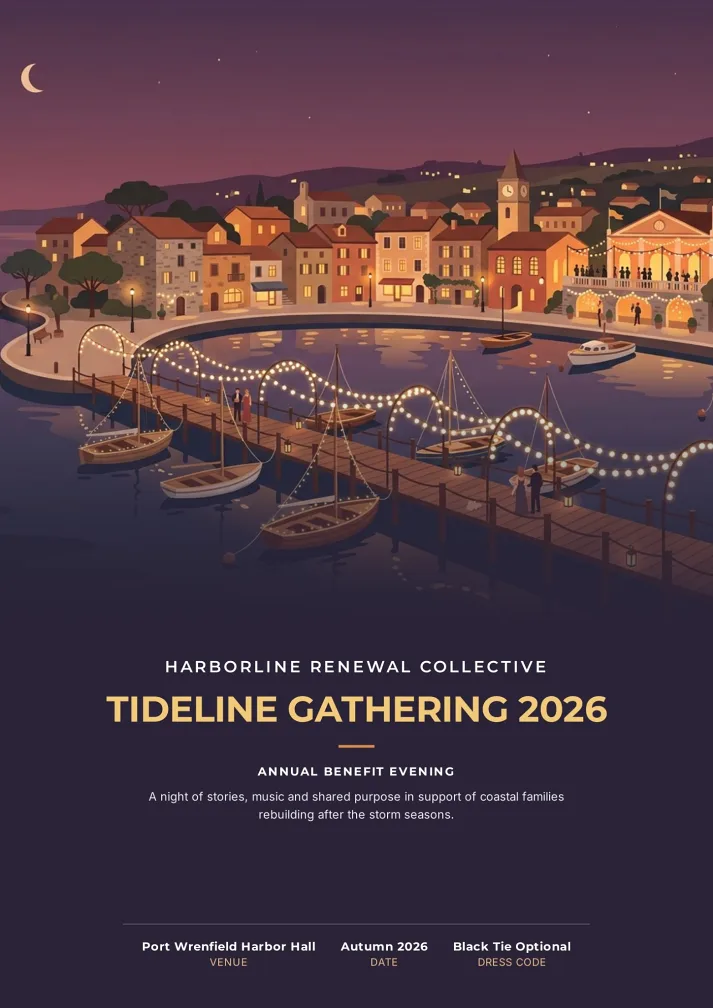
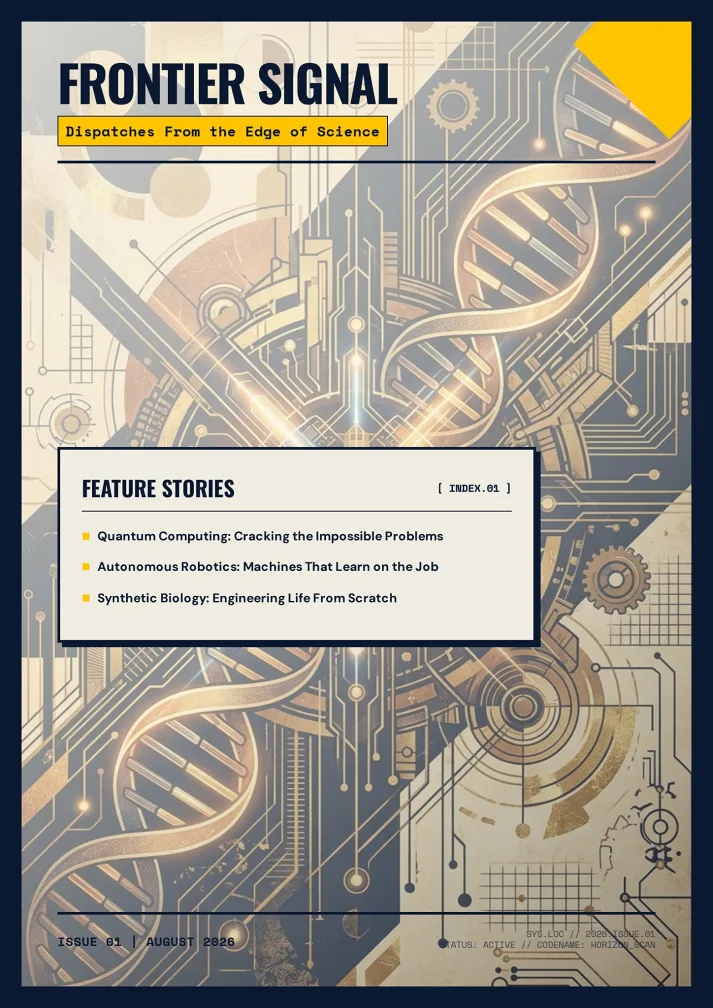
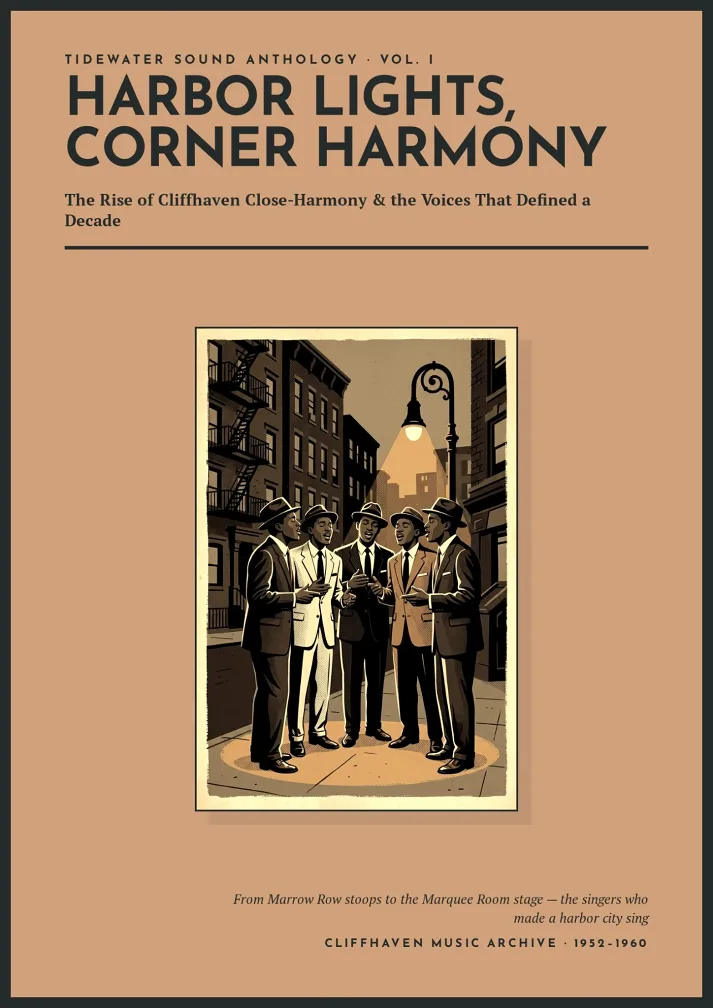
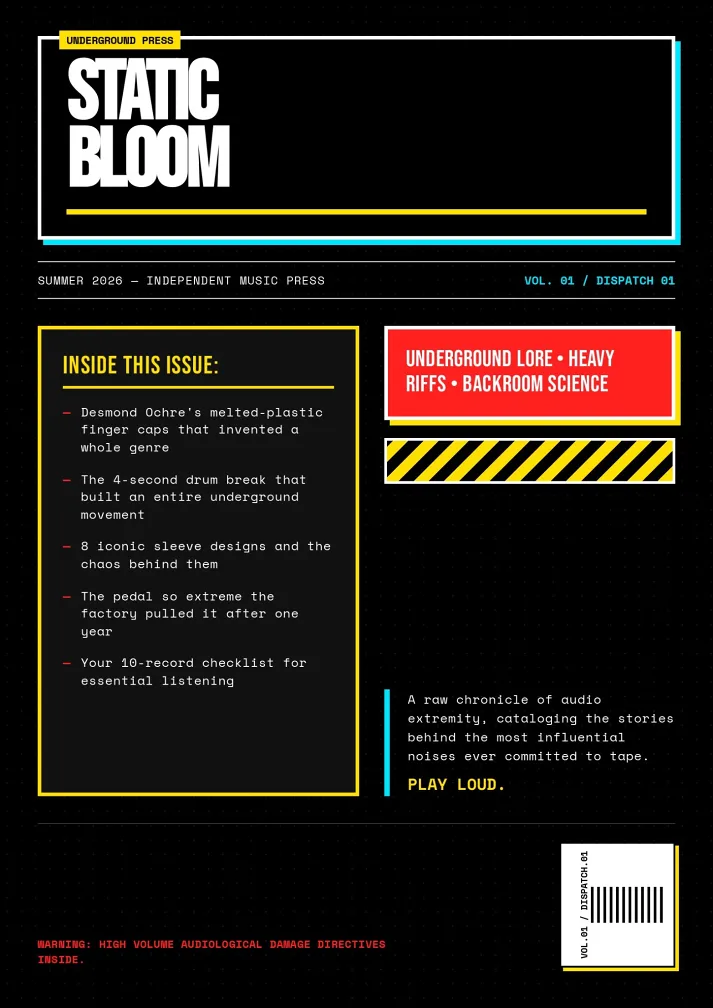
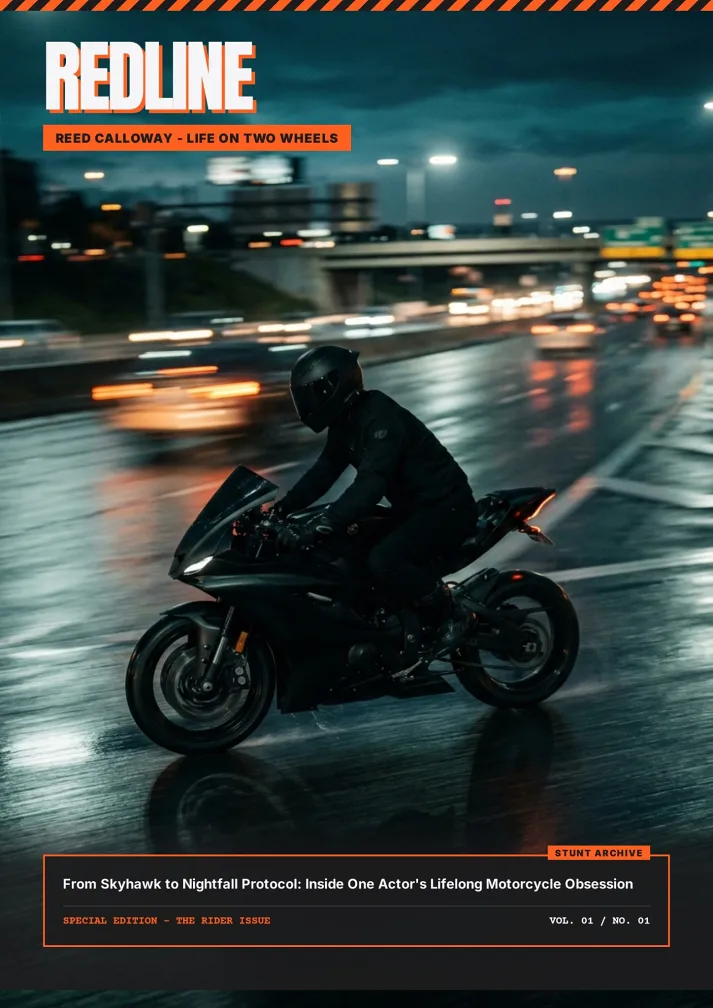
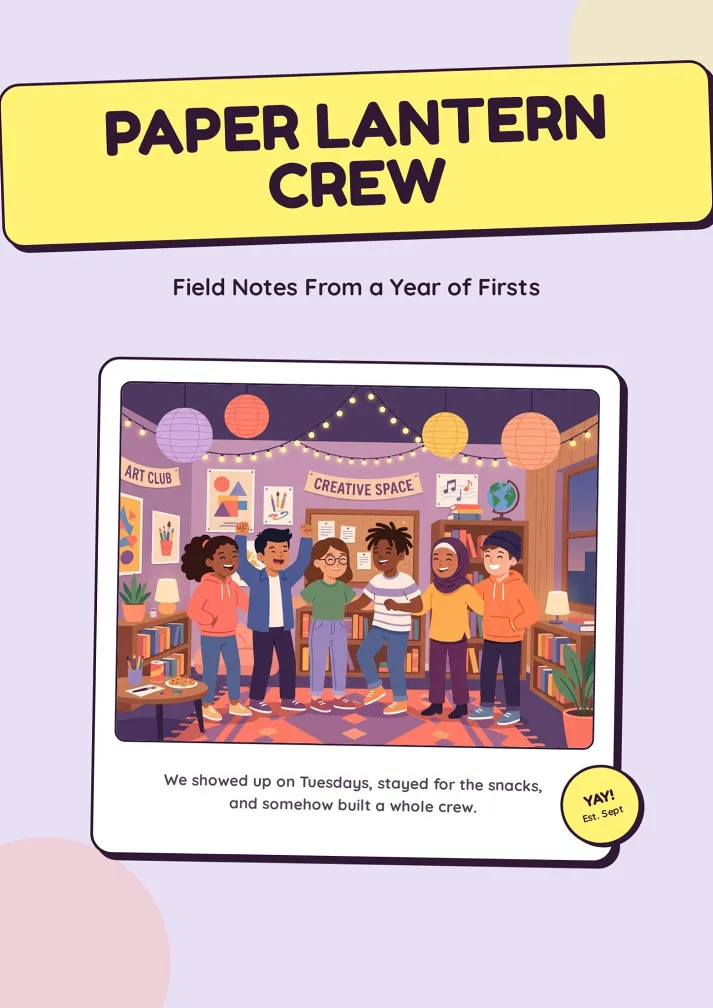
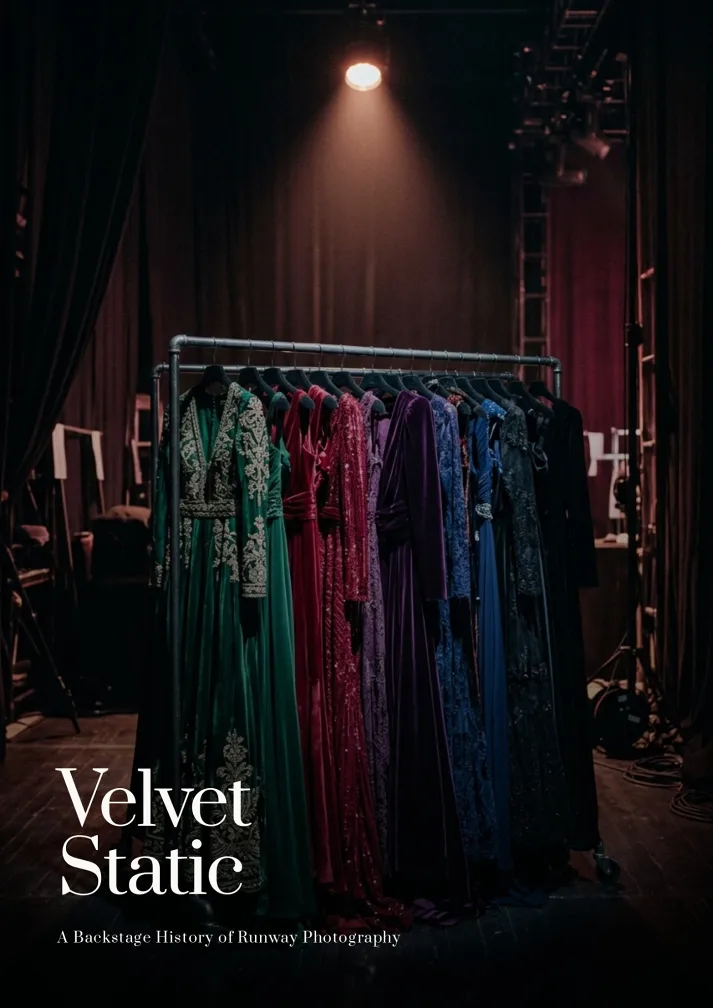
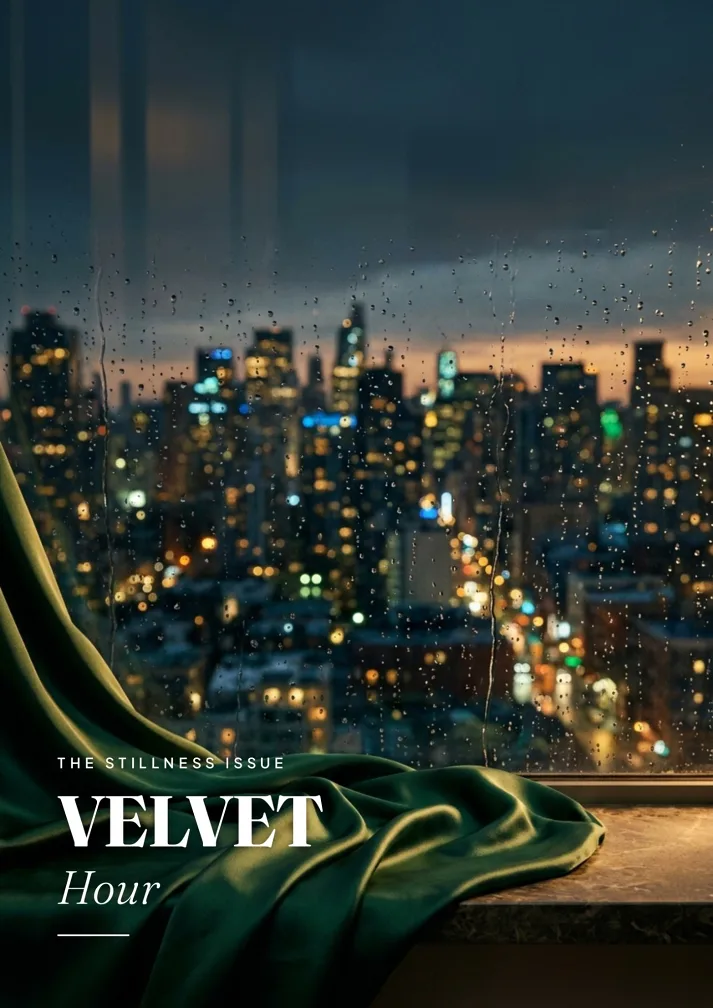
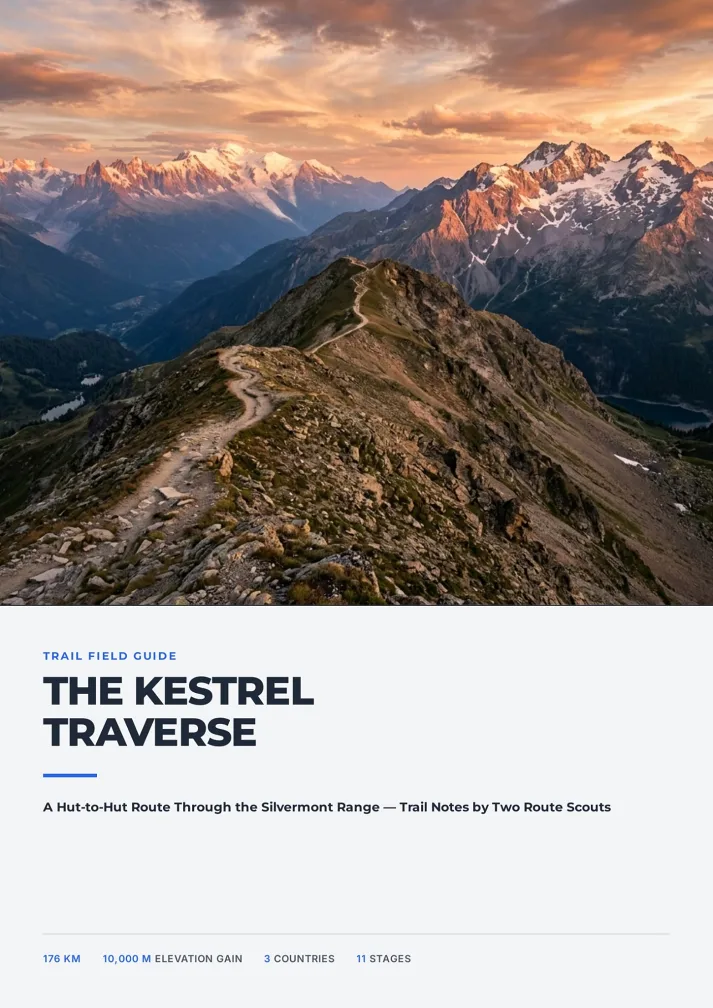
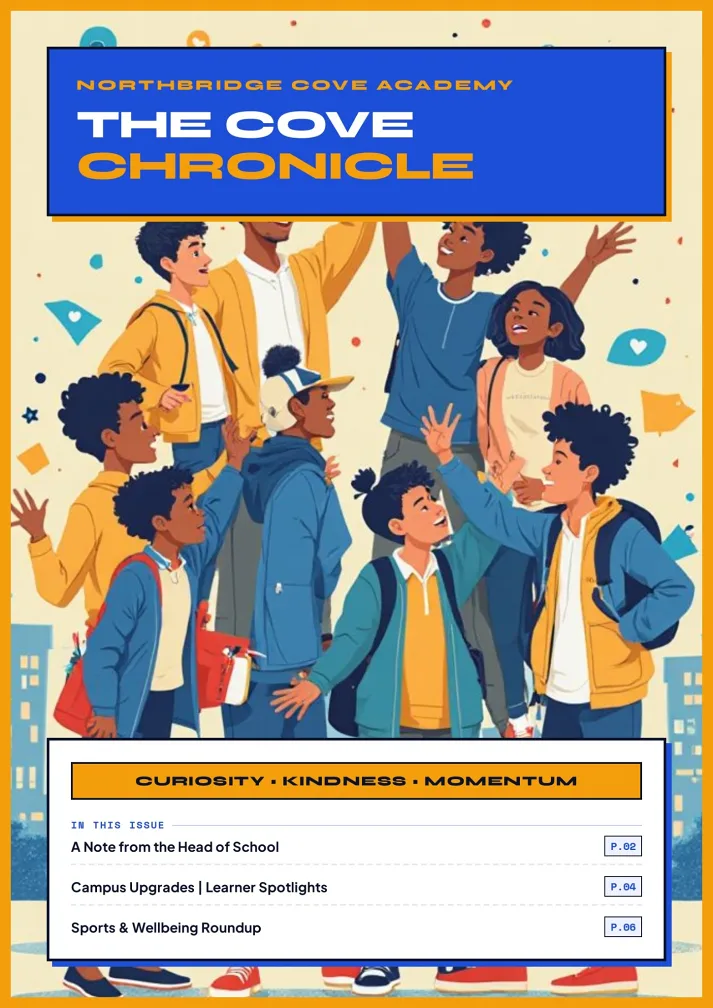
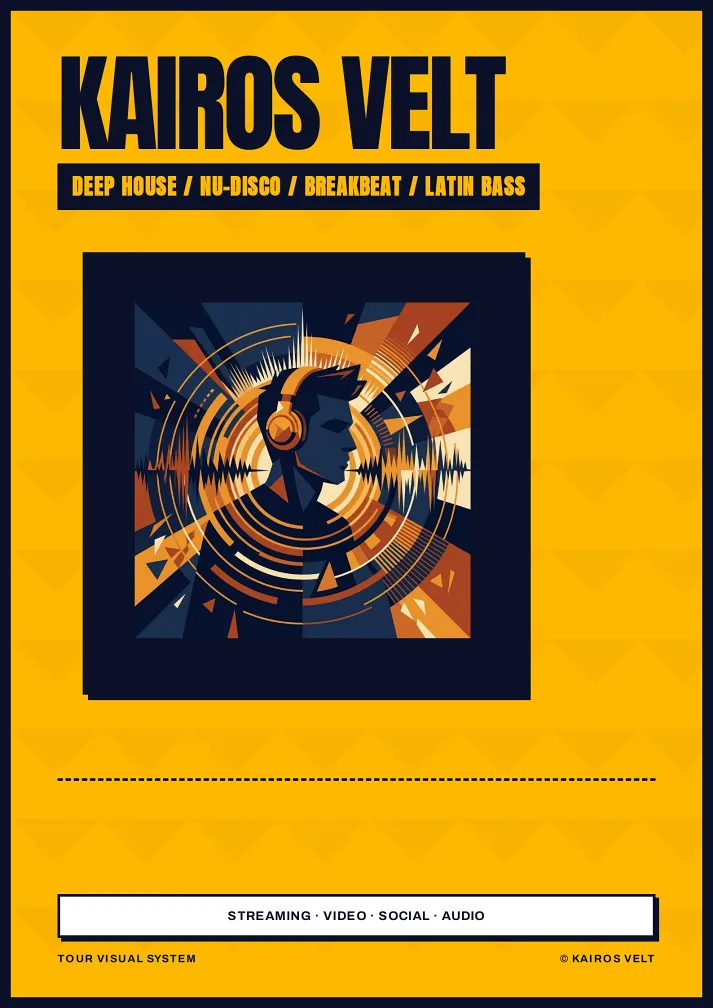
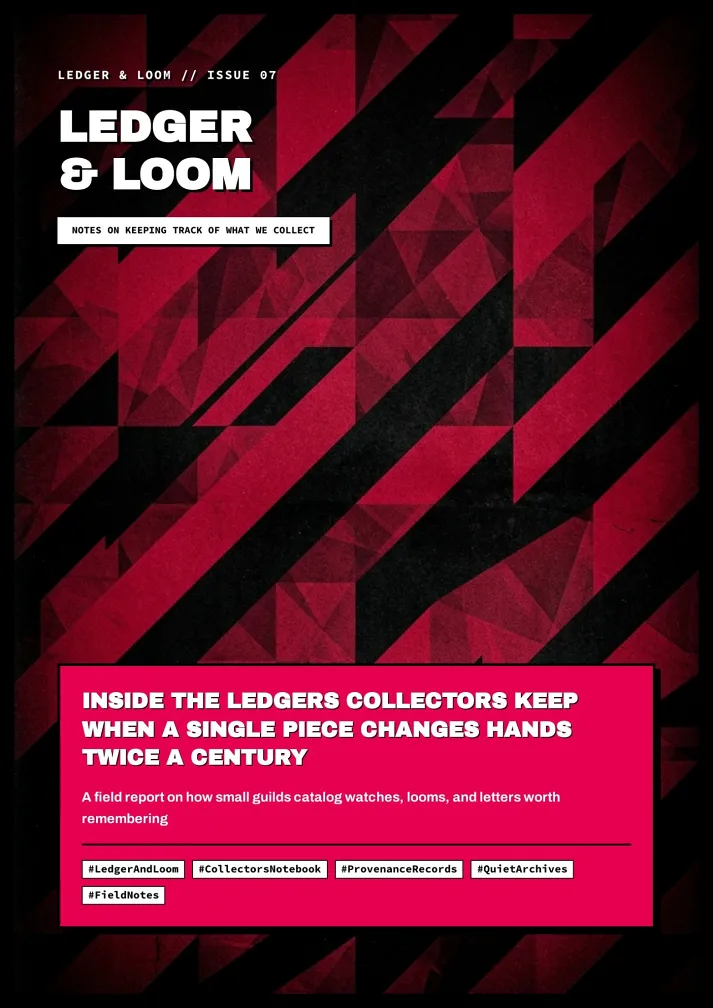
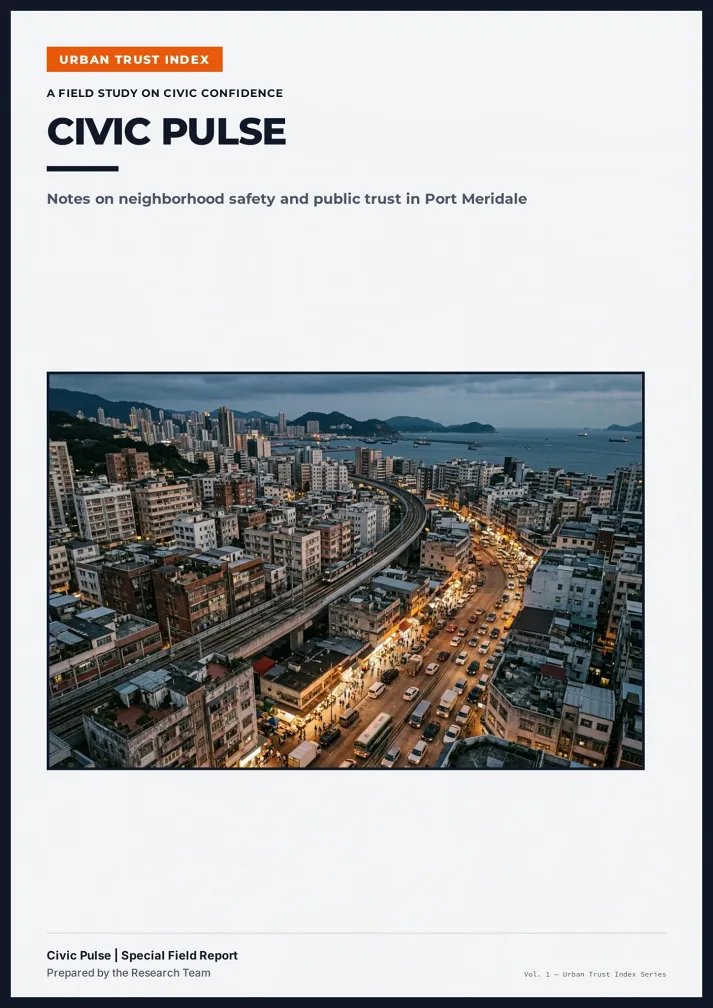
How to Turn an Image to Booklet in Three Steps
From a folder of images to booklet pages you can print.
Upload your images
Add up to 10 JPG, PNG or WEBP files per message: photos, scans or screenshots. AI looks at them first.
Confirm outline, pages and style
Say what each image is for, approve the outline and page count, then pick one of six style cards.
Edit, share or export the PDF
Fix any page with AI Edit or Quick Edit, share a read-only link, or download a print-ready PDF.
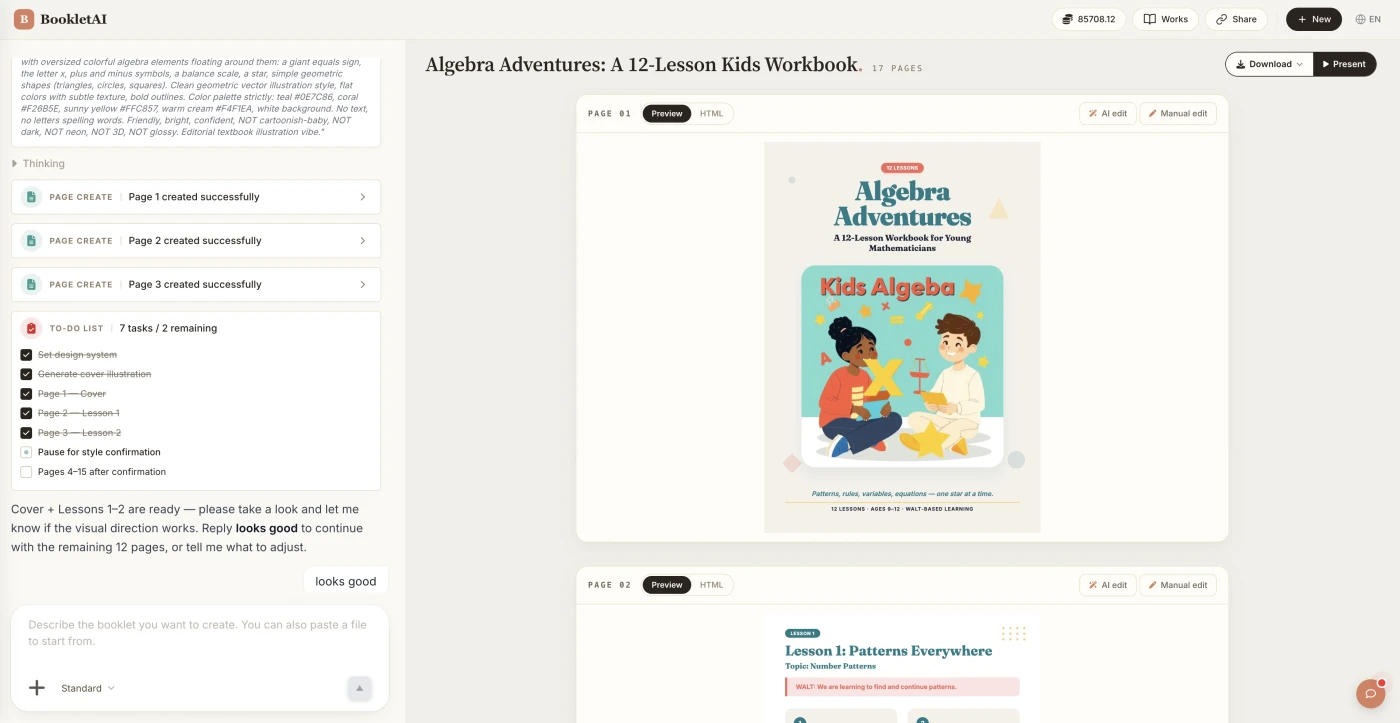
Who Turns an Image to Booklet, and Why
Three things people bring their camera roll in for.
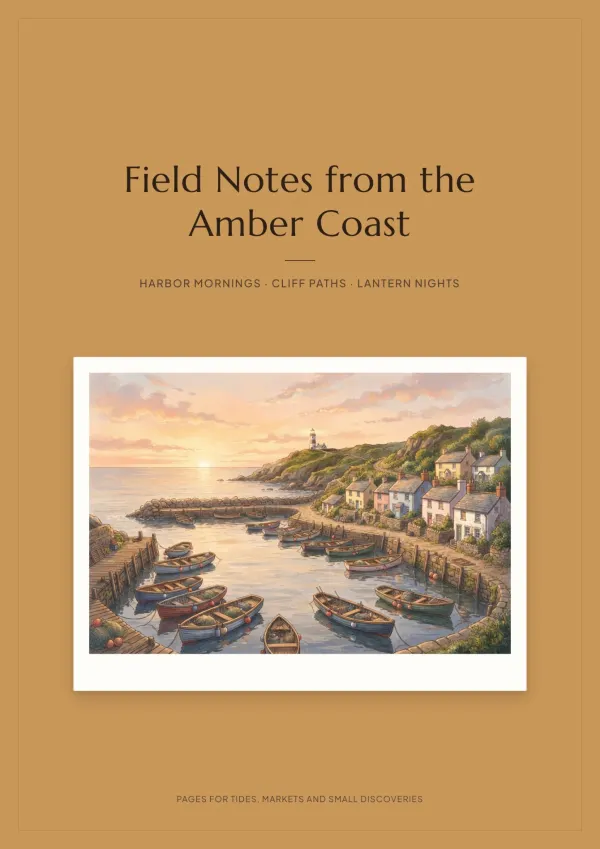
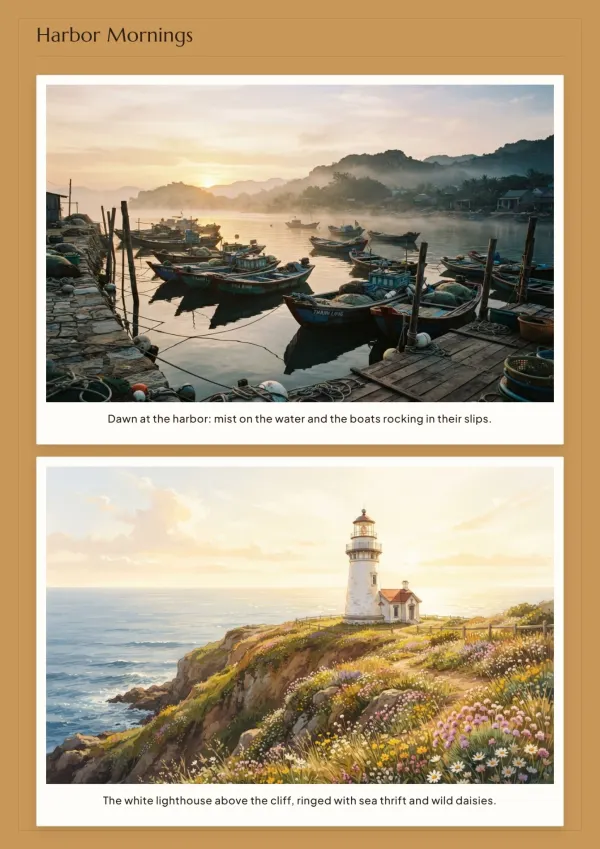
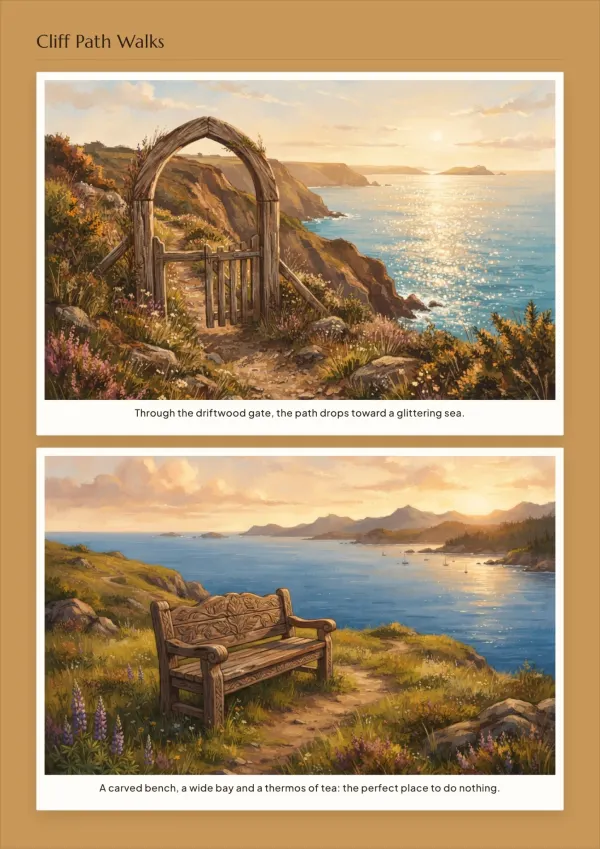
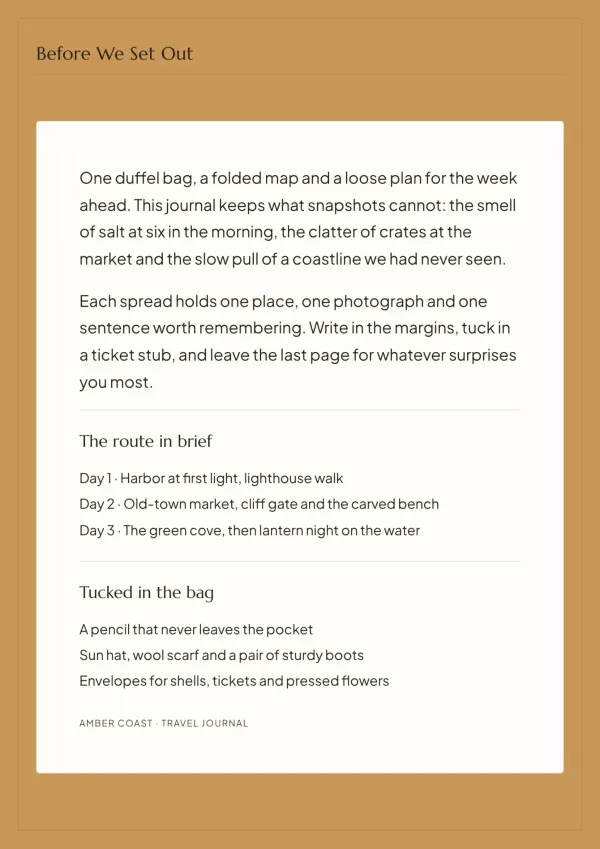
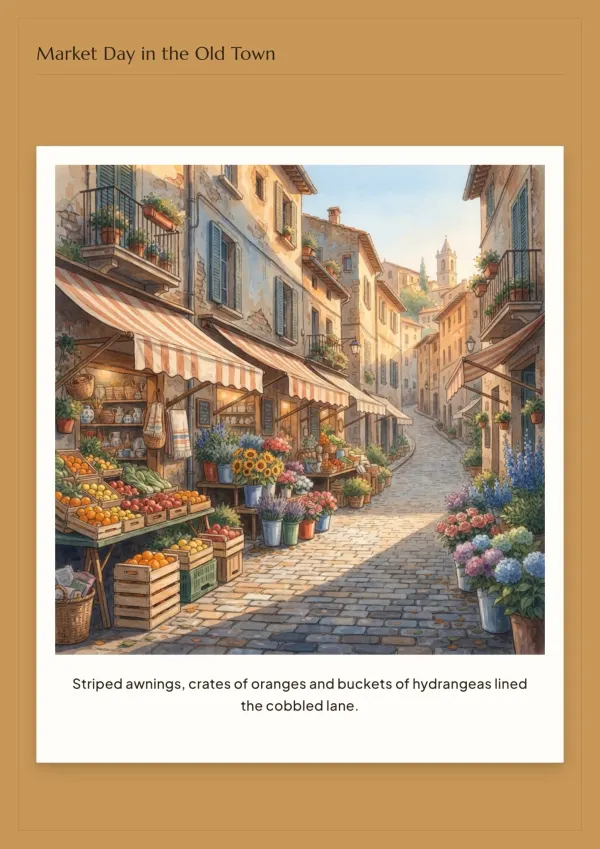
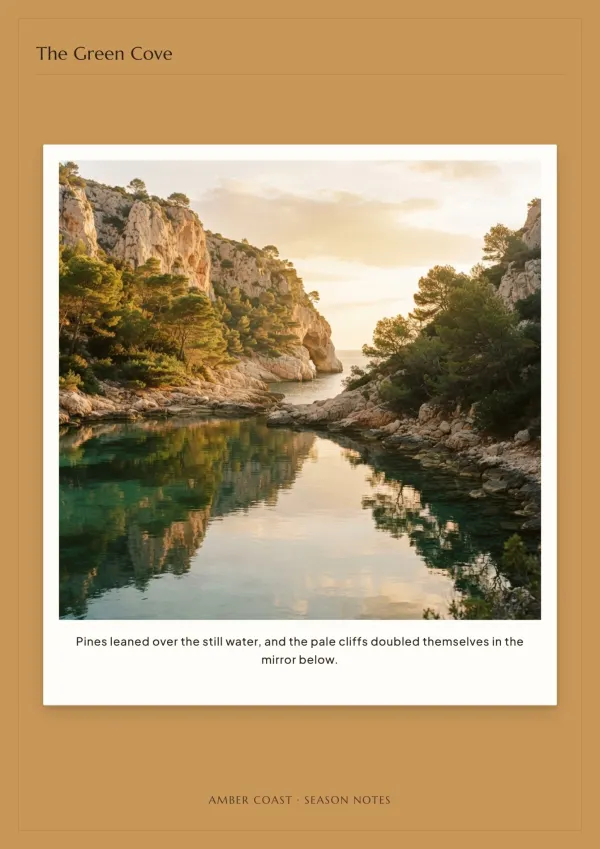
Birthday and friendship magazines
A birthday, an anniversary, a best friend moving abroad. Turn years of photos to booklet pages with a cover story and captions, and hand over a gift you're proud of.
For gifts & keepsakes
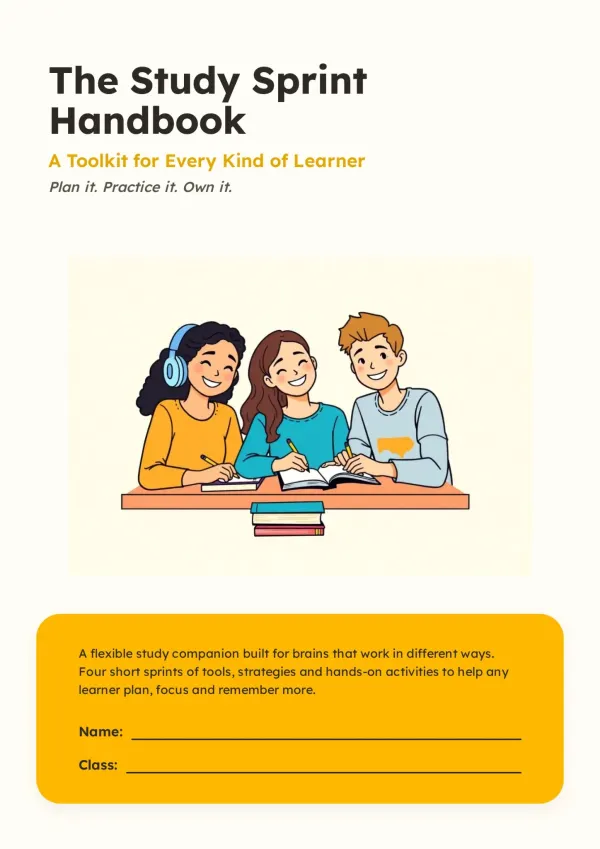
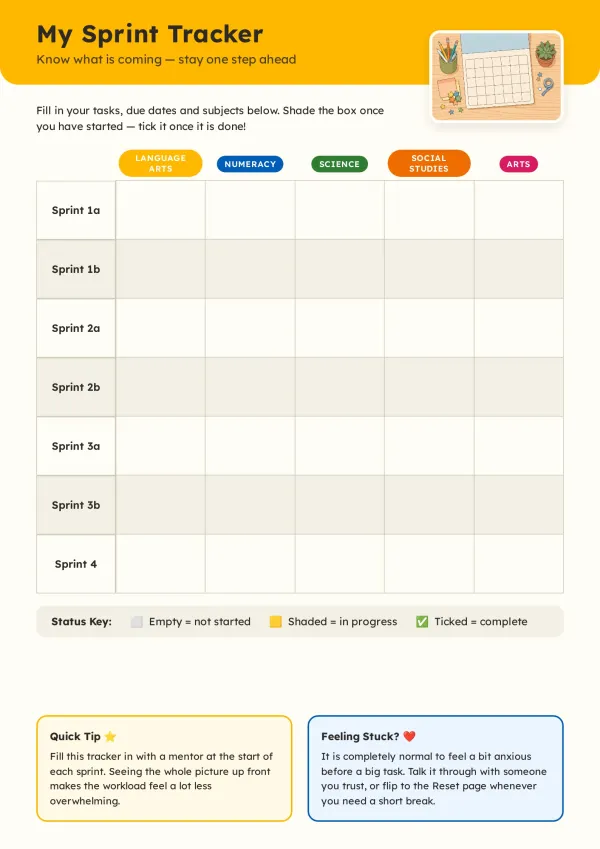
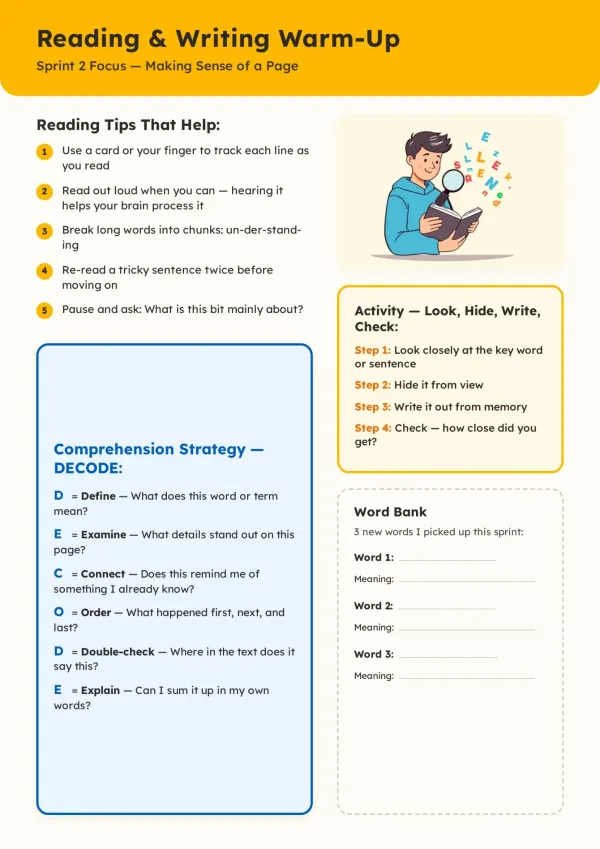
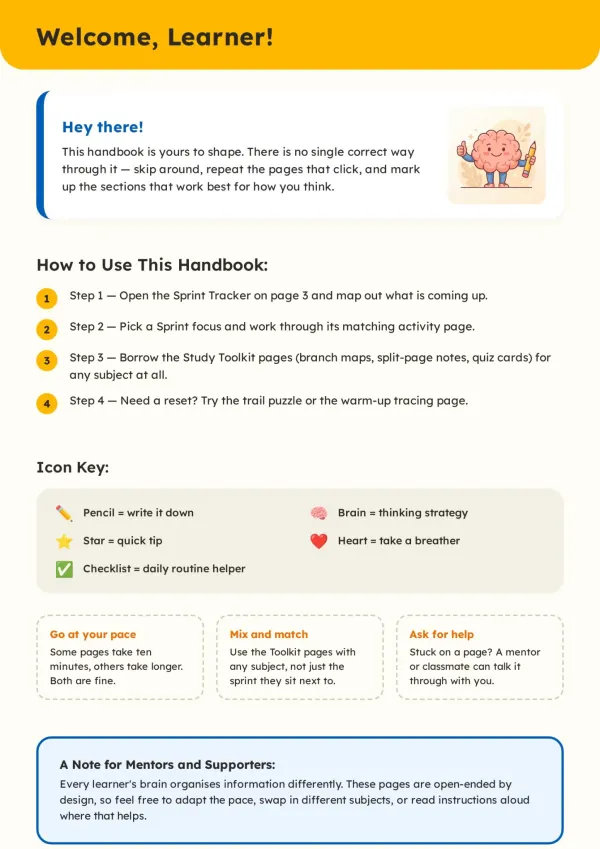
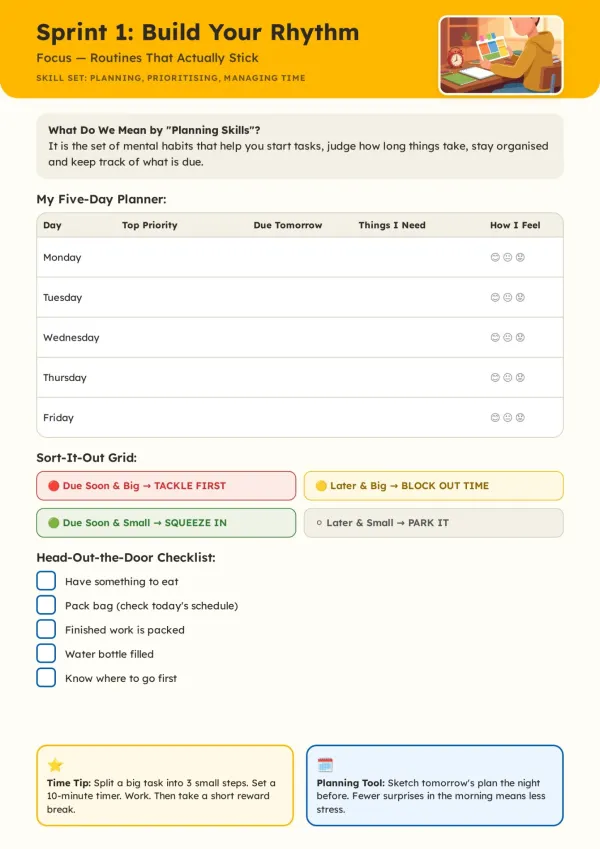
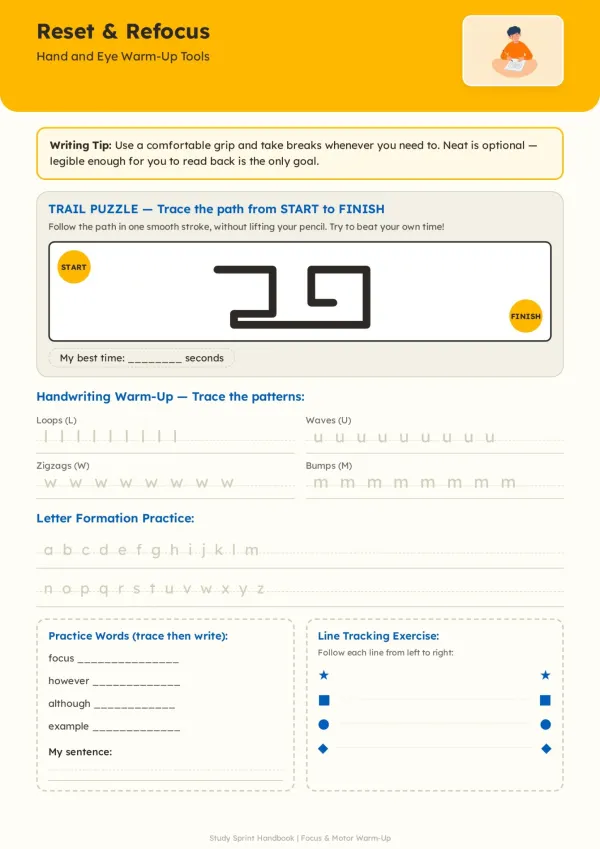
School magazines that follow the rubric
The assignment says digital magazine, 10 pages, references. Upload the rubric photo and your pictures, and feel relieved when every required section is already on a designed page.
For students
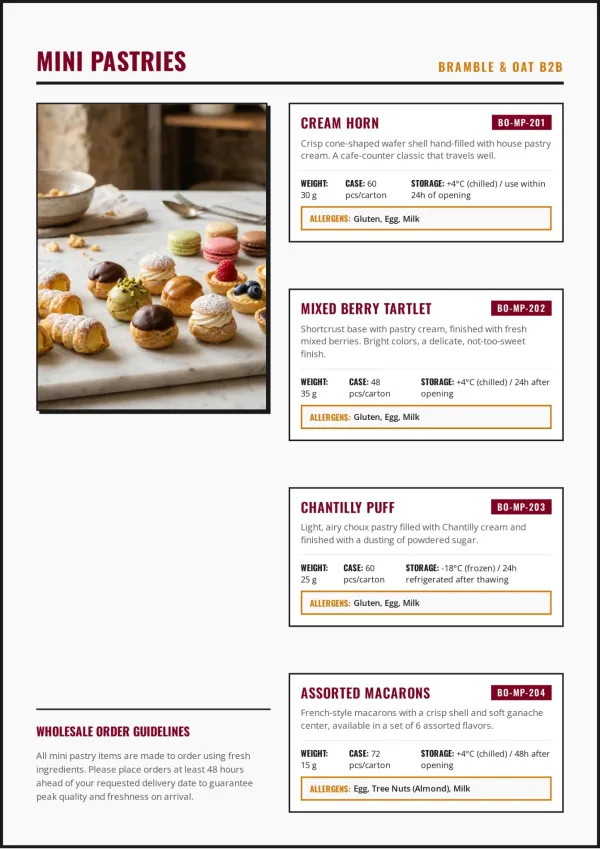
Redesigning an old flyer from a photo
The flyer works, it just looks dated. Snap it, say what to keep, and get a cleaner booklet with the same details and colours, ready to send with confidence.
For small teams & shops
What This Image to Booklet Tool Actually Does
For turning images to booklet pages that read well, not lining them up to fold.
Reads the Words in Your Images
A rubric, a brief, a screenshot of notes: AI reads the content, not pixels.
Redesign a Page From One Photo
Snap an old flyer or a page you made; get it back cleaner, same info.
Your Photos on the Page
Your own photos go straight onto the pages, showing your real people and places.
Copy a Look From One Screenshot
Show a page you love; the booklet follows its colours, fonts and layout feel.
Writes Back in Your Language
Message the agent in Spanish, French or Arabic; the booklet comes back in it.
Print-Ready at A4
Fixed 794x1123px pages export to PDF without text spilling or getting cut off.
Why Image to Booklet Needs More Than Page Order
Most image to booklet tools shuffle pictures into fold order. Every page still looks like a photo of a page.
Page Order Is the Last Step
Fold-order apps print images 4-1-2-3. Nothing in them gets read, cleaned up or laid out again.
Content First, Then Layout
AI reads headings, lists and captions in your images, plans the outline, then designs each page.
Your Words and Photos Kept
Ask for text read from your images word for word, or finished pages placed untouched, one per page.
Your time is worth a subscription
Spend your hours on the idea — we'll handle the design
Image to Booklet FAQ
What people ask before uploading their first batch of images.
1
How do I convert an image to a booklet?
Upload your images and say what the booklet is for. The agent reads them, asks about audience and purpose, shows an outline, then designs 8-15 A4 pages you can export as PDF.
2
How is this different from apps that put images in booklet order?
Tools like Online2PDF or the PDF & Images to Booklet app reorder finished pages for folding. This image to booklet converter reads the content and designs new pages around it. Only need fold order? Try the A4 booklet maker
3
Can it read a rubric, brief or notes from a photo?
Yes. Text inside your images is read as source material, so a rubric or brief can steer the outline. Straight, well-lit shots read best, and you check the outline before pages are built.
4
Can I redesign an existing flyer or page from a photo?
Yes. Upload a photo or screenshot of the page and say what to keep. The agent can match its colours and fonts, or give it a fresh look with the same information.
5
Do I have to write anything with my images?
Not much. The agent looks at your images first, then asks a few quick questions about what you want. A single line like "make this a menu booklet" is enough.
6
Will it change the text in my images?
Only if you ask. Say "keep my wording" and the text read from your images is used word for word; otherwise the agent may tighten it to fit the layout.
7
Will my photos be used, or replaced with AI images?
Your call. The agent asks where images should come from: your own photos, AI illustrations, web image search, or no images at all.
8
Can I keep my images exactly as they are, one per page?
Yes. If your images are already finished pages (three or more), say you want them kept as-is. Each is placed on its own page, and you choose whether to fill, fit or trim.
9
Which image formats and how many images can I upload?
JPG, PNG, WEBP and GIF, up to 150MB each and 10 files per message. Send more in the next message. HEIC isn't supported, so export those as JPG first.
10
Can I make an image to booklet online free?
Yes. Image to booklet online free starts with credits on sign-up, no credit card. Free booklets carry a small watermark on the cover; paid plans remove it.
11
Can I mix images with a PDF or Word file?
Yes. Upload documents next to your images: the document supplies the text, the images supply photos or the look you want. Working mainly from a PDF? See PDF to booklet
12
Does it work with non-English images?
Yes. The booklet follows the language you write to the agent in, whether that's Spanish, Portuguese, French, German, Japanese or Chinese.
13
How many pages will my booklet have?
Usually 8-15 pages including the cover, sized to your images. You can change the page count when the outline appears, before anything is designed.
14
Can I edit a page after it's generated?
Yes. Use AI Edit to describe a change, or Quick Edit to drag, retype and swap images yourself. Quick Edit doesn't use credits, and other pages stay untouched.
15
When should I use something else?
If you want a hardcover album printed and shipped, use a print service. This image to booklet converter makes a designed digital booklet and a PDF you print yourself. Have a .docx instead? Try the Word to booklet converter
No design skills needed for your booklet
The agent researches, writes and lays out every page. You just describe it.
What Actually Happens to Your Images
Most image to booklet tools only reorder pictures. Here's what the agent reads from yours, and what it turns them into.
Every picture is read before anything is laid out
Photos, scans and screenshots are looked at first, so the outline is built from what's actually in them. What works, and what to watch for, is listed plainly here.
The layout follows what your images are
There isn't one template underneath. What you upload, and what you say it's for, decides how the pages are built.