A6 Booklet Maker, Pocket Pages Designed for Print
Paste your text or upload a file. The A6 booklet maker designs and illustrates every 105×148 mm page, ready for print.
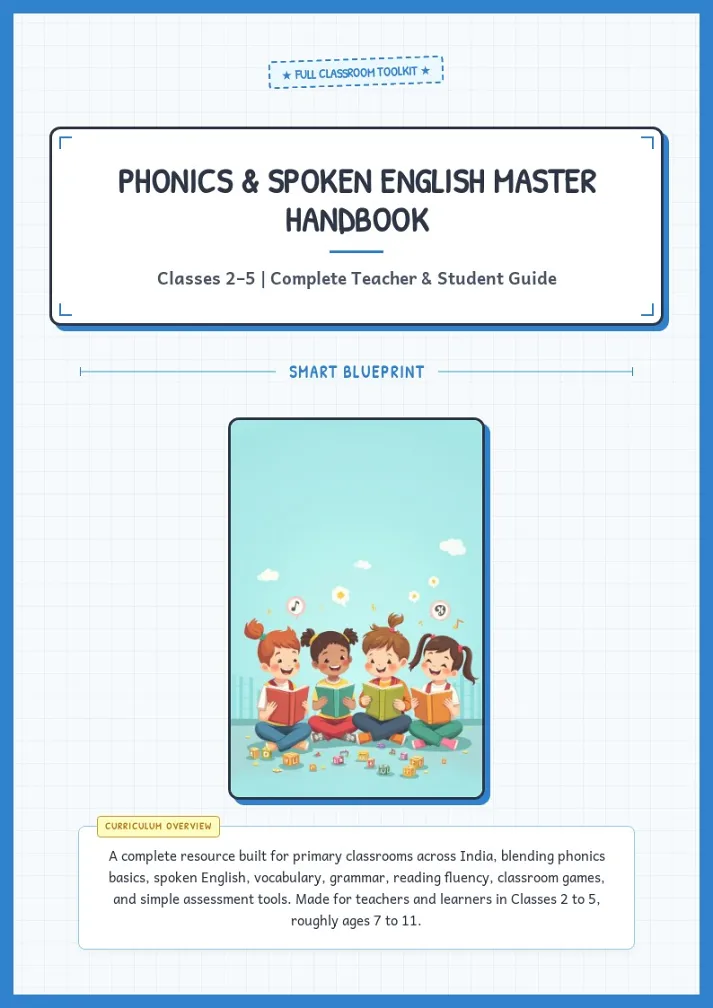
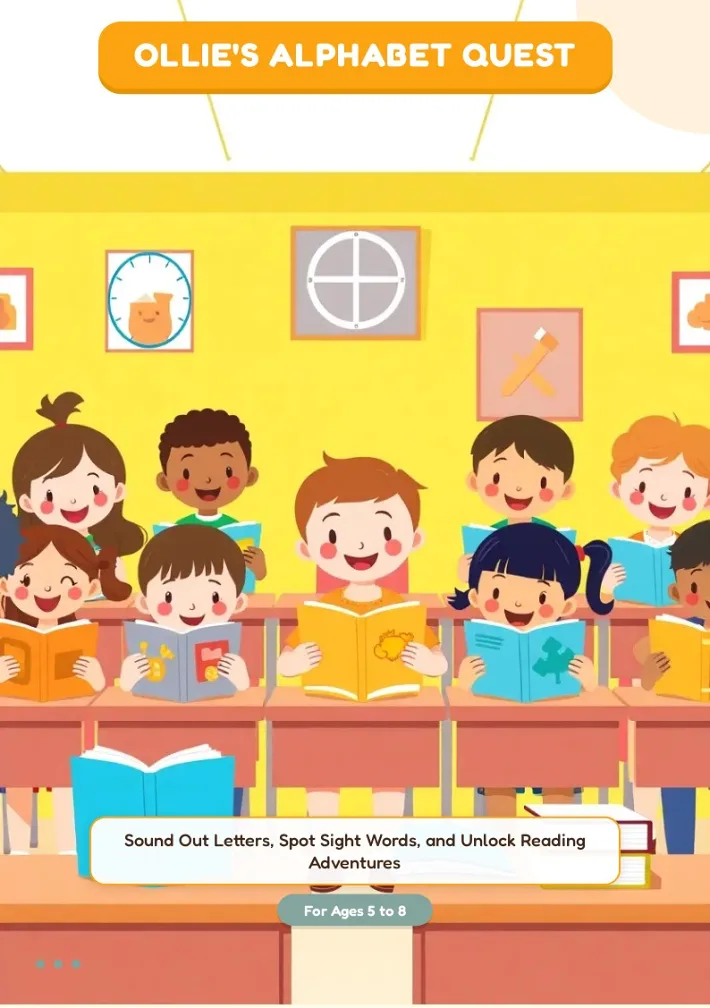
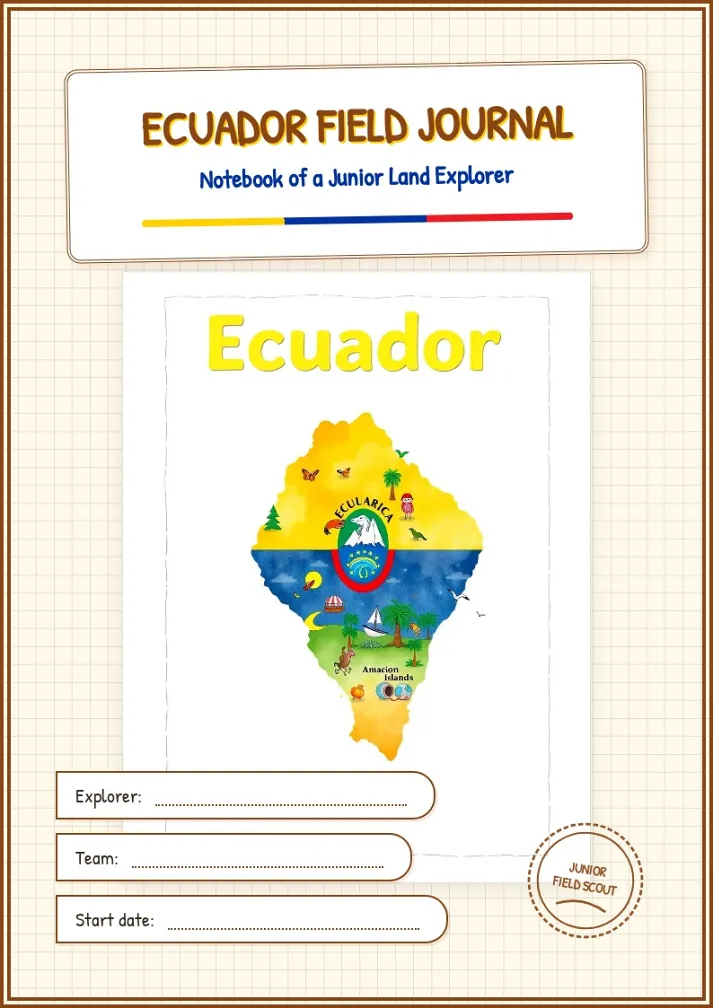
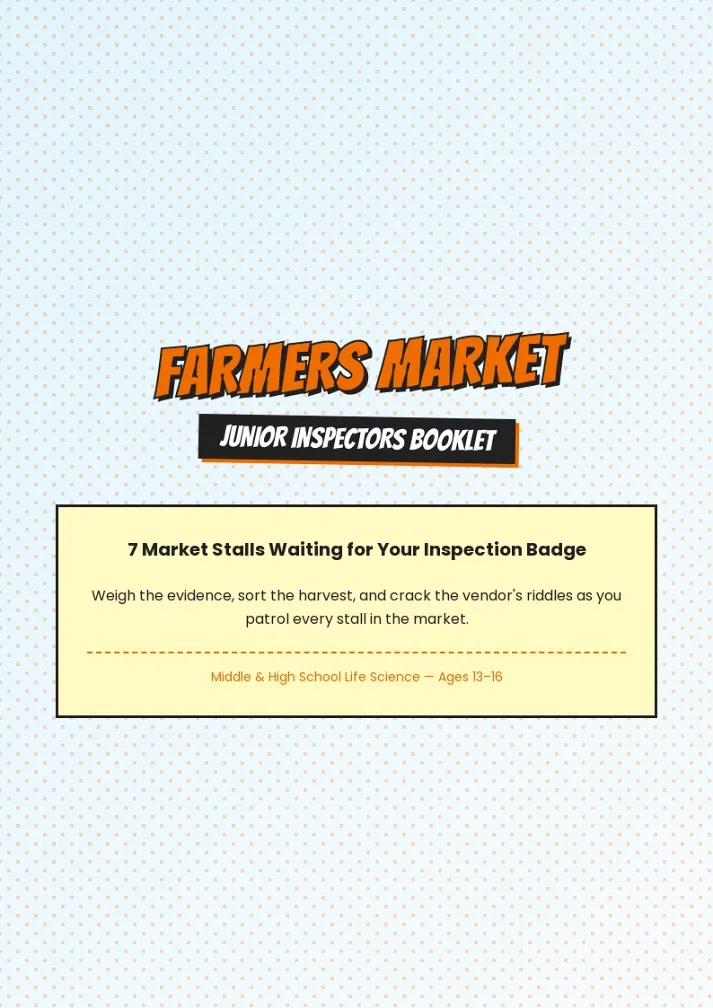
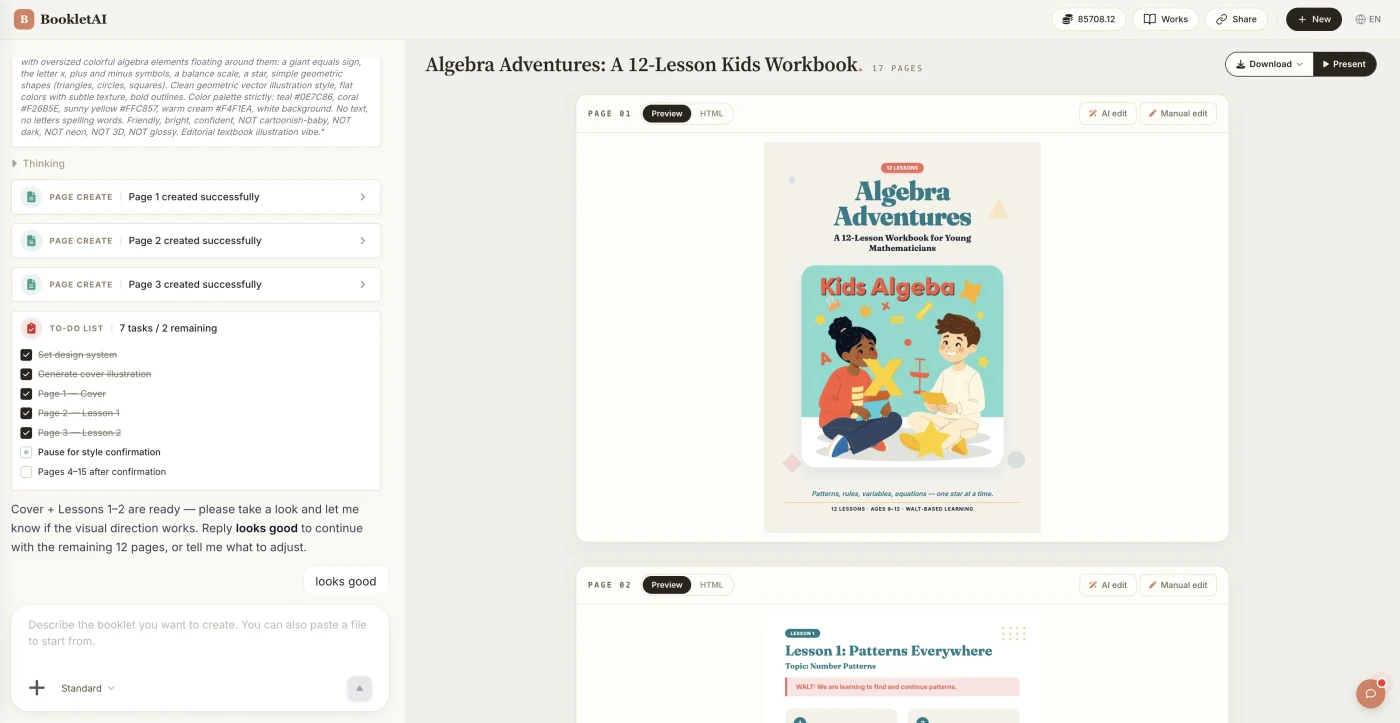
Using the A6 Booklet Maker, Step by Step
From your text or file to a print-ready A6 booklet.
Choose A6 and add your content
Pick A6 from the booklet sizes in the page layout menu, then paste text, upload a Word or PDF file, or name a topic.
Confirm pages, outline and style
The agent proposes pages, an outline and a design style. Ask for multiples of four for a saddle stitch booklet.
Edit, then print A6 booklet copies
Fix any page with AI Edit or Quick Edit, then download the Print PDF, the HTML, or share a link.
Who Uses an A6 Booklet Maker
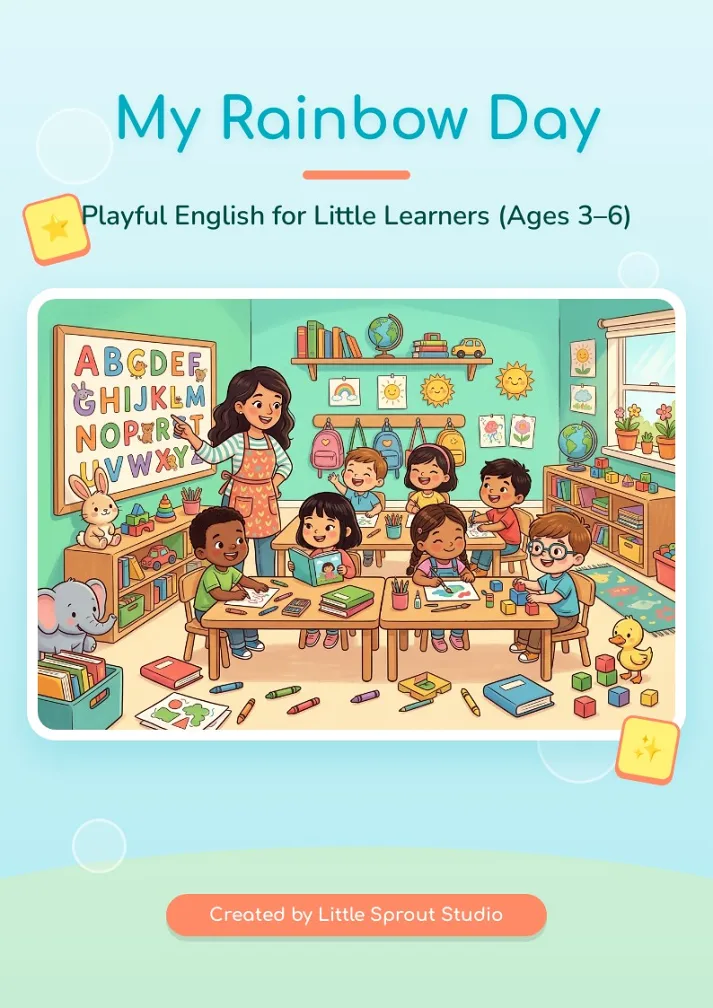
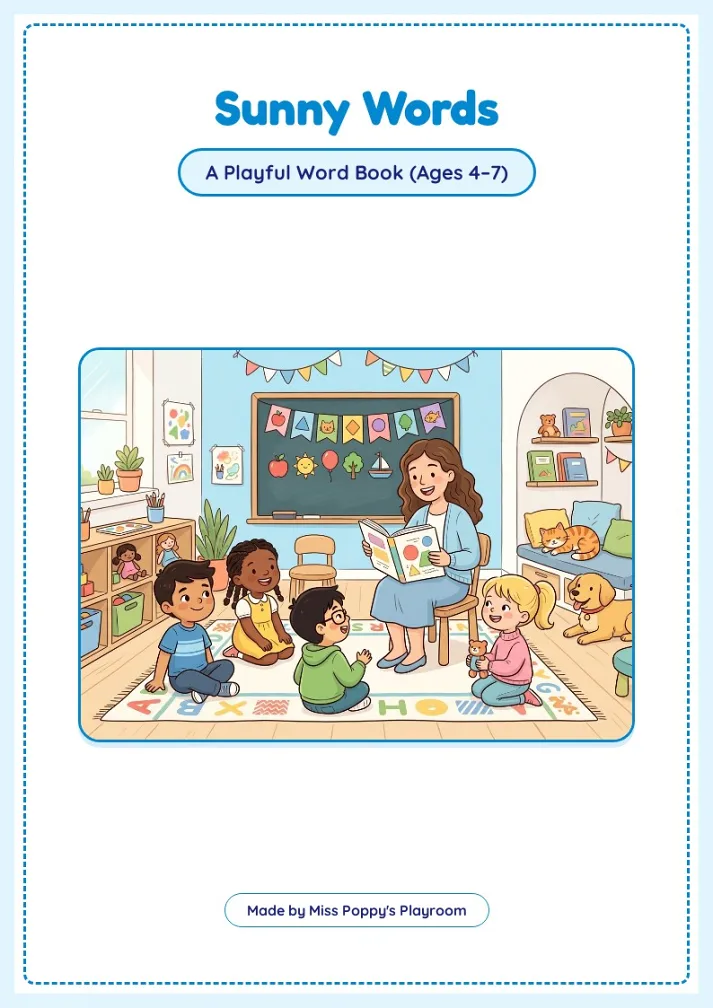
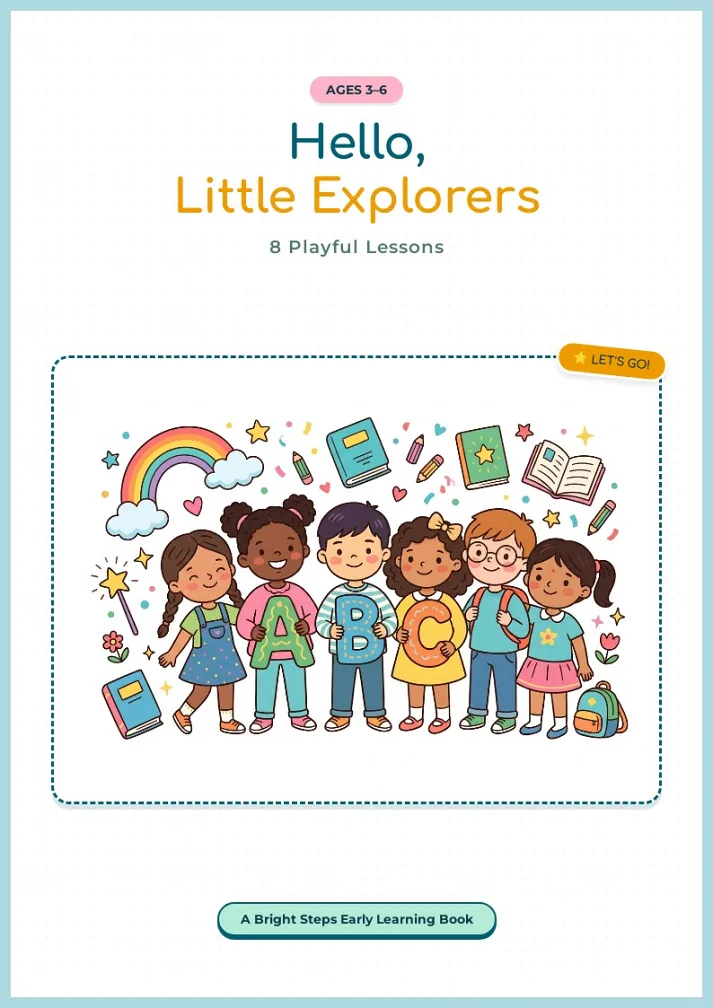
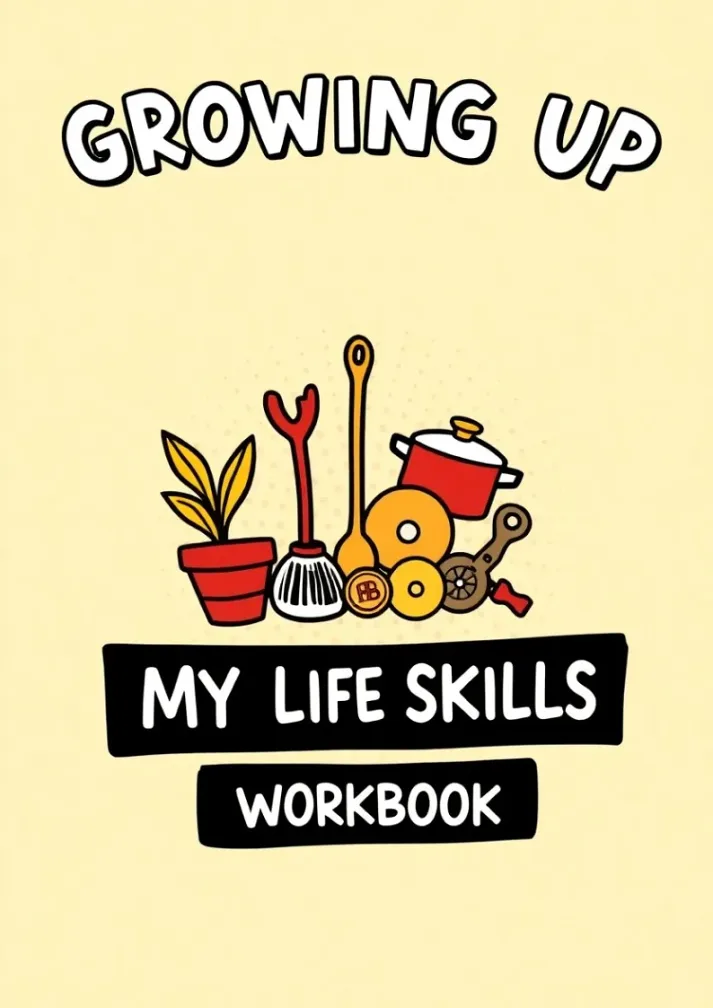
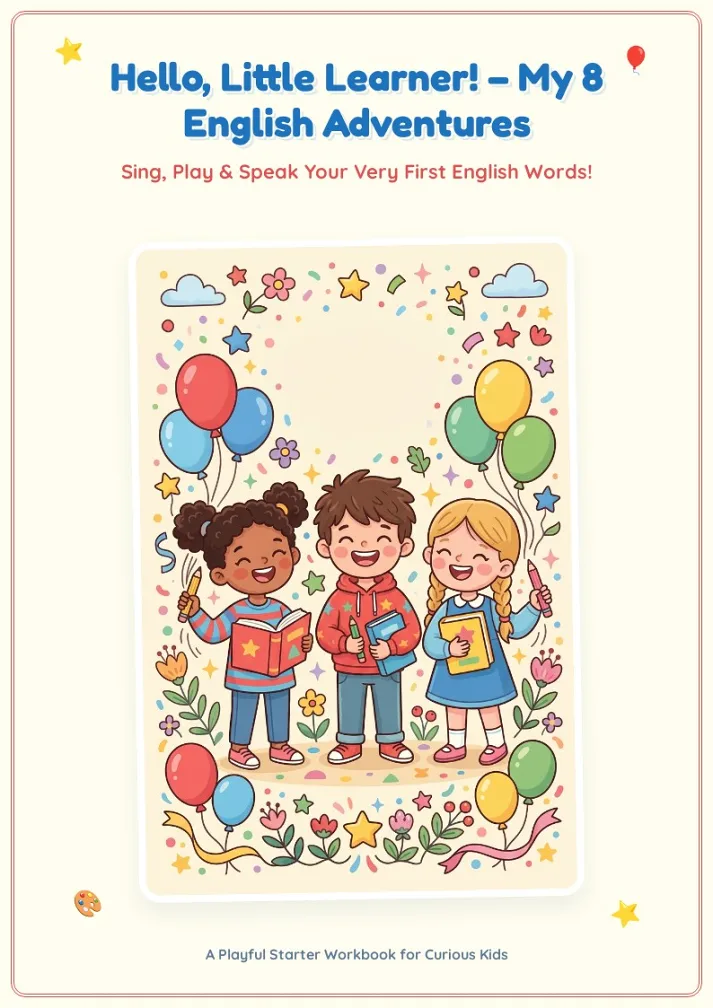
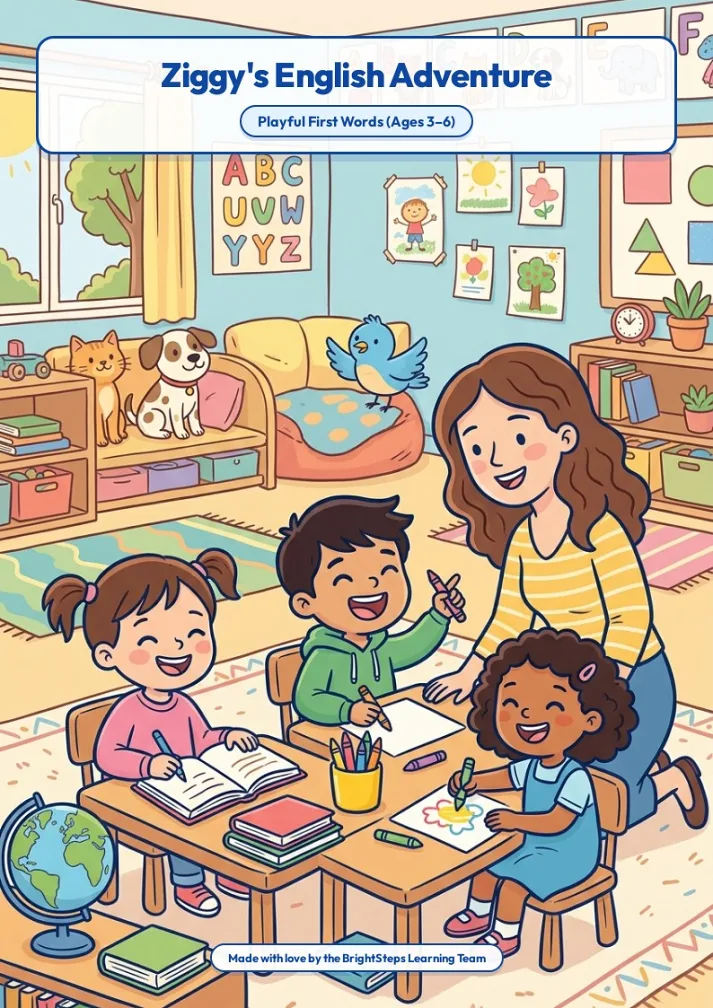
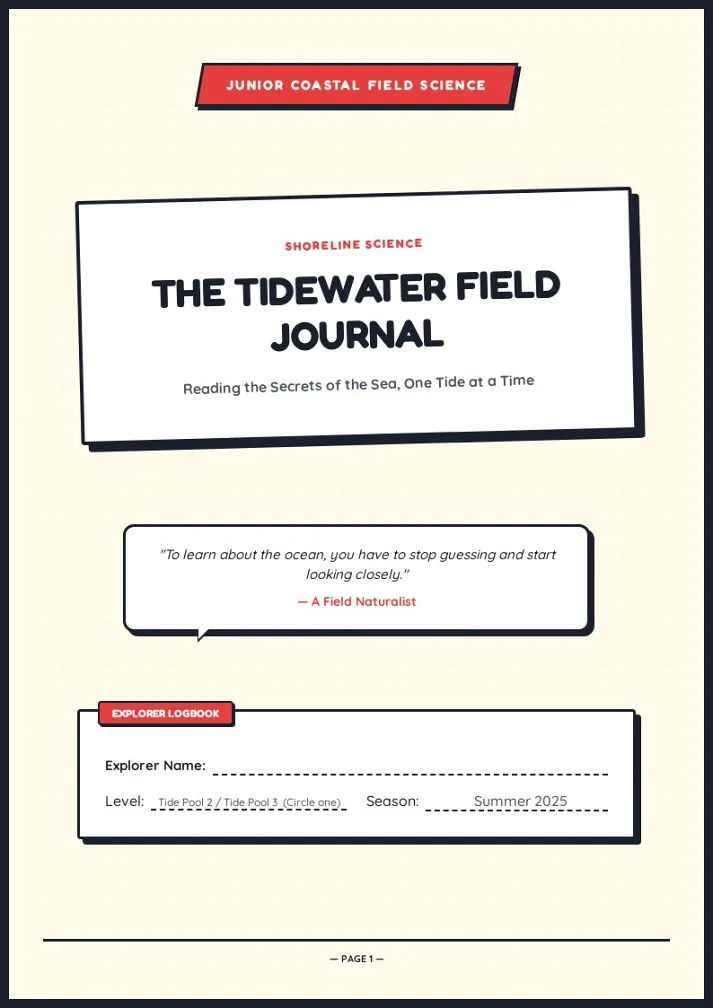
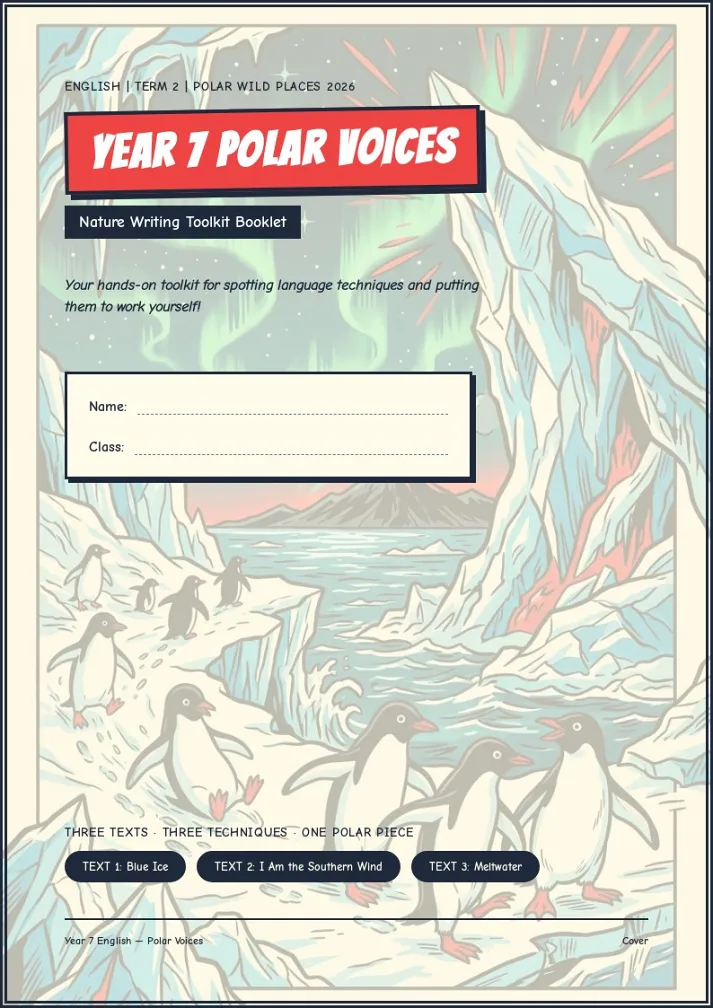
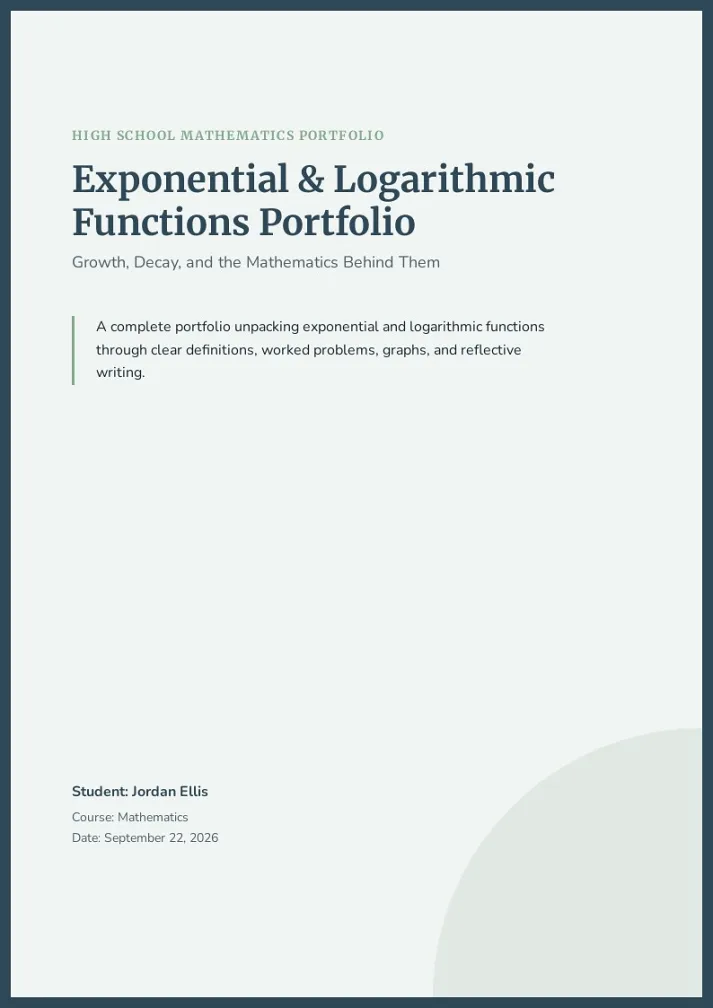
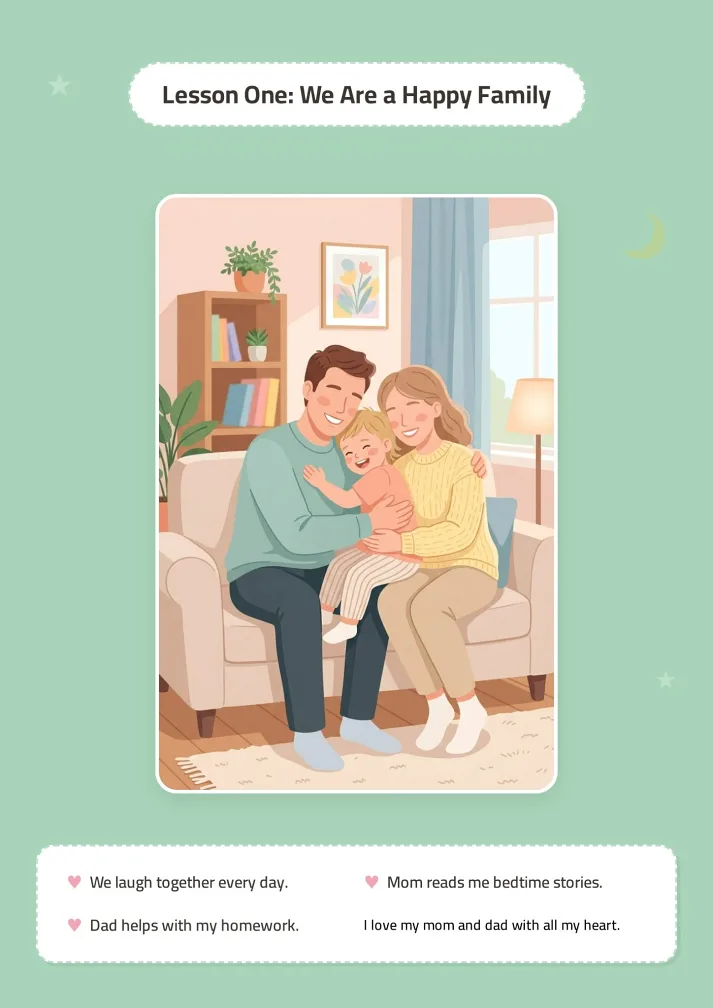
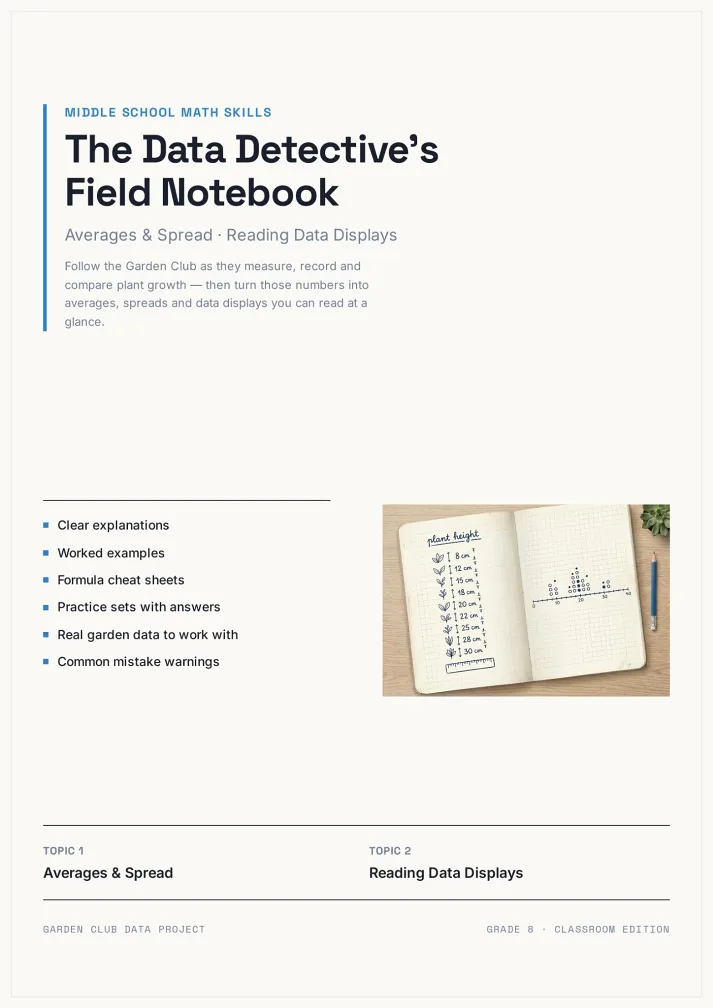
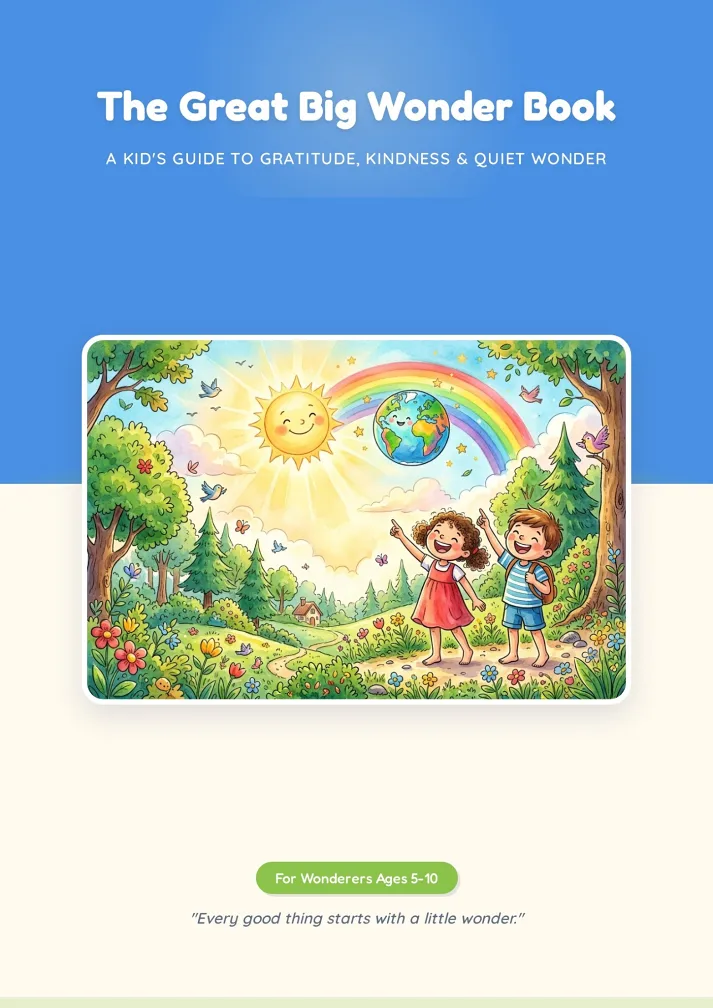
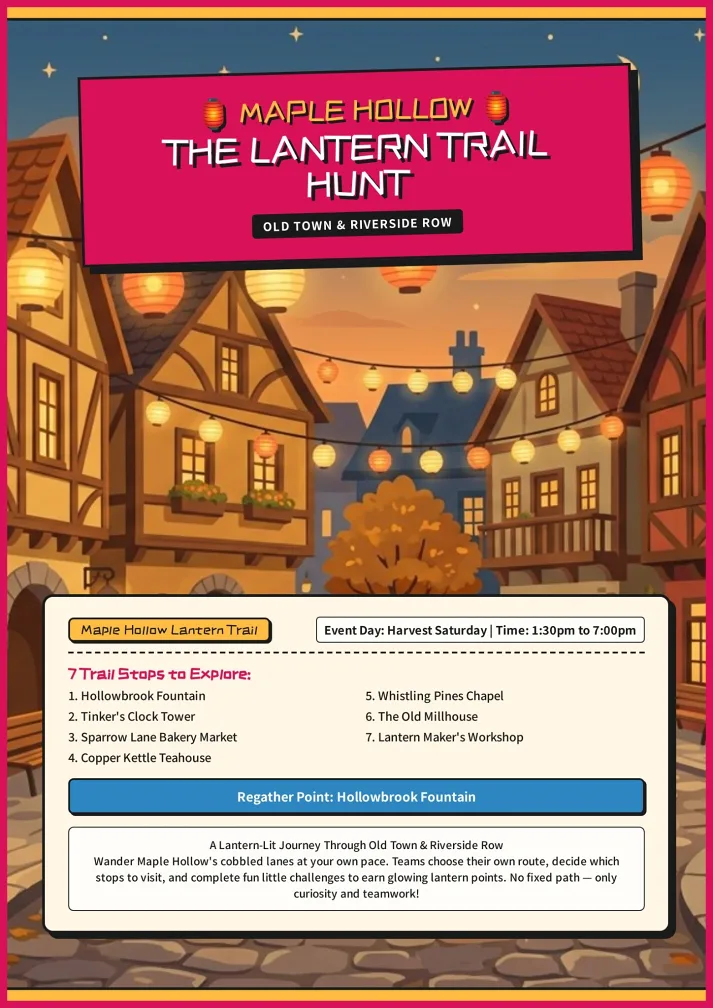
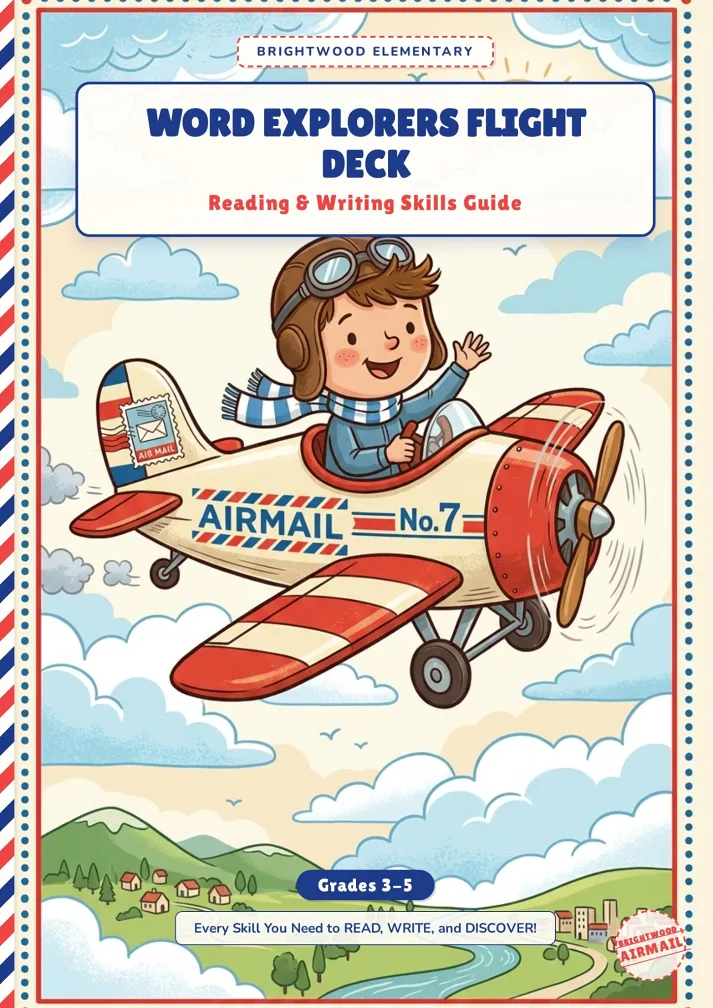
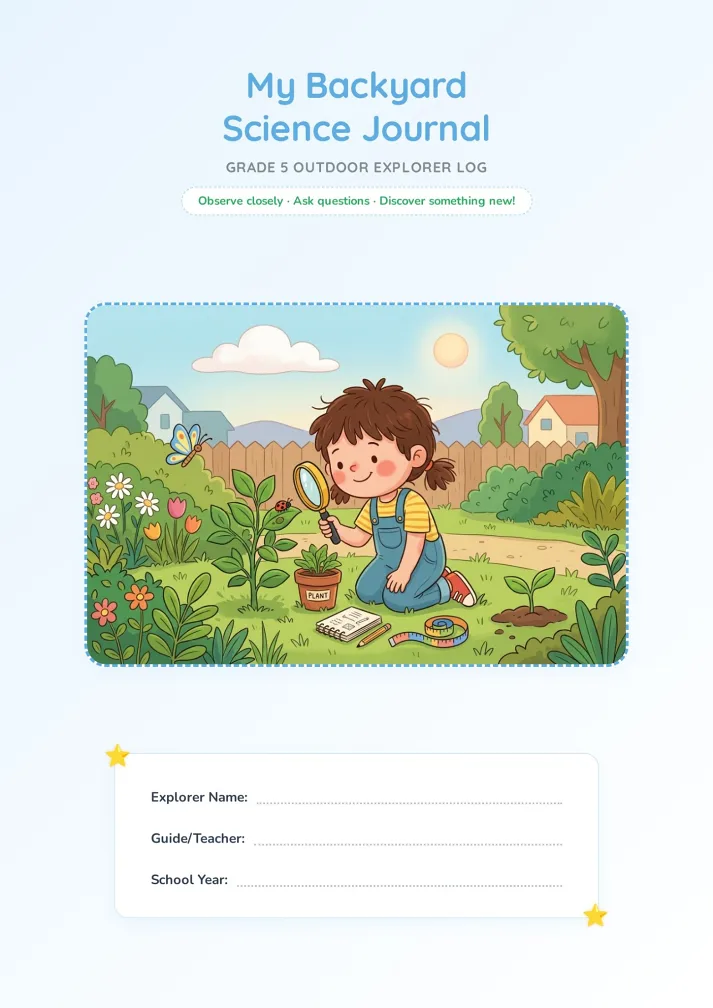
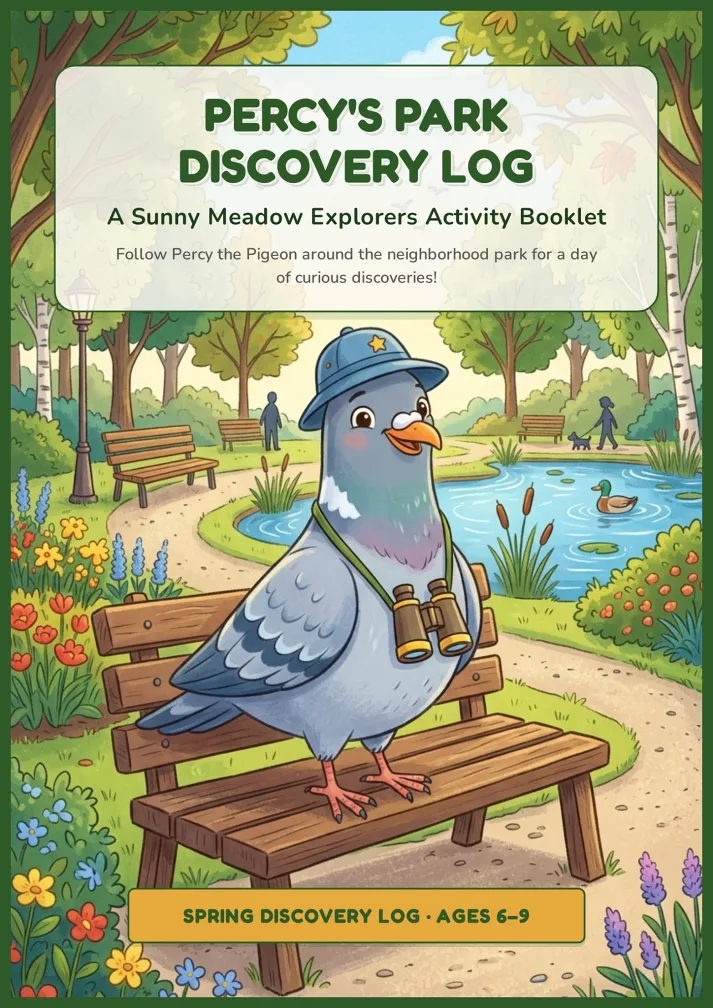
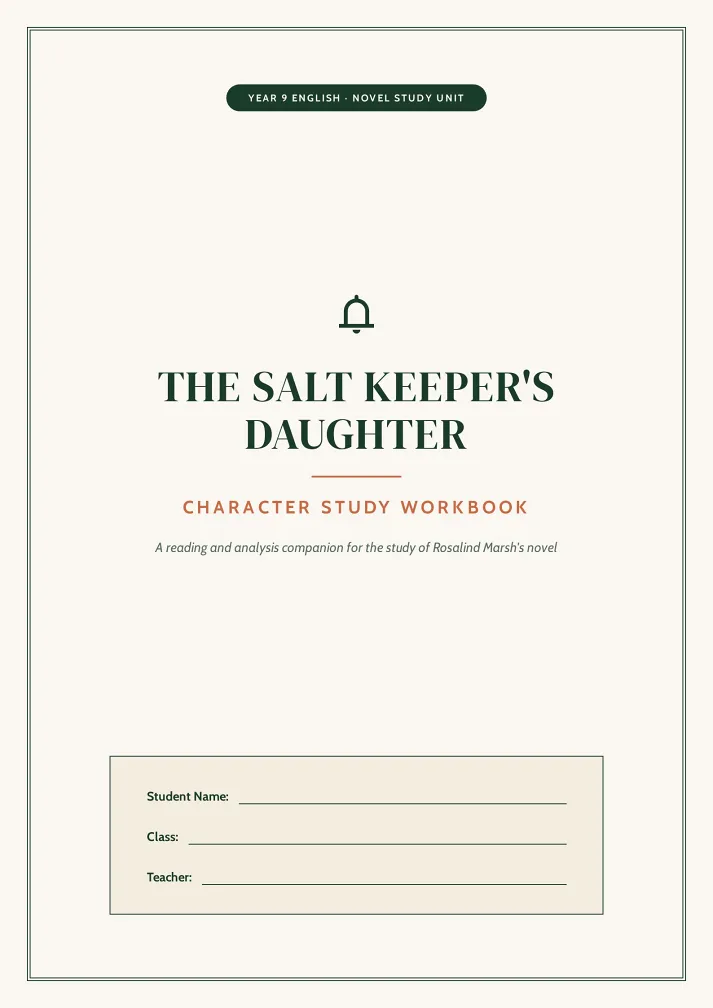
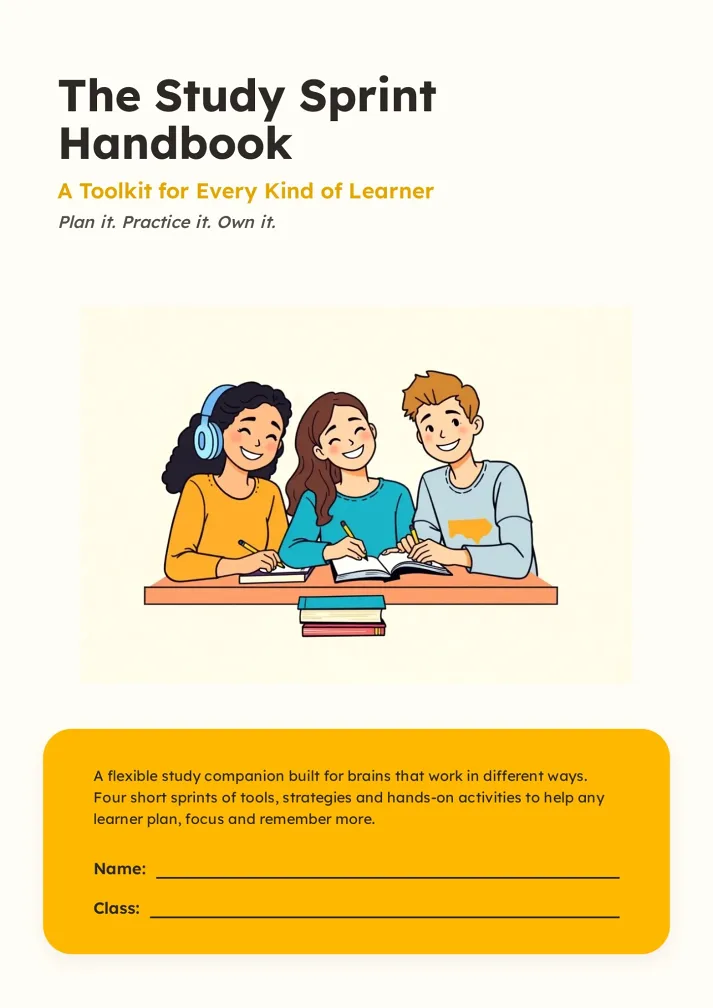
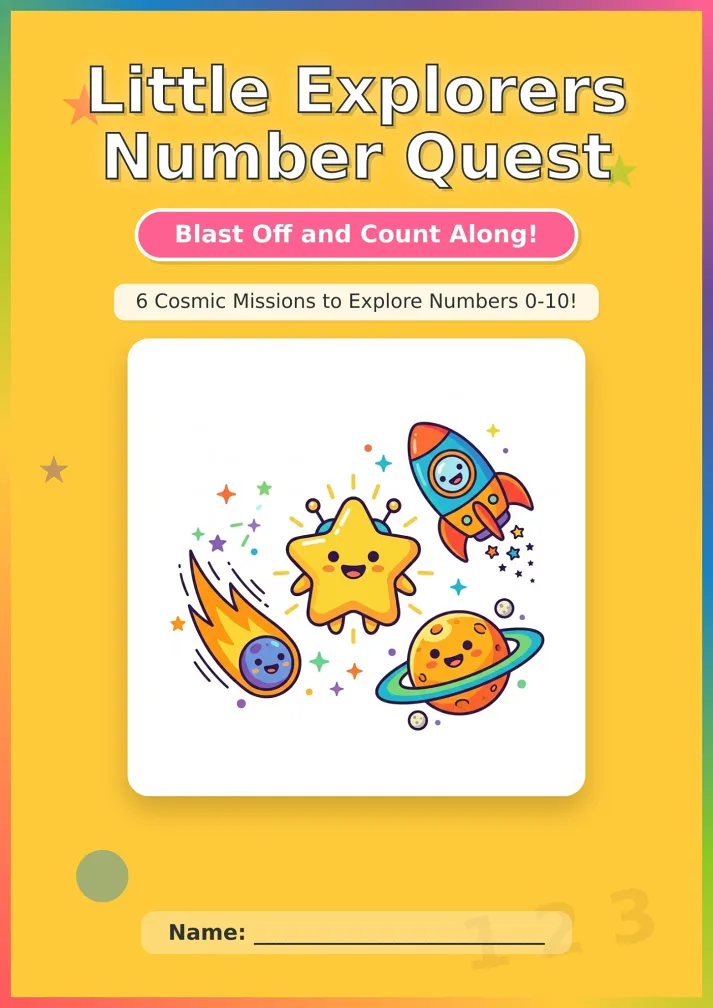
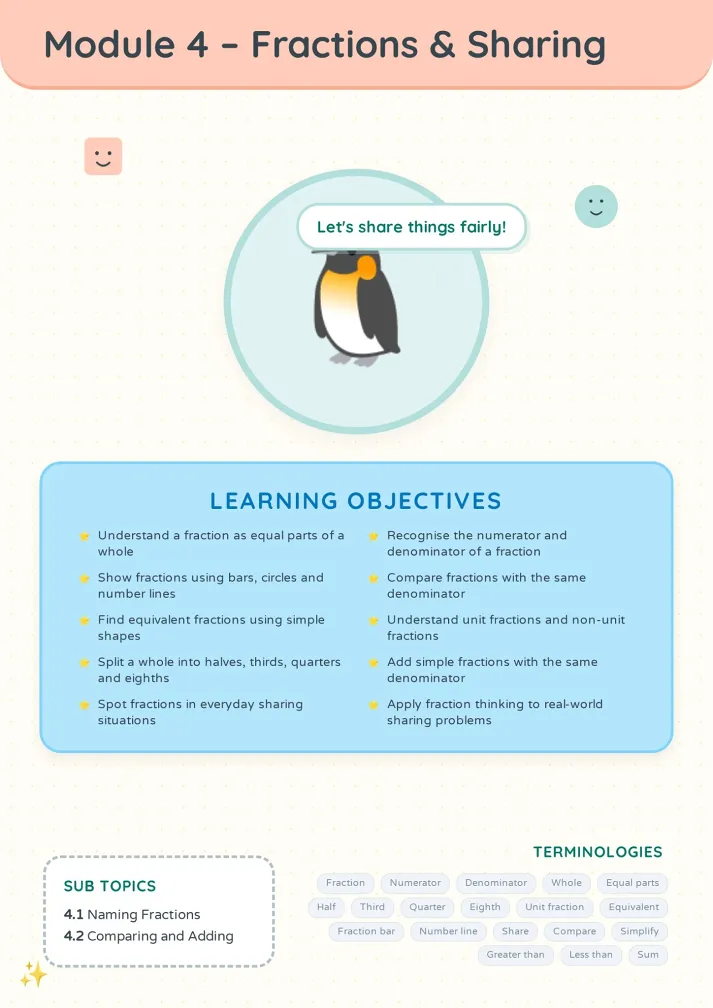
Mini booklets made with the A6 booklet maker that people keep.
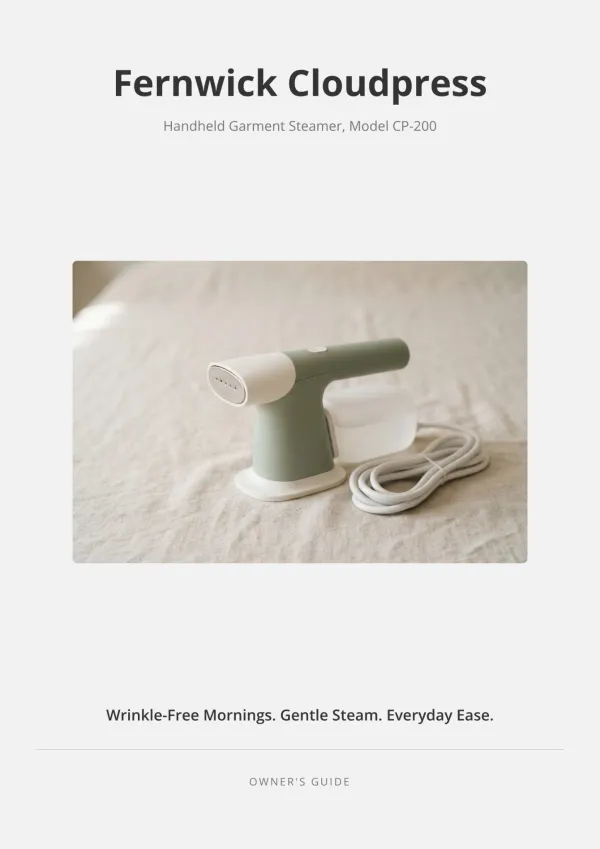
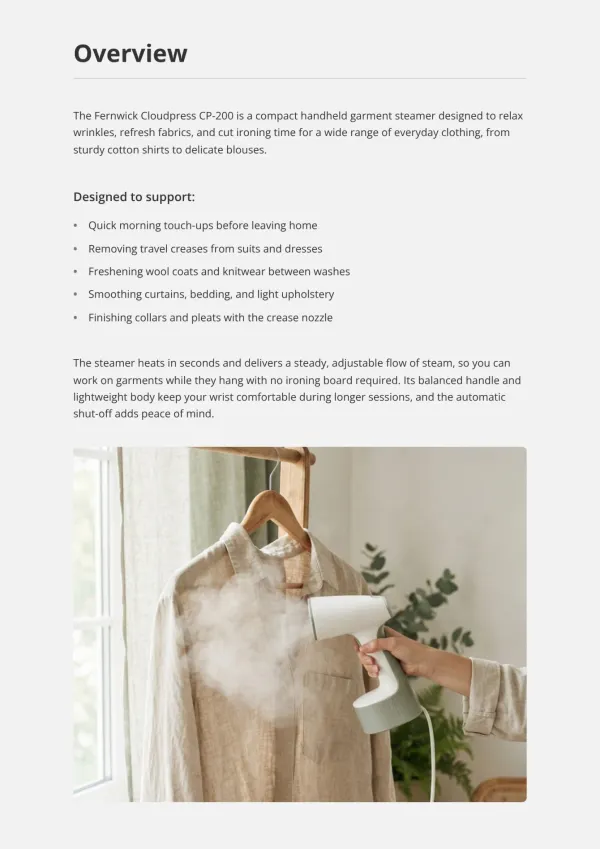
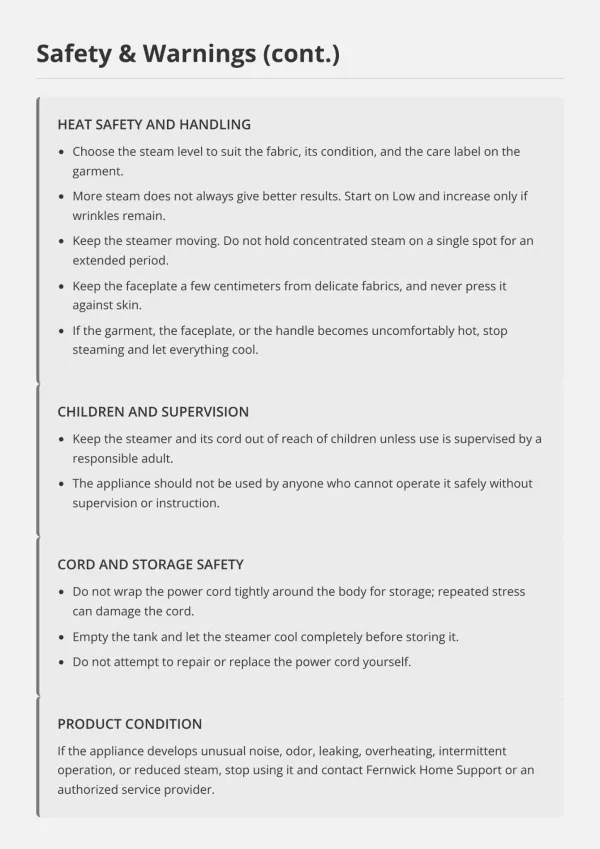
Product makers
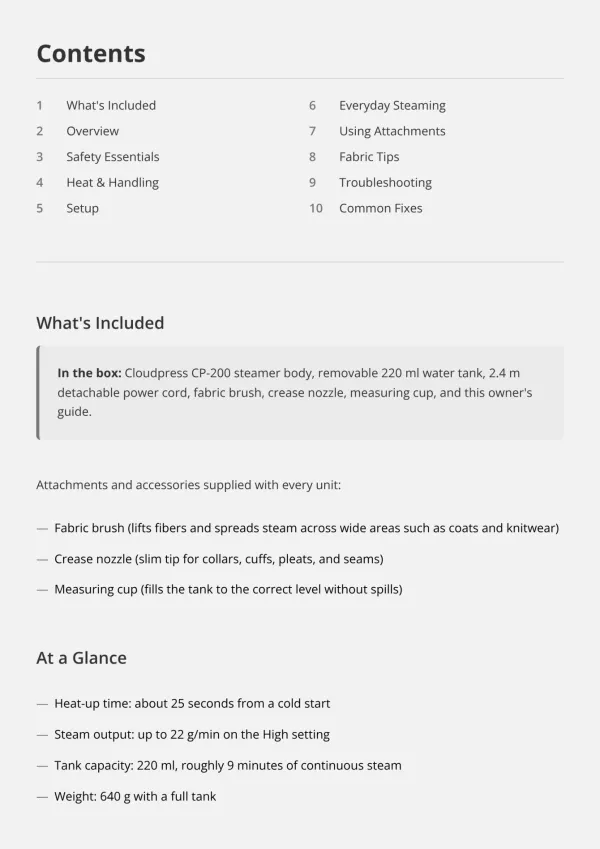
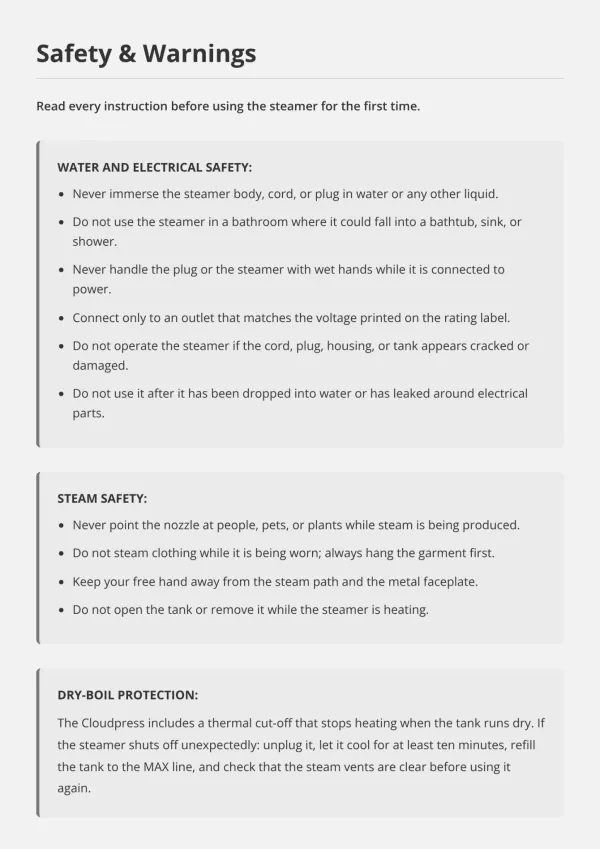
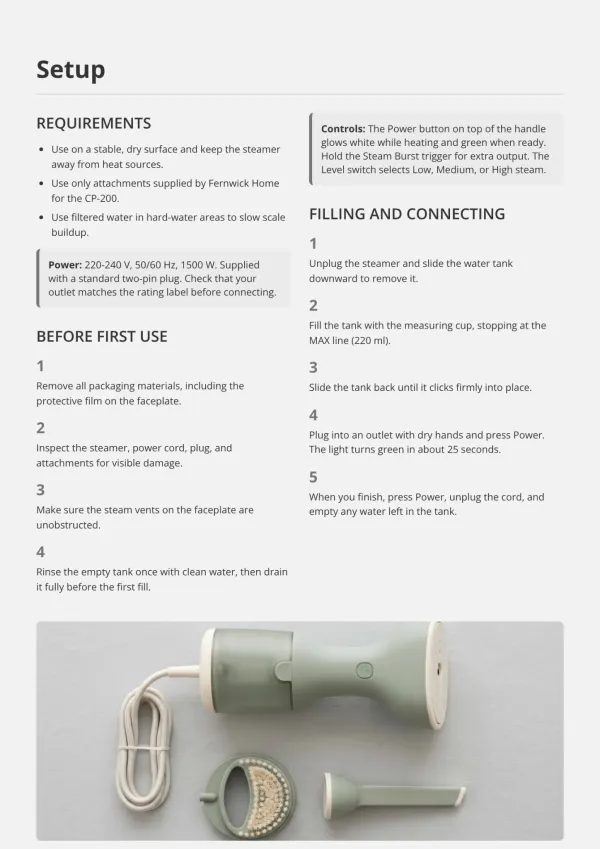
Your user manual has to fit inside the box. Upload the Word file, keep the safety notes word for word, and print A6 booklet inserts you feel proud to ship.
For product inserts
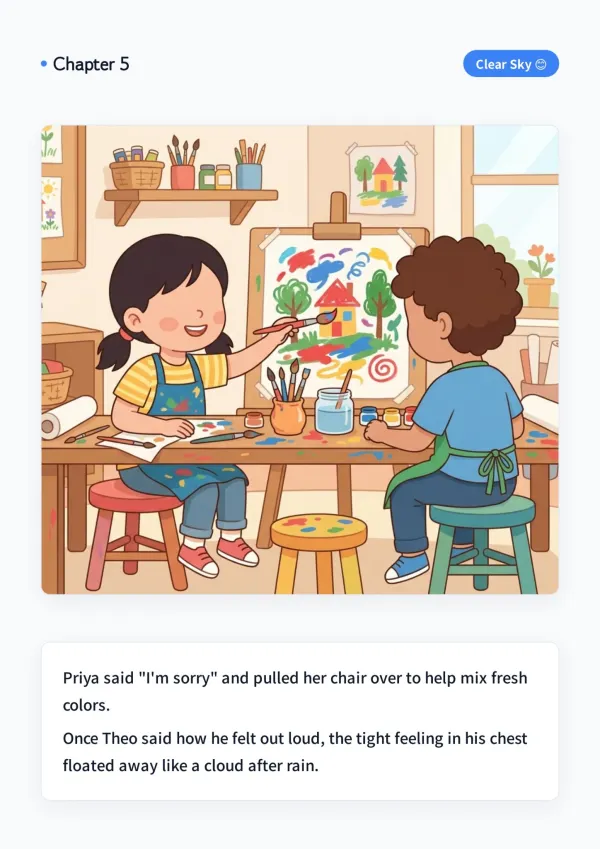
Parents and teachers
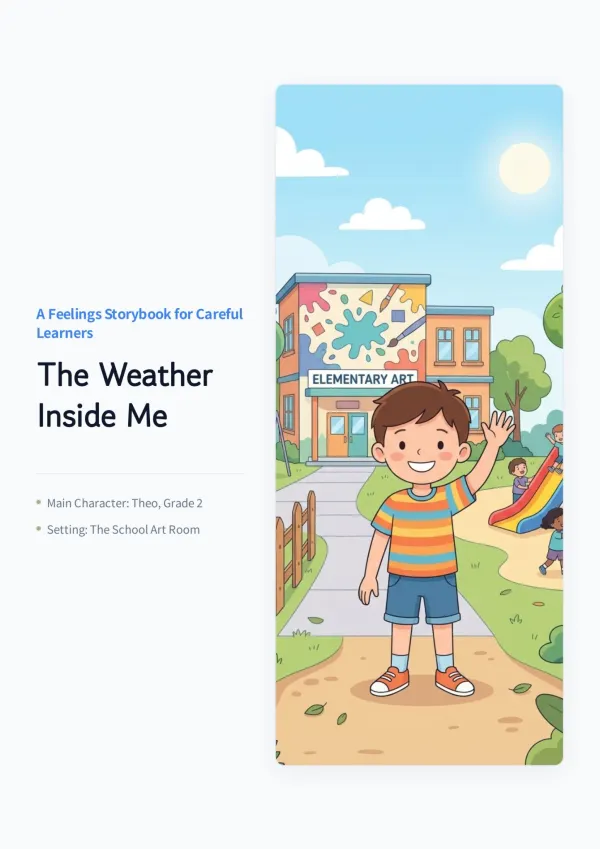
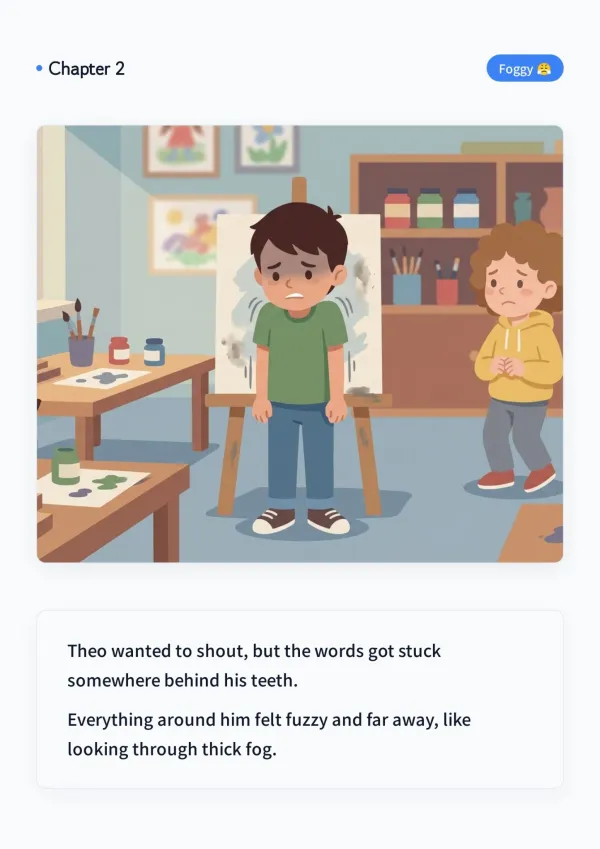
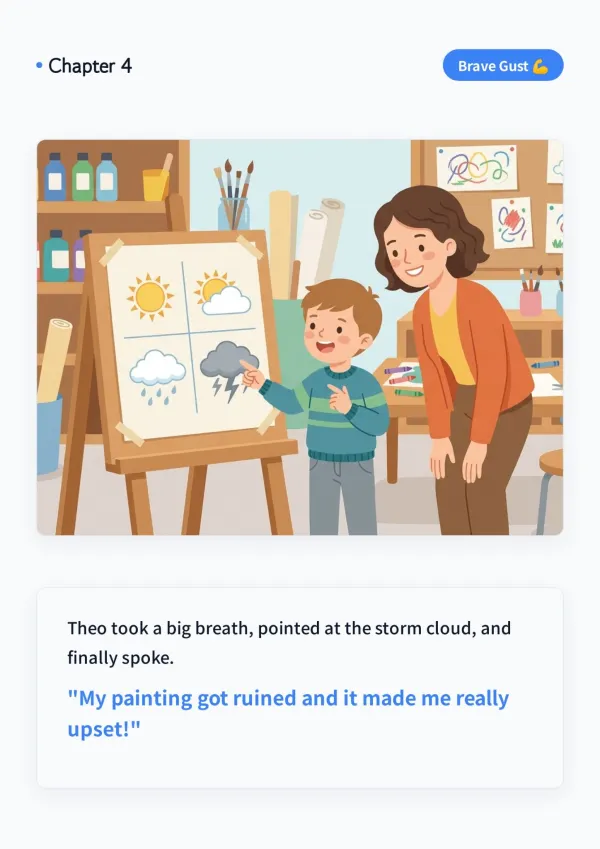
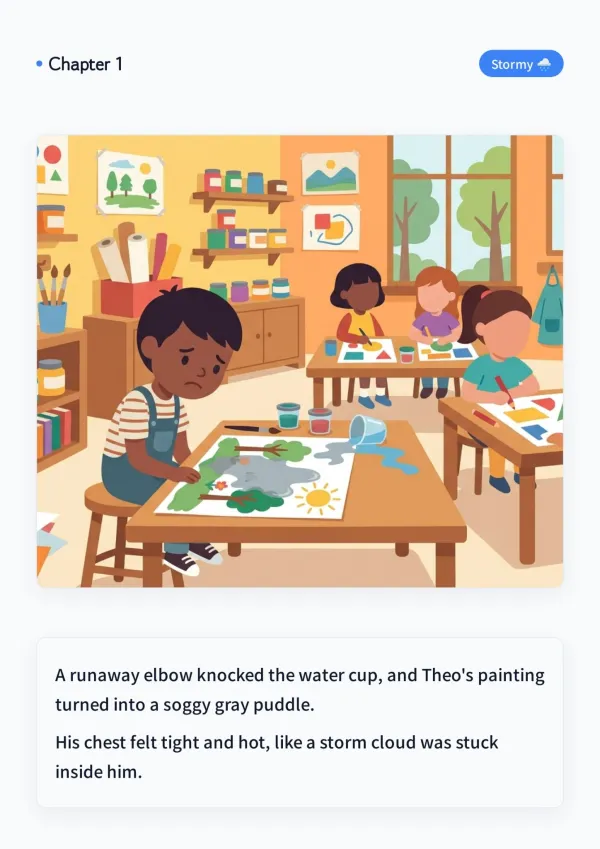
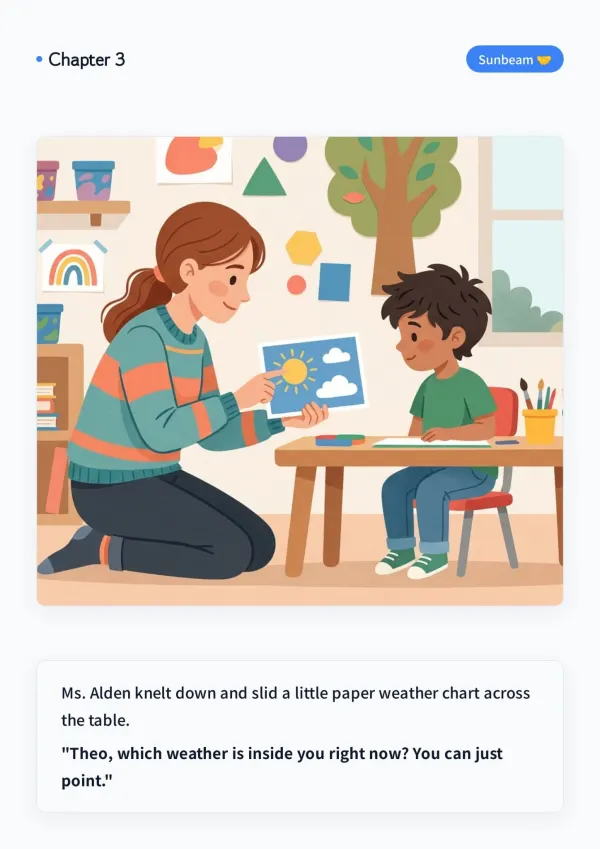
You wrote a story for a child in your own language. Paste it in and get an illustrated mini booklet small hands can hold, ready to print at home.
For bedtime stories
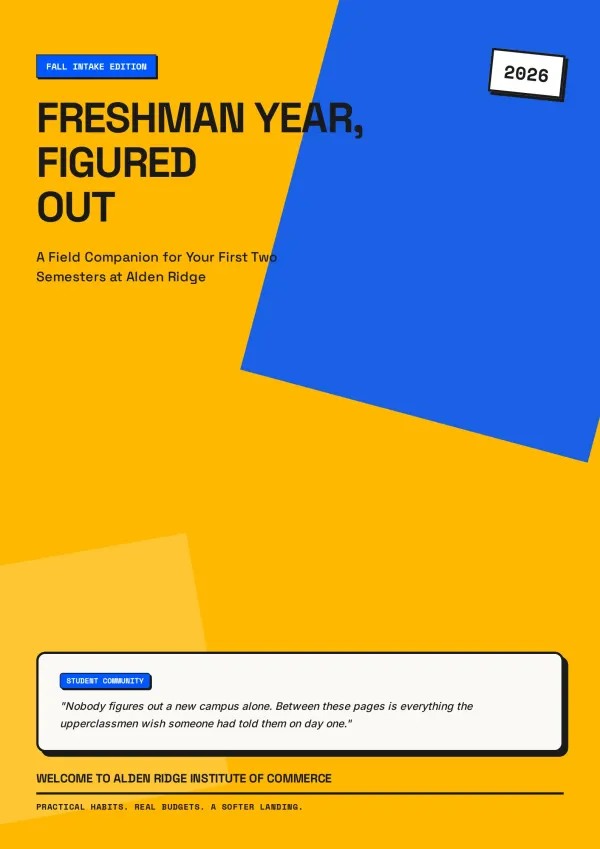
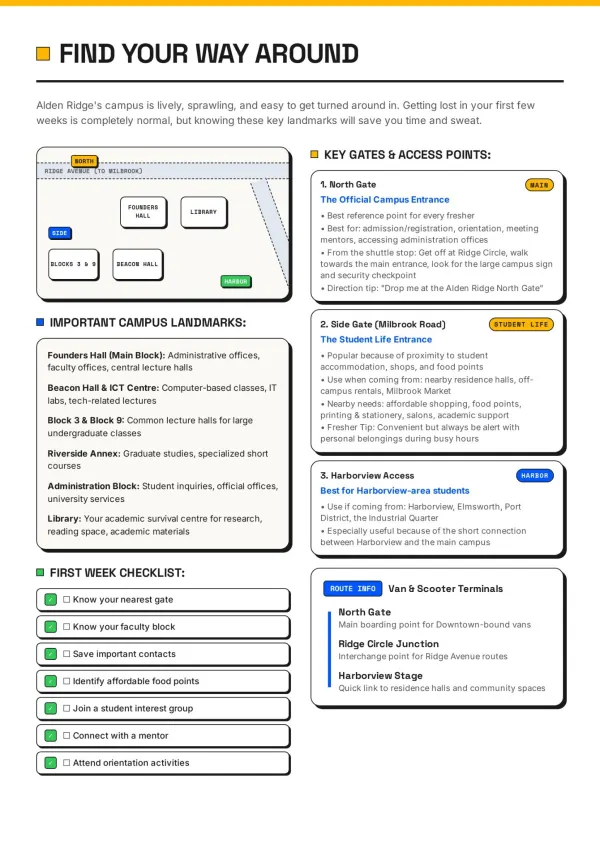
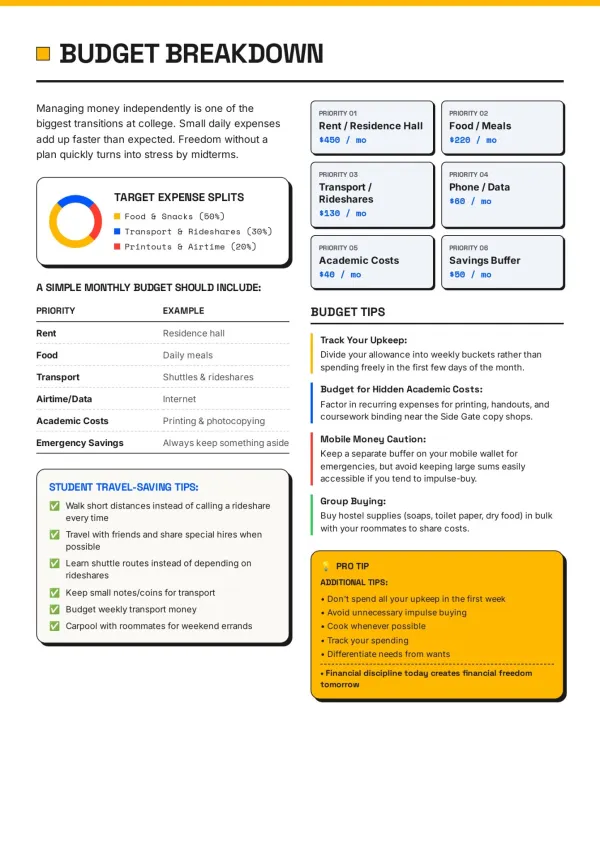
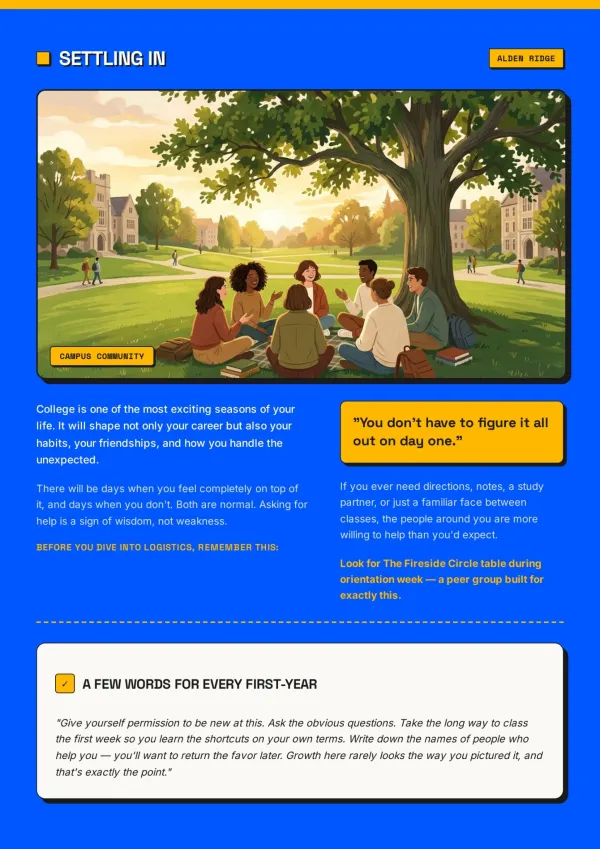
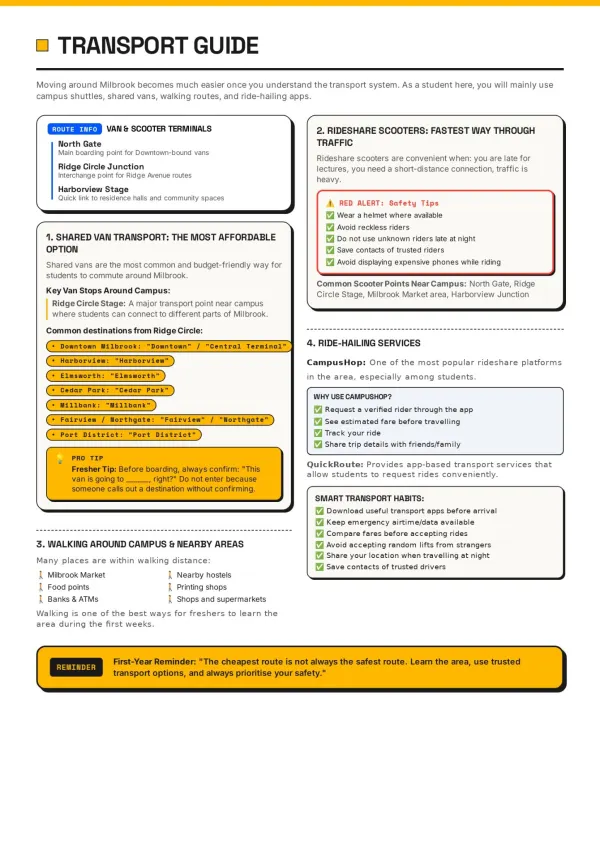
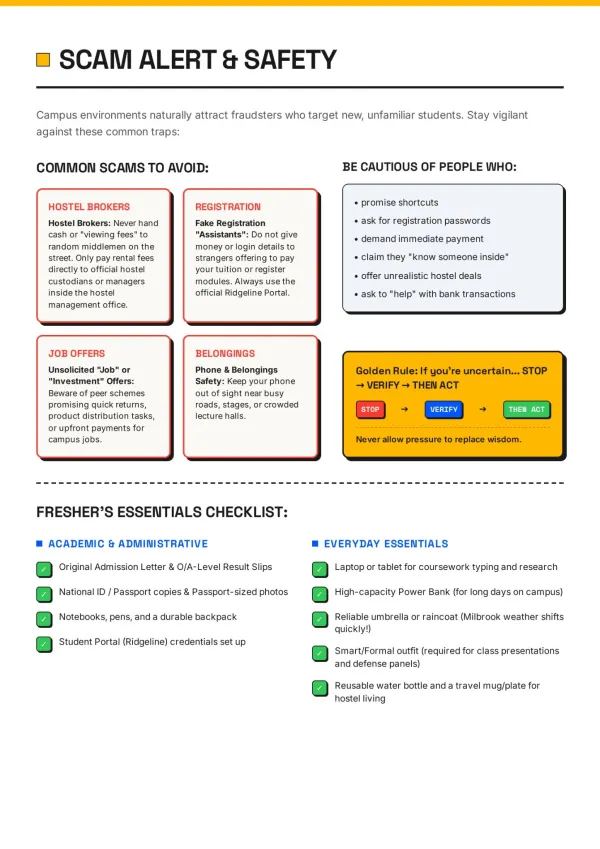
Students and trainers
A small booklet for study notes or a workshop that fits a jacket pocket. Name the topic, approve the outline, and feel relieved it is designed before class.
For pocket guides
What the A6 Booklet Maker Does for Small Pages
A small booklet leaves no room for clutter. Every A6 page is planned, written and designed to fit.
Bring the content you have
Paste a story or upload a manual, PDF or photos; it becomes your A6 pages.
Booklets in your language
Write in Italian, Spanish or Russian and get a pocket booklet in that language.
Laid out at true A6
Every page uses the A6 booklet size, 105×148 mm, with about 50 words each.
Asks before it builds
The agent checks audience, purpose and style first, so tiny pages stay focused.
Illustrated to fit
AI images or real photos are sized for a mini booklet page, not a poster.
Print PDF with bleed
The Print preset adds 3 mm bleed and crop marks for A6 booklet printing.
An A6 Booklet Maker for Words That Must Fit a Pocket
Shrinking an A4 file into a small booklet leaves tiny, cramped text. This A6 booklet maker designs at pocket size.
Designed, not shrunk
Type, images and margins are planned for the A6 booklet size, so every page reads easily in one hand.
Your words stay yours
Ask it to keep your wording and section order, and it lays out your text rather than rewriting it.
Ready for the print shop
Get the Print PDF with bleed and crop marks for A6 booklet printing, or the Digital PDF for screens.
Your time is worth a subscription
Spend your hours on the idea — we'll handle the design
A6 Booklet Maker FAQ: Size, Pages and Printing
1
Is this A6 booklet maker free?
Yes, you can start free with signup credits. Free downloads carry a watermark on the cover; any paid plan removes it.
2
What is the A6 booklet size?
The A6 booklet size is 105×148 mm (about 4.1×5.8 in), a quarter of an A4 sheet and a common pick among standard booklet sizes for pocket formats.
3
How much text fits on a small booklet page?
On A6, about 50 English words for a comfortable page. Longer text is spread across more pages; if you fix the page count, the agent asks before using smaller type.
4
How do I arrange pages for booklet printing?
The A6 booklet maker exports one page per PDF page in reading order and does not impose. Most print shops arrange the pages onto sheets for you.
5
How many pages does a saddle stitch booklet need?
A multiple of four, such as 8, 12 or 16 pages, because each folded sheet carries four pages. Tell the agent the page count and it plans the outline to match.
6
Does the PDF include bleed and crop marks for A6 booklet printing?
Yes. Pages are designed at trim size; choose the Print preset when downloading and it adds 3 mm bleed and crop marks for the print shop.
7
Can I use an A6 booklet template?
Yes. Pick a design from the template library and it becomes your A6 booklet template: colours, fonts and layout carry over, while the content is written for you.
8
Can I turn a Word file or PDF into an A6 booklet?
Yes. Upload Word, PDF, PowerPoint, Markdown or TXT. Ask it to keep your wording and order, and the A6 booklet maker lays your text out page by page.
9
Can I print an A6 booklet at home?
Yes. To print A6 booklet pages at home, use the Digital PDF and the booklet option in your PDF reader on A5 paper, or print on A4 and trim. Fold once to finish.
10
How do I print a booklet from PDF files I download here?
Open the PDF in Adobe Acrobat or a similar reader, choose booklet printing in the print dialog, and print double-sided. A print shop can also handle it.
11
Which languages does it support?
Any language you write in. Describe your booklet in French, German or Japanese and the A6 booklet maker writes and designs the pages in that language.
12
Can I edit a page after the A6 booklet maker generates it?
Yes. AI Edit rewrites one page from a short instruction. Quick Edit lets you drag, retype and swap images yourself without using credits.
13
How is this different from Canva or a print service?
Canva gives you an A6 booklet template to fill in yourself, and a print service prints a file you already have. This agent writes, illustrates and lays out the pages for you.
14
Which other booklet sizes can I make?
Pick A5, A4, Letter or Half Letter in the page layout menu instead of A6. For full-size projects, the A4 booklet maker page covers A4 printing in detail. Need a full-size page? Try the A4 booklet maker
No design skills needed for your A6 booklet
The agent writes, illustrates and lays out every pocket page. You just describe it.