AI Booklet Generator That Skips the Design Work
Chat with an AI agent that researches your topic, writes and illustrates every page, and delivers a print-ready A4 booklet — all in one conversation.
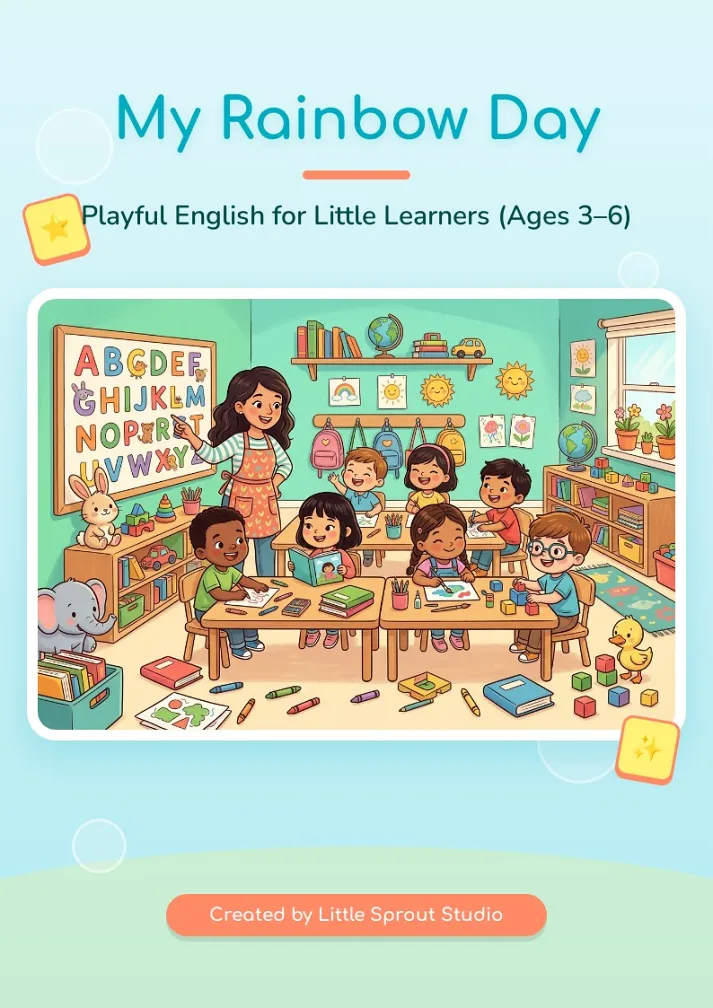
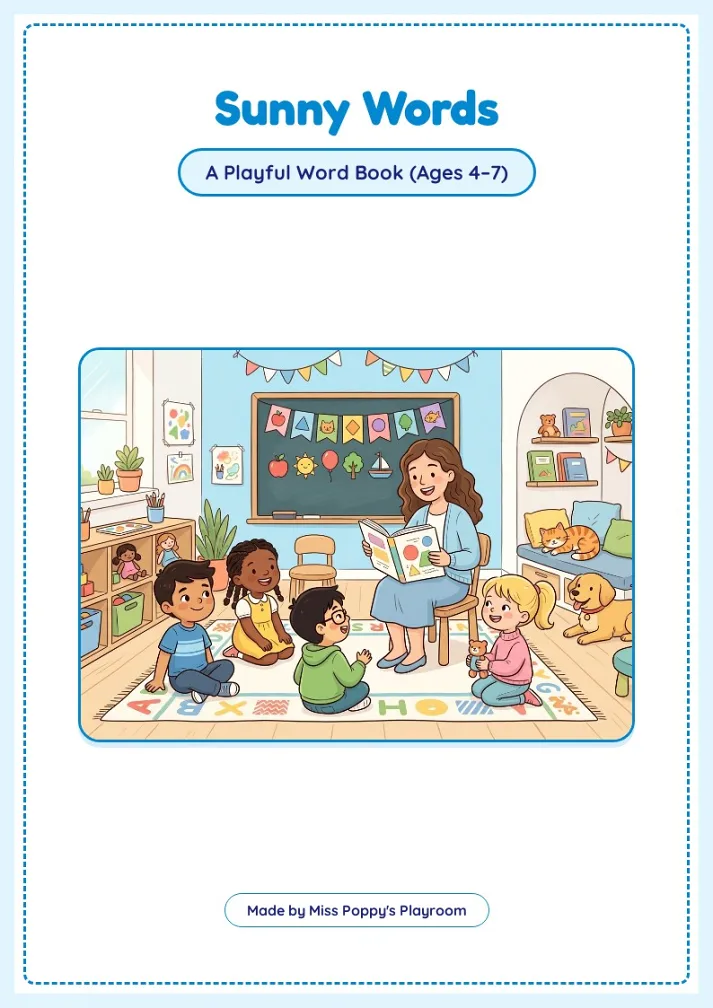
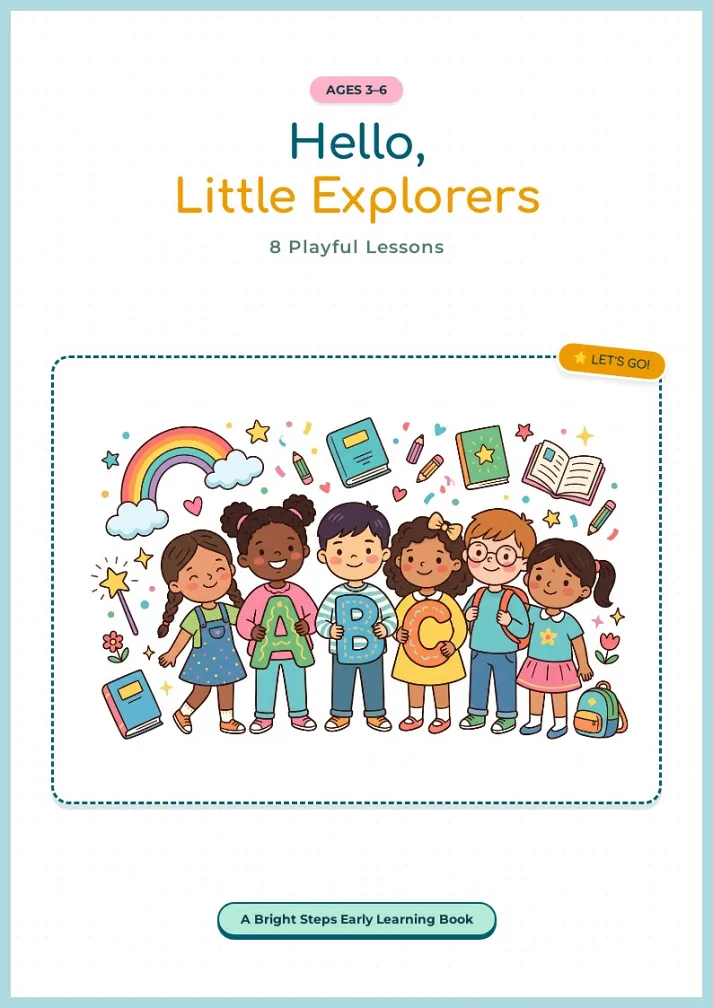
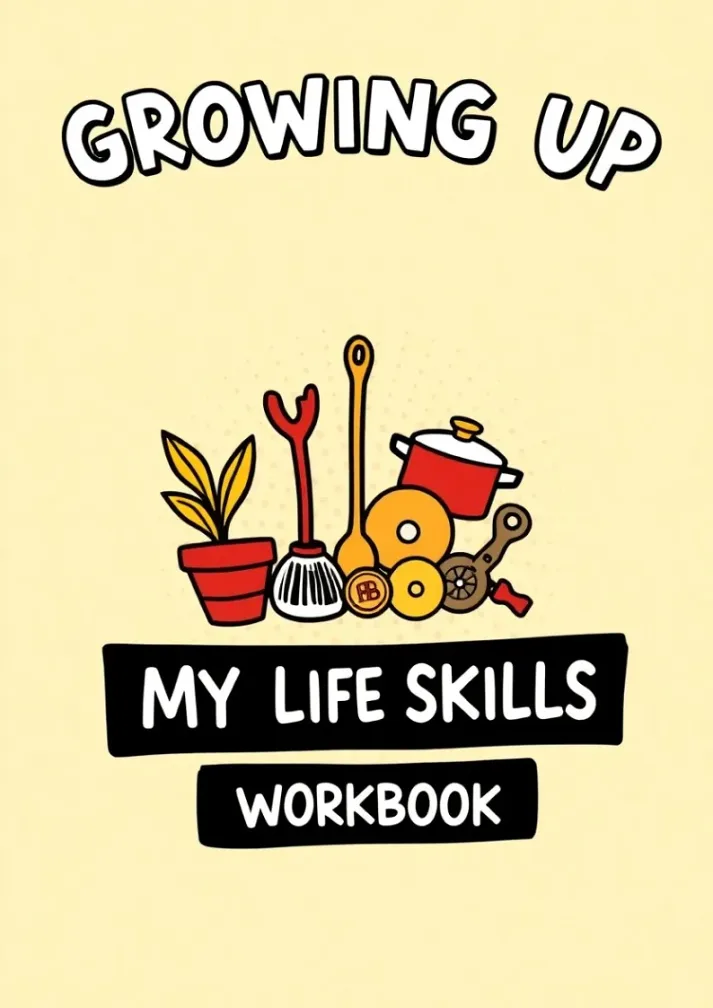
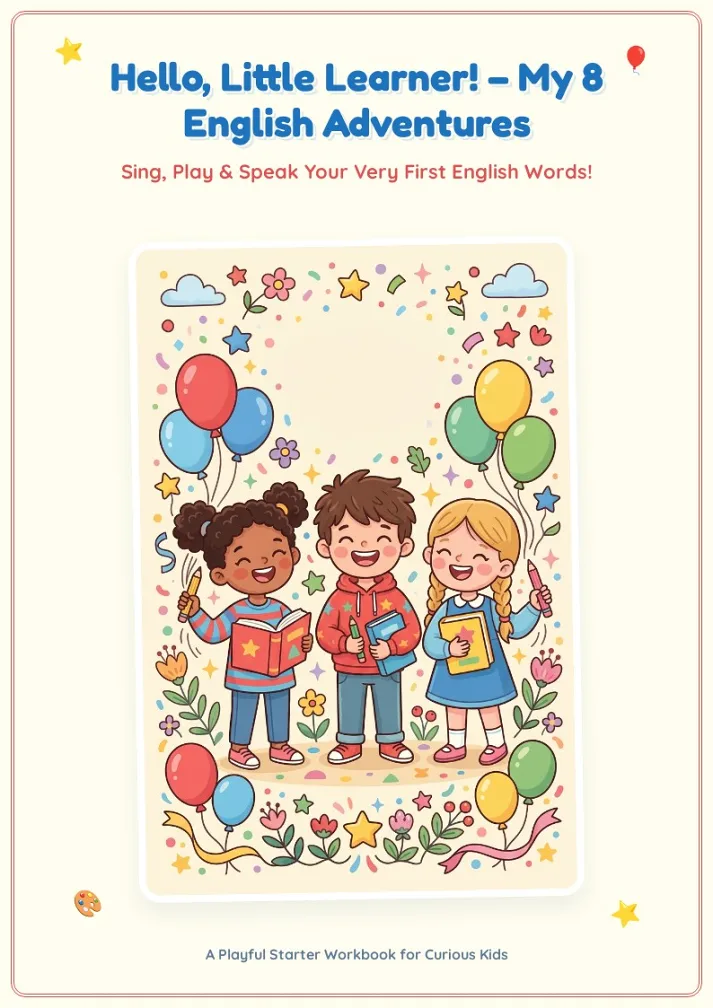
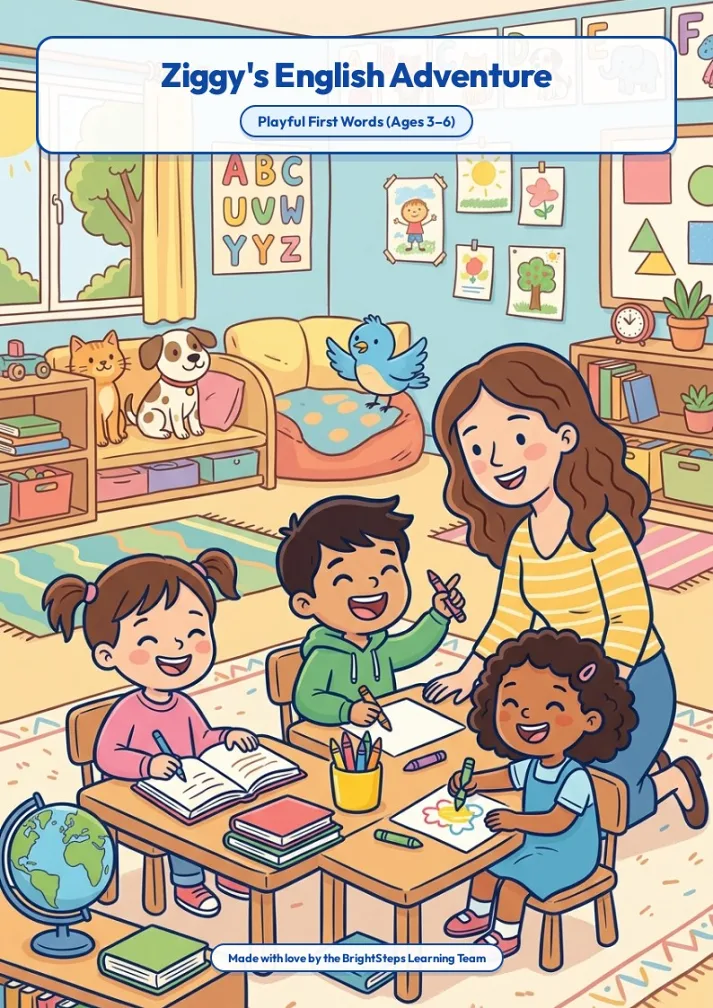
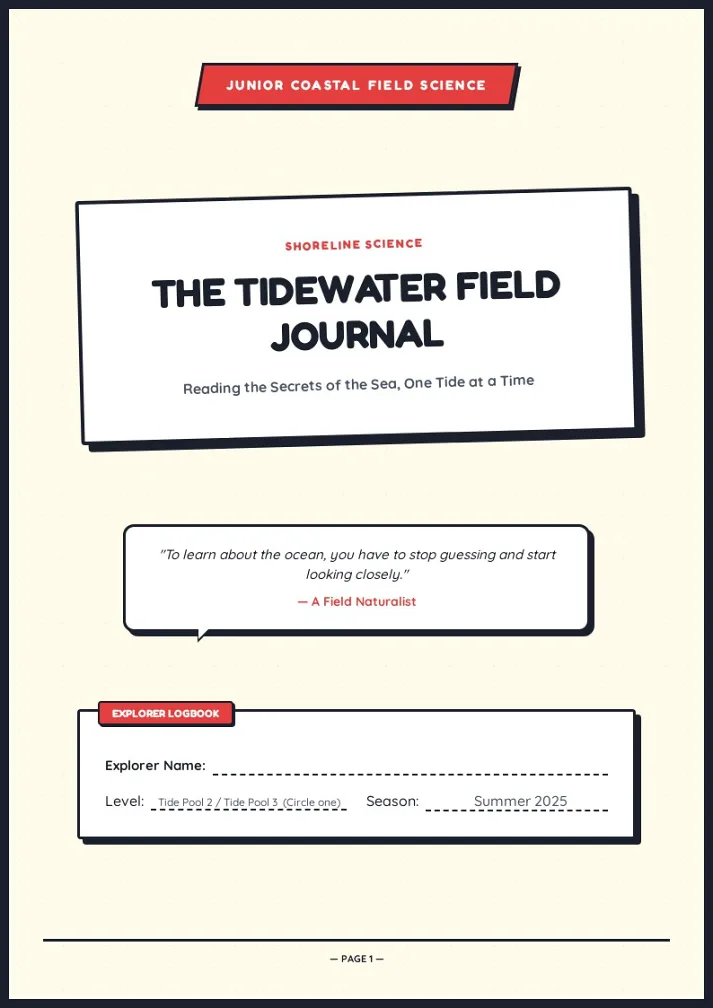
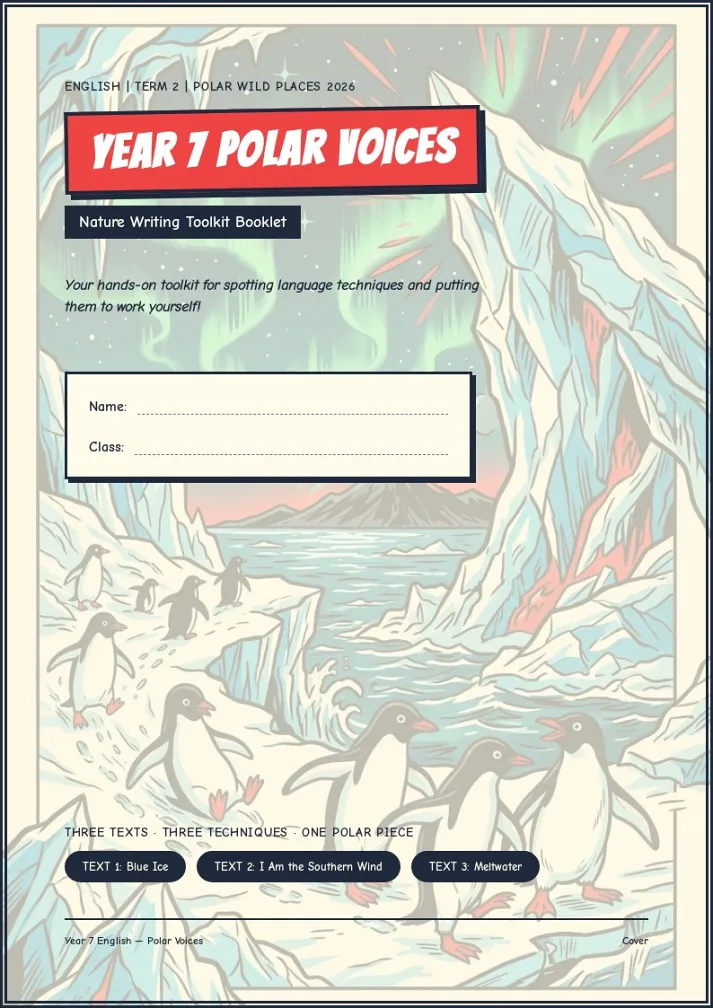
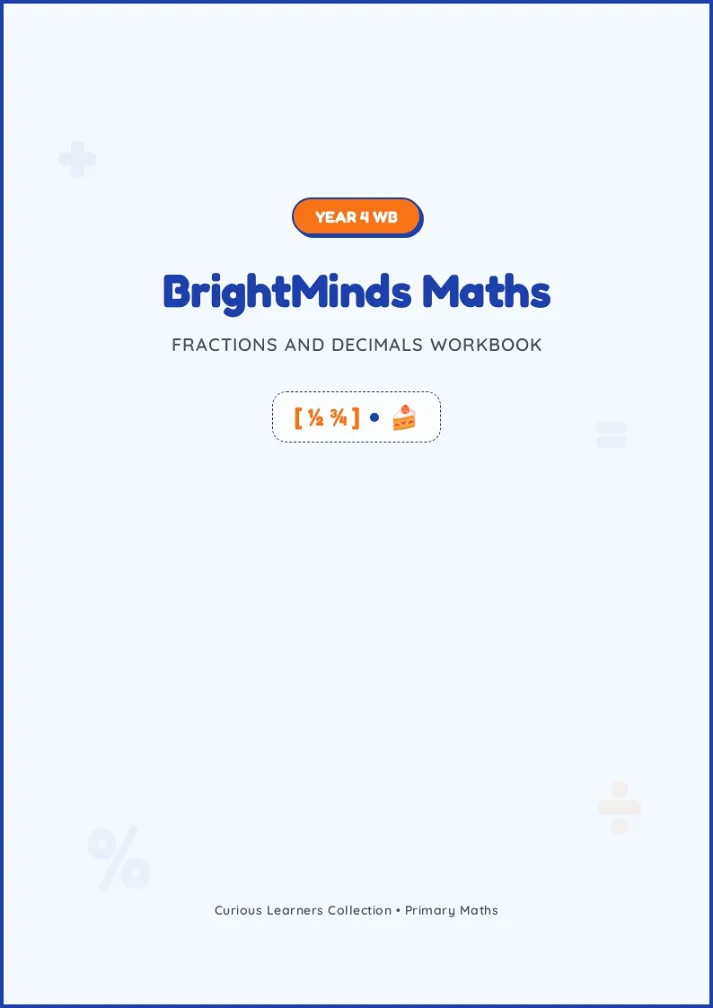
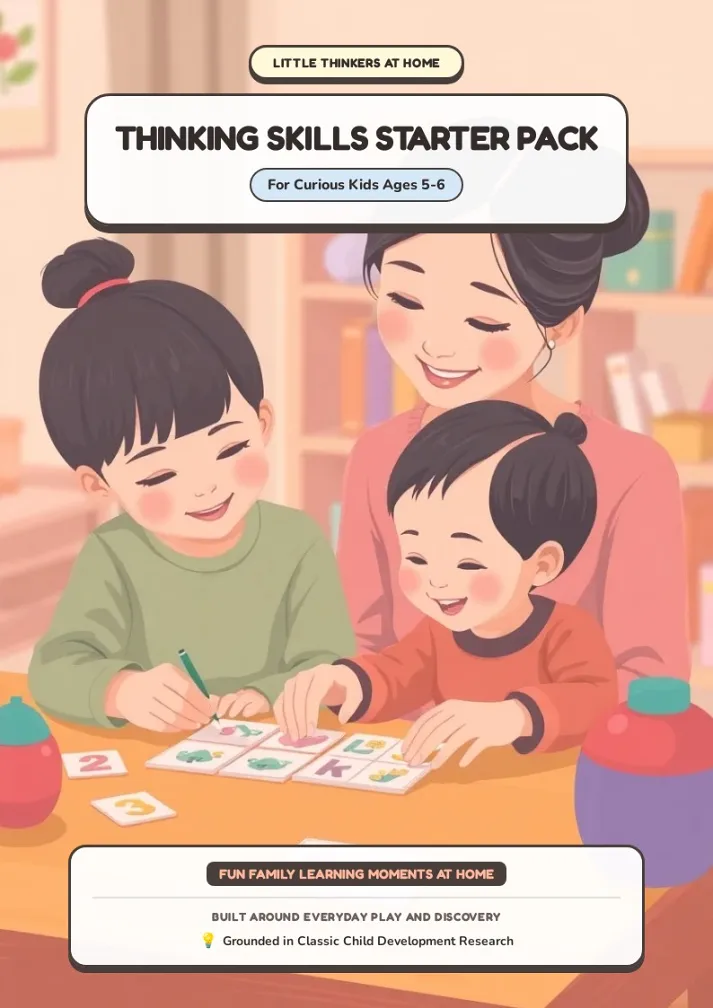
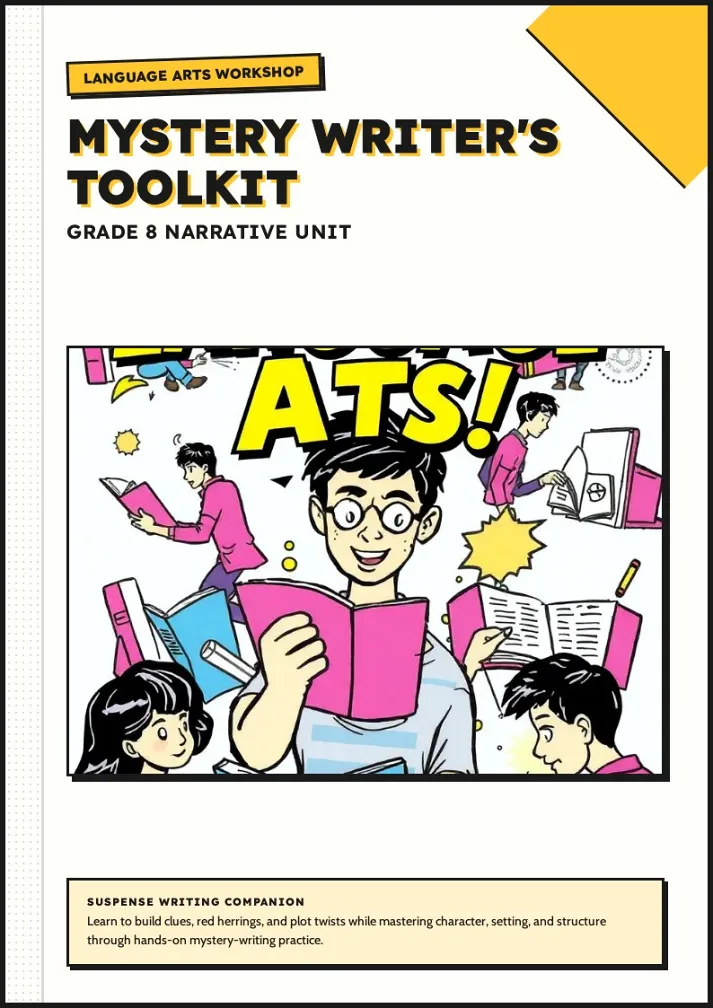
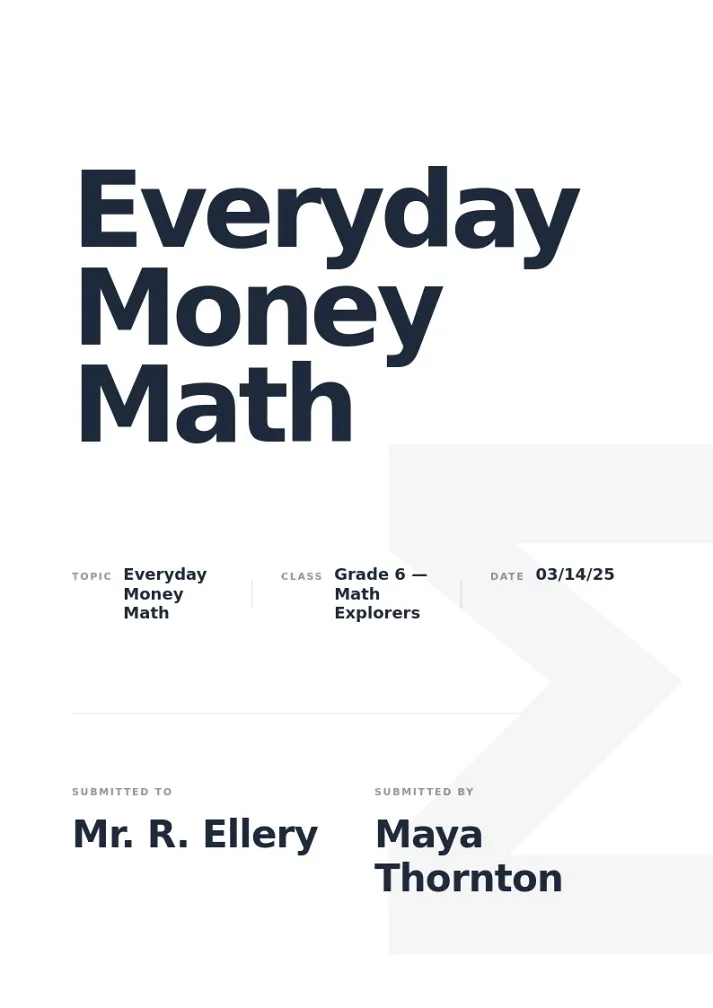
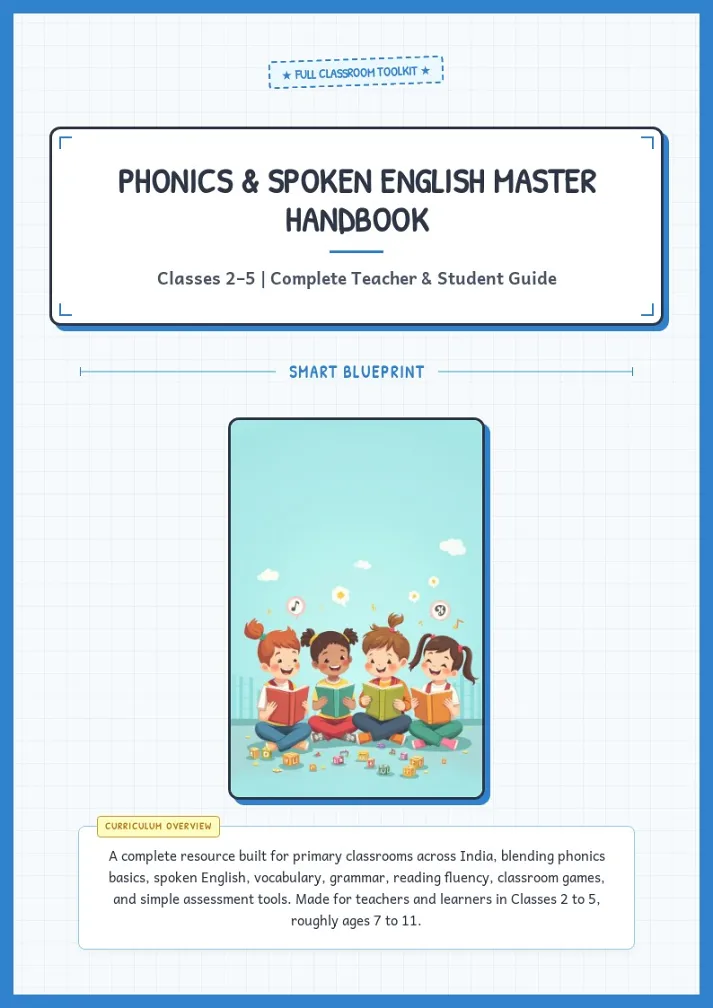
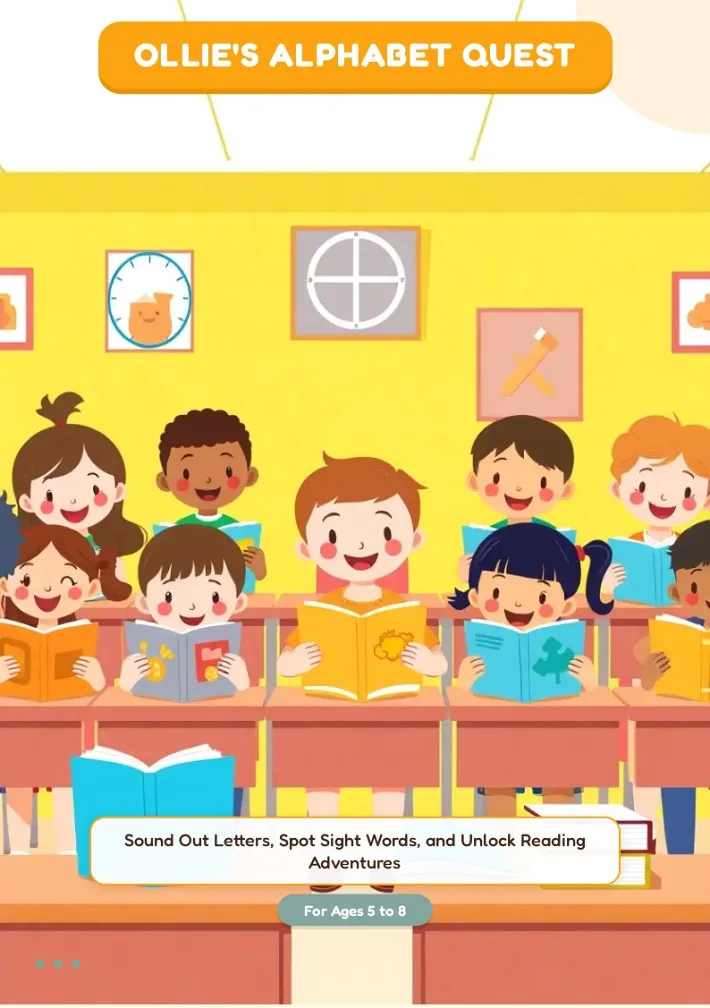
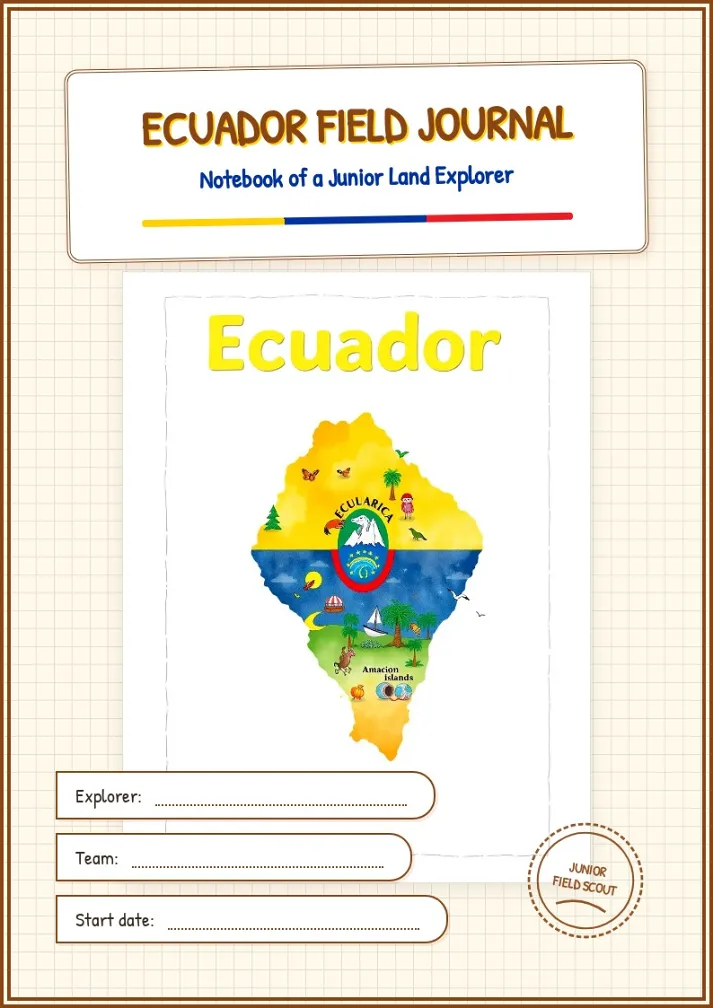
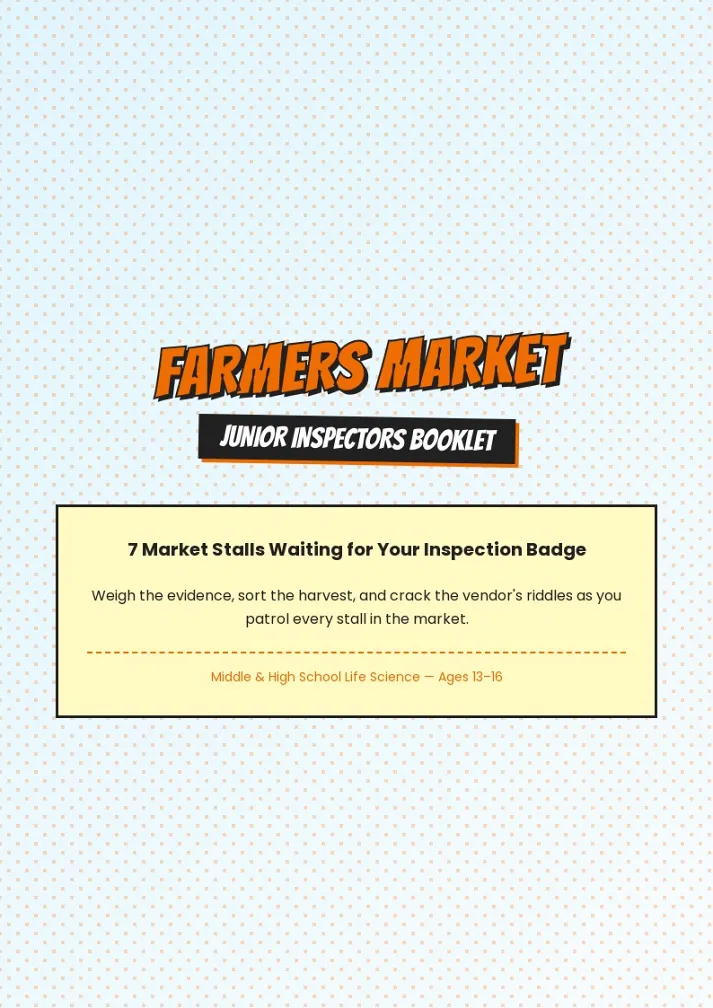
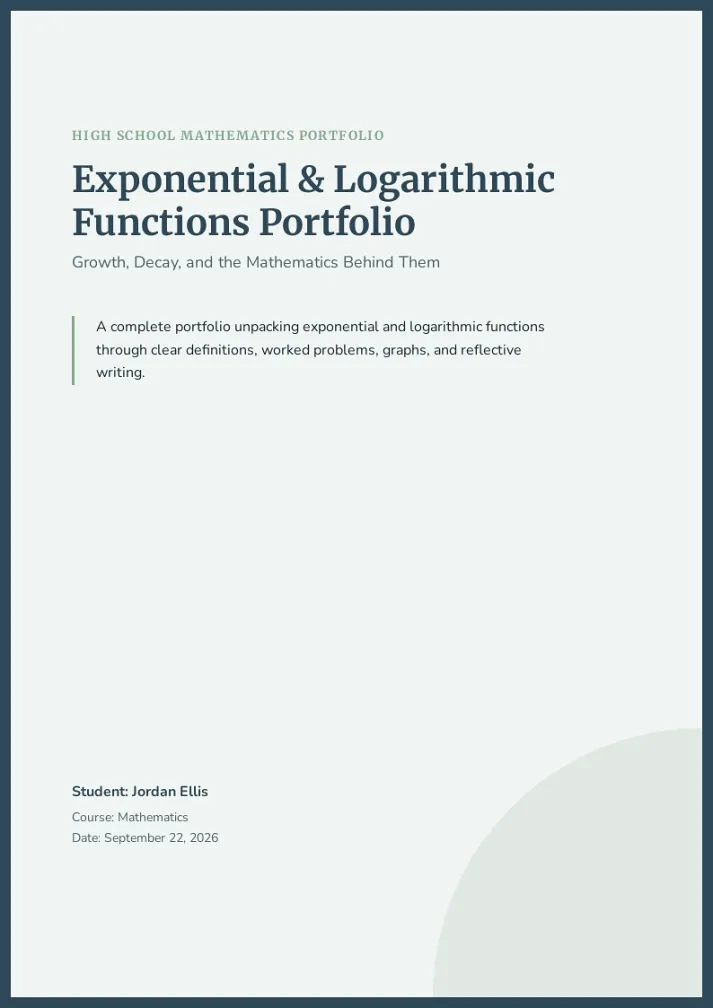
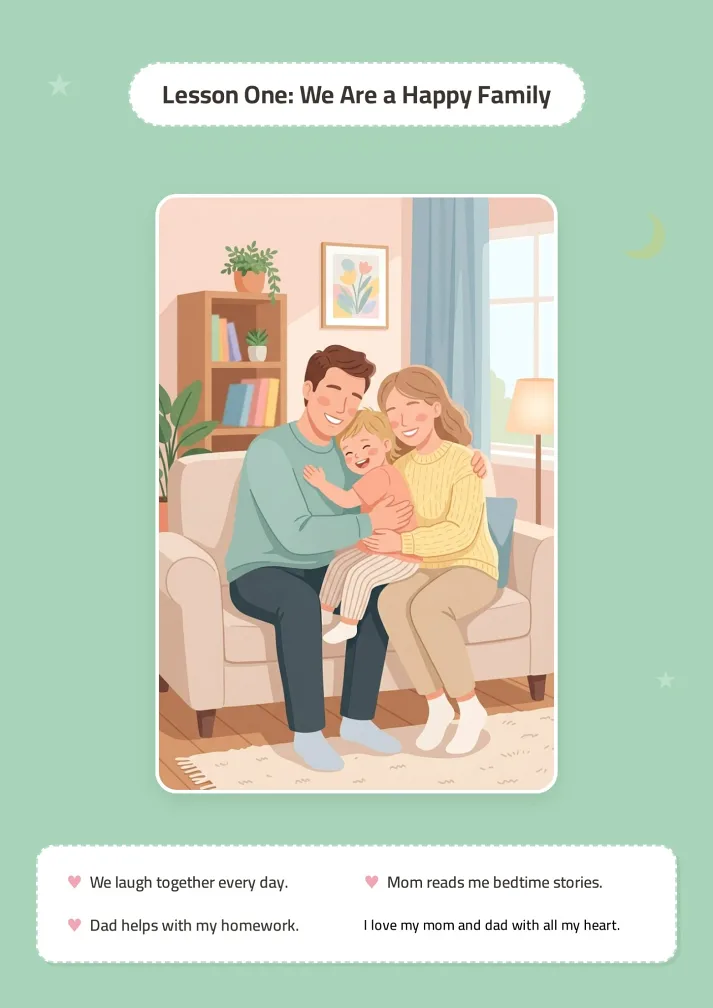
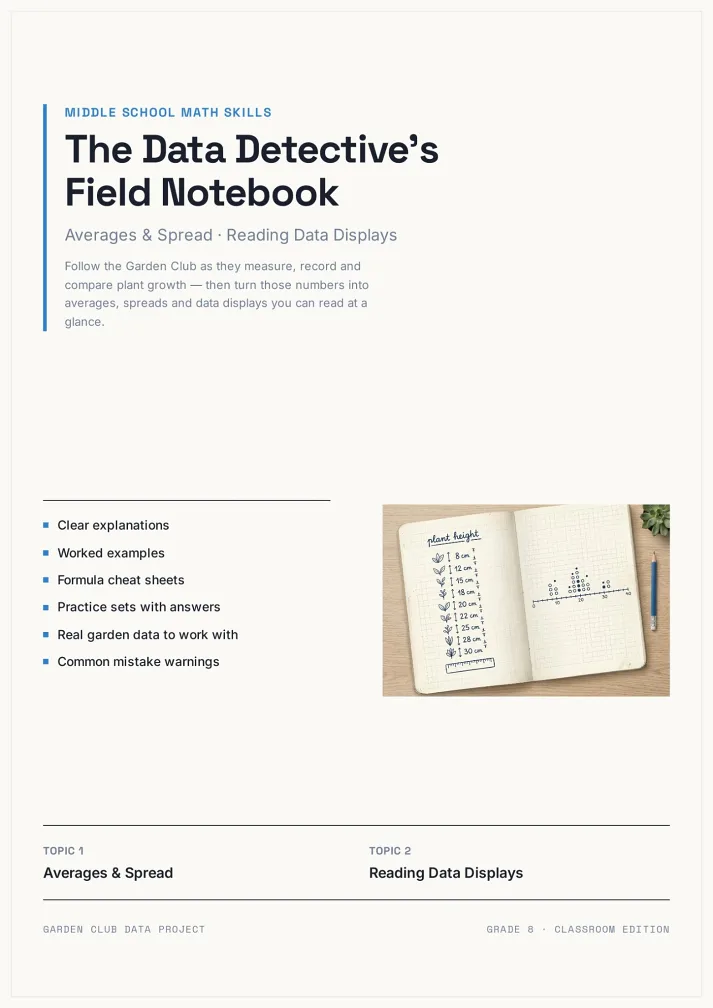
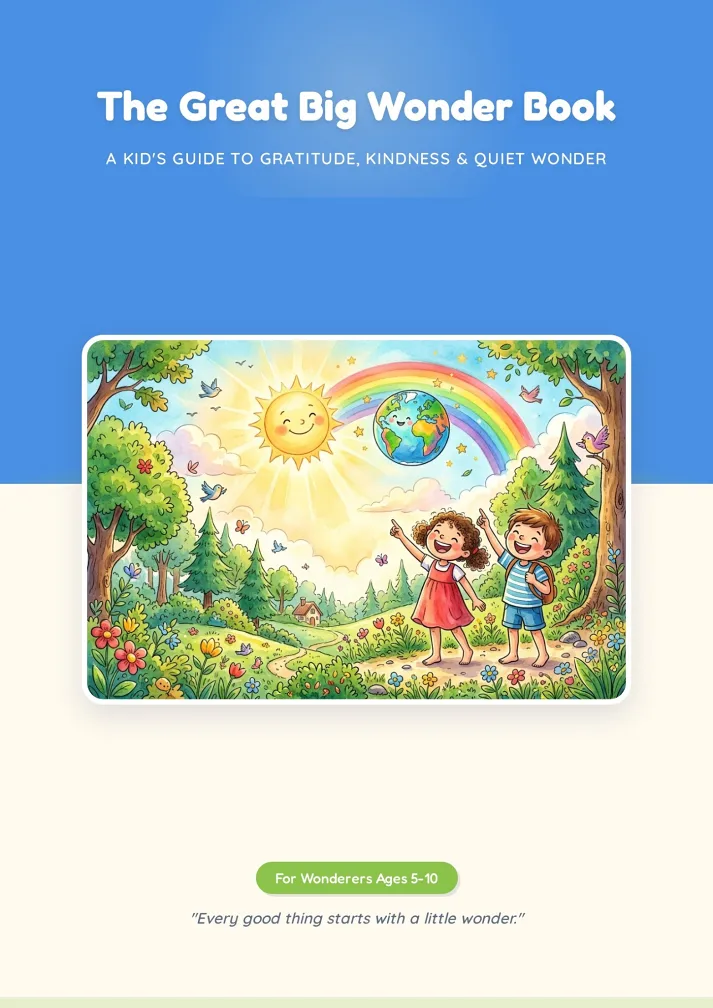
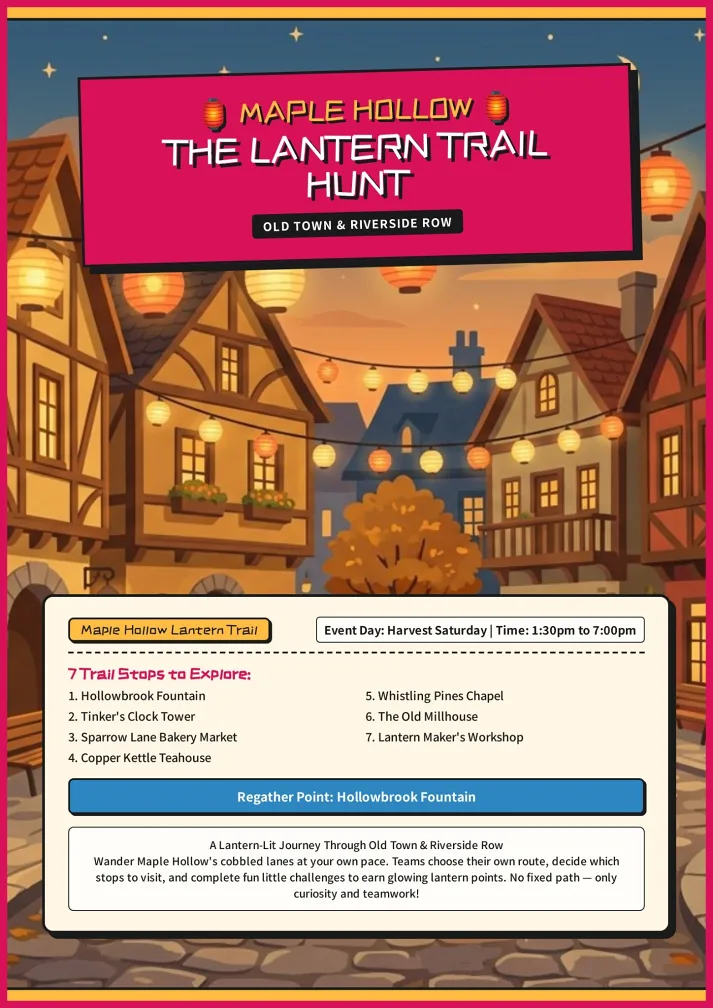
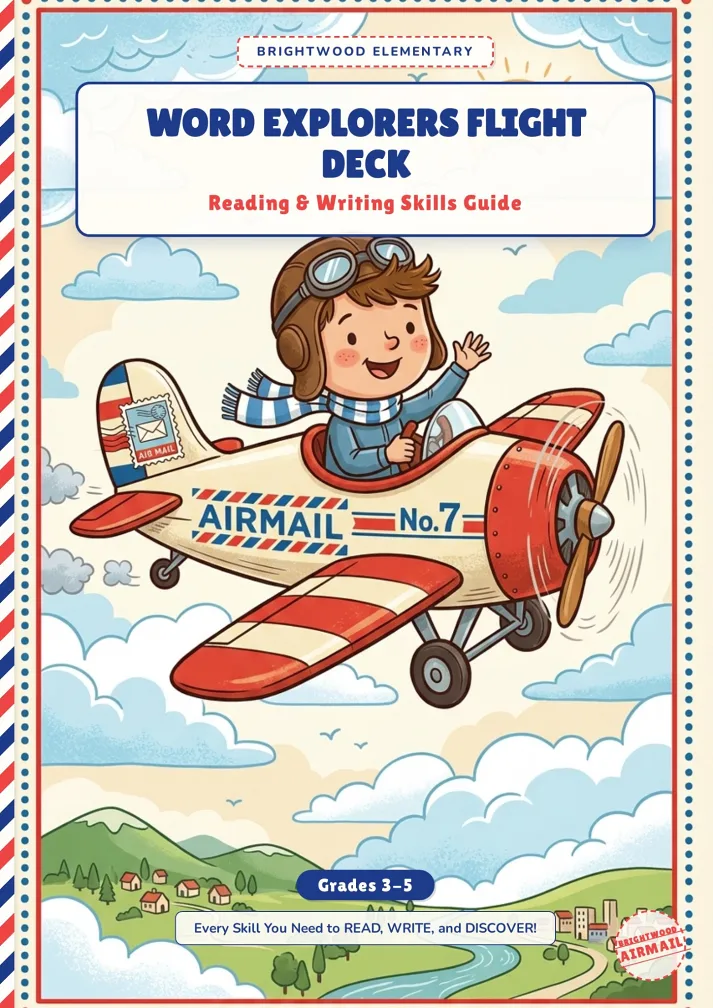
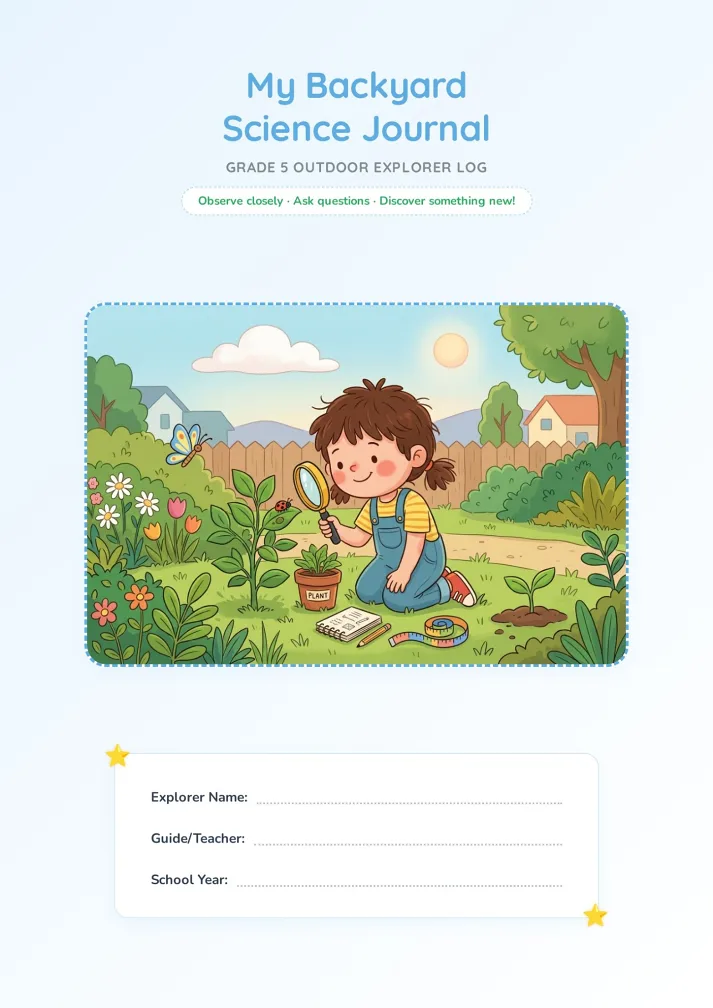
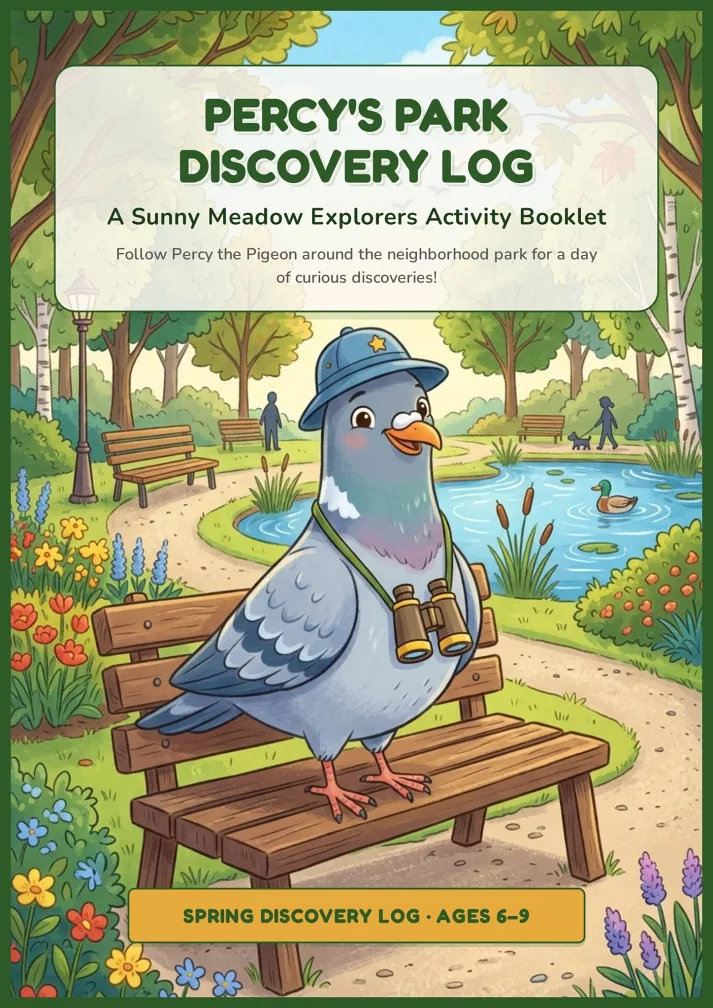
How your content becomes a finished booklet.
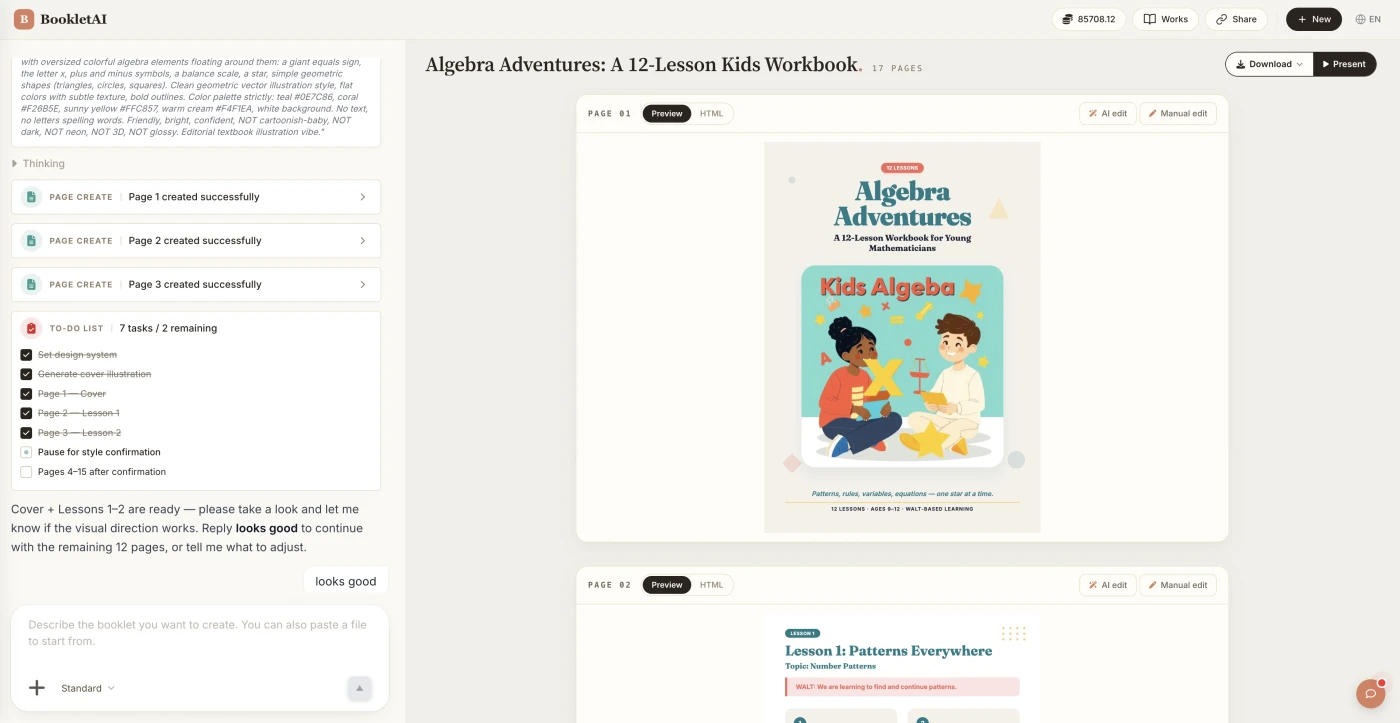
From first message to finished booklet in a single session.
Add content, upload materials, or a PDF
Enter a topic, paste your content, or drop a PDF. The AI agent asks about your audience, style, and goals before creating anything.
Review the outline & choose a style
AI shows a full page-by-page outline before writing begins. Approve it and pick a style, then watch each page appear in real time.
Edit any page, then download or export
Click Edit on any page to revise it independently. When ready, copy a share link, download the HTML, or export a print-ready PDF.
What You Can Build with Booklet AI
Industry Skills adapt the AI to your context — business, education, or training

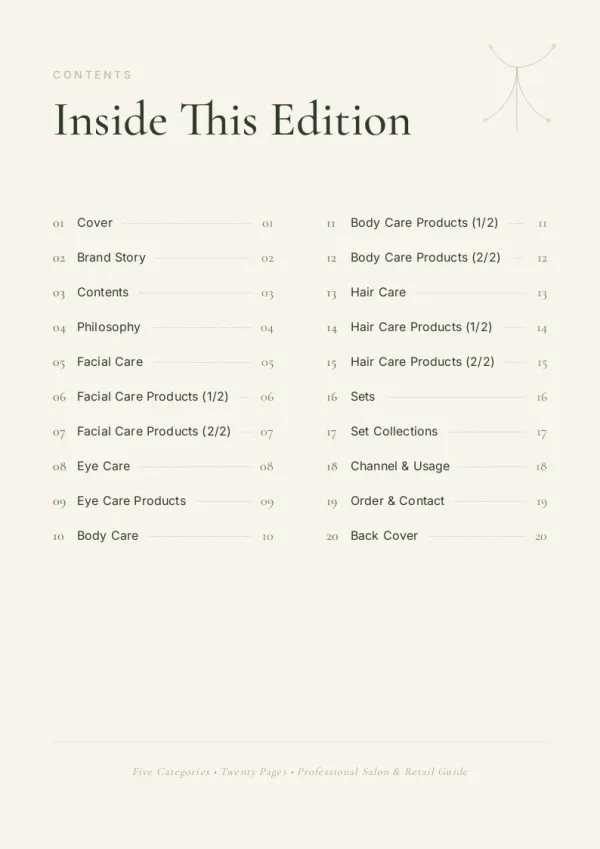
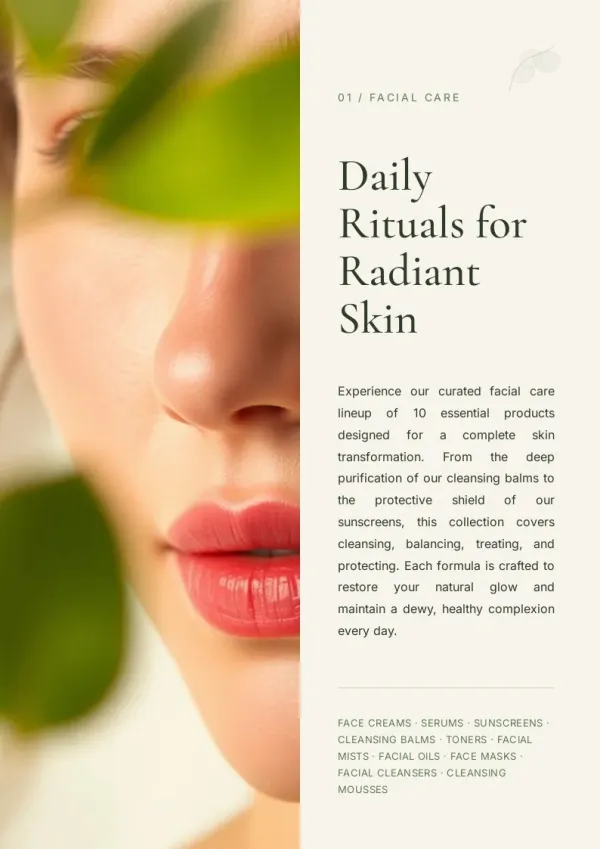
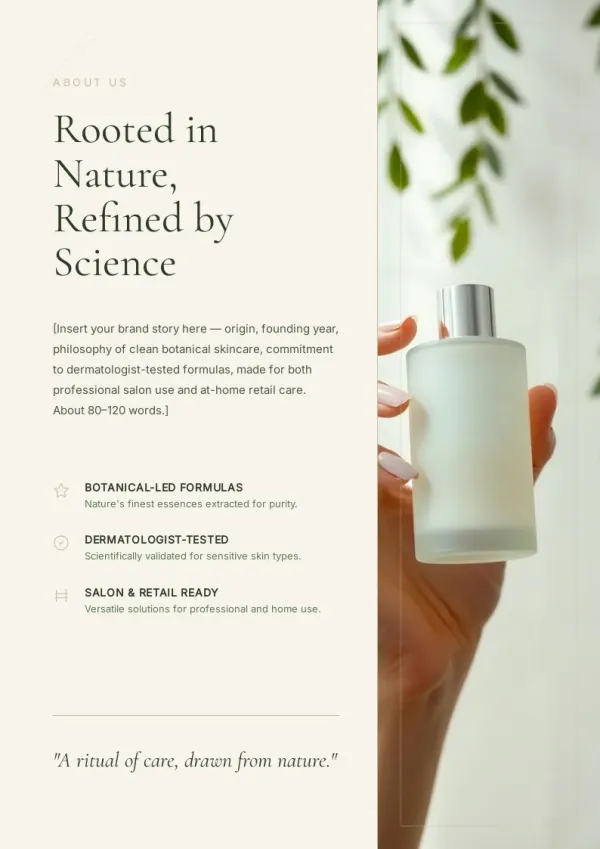
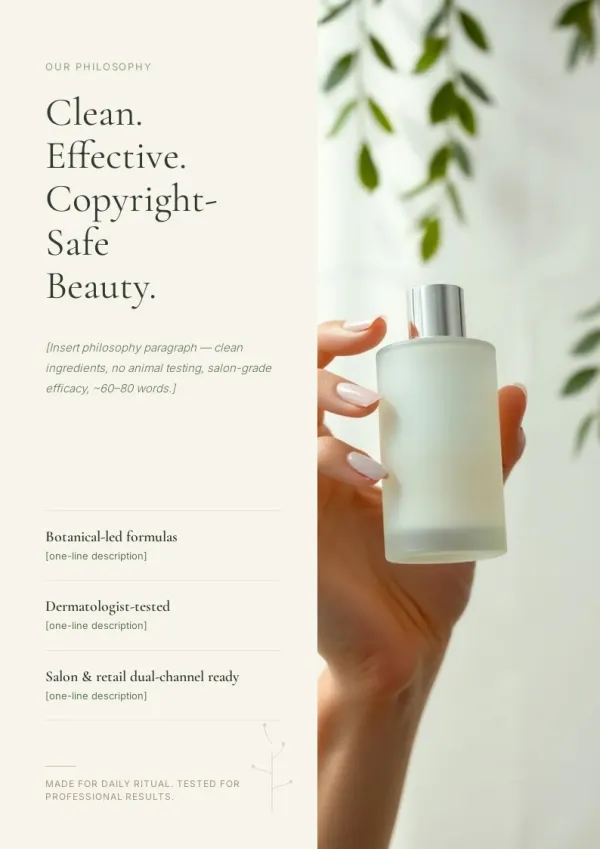
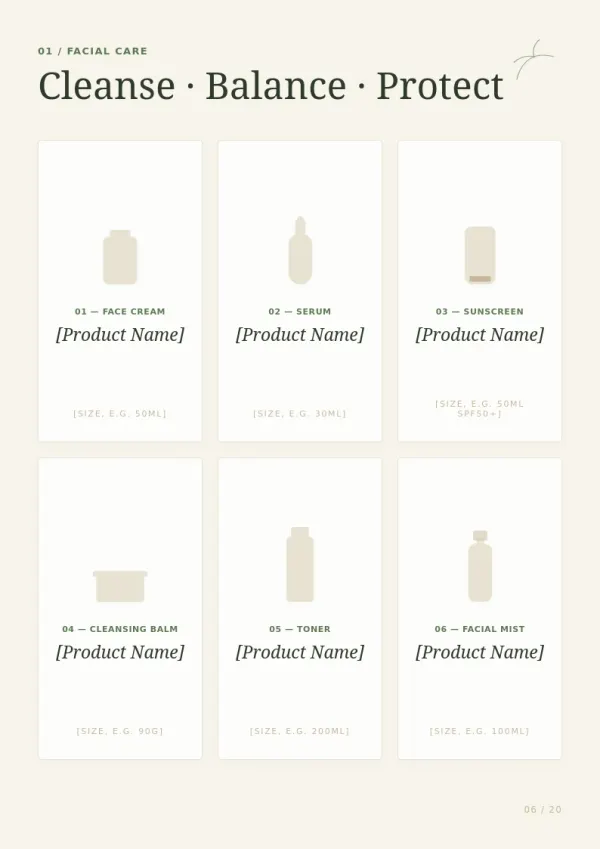
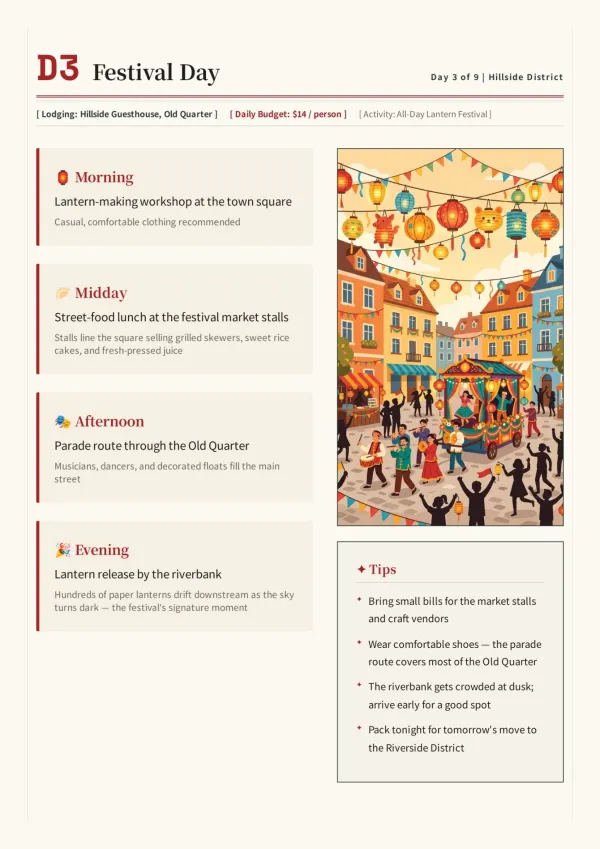
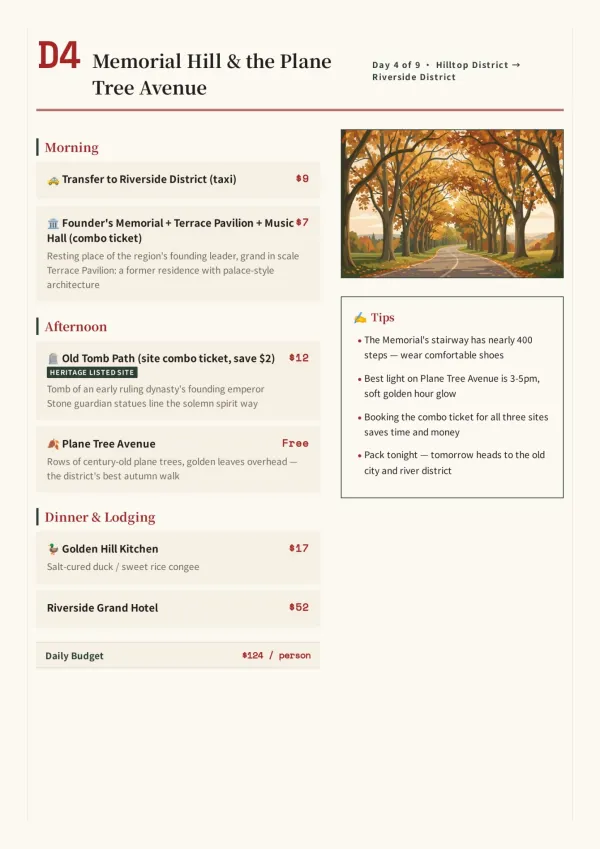
Product brochures & brand booklets.
Sales teams paste existing product docs or enter a topic. Booklet AI loads its Business skill, structures feature spreads and use-case pages, and delivers a client-ready illustrated booklet — no copywriting session needed.
For sales & marketing
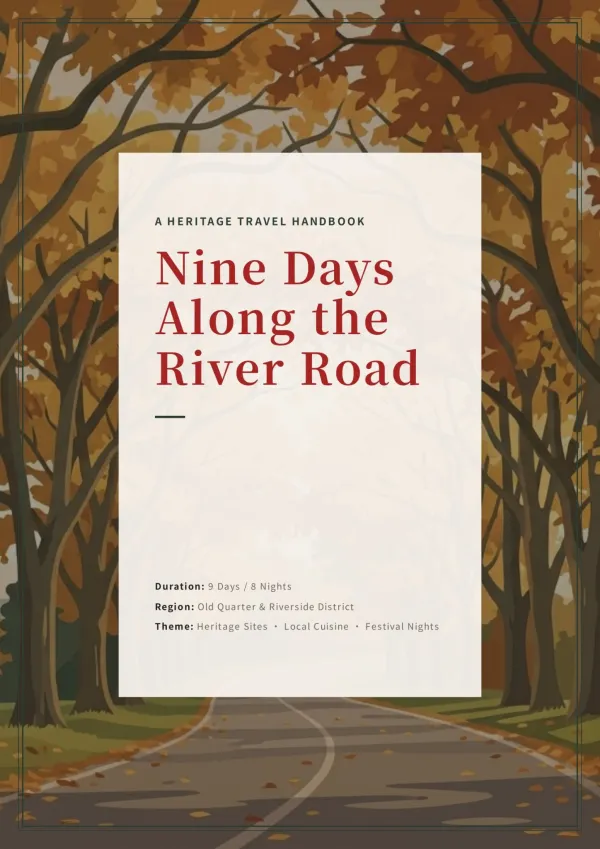
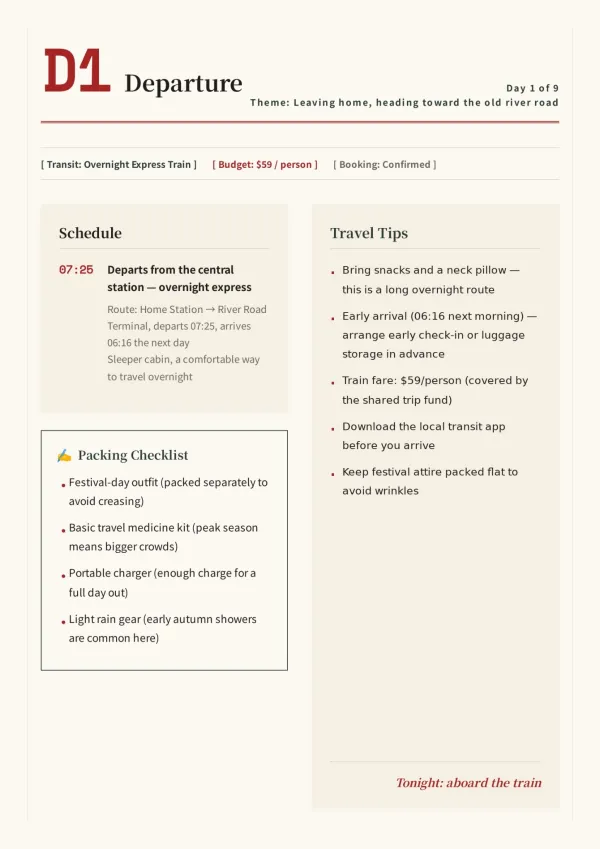
Training manuals & course materials.
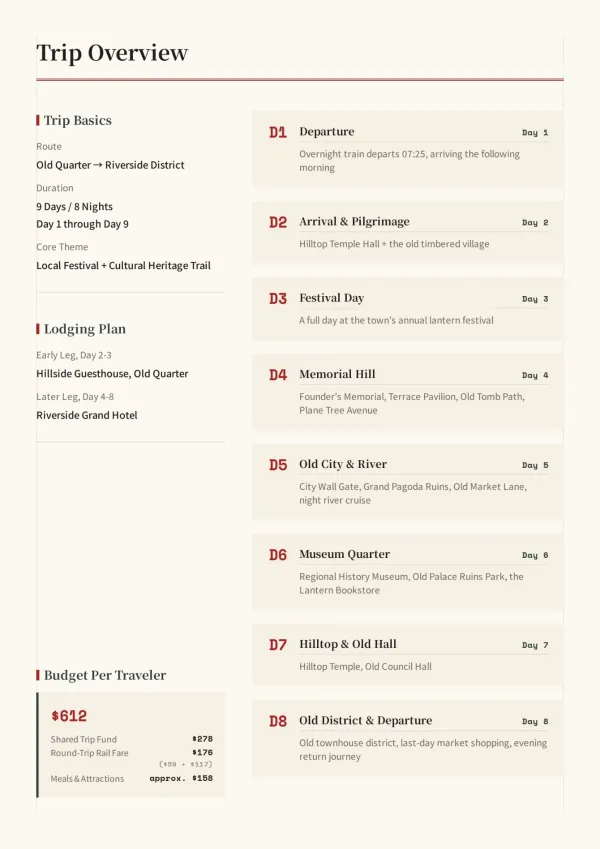
HR and L&D teams enter a course title and objectives. The Education skill kicks in — AI outlines a step-by-step handbook, adds diagrams, and delivers it ready to print or share with new hires.
For HR & L&D teams
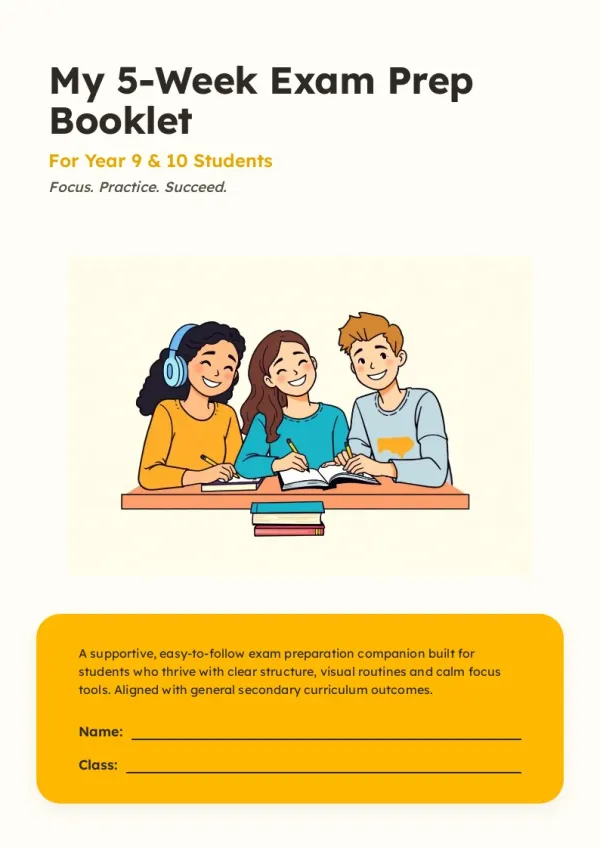
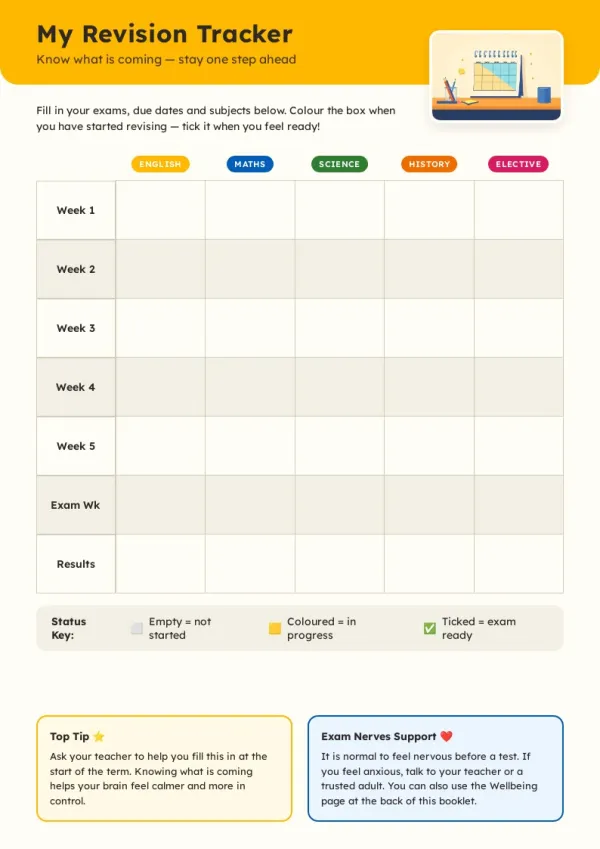
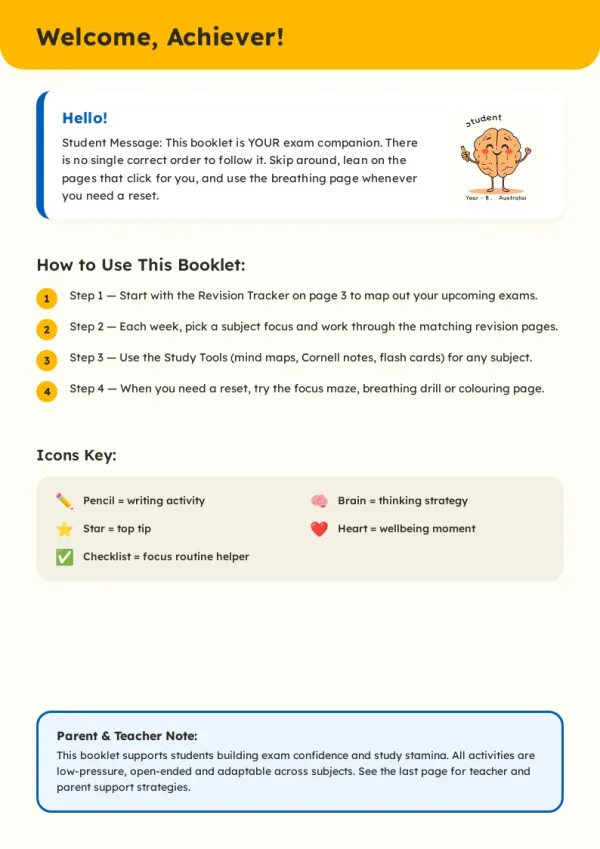

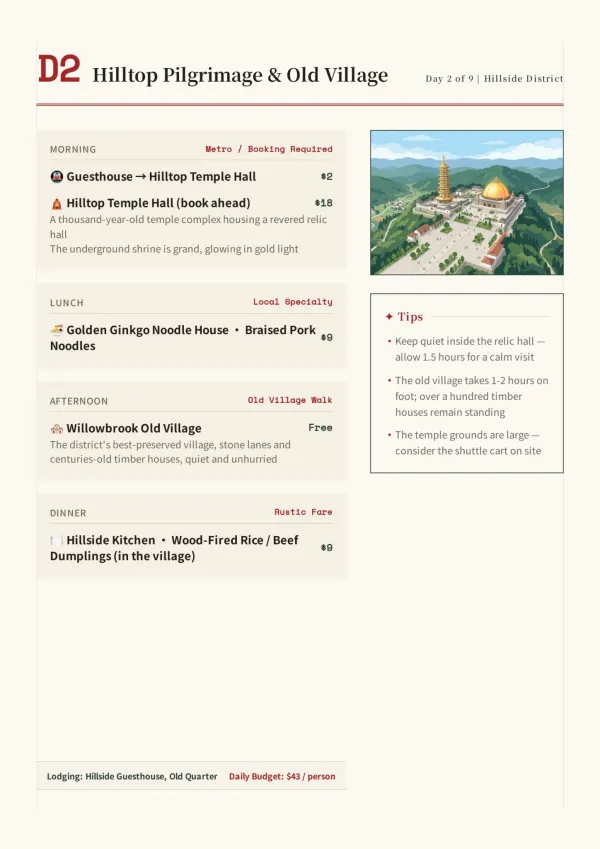
Exam prep & practice workbooks.
Students and tutors enter a subject and exam date. AI builds a week-by-week revision workbook with trackers, practice questions and flash cards, ready to print or study online.
For students & tutors
What The AI Booklet Generator Does For You.
From your first message to a print-ready illustrated booklet — no design skills needed.
Industry Skills
AI identifies your field — business, education, healthcare, and more — and adapts its questions, structure, and tone to match your use case.
Ready-to-Use Templates
Browse professionally designed booklet templates and start immediately. AI picks up from the template and tailors the content to your topic.
Real Web Research
When starting from a topic, the AI Booklet Generator searches the web and deep-scrapes 3–5 high-quality pages. Search cards appear in the chat in real time.
Auto Illustration
Every page is matched with a fitting image — real photos for concrete subjects, AI-generated art for abstract ideas. Upload your own and AI places them automatically.
Single-Page Editing
Click Edit on any page to revise just that page. The rest of the booklet stays untouched — no need to regenerate everything.
Share, Download & Export
Get a public share link anyone can open without an account, download as HTML, or export a print-ready PDF — all from the same screen.
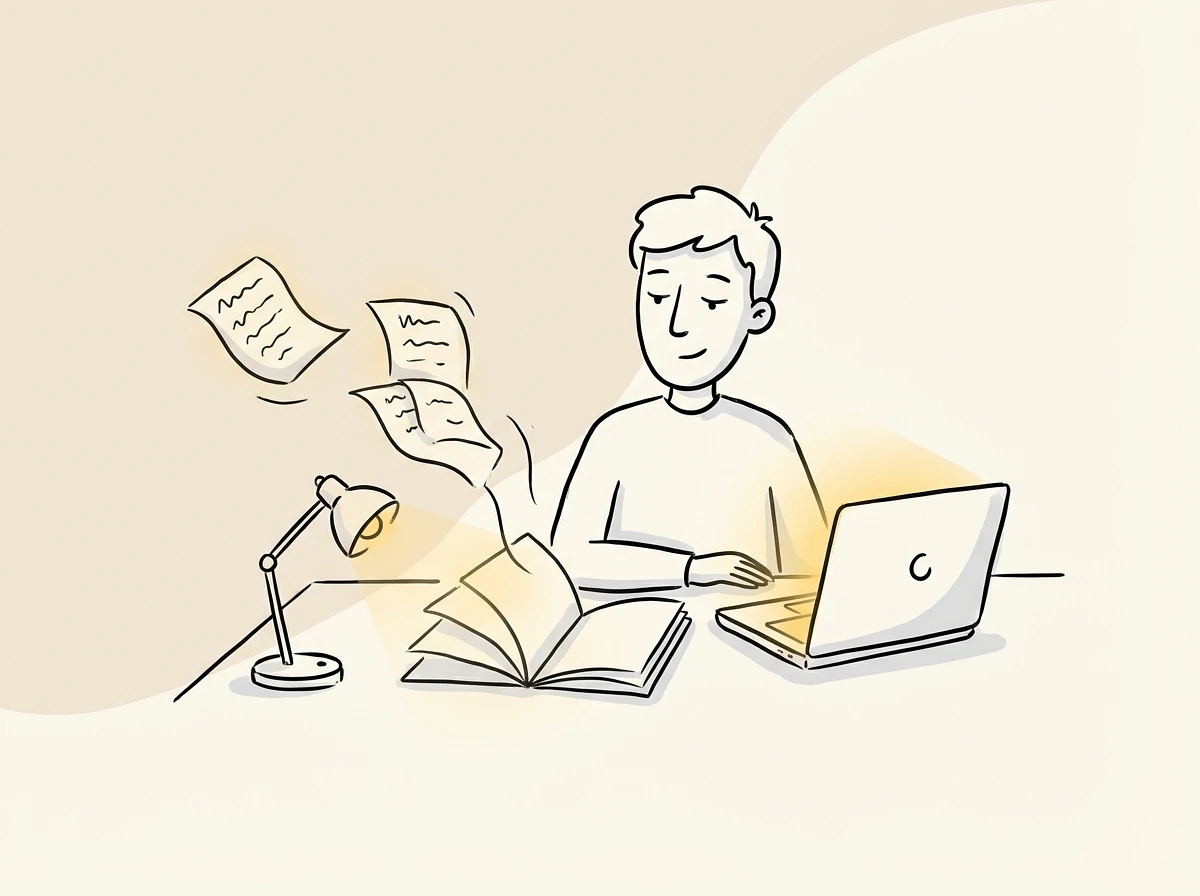
How the AI Booklet Generator goes further than other AI writing tools.
From your first message to a fully illustrated, print-ready A4 booklet — in one conversation.
Industry-aware from the start.
AI detects your field — business, education, healthcare, or others — and loads the matching skill, so the structure and tone actually fit your context.
Just chat, one polished result.
Pick a template or just tell the agent what you need. It asks follow-up questions, then researches, writes, and illustrates — delivering polished A4 pages ready to share.
Output is the finish line.
Every page is a complete 794×1123 px document — magazine-quality image-and-text layout, ready to print or share as a link. No formatting left for you to do.
Your time is worth a subscription
Spend your hours on the idea — we'll handle the design
Booklet AI FAQ
Common questions about the AI Booklet Generator, templates, Industry Skills, and the free plan
1
Is Booklet AI free?
Yes. The Booklet AI free plan gives you 300 credits on sign-up. No credit card required to start. Free-plan downloads carry a small watermark; any paid plan removes it.
2
How many credits does each action cost?
Each action uses a set number of credits: creating a page costs 30, AI editing a page costs 8, and generating an image costs 10, while manual edits are always free. Chatting with the AI assistant also uses a small amount, depending on how complex the task is. Subscription credits are valid within the current billing cycle, while credit packs stay valid for 1 year.
3
What are Industry Skills and how do they affect my booklet?
Industry Skills are AI presets that load automatically when Booklet AI identifies your field — business, education, healthcare, or others. They shape the questions AI asks, the outline it builds, and the tone it uses, so the result fits your context without extra prompting.
4
Can I start from a template instead of a topic?
Yes. The Templates section offers professionally designed booklet layouts you can start from immediately. Pick one, describe your content, and AI fills in the pages — keeping the structure while tailoring everything to your topic.
5
Do I need design experience?
No. Booklet AI handles all layout, typography, and image placement automatically. You only need to describe what you want.
6
How does Booklet AI research content?
When you create from a topic, the AI Booklet Generator searches the web and deep-scrapes 3 to 5 high-quality pages. Search cards appear in the chat as it works.
7
Can I use my own content instead of a topic?
Yes. Paste any amount of existing text and Booklet AI skips web research, going straight to outlining and illustrating your content.
8
What languages does Booklet AI support?
Booklet AI follows your input language automatically. Write in English and get an English booklet. Write in Chinese and get a Chinese booklet.
9
Can I edit a single page without changing the rest?
Yes. Click Edit on any page, describe the change, and AI regenerates only that page. Every other page stays exactly as it is.
10
What export formats are available?
Download an offline HTML file, or export a PDF where every A4 page is rendered at full print resolution. Both options are in the Download menu.
11
Where are my booklets saved?
All booklets are auto-saved to My Works. Reopen any booklet at any time to continue editing or add new pages.
12
How do I get an invoice for my payment?
An invoice is automatically included in the payment confirmation email sent to you after checkout. If you have any issues, please contact [email protected].
13
How many pages can one booklet have?
There is no practical page limit. Booklet AI is built for multi-page projects and can generate booklets of 300 pages or more, keeping chapters, layout, and page numbering consistent throughout.
14
Which specific languages can Booklet AI write in?
Booklet AI supports multiple languages, including English, Chinese, Japanese, Korean, German, French, Spanish, Italian, and Portuguese. Write in the language you want and the booklet is generated in that same language.
No design skills needed
The agent researches, writes and lays out every page. You just describe it.