A5 Booklet Maker, Designed Pages That Fold From A4
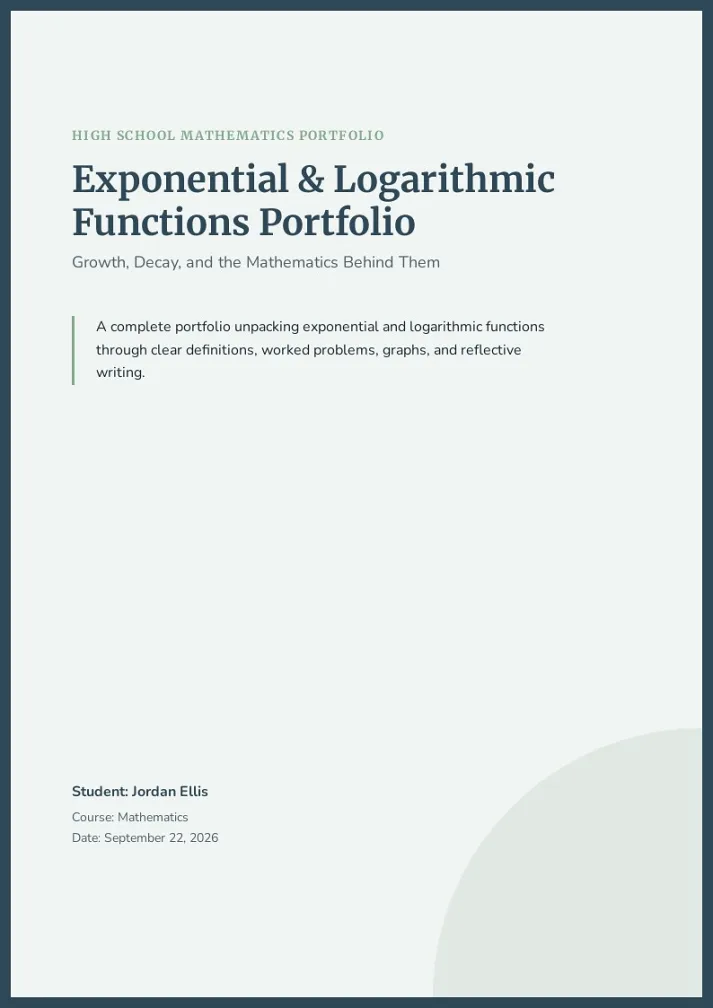
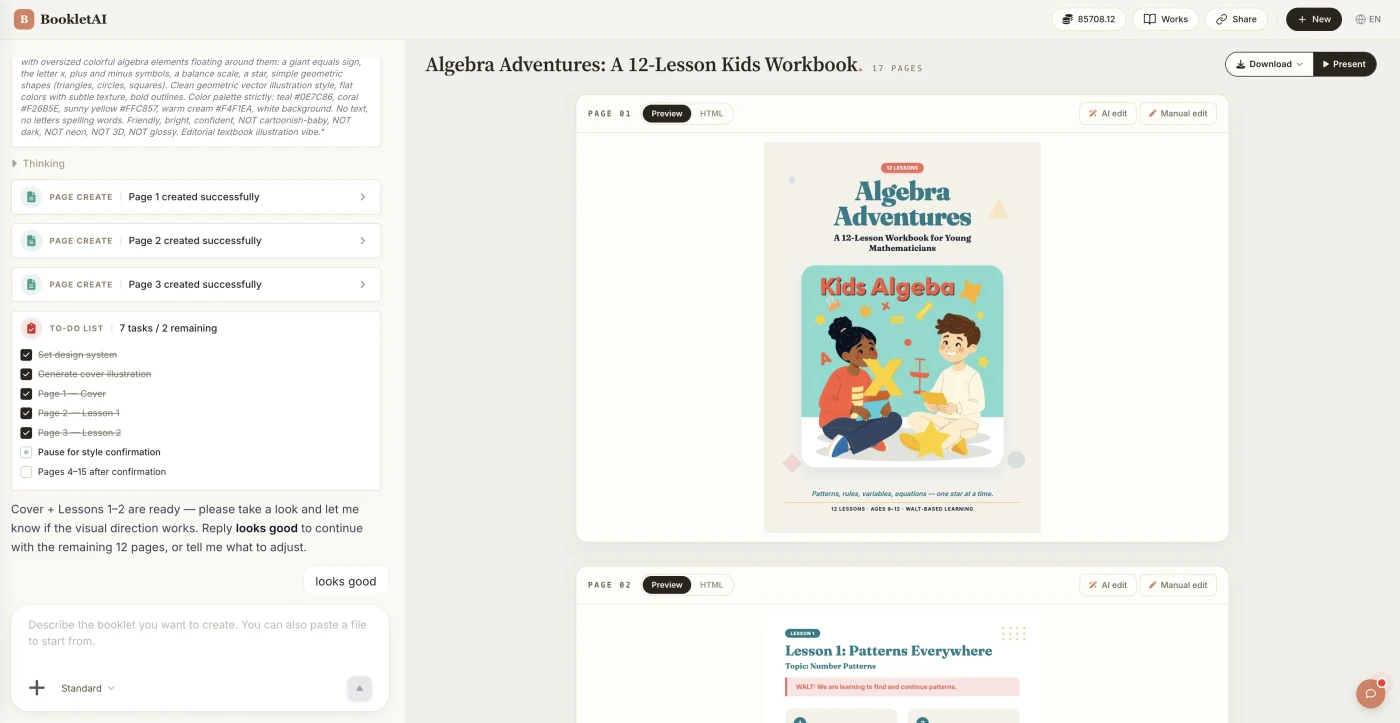
Paste your text or upload a file. The A5 booklet maker writes, illustrates and designs every 148×210 mm page for print.
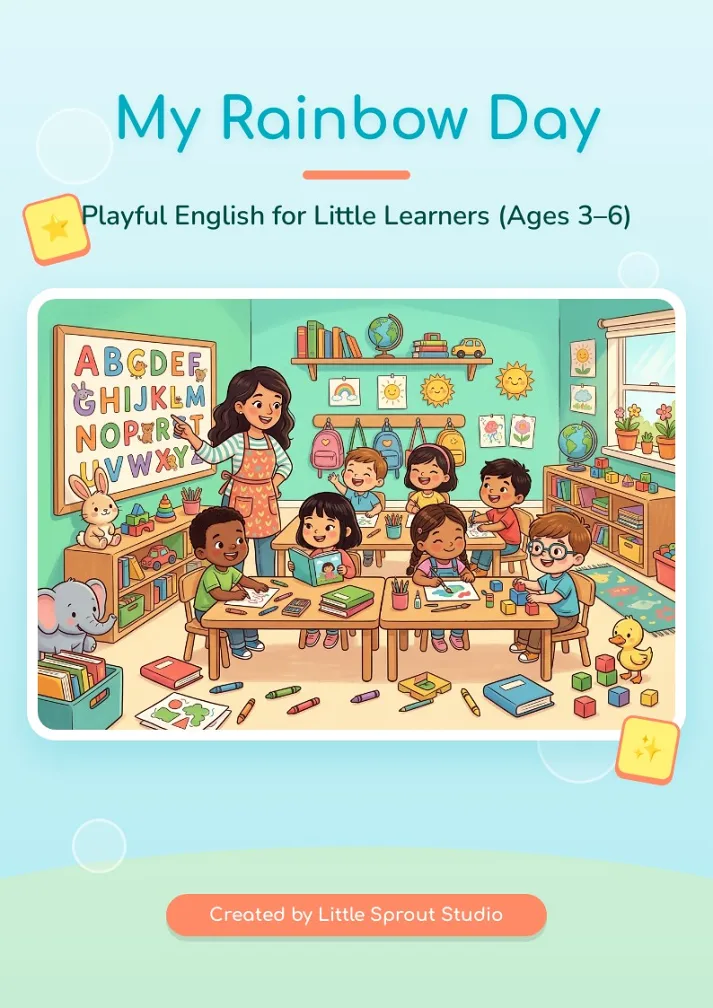
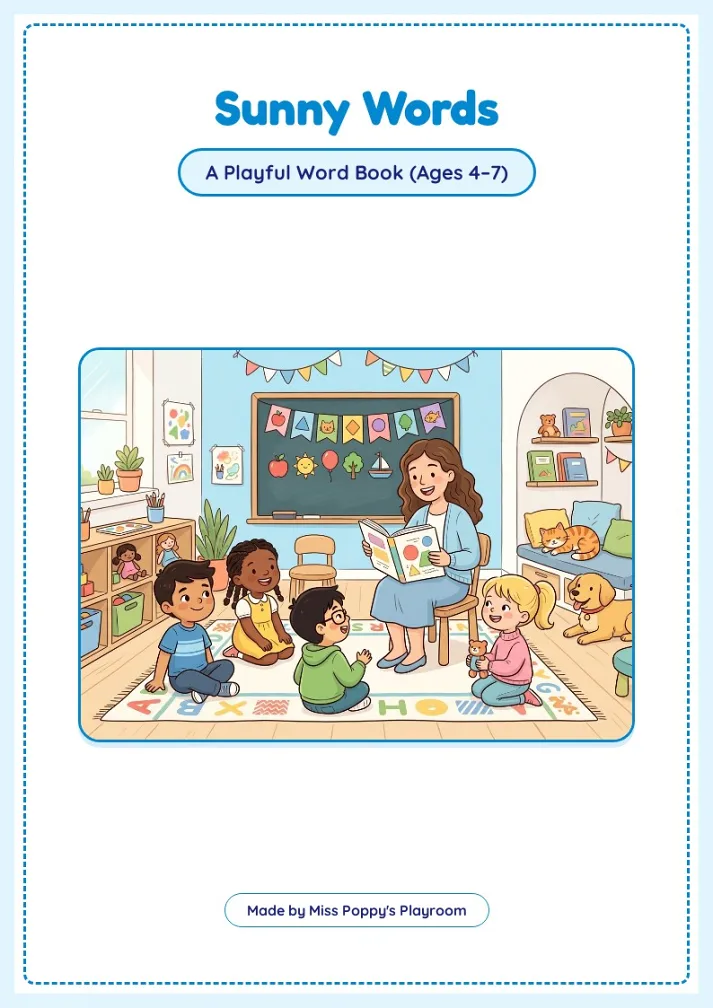
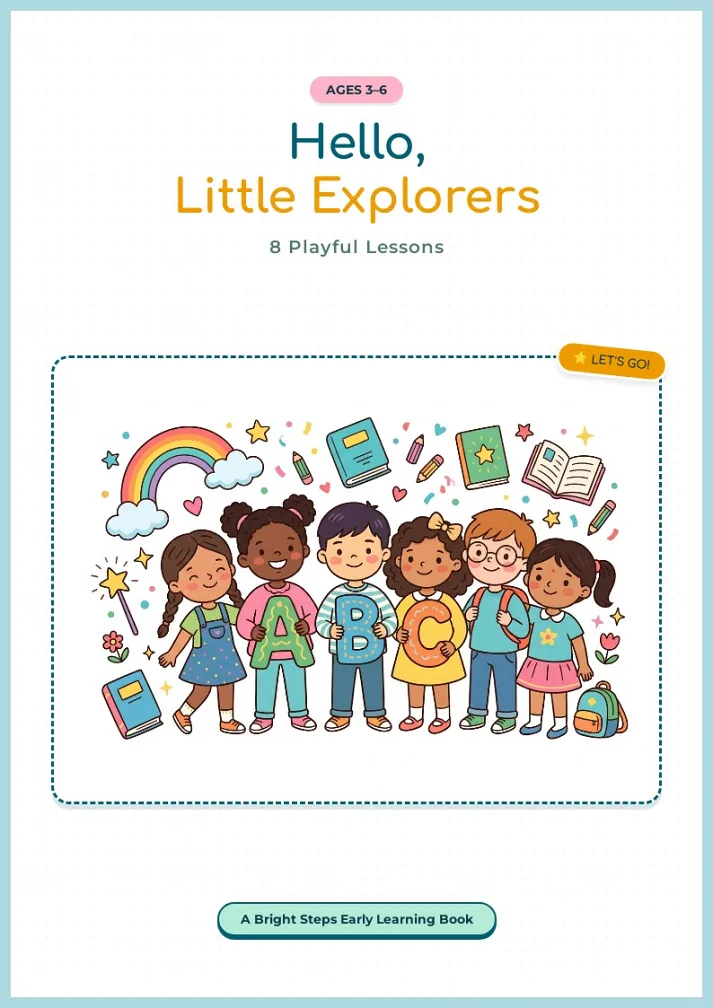
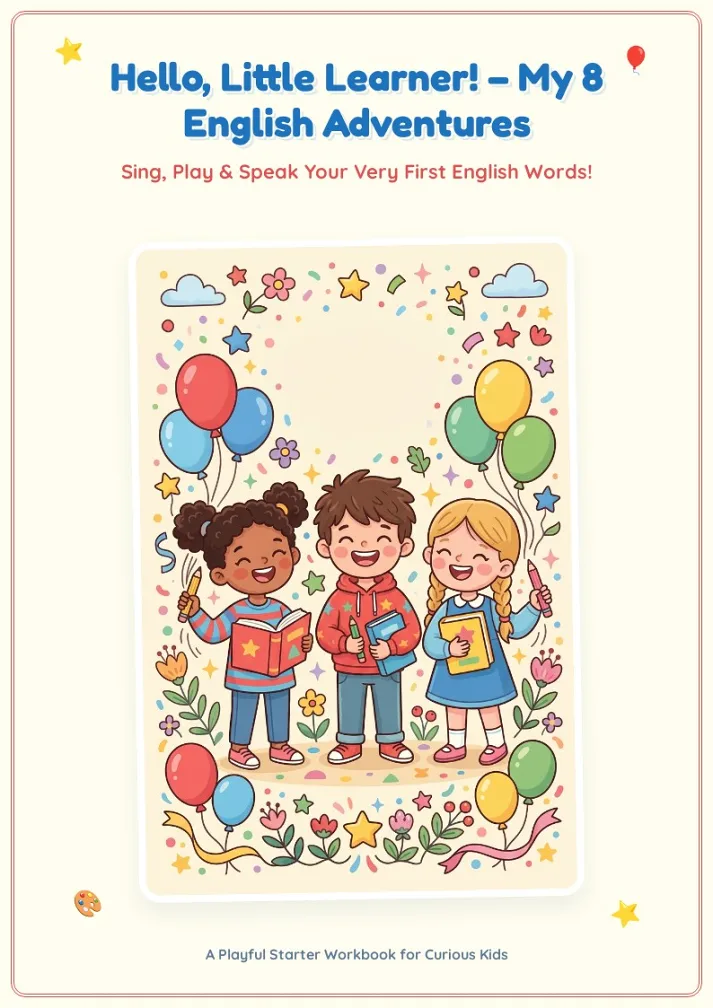
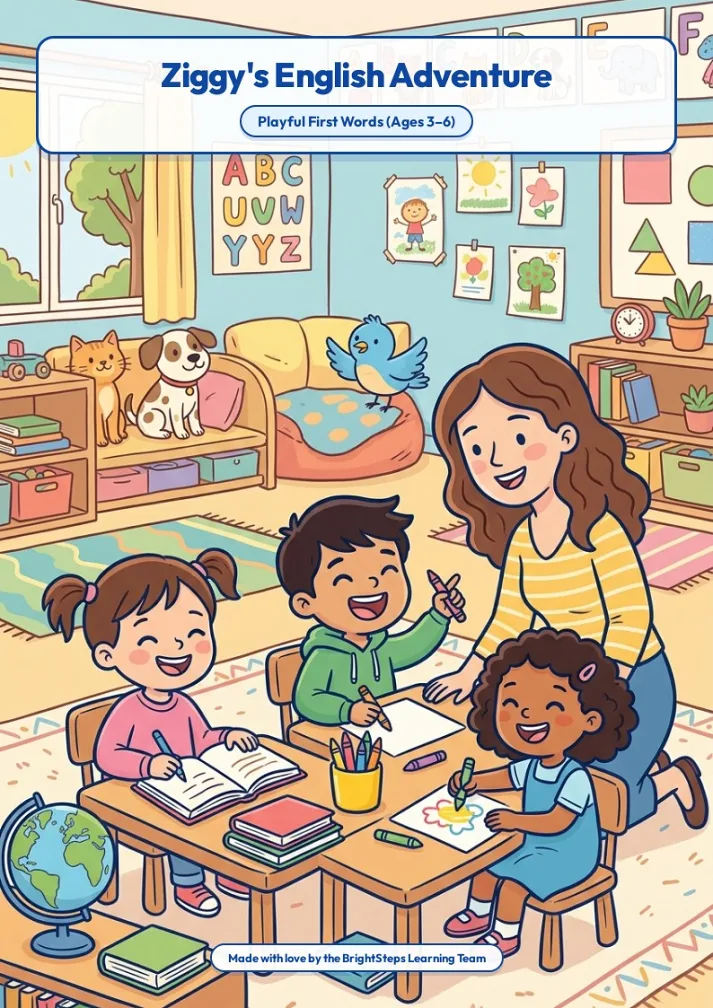
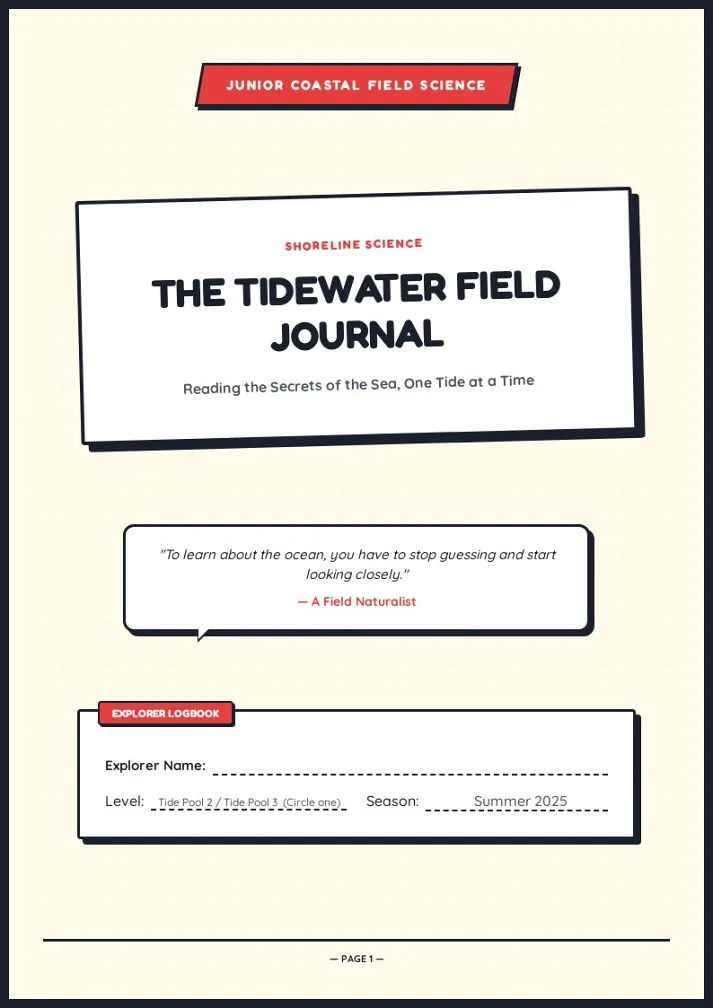
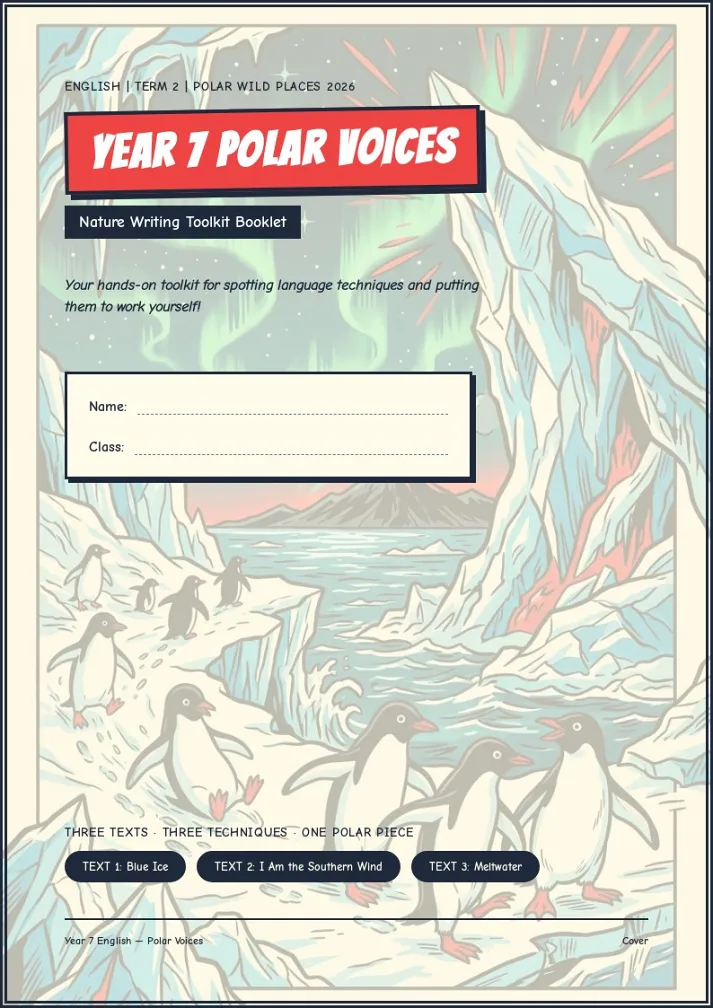
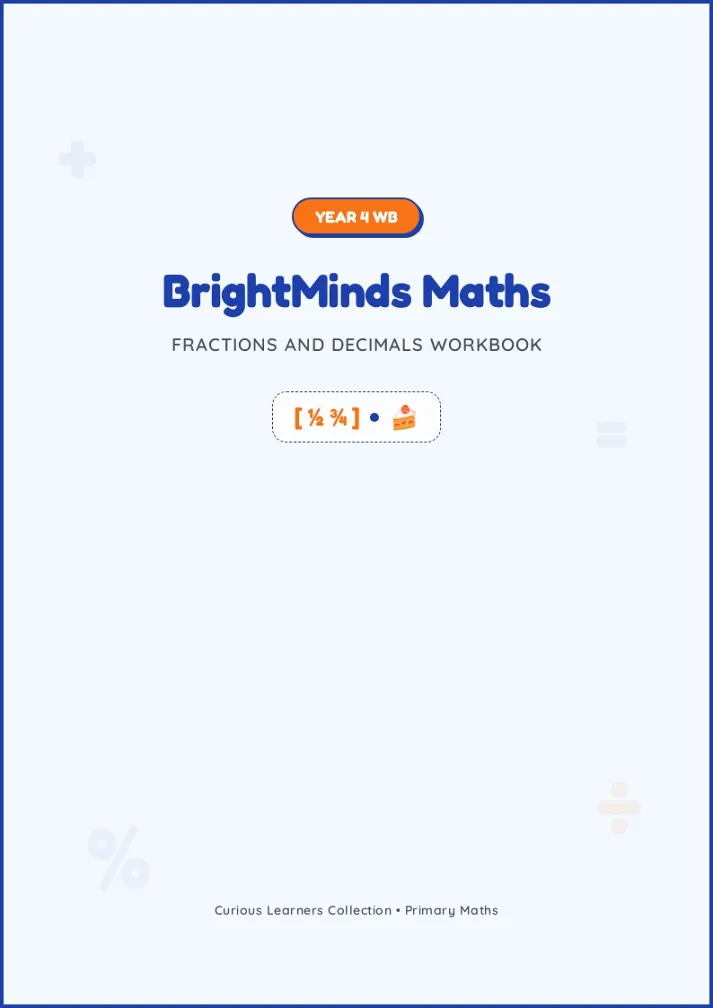
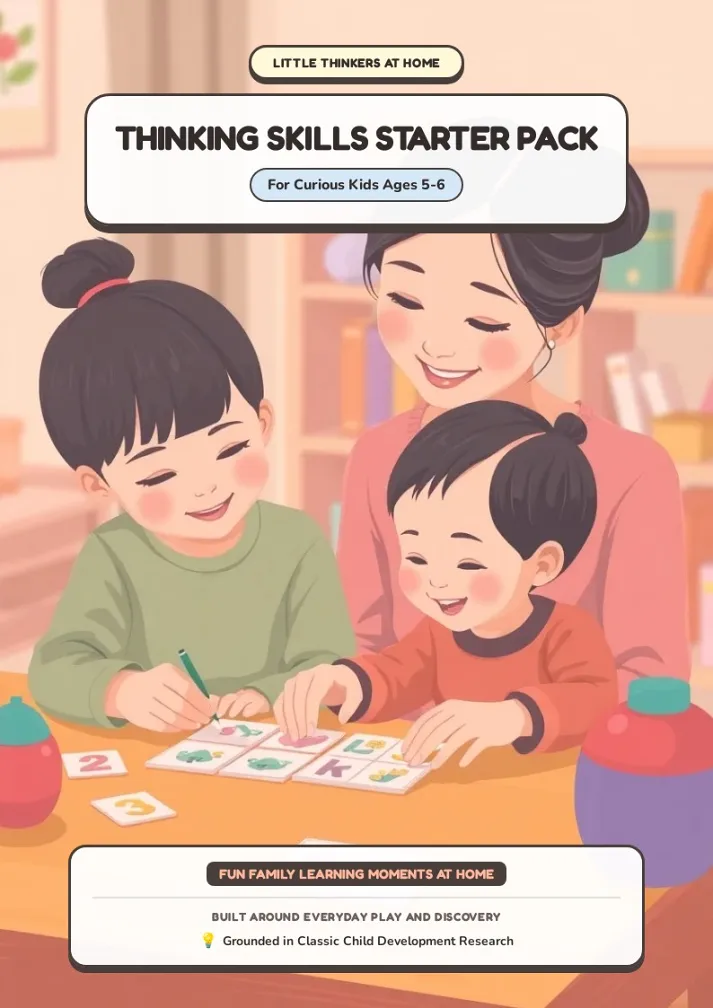
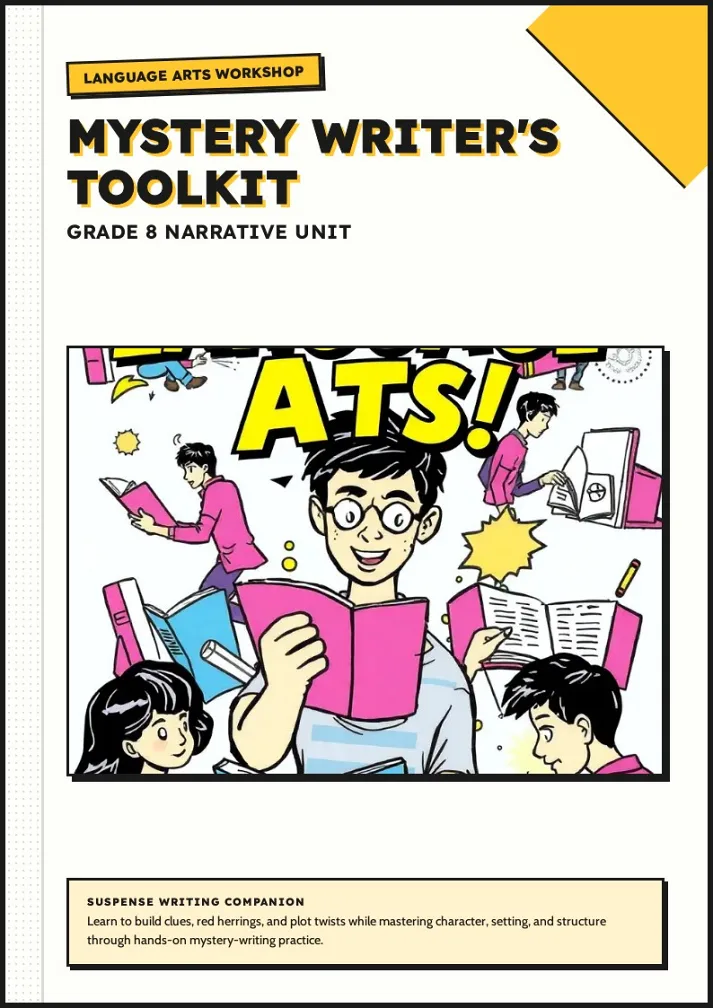
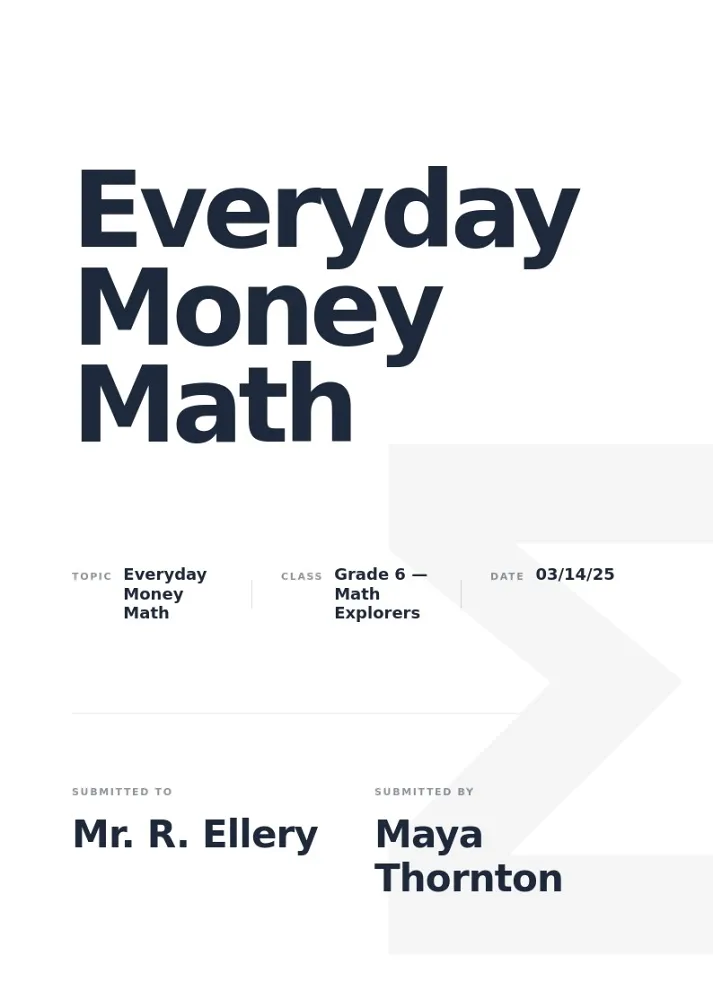
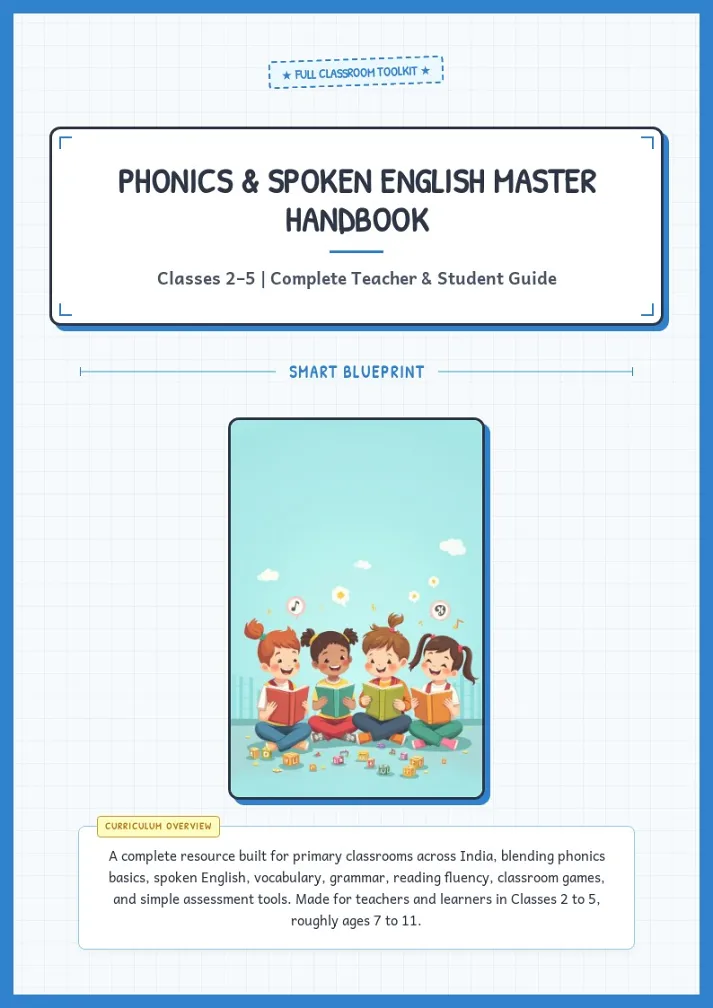
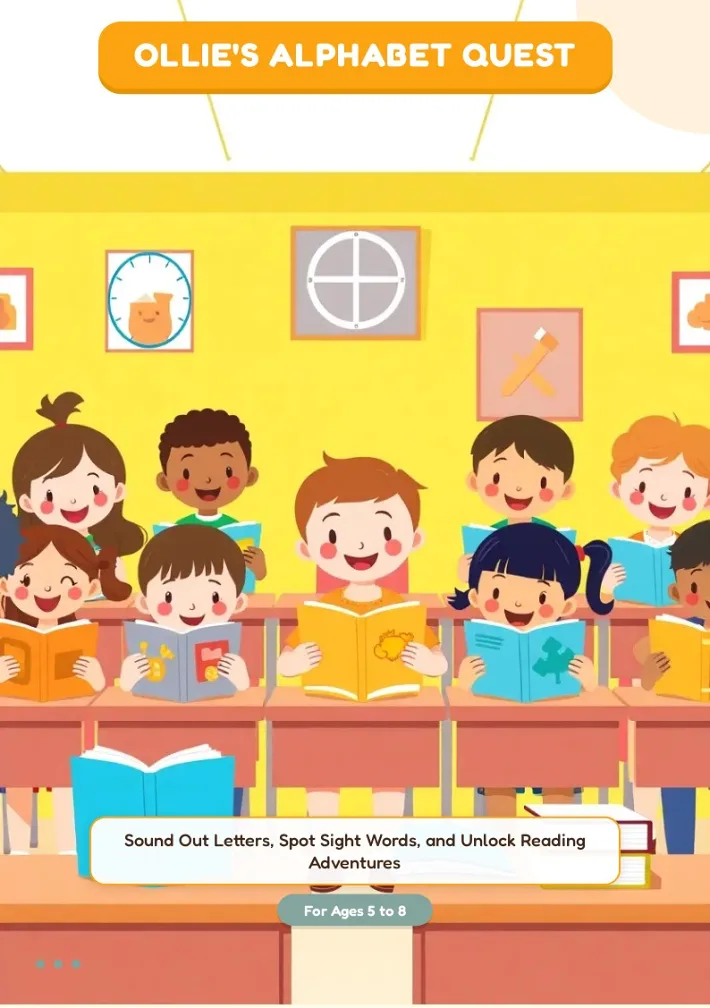
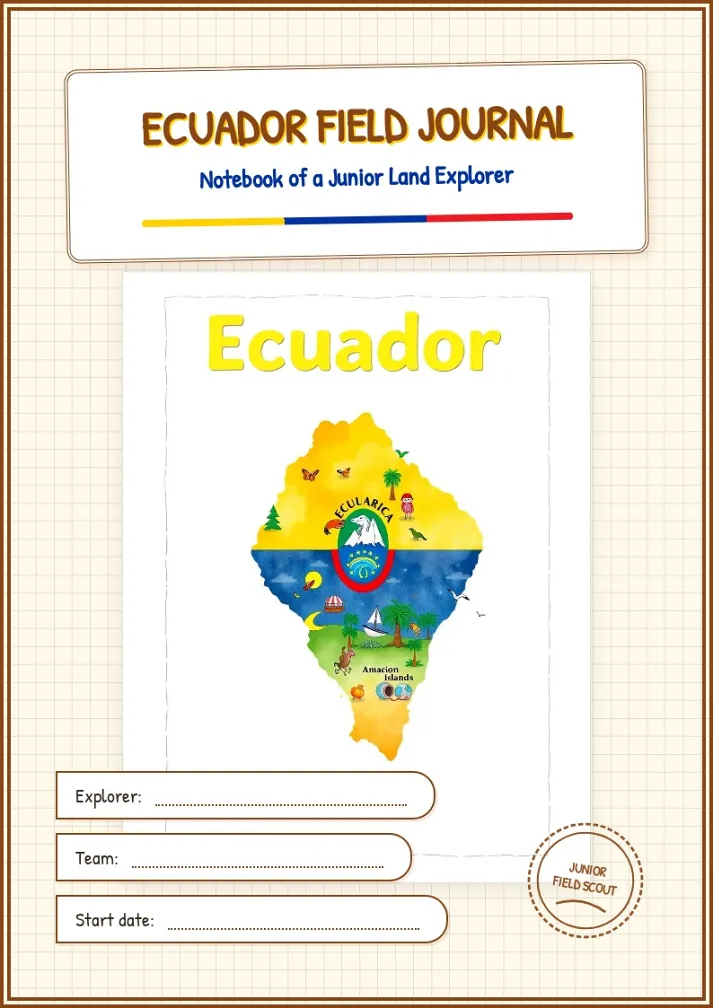
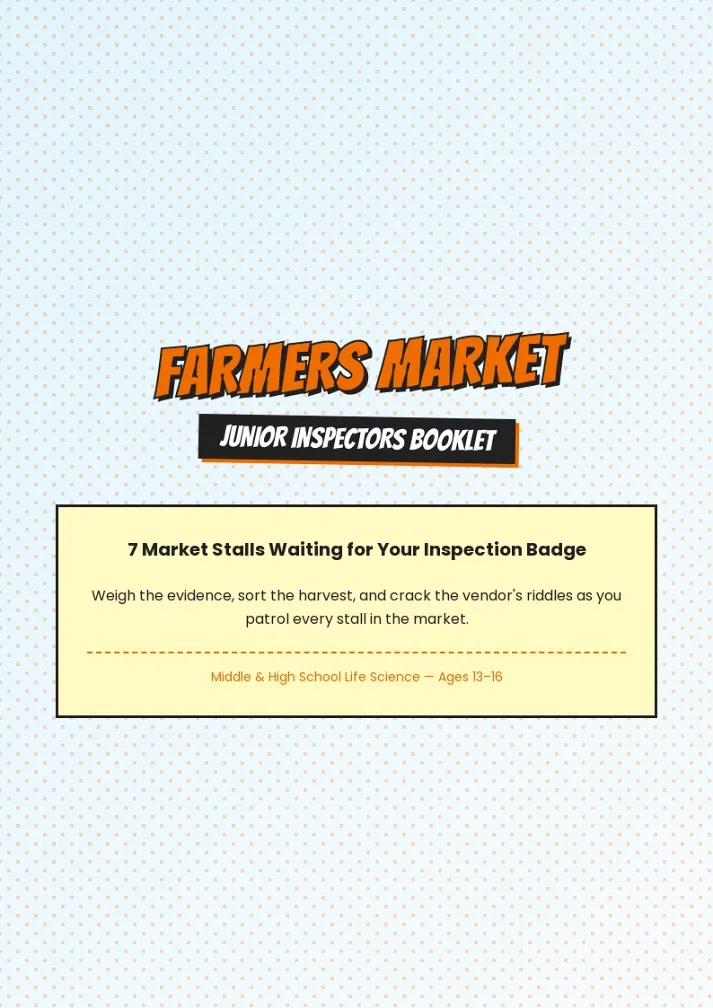
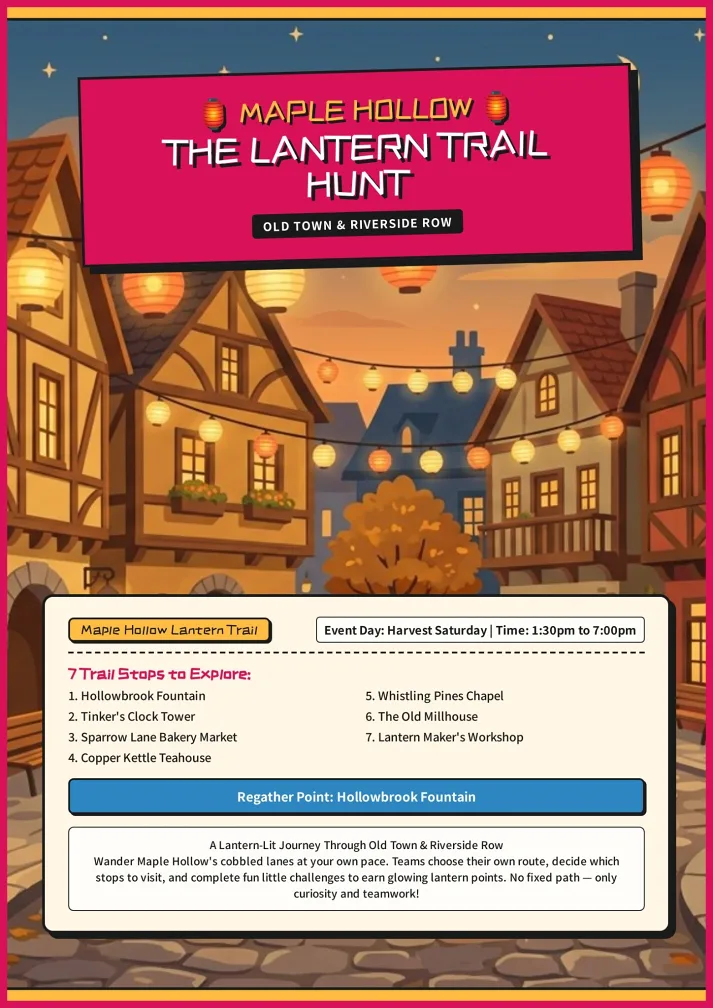
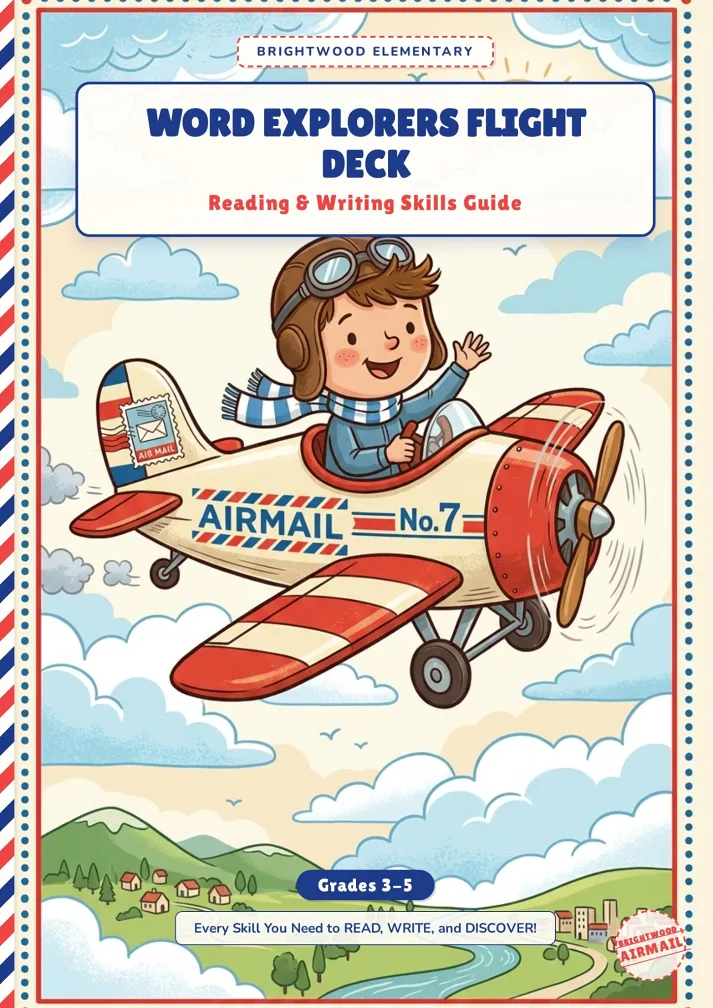
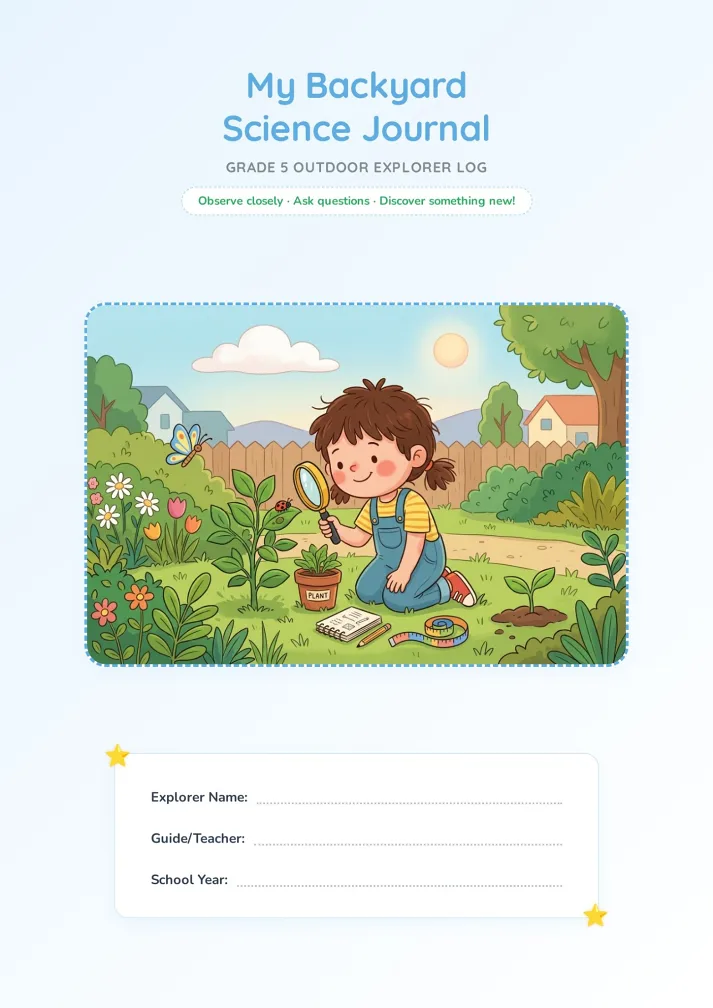
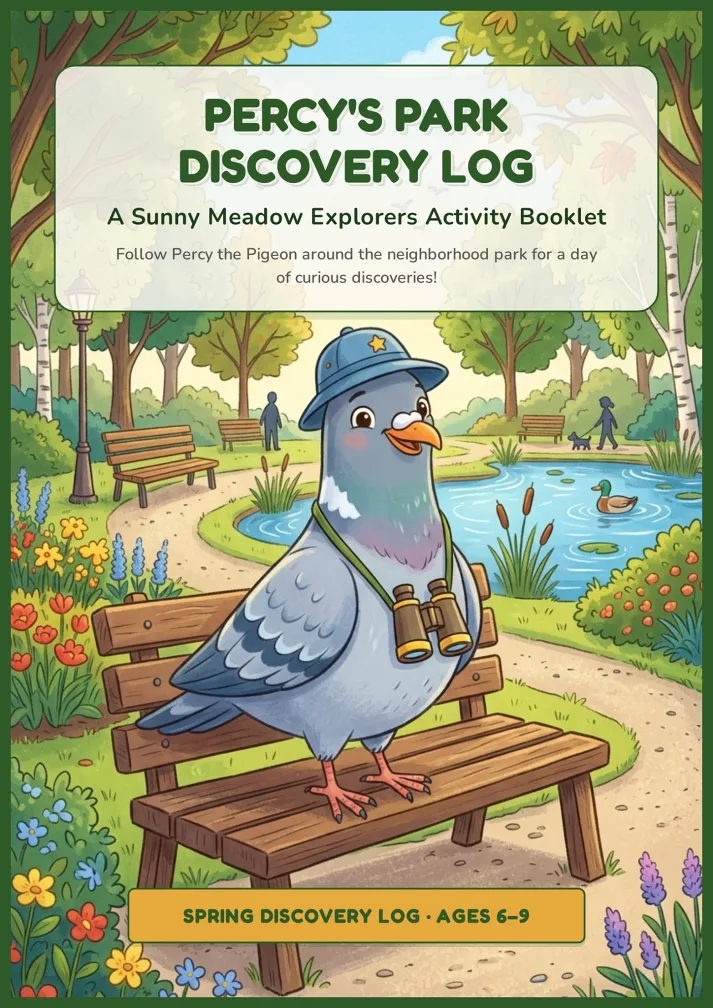
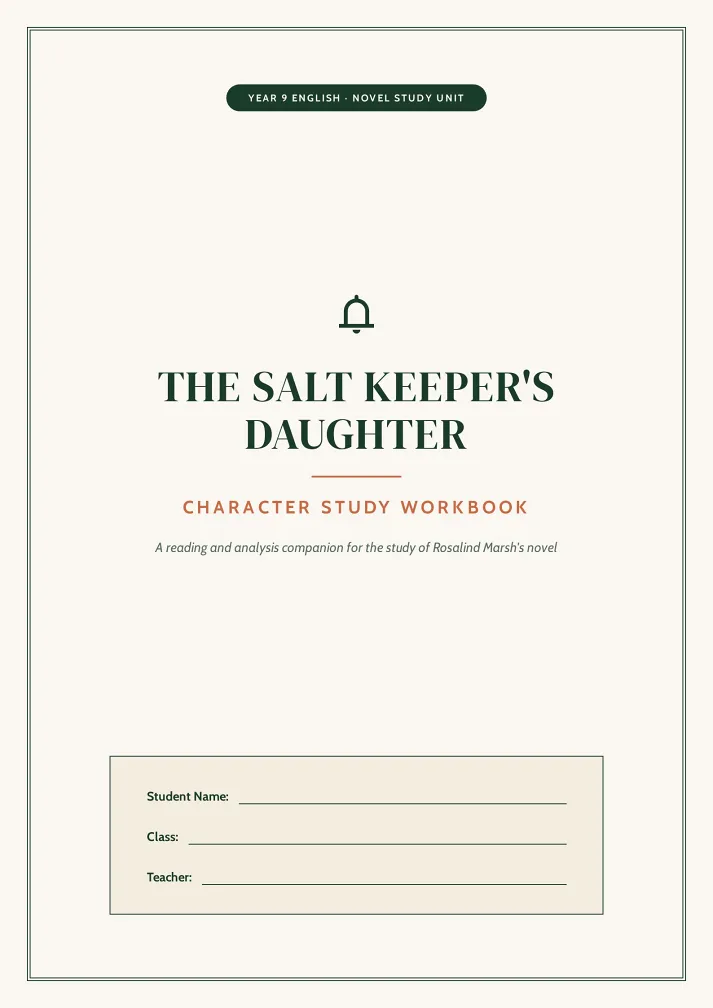
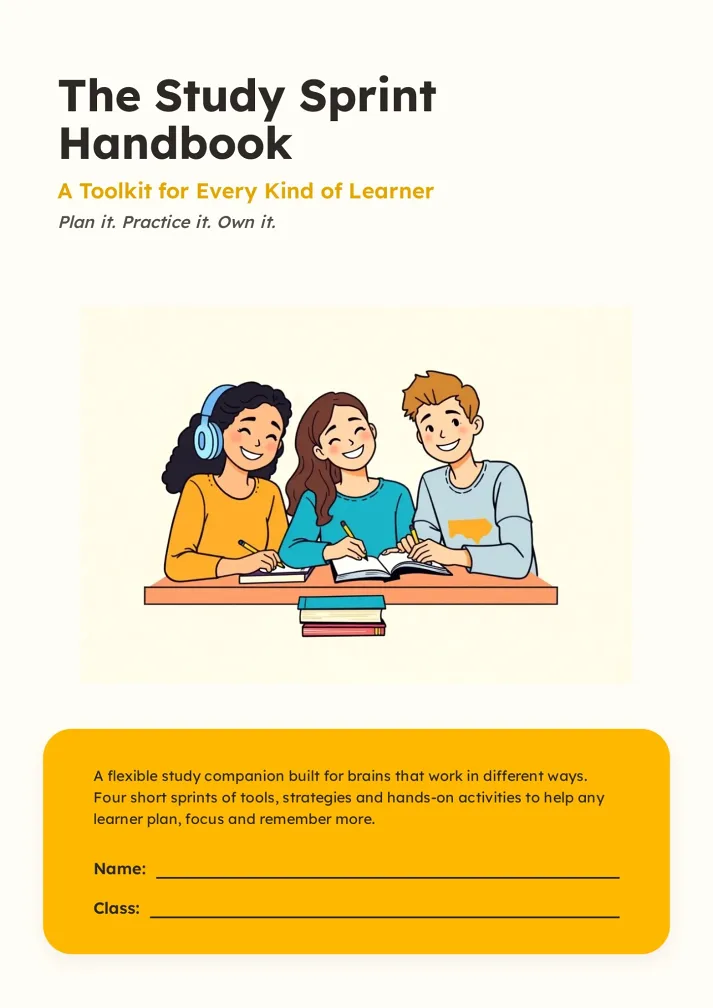
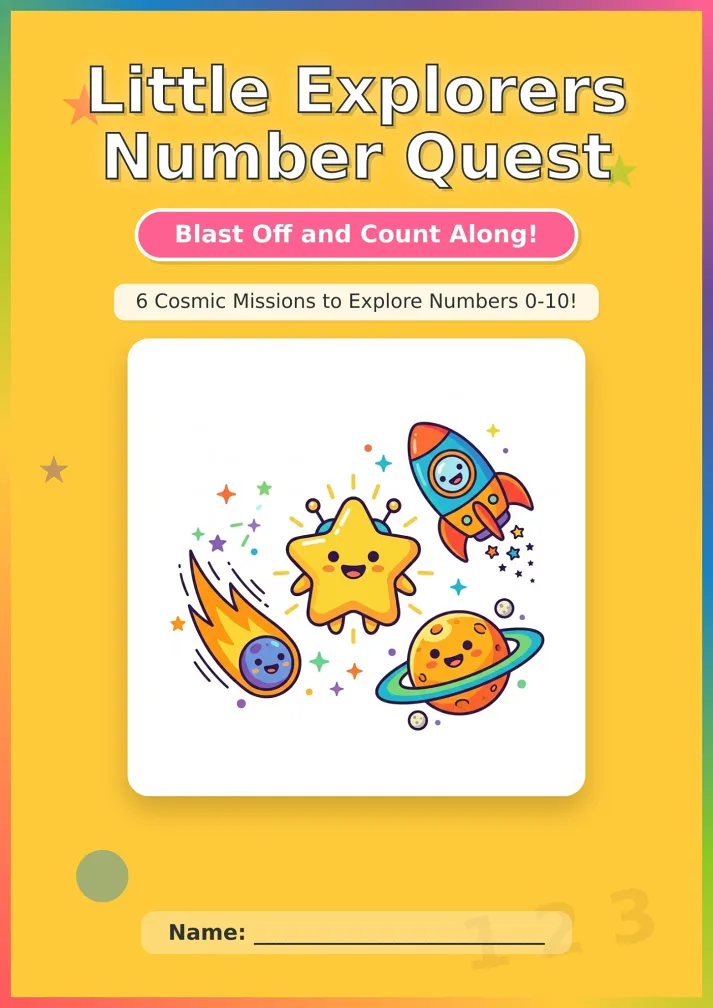
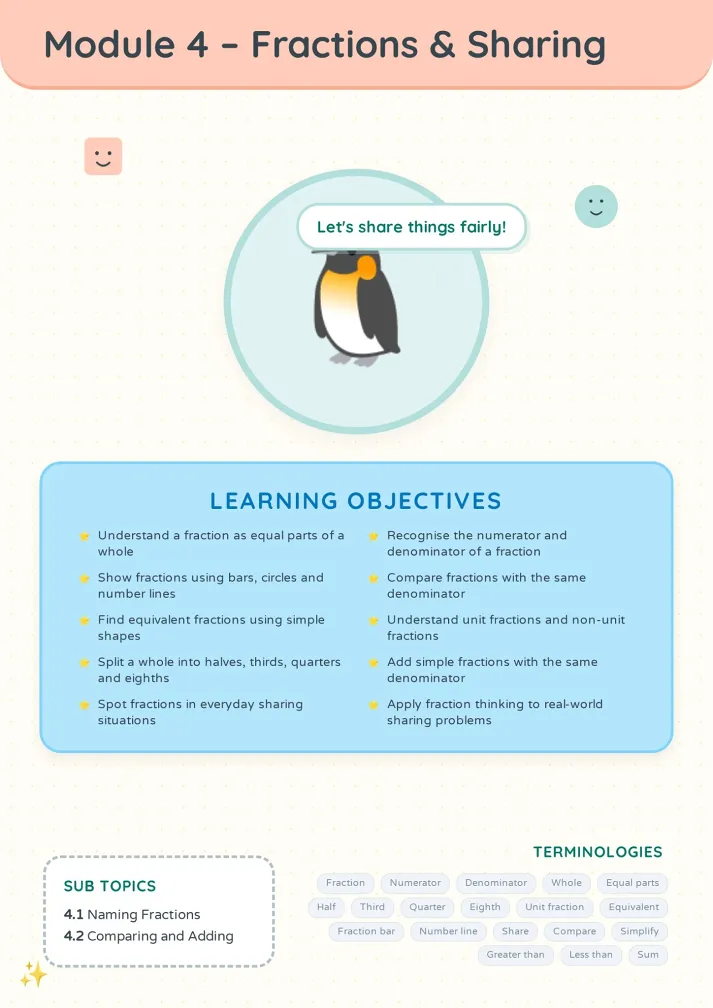
Using the A5 Booklet Maker in Three Steps
From your text or file to a folded A5 booklet.
Pick A5 and add your content
Choose A5 in the page layout menu, then paste text, upload a file, or pick an A5 booklet template as a style.
Approve the outline and style
The agent proposes pages, an outline and a design style. Ask for multiples of four if you plan to fold and staple.
Edit, then print the A5 booklet
Fix any page with AI Edit or Quick Edit, then download the PDF, the HTML, or share a link.
Who Uses an A5 Booklet Maker
What people make with the A5 booklet maker, then hand out and keep.
Couples and parishes
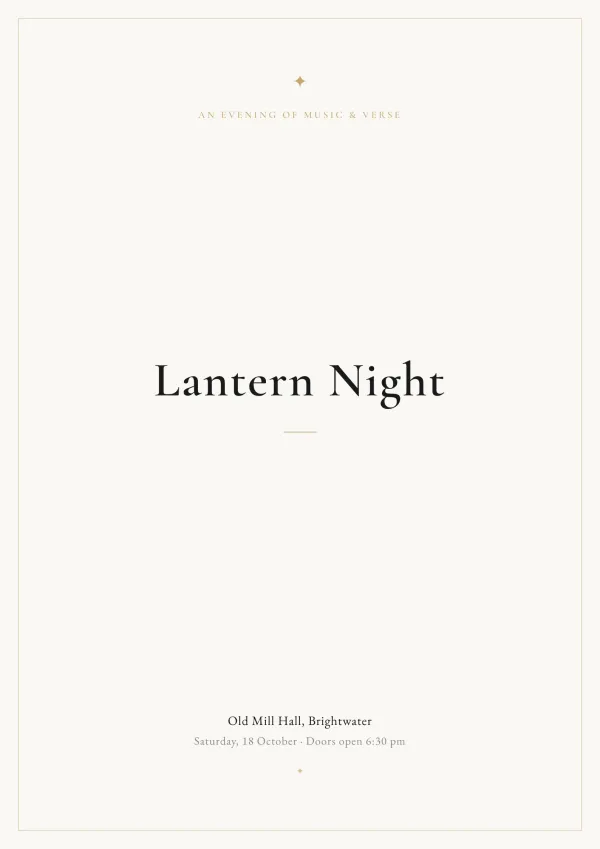
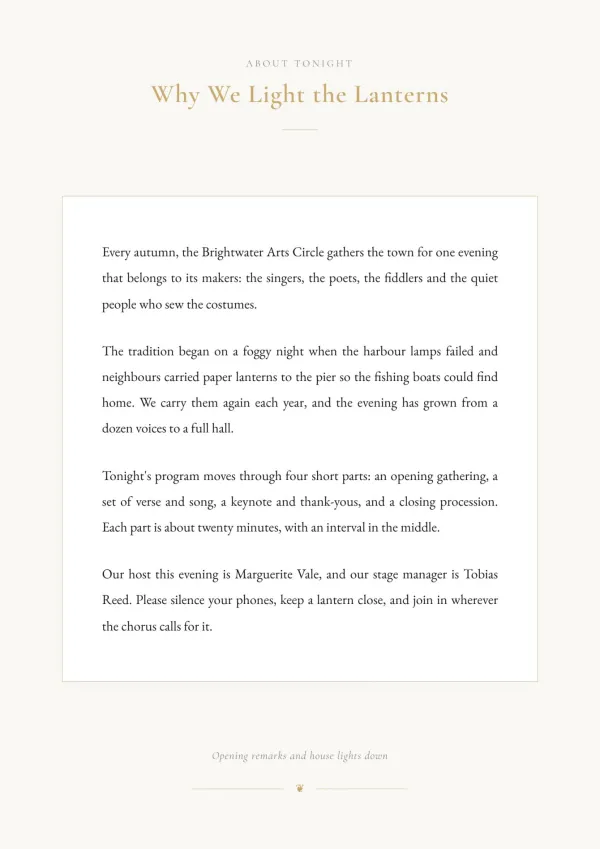
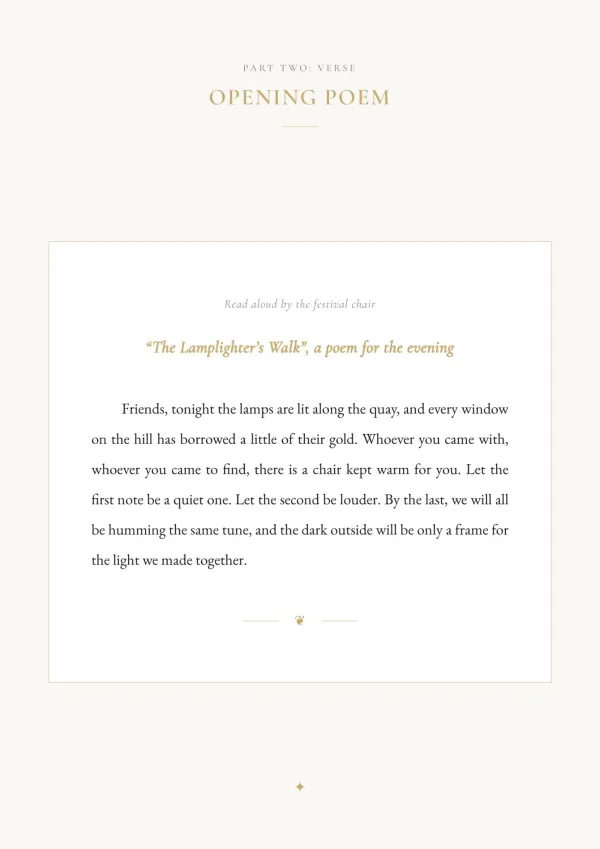
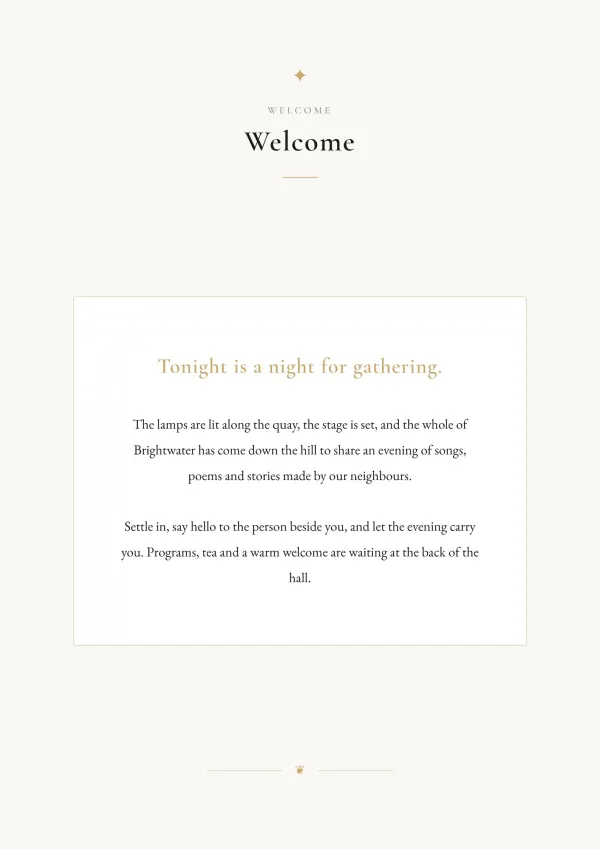
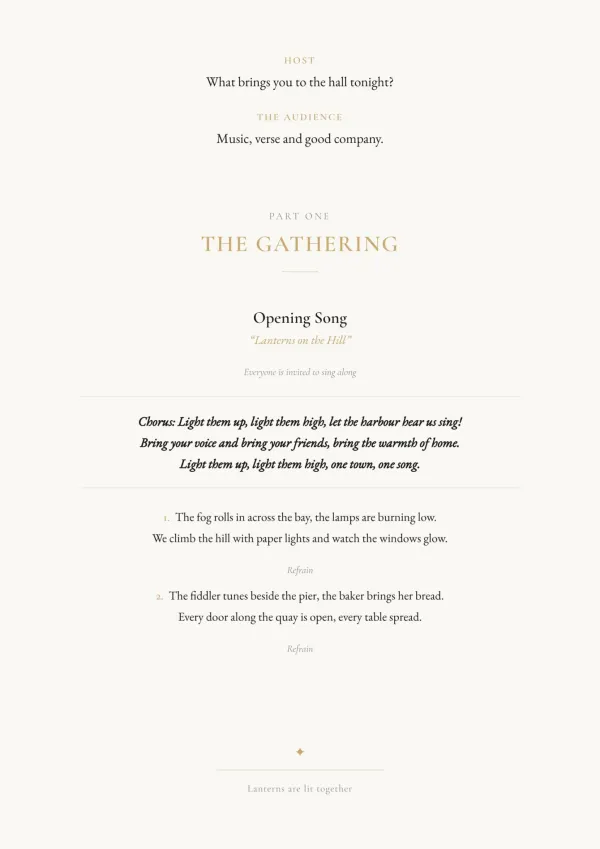
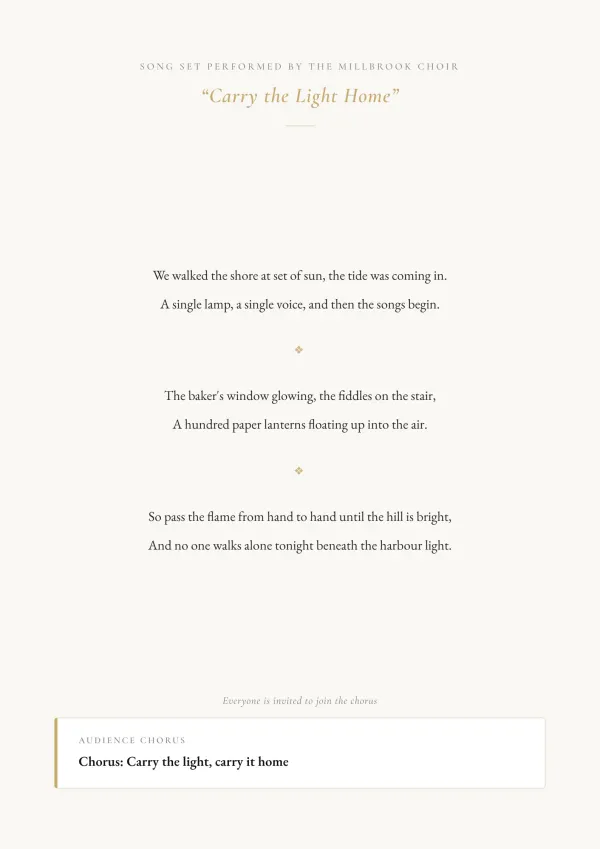
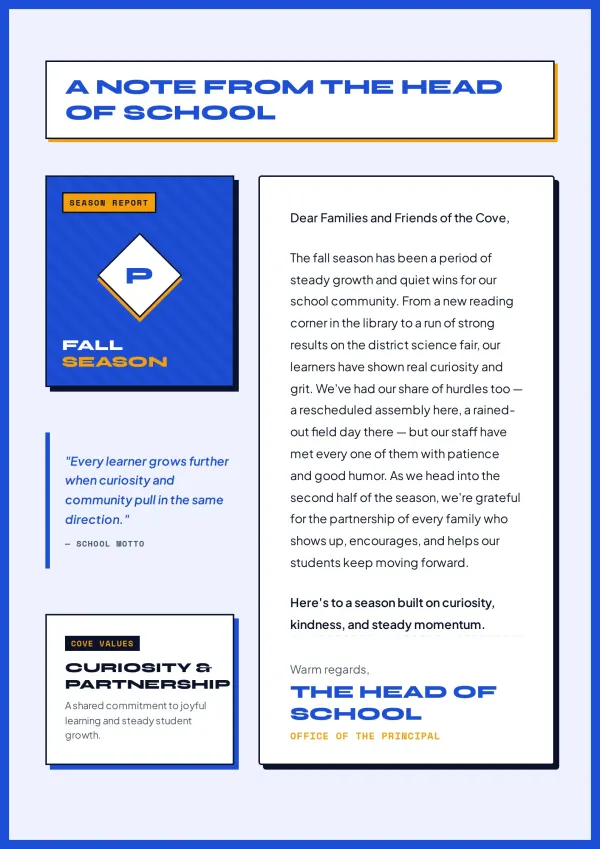
The order of service is written but looks plain. Paste it in, add names and readings, and print an A5 booklet program you feel proud to hand guests.
For weddings & ceremonies

Clinics and community teams
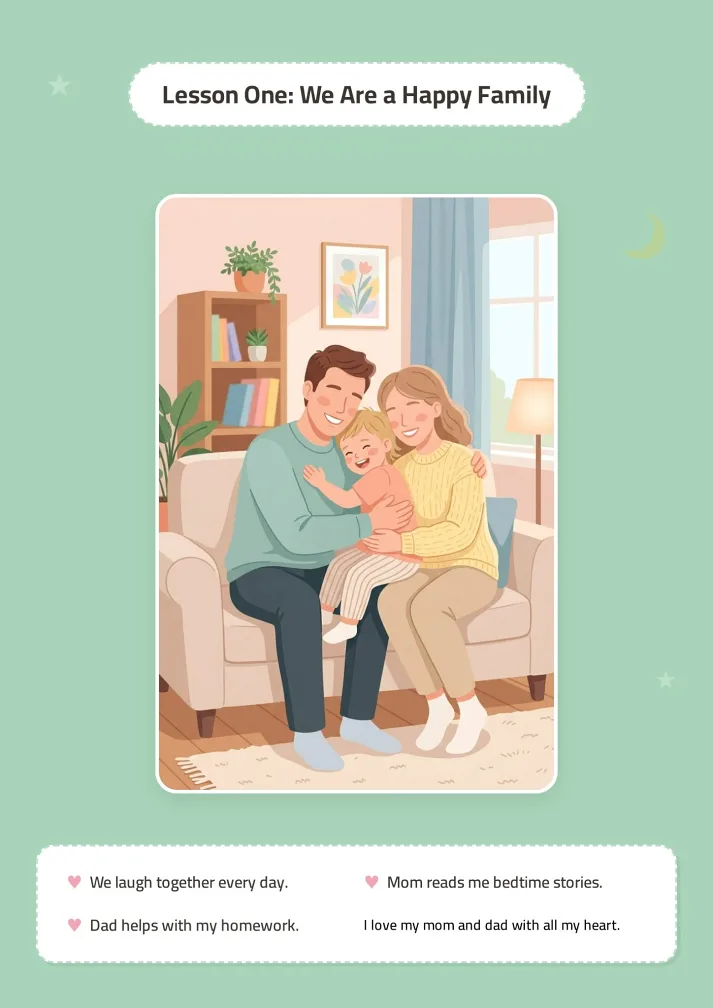
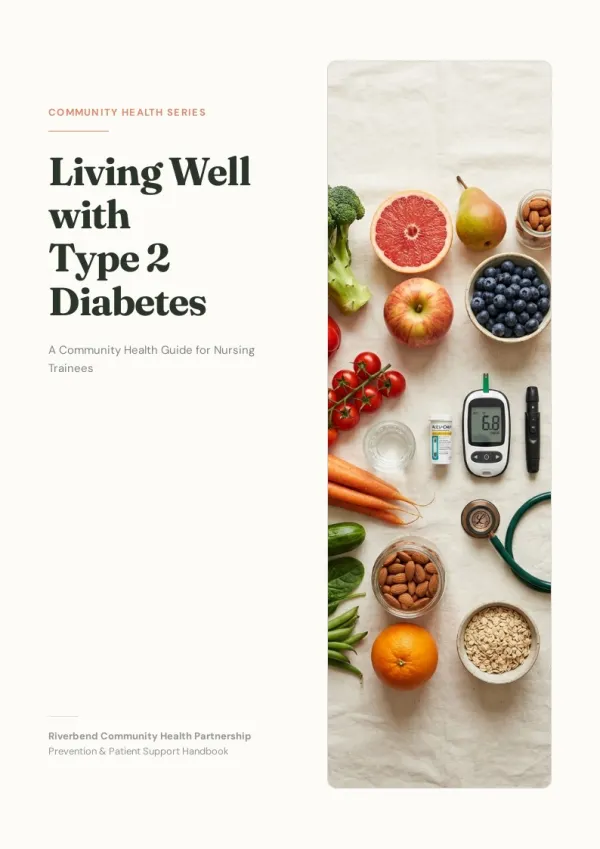
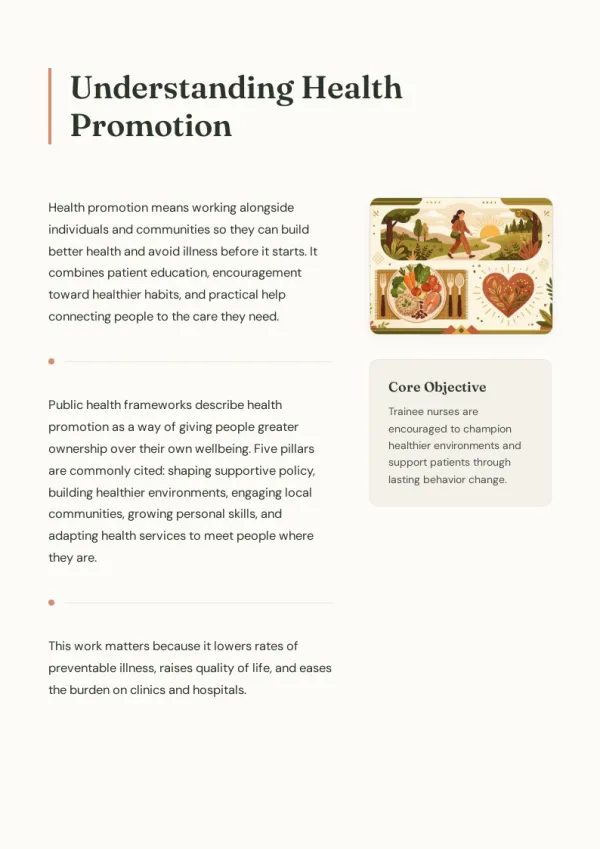
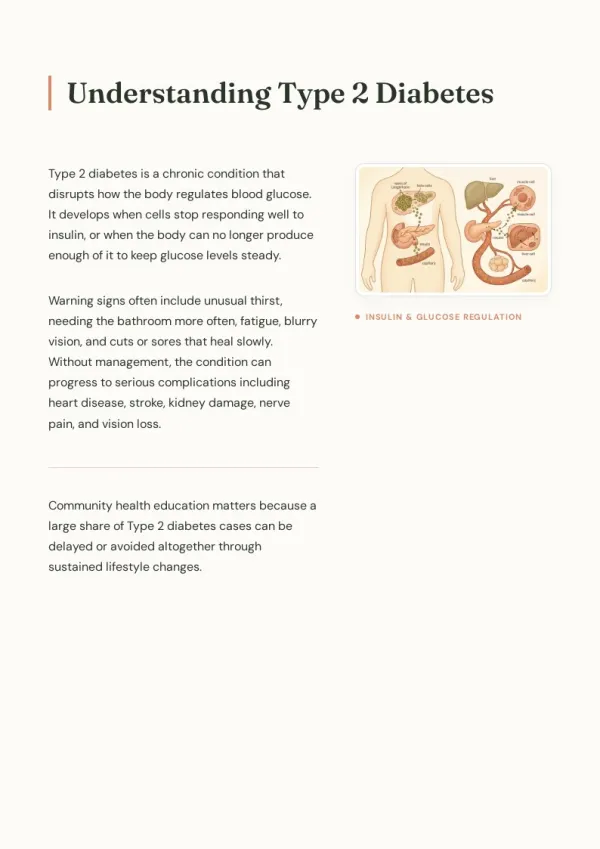
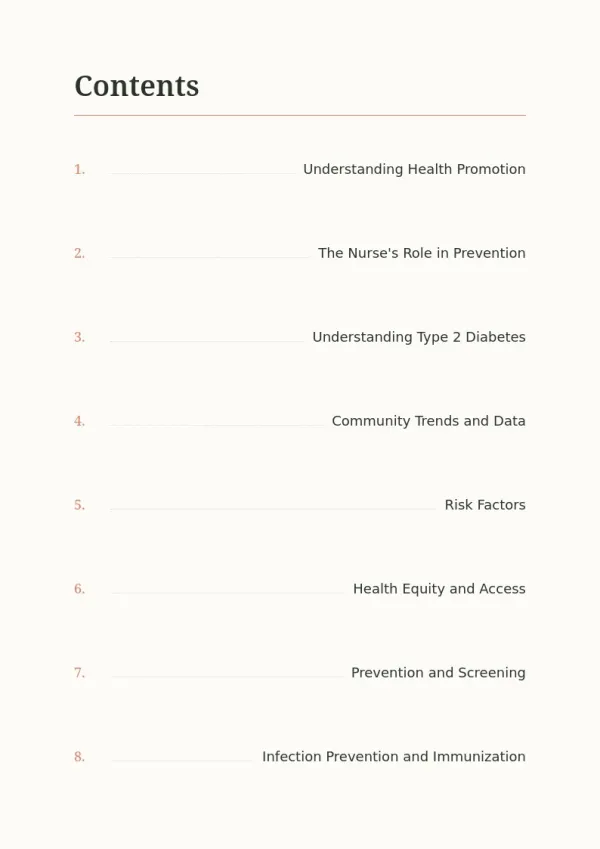
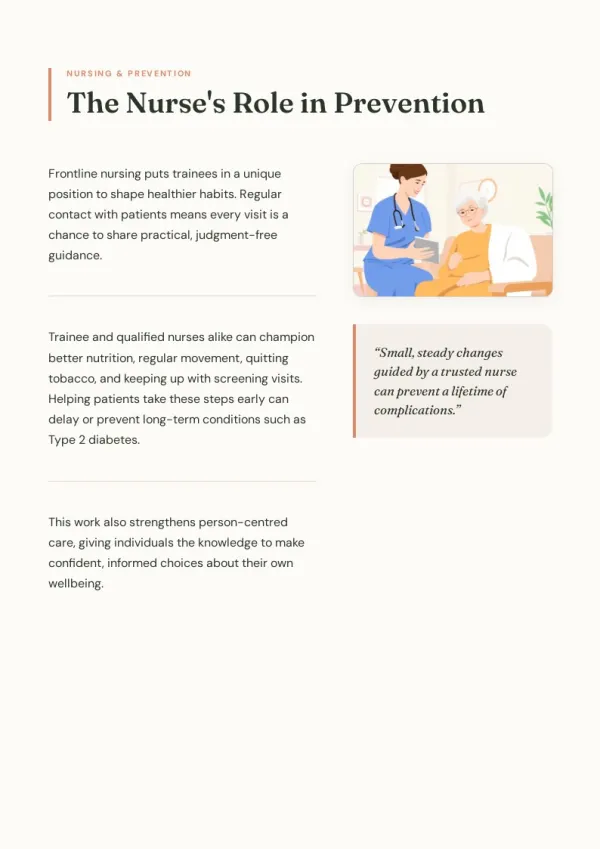
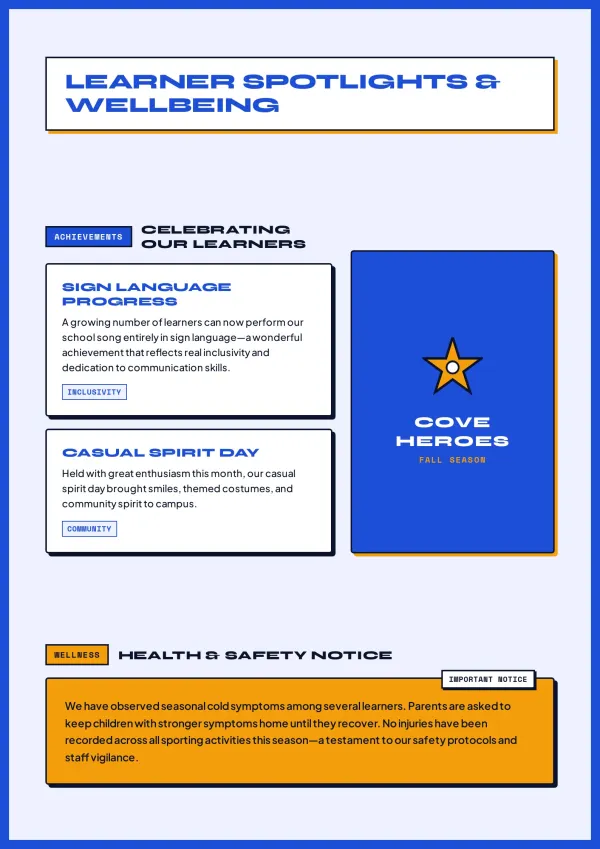
Your health advice sits in a long Word file nobody reads. Upload it and get a calm, illustrated A5 booklet patients can take home.
For patient & safety guides

Students and clubs
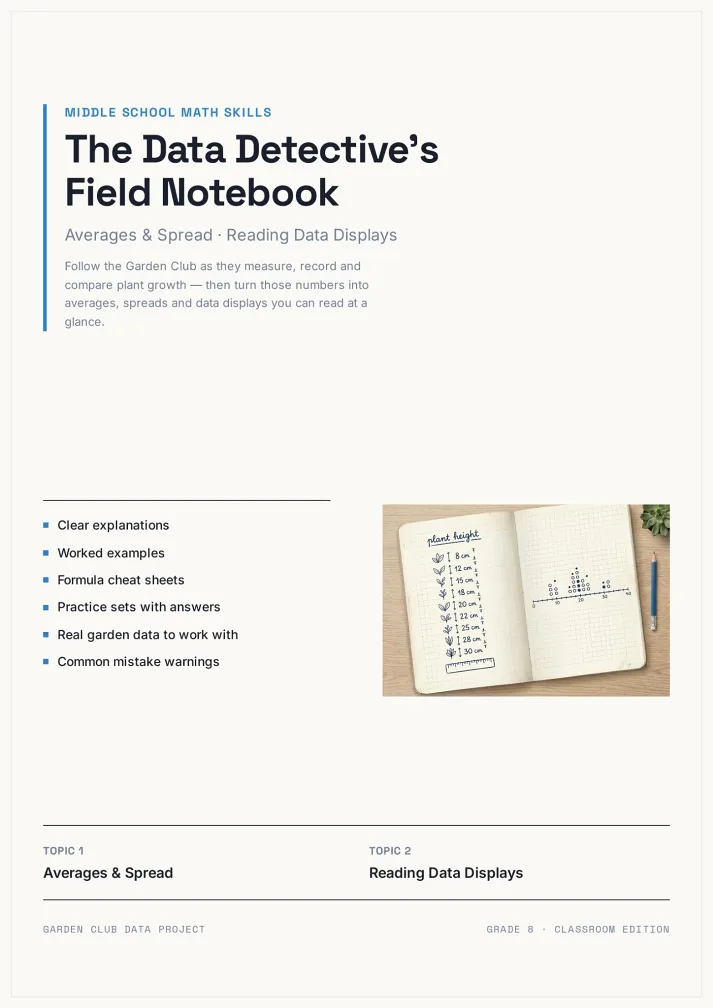
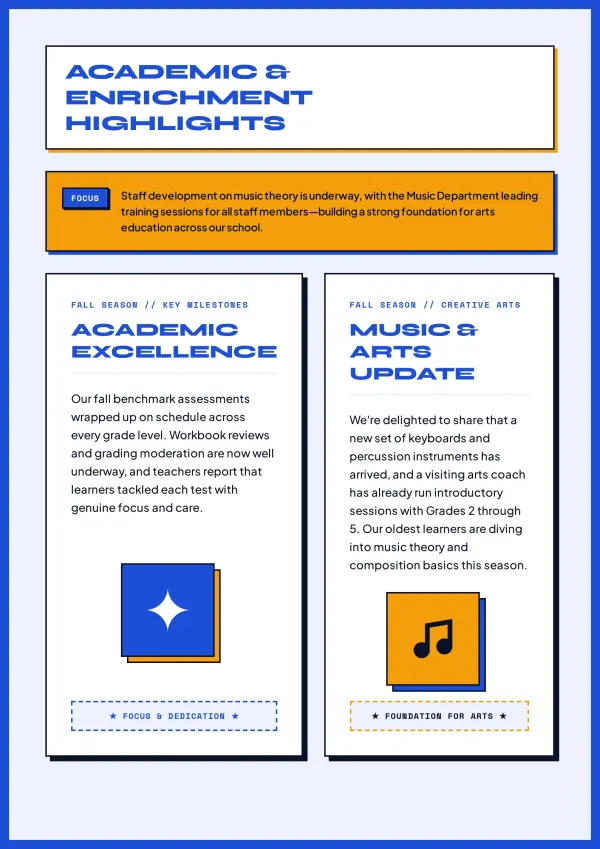
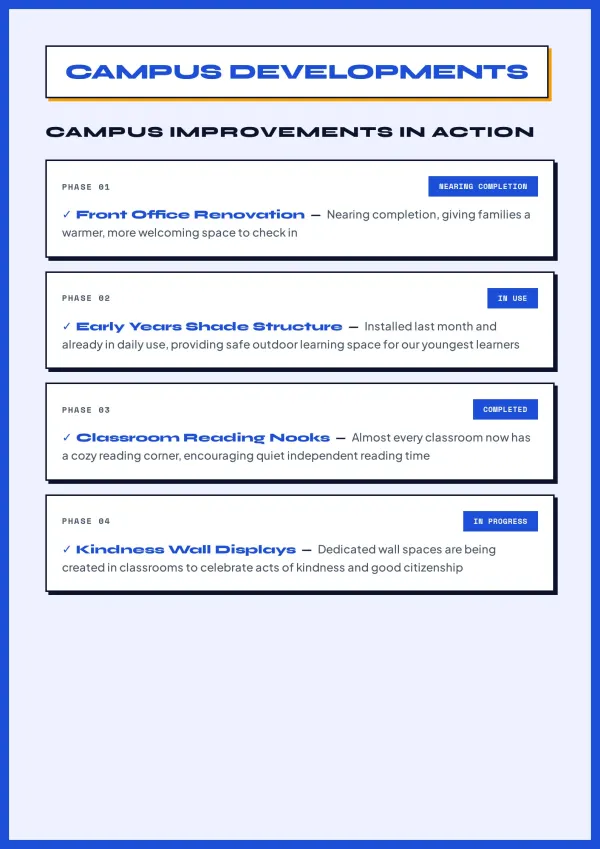
Issue one is due Friday. Name the topics, approve the outline, and feel relieved when a designed A5 magazine is ready to print and fold.
For school & club magazines
What the A5 Booklet Maker Handles for You
Half the size of A4, twice as easy to hand out. Every A5 page is planned, written and designed.
Start from what you have
Paste a wedding order of service or upload a Word guide; it becomes A5 pages.
Written in your language
Write in French, German or Portuguese and get the booklet in that language.
True A5, portrait or landscape
Pages use the A5 booklet size, 148×210 mm, at about 100 words a page.
Asks before it designs
The agent asks about audience, purpose and style first, so pages feel intended.
Photos and illustrations
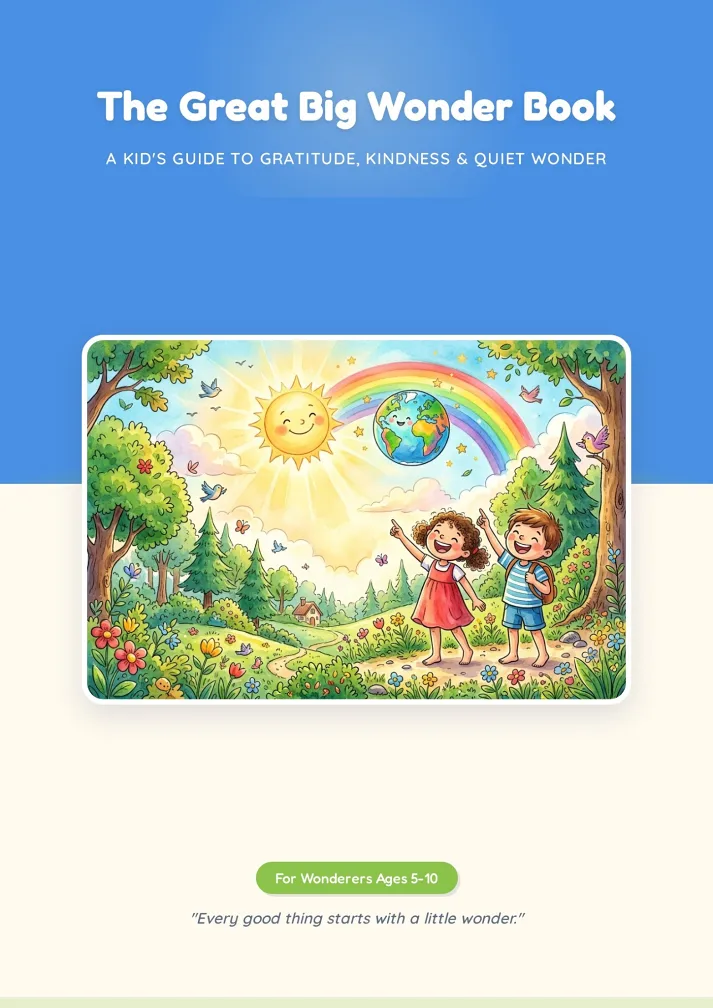
AI images or real photos are picked for each page, so no spread looks empty.
A PDF for any printer
Digital PDF for home printing, or Print PDF with bleed for A5 booklet printing.
An A5 Booklet Maker Built Around One Folded Sheet
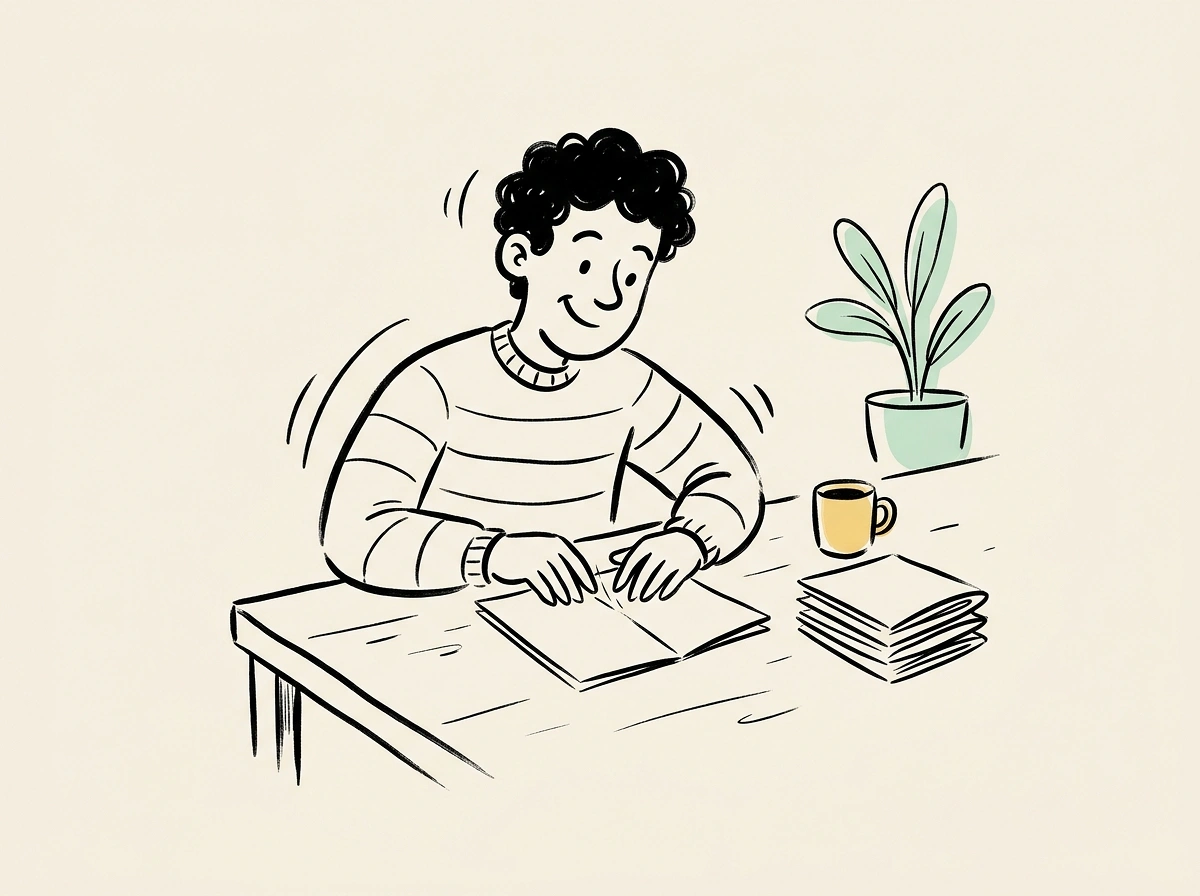
Most handouts end up as A4 pages folded in half. This A5 booklet maker designs for that size from page one.
Sized for the fold
Each page is laid out at A5, so printed two-up on A4 and folded, nothing has to be resized.
Room for real content
About 100 words a page leaves space for photos, headings and schedules without cramped text.
Ready for the print shop
Pick the Print preset for A5 booklet printing: it adds 3 mm bleed and crop marks for the print shop.
Your time is worth a subscription
Spend your hours on the idea — we'll handle the design
A5 Booklet Maker FAQ: Size, Folding and Printing
1
Is this A5 booklet maker free?
Yes. Signup credits let you build your first A5 booklet for free. Free downloads show a watermark on the cover, and any paid plan removes it.
2
What is the A5 booklet size?
The A5 booklet size is 148×210 mm (about 5.8×8.3 in), exactly half an A4 sheet. That is why one A4 sheet folded in half gives four A5 pages.
3
Can I make a 5.5 x 8.5 booklet instead?
Yes. A 5.5 x 8.5 booklet is the US Half Letter size. Pick Half Letter in the page layout menu and the agent designs a 5.5 x 8.5 booklet page by page.
4
How do I print a booklet on A4 paper at home?
Download the Digital PDF, open it in Adobe Acrobat or a similar reader, choose the booklet option, and print double-sided on A4. Fold the stack in half.
5
Does the A5 booklet maker put pages in printing order?
No. The PDF keeps one A5 page per page in reading order. Your PDF reader's booklet option or your print shop arranges them onto A4 sheets.
6
How many pages should a folded A5 booklet have?
A multiple of four, such as 8, 12 or 16, because each folded A4 sheet holds four A5 pages. Tell the agent the page count and it plans to match.
7
Is the PDF ready for a print shop?
Yes. Pages are designed at trim size; pick the Print preset when downloading and it adds 3 mm bleed and crop marks for A5 booklet printing.
8
Can I use an A5 booklet template?
Yes. Choose a design from the template library and it acts as your A5 booklet template: colours, fonts and layout carry over to your own content.
9
Can I turn a Word file or PDF into an A5 booklet?
Yes. Upload Word, PDF, PowerPoint, Markdown or TXT. Ask it to keep your wording and order, and the A5 booklet maker lays it out page by page.
10
Does it support landscape A5?
Yes. Pick A5 Landscape (210×148 mm) in the page layout menu for photo-led booklets, menus or programmes that read better wide.
11
Which languages can I use?
Any language you write in. Describe your booklet in Spanish, Italian or Japanese and the A5 booklet maker writes and designs it in that language.
12
Can I change a page after the A5 booklet maker generates it?
Yes. AI Edit redoes one page from a short instruction. Quick Edit lets you drag, retype and swap images yourself without using credits.
13
How is this different from a Word booklet template?
A Word booklet template gives you empty boxes to fill and format. This agent writes, illustrates and lays out every A5 page, then exports the PDF.
14
What if I need a smaller or bigger booklet?
Pick A6, A4, Letter or Half Letter in the page layout menu. For pocket sizes, the A6 booklet maker page covers small-format printing in detail. Need a pocket size? Try the A6 booklet maker
No design skills needed for your A5 booklet
The agent writes, illustrates and lays out every page. You print on A4 and fold.