Booklet Templates
Explore booklet design ideas and printable templates — pick one, let AI handle the layout and content, export as PDF in minutes.
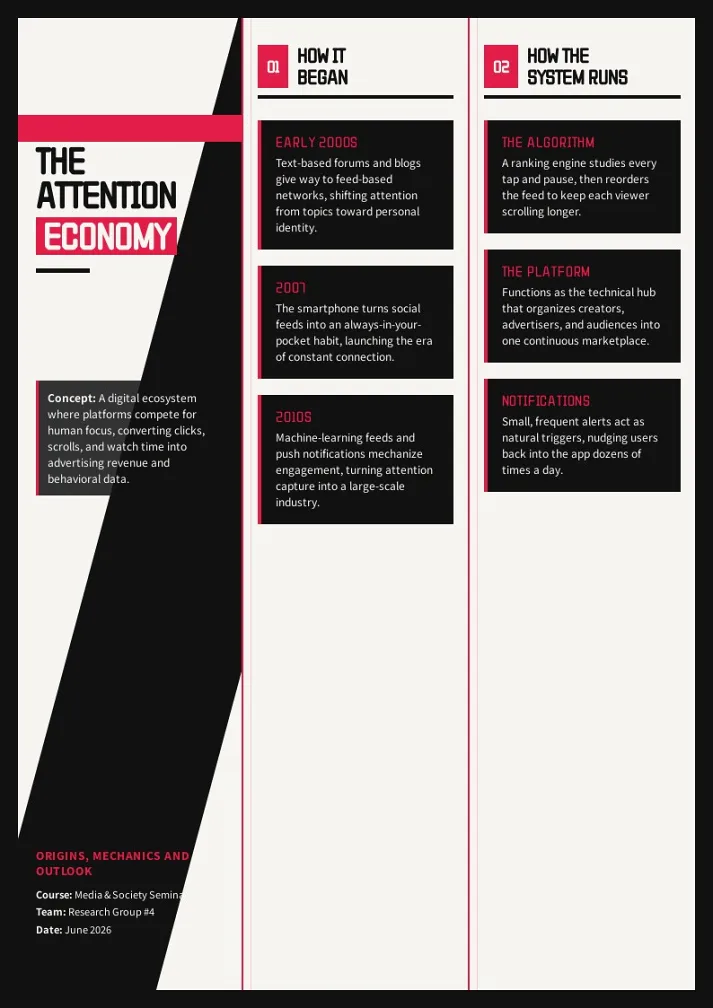
Attention Economy Analysis Template
A bold black-and-red infographic poster template for breaking down how digital platforms compete for attention -- perfect for media studies, sociology, and tech-ethics presentations.
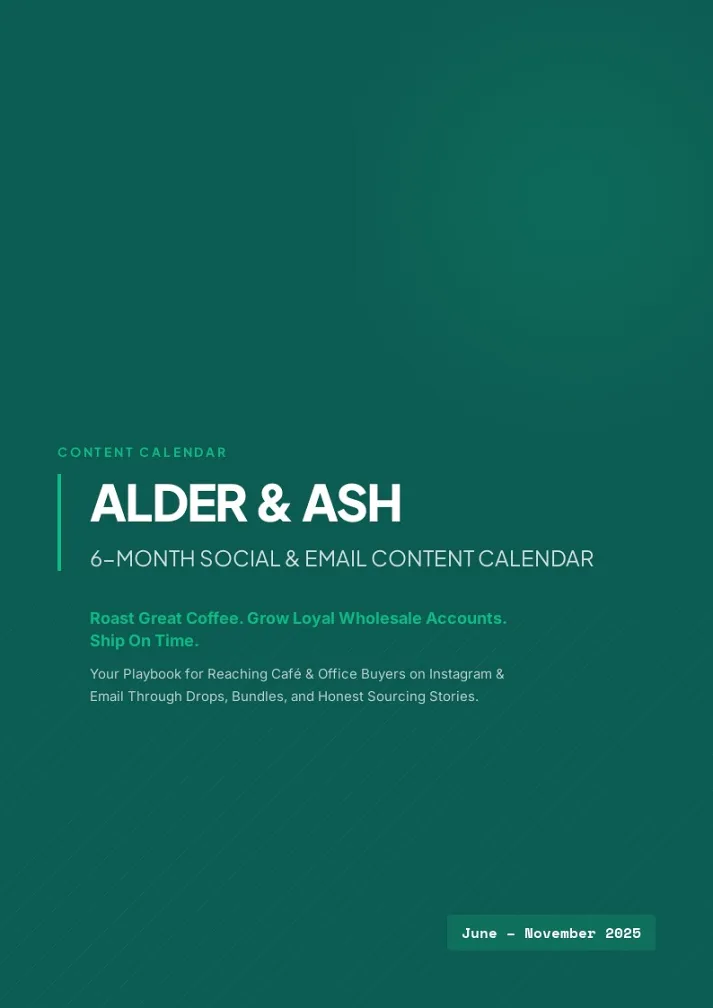
6-Month Content Calendar Template
A bold teal-and-emerald wholesale content calendar for coffee, food, and specialty brands planning six months of Instagram drops and email campaigns.
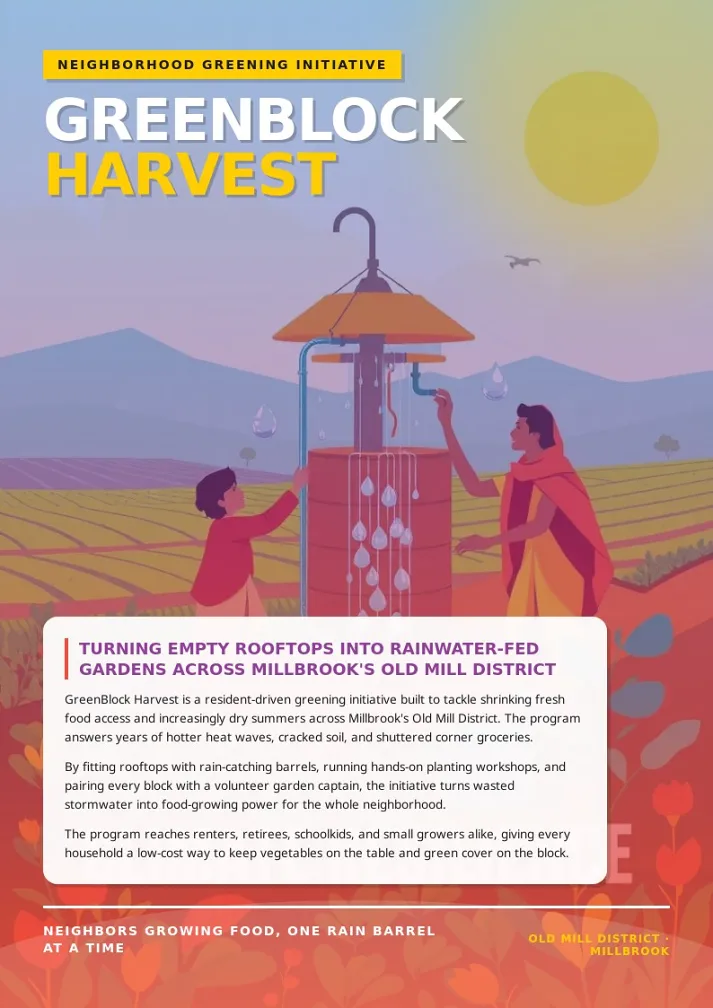
Community Garden Initiative
Bold, color-blocked booklet template for neighborhood greening and rain-barrel gardening programs, ideal for community groups, schools, and local sustainability campaigns.
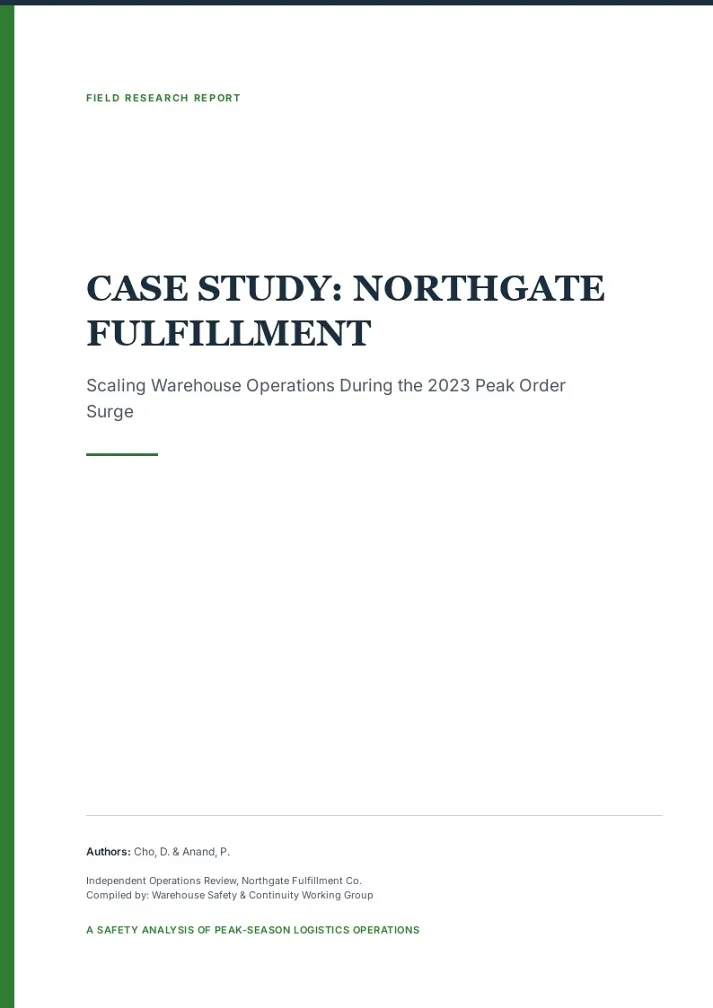
Peak Season Logistics Safety Report Template
An academic-style case study report layout for analyzing workplace safety during a logistics/warehouse operations surge — ideal for supply chain, EHS, or operations management coursework.
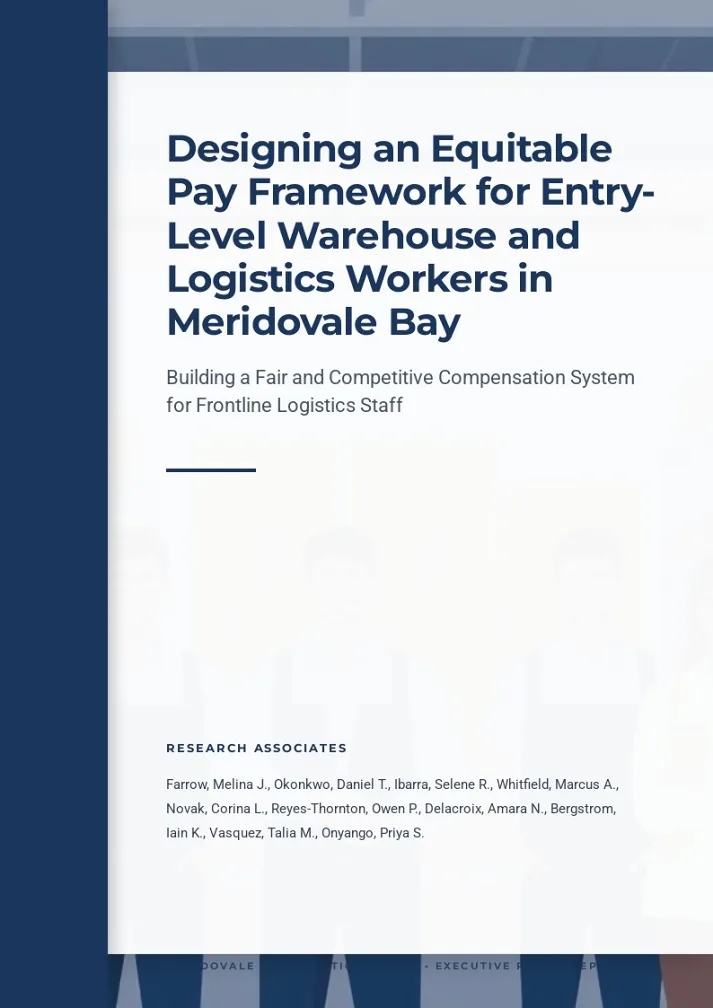
Warehouse Pay Framework Report Template
An executive-style compensation policy template with navy accents and data cards — ideal for HR pay proposals, workforce studies, and benefits reports.
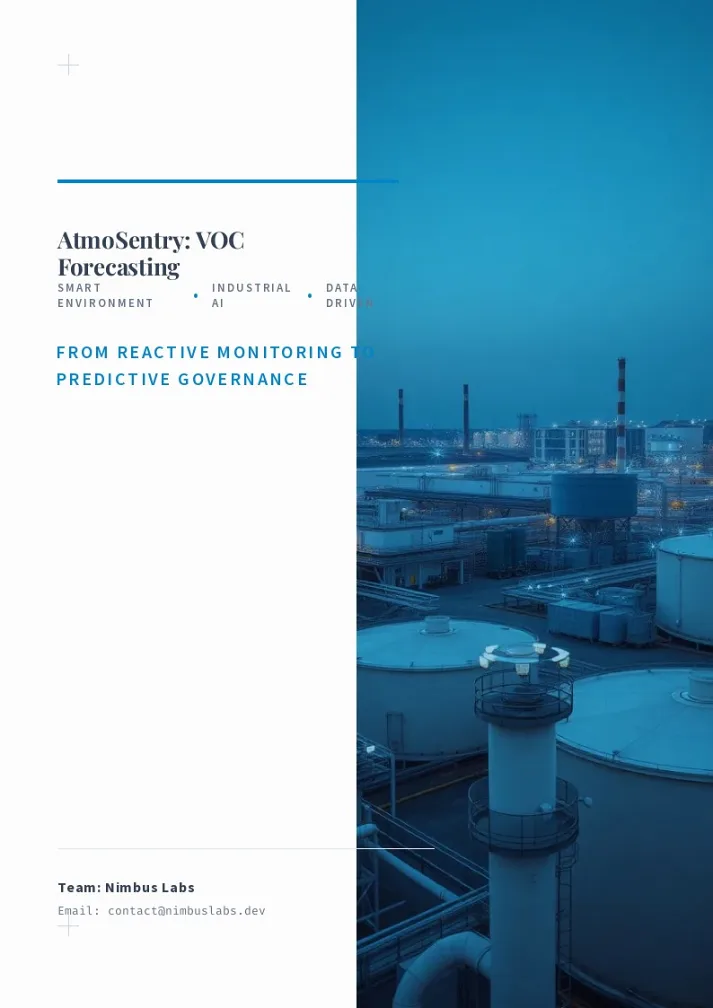
Industrial AI Monitoring Report Template
A data-driven environmental tech report layout with dashboard mockups, model spec panels, and architecture diagrams — ideal for AI/IoT project reports and technical pitch decks.

Screen Fatigue Wellness Report Template
An editorial-style wellness report template with a warm forest-green and cream palette, double-border frames, and structured stat cards -- ideal for health briefings, behavioral research summaries, and lifestyle awareness guides.
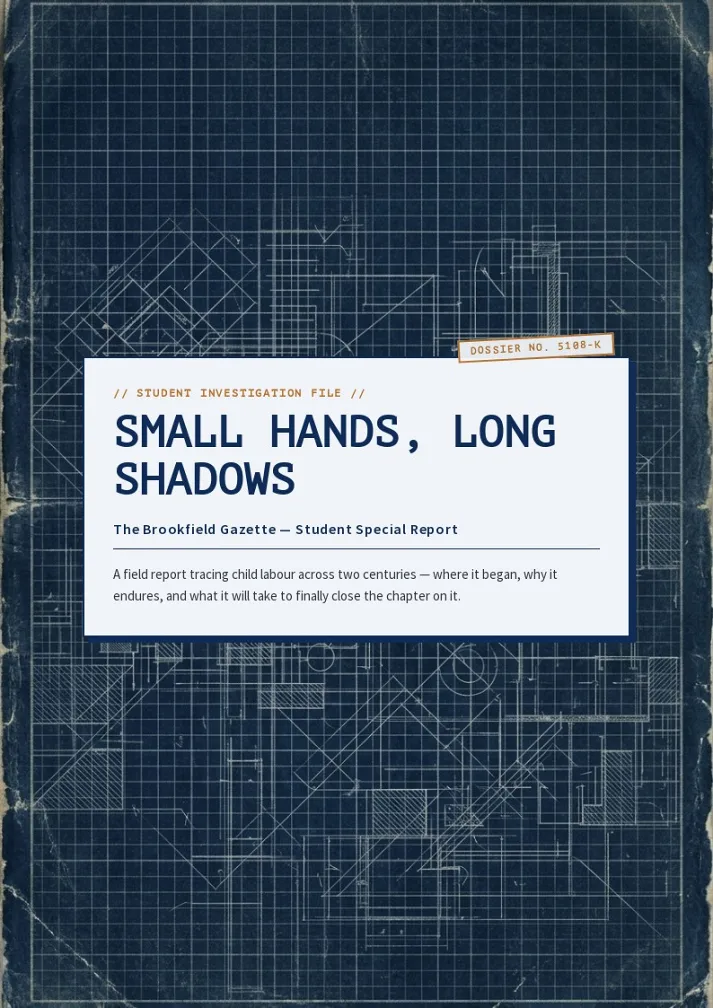
Investigative Dossier Report Template
A blueprint-styled investigative report layout with dossier stamps and field-note cards — built for student journalism and social-issue deep dives.
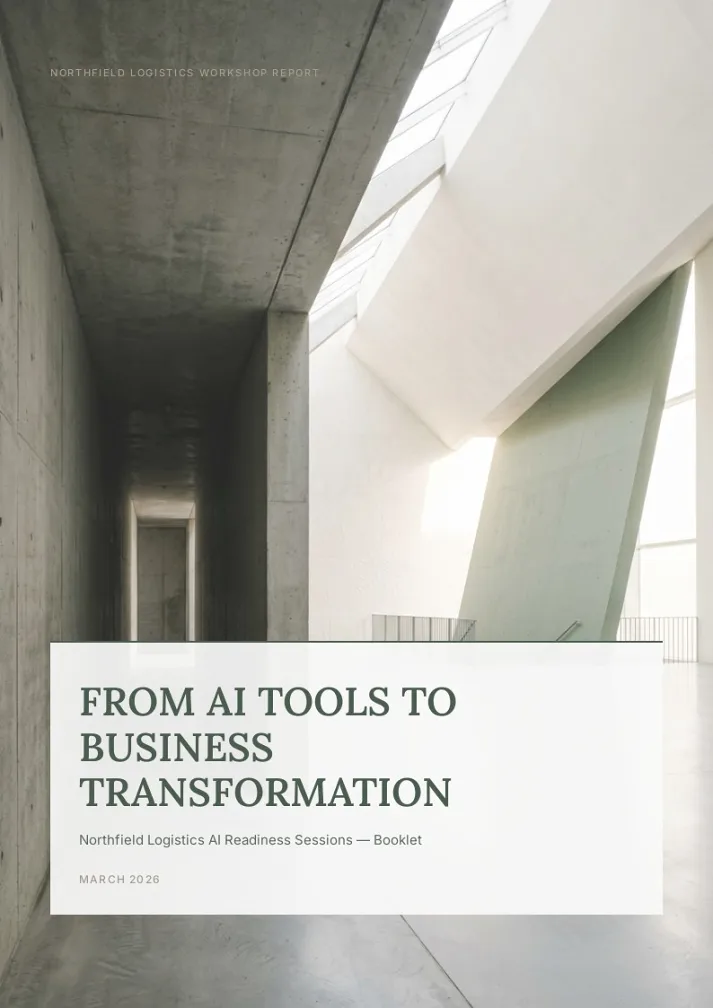
Corporate AI Transformation Workshop Report
Editorial-style report template for capturing leadership workshop insights on AI adoption and organizational transformation.

Social Awareness Gate-Fold Flyer Template
Editorial dark-themed A4 gate-fold flyer for social issue campaigns, pairing bold statistics with analysis and a call-to-action panel.
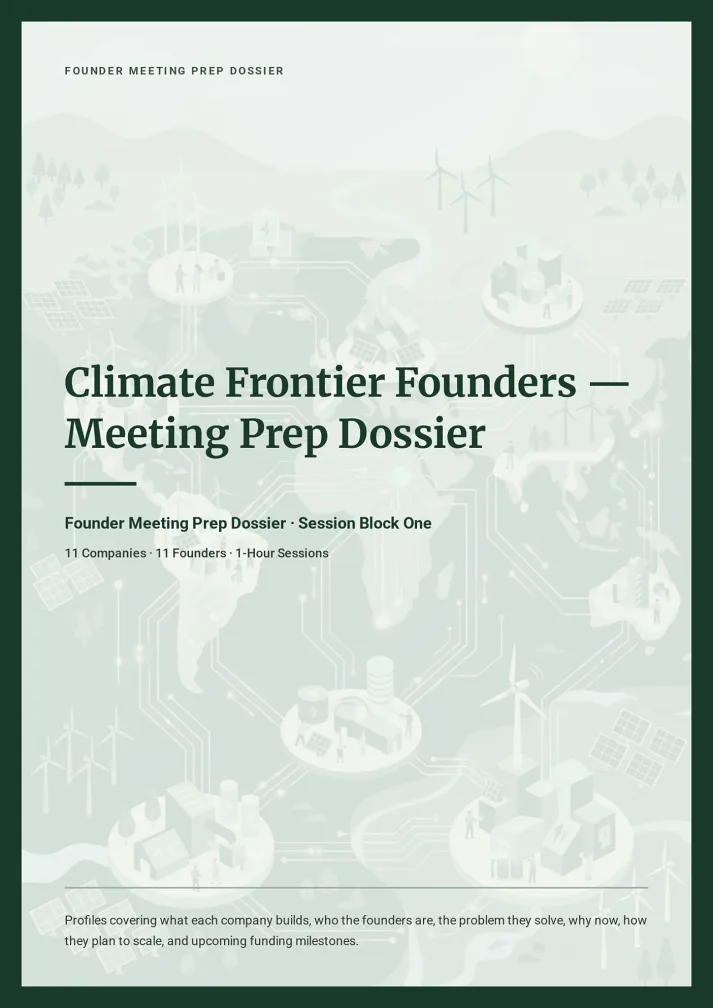
Startup Meeting Prep Dossier Template
Investor-style founder meeting dossier: portfolio ledger plus two-page company profiles covering business model, founder background, and scale strategy.
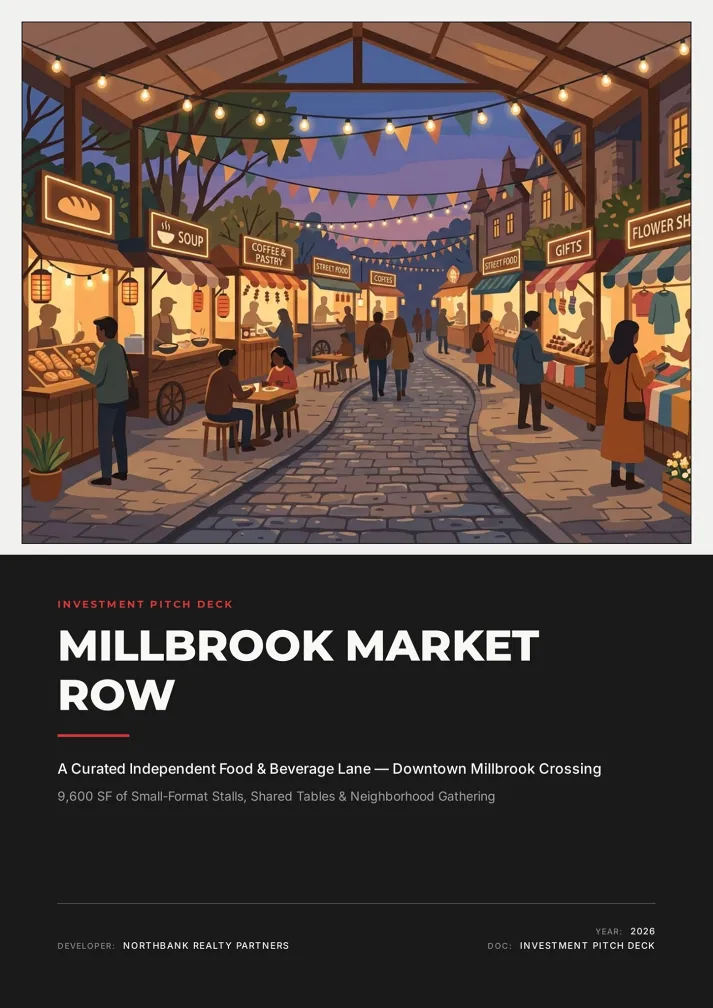
Market Row Investment Pitch Deck Template
A bold F&B market-row investment pitch deck with editorial red-accent layout, metric cards, and space-programming tables — ideal for hospitality, retail, or mixed-use development proposals.

Regulatory Risk Report Template
An industrial brutalist compliance-report template with hazard-orange accents, technical telemetry headers, and enforcement case tables — ideal for supply-chain, trade, or regulatory risk briefings.
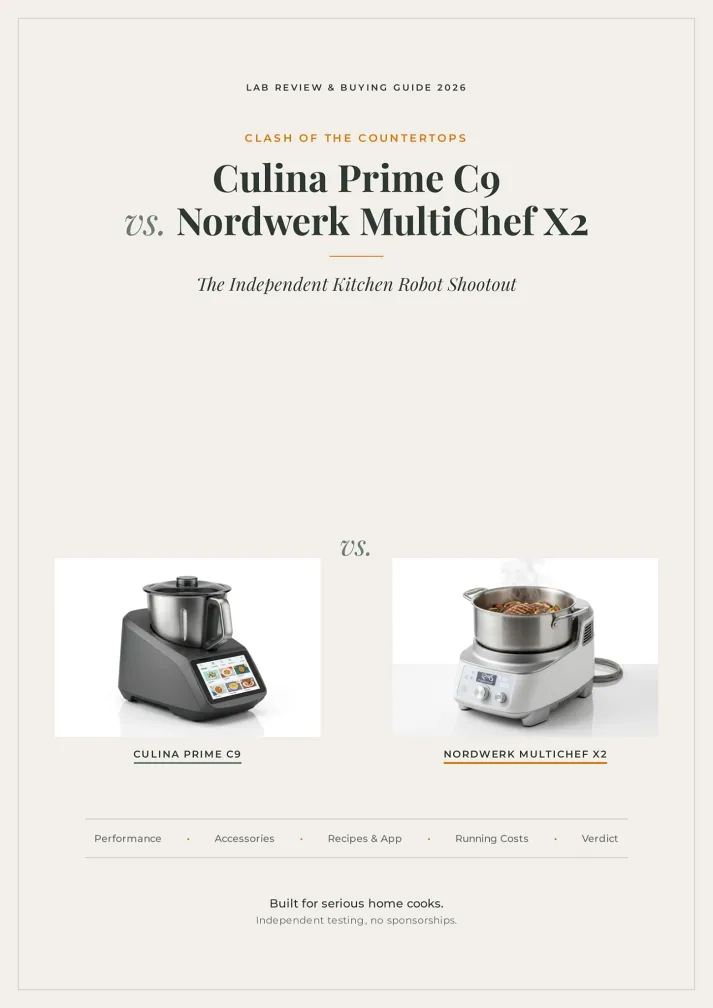
Product Comparison Report Template
A head-to-head kitchen appliance comparison report with spec tables, cost breakdowns, pros/cons, and a buying decision guide across 10 pages.
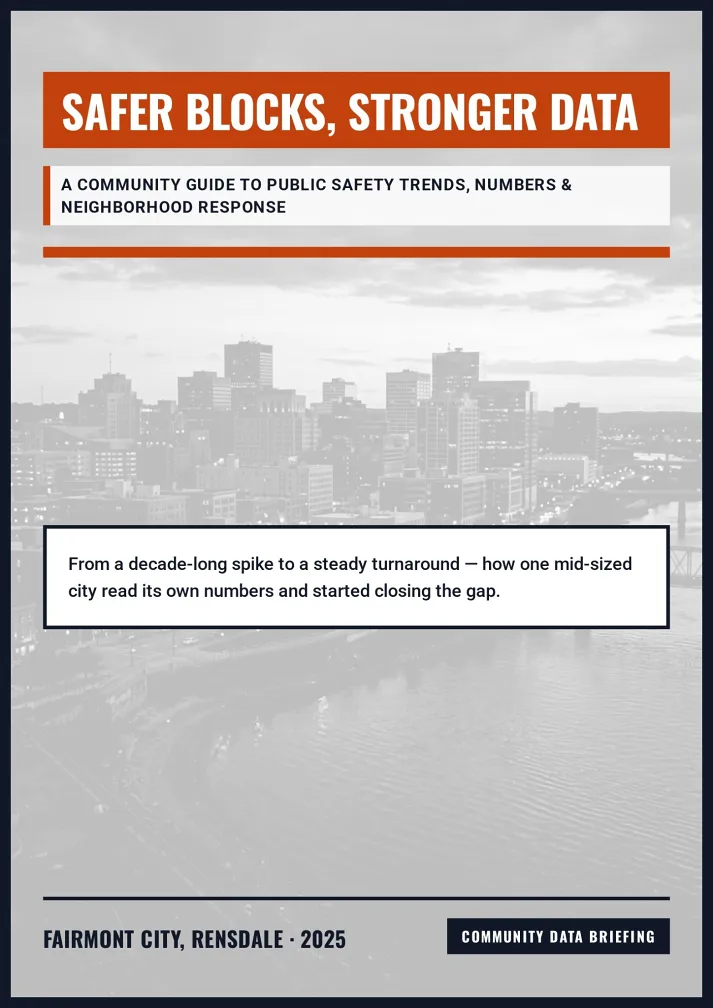
Community Safety Report Template
A data-driven community safety report template with bold rust-and-charcoal styling, stat callouts, timelines, and geographic breakdowns — built for civic organizations, neighborhood groups, and public data briefings.

Fragrant Esters Lab Report Template
A clean, color-coded lab-report layout profiling four compounds with formula cards, reaction equations, property pills, and safety callouts — ideal for science research booklets.
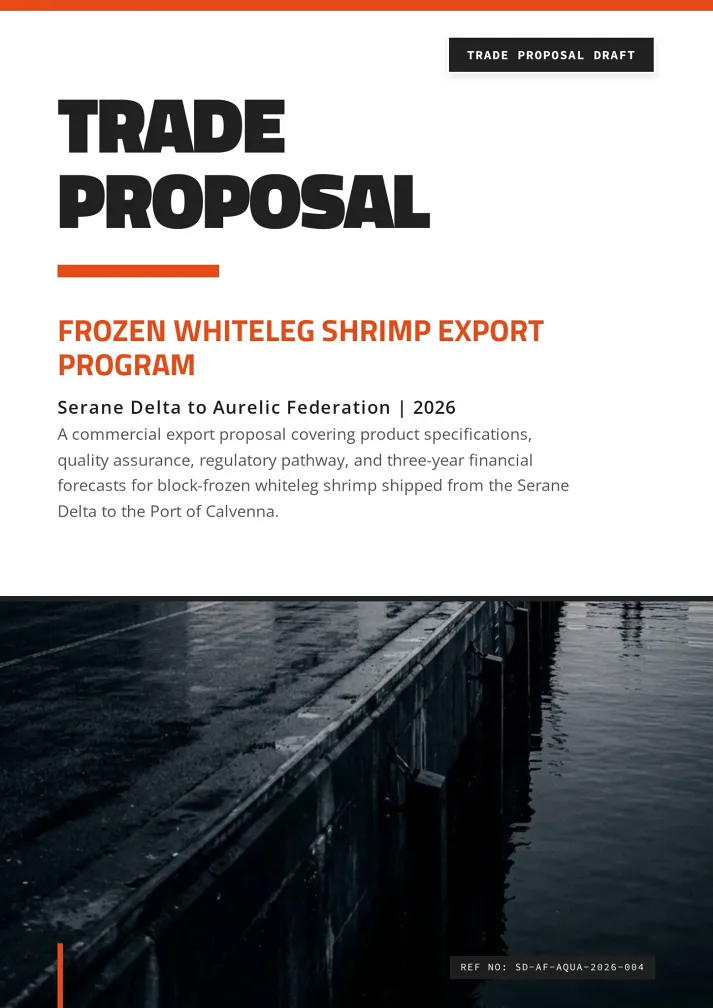
Trade Export Proposal Template
An 8-page commercial export proposal layout with cover, company profile, product specs, market analysis, compliance checklist, financial projections, and contact page — ideal for cross-border trade pitches.

Field Efficiency Research Report Template
Agricultural economics report layout with stochastic frontier stats, household tables, coefficient charts, and distribution breakdowns — ideal for field research and policy briefs.
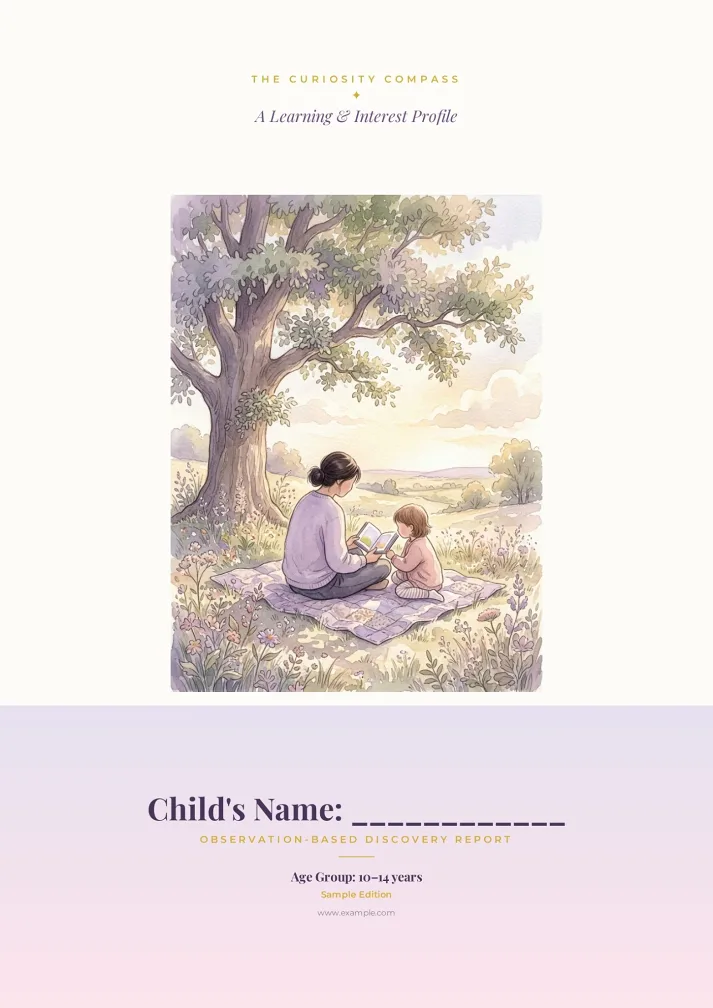
Curiosity Compass Report Template
An observation-based child learning style and interest profile report, featuring radar charts, trait cards, and parenting guidance sections.
Community Partnership Proposal Template
A blueprint-style CSR and sponsorship proposal template with technical grid accents, budget tables, and stakeholder timelines. Ideal for nonprofits, community programs, and school renewal initiatives pitching corporate or donor partnerships.
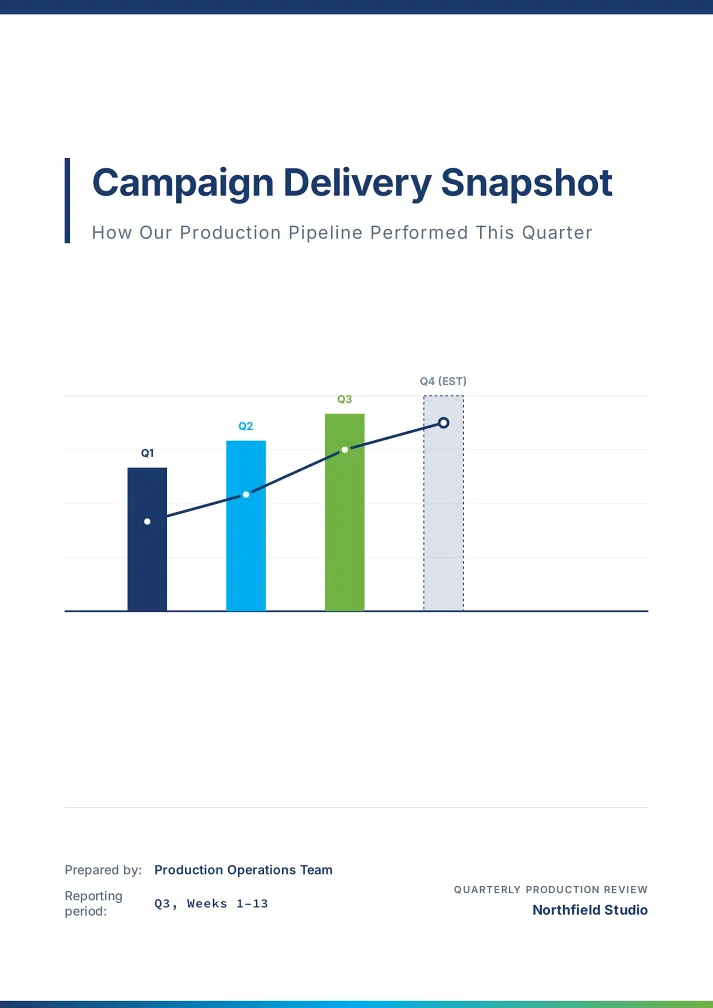
Studio Delivery Performance Report Template
A 6-page quarterly operations report for a creative production team, with pipeline funnels, throughput and quality trend charts, and an individual scorecard table.
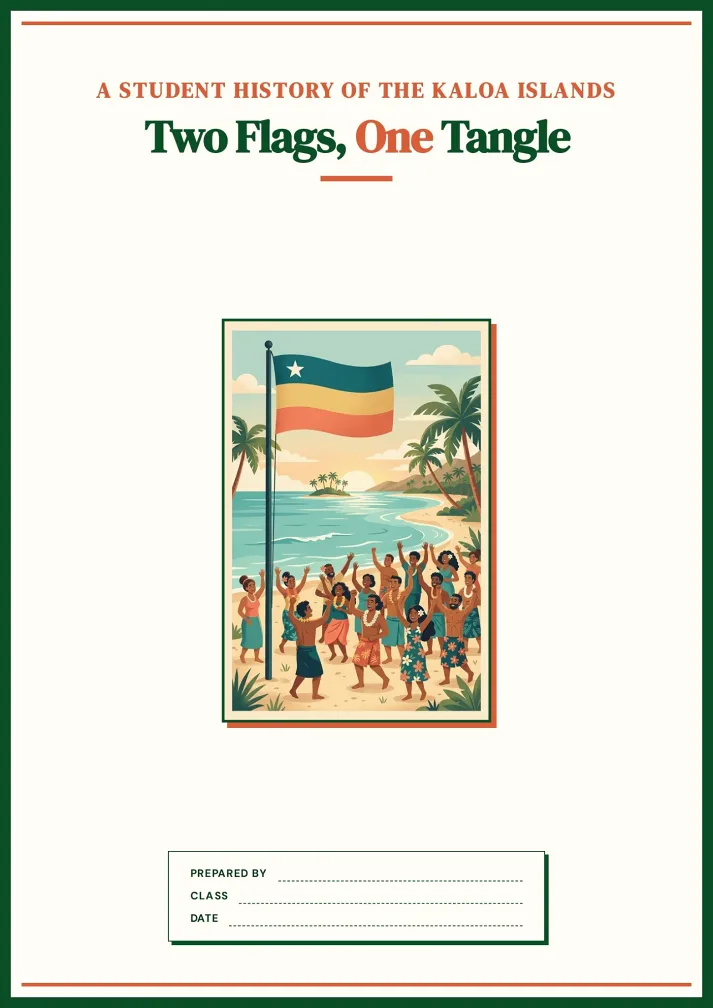
Colonial History Investigation Report Template
A poster-style student history report template for investigating a colonial-era independence story, with comparative admin cards, a conflict-of-visions spread, and a bold illustrated timeline.
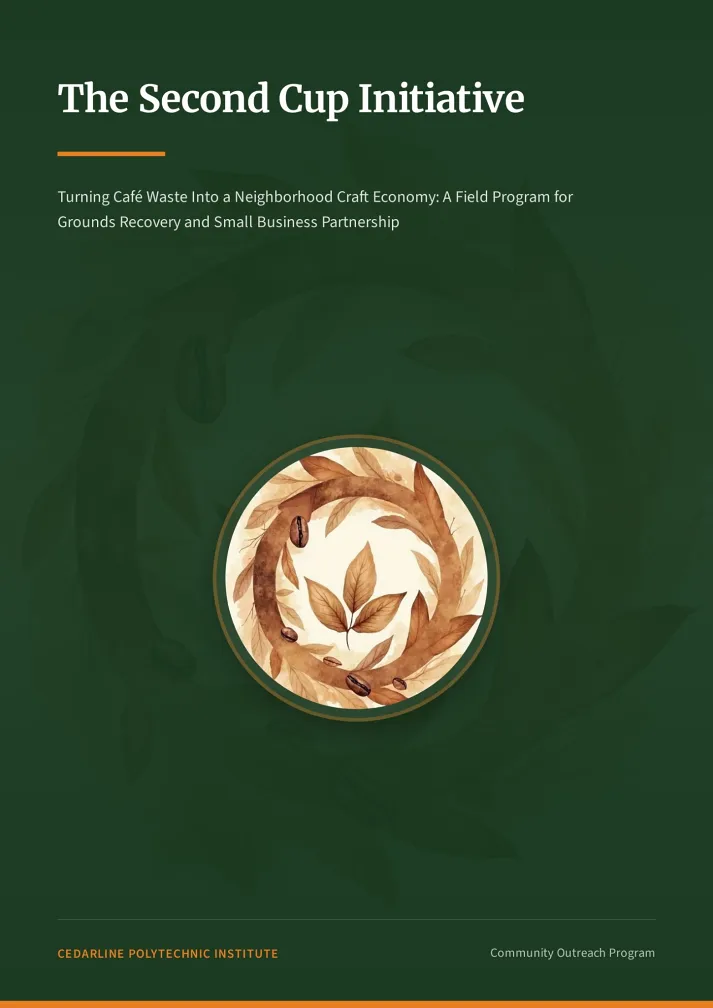
Sustainability Outreach Report Template
A community outreach report template with a bold cover portrait frame, clean two-column background/goals layout, and card-based results grids — ideal for environmental, circular-economy, or campus service-learning program reports.
How to Create a Booklet from a Template
Creating a booklet used to mean wrestling with page margins, spread layouts, and print bleeds. With BookletAI, you skip all of that. Our booklet maker turns a template into a finished, multi-page booklet in four steps:
- 1 Pick a booklet template. Browse the collection above and choose a layout that matches your goal — education guide, product catalog, event program, or something else entirely.
- 2 Describe your content. Open the template in the Booklet Maker and tell the AI what your booklet is about. It generates page text, suggests headings, and fills in placeholder sections.
- 3 Customize the design. Edit text, swap images, adjust colors, and rearrange pages. Every booklet template is fully editable — change as much or as little as you like.
- 4 Publish or download. Share your booklet as an online flipbook, or export a print-ready PDF. Already have content in a document? Convert it with PDF to Booklet instead.
Booklet Templates for Every Purpose
A booklet template gives you the structure — cover page, interior spreads, back cover — so you only need to focus on the message. Our collection covers the most common booklet formats:
- • Education booklet templates — course guides, student handbooks, training manuals, and campus newsletters. Teachers and administrators use these to organize curriculum information into a format parents and students actually read.
- • Business booklet templates — product catalogs, company profiles, annual reports, and service brochures. A well-designed business booklet builds credibility with clients before the first meeting even happens.
- • Marketing booklet templates — event programs, promotional brochures, and brand lookbooks. These booklet designs help marketing teams ship collateral without waiting on a designer.
Every booklet template is free to start with and fully customizable. Swap the placeholder images, rewrite the copy, change the color scheme — make it yours. For a deeper dive into booklet types and sizing, check our complete guide to booklets.
Booklet Design Tips: Make Any Template Your Own
A good booklet design does two jobs at once: it makes information easy to follow, and it makes your brand look credible. Every template above is a professionally built booklet design starting point — apply the principles below and it will read as well as it looks.
Booklet design principles worth keeping
- • Readable typography. Stick to two or three typefaces per booklet. Our templates pair a display font for headings with a clean body font — keep that hierarchy when you customize.
- • Balance and white space. Every element on a page carries visual weight. A booklet design layout with generous margins and breathing room around images always beats a crowded one.
- • Intentional color. Color sets the mood before anyone reads a word — warm tones for food and events, deep blues for corporate reports. Change a template's palette in one click and it applies across every page.
- • A cover that earns the open. The cover is the most important page in booklet design: a short, striking headline plus one strong image outperforms a busy collage every time.
Booklet design ideas to try
- • Color-code your sections. Give each chapter its own accent color so readers can navigate a program, catalog, or course guide at a glance.
- • Lead with full-bleed images. Opening a section with a full-page photo gives a lookbook or portfolio the feel of a printed magazine.
- • Design for the fold. Print booklets read as two-page spreads, not single pages. Preview spreads before exporting so images and headings line up across the fold.
You don't need design software to use any of these booklet design ideas. Pick a template, open it in the AI Booklet Maker, and the AI keeps typography, spacing, and color consistent while you focus on the message.
Why Use a Booklet Template?
Designing a booklet from a blank page is harder than it looks. You have to decide on page dimensions, set up bleed areas, balance text and images across spreads, and make sure the whole thing still makes sense when printed or viewed on a screen. A booklet template handles all of those layout decisions upfront, so you start with a structure that already works.
The difference between BookletAI templates and a generic Word or Google Docs booklet template is the AI layer. Instead of manually replacing placeholder text line by line, you describe your topic and the booklet creator fills in content that actually matches your subject. You still have full control to edit every word, but the first draft appears in seconds rather than hours.
Booklet Template FAQ
Are these booklet templates free?
Yes. Every booklet template on this page is free to open, customize, and publish. You can export your finished booklet as a shareable link at no cost. PDF export and advanced features are available on paid plans.
Can I print the booklets I create?
Absolutely. Export your booklet as a high-resolution PDF, then send it to any local or online printer. The templates use standard booklet dimensions so they work with common printing setups without extra adjustments.
How is this different from a Word booklet template?
A Word or Google Docs template gives you empty placeholder boxes to fill manually. BookletAI's booklet maker uses AI to generate real content based on your topic — headings, paragraphs, and suggested images — so you spend minutes refining instead of hours writing from scratch.
Do I need design skills to use these templates?
No. The booklet templates come with pre-set typography, color palettes, and page layouts. The AI booklet creator handles spacing and visual hierarchy automatically. If you can type and drag, you can make a booklet that looks professionally designed.